How to Create a Signature Aesthetic for Your Instagram Account

There’s nothing more off-putting than an Instagram without a coherent visual identity. A lack of color scheme, different filters for every post, inconsistent fonts and graphics… If you’re trying to get more followers on Instagram, posting like this isn’t effective. Rather, creating a strong visual style for your grid shows that your account is authentic, trustworthy, and worth following.
Normally, creating consistent Instagram posts can take hours out of each day. But with the BeFunky Photo Editor and Instagram templates, maintaining an aesthetic and cohesive Instagram account is a breeze. You can tone photos, make lighting adjustments, apply AI image enhancements, and more – no professional experience required. The Batch Editor even allows you to edit hundreds of photos at once for the ultimate consistency!
Whether you’re running a brand account or a personal one, these are our top tips on creating an Instagram profile that will have people clicking that follow button in no time.
How to Create a Strong Visual Style on Instagram
For a recognizable visual presence on Instagram, you need to be intentional about what you post, and develop an editing style that’s easy to recreate day after day. Here’s how to use BeFunky’s Instagram templates and Photo Editor in tandem for a simpler, more cohesive posting workflow.
Step 1: Define Your Visual Identity
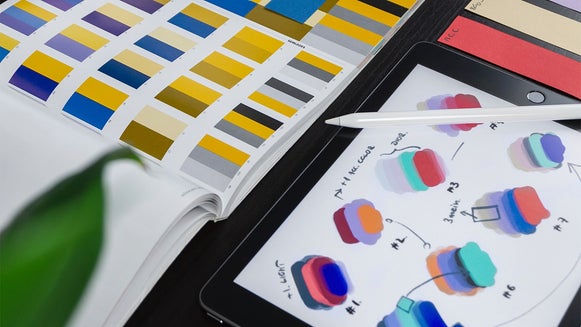
First, identify the goals of your Instagram account – what information do you want to communicate, and what type of engagement do you want to receive? This will inform the visual language and subject matter of your profile. For example, if your goal is to inform, then you might lean on design-heavy Instagram posts with text-based and infographic templates. If you’re running a business account, then you’ll probably focus on posting product and lifestyle photos that lean into your brand color scheme. And if you’re running a personal account, then you want to create a look that’s recognizably and authentically you, with unstaged photos from your daily life.
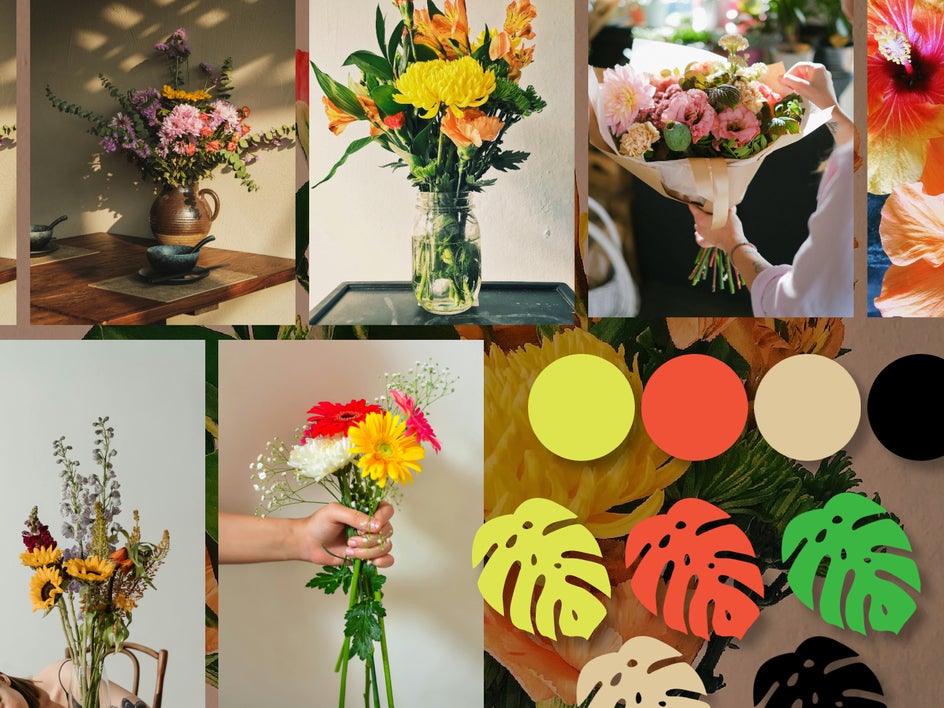
The colors and style of photo that you choose to use depend on the vibe you want to curate. What type of audience do you want to attract, and what feelings do you want to evoke when someone looks at your page? Different types of aesthetics include fun and colorful, clean and minimal, moody and subdued, and bold and funky. Try using the Collage Maker to create a moodboard for your profile. Along with inspo photos, you can add in fonts, colors, graphics, and patterns to draw from when you create posts.
Step 2: Create an Editing Formula in BeFunky
Now it’s time to create a few types of content that will be easy to recreate in the future. Remember that if your posts are consistent, they don’t need to be perfect, so stick with something simple!
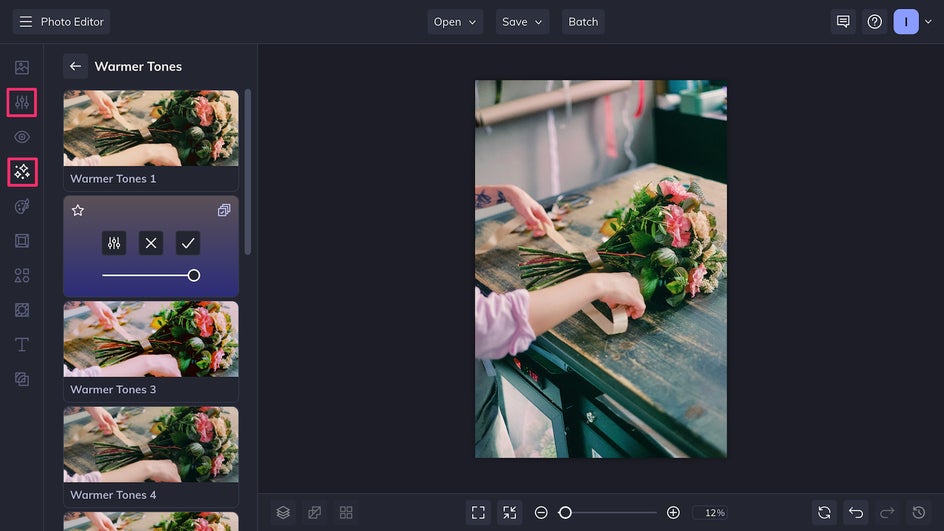
For photos, BeFunky’s one-click AI Image Enhancer paired with a toning filter is a quick way to achieve a cohesive aesthetic across your images. For more visual depth, try using the same set of textures across all your images.
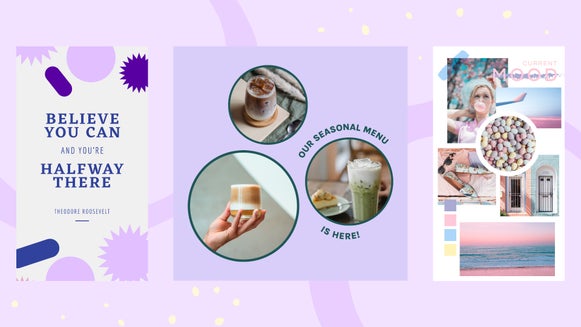
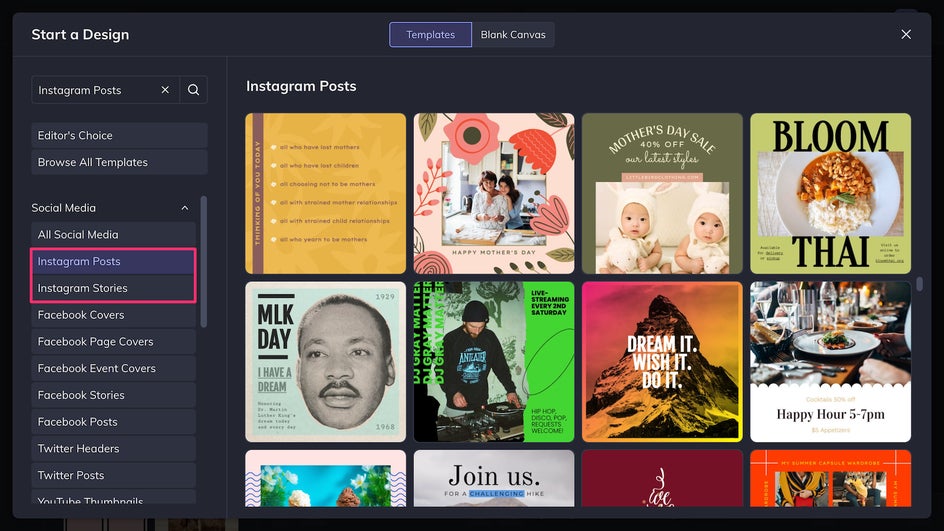
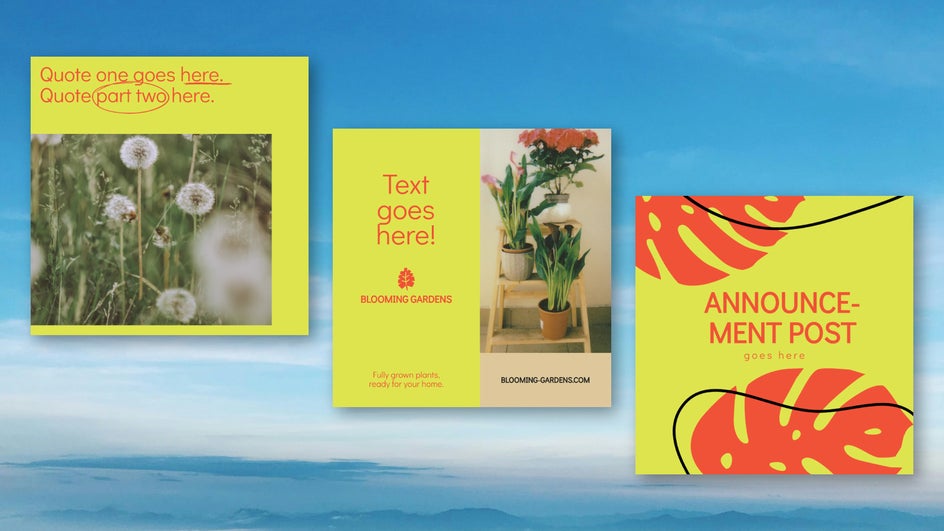
For design-heavy imagery like announcements, holiday posts, and inspirational quotes, BeFunky provides post templates as well as story templates that can double as reel covers.
Simply replace the existing placeholder images, then apply your signature font and colors. You can also use the Graphics Library to find icons and graphics to reuse throughout your account.
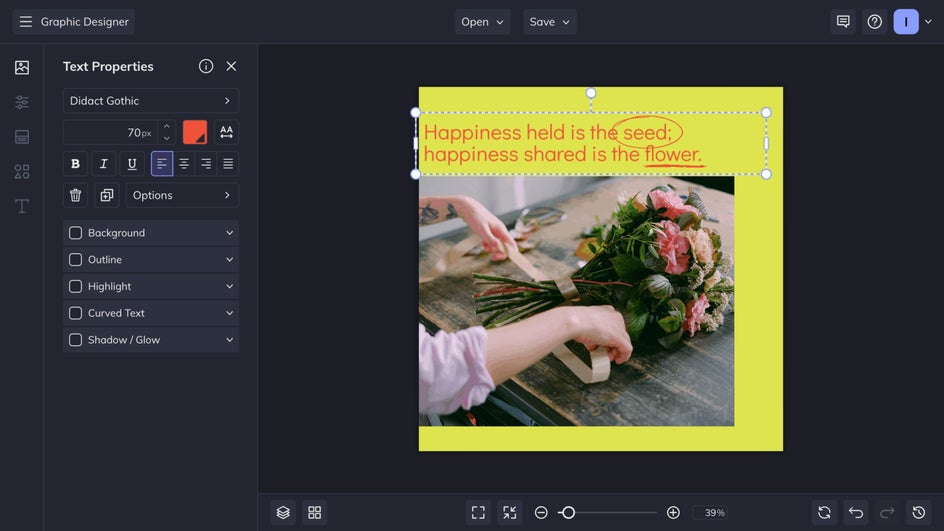
Step 3: Save the Look for Later
The key to consistent daily Instagram posting is to use plenty of shortcuts. This includes saving templates you’ve already created and reusing them later with different images and text. BeFunky makes it easy to save your edited templates as a project right in the platform so that you can edit them later. You can also favorite effects, fonts, and brand colors for future use. Plus, add and reorganize your favorite editing tools in the Batch Editor to make image enhancements quick and easy.
Step 4: Apply Your Aesthetic Everywhere
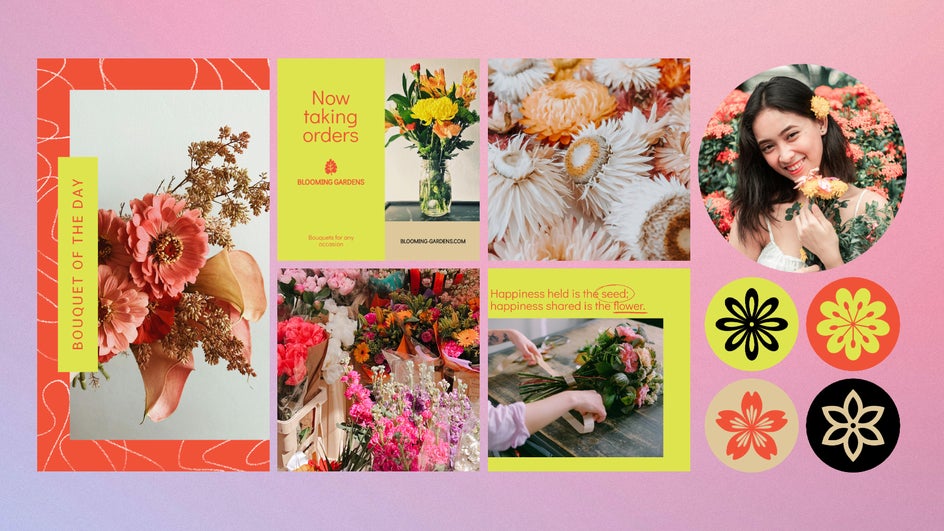
Consistent Instagram posts are a great place to start, but your grid is only the beginning. A recognizable visual identity should extend across your whole Instagram profile. This includes:
- Stories: Use Instagram story templates to align your fonts, backgrounds, and layout.
- Reel Covers: Customize thumbnail images with the same filters you use for your feed posts. If titling your covers, use the same font throughout.
- Profile Picture: Ensure that your unique profile photo fits your color palette and is recognizable as part of your brand.
- Highlights: Use a different brand color for each highlight, and utilize the Graphics Library to find a matching set of icons.
All these elements working together in tandem are what will make your Instagram account stand out from the rest.
Instagram Style Inspiration
There are tons of different ways to style your Instagram account, whether you’re running a business or just trying to elevate your own personal account. Here are just a few styles to inspire your aesthetic.
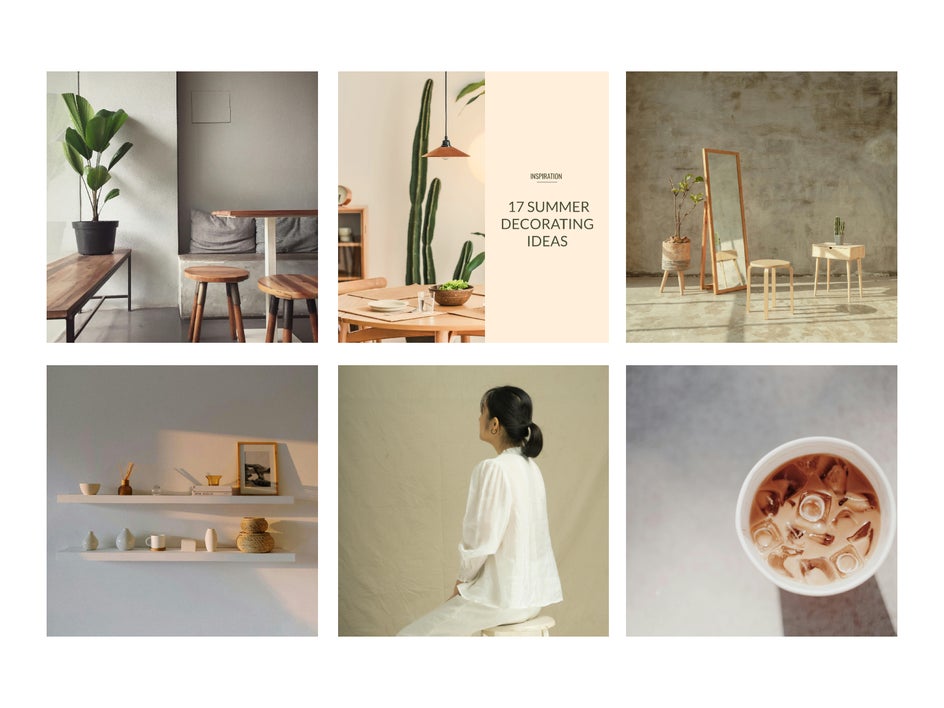
1. Minimalist
This style is ideal for lifestyle bloggers, wellness brands, or clean personal feeds. Think earth tones, whites and beiges, and natural textures. Try out the Object Remover for cluttered photos or the Background Remover for completely neutral, minimal backgrounds.
2. Bold & Colorful
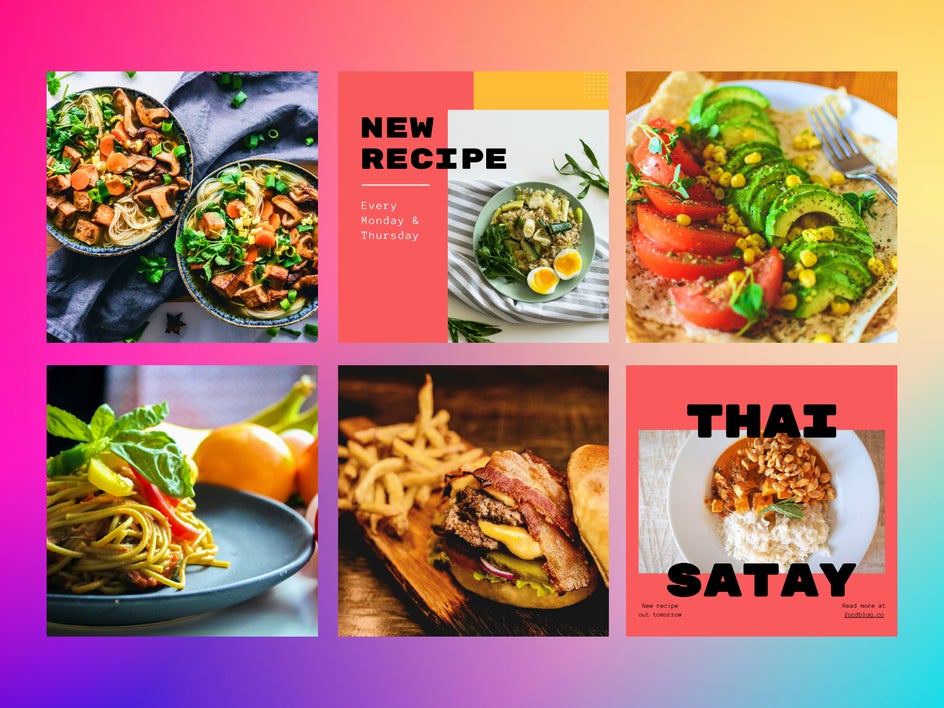
This style is ideal for artists, food content, and fashion brands. Amplify vibrancy using the Vibrant Colors DLX tool, saturate brand colors using the Color Mixer, and up the contrast for punchy visuals. When making graphic or text-heavy posts, use funky fonts and a bold color palette.
3. Vintage Film
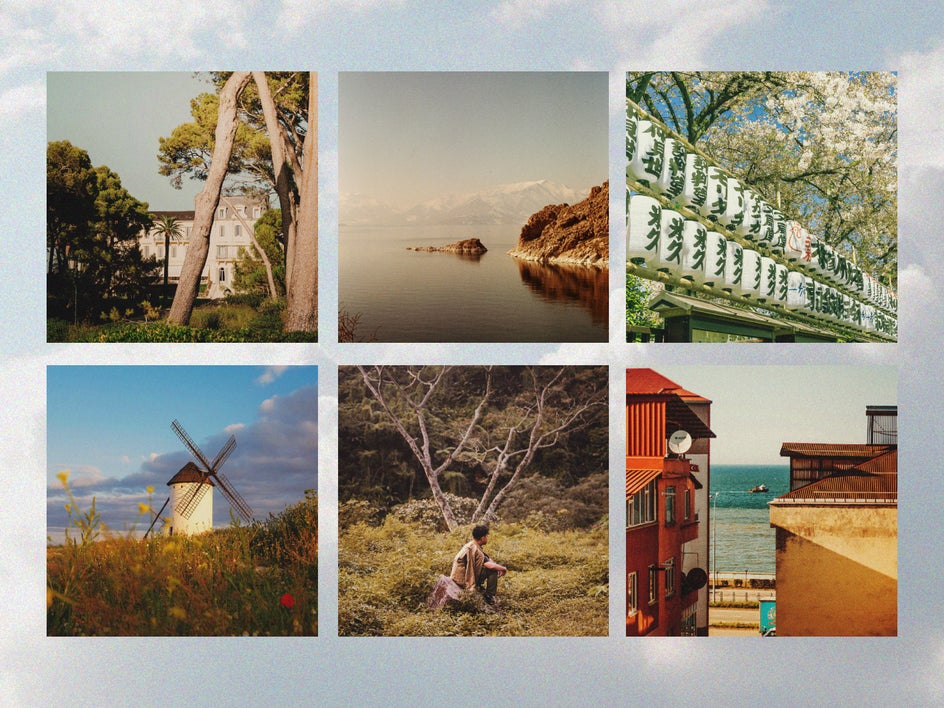
Perfect for photographers and travel accounts, this style evokes a sense of nostalgia. There are plenty of ways to achieve a vintage photo effect using BeFunky. One quick way is to layer Cinematic effects with old-school textures like light leaks and lower the contrast, creating an analog feel in minutes.
Make Your Instagram Iconic Today
Consistency is what transforms a collection of posts into a recognizable identity. Once you’ve defined your Instagram’s visual style, stay committed to it – resist the urge to chase every trend that comes along. Over time, that commitment builds trust and familiarity with your audience.
That said, it’s natural for your style to evolve. Revisit your look seasonally and adjust as needed, but make sure any changes feel intentional and true to your original goals. Flexibility is part of staying relevant, but every shift should reflect your core visual identity.
Ready to create a signature look for your Instagram profile? Check out BeFunky’s Instagram templates and get started today in the Photo Editor.