









Results for "photo editing tutorials"
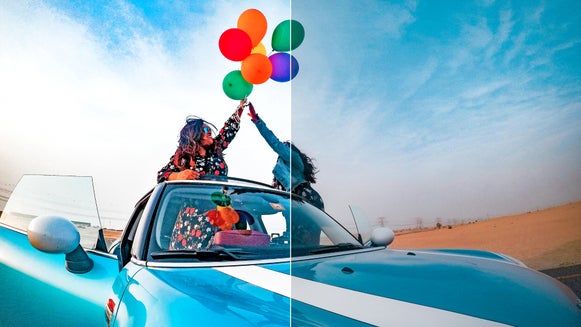
6 Ways to Increase the Vibrancy of Photos
Here are our top 6 tools for increasing the vibrancy of your photos…
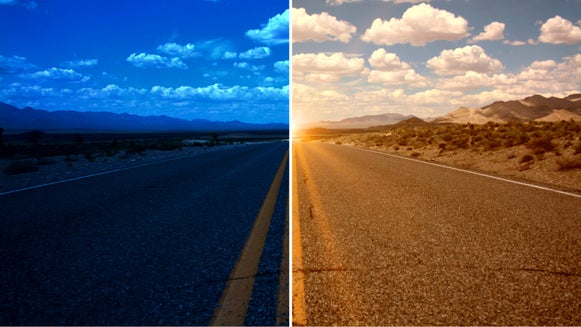
A Guide for Creating Digital Blue and Golden Hour Photos
Achieve that perfect golden or blue hour look without the time crunch stress…
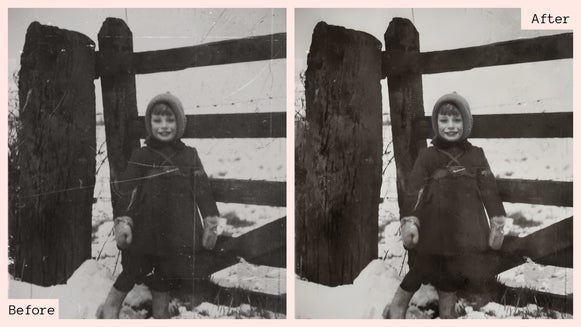
Clarify & Renew Old Photos With the Old Photo Restorer
Preserve memories for years to come with the Old Photo Restorer…
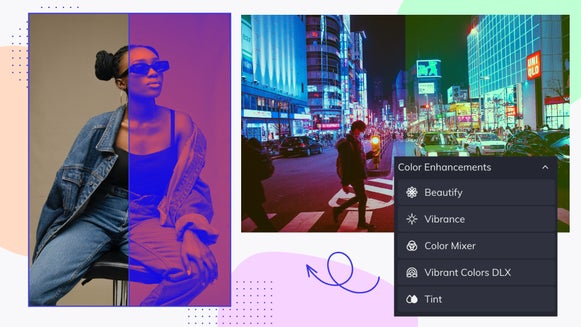
Learn the Basics of Color Enhancement in BeFunky’s Photo Editor
Learn all about our Color Enhancement category and how it can help you…
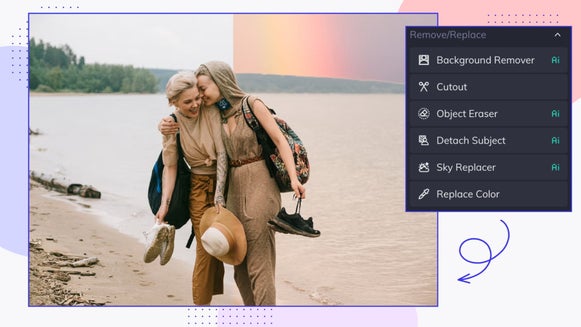
Learn the Basics of Removing and Replacing Elements in BeFunky’s Photo Editor
The Remove/Replace tab has all you need to remove backgrounds, replace skies…
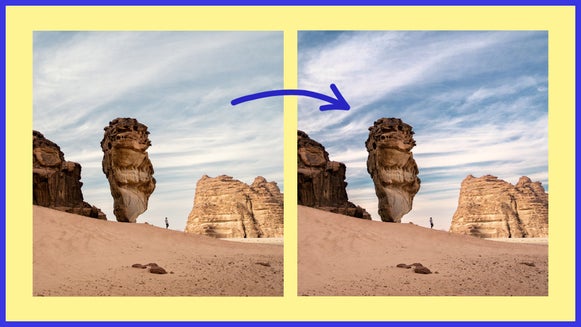
How to Edit the Sky of a Photo With the Sky Replacer Tool
Have you ever captured a beautiful landscape or portrait, and then realized…
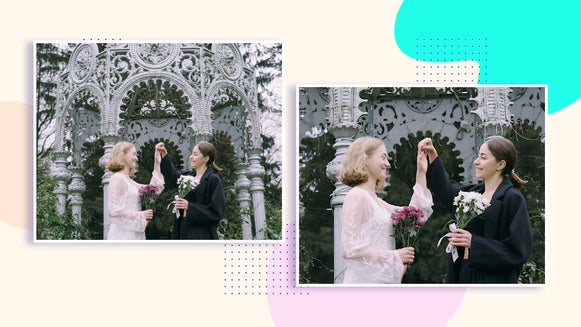
Resize vs. Upscale: What’s the Difference?
What’s the difference between BeFunky’s Resize and Upscale tools? Find out…

Printing With BeFunky: Tools, Tips, and Techniques
Get your physical artwork print-ready with BeFunky’s photo editing tools…

Add An Overlay to Your Social Media Profile Pic With BeFunky Mobile
Adding a overlay to your profile pic is a great way to stand out and express your…

How to Customize Our Premade Font Combinations
BeFunky’s premade text patches are completely customizable – so you can…

The Digital Pixelate Effect for Every Occasion
Learn how to pixelate your photo with the Funky Focus tool…

Create a Gradient Background With the Vignette Tool
Did you know that you can create an abstract gradient background with our…


