









Results for "photo editing tutorials"
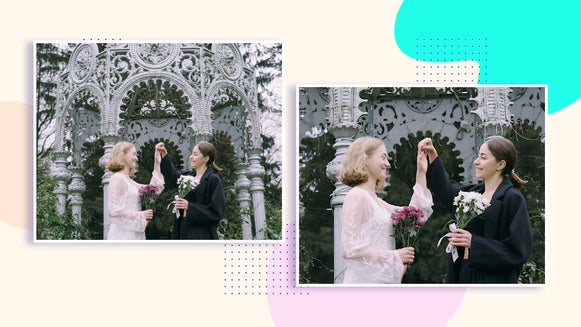
Resize vs. Upscale: What’s the Difference?
What’s the difference between BeFunky’s Resize and Upscale tools? Find out…
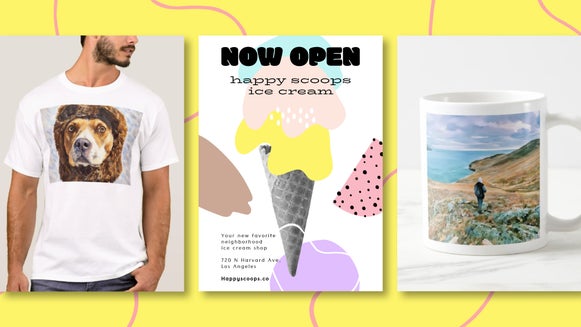
Printing With BeFunky: Tools, Tips, and Techniques
Get your physical artwork print-ready with BeFunky’s photo editing tools…
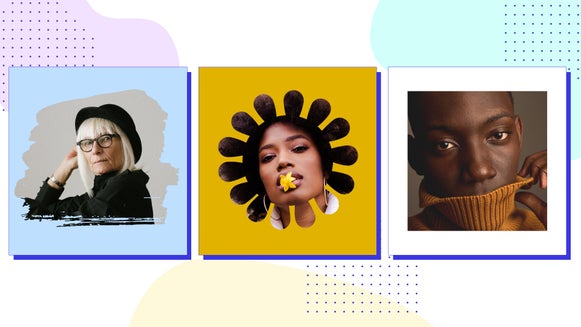
Add An Overlay to Your Social Media Profile Pic With BeFunky Mobile
Adding a overlay to your profile pic is a great way to stand out and express your…
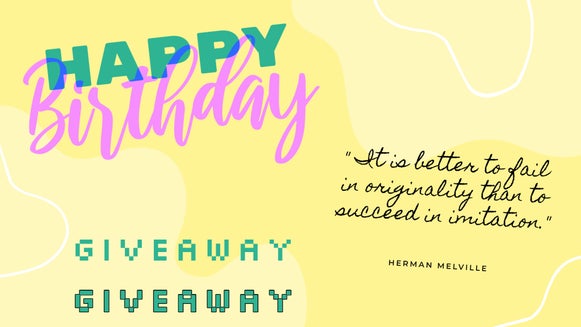
How to Customize Our Premade Font Combinations
BeFunky’s premade text patches are completely customizable – so you can…
The Digital Pixelate Effect for Every Occasion
Learn how to pixelate your photo with the Funky Focus tool…
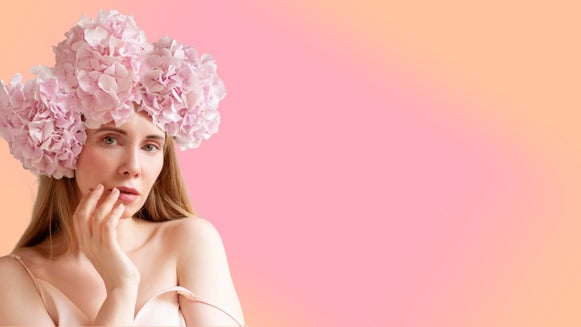
Create a Gradient Background With the Vignette Tool
Did you know that you can create an abstract gradient background with our…
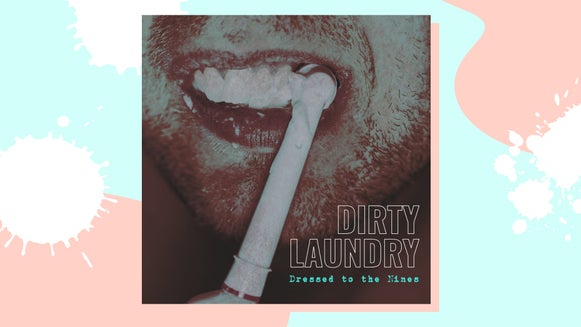
Achieve a Grunge Aesthetic With BeFunky’s Photo Effects
Learn how to add a grunge effect to your photo and pair it with one of our design…

From Photo to Polygon Art, A Simple Step-by-Step Guide
Low polygon art uses solid color and simple, geometric shapes to give any…

How to Make a Digital Pet Portrait
Capture the immaculateness of Snowball with a digital art portrait – made with…

How to Add Outlines to Your Photos
Read on to learn how to make your image layers pop by using our Drop Shadow…

Create Watercolor Paintings of Your Favorite Animals
Turn your favorite animal photos into watercolor paintings with BeFunky…
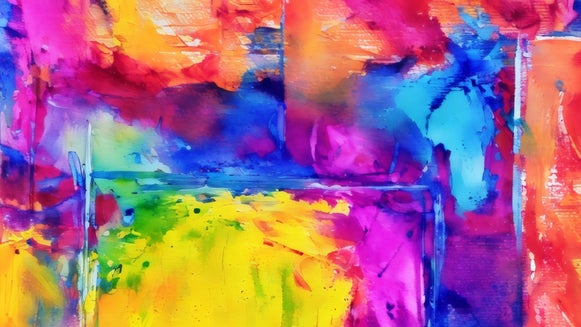
Turn Your Abstract Art Into a Watercolor Painting
Take an already wonderful abstraction and add a whimsical watercolor effect…


