How to DIY the Perfect Birthday Party Invitations

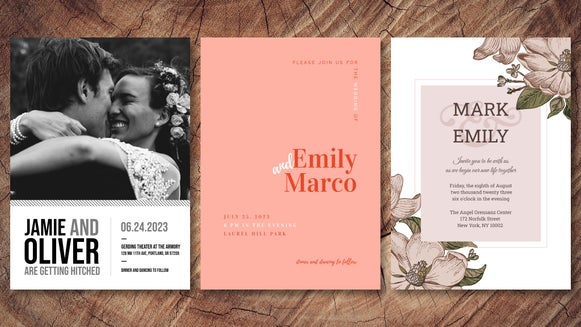
Planning a birthday party? Instead of shooting a group text or using a generic invite, make your birthday invitation special with BeFunky's Birthday Invitation Maker. Here you’ll find a professionally designed birthday invitation template for every style and age range. Each DIY invite template is infinitely customizable, with access to hundreds of intuitive design tools and editing features including graphics, fonts, and photo filters.
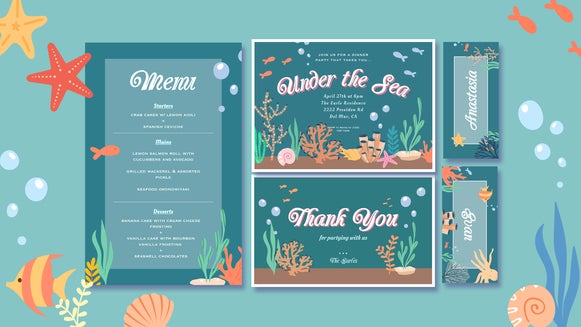
In addition to invites, BeFunky also offers templates for birthday cards, menus, and thank you cards, allowing you to plan the perfect birthday party from start to finish. You can even create a birthday collage and use it as party decor – perfect for milestone birthdays! Alternatively, if you’re hosting an event that’s not birthday-related, the Invitation Maker also offers invite templates for graduations, baby showers, weddings, and more.
Whether you’re hosting a classy dinner party, a whimsical garden party, or a kid’s themed birthday party, designing a custom birthday party invite online has never been easier. Here’s how to DIY your own birthday party invitation in a matter of minutes!
How to Design a Birthday Invite Online
Birthday party invitations should be sent at least 2-3 weeks in advance, or even further ahead of time if it’s a formal event. Once you have all the party details – date, time, venue, theme – you’re ready to create a DIY invite.
Simply open up the Birthday Invitation Maker and choose your favorite template.
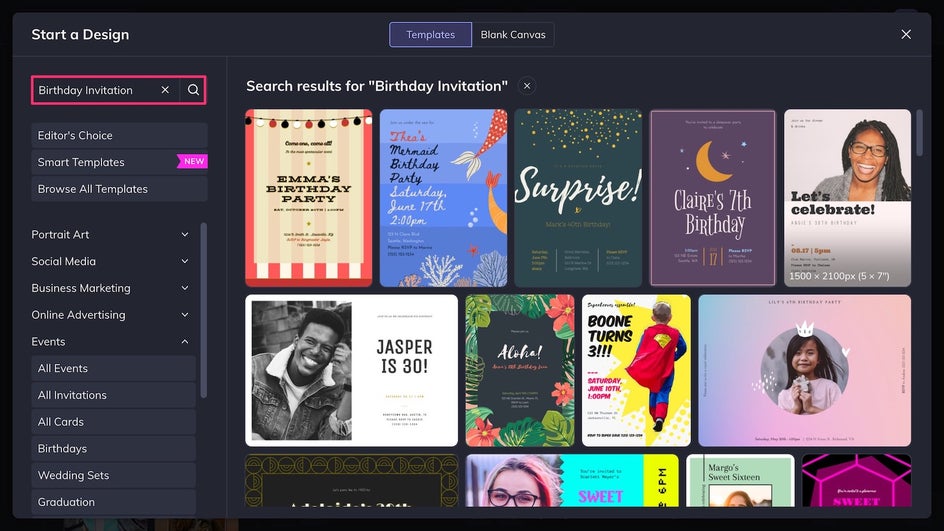
Step 1: Upload and Edit Your Photos
To replace the existing template imagery, simply click on any placeholder photo, or drag and drop your photos directly onto the canvas from the Image Manager.
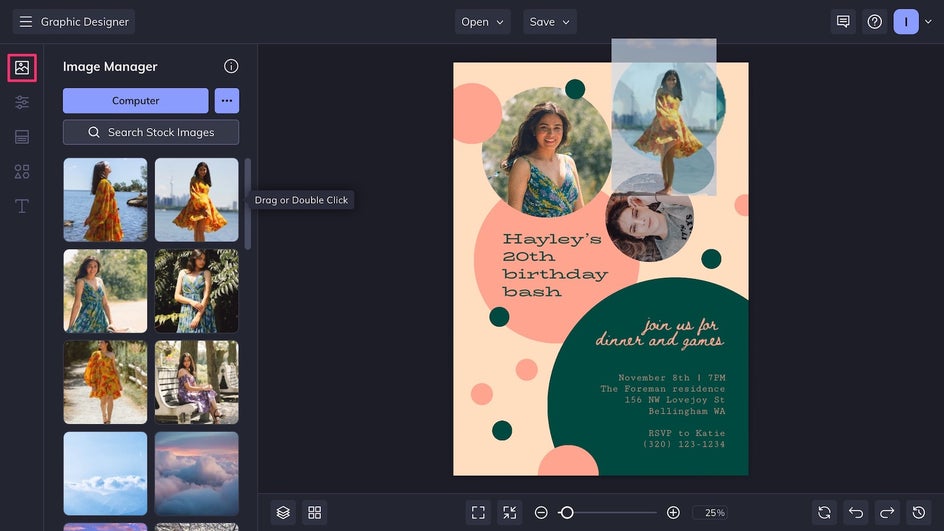
At this stage, you have the option to edit your images without leaving the design. Features like the Object Remover and Artsy effects can elevate the look of your final invitation. In this case, however, the photos look great as they are, so we can move on to the rest of the design!
Step 2: Customize the Invitation Design
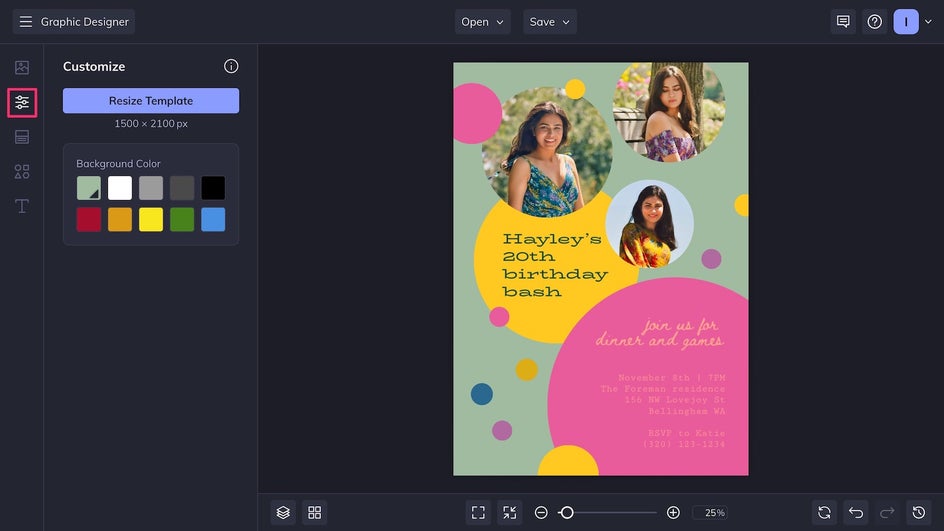
Head over to the Customize tab and change the background color of your birthday party invite. Click on any existing graphics to change their color if needed.
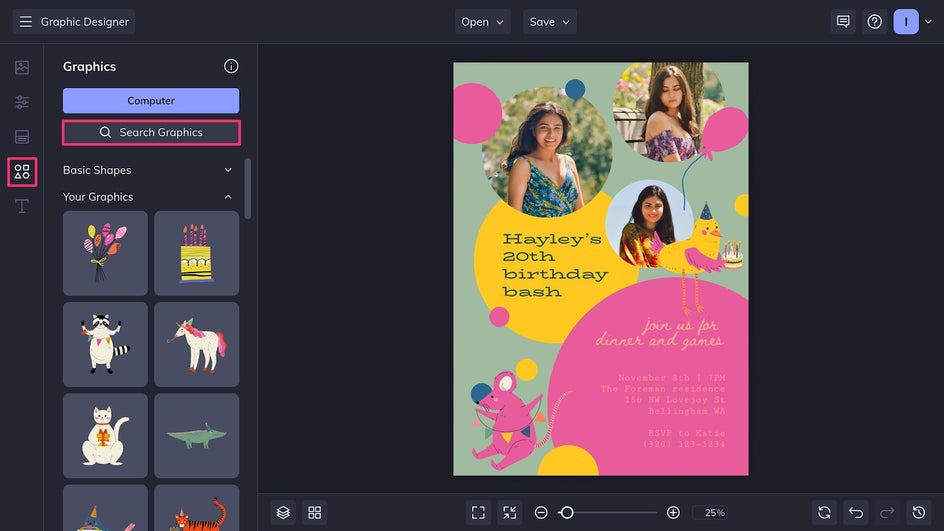
Now it’s time to really get in the DIY spirit and add some hand-drawn vector illustrations from the enormous Graphics Library. Use the Search Bar function to find the perfect graphics for your party theme!
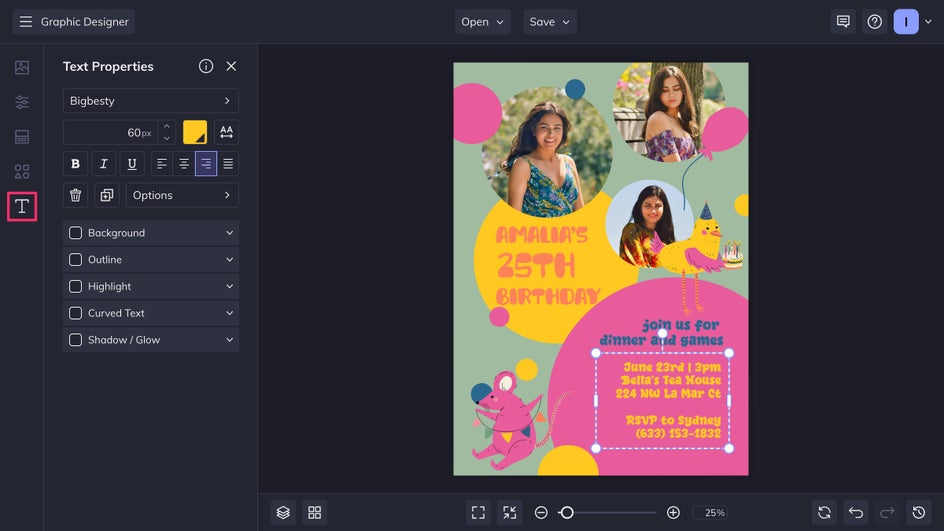
Change the content and style of any text box in the Text Editor by clicking on it. Pick from the Invitation Maker’s huge collection of fonts or upload your own. Don’t forget to include the birthday party address, time, and RSVP information.
Step 3: Save and Send Your Birthday Party Invite!
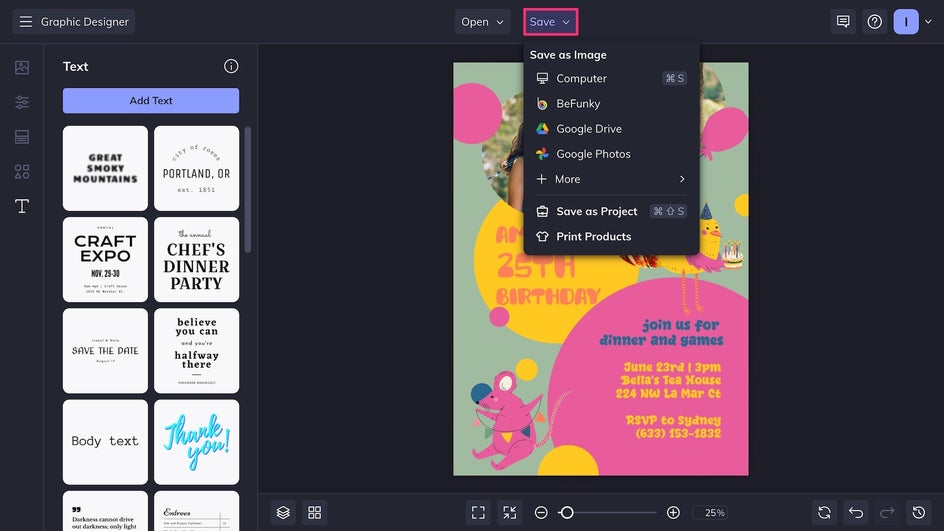
Finally, it’s time to Save your invitation by clicking the button at the top of the canvas. Export the file as a high-quality PNG for digital use or a print-quality PDF for printing – you can even print directly through Zazzle, our integrated printing partner, right from the Save menu!
These days, the most common way to send out a birthday party invite is online, either through social media or using an all-in-one invite/RSVP tool. Note that some websites like Evite require you to pay to send a custom invite, so always view pricing and pick the option that works best for your budget!
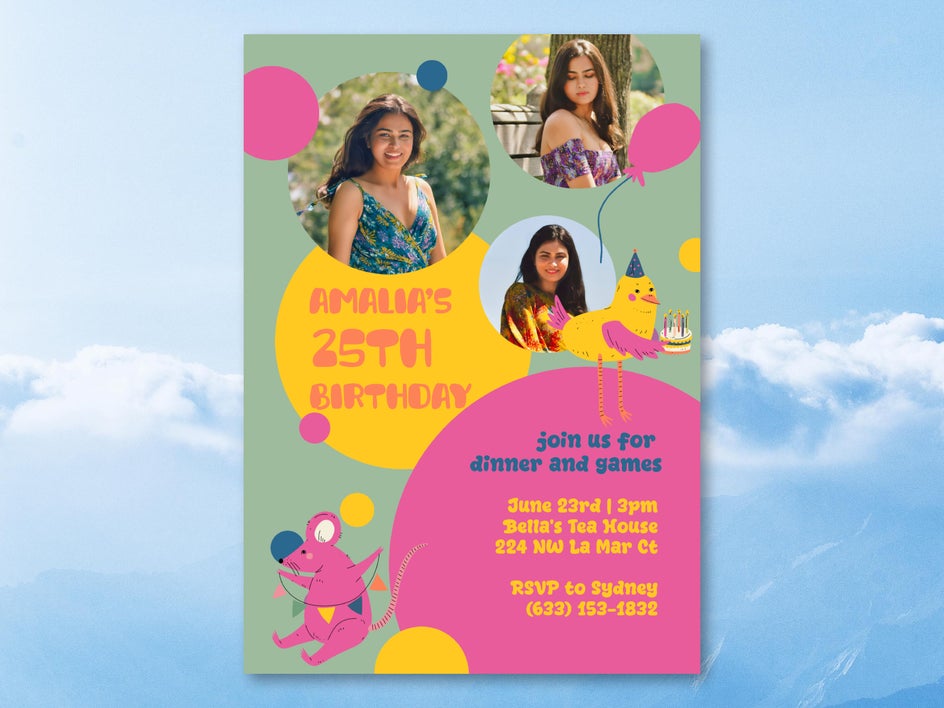
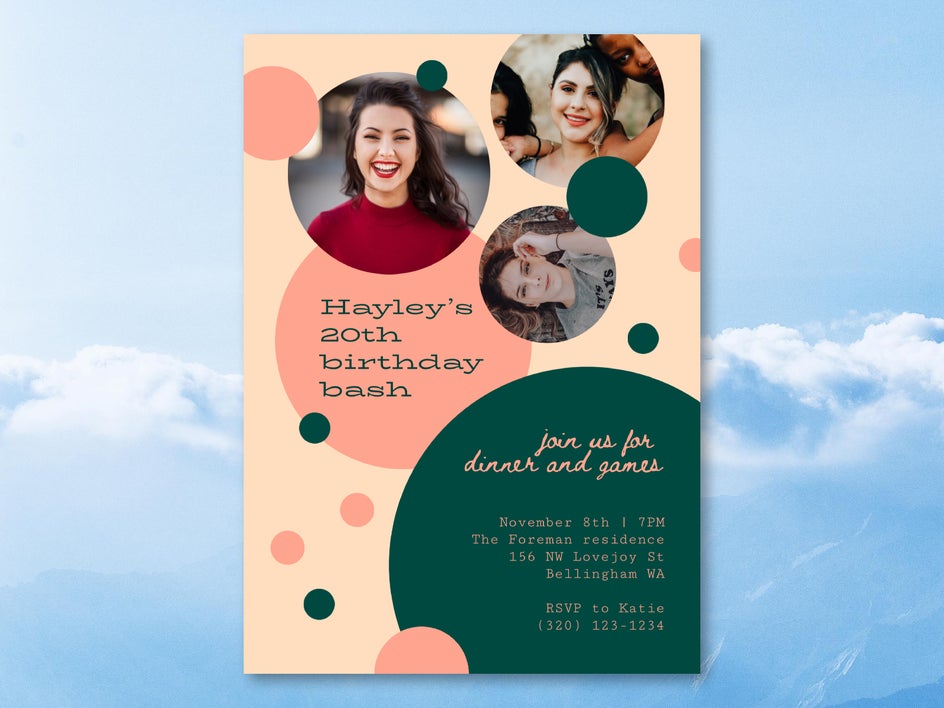
DIY Birthday Card Inspiration
BeFunky’s Birthday Invitation Maker offers limitless possibilities for your custom birthday party invites. With so many tools and templates at your fingertips, it can be tough to know where to start! Here are some of our favorite DIY invitation ideas to make your next birthday party memorable from the very beginning.
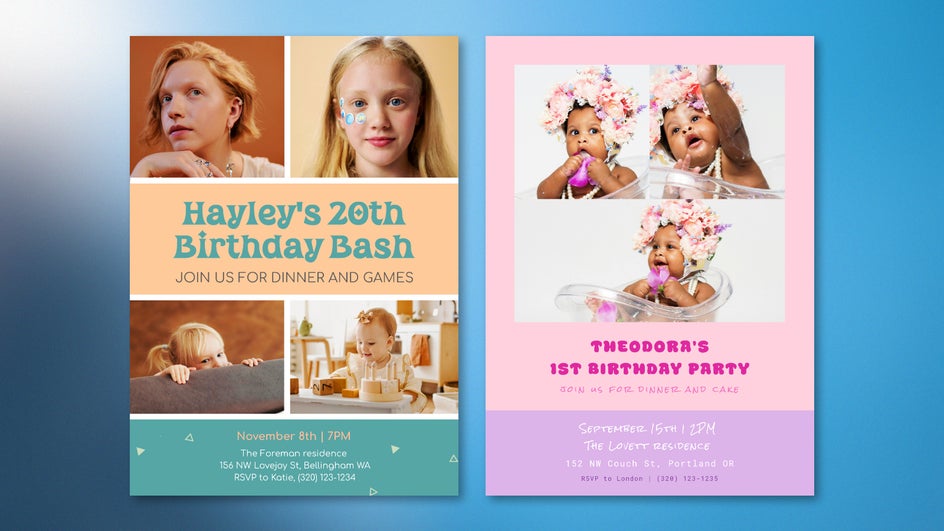
Photo Collage
Use a collage template to show off a recent photoshoot or collect nostalgic photos from years past. These are especially great for milestone birthdays and can double as beautiful mementos. Make use of the Editor’s Toning filters to make sure all the photos have a similar aesthetic.
Central Portrait
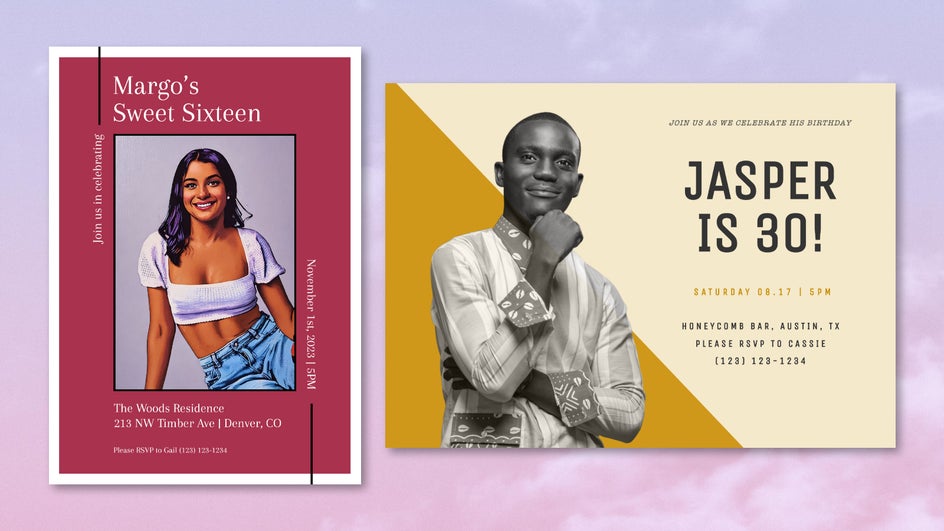
One great way to commemorate the birthday celebrant is with a template that features a single large photo. This is true whether you’re planning your own birthday party or throwing one for someone else! Try out Artsy effects or the Background Remover to add a unique twist to a simple portrait.
Colorful Graphics
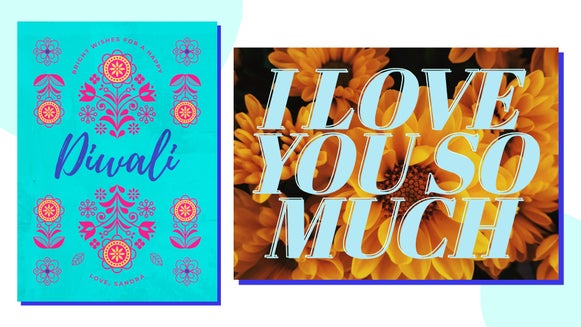
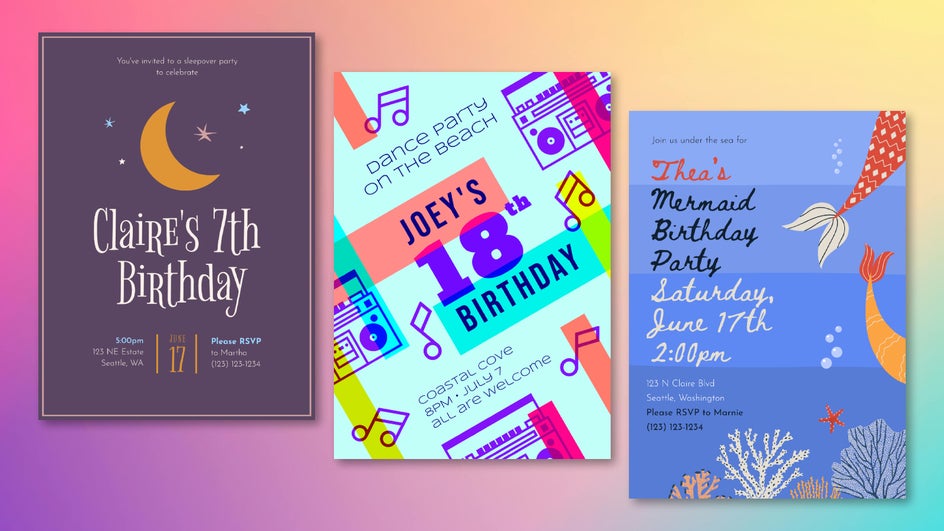
Can’t find a suitable photo for your birthday party invitation? No worries. The Invitation Maker offers tons of stunning graphics-based templates - just tweak the colors and text and you’re ready to go! The process might be quick, but the results are iconic.
Take Your Birthday Party to the Next Level With Custom Invitations
Birthdays should be memorable no matter how old you get. DIY birthday party invitations, specially personalized by you, help get the occasion off to the perfect start. Now that you know how easy it is to design birthday invites online, there’s no reason to use a generic invitation again! Create your own birthday party invite today with the Birthday Invitation Maker.