Collage Birthday Card Templates to Celebrate Every Milestone

It’s hard to make a birthday card that captures everything you love about a person. After all, there’s only so much space on a single card! This is why birthday photo collages are such a meaningful gesture. With a collage birthday card, it's possible to showcase years of shared memories in one place. There’s no better way to celebrate a loved one and commemorate your time together!
Wondering about the easiest way to make your own collage card? Just check out the many collage birthday card templates available in the Graphic Designer. These templates are fully customizable and perfect for all age ranges, from kids’ birthday cards to golden year milestones. With a huge array of styles and limitless customization options, it’s never been easier to turn your favorite photos into one beautiful, cohesive collage design.
Collage Maker vs. Graphic Designer: Which Is Better for Collage Birthday Cards?
BeFunky offers the option to create birthday collages with the Collage Maker as well as the Graphic Designer. With the Collage Maker, photos take the center stage, with limited space for text and other design elements. There are also no premade Collage Maker templates – simply upload your photos and choose a favorite layout, or leave it up to the Collage Wizard. This is a great choice if you prefer to showcase plenty of visuals and large photos, and works especially well for social media stories and posts.
For a more traditional birthday card that balances photos, text, and graphics in a single 5x7” layout, the Graphic Designer offers dozens of stunning collage card templates. These templates resemble professional greeting cards you might buy in the store - with the additional advantage of being fully completely customizable! For this reason, the Graphic Designer is perfect for printed birthday cards and postcards as well as digital greetings. The thoughtful designs make every birthday feel more special!
How to Make a Collage Birthday Card Online
To create a collage birthday card online, open up the Birthday Card category of the Graphic Designer. Here you’ll find tons of different card styles and themes, including collage templates that allow you to showcase multiple photos.
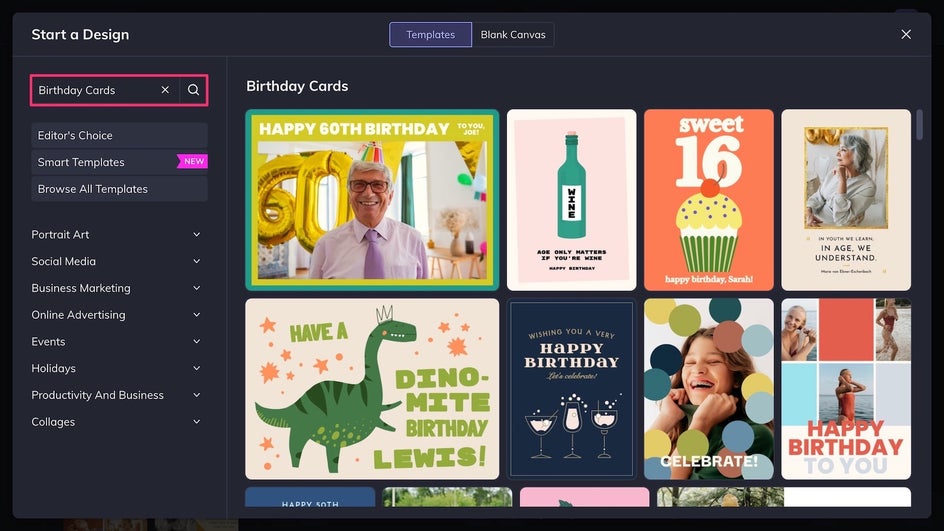
Step 1: Replace the Placeholder Images
Use the Image Manager to upload favorite photos from past years, or drag and drop them from your device directly onto the placeholder images.
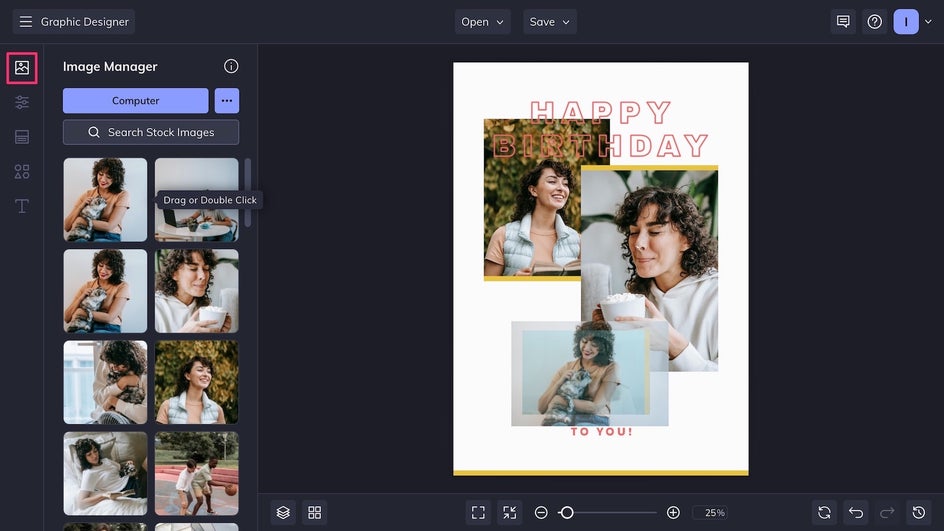
It’s best to use well-lit, high resolution images. If you need to enhance a photo, add effects, or otherwise edit an image, you always have the option to edit photos within the Designer.
Step 2: Personalize the Design
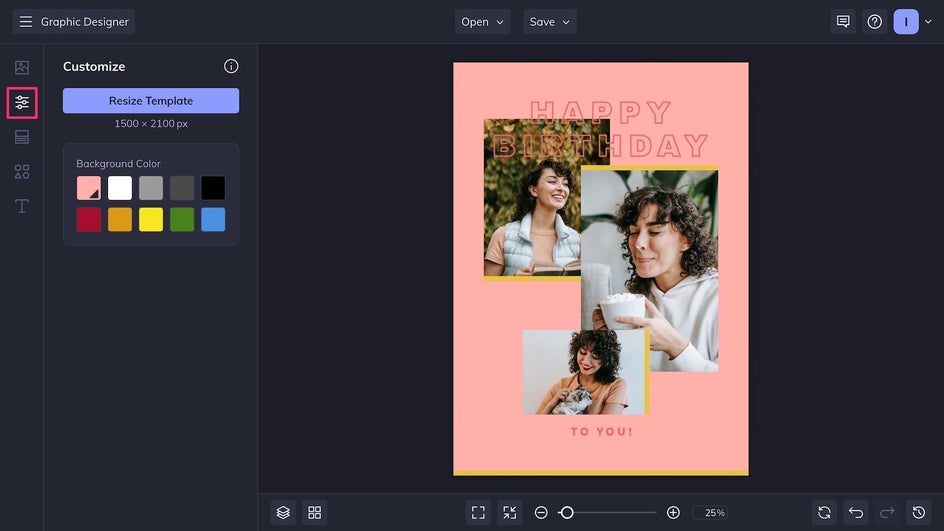
Once the collage photos are uploaded and arranged, it’s time to customize the card design! Start by customizing the canvas background color in the Customize tab.
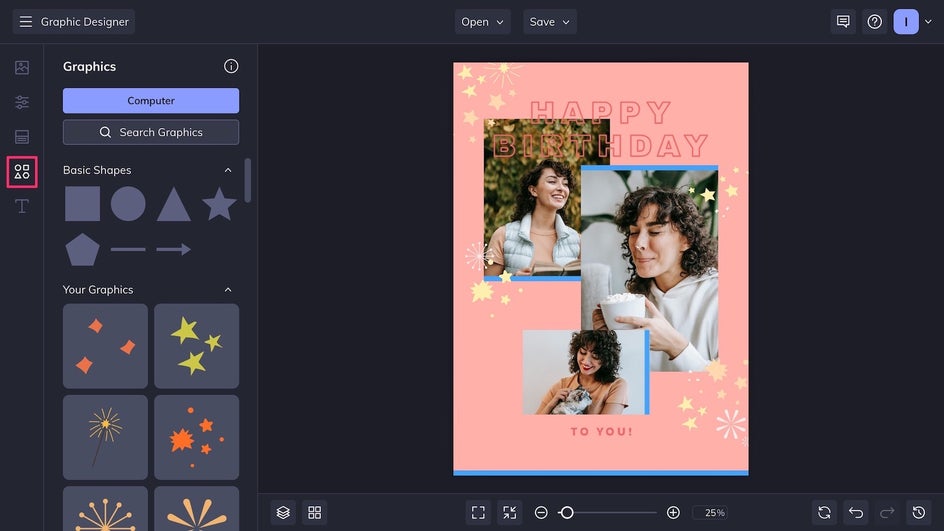
At this stage, you can add new vector graphics from the Graphics Library, and revamp the rest of the color palette by clicking on existing graphic elements to change their color.
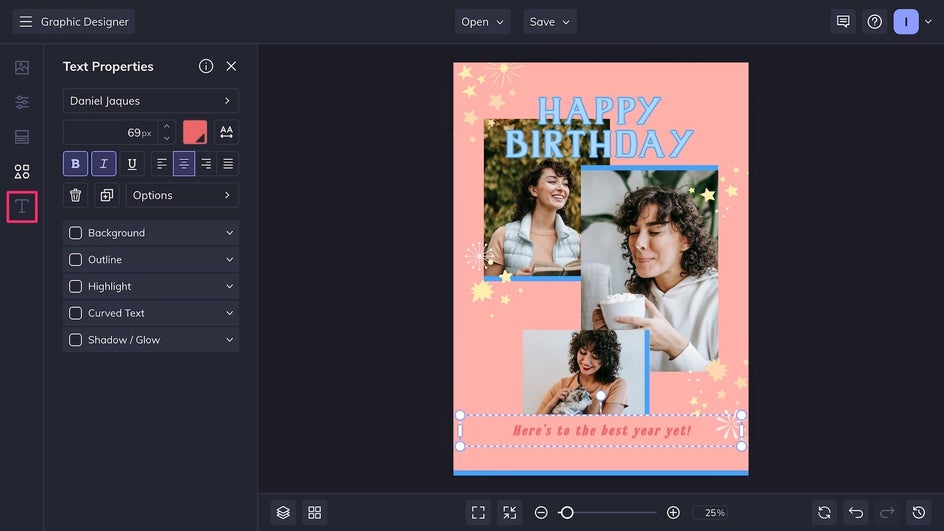
Finally, customize the existing birthday greeting by clicking on it. The Text Editor allows you to change the color, style, and typeface of any text. For some creative font ideas, here are our tips on pairing fonts in any design!
Step 3: Save and Share!
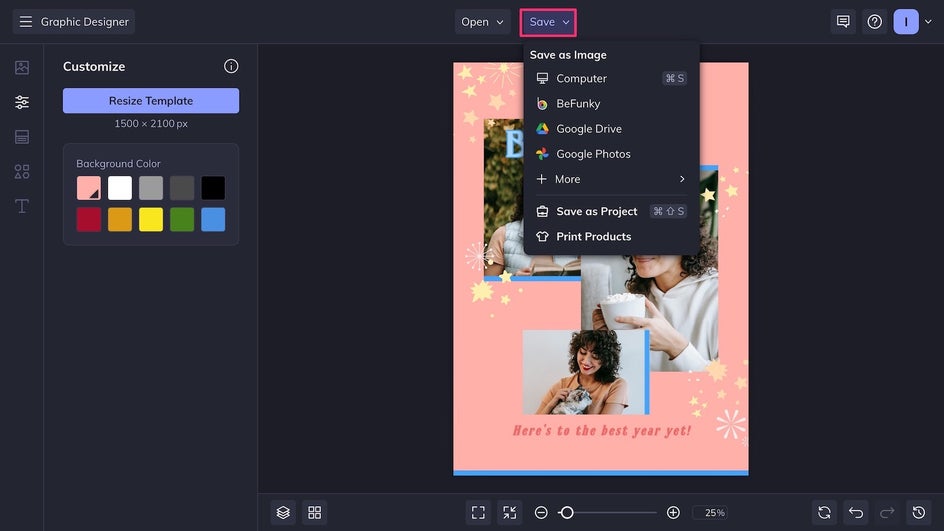
Our collage birthday card design is almost ready! Click Save at the top of the canvas to export the card as a print-quality PDF – you can print this from home on heavyweight cardstock. Alternatively, save it as a high-quality PNG for digital sharing, or even have it professionally printed on a greeting card or postcard.
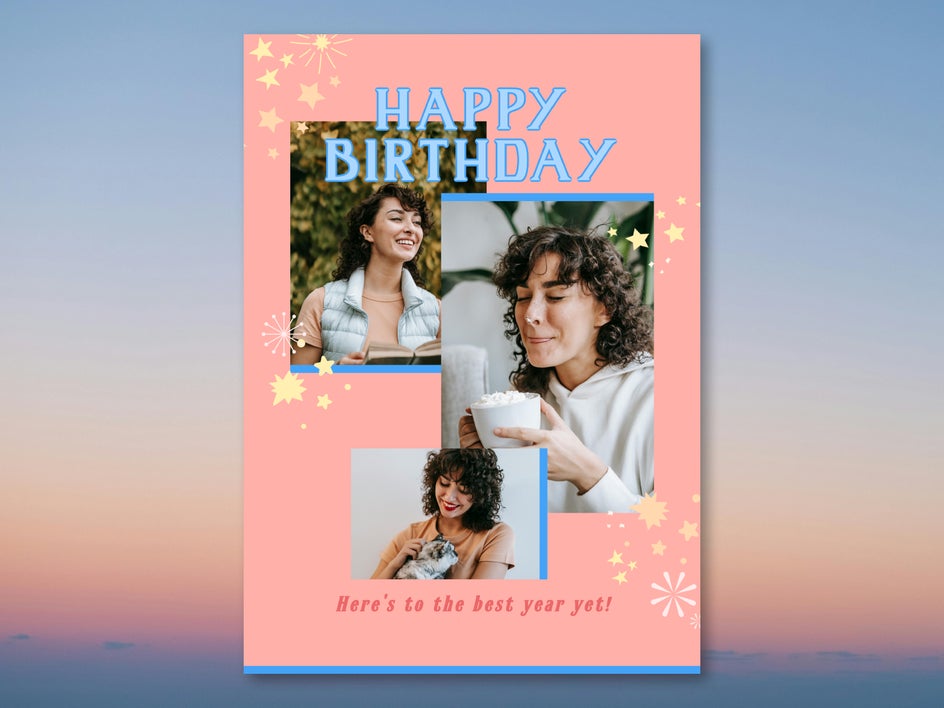
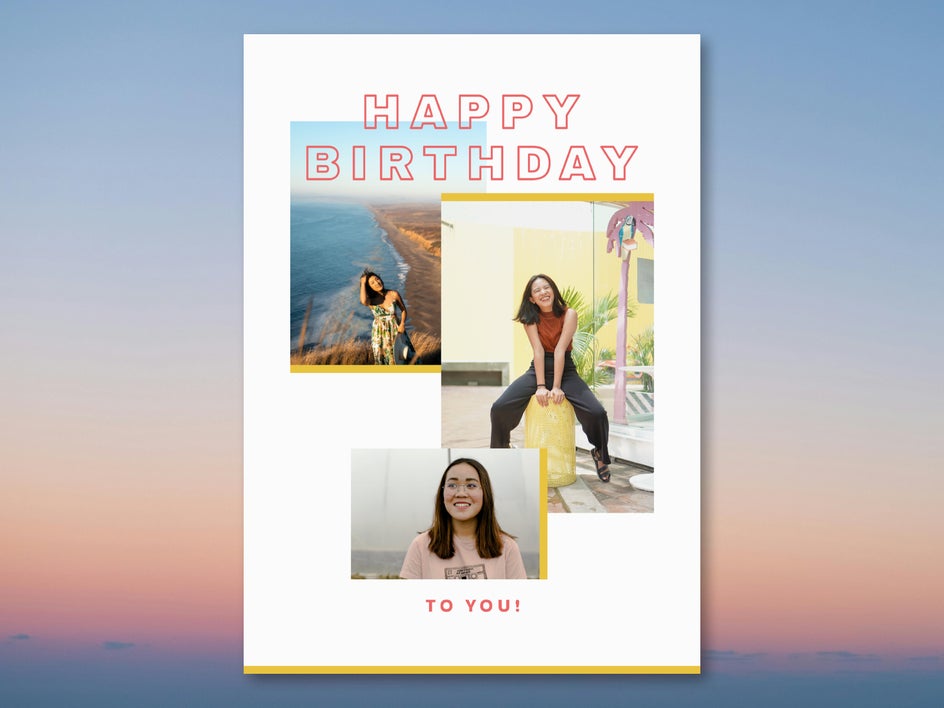
In just a few simple steps, we’re done! It’s that easy to customize a collage birthday card template online. Here’s how our final result compares to the original template:
More Ways to Customize Collage Birthday Cards
When creating a collage birthday card, you can keep it simple or get creative. The Graphic Designer offers hundreds of design tools and photo editing features that allow you to create a unique card every time. Here are just a few inspiring ideas for your next collage birthday card:
Artsy Collage
For a birthday card that stands out from the rest, use the same Artsy effect on each photo in your collage. The result is a card that also doubles as a frameable work of art! This example use Impasto GFX for tons of oil-painted texture. To take your collage card to the next level, use a clipping mask to make the text look hand-painted too.

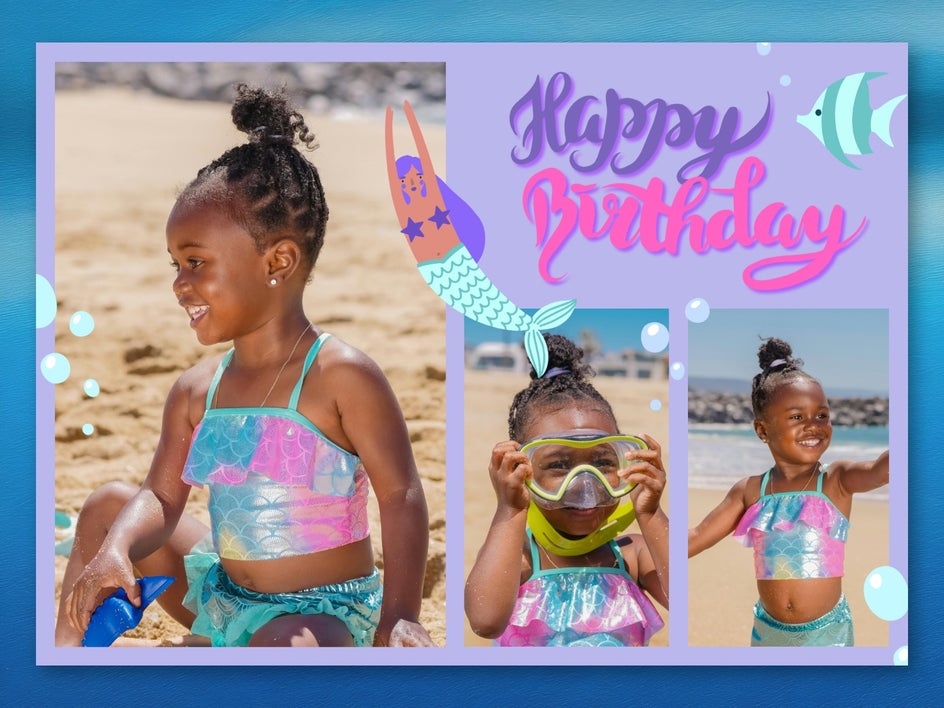
Colorful Kids’ Collage
Kids often have very specific interests and favorite colors, which makes it easy to design a birthday card that they’ll love! Simply add graphics that match up with their current interests using the Graphic Library’s search function, then adjust the colors as needed. Young kids can be hard to capture in photos since they’re often on the move – try BeFunky’s AI Deblur tool to fix any motion blur in your birthday collage images.
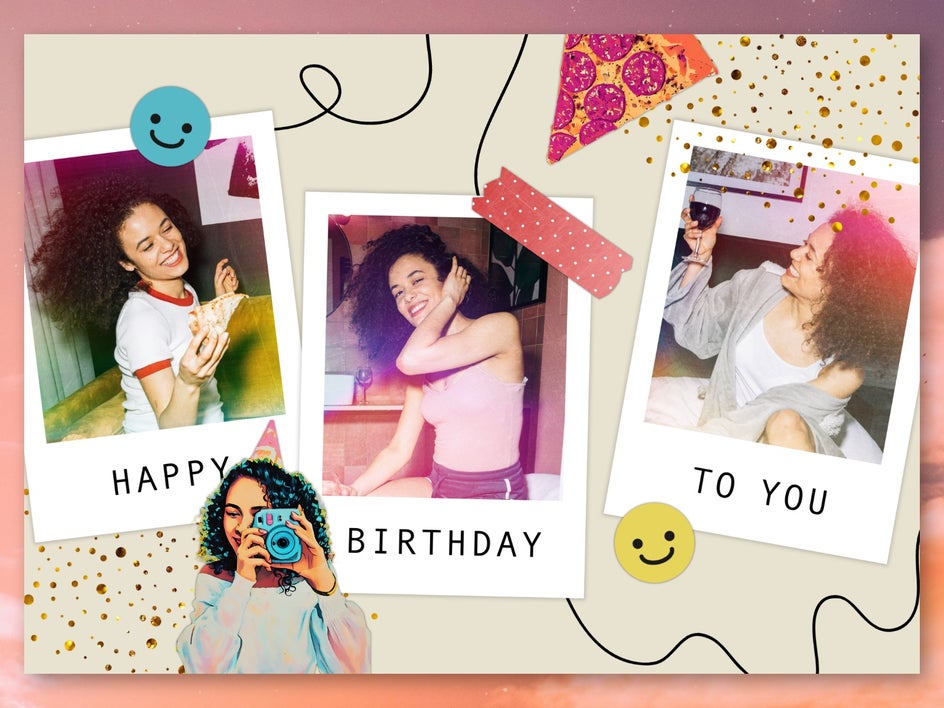
Scrapbook Collage
Combine graphics, Artsy effects, Polaroid-style frames, and the Cutout tool to create a unique scrapbook-style collage card. Don’t forget to add drop shadows to graphic elements to make the card look more authentic, and try applying textures to crisp photos to create more of a vintage look. You can add texture to graphics as well!
Celebrate Life’s Best Moments With a Collage Birthday Card
A birthday card is an opportunity to show a loved one just how much you care. With that in mind, a custom collage birthday card is the perfect heartfelt gesture – it’s personal, beautiful, and highlights years of shared memories. Though it can be designed online in just a few minutes, the results are unforgettable. Head on over to the Graphic Designer to create your own collage birthday card today!