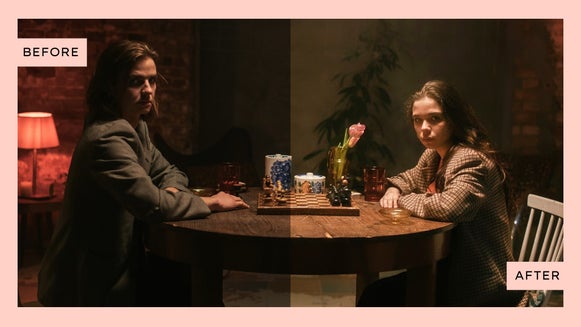
How Batch AI Editing Can Simplify Your Photo Workflow

If you've ever applied the same edit to dozens of photos one at a time, you know how quickly repetitive tasks can reduce your productivity. Whether you're removing backgrounds from product photos, enhancing listing images, or applying a consistent style across an entire photo shoot, editing images individually can become one of the most time-consuming parts of your workflow.
That's where BeFunky's Batch AI Editor and Batch Background Remover can help.
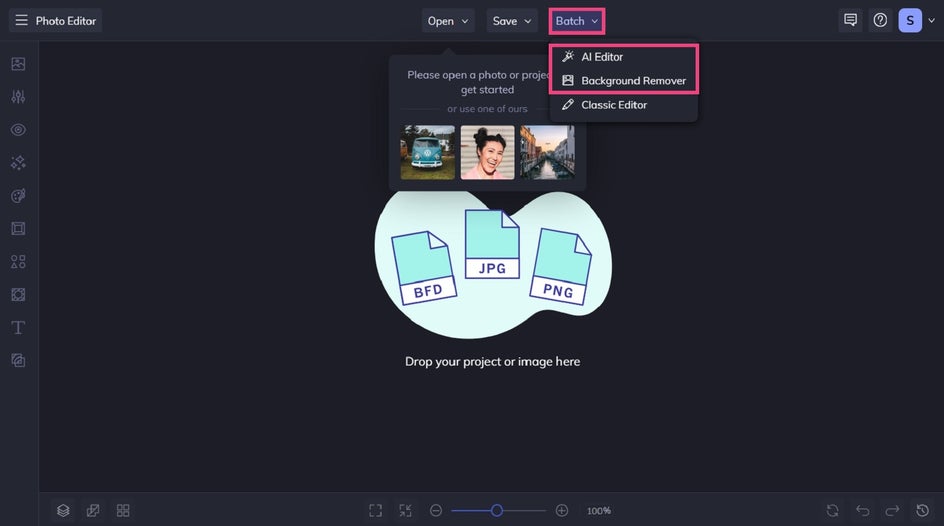
Instead of repeating the same steps over and over, the Batch AI Editor and Batch Background Remover allow you to apply those edits to multiple photos at once. The result is a faster, more efficient workflow that helps you spend less time on repetitive editing tasks and more time planning new creative work, communicating with clients, listing new products, or growing your online store.
What Is Batch AI Editing?
Batch AI editing allows you to apply AI-powered enhancements and effects to multiple images simultaneously. So instead of opening each photo individually and repeating the same steps, you can upload a group of images, choose your edits, and process them all at once.
This approach is especially useful when you need consistent results across an entire collection of photos.
Common batch AI editing tasks include:
- Improving image quality with AI-powered enhancements, like sharpening blurry images, reducing image noise, and enhancing portraits
- Applying artistic effects to multiple images
- Preparing large image libraries for publishing or marketing
Who Benefits Most From Batch Editing?
Batch editing is designed for anyone who works with multiple images on a regular basis.
Some of the most common users include:
Ecommerce Businesses and Etsy Sellers
Product photos are often the first thing customers notice.
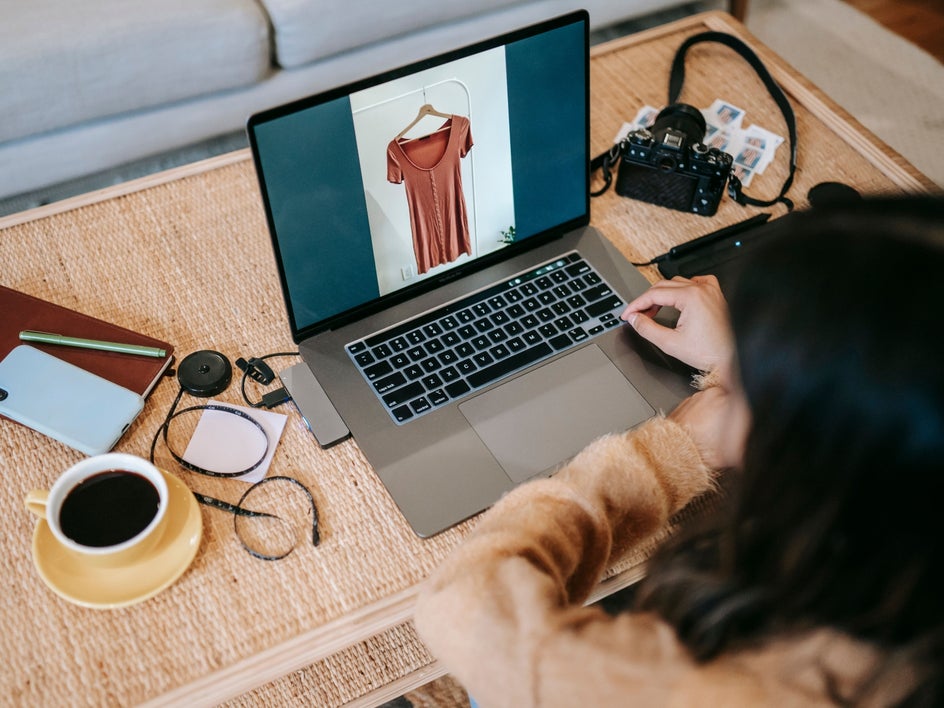
Many online sellers need to edit dozens or even hundreds of images when launching new products or updating existing listings. Batch workflows make it easier to prepare large product catalogs while maintaining a consistent look across every image.
Photographers
Editing large collections of images is what many photographers do on a daily basis.
Whether delivering portrait sessions, wedding photos, or sports photography, batch workflows help create a polished and consistent starting point across an entire set of images.
Real Estate Professionals
A single property listing may require dozens of photos.
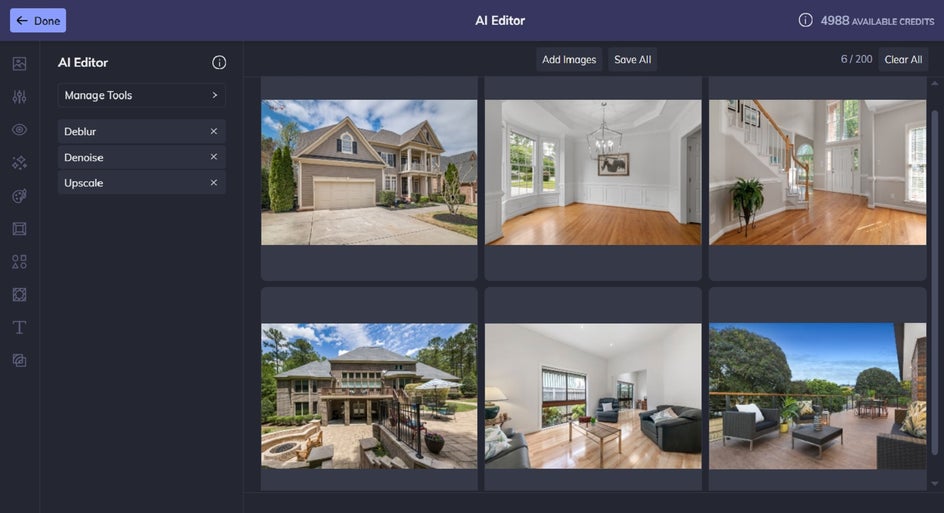
Batch AI editing helps agents quickly improve image quality before uploading photos to listing sites, websites, brochures, and marketing materials.
Content Creators and Marketplace Sellers
Many creators manage large libraries of images for blogs, social media, digital products, and online marketplaces.
Batch editing helps streamline production without sacrificing quality or consistency.
Why Editing One Image at a Time Slows You Down
Editing a single image is fast, but editing 100 images individually is a different story.
Imagine spending just one minute applying the same enhancement to every photo in a collection of 100 images. That's more than an hour and a half of repetitive work!
Now imagine repeating that process for multiple edits. All of a sudden, the challenge isn't just time – it’s consistency.
When edits are applied manually, small variations can occur from image to image. Batch workflows help create a more uniform result while reducing the amount of manual effort required.
Instead of repeating the same actions 100 times, why wouldn’t you want to set up the edit once and let the batch process handle the rest?

What Does BeFunky’s Batch AI Editor Do?
The Batch AI Editor is home to many AI-powered tools and effects that you can apply across multiple images simultaneously.
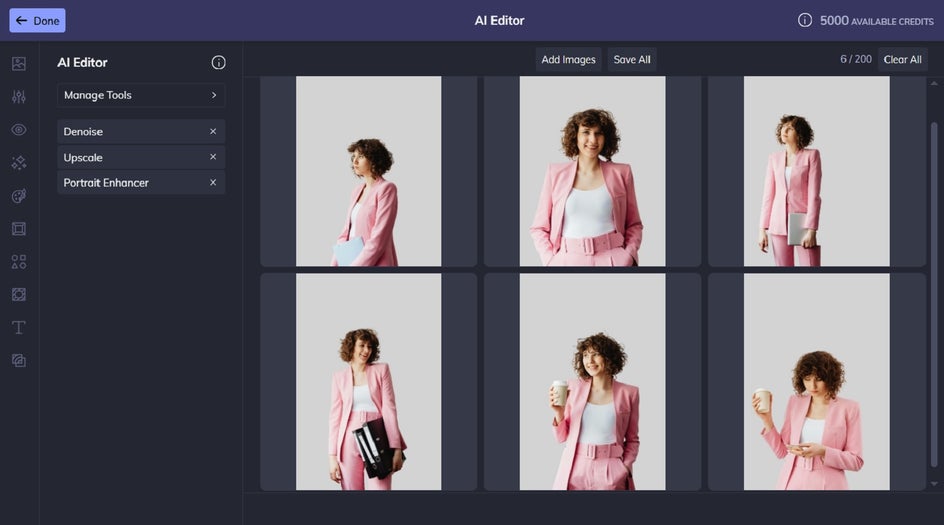
The Upscale tool, for example, helps increase image resolution, making photos better suited for websites, print materials, marketing assets, and other professional applications.
The AI Denoise tool, on the hand, helps reduce unwanted noise while preserving important image details. This can be especially useful for indoor property photos, event photography, or sets of images captured in challenging lighting conditions.
The Deblur tool is also part of the Batch AI Editor. It helps sharpen details and improve overall image clarity. Improving image sharpness can make a noticeable difference, making this tool a must-have for businesses that rely on professional-looking visuals.
Not every batch workflow is about correction or enhancement, however. Sometimes, the goal is purely creativity.
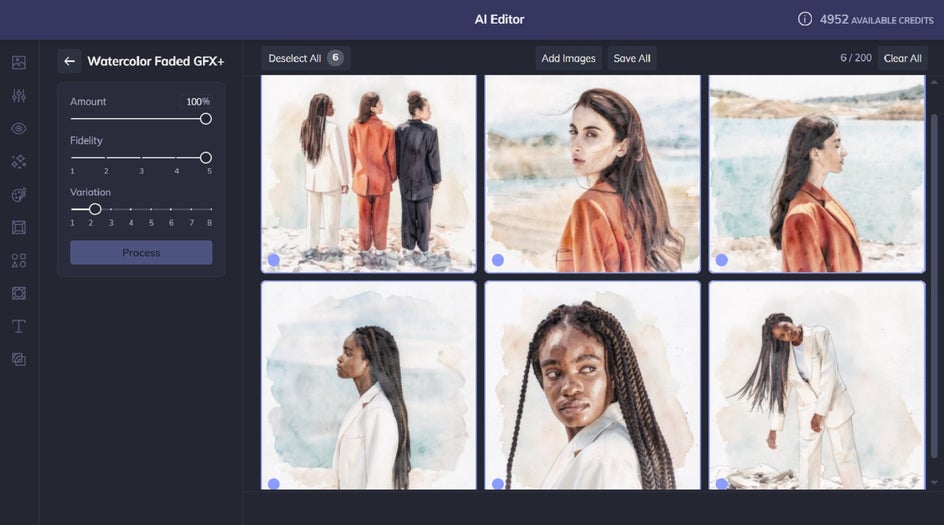
The Artsy category includes AI-powered artistic effects that can transform photos into watercolor paintings, oil paintings, sketches, comics, and many other artistic styles.
Content creators, marketers, educators, and small business owners can use these effects to create unique visual assets for campaigns, presentations, social media content, and creative projects.
What Does the Batch Background Remover Do?
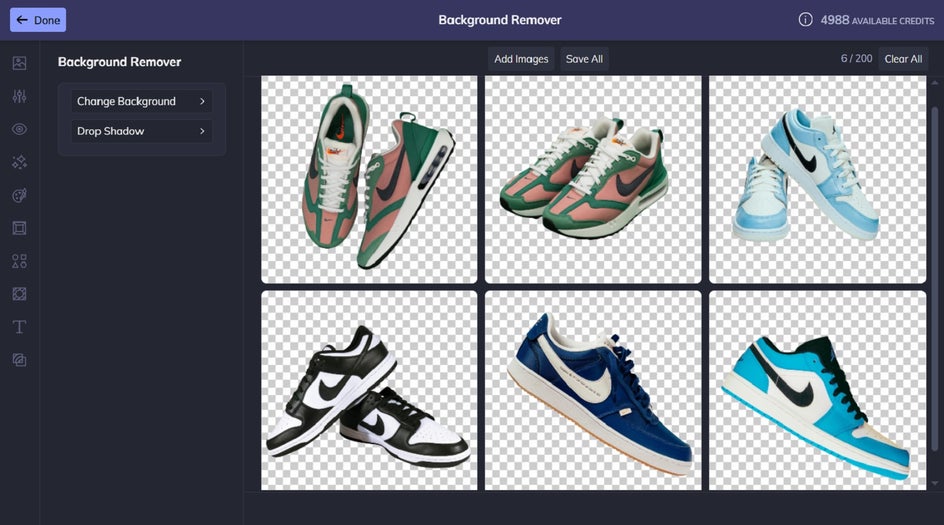
The Batch Background Remover eliminates the need to remove or replace backgrounds one image at a time. Instead, you can upload an entire collection and process all images in a single workflow.
This is particularly valuable for:
- Ecommerce product photography
- Etsy product listings
- Team headshots
- School portraits
- Marketing assets
- Social media graphics
What’s really cool about the Batch Background Remover is that it’s not just for turning all of your product images into transparent background PNGs. You can also use the tool to give your batch of photos a solid colored background, or to swap out the existing backgrounds with a different backdrop entirely.
Real-World Workflow Examples
Batch editing becomes even more valuable when viewed through the lens of everyday workflows.
Example 1: An Etsy Seller Preparing New Listings
An Etsy seller photographs 50 new products.
Using the Batch Background Remover, they remove every background in a single workflow. They then use the Batch AI Editor to enhance image quality before uploading the finished photos to their store.
Example 2: A Real Estate Agent Marketing a Property
A real estate agent captures 40 property photos on a smartphone.
They use Denoise and Deblur to improve image quality across the entire collection. They then upscale the images for use in marketing materials and online listings.
Example 3: A Content Creator Building a Marketing Campaign
A creator needs a cohesive visual style across dozens of images, but they also want to add a unique touch to stand out from their competitors.
Using Artsy effects in the Batch AI Editor, they transform an entire collection into a consistent artistic style for social media posts, presentations, or promotional content.
Example 4: A Portrait Photographer Post-Processing a Session
A photographer finishes a portrait session containing 150 images.
Using Portrait Enhancer and Portrait Relight, they create a polished starting point across the full gallery before performing any individual refinements.
Unlock Faster Workflows With BeFunky Pro
A Pro plan includes access to the Batch AI Editor and Batch Background Remover, making it a great fit for businesses, creators, and professionals that regularly work with large image collections.
Whether you're processing 25 images, 100 images, or several hundred images, batch workflows allow you to accomplish more in less time and that efficiency can quickly add up.
For occasional editing, individual tools may be enough. But for larger projects, efficiency becomes just as important as the edits themselves.
Get Started With Batch AI Editing
If you're regularly applying the same edits across large groups of photos, batch AI tools can help reduce repetitive work, shorten editing timelines, and make it easier to manage high-volume projects.
With our AI Editor and Batch Background Remover, it's easier than ever to process large image collections quickly, consistently, and efficiently.
Ready to speed up your editing process? Try Batch AI Editing and Batch Background Removal with a BeFunky Pro account today!