









Results for "photo editor tutorials"
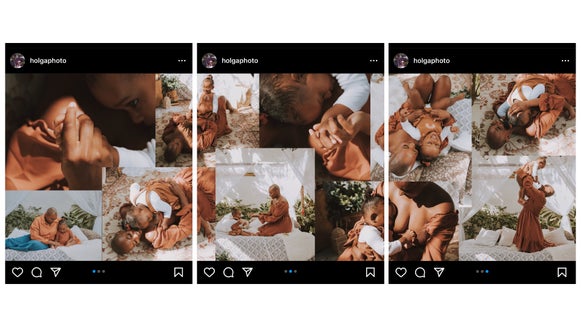
How to Create Seamless Carousel Instagram Posts
Create seamless carousel posts for Instagram with BeFunky’s Photo Editor…
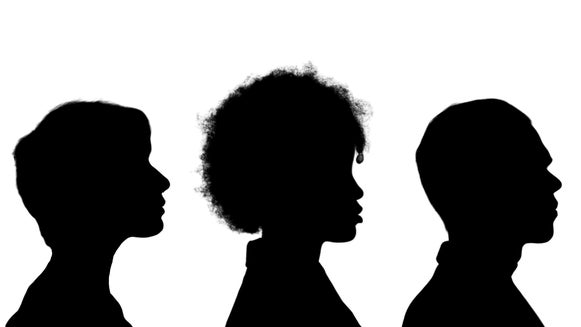
DIY Silhouette Portraits
Create your own silhouette portraits with BeFunky’s Photo Editor…
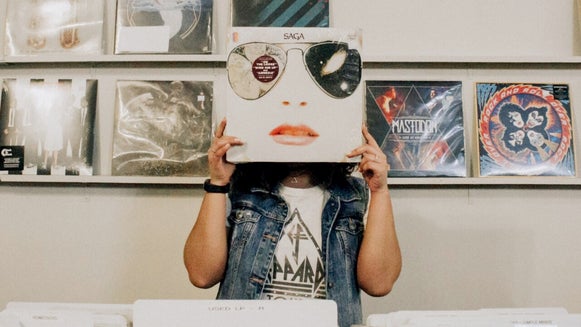
How to Design a Unique Album Cover
Create a standout album cover using these tips, tricks, and BeFunky photo editing…

Color Grade Images With the Color Mixer
The Color Mixer tool allows you to color grade your images perfectly –every time…
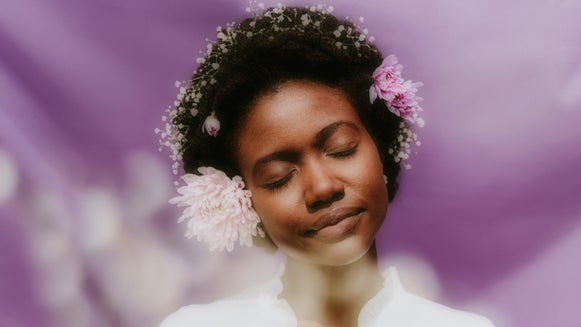
How to Add an Orton Style Effect to Your Photography
Have you ever wondered how professional photographers achieve that soft and…
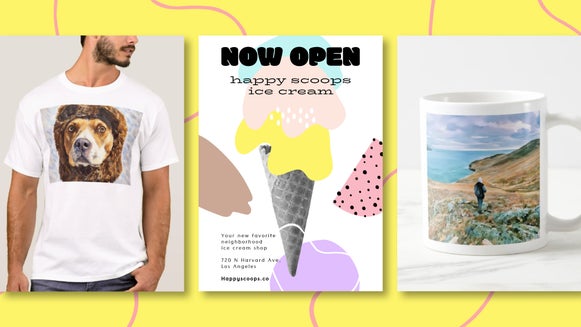
Printing With BeFunky: Tools, Tips, and Techniques
Get your physical artwork print-ready with BeFunky’s photo editing tools…
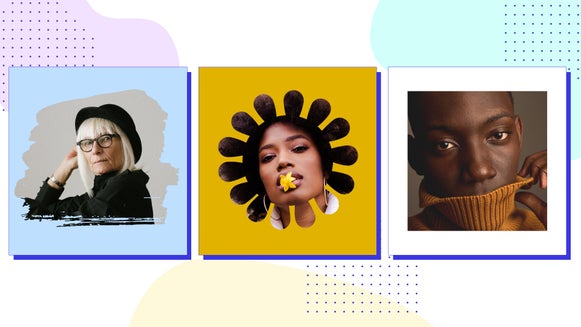
Add An Overlay to Your Social Media Profile Pic With BeFunky Mobile
Adding a overlay to your profile pic is a great way to stand out and express your…
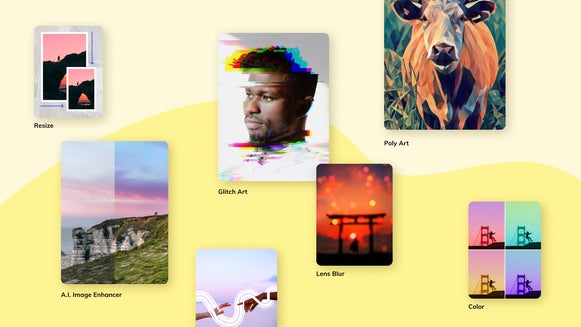
Finding Your Frequently Used Tools Just Got Easier
With Frequently Used, it’s easy to find all of your favorite tools and effects right…
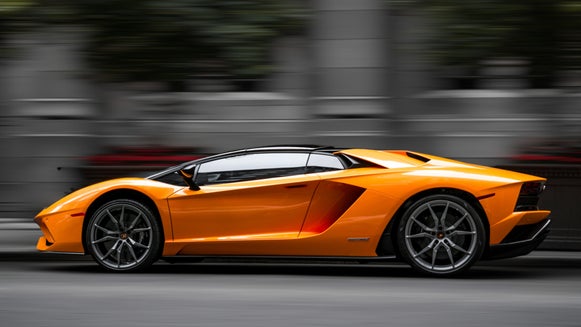
Create Movement With the Blur Tool
BeFunky’s Blur tool is an easy way to make any subject look like it’s in…

From Photo to Polygon Art, A Simple Step-by-Step Guide
Low polygon art uses solid color and simple, geometric shapes to give any…
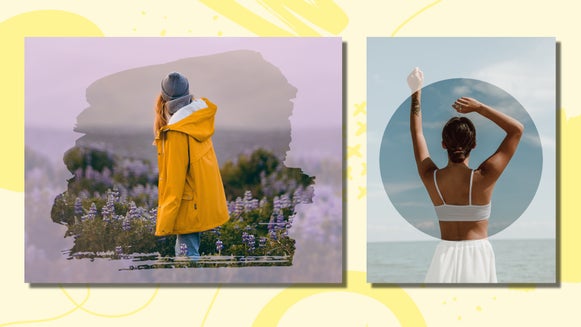
How to Add an Overlay to Your Photos
An overlay adds an extra layer of depth to your design design. And luckily we’ve…

How to Make a Digital Pet Portrait
Capture the immaculateness of Snowball with a digital art portrait – made with…


