How to Create Scroll-Stopping Brand Photos for Instagram

If you’re managing a small business or brand, you know just how important it is to show up consistently on Instagram. From creative product shots to scroll-stopping stories, visual content is your digital storefront – and first impressions matter. But how exactly do you make your brand photos Instagram-worthy, especially when the algorithm expects you to post at least one story every single day?
Whether you’re running your business solo or managing content for a growing team, BeFunky helps you stay on top of your content calendar without getting bogged down in complicated design work. Instagram post and story templates provide the perfect starting point, while the Photo Editor equips you with all the tools you need to make your photos look professional and on-brand.
Below, we’ll walk you through five powerful Photo Editor tools that make it easy to create beautiful, branded content that will stand out on anyone’s Instagram feed.
Edit Smarter: 5 Ways to Elevate Your Business Instagram
Instagram is a visual platform, and that means every image you use matters. But you don’t need a professional studio setup or hours of editing time to get it right. With the Photo Editor, you can enhance your content quickly with professional-level tools that are easy to use and available on-the-go. This way, you can post more consistently and create a better brand image on Instagram while still saving time and energy.
Here are a some of the most effective Photo Editor tools to help you stay on-brand and keep your content calendar on track:
1. Save Time With the Batch Photo Editor
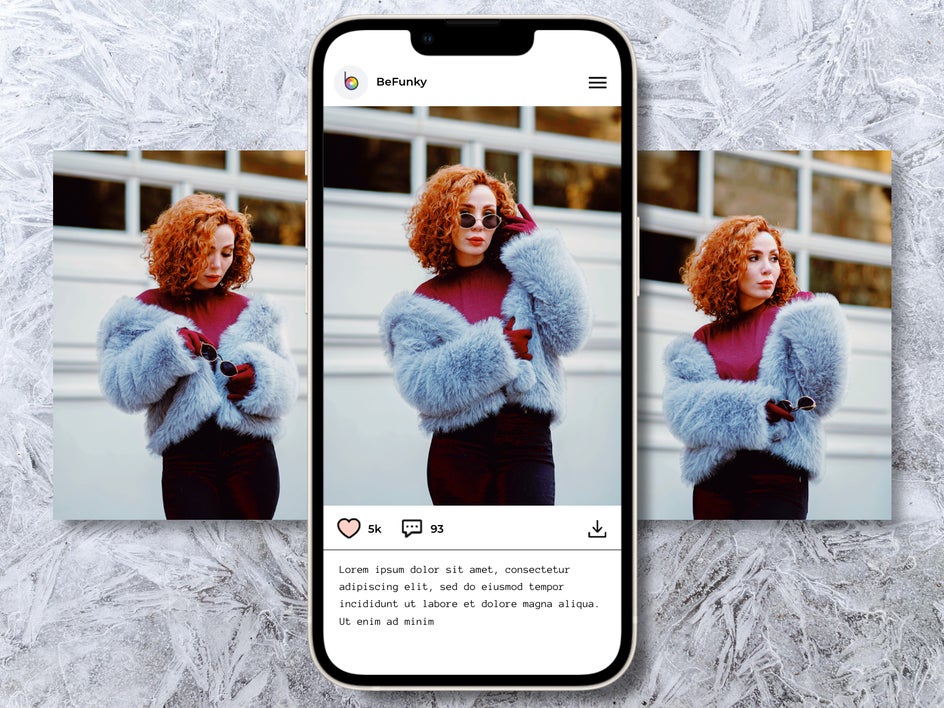
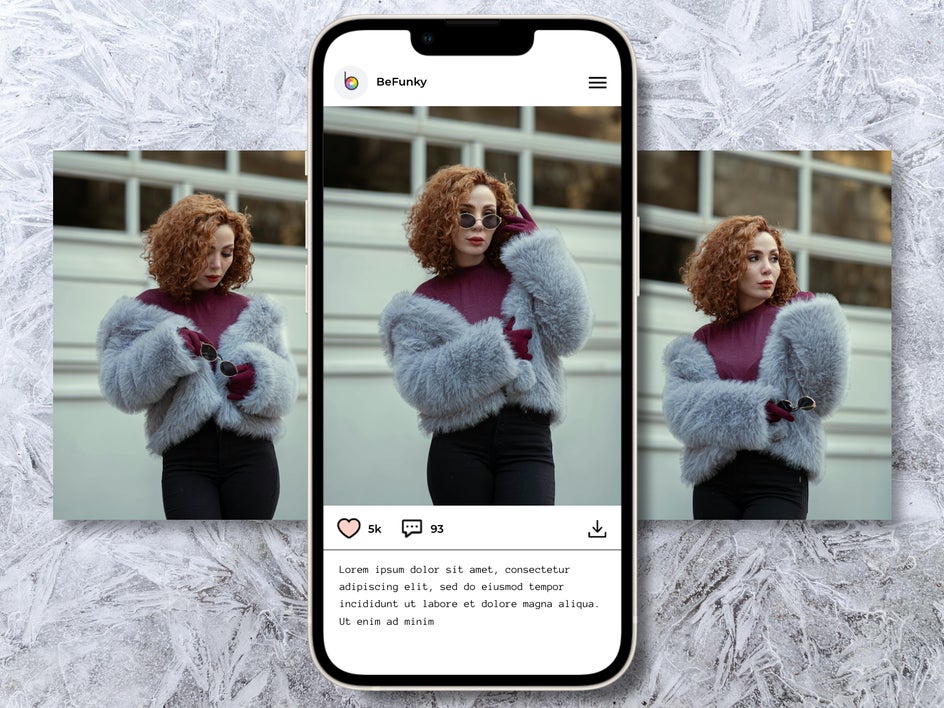
Carousel posts are perfect for telling a story or showcasing multiple angles of a product. But consistency across those images is key – your audience should be able to swipe through and have a seamless experience. This is just one area where the Batch Photo Editor really shines.
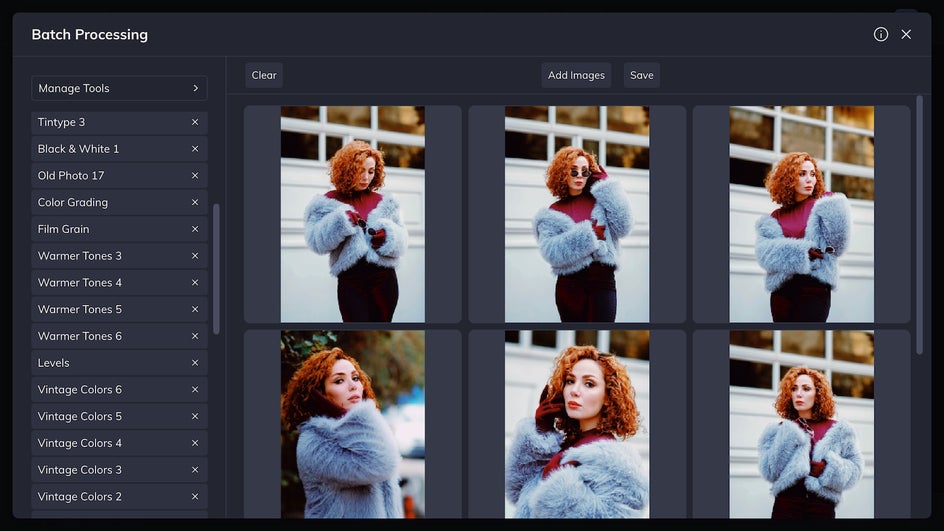
With this tool, you can edit multiple images at once – adjusting brightness, contrast, cropping, and more in just a few clicks. It’s ideal for maintaining visual consistency across all your images in a carousel or even for prepping a week’s worth of Instagram content in one go.
2. Clean Up Photos With the Background Remover
Clean product photography is a hallmark of successful Instagram businesses. But getting that crisp, clean background (or on-brand color backdrop) doesn’t require a professional setup anymore. Use the Background Remover to instantly isolate your product and place it on any background you like – solid colors, custom textures, or even another photo.
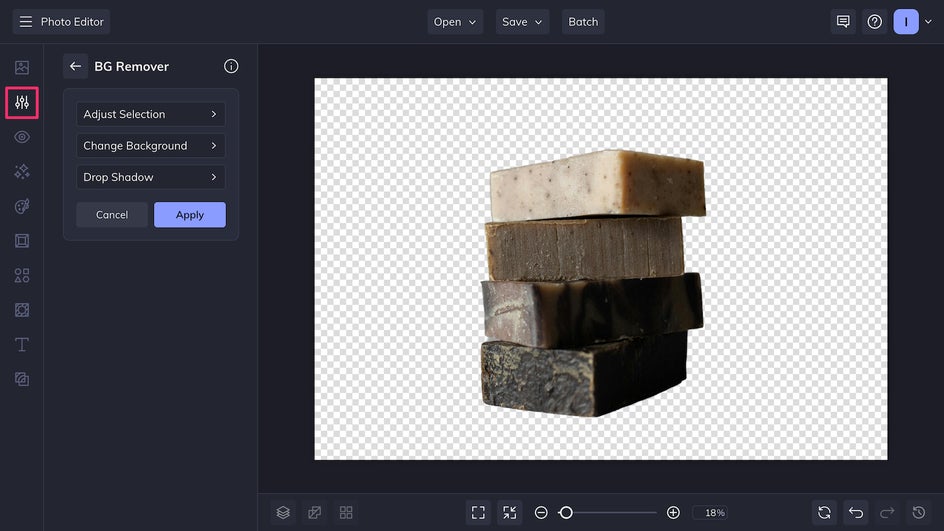
This tool is especially useful for e-commerce brands looking to showcase products clearly while keeping a sharp and modern visual style, and for small business owners like Etsy store owners that might not have access to studio equipment.
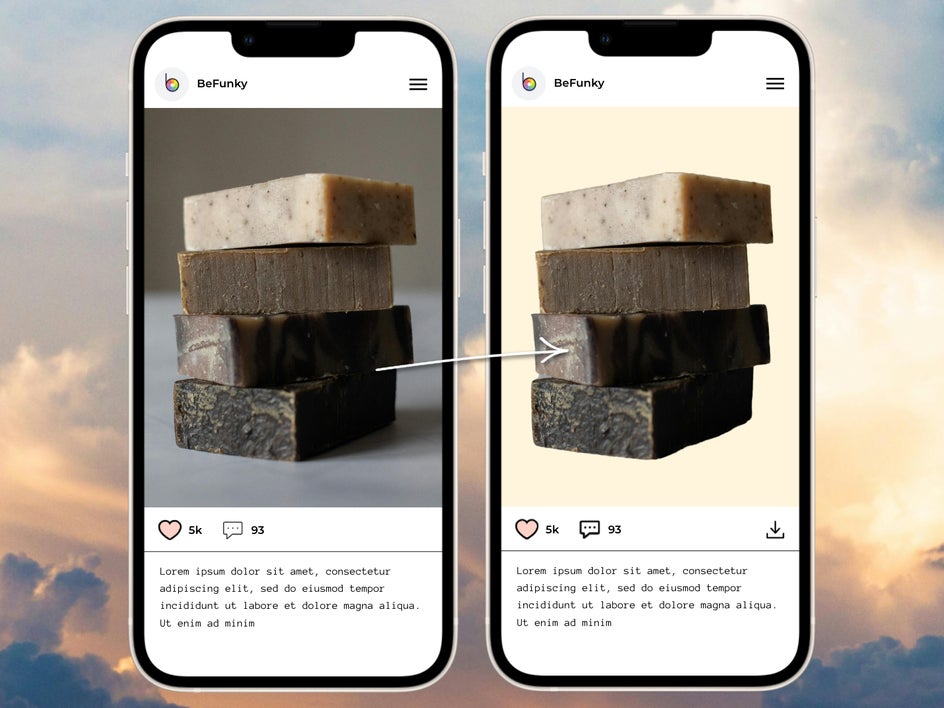
3. Enhance Faces With the AI Portrait Enhancer
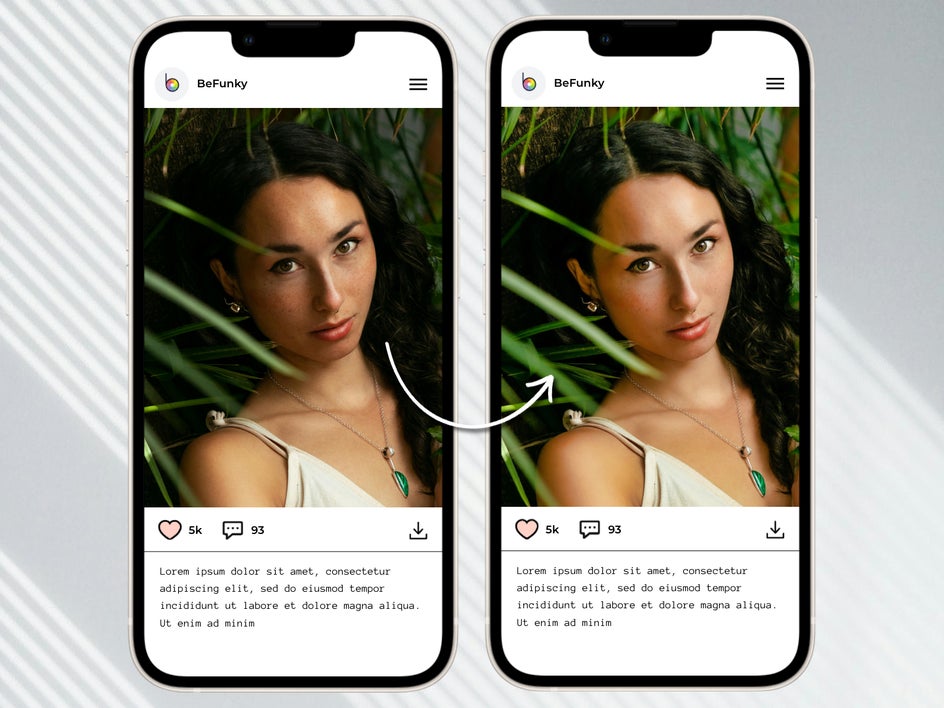
If you feature people in your Instagram posts – whether it’s models, staff, or yourself – presentation matters. Our AI Portrait Enhancer smooths texture, balances contrast, and whitens eyes and teeth in just one click, making your subjects look their best without looking overly filtered.
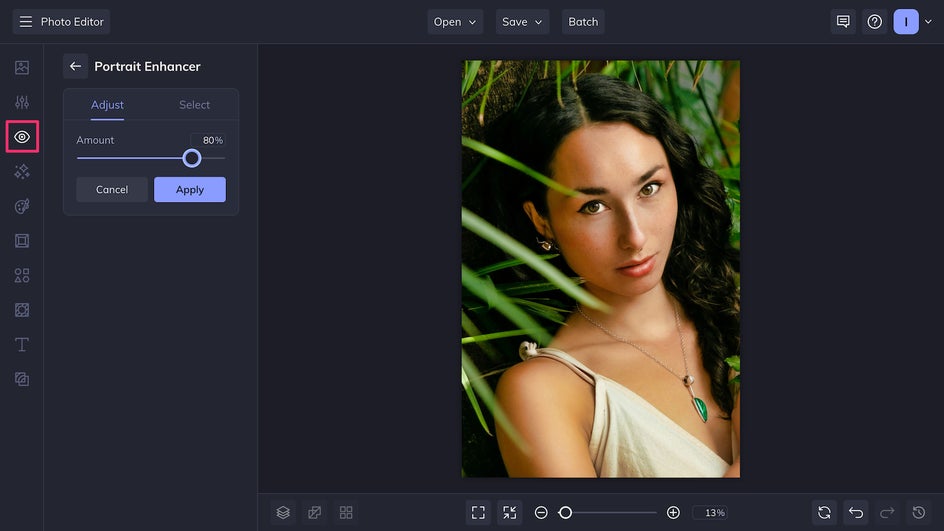
This is a subtle but powerful way to elevate clothing shots, brand storytelling, or lifestyle content that connects with your audience on a personal level. And with our Instagram story templates, you can quickly drop in an enhanced portrait for behind-the-scenes or day-in-the-life stories that feel professional but personal.
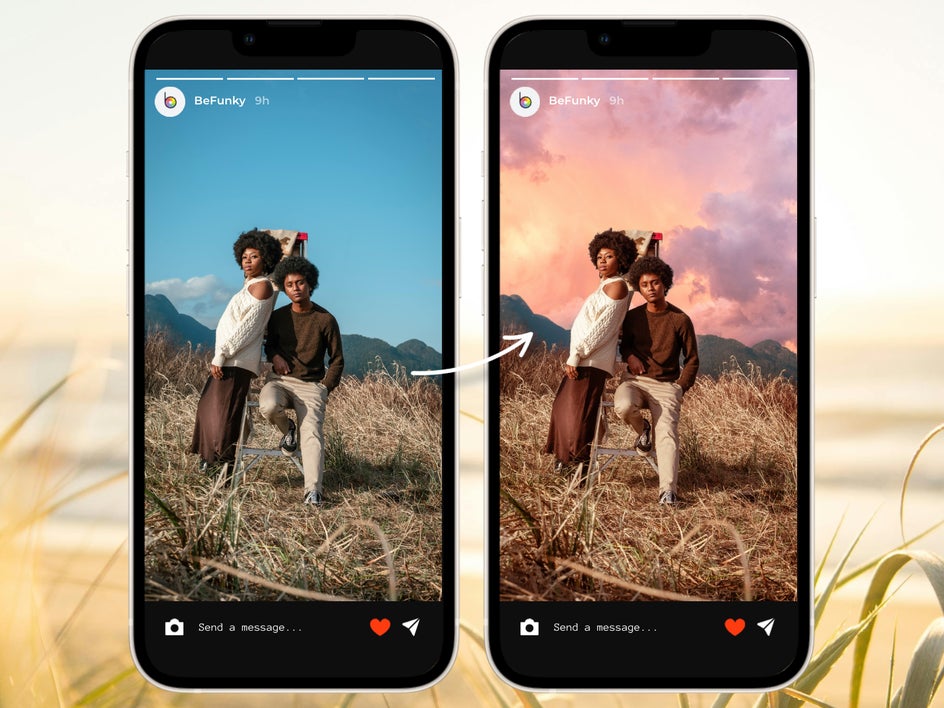
4. Upgrade Outdoor Shots With the Sky Replacer
Outdoor shots are beautiful, but they’re also unpredictable. Cloudy days, overexposure, or mismatched lighting can throw off your entire Instagram grid. Luckily, our Sky Replacer tool lets you instantly swap out a dull sky with a vibrant, on-brand alternative.
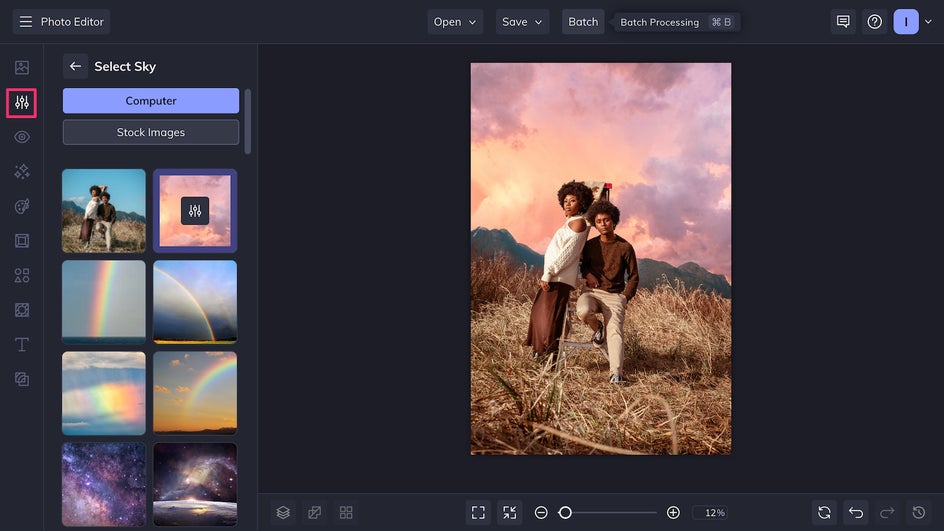
This is a particularly great feature for businesses that rely on outdoor content, like travel and hospitality, but it’s also a good choice for clothing, makeup and food brands that use creative product photography. Instead of relying on happenstance for a bright blue sky or dreamy sunset glow, you can create the perfect backdrop yourself right in the Photo Editor.
5. Maintain Consistency With the Color Mixer
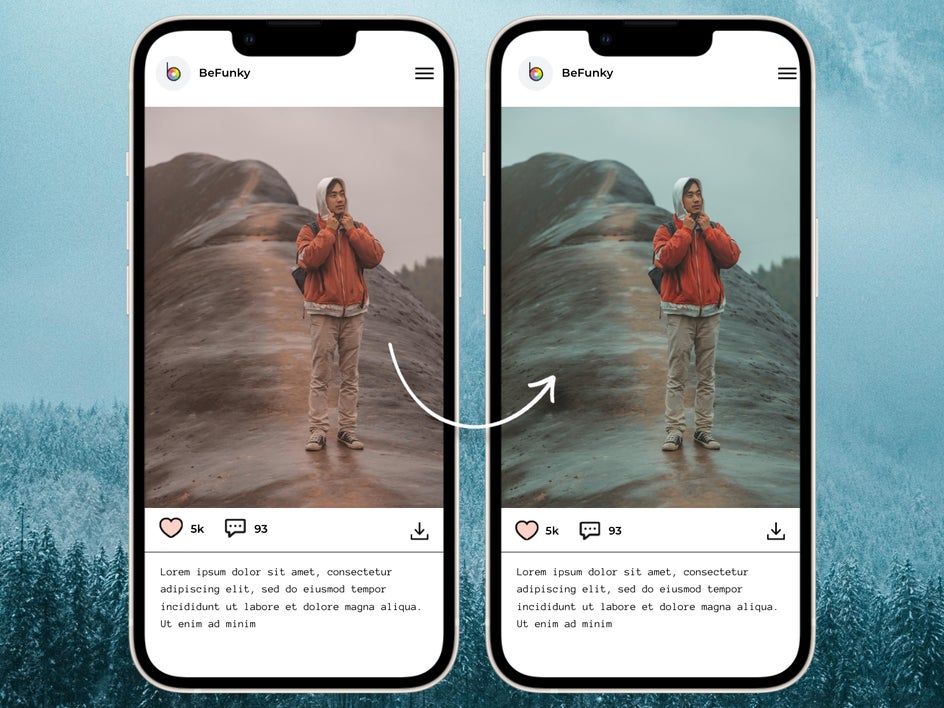
Color consistency is one of the simplest ways to make your Instagram feed look professional. Whether you’re building a bold, bright identity or something more muted and minimal, the Color Mixer lets you fine-tune hues, saturation, tones, and contrast for a cohesive look across every post.
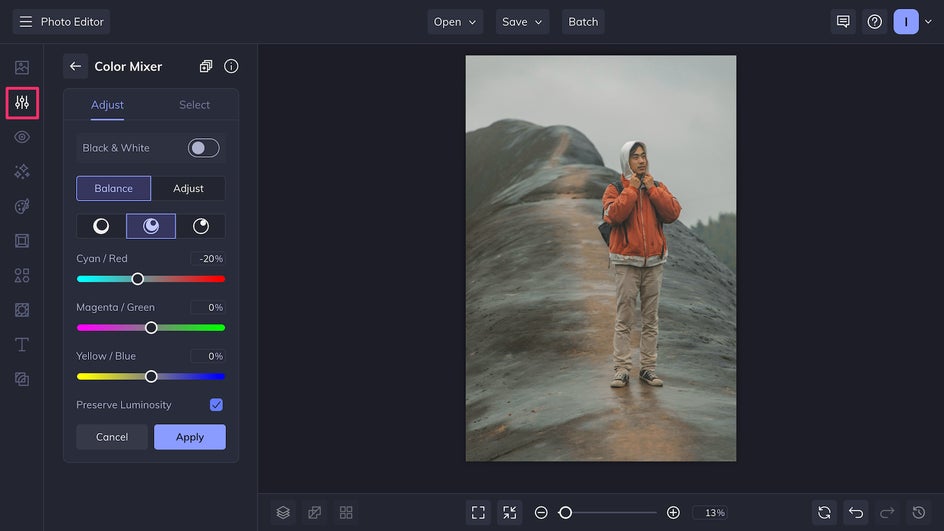
Use this tool to give your photos a signature feel – think warm tones, cool highlights, or a specific accent color that ties your visuals together. Because you can adjust individual colors separately, it also allows you to emphasize complementary tones or better match your brand color palette. It’s an easy step that makes a big difference when someone views your profile as a whole.
Build Your Visual Brand With BeFunky
In a world that’s already saturated with content, the Instagram posts that stand out are the ones that show up with engaging and consistent visuals. With the help of BeFunky’s Photo Editor and Instagram templates, you don’t need a big budget or a full-blown creative team to craft posts that look professional and stay true to your brand. From color consistency to cleaner product shots, everything you need to elevate your Instagram presence is right at your fingertips. Start creating better brand photos today in the Photo Editor!