Chic DIY “Will You Be My Bridesmaid?” Cards to Make at Home

Few moments feel more special than asking your favorite people to stand by your side on the big day. And while a simple text or phone call might do the trick, a thoughtfully designed card makes a bridesmaid proposal truly memorable. You don’t need design experience or hours of free time to DIY your cards, either. With the Graphic Designer’s wedding templates and intuitive design tools, you can craft the prettiest “Will you be my bridesmaid?” card in no time right from your browser.
What to Write on a “Will You Be My Bridesmaid?” Card
We’ve all seen hundreds of marriage proposals play out onscreen and social media, but how do you ask if someone will be your bridesmaid? Your message can be short and sweet, playful and punny, or heartfelt and emotional. Here are a few fun ideas for what to write on your bridesmaid card:
- “I can’t say ‘I do’ without you.”
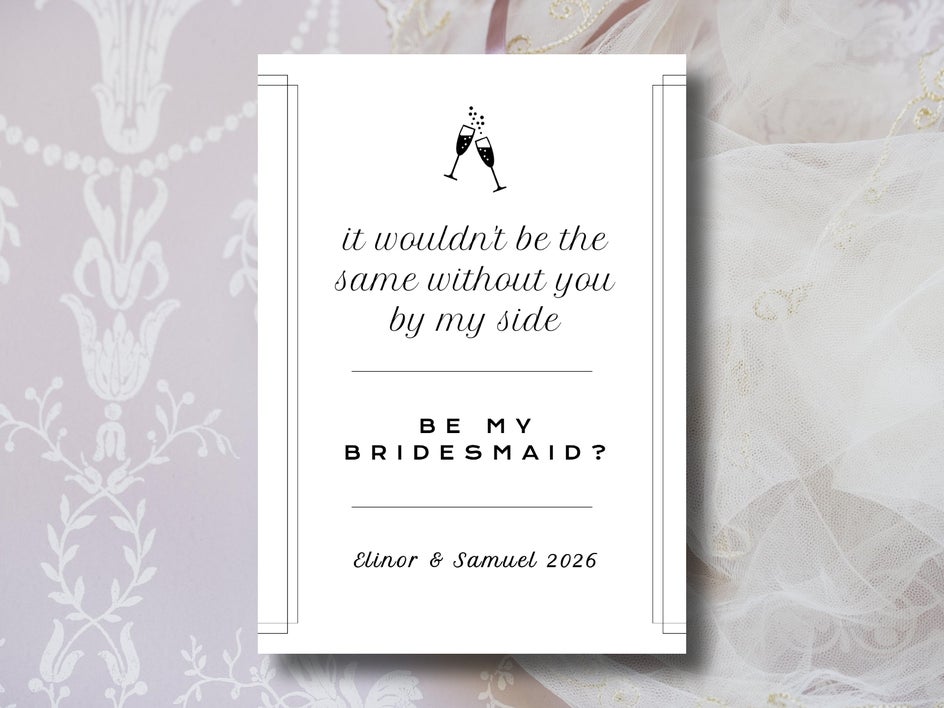
- “It wouldn’t be the same without you by my side.”
- “Something old, something new, I can’t walk the aisle without you!”
- “I found my person – now I need my people. Will you be my bridesmaid?”
- “He asked. I said yes. Now I’m asking you!”
- “Your support means everything. Will you stand beside me on the big day?”
- “I’ve got the groom, the dress, and the date. All I need is you.”
Of course, a classic “Will you be my bridesmaid?” works just as well, but a catchy bridesmaid quote will help make the experience more fun for the both of you. To make your bridesmaid proposal card extra personal, don’t shy away from using inside jokes, shared memories, and old photos.
How to Make a Bridesmaid Proposal Card
Even though there aren’t dedicated templates for bridesmaid cards, the Graphic Designer’s wedding template sets are a perfect starting point for creating your proposal. They’re already beautifully designed for wedding invitations and announcements, so with just a few tweaks, they can be transformed seamlessly into personalized bridesmaid cards. Plus, this way, they can be tied in with the rest of your invitation suite if you so choose!
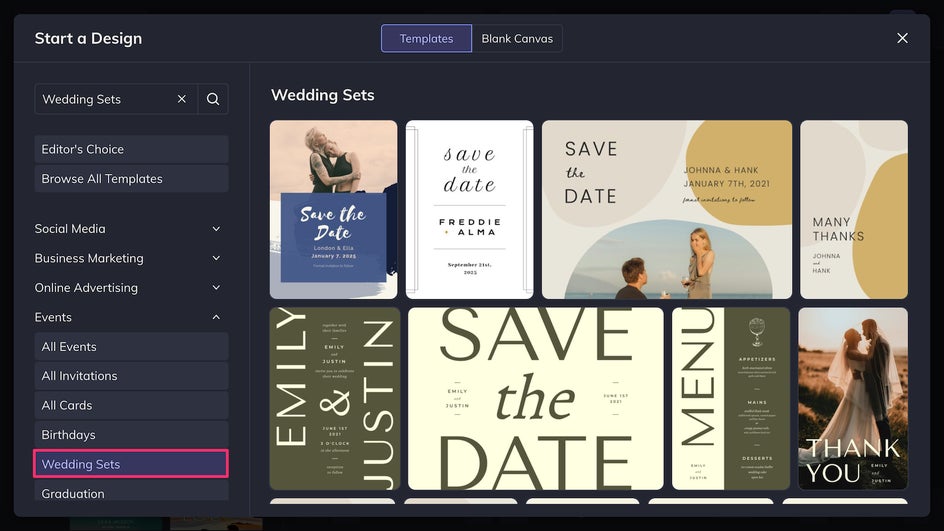
Step 1: Choose a Wedding Template
Open up the wedding templates section of the Graphic Designer. Save the dates, invitations, and thank you cards can all be turned into perfect bridesmaid proposal messages with a few clicks. The main thing to focus on at this stage is the overall layout. Text, graphics, and colors can all be changed in the following steps.
Step 2: Customize Size & Color
A typical card size is 5” x 7”, so head to the Customize tab to make sure the design is in the proper 5:7 ratio. The Smart Resizer makes reformatting any design easy.
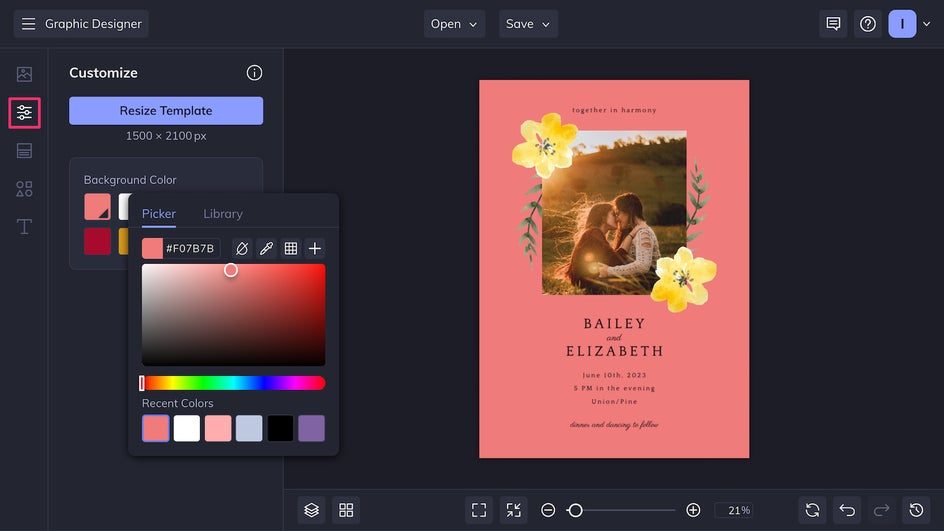
Here is also where you can change the canvas’s background color. If you’ve already chosen a wedding color palette, consider tying it in with your bridesmaid cards.
Step 3: Replace Imagery
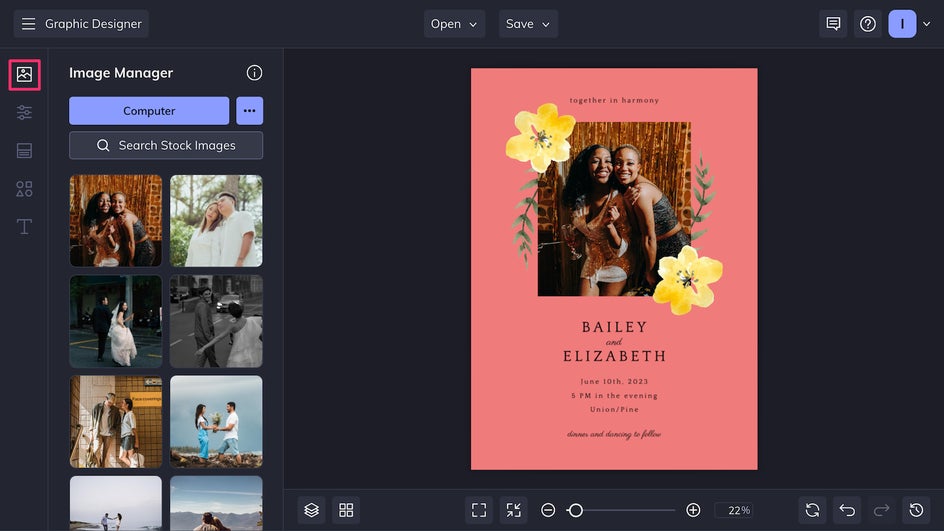
If customizing a wedding template with imagery, use the Image Manager to replace the placeholder images with a photo of you and your friend. For extra flair, take advantage of the in-platform Photo Editor to apply edits and effects like the AI Portrait Enhancer or Sky Replacer.
Step 4: Personalize Text & Graphics
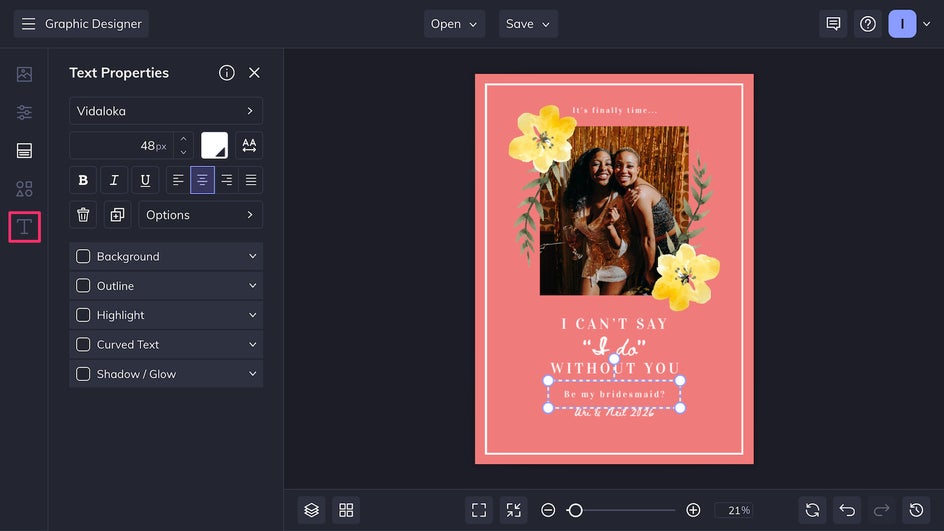
Click on the headline to replace it with your bridesmaid message. For instance, change “Save the date” to “Will you be my bridesmaid?” In the smaller subheading you can add your name or the wedding date, or even a note like, “Let’s make memories this May!” Choose from hundreds of available fonts, from classy serifs to bubbly text to handwritten scripts.
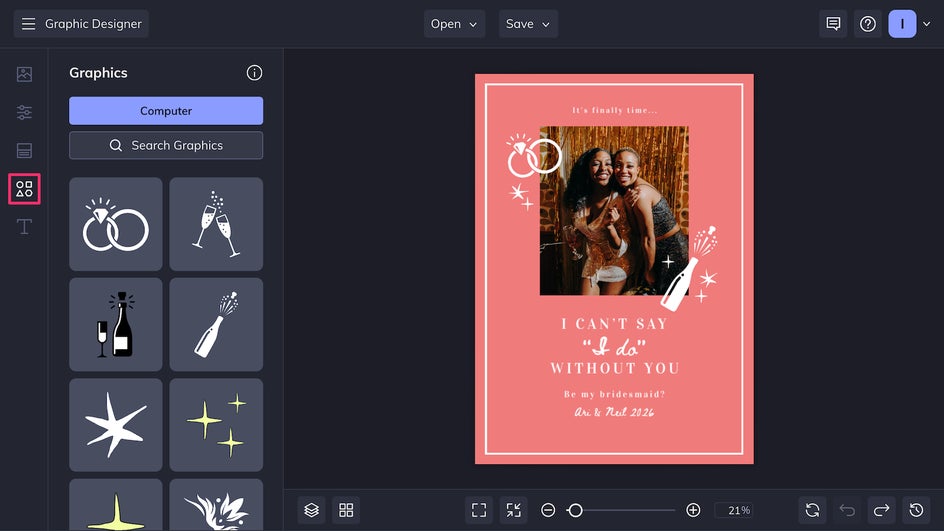
Add or replace shapes, graphics, or artwork in the Graphics tab, where you’ll find thousands of different design assets. You can make the card specifically bridesmaid-themed, or have it match the wedding theme if you’ve already decided on one.
Step 5: Save and Share
After looking it over and making final adjustments, your bridesmaid proposal card is ready to go! Click Save at the top of the canvas and export as a print-quality PDF for the best printing results.
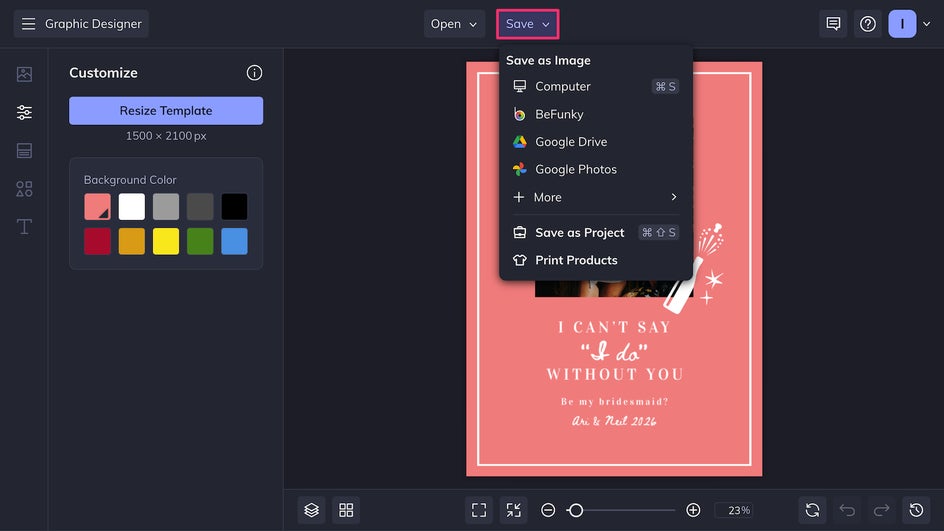
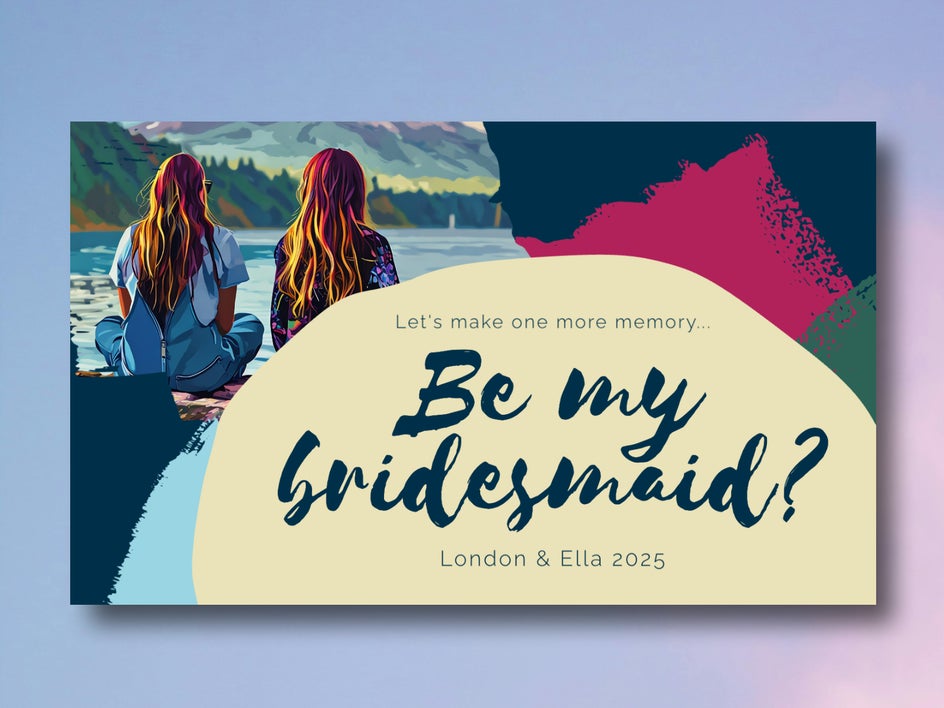
Here’s the final result – a card that asks “Will you be my bridesmaid?” in a way that’s both beautiful and memorable.
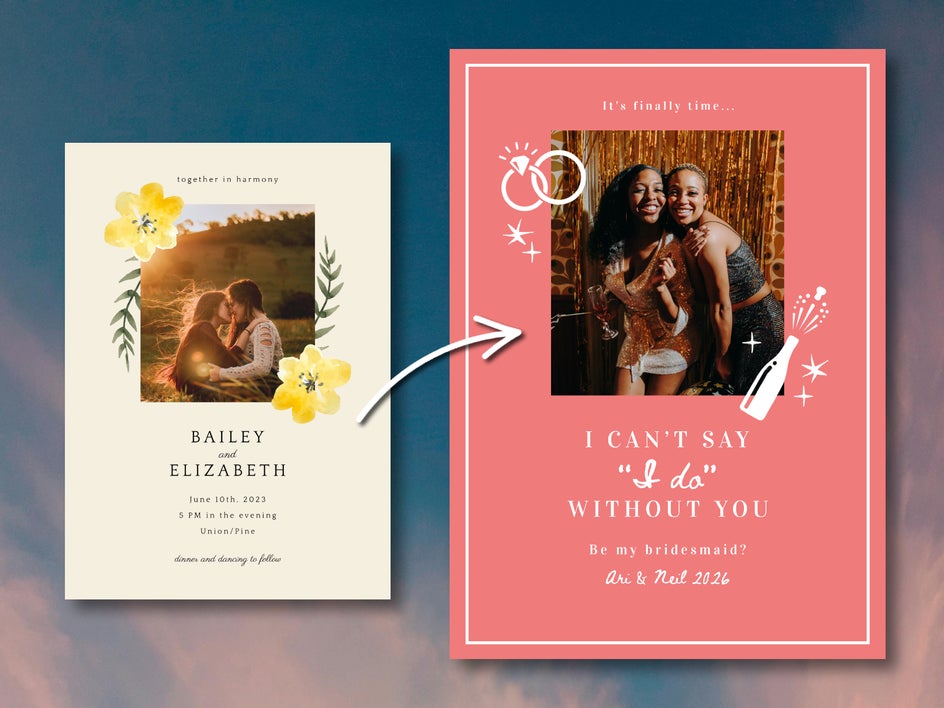
Design Inspiration for Your Bridesmaid Cards
With the Graphic Designer, there’s no limit to how creative you can get. Here are a few themed ideas to inspire your set of bridesmaid cards:
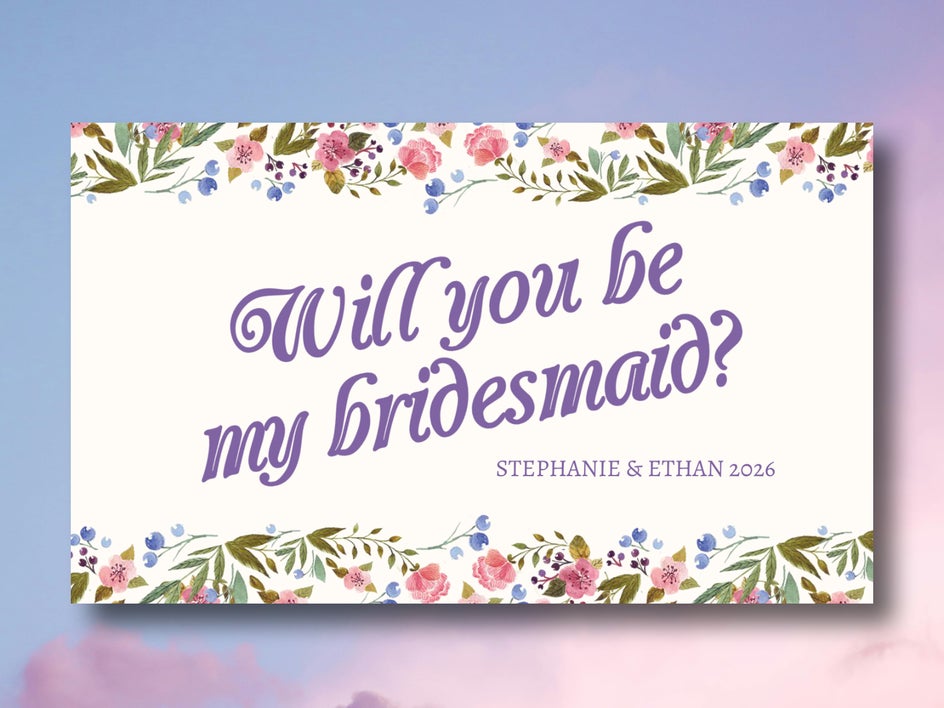
Floral & Romantic
Pastel tones and hand-drawn flowers never go out of style. These bridesmaid cards work especially well if you’re planning a garden wedding or anything nature-inspired.
Classic & Minimal
If you’re going for elegance, start with a minimalist wedding invite template to transform it into a sleek bridesmaid card. Simple layouts and plenty of negative space provide a clean, classic look.
Graphical & Bold
Play with bright colors, abstract shapes, and bold fonts for a more modern aesthetic. When using images, these wedding templates can be combined with Artsy effects to turn photos into pop art or paintings.
Ask the Big Question in Style
Asking someone to be part of your wedding day is beautiful and personal – your card should be too! Whether you want to make it a serious moment or add a dash of humor, get super creative or keep it simple, the Designer has a template to match your vision and the tools to bring it to life in minutes. Get started today and create a card they’ll want to keep forever with BeFunky’s wedding templates!