








Bring Your Children’s Book Ideas to Life With the Image Generator

Do you have a children’s book idea tucked away in your imagination, but find it tricky to picture what your setting or characters might look like? Perhaps you’ve imagined a curious little fox who discovers a magical key, a hidden village nestled among giant mushrooms, or an underwater adventure filled with colourful sea creatures. You can visualize snippets of the story in your mind, but putting those ideas into words (or explaining them to someone else) can be a challenge.
Thankfully, this is where BeFunky’s Image Generator can help. By turning text prompts into images, you can explore different interpretations of your characters, settings, and story moments, giving you a visual starting point as your ideas take shape. Whether you’re developing a character’s appearance or preparing to collaborate with an illustrator, generated images can help you explore possibilities and communicate your creative vision.
In this tutorial, we’ll show you how to use the Image Generator to visualise your children’s book ideas, experiment with different artistic directions, and gather your favourite concepts into a visual reference for your writing and creative process!
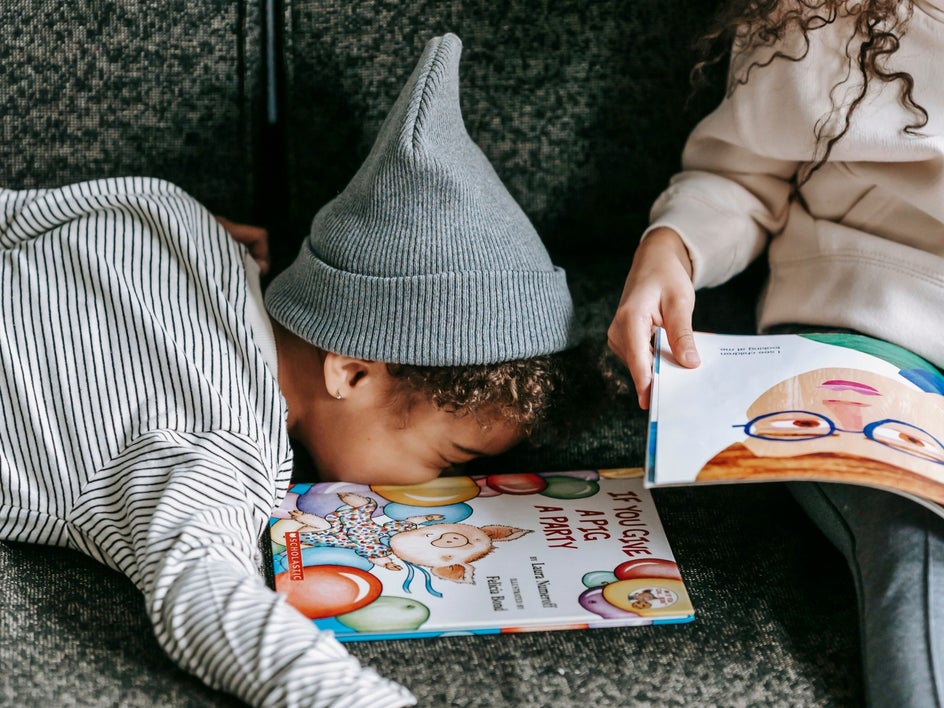
How to Visualize Your Children’s Book Ideas With BeFunky’s Image Generator
While narrowing down your visuals for your children's book might seem daunting, it doesn't have to be. Here's our 5-step process to move from a vague idea to a solid visual guide, using the Image Generator.
Step 1: Explore Your Story’s Characters
At the heart of every successful children’s story is a much-loved character. Before you settle on a particular design, it can be useful to explore how a character might look and how their appearance reflects their personality.
Start by jotting down a few ideas. Is your main character a brave little mouse or a dinosaur who’s afraid of the dark? Consider their distinguishing features, clothing, personality, and any objects they might carry. You don’t need to have every detail figured out. The goal is just to give yourself something to experiment with.
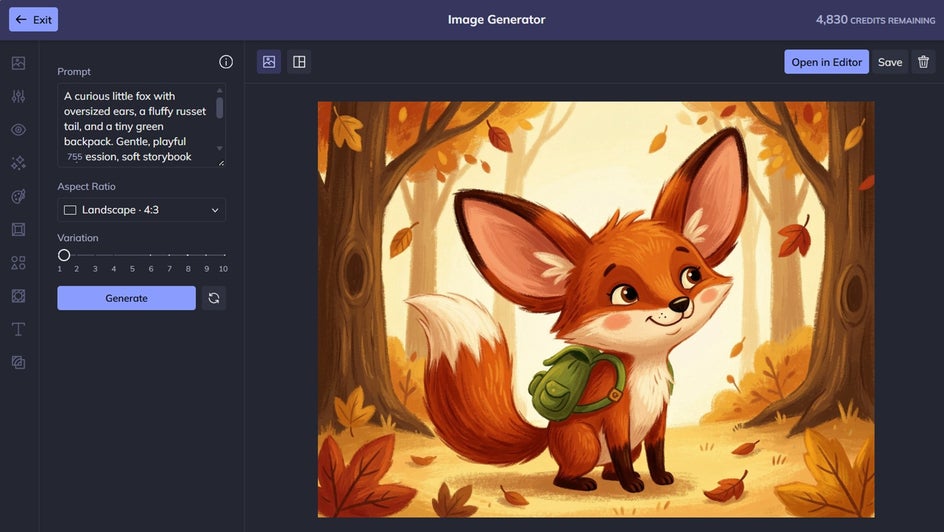
For example, imagine you’re writing a story about a curious fox who loves discovering hidden treasures. You could try a prompt like this:
A curious little fox with oversized ears, a fluffy russet tail, and a tiny green backpack. Gentle, playful expression, warm autumn colours, whimsical picture-book aesthetic, textured brushstrokes.
Step 2: Imagine the World Your Characters Live In
A story’s setting can influence its atmosphere, shape its plot, and inspire new possibilities for what might happen next. Visualising a location can help you think beyond the basics of where a scene takes place and consider the details that make the world feel unique.
Is your story set in a seaside town, enchanted forest, or sky-high city? Think about the mood you want to convey, along with the colours, textures, and any other small details that might make the location memorable.
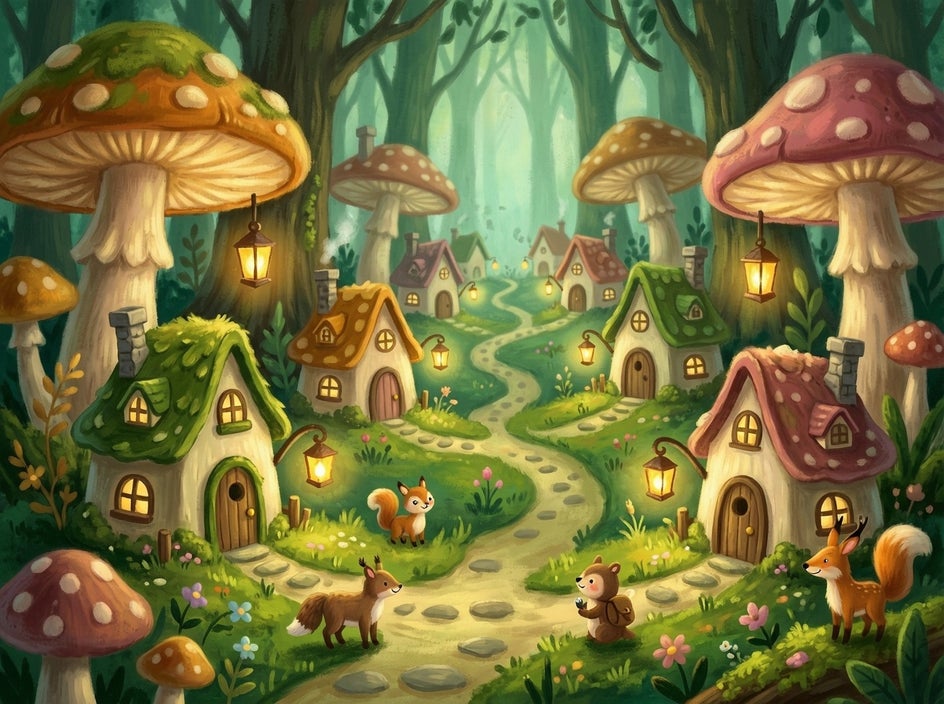
Here’s a prompt we experimented with to create a setting for our curious little fox:
An enchanting woodland village for a children's picture book, with tiny cottages nestled among enormous mushrooms, winding moss-covered paths, glowing lanterns, and friendly forest animals. Soft moss green, warm amber, and dusty pink, dreamy lighting, whimsical storybook atmosphere.
Step 3: Visualize Key Story Moments
Sometimes, the hardest part of writing a children’s book is imagining how a particular moment might unfold. You might know what needs to happen in the story but still be working out the details of the scene, the characters’ reactions, or the emotional tone.
The Image Generator can help you explore these moments visually. Describe the action, the setting, how the character feels, and any details you want to emphasise.
Let’s imagine the moment our little fox discovers a magical key beneath an ancient tree:
A small fox discovering a glowing golden key beneath the roots of an ancient tree. The fox leans forward with wide, curious eyes while tiny magical lights float through the air. Enchanted woodland at twilight, soft purple shadows, golden highlights, a sense of wonder and discovery.
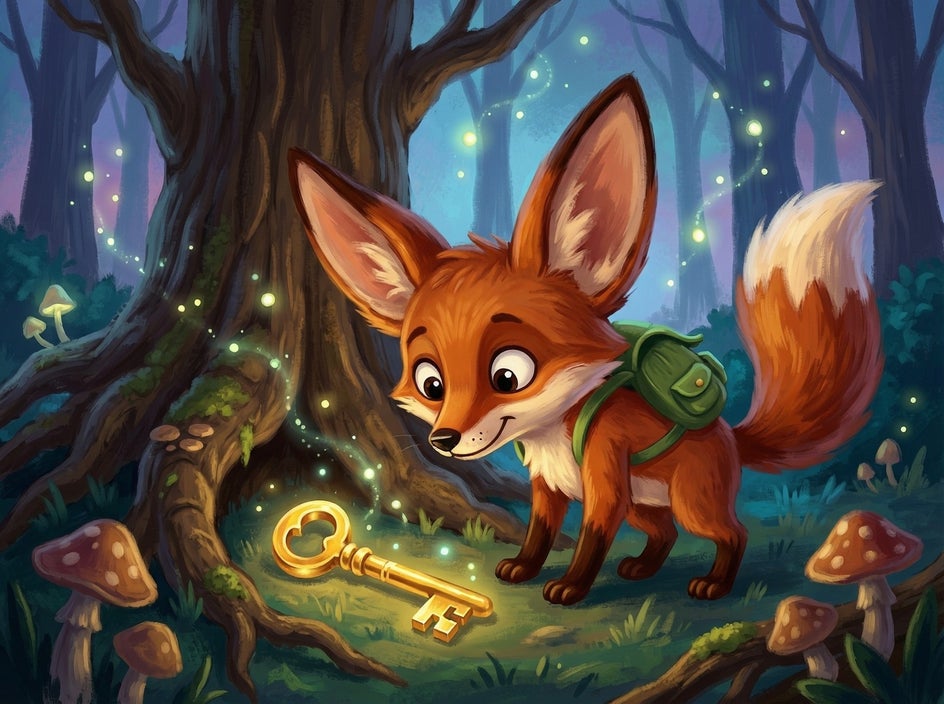
An image like this can give you a fresh perspective on the scene. It might help you picture the character’s reaction, think about what they notice first, or imagine what the discovery leads to next. You can also explore different versions of a moment to consider how changes in mood or setting might affect the story.
Step 4: Experiment With Different Artistic Styles
You don’t need to know exactly how your book should look before you begin. In fact, exploring different visual directions can be a useful way to discover what best suits the story.
A gentle, painterly aesthetic might complement a bedtime tale, while bold shapes and bright colours could suit a lively adventure. By adjusting the wording in your prompts, you can explore different approaches and compare how they change the mood of a character or scene.
Try generating the same scene with different colour palettes, lighting, textures, and stylistic descriptions. You might discover a direction you hadn’t considered, or confirm that the visual approach you first imagined is the right fit.
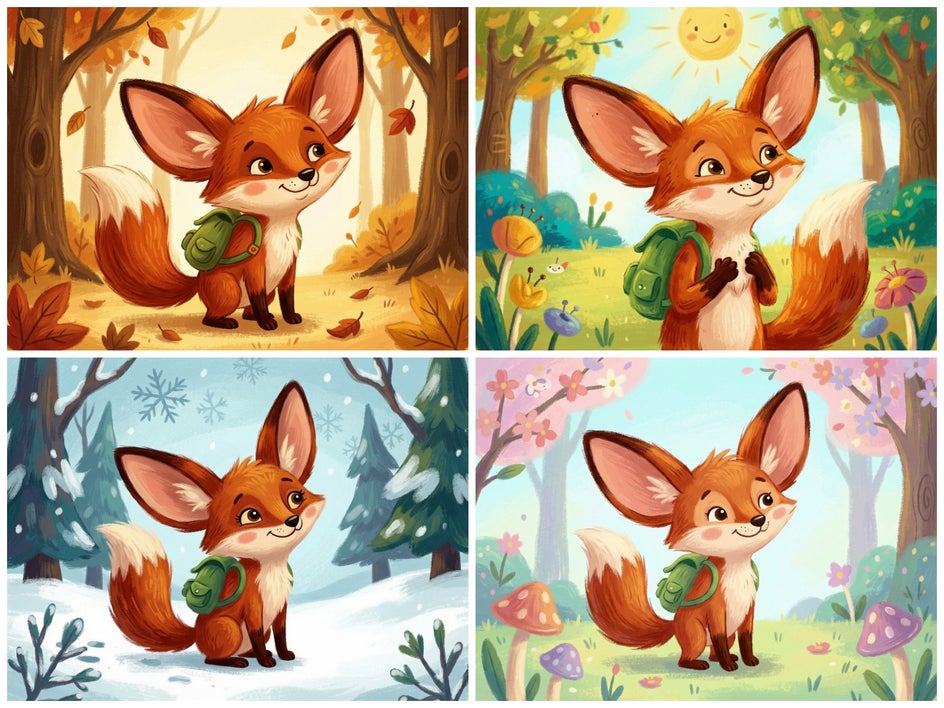
Save the images that capture the feeling of your story, even if they aren’t exactly what you had in mind. A collection of visual references can help you articulate what you like and what you’d like to explore differently when discussing the project with an illustrator.
Step 5: Create a Visual Reference for Your Story
Once you’ve explored a few characters and scenes, bring your favourite images together into a mood board. Seeing all of your ideas at a glance can help you spot recurring colours, themes, and details, giving you a clearer picture of the storybook world you’re developing.
The Graphic Designer lets you create a custom mood board layout with image groupings, colour swatches, notes, and more.
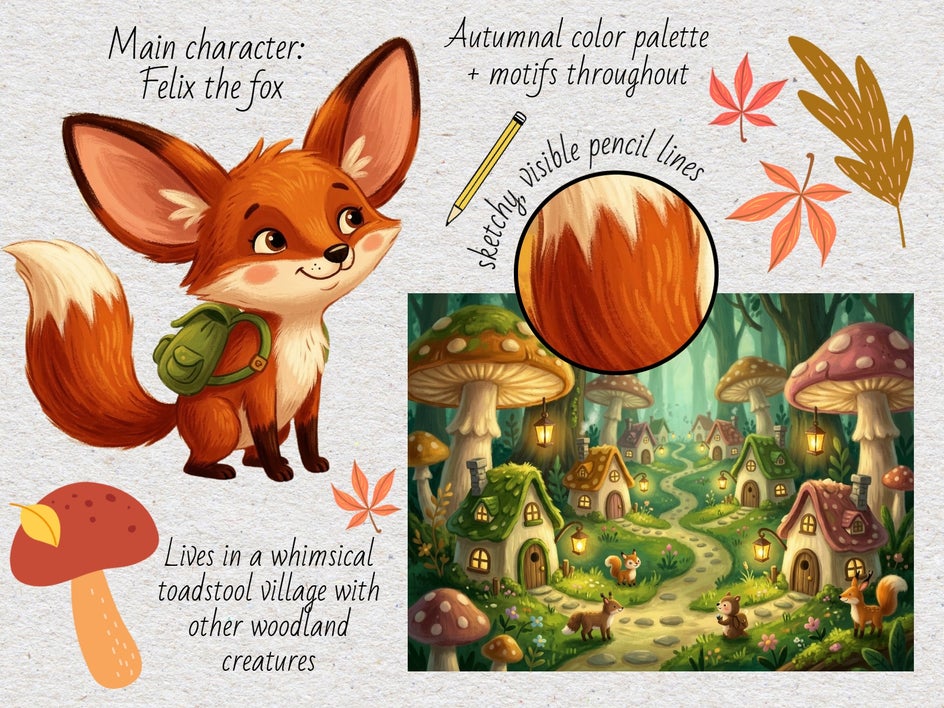
This reference can be useful while writing, helping you keep track of your ideas as the story develops. It can also become a starting point for conversations with an illustrator, giving them a better understanding of your characters, locations, and the atmosphere you want to create.
Focus on the ideas you want to communicate rather than trying to create a finished design specification. A good reference board captures the direction of your thinking while leaving room for an illustrator’s interpretation, expertise, and creative input.
Children’s Book Inspiration: Other Visual Ideas to Explore
Want to start generating illustration ideas for a children’s book, but not sure where to begin? Here are a few ideas to get your creative juices flowing!
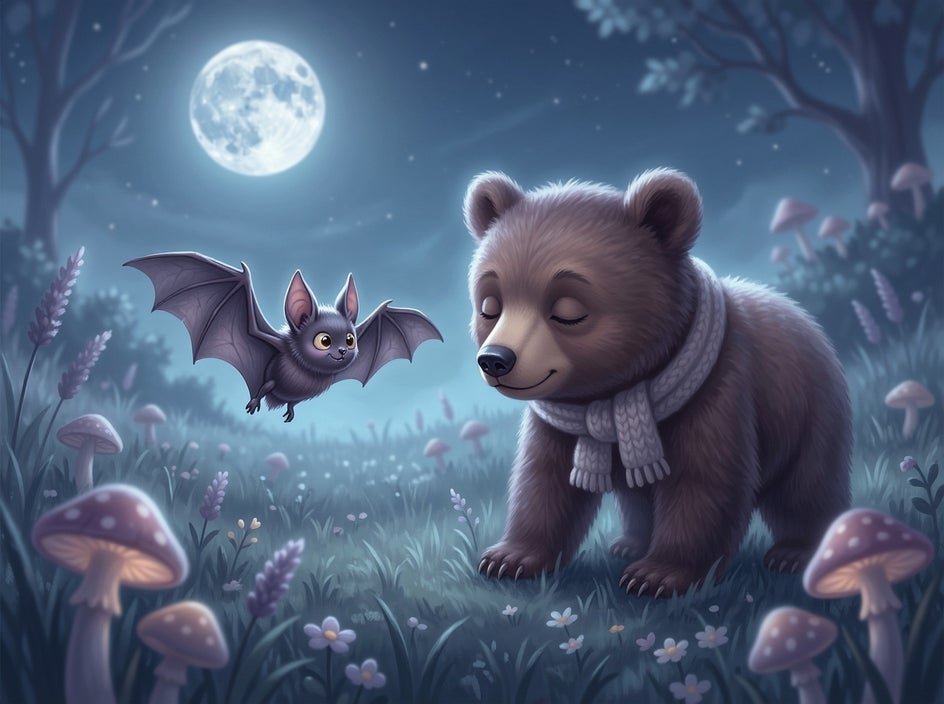
A Bedtime Adventure
Imagine a sleepy bear wandering through a moonlit meadow, meeting friendly night-time creatures along the way. Explore soft blues, muted purples, and gentle lighting to create a visual atmosphere that feels as soothing as a lullaby.
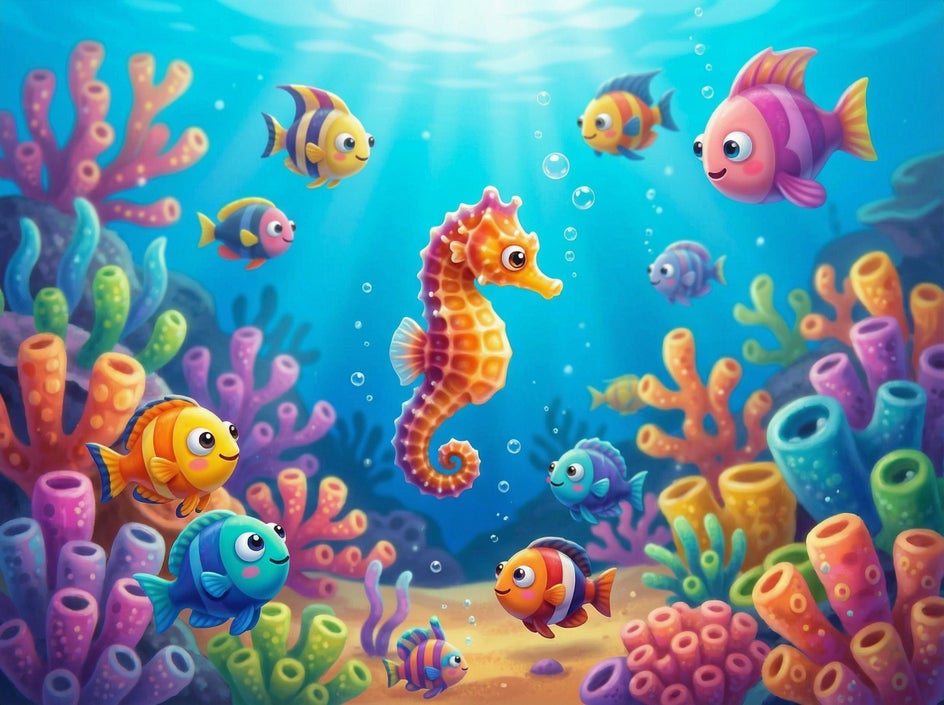
A Colourful Underwater Quest
Picture a tiny seahorse searching for a missing pearl in a vibrant ocean world. Experiment with coral reefs, unusual sea creatures, and playful shapes.
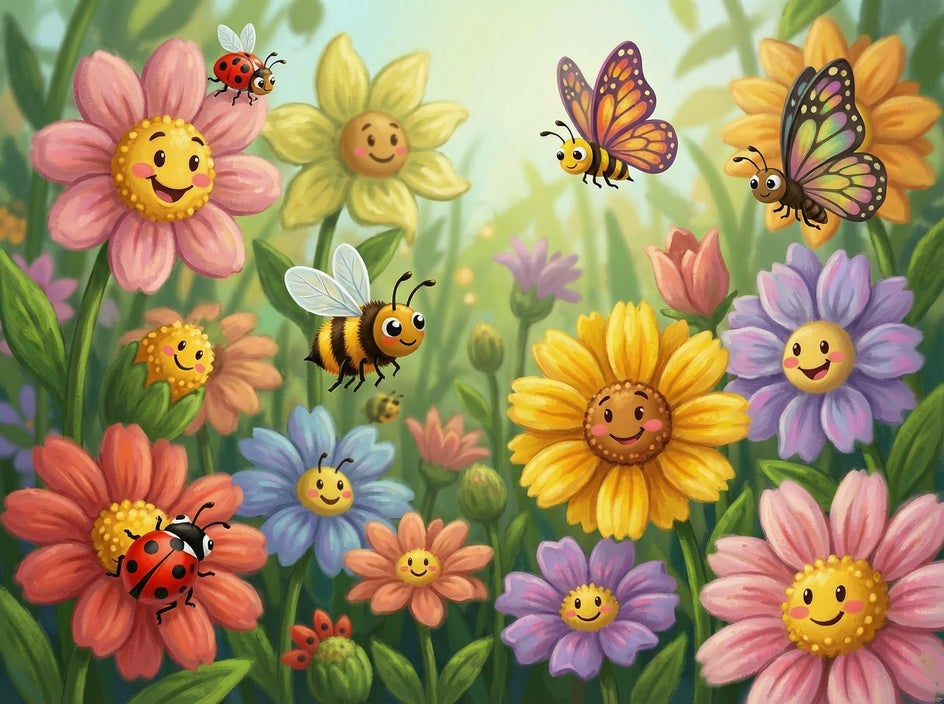
A Story About Everyday Magic
What if the flowers in a child’s garden could talk? Visualise a familiar backyard filled with expressive flowers and adorable bugs. Kids love when ordinary settings become magical.
A Note on Character Consistency
AI-generated images are wonderful for exploring creative possibilities, but there’s one important thing to keep in mind when developing illustrations for a children’s book: keeping a character consistent across multiple images can take extra refinement.
Even if you use the same character description in every prompt, the generated images may differ in details such as facial features, proportions, clothing, or colours. Your little fox might have a slightly different face in one scene or a different shade of fur in another.
To help maintain a consistent direction, reuse a detailed character description and refer back to your favourite concept images when developing new prompts. Be specific about the details that matter most, and compare each result with your original reference.
It’s also worth remembering that AI-generated images don’t automatically form a polished, publication-ready set of illustrations. If you plan to publish your book, a professional illustrator may be able to develop a definitive character design and adapt it consistently throughout the story. Your generated images can still be valuable references for communicating your ideas, preferred colours, and overall artistic direction.
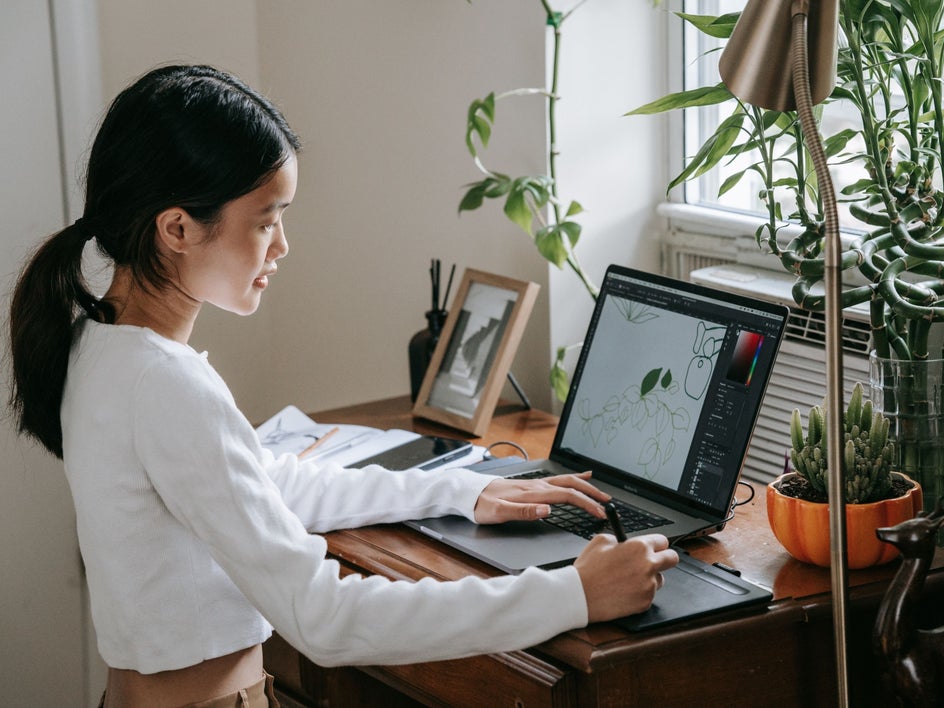
Bring Your Children’s Book Ideas to Life
Use BeFunky’s Image Generator to explore your characters, imagine new worlds, and visualise key moments as your children’s book takes shape. These images can spark ideas, help you work through tricky scenes, and give you a starting point for developing your story.
Once you’ve found concepts you love, bring them together in the Graphic Designer to create a visual reference for your project. It’s a simple way to clarify your creative vision and share your ideas with an illustrator as your story develops.
Ready to get started? Check out the Image Generator in the Photo Editor today!