









Celebrate Anything With Instagram Story Templates
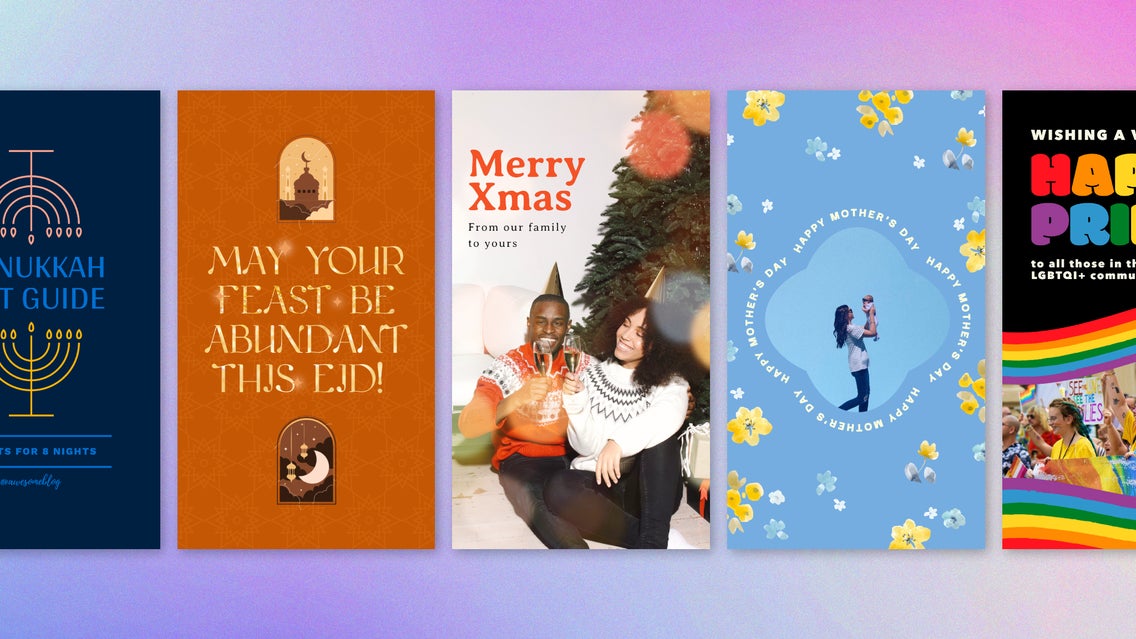
Celebrating holidays and important moments on Instagram is one of the simplest ways to connect with your audience throughout the year. Topical content makes your posts more relevant and shareable, boosting engagement and strengthening your social media presence. But important occasions arrive quicker than you might think, and it can be easy to fall behind on your content calendar. This is where BeFunky’s Instagram templates come in. Using these easily customizable templates, you can show up for every occasion while also saving hours of time on design.
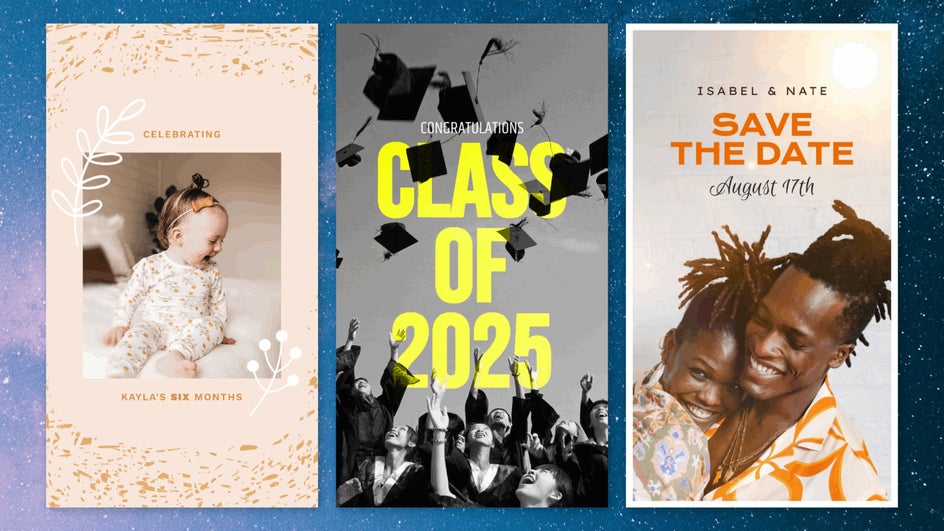
In particular, Instagram story templates make it easy to celebrate important moments without cluttering your feed. With story designs for every major holiday – as well as for special occasions like graduations, weddings, baby milestones, and personal or brand achievements – you’ll never be scrambling to post when the next celebration rolls around.
How to Customize Instagram Story Templates for Any Occasion
Creating an engaging Instagram story from a template in the Graphic Designer is simple. Here’s how to do it in just a few clicks.
Step 1: Choose an Event Template
To get started, head over to our Instagram story templates and browse the curated template library. Here you’ll find templates for every occasion under the sun. This includes MLK Day, Valentine’s Day, Ramadan, Pride Month, graduation, weddings – you name it! Some are best for greetings and personal posts, while others are great for sales and promotions.
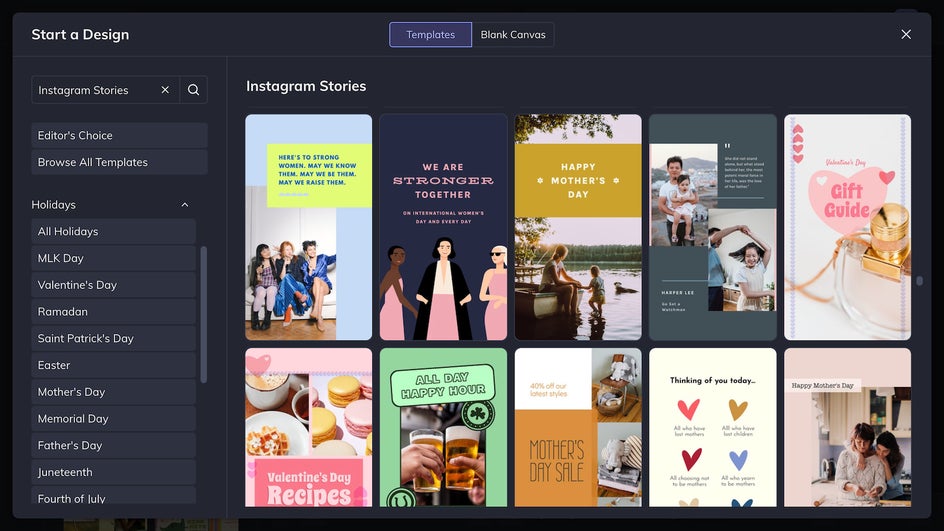
You can also browse templates by holiday in the left-hand sidebar or use the search bar to find what you’re looking for.
Step 2: Customize Your Story
Once you select a template, you’ll enter BeFunky’s Graphic Designer with your layout pre-loaded. From here, it’s a few easy clicks. First upload your images to the Image Manager.
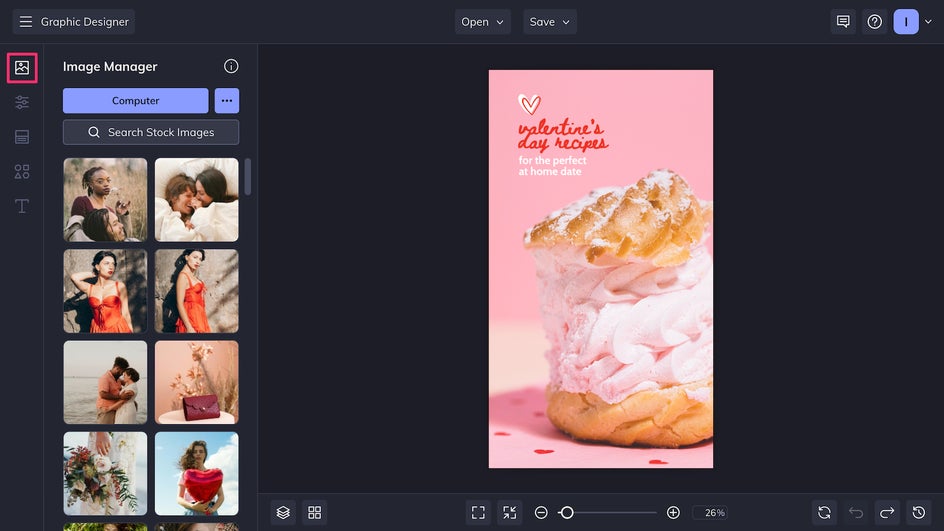
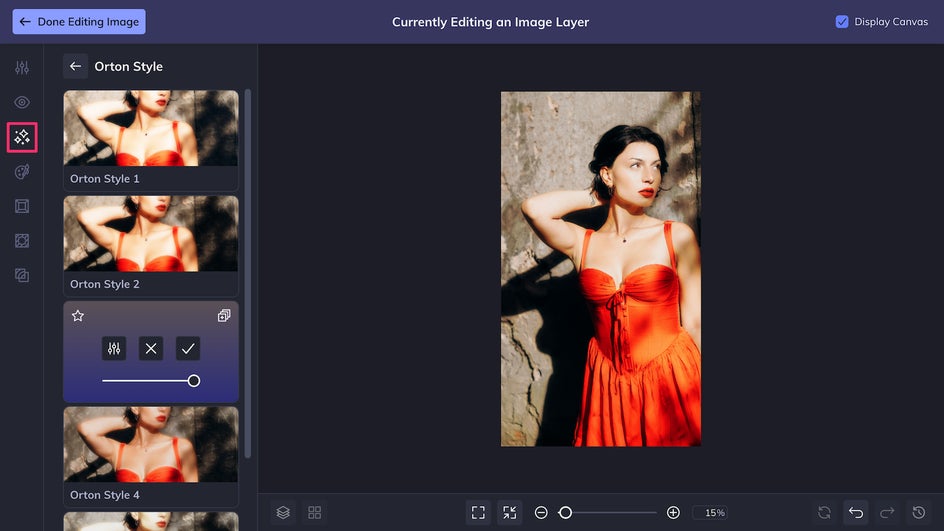
If you want to fine-tune an image, just click and select Edit Image to enter the Photo Editor right from the Designer.
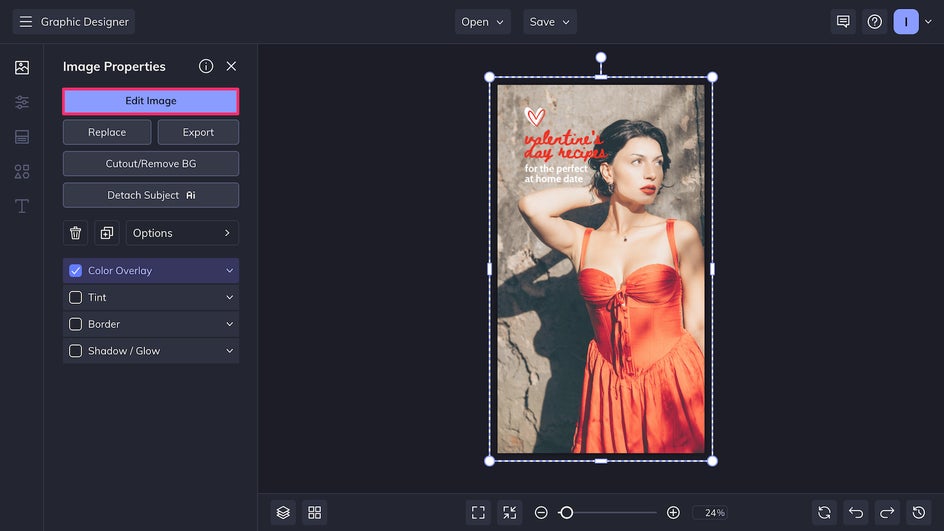
Here you can adjust brightness and colors, add a toning filter, use Artsy effects to make your photo look like a painting, and more. Here we’re adding an Orton Style effect for a soft, dreamy glow. Just click Done Editing Image to head directly back to your canvas.
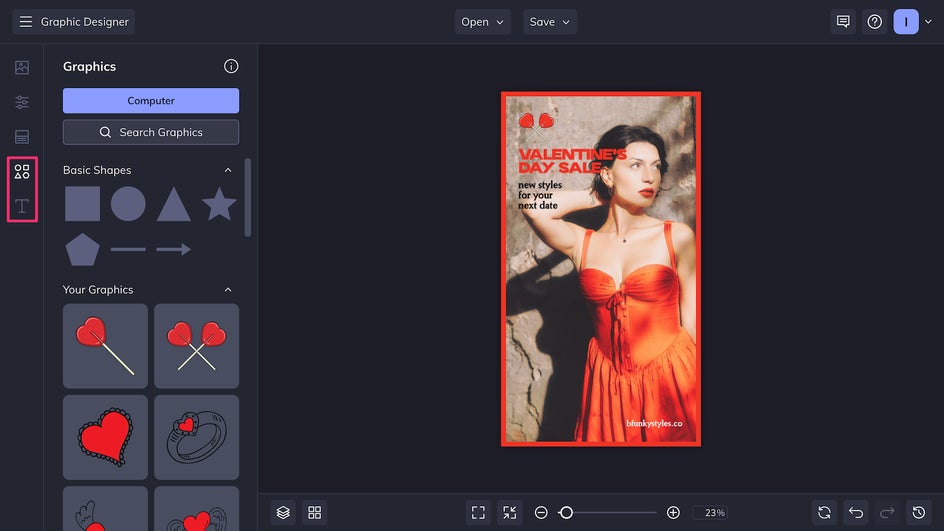
Next, update the existing text with the Text tab and adjust or replace graphics in the Graphics tab. Click on any text or graphic element to change its color.
Step 3: Save and Post
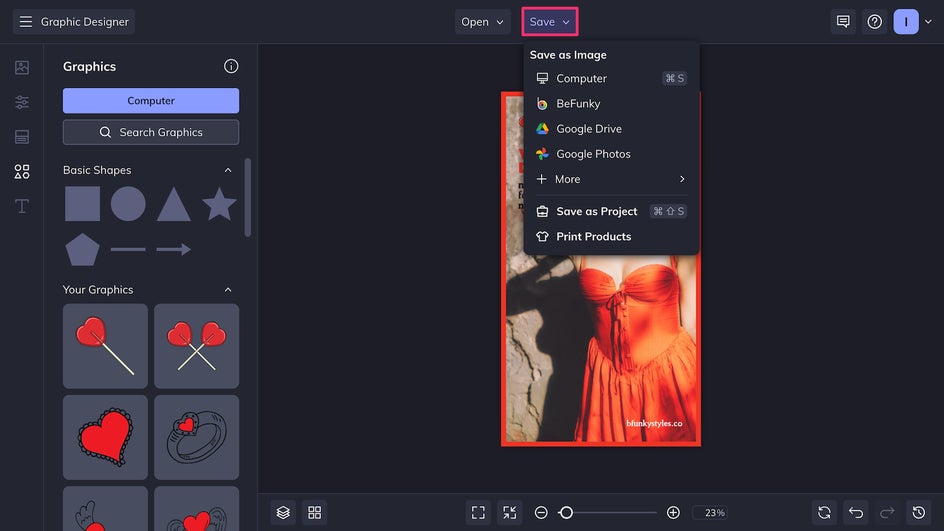
Finally, click Save at the top of the canvas and export your design as a high-quality PNG for the best digital results.
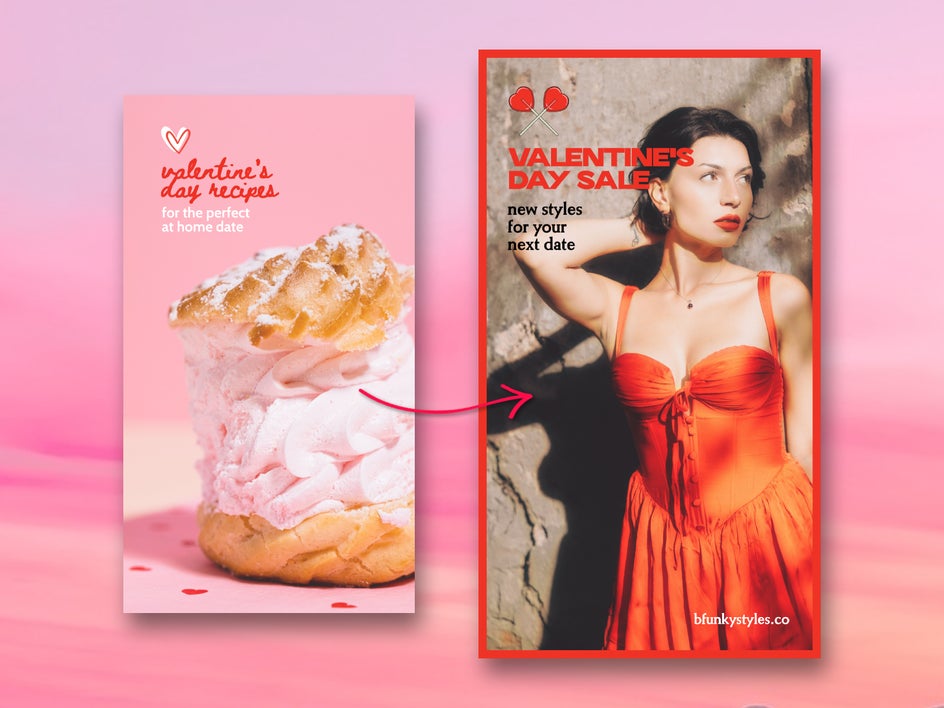
Your celebratory Instagram story is now ready for posting immediately, or it can be scheduled for later if you’re planning your content calendar ahead of time.
Celebration Inspiration for Your Next Instagram Story
It can be easy to post stories out of a sense of obligation rather than a spirit of celebration. But with hundreds of templates and unique creative tools, the Graphic Designer keeps things interesting for both you and your audience. Here we’ll explore a few standout Instagram story template categories and how you can use Graphic Designer and Photo Editor tools to take your design even further.
1. Festive & Bright
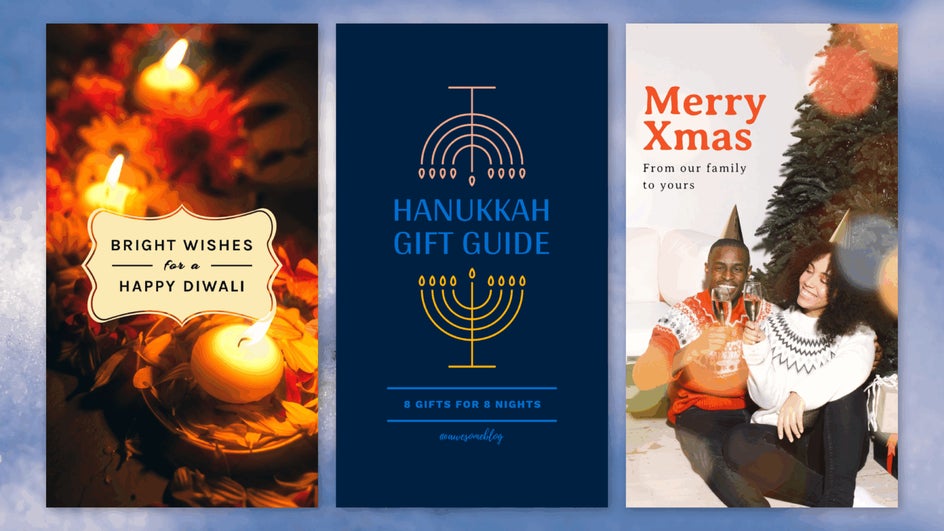
If your favorite part of the year is the sparkle and light of the winter season, you’ll love Instagram story templates made for Diwali, Hanukkah, and Christmas. Add a Glow effect or Bokeh texture in the Photo Editor for even more cozy contrast.
2. Spring Celebrations
BeFunky’s Easter templates include playful florals, pastel color palettes, and hand-lettered text. Enhance photos with an Artsy effect like Watercolor GFX 1 for a creative and whimsical touch.
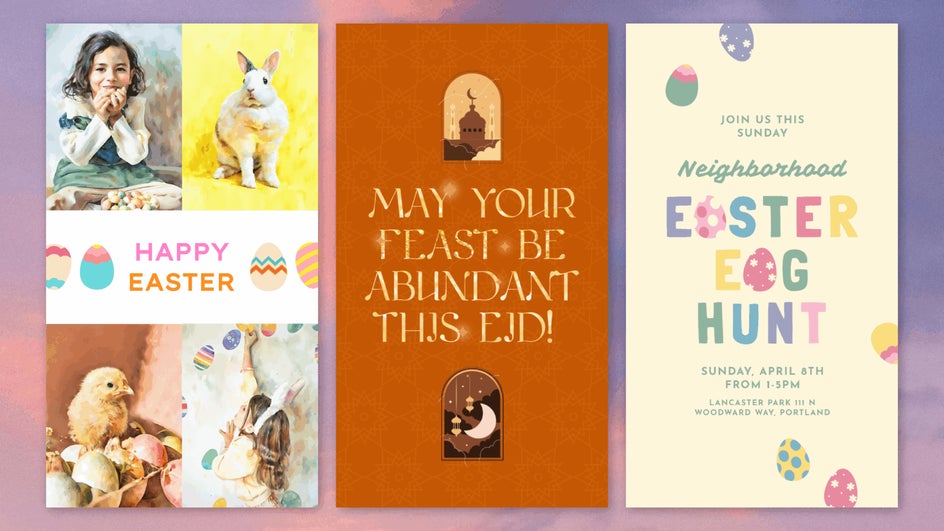
Ramadan and Eid al-Fitr templates feature crescent moons, lanterns, and geometric patterns for sharing well wishes. You can even add glitter or gold foil to text with our Clipping Mask tool to make your greetings pop.
3. Pride Month
These Pride templates are all about bold color, self-expression, and joyful visibility. Whether you're spotlighting events, sharing personal stories, or simply showing your support for the community, these layouts make it easy to stand out.
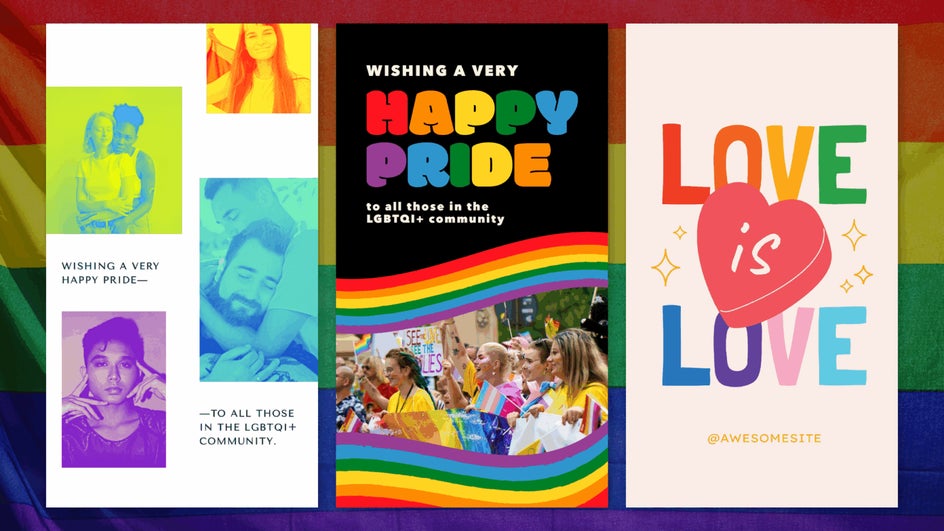
Upload your favorite photo and use the Vibrant Colors DLX tool to make bright colors pop. For something even more unique, you can use the Pop Art or United Colors effects for a high-impact, graphic look.
4. Mother’s & Father’s Day
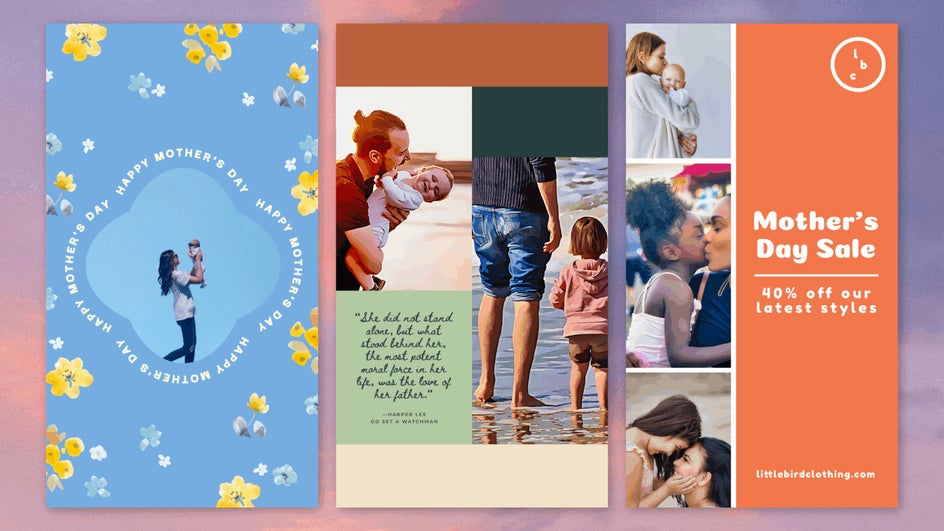
Celebrate all that mothers do for us with floral Instagram story templates that are full of heartfelt charm. Upload a favorite photo and use the AI Portrait Enhancer to brighten and soften your portrait without overediting. For Father’s Day, bold and colorful templates pair well with the Cartoonizer for an eye-catching greeting.
5. Milestones & New Beginnings
BeFunky’s lineup of celebration templates doesn’t stop at the calendar. You can also find templates for graduations, weddings, baby milestones, and announcements like reaching 100k followers. Make wedding and engagement photos more romantic with Lens Flares or add a soft, dreamy haze to baby photos with Funky Focus.
Make Every Occasion Memorable With Instagram Stories
There’s always something to celebrate, and BeFunky makes it easier than ever to share and connect over annual events. With themed templates for every occasion, quick access to advanced photo editing tools, and a flexible design interface that works right from your browser, your celebration content can look like it was designed from a pro – no matter how much experience you have. From Saint Patrick’s Day to Season’s Greetings, the right template is waiting. Start designing an Instagram story for your next celebration today!




