Cartoonize Your Design Projects With BeFunky

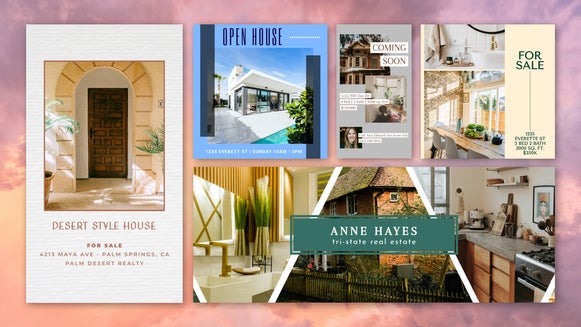
With BeFunky’s Cartoon effects, turning any photo into a cartoon is as easy as a single click. It’s the perfect tool for creating cartoon portraits and elevating pet photos into eye-catching works of art. But did you know that the Cartoonizer can also be accessed directly from the Graphic Designer to add a unique twist to design projects like greeting cards, wall art, and social media posts?
The process is simple: Just load up one of the Designer’s premade templates, insert your own image, and then use the in-platform Photo Editor to apply an instant cartoon photo filter to the image. There’s no need to export any files or even switch tabs – everything can be done in one place with a host of intuitive design and editing tools. You can then share your designs online, print them at home, or have them professionally printed.
Ready to use Cartoon effects to take your design projects to the next level? Here’s how to get started!
How to Cartoonize Photos in the Graphic Designer
First, open up the Graphic Designer and pick a premade template to customize. You’ll find tons of different templates for all your design needs, from postcards to social media stories. Here we’re going to create an anniversary post using one of our Instagram post templates.
Step 1: Add Photo to Any Design Template
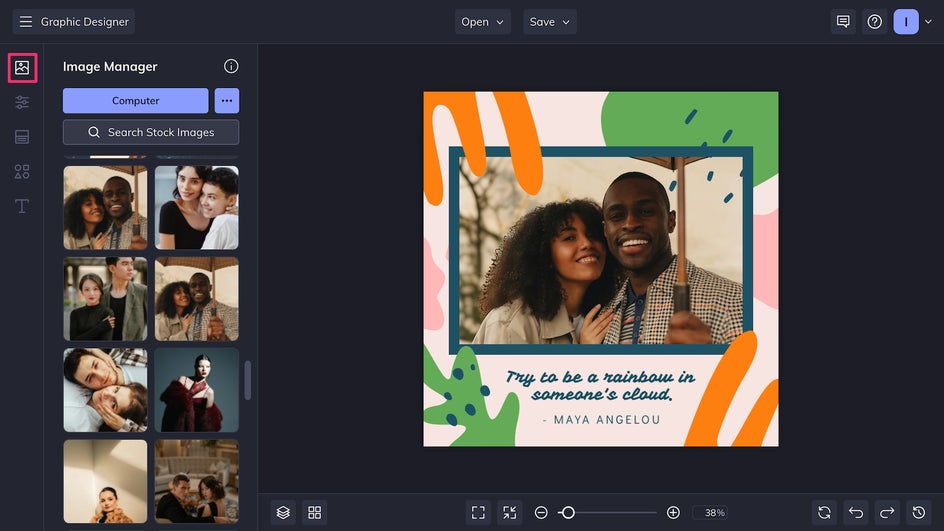
Once your chosen template is open, select a photo and upload it to the Image Manager. Cartoon effects work particularly well with selfies, portraits, and pet photos, but can also be used to enhance landscapes and backgrounds for your design project. Drag and drop your photo onto any placeholder image to replace it.
Step 2: Turn Your Photo Into a Cartoon
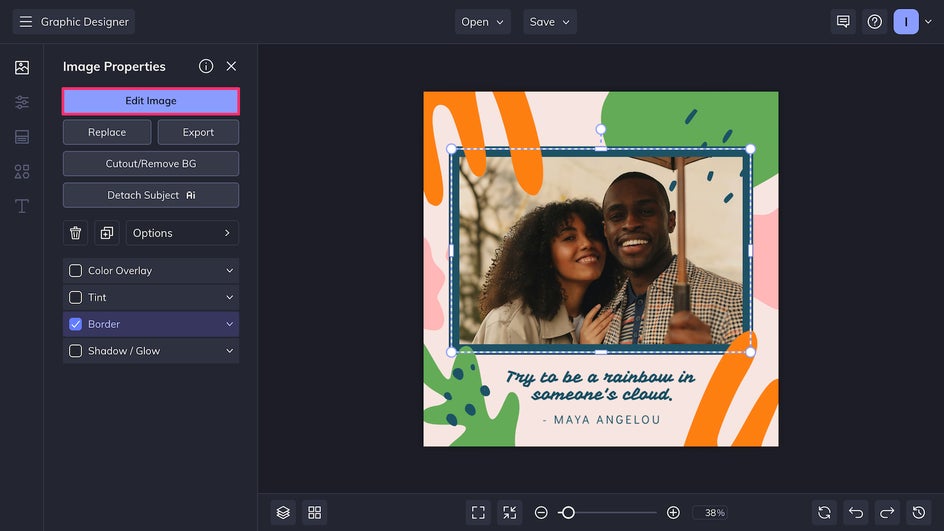
After adjusting the placement, click on the photo and select Edit Image to be brought directly to the in-platform Photo Editor. This gives you access to hundreds of photo editing tools without ever needing to leave the Designer.
You’ll find all our cartoon and comic-inspired styles in the Cartoon category of the Artsy tab – or, check out the Cartoonizer category for our classic collection of photo to cartoon effects. Here we’re using Cartoonizer GFX 1, which uses AI to turn any photo into a cartoon in just one click. You can leave the effect as is, or click the Settings button to customize it further.
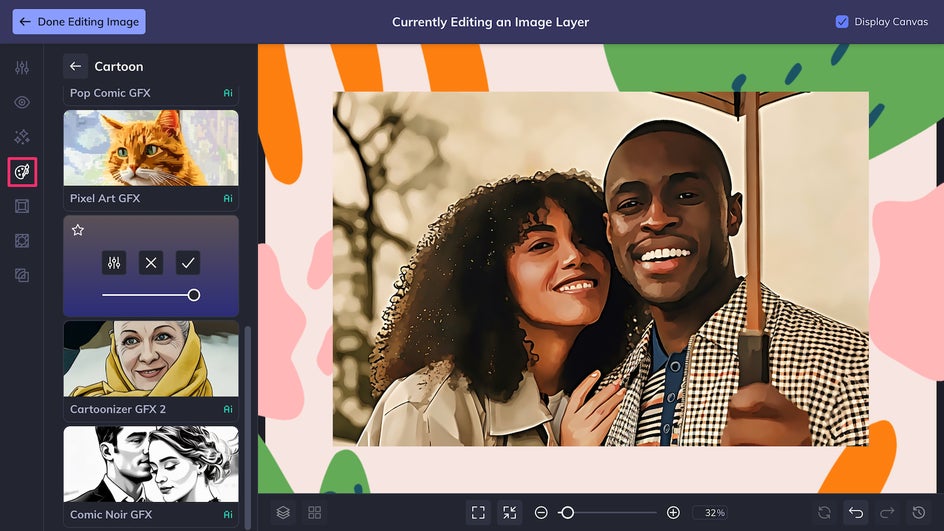
Here, you can tweak Sharpness as well as Fidelity, which affects how closely the Cartoonized result will resemble the original photo. The Variation slider can be used to get slightly different variants of the effect.
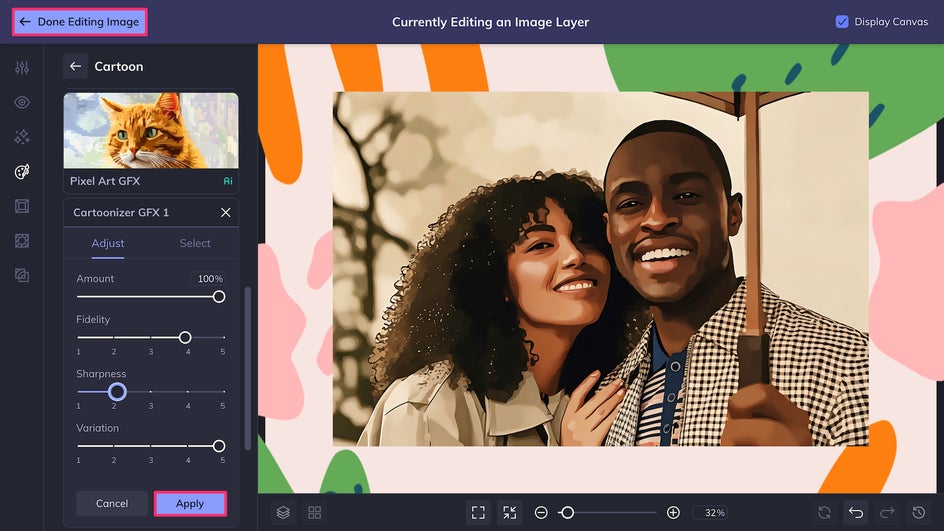
Once you’re happy with the adjustments, click Done Editing Image to seamlessly return to the Designer.
Step 3: Finish Customizing Your Design
Now it’s time to personalize this template and make it your own. If needed, adjust the canvas background color in the Customize tab. Select any text box to edit the content or change the style. Replace the template artwork using BeFunky’s graphics library, or click on an existing vector graphic to change its color.
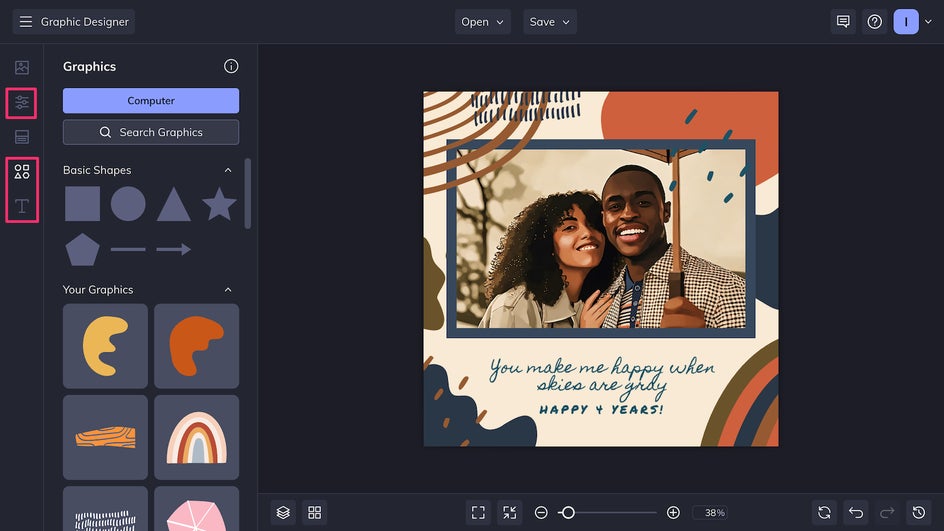
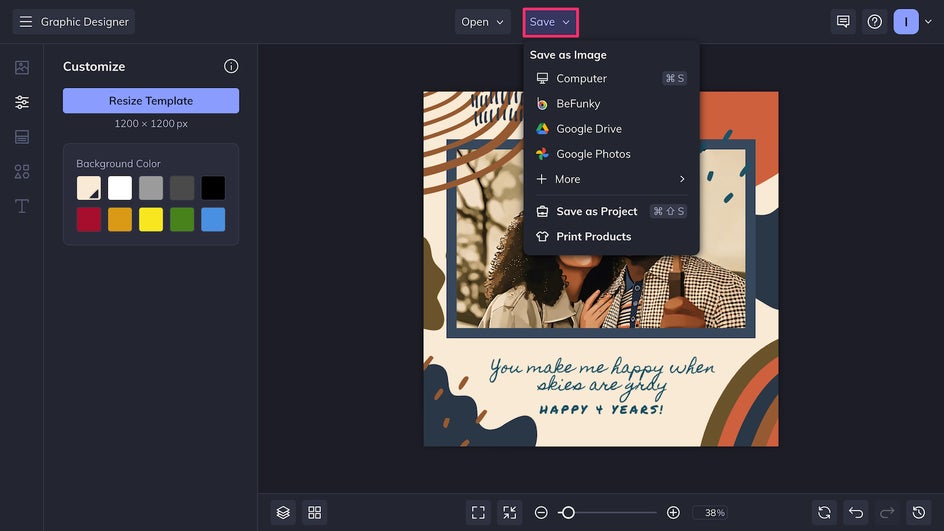
In just a few clicks, our design is ready to save! Click Save at the top of the canvas to export the file as a high-quality PNG for digital sharing, or a print-quality PDF if you plan on using it as a poster, card, or other printed piece.
With a few simple changes to this social media template, we’ve made this design our own. It would make a great Instagram post even without photo edits – but the Cartoonizer effect takes it to the next level!
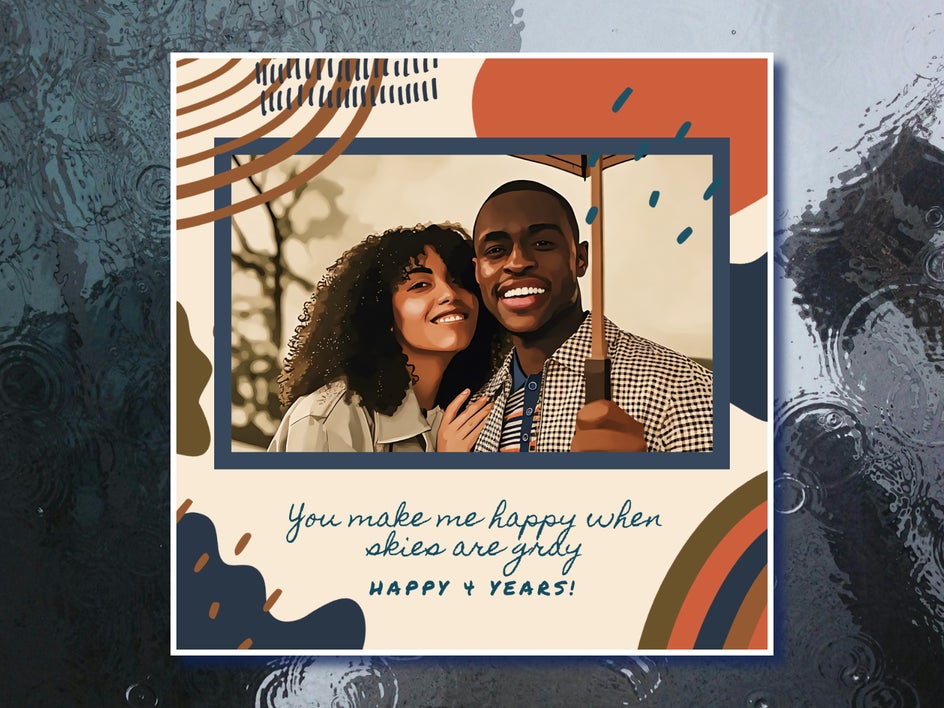
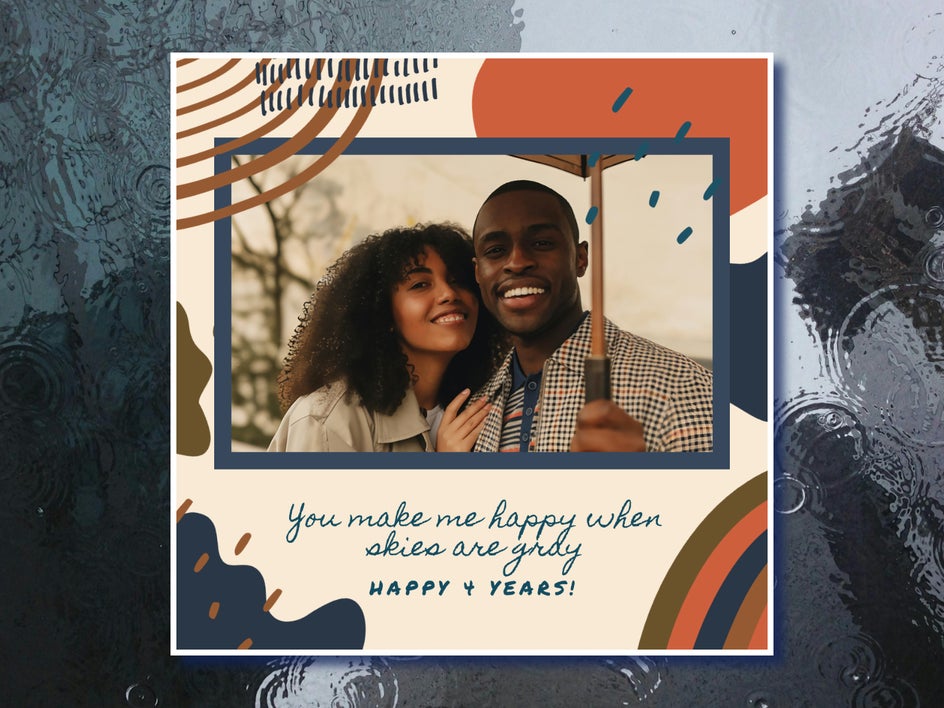
Photo to Cartoon Design Inspiration
There are so many different ways to use Cartoonizer, it can be hard to know where to start. Here are just a few ideas on how to combine Cartoon effects with Graphic Designer templates to elevate your next project.
Greeting Cards
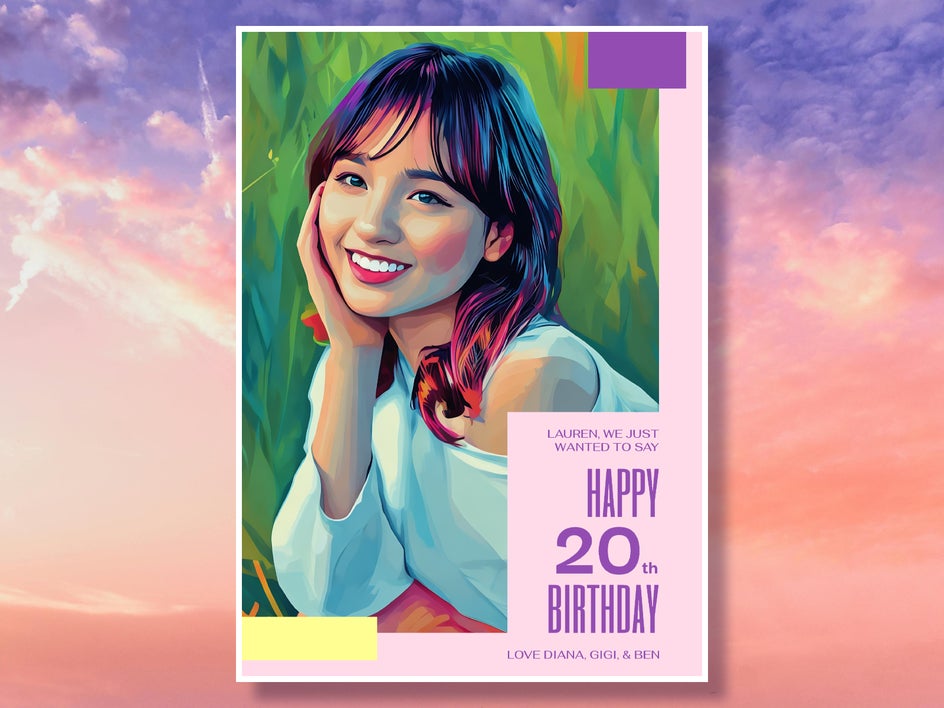
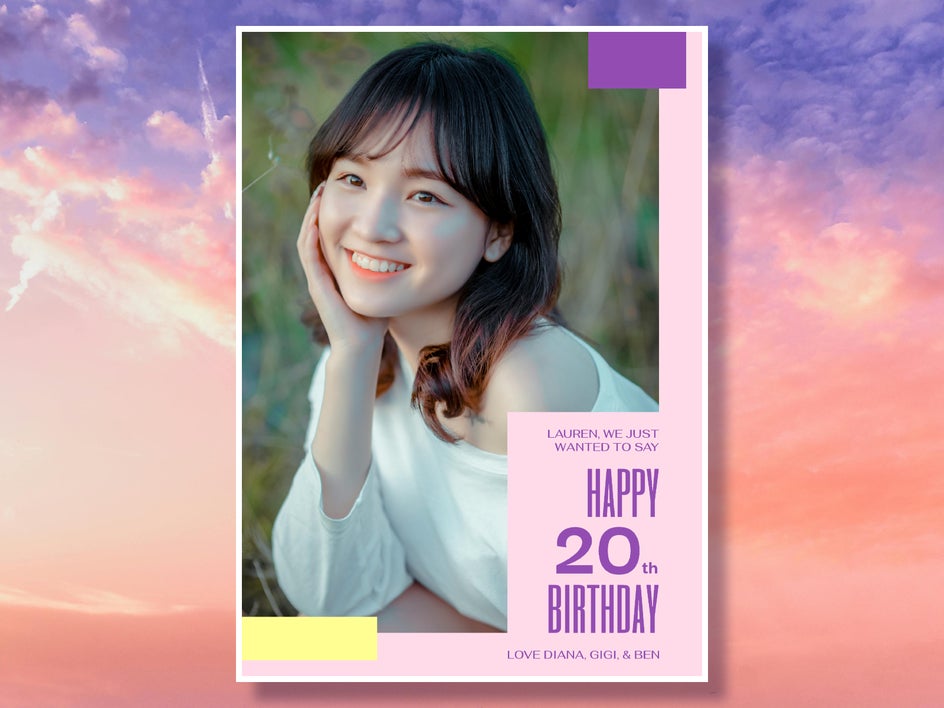
Combine Vector Pop GFX with a birthday card template to create a funky pop art card for a loved one’s birthday, or use the Vintage Comic GFX effect to add illustrated charm to a holiday card.
Posters and Wall Art
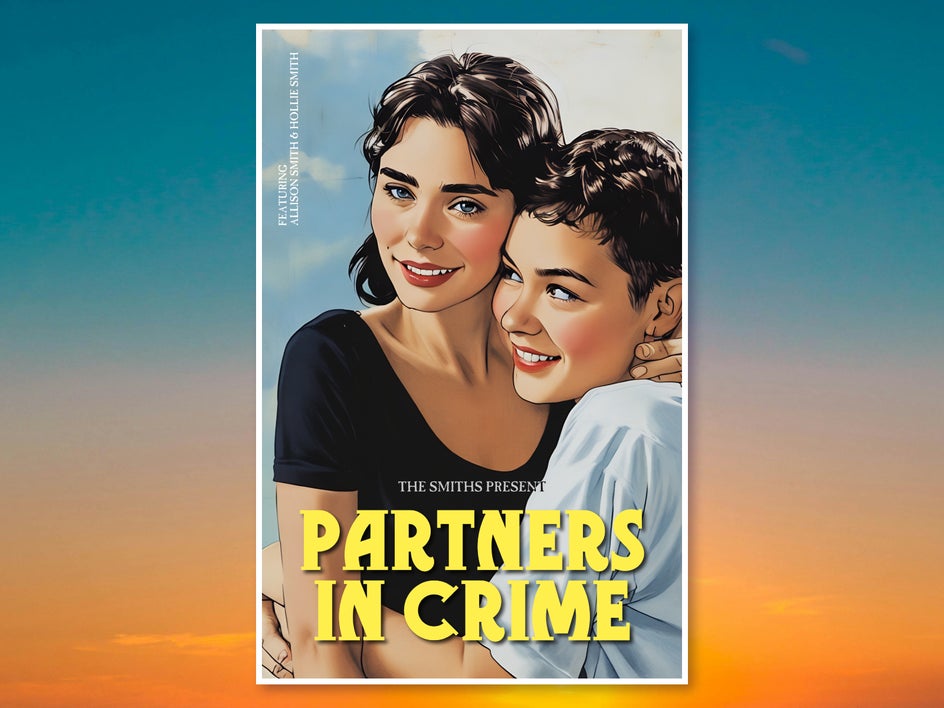
Recreate the style of vintage movie posters – featuring your own friends and family – by combining Vintage Comic GFX with bold font pairings. These make for perfect gifts and home decor. You can also use Cartoon effects for marketing purposes and make event posters stand out!

Unique Pet Portraits
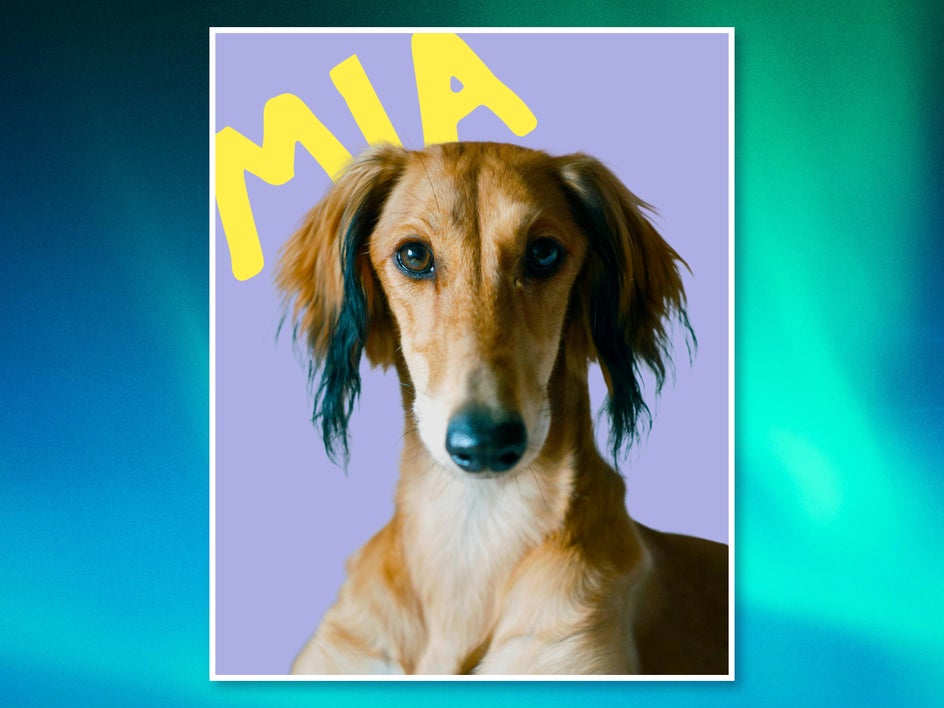
Use one of our Cartoon effects like Vector Painting GFX to create a pet portrait that can be used for wall art, mugs, cards, and more. It’s a great way to show off a favorite photo of your furry friend.
Cartoonize Design Projects in Seconds With BeFunky
Turning photos into cartoons is easy with BeFunky’s one-click Cartoon effects – and with hundreds of professional templates at your fingertips, you can take it one step further and turn any Cartoonized photo into a full-fledged design. Cartoonize your own project today in the Graphic Designer!