









Results for "photo editing tutorials"
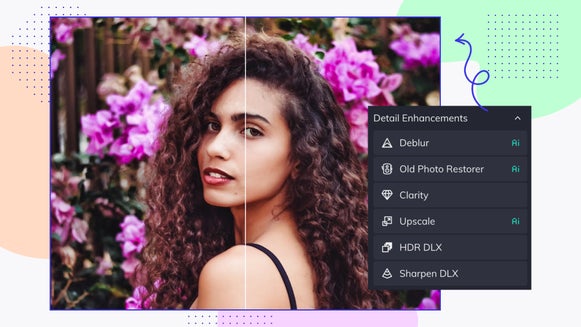
Learn the Basics of Detail Enhancement in BeFunky’s Photo Editor
With our Photo Editor’s Detail Enhancements tab, you can fix common…

How to Reshape Photos With the Slimming Tool
The Slimming tool is very versatile and can be used to achieve unique results. Find…

How to Tilt, Rotate, Flip and Straighten Photos for Free
The Tilt and Rotate tools allow you to rotate, tilt, flip, and straighten photos in…
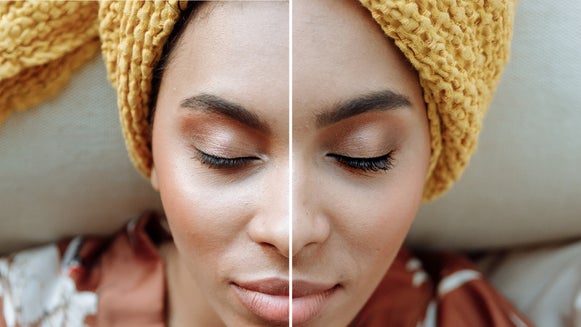
Get Bold, Beautiful Lashes With the Mascara Tool
Luscious lashes are just a few clicks away with BeFunky’s Mascara tool…
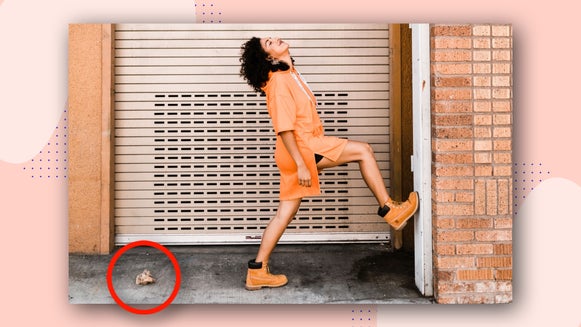
How to Remove an Unwanted Object From Your Photo With the Clone Tool
Remove unwanted objects, fill gaps, and get convincing results…
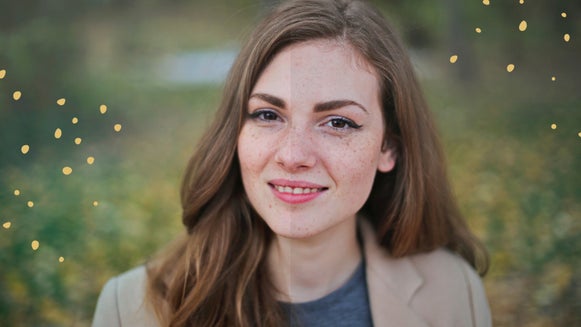
Beautify a Photo Online With a Single Click
Enhance your photos in a single click with the Beautify tool…

How to Balance Photos With the Levels Tool
Enjoy a new level of control over exposure in your photos…
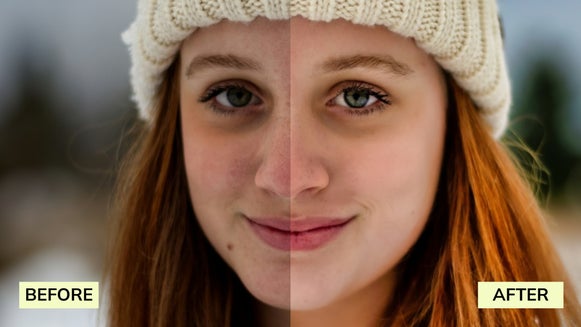
How to Remove Blemishes From Photos
Learn how to erase blemishes and let your confidence shine…
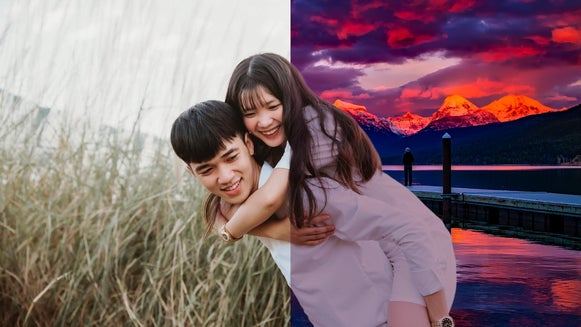
How to Remove Backgrounds From Your Images With the Background Tool
Change the scene of your photos by erasing backgrounds, adding tints, and more with…
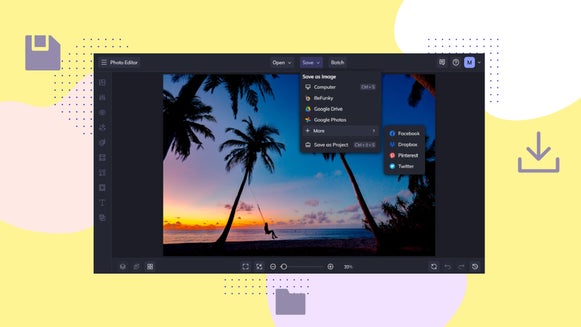
How to Save Your Photos in BeFunky
Store photos to Facebook, Dropbox & more. The choice is yours…
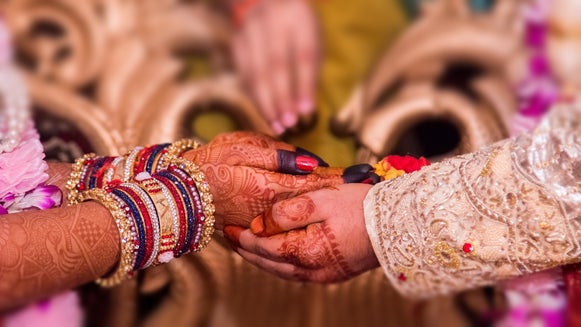
Find Your Focus With Funky Focus
Add depth to your photos by changing your focal point with BeFunky’s Funky Focus…

Master the Paint Brush Tool: Selective Photo Edits Made Easy
Whether you’re retouching a photo or you just want to draw on it, BeFunky’s NEW…


