No Darkroom Needed: Create Photo Negatives Online

Before the age of digital editing, photographers spent countless hours in darkrooms transforming strips of film into prints. The very first stage of that process, the photo negative, wasn’t meant to be the final product – but its aesthetic has fascinated artists and creators ever since. So what exactly are photo negatives, and how can converting digital images into negatives elevate your creative projects?
A photo negative is the first image produced when analog film is shot. When the camera shutter opens, areas that receive more light are instantly darkened, while darker areas remain untouched. The process reverses highlights and shadows – and, in color film, reverses hues – resulting in an image that feels both familiar and otherworldly. For this reason, even though negatives of photos are technically part of development, they’re also used intentionally in art, design, and photography.
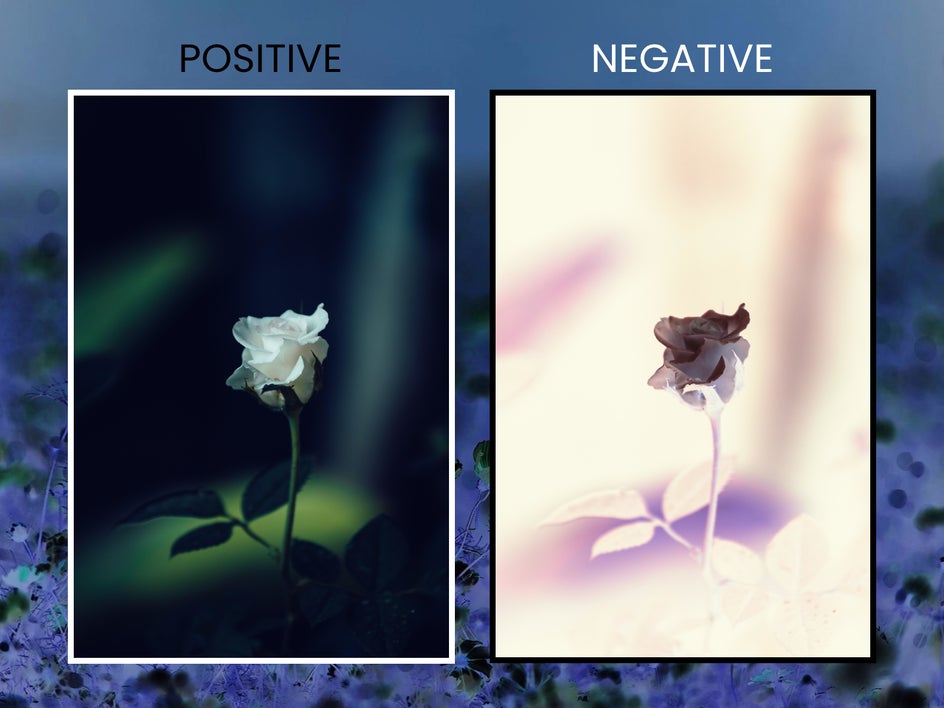
The Darkroom effects category, found in the Effects category of the Photo Editor, reimagines negative photos for the digital age. Instead of using chemicals and film, you can achieve a photo negative effect online in a single click. Turn digital photos into negatives, convert negatives into positives, and more without the need for a real darkroom. You can even make a picture negative from your smartphone using the BeFunky mobile app.
Whether the goal is to create surreal portraits, bold graphic art, or nostalgic retro designs, the Darkroom category lets anyone experiment with negatives without the need for a film camera. Here’s how it works!
How to Convert Any Photo Into a Negative
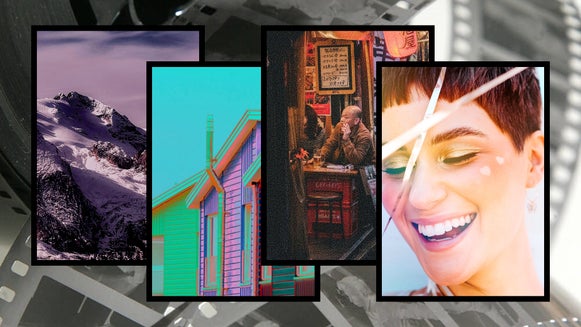
To begin, open the Darkroom category. This is where you’ll find all the effects inspired by film photo processing, including Solarize, ISO/Grain, and of course, Negative. Upload your own photo to convert into a negative or choose from an enormous collection of free stock images. High-contrast portraits, nature photos, still lifes, and architecture shots are all great options. Low-contrast photos can always be edited beforehand using the Exposure tool.
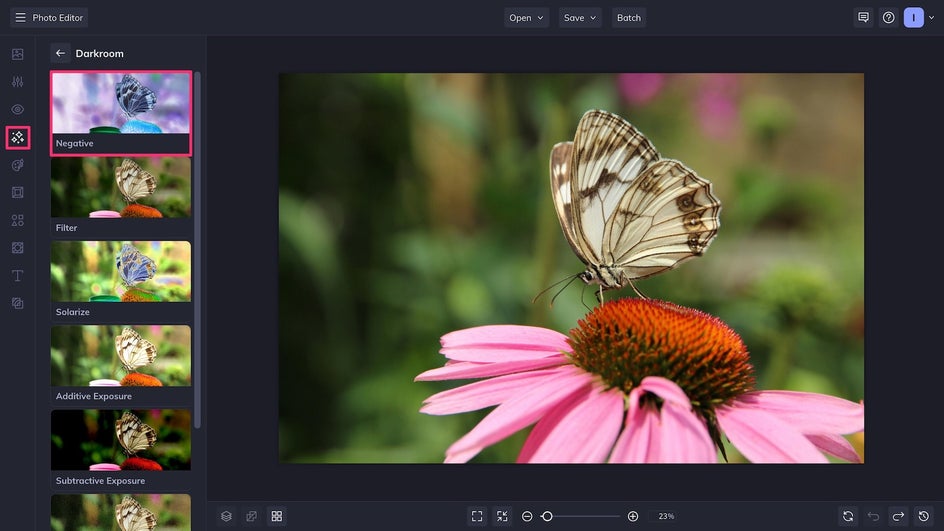
Step 1: Select the Negative Effect
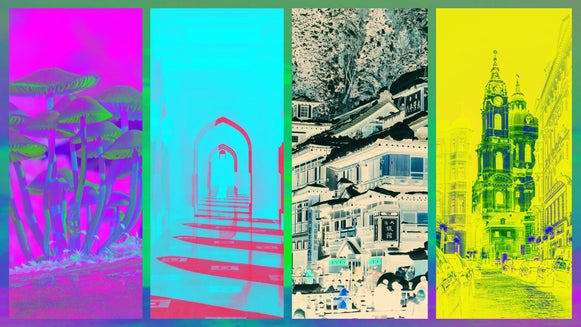
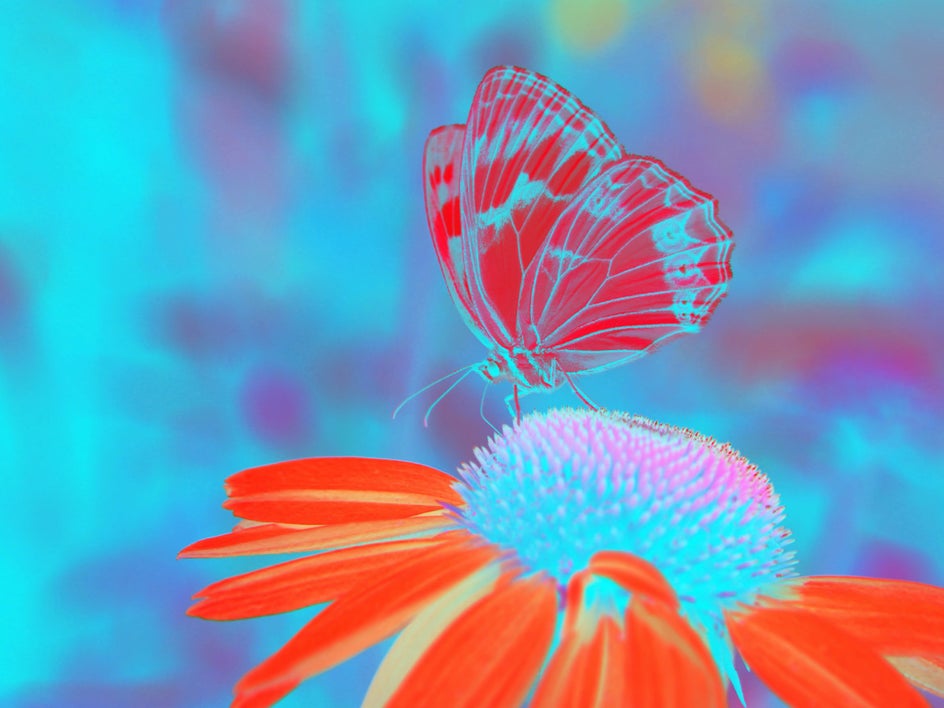
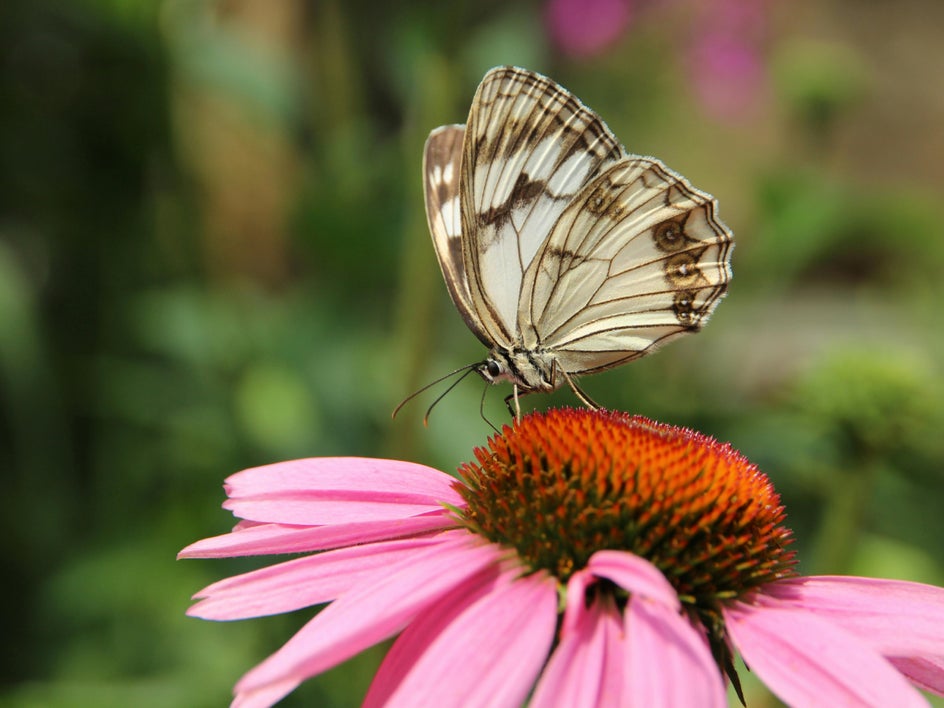
Click on the Negative effect to instantly invert the colors and tones of your photo. In just one click, whites become blacks, blues become orange, greens become magenta, etc. The result is an uncanny but visually captivating image.
At this stage, you can export the negative as is, or continue to the effect Settings to customize it further.
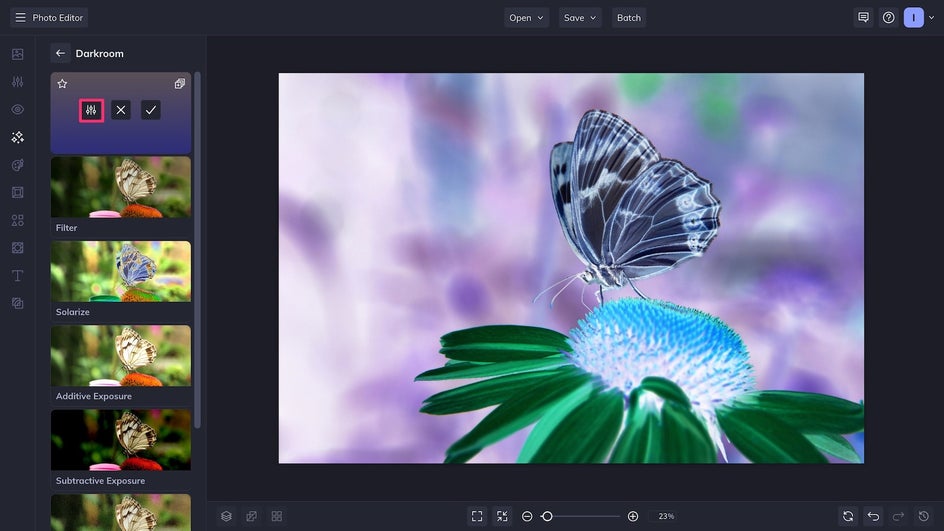
Step 2: Customize the Color Channels
The default mode of the Negative effect is a true inversion, meaning that every hue and tone has become its exact opposite. However, by toggling on and off different color channels, you can adjust the image’s hues and contrast to achieve a range of completely different looks from the same photograph. For instance, here we’re turning off the Red channel – but because colors are inverted, it brings out the reds in the image.
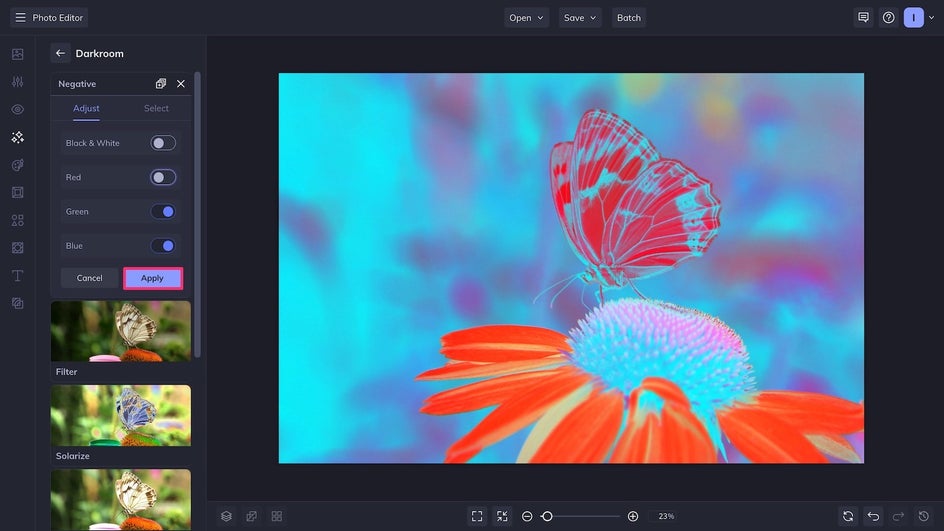
Play around with different combinations and see what result speaks to you. Note that you also have the option to turn the image into a black-and-white negative. Once you’re satisfied, click Apply.
Step 3: Save and Export
After you’ve finalized the Negative effect, click Save at the top of the canvas. Export the photo as a high-quality PNG for digital use, or a PDF if you plan on printing it.
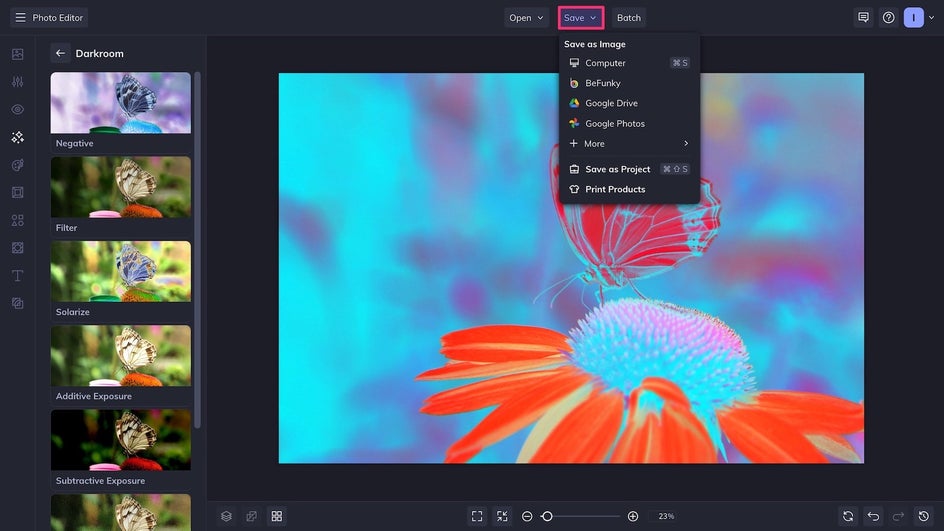
That’s it! We’ve just achieved a photo negative effect online, no darkroom or downloads required. Now this image is ready to be used as unique wall art, an eye-catching social media post, or as a photo base for a graphic design project.
Creative Ways to Use Negative Effects
While they may seem niche and nostalgic, digital photo negatives are surprisingly versatile by reimagining light to create stunning shapes and silhouettes. Here are three ways to use this effect to transform your creative projects.
Minimalist Posters
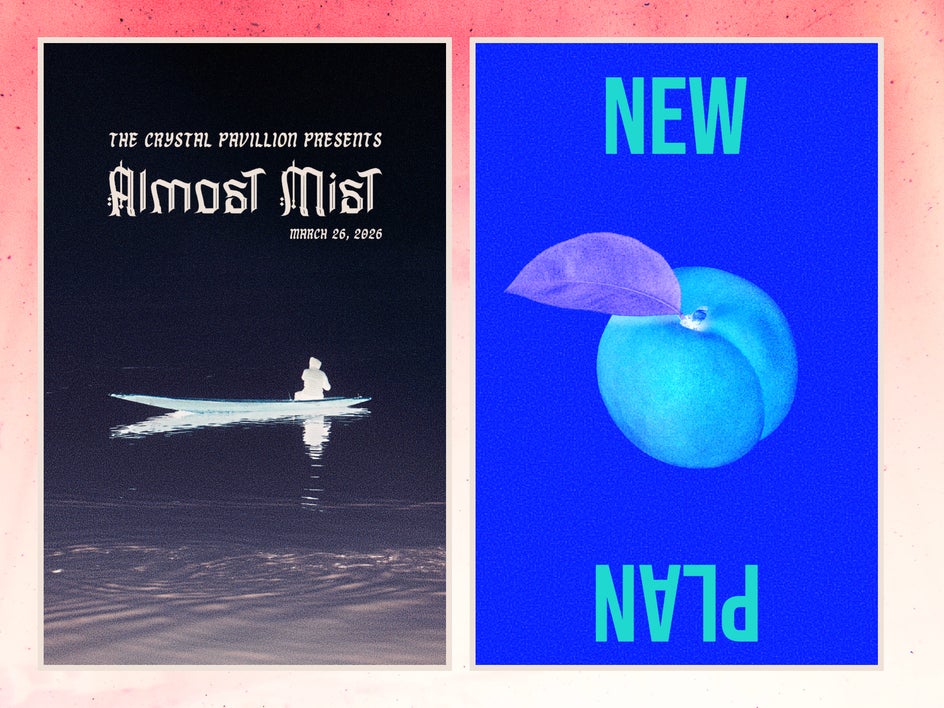
The Negative effect can be used sparingly to create captivating minimalist posters in the Graphic Designer. Choose a simple image with lots of negative space, or create additional negative space using Expand AI. Combine the Negative effect with some film grain for more texture, then layer either one bold font or an interesting font pairing to create wall art, concert posters, or event ads.
Surreal Portraits
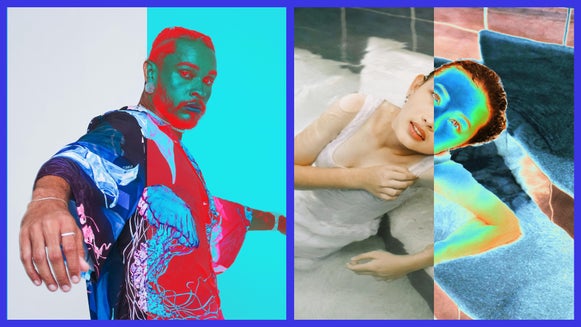
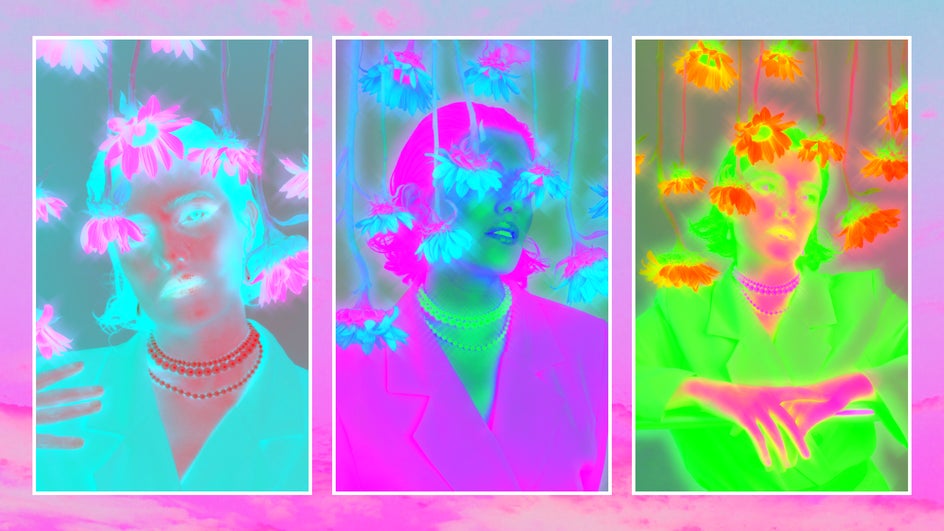
Negative portraits create instant visual intrigue. Invert the tones on close-up portrait shots to reveal haunting outlines and glowing eyes that feel eerie and cinematic. Try mixing and matching different color channels and pairing the effect with a Glow or Vignette to enhance the sense of otherworldliness. These portraits stand out on social feeds or printed galleries.
Abstract Collages
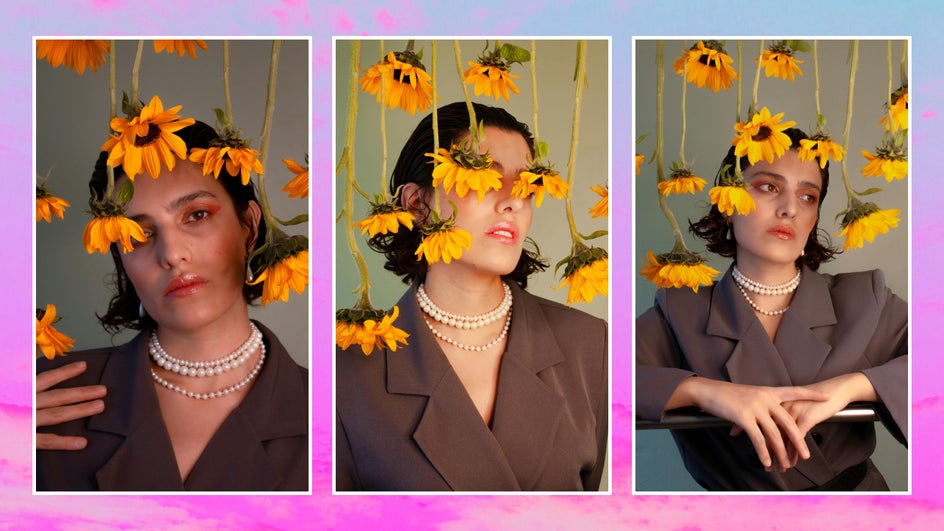
A photo negative filter is perfect for experimental collages or digital scrapbooks. Remove the background from inverted photos with the Cutout tool, then blend them with other negatives and unedited photos using a double exposure effect. These collages can be used to create visual depth in zines, album covers, and even ad campaigns.

Create Photo Negatives in Seconds!
In the past, a photo negative was never the end goal, but a technical step between exposure and print. Now, what was once an in-between stage has evolved into an art form of its own. With the Negative effect, you can digitally experiment with inversion, contrast, and color for more creative storytelling. Create your own unique photo negative online today with Darkroom effects!