Twitter Header Templates for Every Profile
Whether you’re a business, blogger, or simply want to make your personal Twitter account look more put together, designing a header image is the perfect place to start. It’s the first thing your followers (or potential followers) will see when they click on your profile, making it critical as a first impression. Aside from your profile image, your Twitter header is the only static visual you’ve got, so it’s worth taking the time to make it stand out.
Even if you don’t consider yourself design-savvy, BeFunky’s Graphic Designer has the ideal Twitter Header templates that you can fully customize to suit whatever look you’re going for. After choosing your favorite template to use as a starting point, you’ll find all the easy-to-use design tools you need to make it your own. Add as many photos as you’d like, use your logo or play around with text, and tweak the color scheme until you love what you see. They’re already perfectly sized for Twitter, so all you need to think about is your own creative vision!
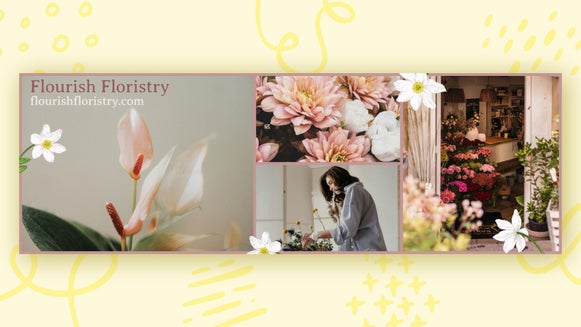
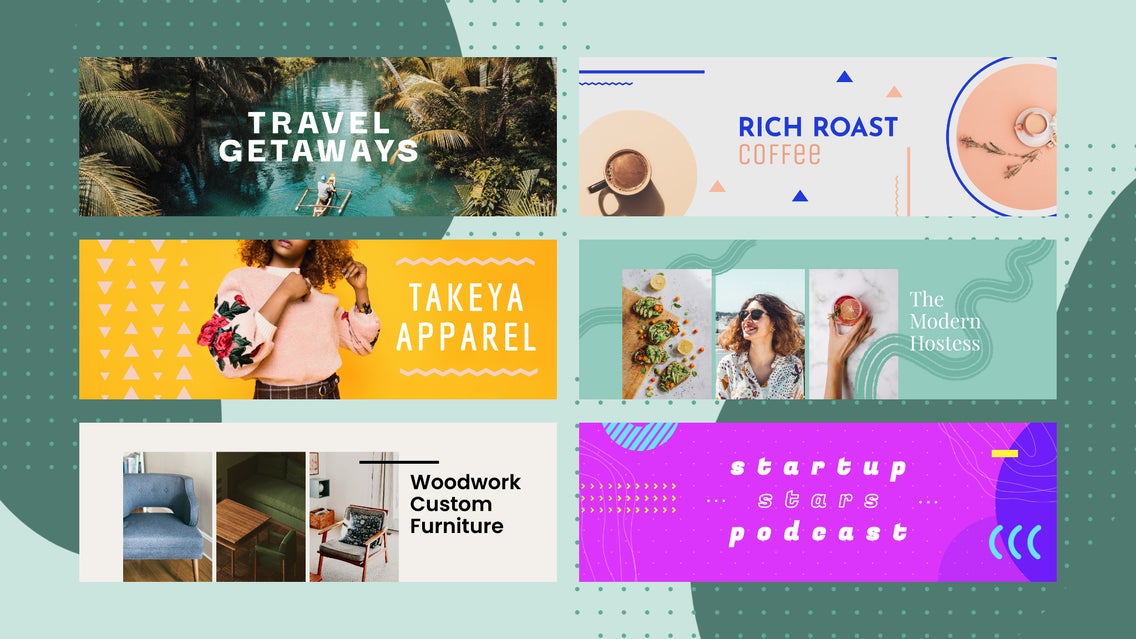
BeFunky’s Twitter template library is the perfect place to start for inspiration. You’ll find a variety of templates for businesses, bloggers, personal accounts – all customizable to suit your own niche. Here are some of our favorite examples of headers for your Twitter profile:
Business & Branding Templates
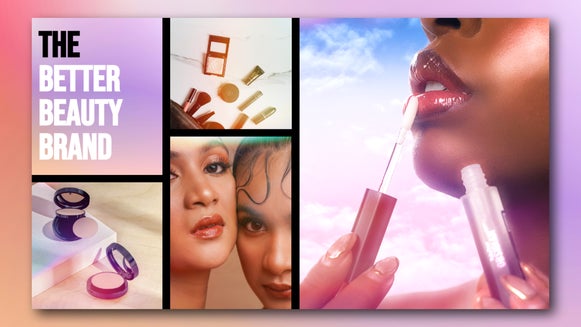
If you’re running a business or managing a brand account, your Twitter header should immediately communicate who you are and what you do. BeFunky’s business-ready templates are designed for exactly that – with space for your logo, brand colors, and product photography already built into the layout. Whether you’re highlighting your latest launch or reinforcing your visual identity, these templates help your profile look professional from the very first glance.

To make them your own, upload your logo via the Graphics tab, swap in product shots using the Image Manager, and match your brand palette with the Eye Dropper Tool. Add your tagline or a brief call-to-action using your brand font, or explore BeFunky’s font library for something that complements your style.
Creative & Portfolio Templates
Photographers, designers, illustrators, and other creatives can turn their header into a mini portfolio using templates that put visuals front and center. These designs feature minimal text and layered photo blocks that let your work speak for itself – no distractions, just great design.
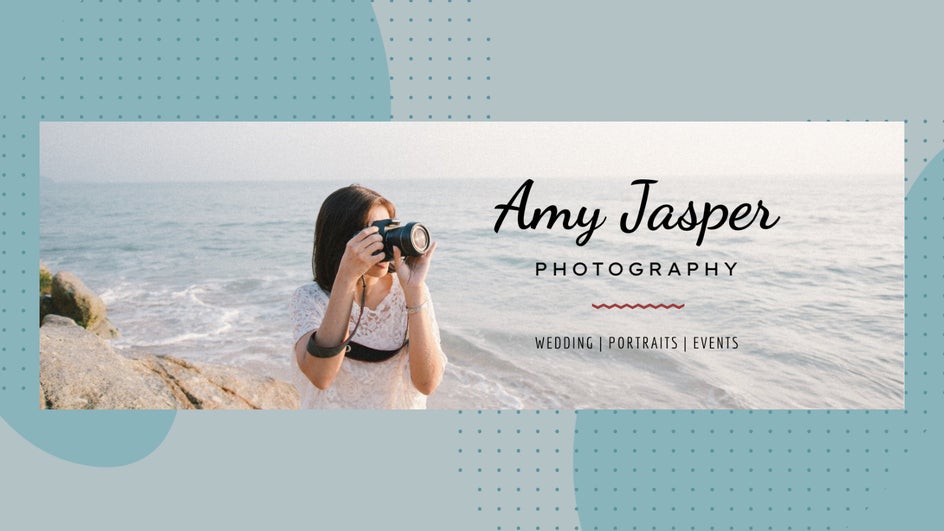
You can drag and drop your best images right into the layout and refine them with enhancements like brightness, sharpness, or vibrance. Once your visuals are in place, add a subtle line of text with your name, niche, or portfolio link for a finishing touch that feels both personal and professional.
Food & Beverage Templates
If you’re in the food world – running a restaurant, launching a bakery, or just sharing your favorite recipes – your Twitter header is the perfect place to make mouths water. BeFunky’s food and beverage templates are designed with bold image areas that spotlight dishes or drinks, while leaving room for details like location, hours, and other social media handles.

Start by uploading your own food photography or browsing the Stock Image library for vibrant placeholders. Then, use the Photo Editor to enhance color, contrast, and clarity. This is especially helpful for showcasing textures and plating.
Gaming & Streaming Templates
Gamers and content creators in the streaming space can use their Twitter header to promote their channels, share their schedule, or reinforce their visual identity. Simply start with a Twitch banner template and resize it to Twitter's dimensions (1500 x 500) using the instant Resize tool.
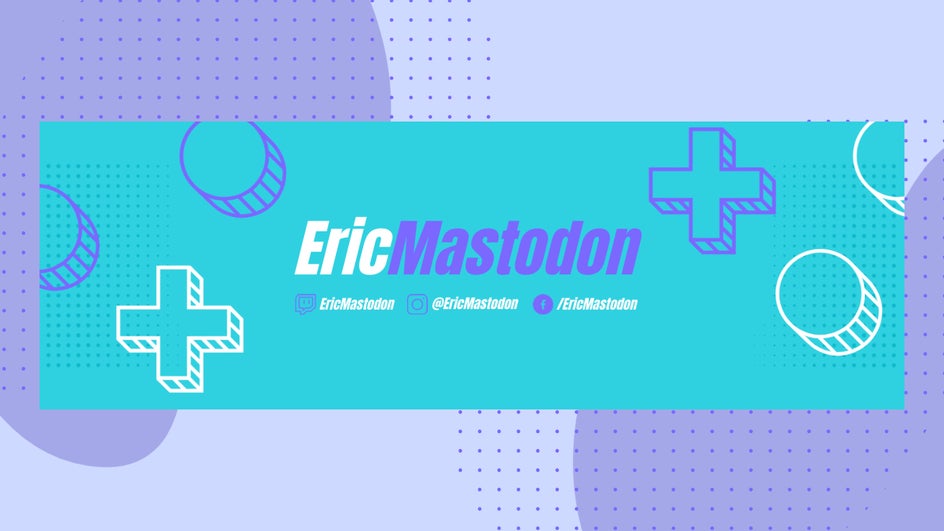
These designs often feature high-contrast colors, layered effects, and space for gamertags or logos. You can use the Graphic Library to add controller icons, stream overlays, or partner logos, then adjust blending, opacity, and layer order with the Graphic Properties panel for a truly custom look.
Find a Header That Fits Your Style
BeFunky’s Twitter Header Templates give you a head start on unique and professional-looking design, no matter what kind of profile you’re creating. With the right layout and a few simple customizations, your header can set the tone for your entire presence on the platform — helping you make an impression, tell your story, and stand out in a crowded feed.
Explore the full collection of Twitter Templates and start designing a header that’s as unique as you are.