How to Design Custom Save the Date Cards
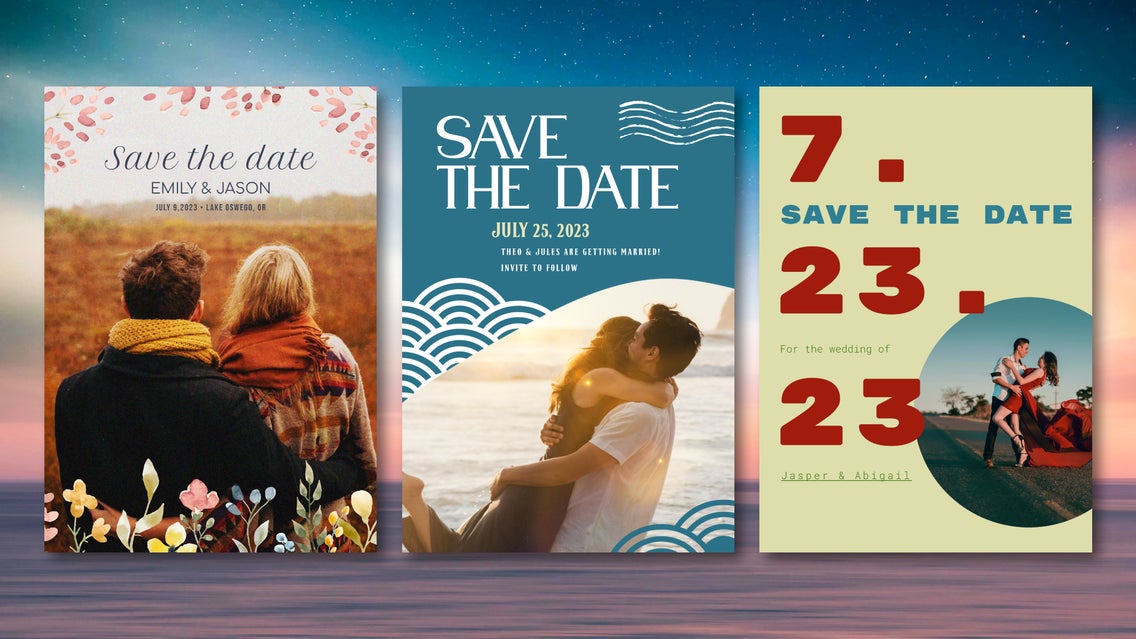
When it comes to weddings, the first impression sets the tone for everything that follows. This means that save the date cards aren’t just a functional reminder for your guests, but a reflection of personal style, story, and celebration to come. That might sound like a lot of pressure – but with the right tools, designing your own is a simple.
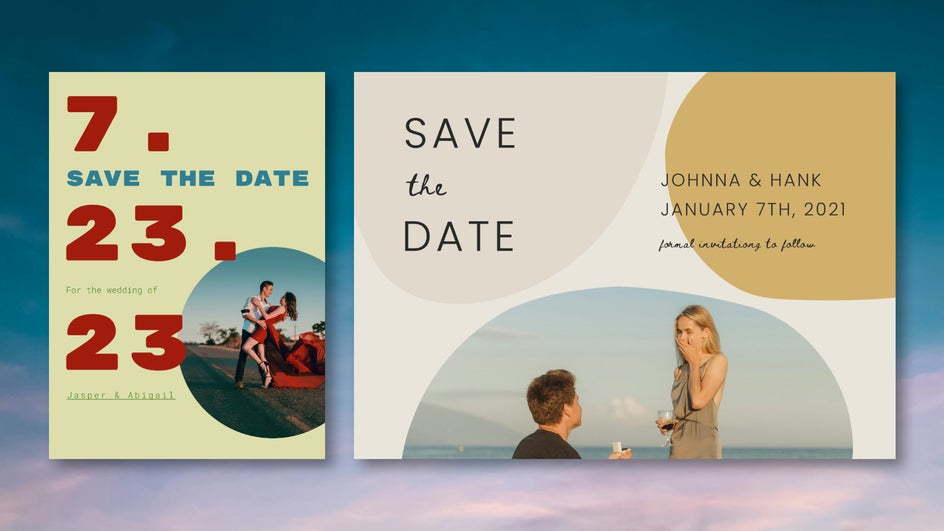
The Graphic Designer makes it easy to design custom save the date cards, whether your wedding theme is minimalist, floral, classic, modern, or bold. Better yet, you can build every design – including the invite, menu, and thank you card – around a unified look using beautifully coordinated wedding sets. These customizable wedding templates offer dozens of professionally designed, editable layouts that let you create every wedding printable in one place, with matching fonts, color schemes, and design motifs.
Personalizing matching templates online, rather than hiring a designer or starting from scratch, saves both time and money – which are always in short supply during the wedding planning process. Start the wedding festivities off right by making custom save the date card, and follow up later with designs from the same wedding set.
How to Design Save the Date Cards Online
Save the dates are an initial announcement preceding the invite, so they don’t need to be too detailed or complicated. With the Graphic Designer’s wedding sets, creating a custom save the date card only takes a few minutes - even if you don’t have any design experience.
Step 1: Choose a Save the Date Template
Begin by browsing our Save the Date category in the Graphic Designer. Each template is part of a larger matching set, which means you can revisit that style for future needs without having to start from scratch or scramble for the matching fonts and graphics. It’s a simple way to streamline the design process while keeping every detail in sync.
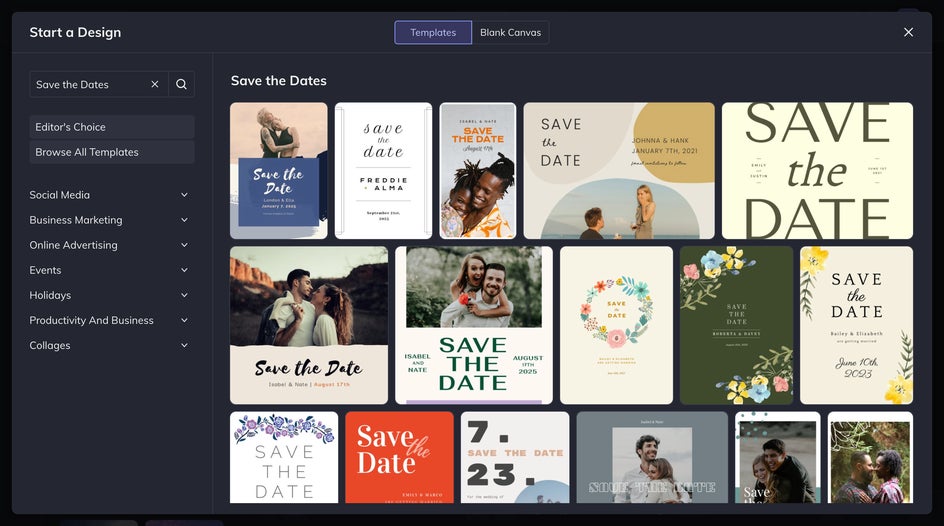
Find save the date options – including free save the date templates – nestled among matching invitations, menus, and thank you cards. To ensure a cohesive wedding from start to finish, make sure to take the whole set into account when choosing a template.
Step 2: Replace & Edit Imagery
If you’ve chosen a save the date template that uses a photo, head to the Image Manager to upload a favorite couple or engagement shot. From there, just drag and drop one onto the canvas to replace the placeholder image.
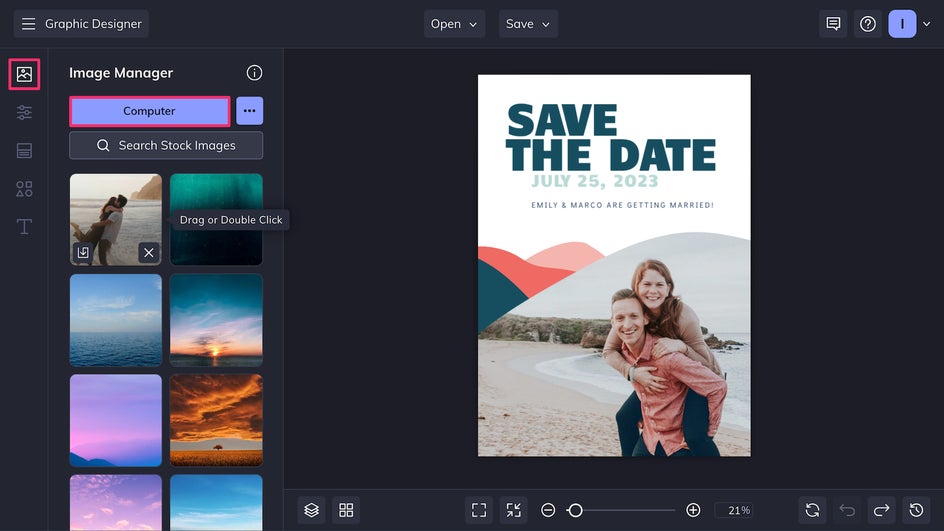
To enhance the card template with photo edits, click on a photo and select Edit Image. This will bring you to the in-platform Photo Editor without needing to open a new tab.
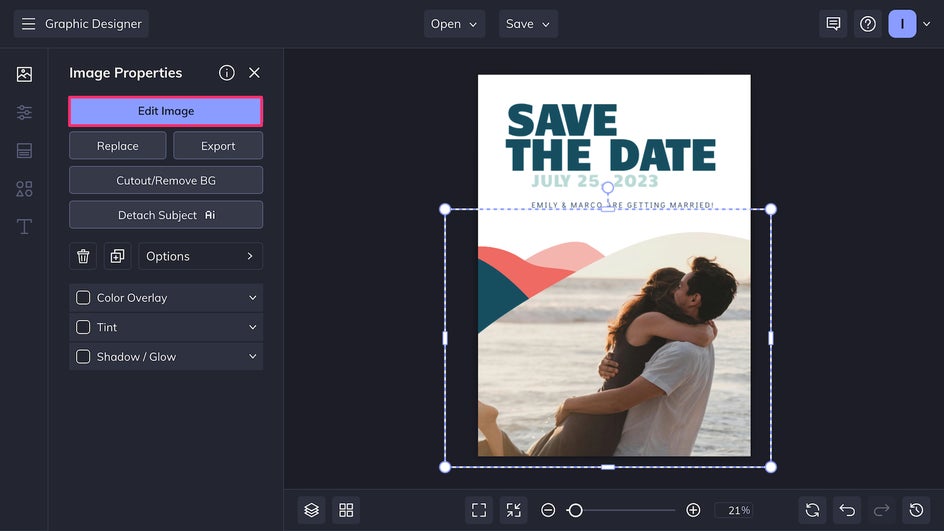
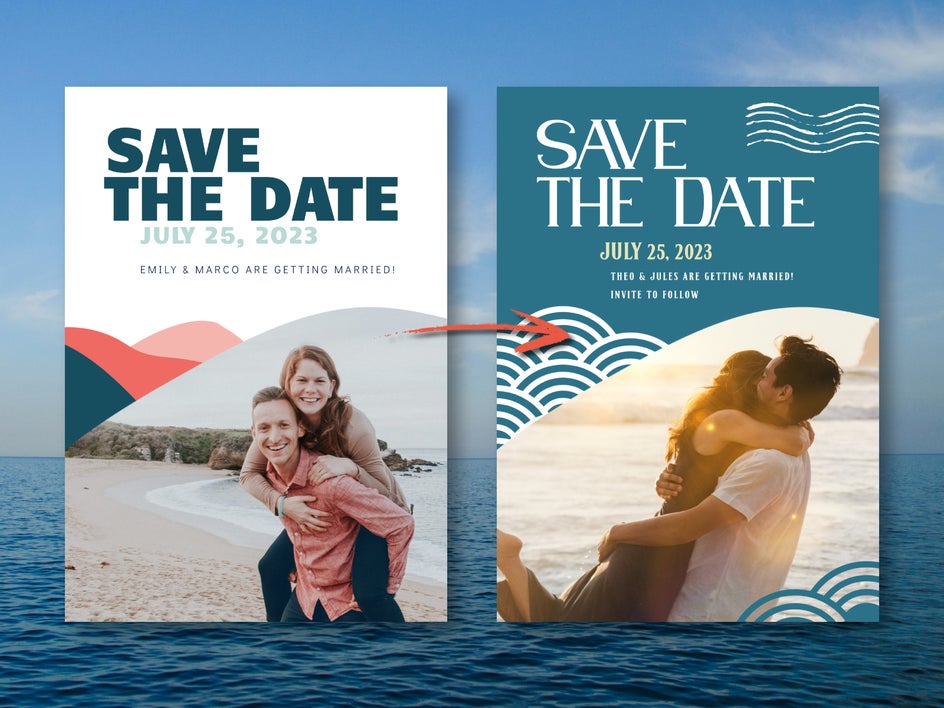
Here, you can straighten the image for better composition, apply toning filters and effects, or even remove the background to create a more minimal look. Here we’re adding a lens flare to make this romantic moment even more magical.
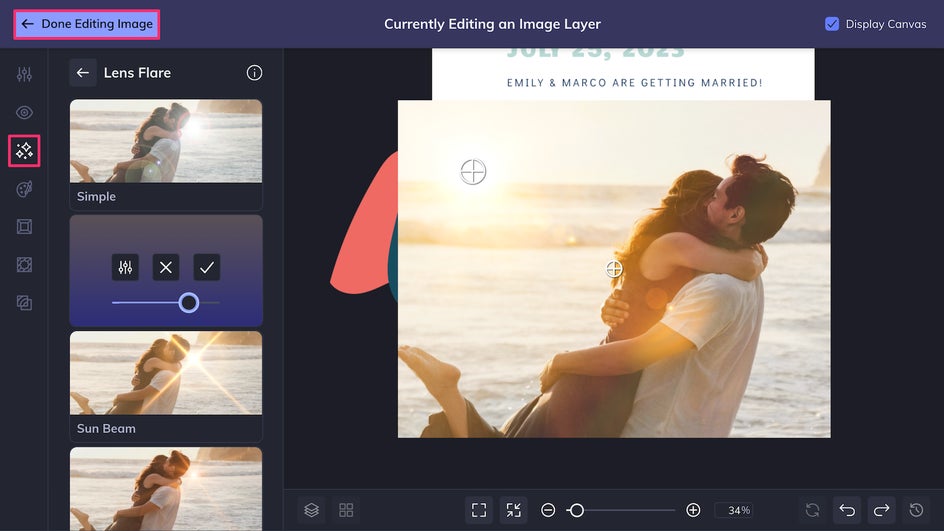
Once adjustments are made, simply click Done Editing Image to return to the canvas.
Step 3: Customize & Save
Now it’s time to make changes to the content, font, and color palette. Upload custom fonts or choose from the Designer’s many options using the Text tool. Click on any design element to change its color, or go to the Customize tab to change the background color.
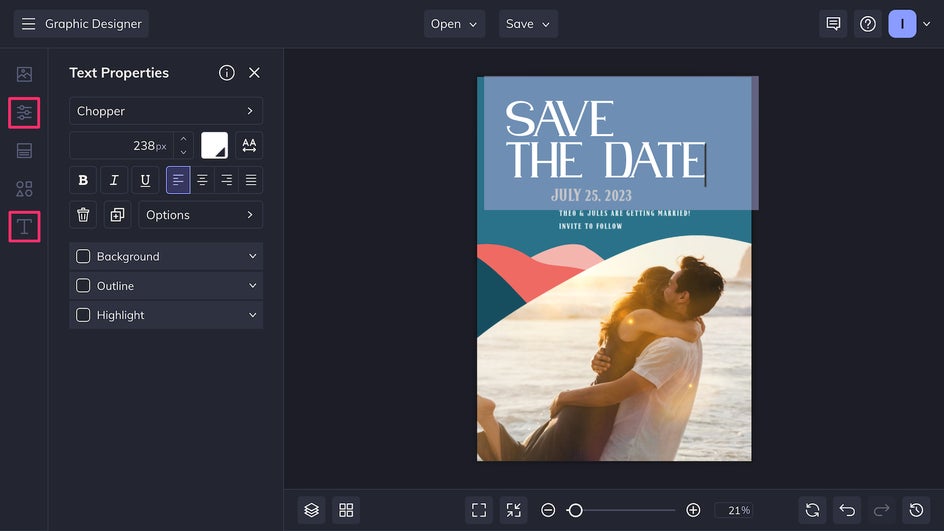
For an even more personalized look, add or replace graphics to better go with your wedding theme. When making a lot of edits, make sure to check out these save the date best practices!
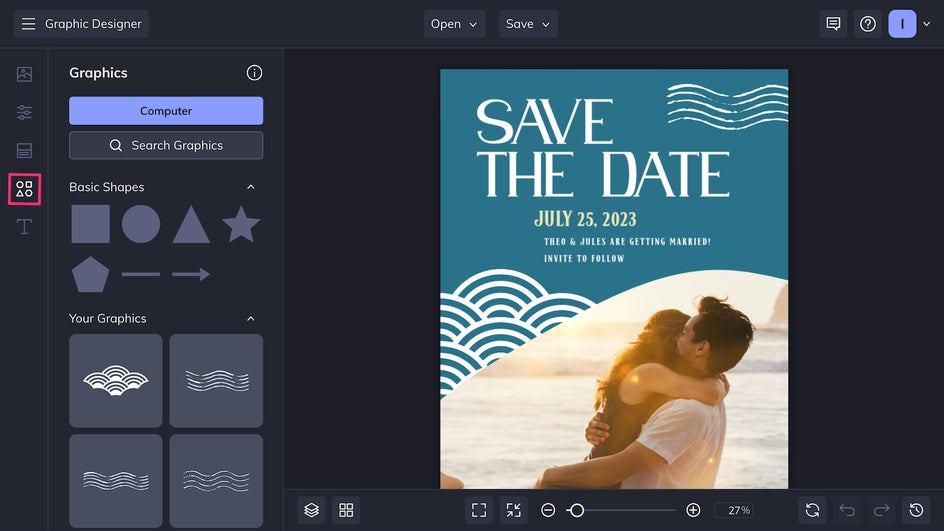
Finally, give the card a final pass, making sure everything is aligned and that all the text is legible. Then, save and export it as a print-quality PDF for sending physical cards, or a high-quality PNG for digital sharing. And don't forget that you can print your cards with Zazzle – directly from BeFunky. To make edits in the future, or to copy elements and streamline future wedding designs, save the file as a project.
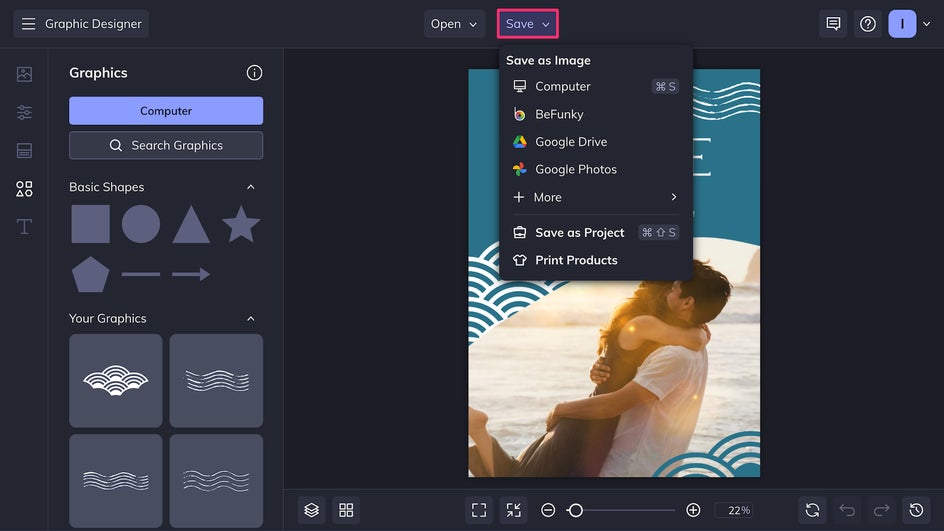
In just a few minutes, our custom save the date card is ready to send! With BeFunky, it's easy to make your wedding stationary truly unique on a budget.
Save the Date Theme Ideas to Inspire You
Designing a save the date card is just the beginning. Using a complete wedding set ensures a beautiful, professional look across every piece of stationery. With matching templates for invites, menus, and thank you cards – plus the ability to use Smart Resize for additional materials like table numbers and signage – you can keep your style consistent without starting from scratch each time. Below are three popular set themes, along with ways to personalize them using the Designer and Photo Editor.
Elegant & Minimal
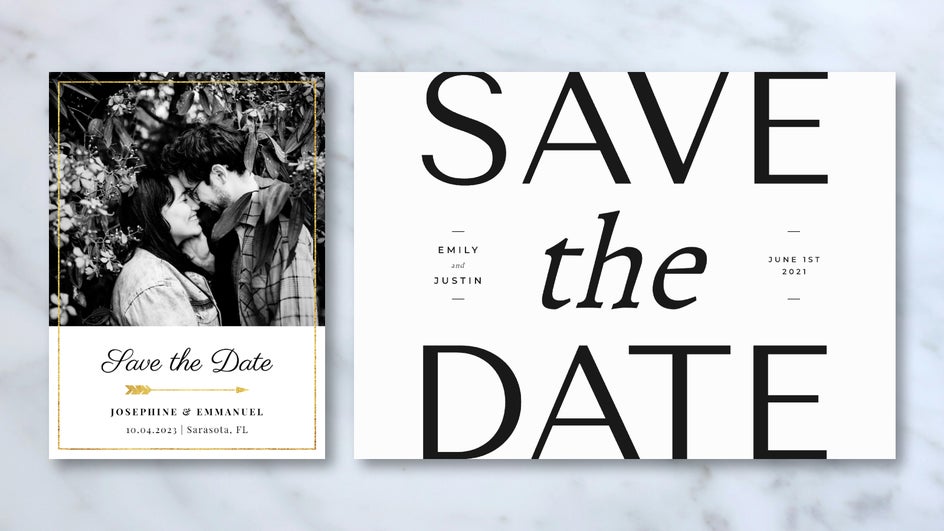
If your wedding leans more classic, consider a minimalist save the date theme. These templates feature crisp fonts and clean lines for a look of understated elegance. Apply a black and white effect to photos to keep the design looking timeless. Add a touch of gold shine to the text with a clipping mask, or use a subtle monogram of your combined initials as a graphic element. Simplicity can make a big impact, especially when extended across an entire wedding set.
Rustic & Romantic
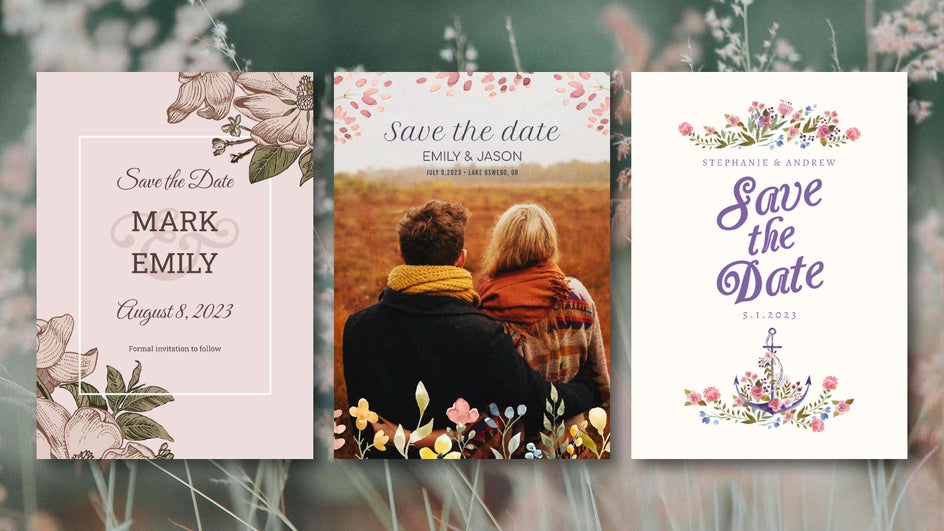
A nature-inspired wedding never goes out of style – think watercolor florals, hand-lettered fonts, and earth tones like blush, sage, and terracotta. The Designer has plenty of different nature-inspired wedding sets to choose from. When adding a photo like an outdoor engagement shot, combine a Warmer Tones filter with a paper texture for a more rustic, cozy feel. Complement the design with hand-lettered fonts and an earthy color palette.
Modern & Bold
For a more modern look, bold design and striking color contrasts are the way to go. Use a save the date template with asymmetrical layout and bold sans-serif fonts, then upload a photo with a dramatic crop or unexpected angle. Use Vibrant Colors DLX or the Color Mixer to make your images pop, and apply a lens flare for added dramatic effect.
Set the Tone for Your Wedding With the Perfect Save the Date
It’s easier than you might think to create wedding printables with stunning results. The Designer’s wedding templates have something to match every couple’s style – and because each design is part of a complete wedding set, you can carry the same beautiful theme through from the RSVPs to the thank you notes. Get started with BeFunky’s wedding templates and create your own save the date cards today!