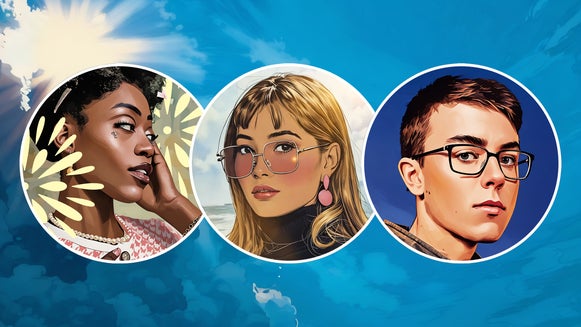
Turn Any Photo Into a Pop Art Comic

Ever wondered how to convert a photo into a comic? Or maybe you’re looking for an easy way to give your images that bold and colorful pop art look, like something straight out of an Andy Warhol or Roy Lichtenstein piece? With our pop art comic effect, you can transform any photo into a vibrant, comic-inspired masterpiece in just a few clicks!
This exciting addition to the Photo to Comic category features flat, high-contrast colors, bold black outlines, and halftone shading, instantly turning your images into a dynamic pop comic illustration. Whether you're creating eye-catching social media posts, unique profile pictures, or even DIY posters, this effect is an easy way to add energy and personality to your photos.
Keep reading to learn how to use Pop Comic GFX and explore some other comic-inspired effects in our collection!
What Is Pop Art?
Pop Art is a bold, colorful art style that became popular in the mid-20th century. It takes inspiration from everyday things like ads, comics, and pop culture, turning them into eye-catching works of art.
Artists like Andy Warhol and Roy Lichtenstein helped define the movement with their distinctive styles. Warhol’s work often featured repeated images in bright, contrasting colors, while Lichtenstein’s pieces mimicked the look of vintage comic books, using halftone dots, thick black outlines, and high-contrast shading. These signature elements are what make Pop Art so dynamic and instantly recognizable.
With BeFunky’s Pop Comic effect, you can bring this iconic style to your own images – no matter what type of project you want to create.
How to Turn Your Photo Into Pop Comic Art
Ready to convert any image into comic-inspired pop art? Head to the Comics category of the Photo Editor and upload your image to get started!
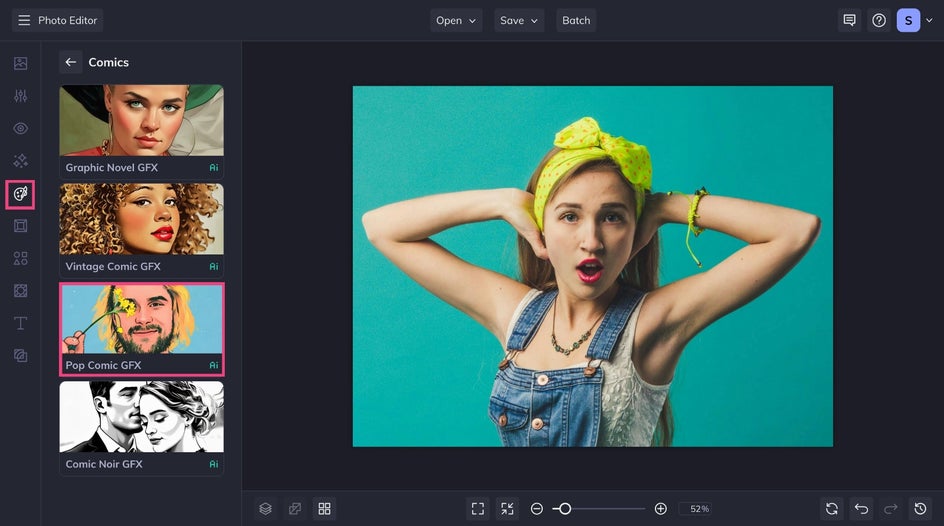
Step 1: Apply Pop Comic GFX
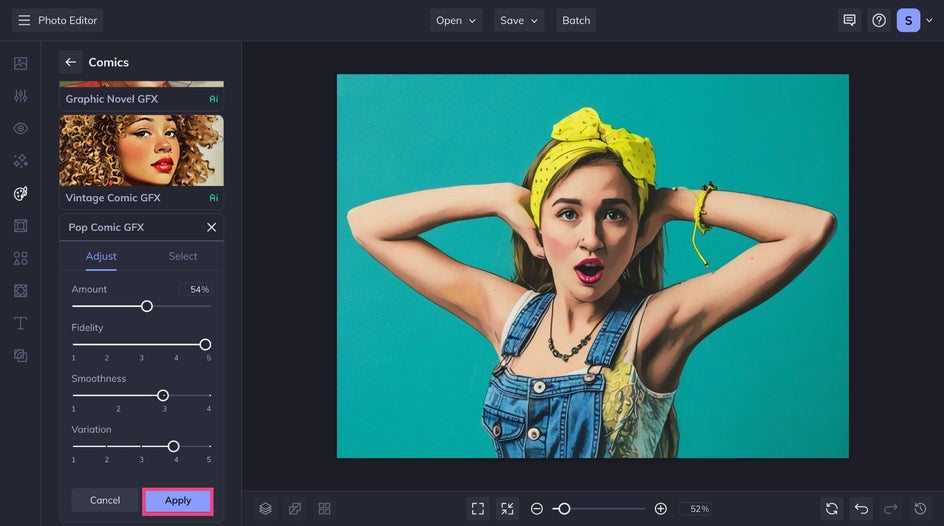
Once you’ve selected the Pop Comic GFX effect, you’ll see your photo instantly transformed to resemble hand-drawn pop art. You can adjust the slider to increase or decrease the effect. You also have the option to further customize your pop art comic effect by clicking on the Settings icon.
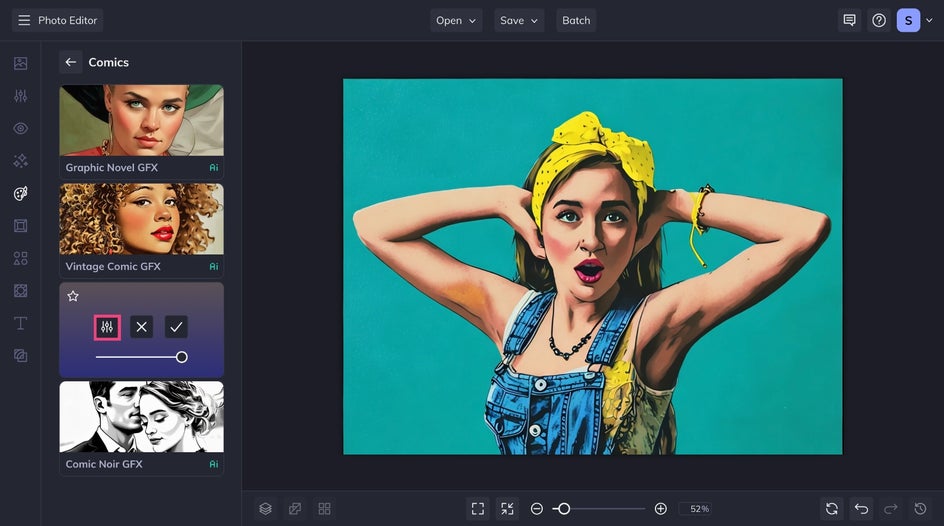
From the Settings menu, simply adjust the following in any way you see fit:
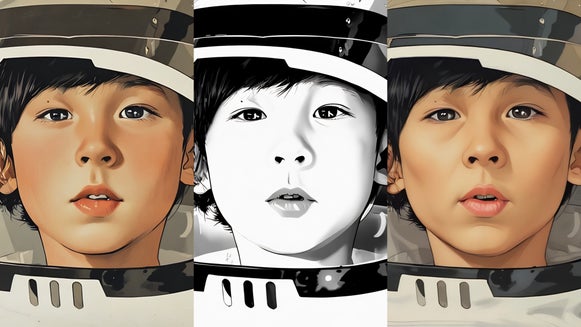
- Fidelity: how closely your Pop Comic resembles the original photo without losing detail.
- Smoothness: how sharp or smooth your image’s lines are.
- Variation: allows you to toggle through several different variations of your image with the same effect applied to it.
Play around with these settings until you achieve the perfect look. Then, click Apply.
Step 2: Customize It
For an even stronger pop art look, customize further to achieve perfect pop comic aesthetic. Here's what we chose to add:
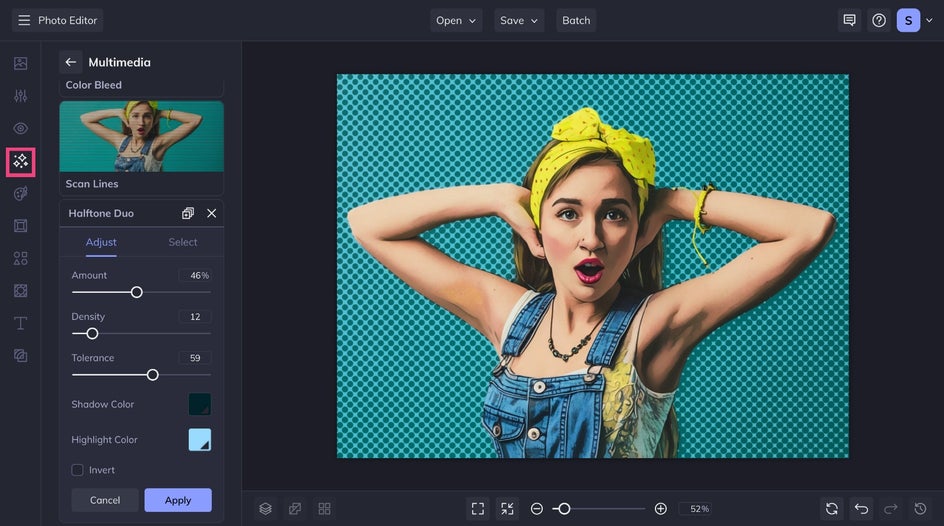
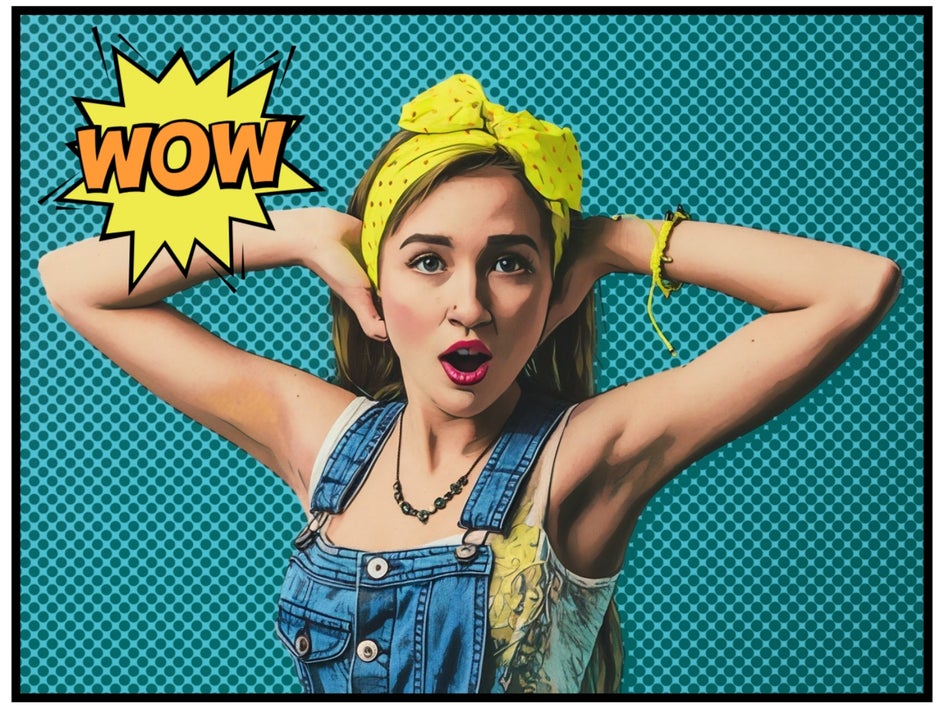
First, the Halftone Duo effect from the Effects tab can be applied as an overlay or selectively to the foreground or background to recreate that iconic hand-printed look.
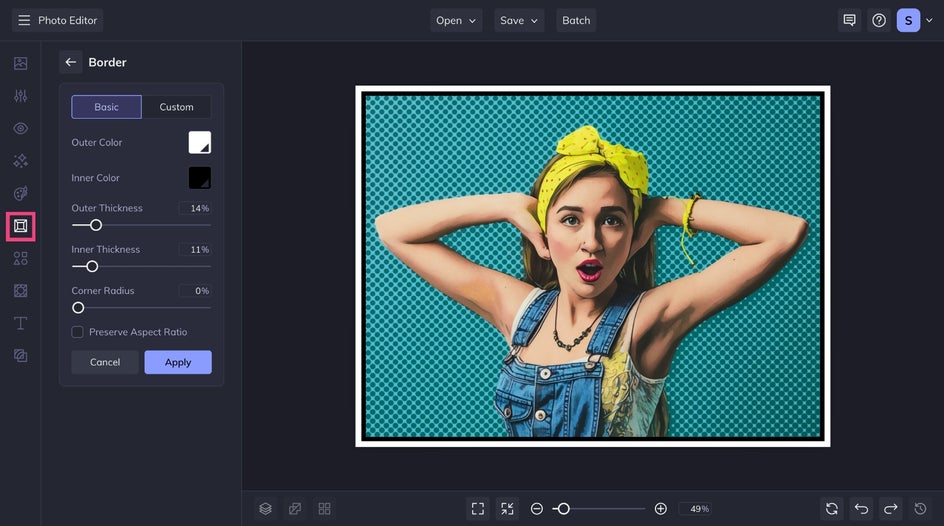
We also added a comic book panel border by heading to the Border tab. Choose the thickness and color combination that best suits your image.
Finally, we positioned a pop art-inspired speech bubble that says "Wow!" from the Graphics tab. You can also make your own by choosing a blank speech bubble graphic and layering text from the Text tab.
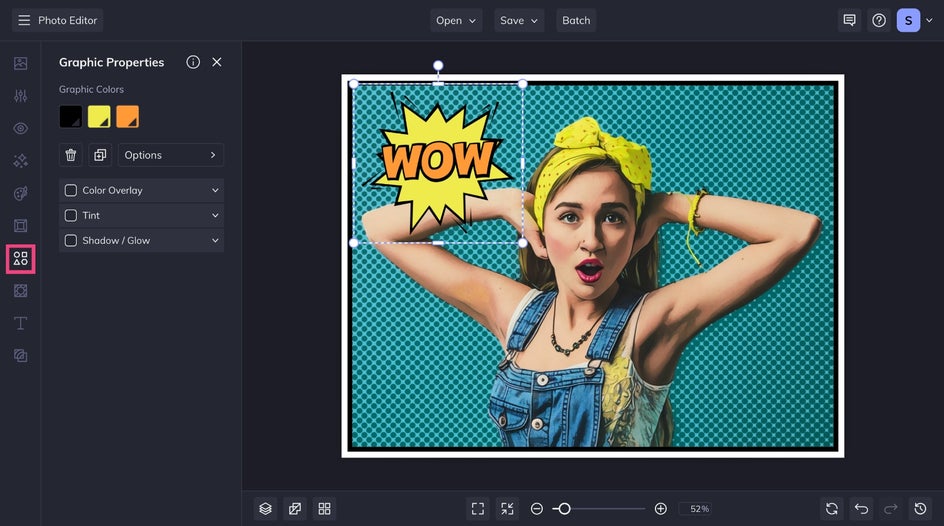
Feel free to add whatever else you need to make the final results really pop. Yu can even layer additional Pop Art effects to get an even grittier, mixed media look!
Step 3: Save Your Pop Art Comic
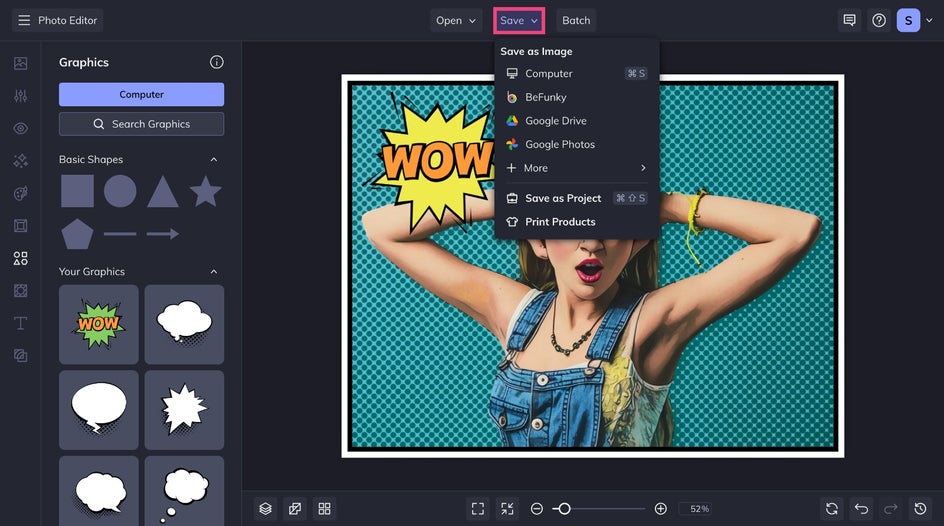
Once you’re happy with your photo to pop comic transformation, it’s time to save your new image. Click Save at the top of the screen and select your desired save location.
Final Results: Photo to Pop Art Comic in Seconds
If you’ve ever wondered how to edit photos to look like Andy Warhol, you now know! Our Pop Comic effect is the easiest way to turn any photo into a hand-drawn inspired pop comic.
More Comic-Inspired Effects to Try
Our Cartoon effects don’t just stop at Pop Comic – we also have a variety of comic book and graphic novel styles to explore. Here are a few more effects to try:
Vintage Comic GFX
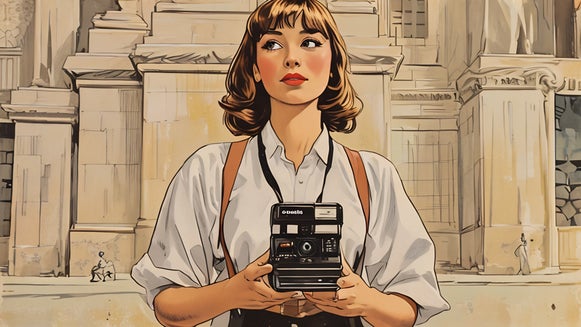
If you love classic comic books, Vintage Comic GFX is a great option. It adds warm color tones, aged paper textures, and detailed line work, making your image look like it came straight from a mid-century comic book page. It’s perfect for adding a touch of retro flair to your photos or creative design projects.
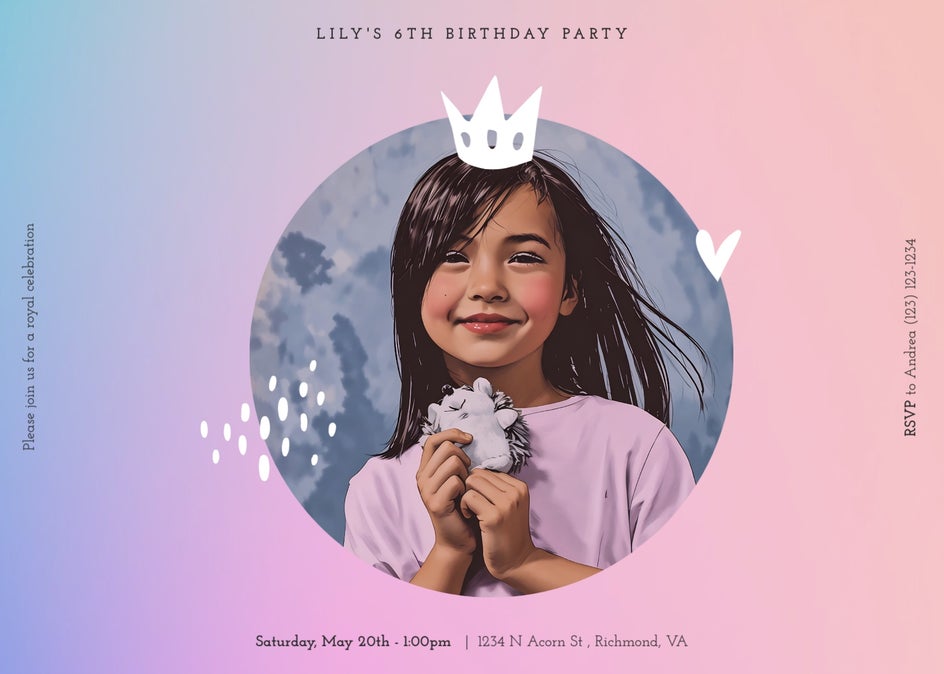
Graphic Novel GFX
For a cleaner, more refined style, Graphic Novel GFX effect delivers crisp linework, smooth shading, and beautifully balanced color. It stays true to your photo’s original hues, creating a realistic, illustrated look that adds subtle artistry to portraits, landscapes, and pet photos without losing their natural charm.

Noir Comic GFX
For something more dramatic, Noir Comic GFX strips away color and enhances bold shadows and high contrast, resulting in a cinematic and moody vibes. This effect is ideal for creating mysterious comic strips, edgy editorial-style social media graphics, and black-and-white portraits with a Film Noir vibe.
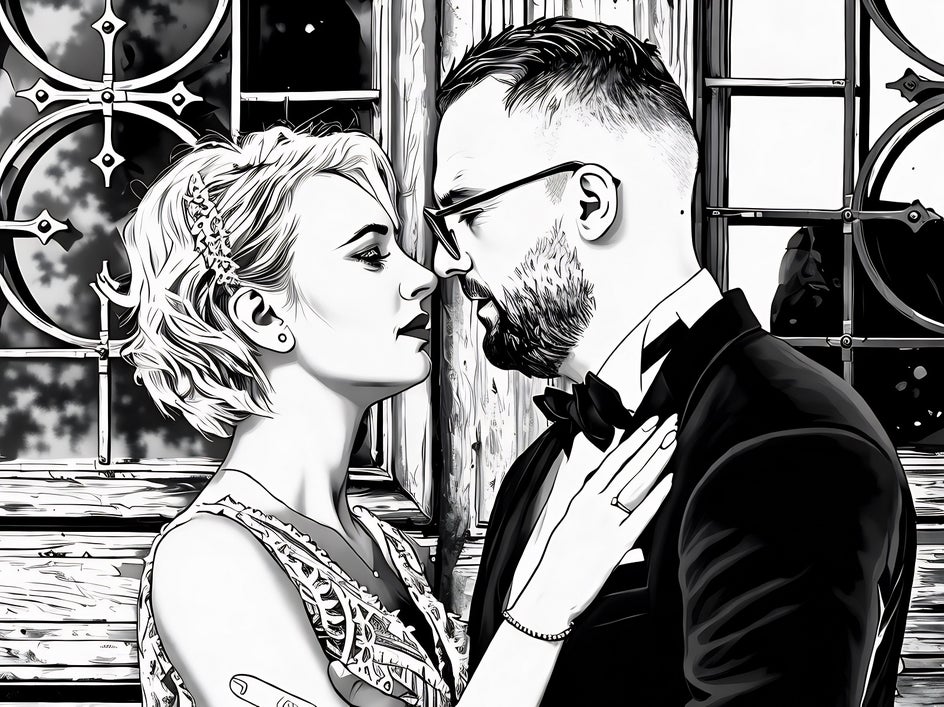
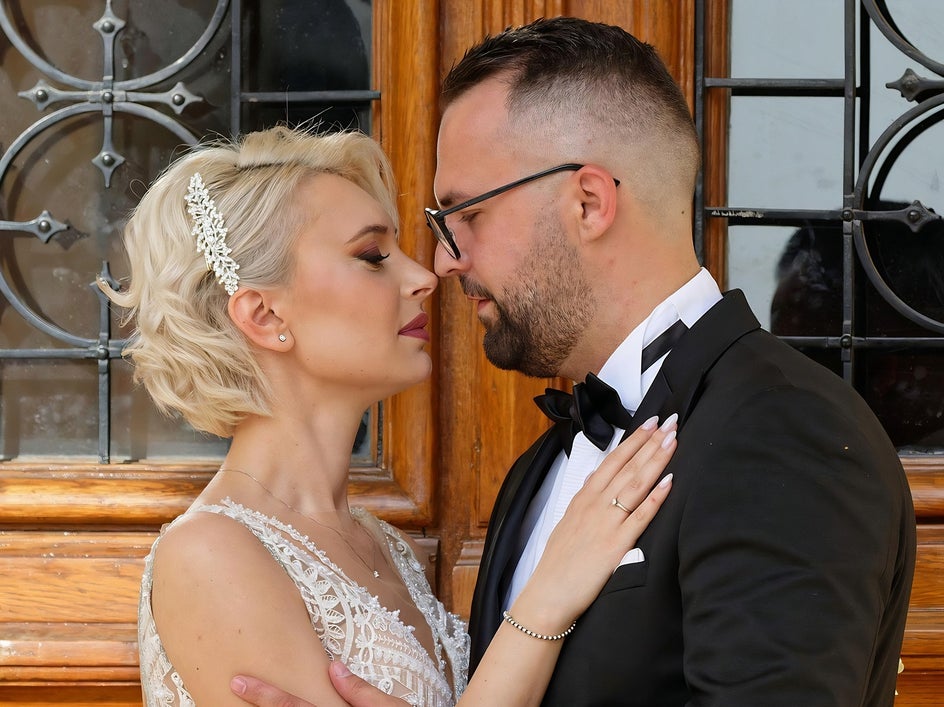
Turn Any Photo Into a Pop Comic Online
With BeFunky’s Pop Comic GFX effect, you can turn any photo into a bold and colorful comic illustration in just a few clicks. Think of it as your very own pop art generator! Head to the Photo Editor to check out our Comics and Pop Art categories to see just how easy it is to turn your photos into pop art masterpieces.