









Results for "photo editing tutorial"

How to Add a Watermark to Your Photos
Looking for an easy way to add a watermark to your photo? Look no…
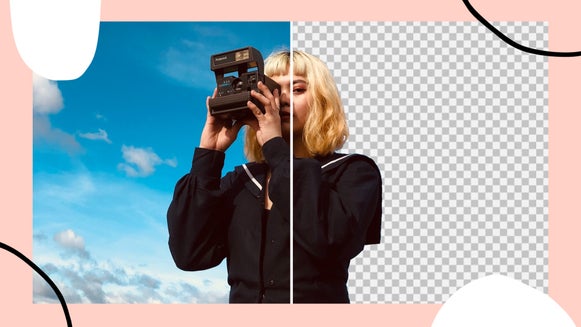
How to Cut Out Photos and Replace Backgrounds
Learn how to use our Cutout Tool to isolate objects, replace backgrounds, and create…
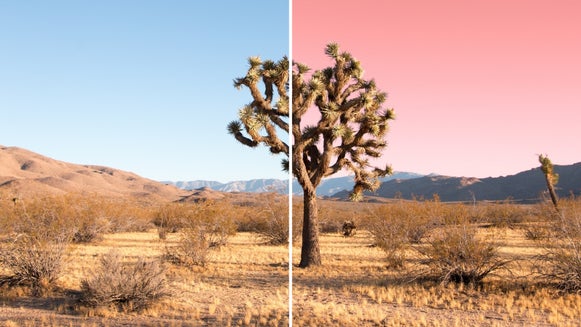
Instantly Swap Colors in Your Photos With BeFunky’s Replace Color Tool
Ever wish you could replace a color in your photo with a different hue? With…

Perfect Composition With BeFunky’s Crop Tool
With BeFunky’s Crop Tool you can quickly and easily crop any photo into a…

How to Edit Photos Using the Paint Brush and Magic Brush Tools
We’re at it again, improving and updating our mobile apps! We’ve added a bunch…

Chromatic Effects for Your Photos
Chromatic photo filters allow you to add an aesthetic tint to any image. Choose from…
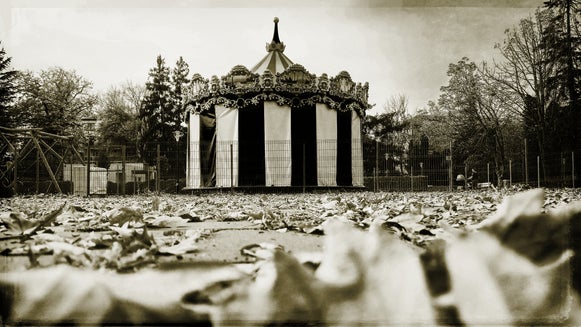
Step Back in Time With the Tintype Effect
The Dream of the 1890s is alive with these Tintype effects…

The Stencil Effect: How to Dramatize Your Photo
Learn how to use the Stenciler effects to dramatize your photos by applying this…

Apply a Black & White Effect to Any Photo
Check out these Black & White effects to give your photos a classic…
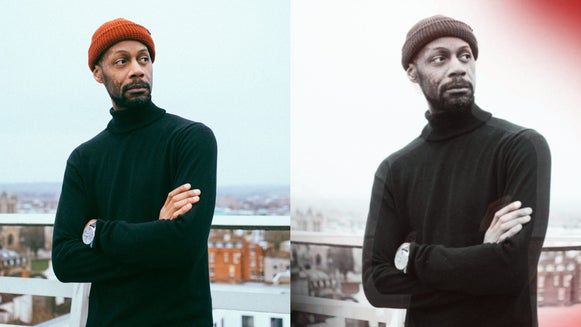
How to Add Pinhole Camera Effects to Your Photos
BeFunky gives you tools to add that low-tech pinhole camera effect to…


