Get More Bookings on VRBO: How to Take and Edit Standout Photos

With over 2 million listings in 190 countries, VRBO (Vacation Rental By Owner) is one of the most powerful vacation rental platforms available. On VRBO, the difference between a property that sits empty and one that stays booked often comes down to one thing: photos. High-quality visuals are the first detail potential guests notice, and they can be the deciding factor between a booking and a missed opportunity.
Unlike Airbnb, which leans toward individual hosts and short stays, VRBO specializes in whole-home rentals. That means guests often book for family vacations, reunions, or extended trips. These kinds of travelers are more likely to compare multiple listings, and your photos become the deciding factor. VRBO itself emphasizes that “great photos are essential to getting booked,” making visuals just as important as pricing or location.
That’s where BeFunky comes in. With professional-grade editing tools that are easy to use, BeFunky’s Photo Editor makes it simple to turn everyday snapshots into eye-catching listing photos, without expensive software or hiring a photographer.
VRBO Photo Requirements
Before diving into best practices, it’s important to meet VRBO’s technical image requirements. Listings that don’t follow these guidelines risk looking unprofessional or may not upload at all.
- Image Size: Minimum 1024 x 683 pixels; recommended 3840 x 2160 pixels or higher for best quality. This is an aspect ratio of 16:9.
- File Types: JPG, JPEG, PNG, or GIF.
- File Size Limit: 20MB per photo.
- Orientation: Landscape is strongly recommended, as VRBO’s site and app display wider images more effectively.
Keep in mind that the majority of travelers browse VRBO listings on mobile devices. A consistent 16:9 aspect ratio ensures your photos look professional no matter what screen they’re viewed on. Adding descriptive alt text can also improve accessibility while boosting your SEO.
Best Practices for VRBO Photography
Meeting VRBO’s technical requirements is just the first step. To actually convert browsers into booked guests, your photos need to highlight what makes your property worth staying in.
Intentional Staging
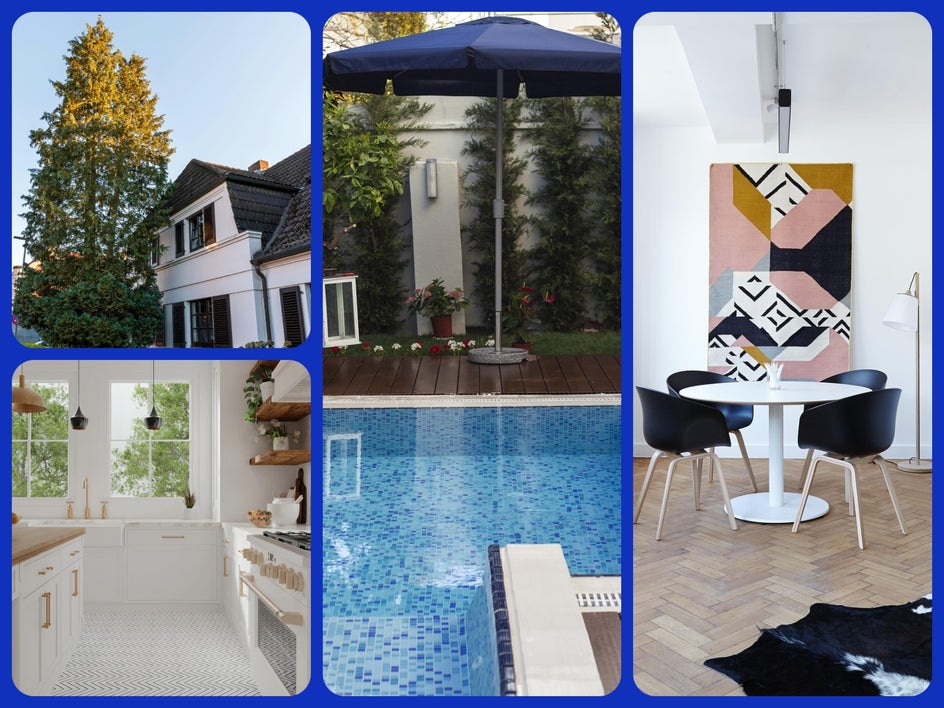
Staging can also make a huge difference. Before snapping photos, take a few minutes to remove clutter, adjust pillows, or add simple props like fresh flowers or neatly folded linens. These small details create a polished, magazine-style look that stands out to guests browsing dozens of listings.
Showcase Unique Features
Every property has a selling point, whether it’s a waterfront view, cozy fireplace, or spacious kitchen. Capture these details prominently to give guests a reason to choose your rental. BeFunky’s Crop tool helps center attention on those standout features.
Use Natural Light
Photos taken during the “golden hour” (just after sunrise or before sunset) feel warmer and more inviting. For interiors, open blinds and curtains to maximize daylight. If shots still look flat, BeFunky’s Vibrant Colors effect can bring life back to muted tones.
Photograph from the Corners
Shooting from a corner rather than straight on adds depth and makes rooms appear larger. This simple trick has long been used by real estate photographers to flatter interiors.
Include Exterior Shots
Guests want to see the full property, including the front and its surroundings. Exterior photos help set expectations and establish trust. A quick edit with BeFunky’s HDR effect balances shadows and highlights outdoors.
Capture Lifestyle Moments
Instead of empty rooms alone, style your shots to suggest how the space is used: a book on the patio table, fresh towels by the hot tub, or a steaming mug of coffee on the counter. These lifestyle details help guests imagine themselves there. If clutter sneaks in, BeFunky’s Object Eraser can keep the scene clean and intentional.
Top BeFunky Tools for VRBO Photos
Every property is different, and not every image needs the same adjustments. Instead of following a rigid editing process, focus on the tools that will make the biggest impact for vacation rental photography. The Photo Editor’s Edit tab has everything you need, no pro training required.
Object Eraser
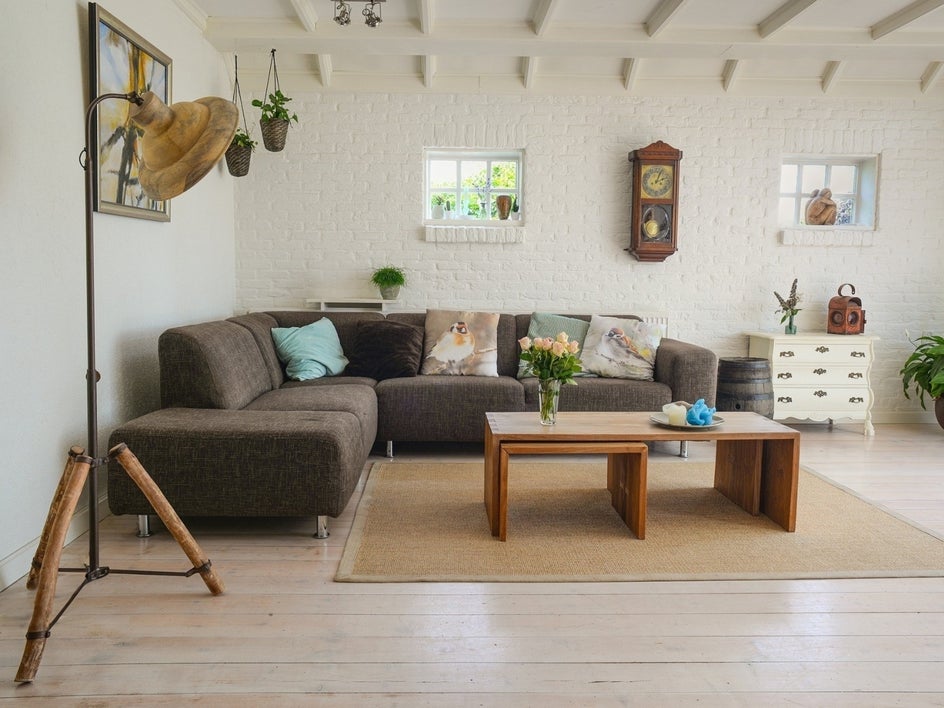
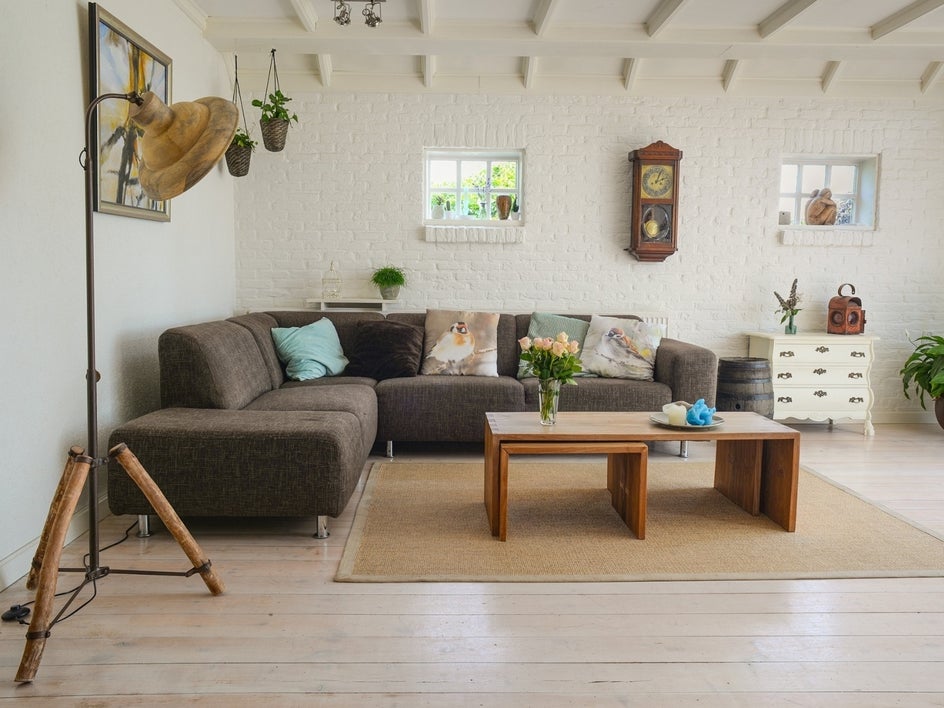
Stray cords, wall scuffs, personal items, or simply things that are no longer in the listing, can distract from a rental listing photo. With the Object Eraser found under the Remove/Replace section, those distractions can be removed in seconds.
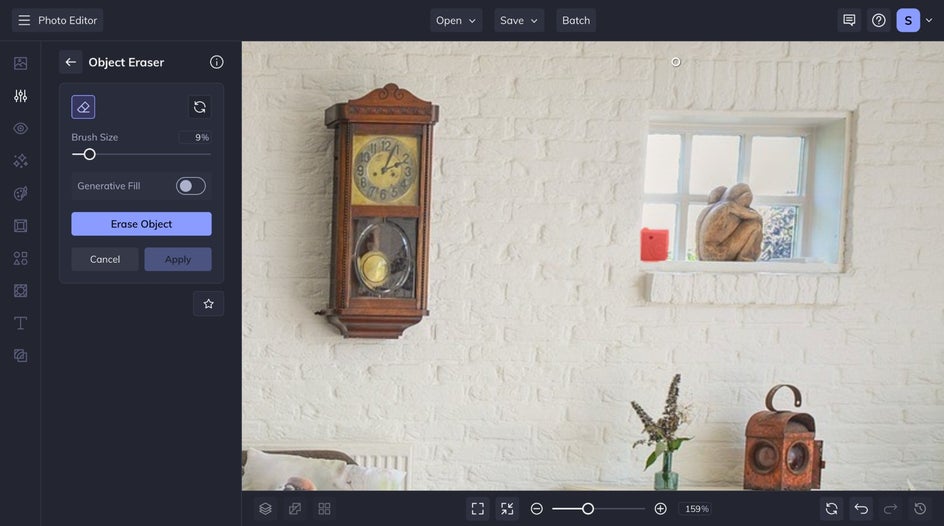
Simply brush over what needs to disappear, and the tool blends the background seamlessly, leaving a cleaner, more professional image.
Crop & Resize
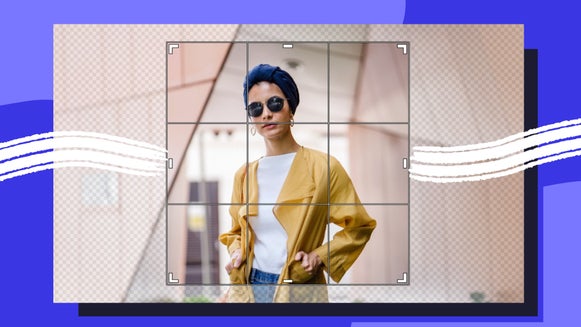
Make sure your photos meet VRBO’s required aspect ratio and size. Cropping to 16:9 keeps images consistent, while resizing to 3840 x 2160 pixels ensures they’re sharp on any device.
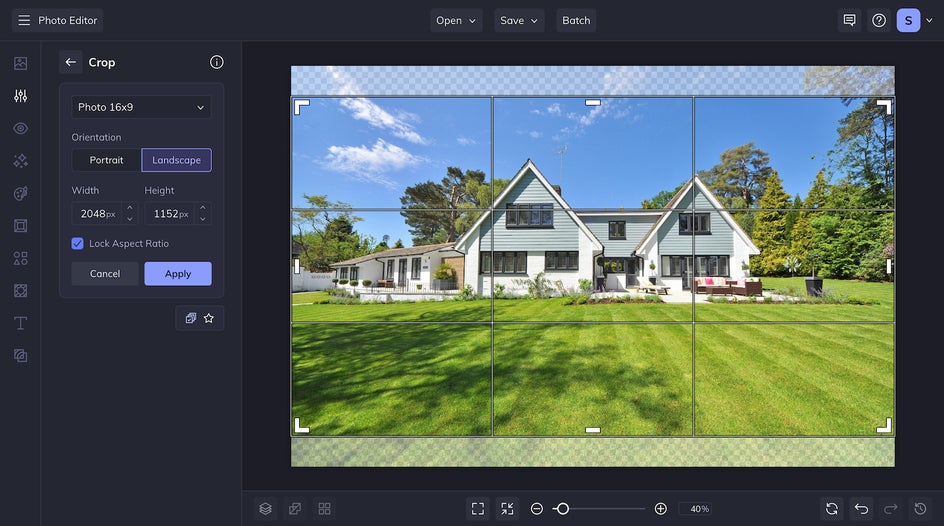
In the Essentials section, you will find both the Crop and the Resize tool. Crop your image before you resize it for the best results.
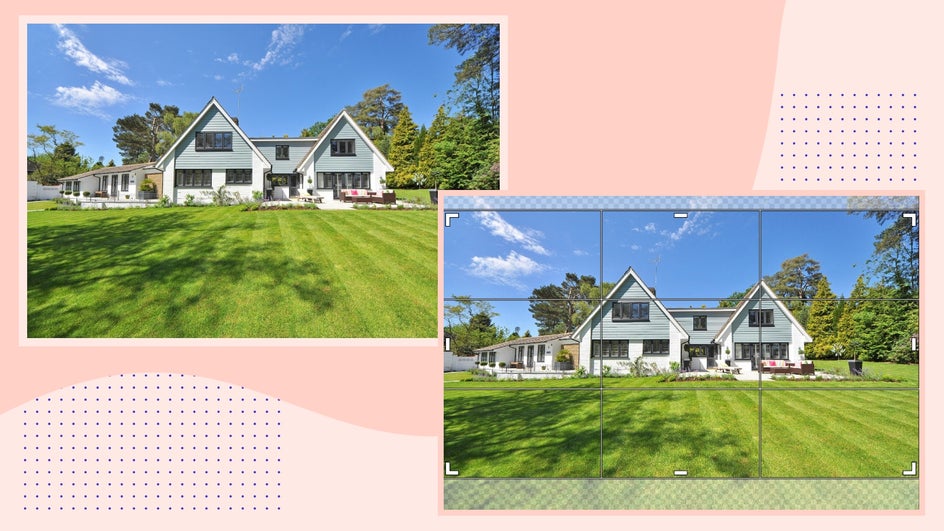
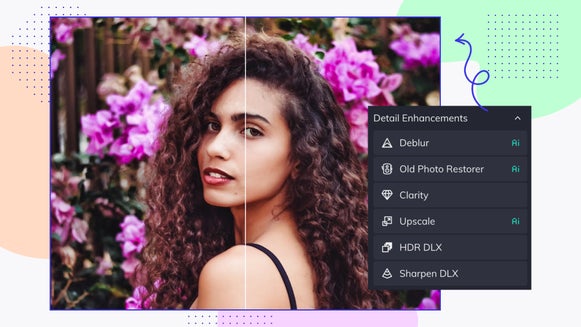
Image Enhancer
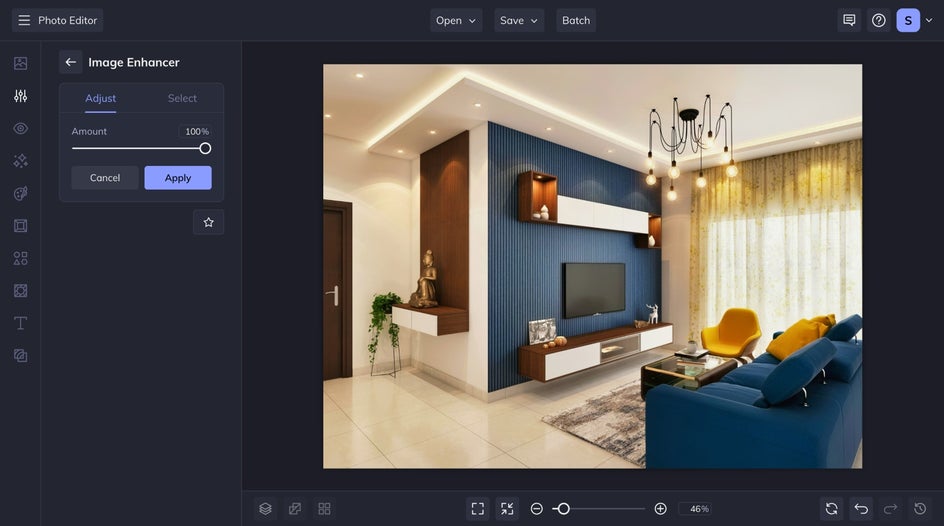
BeFunky’s AI-powered Image Enhancer is designed to instantly improve photo quality with one click. Found under the Essentials section, it analyzes the image and automatically adjusts exposure, contrast, color balance, and clarity.
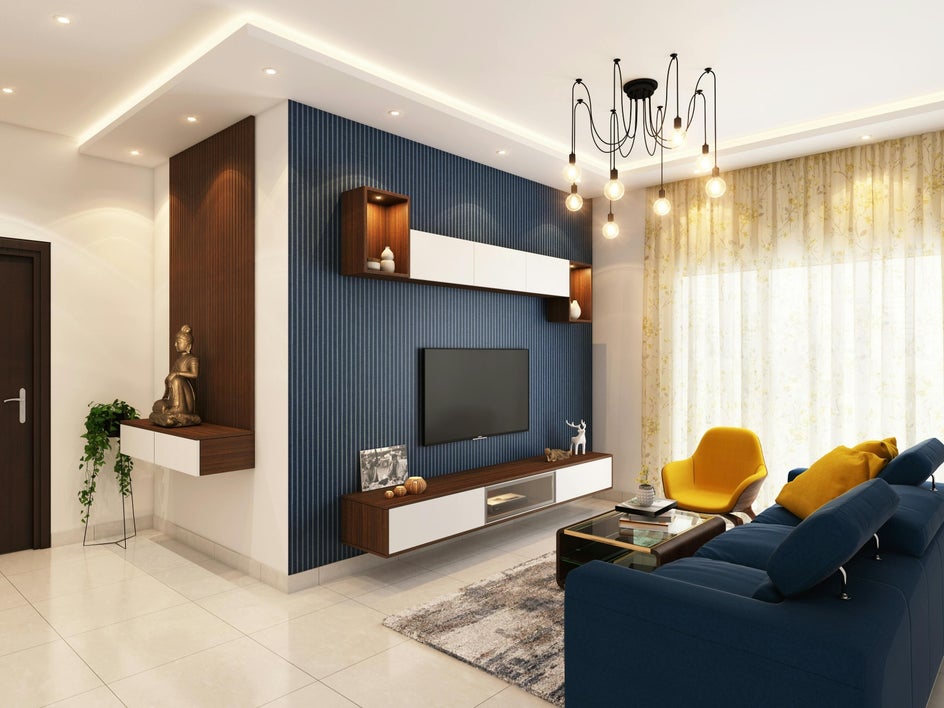
It is perfect for turning a flat rental photo into something crisp and inviting. This tool is especially helpful if photos were taken quickly on a phone or in less-than-ideal lighting, since it refines the overall look while still keeping everything natural.
Vibrant Colors
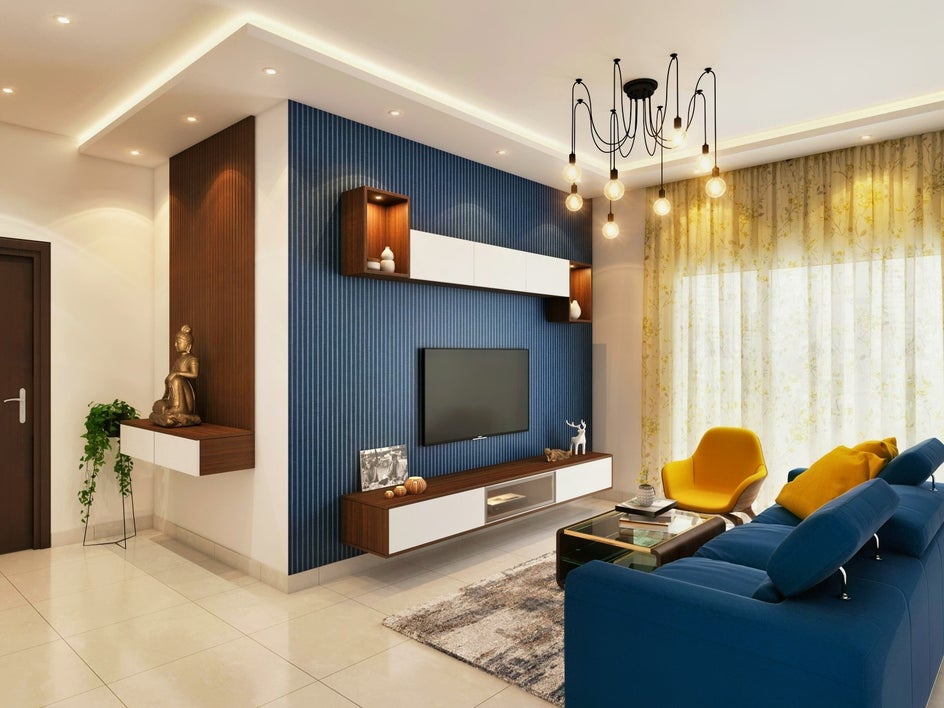
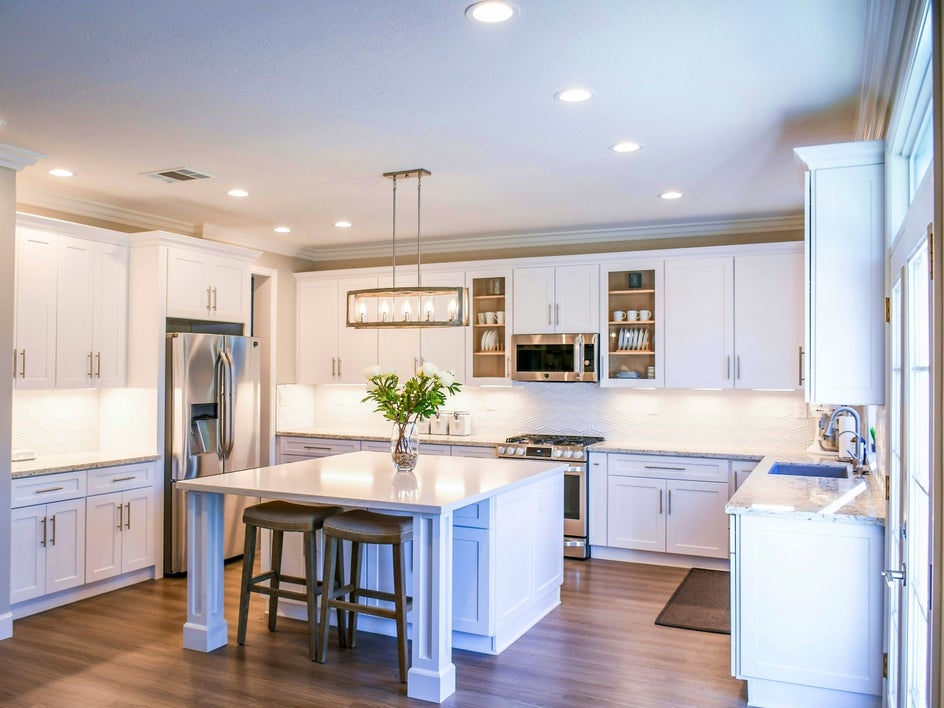
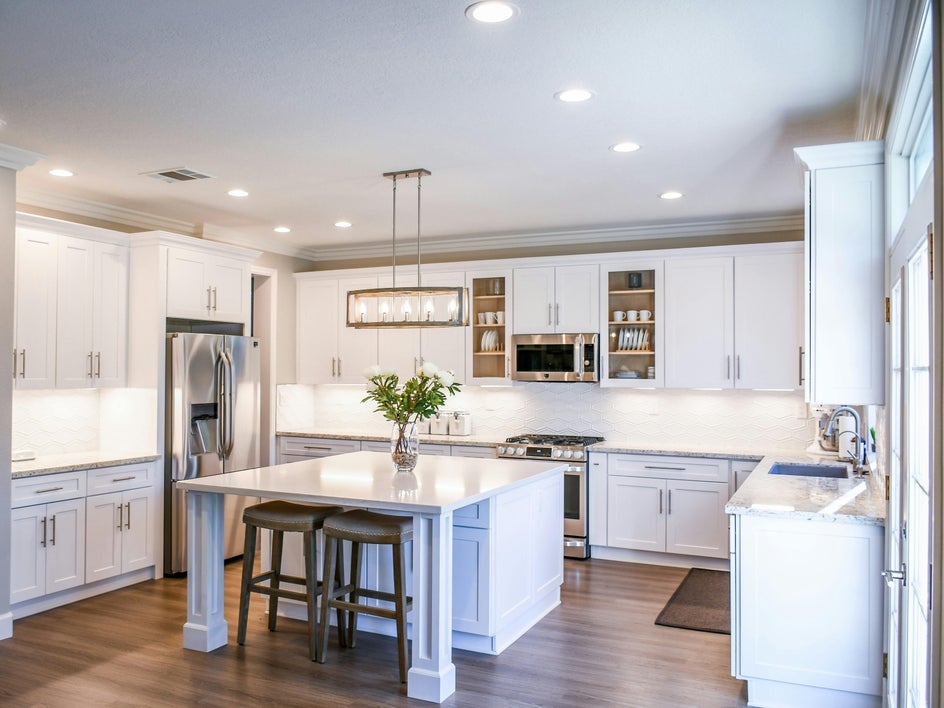
Perfect for fixing flat lighting in indoor spaces. Found in the Color Enhancements section, Vibrant Colors DLX is a great option to make your VRBO home feel cozy.
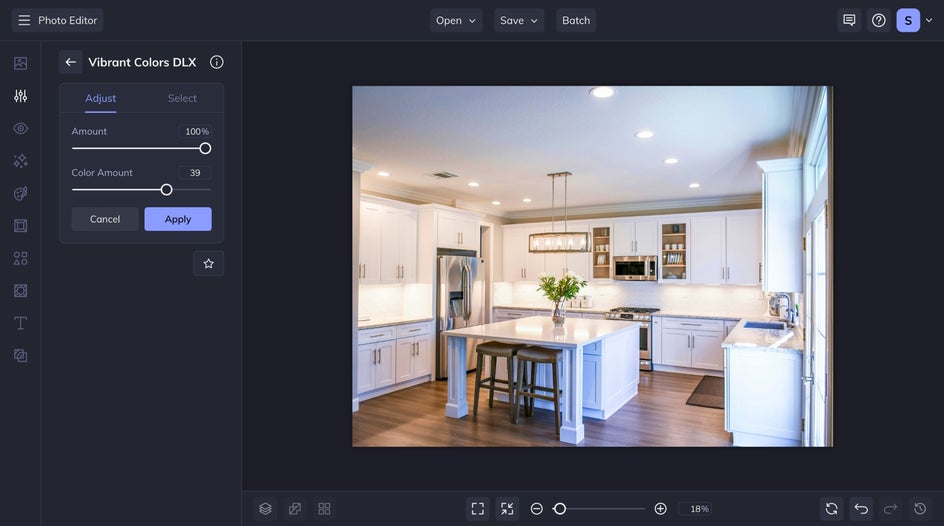
This tool draws out the vibrancy of natural tones so walls, furniture, and décor look lively but not oversaturated.
Rotate
Crooked horizons or tilted walls can make even the most beautiful room feel off. With the Rotate tool, you can quickly straighten any interior or exterior shot. Keep in mind that more dramatic adjustments may cause some cropping.
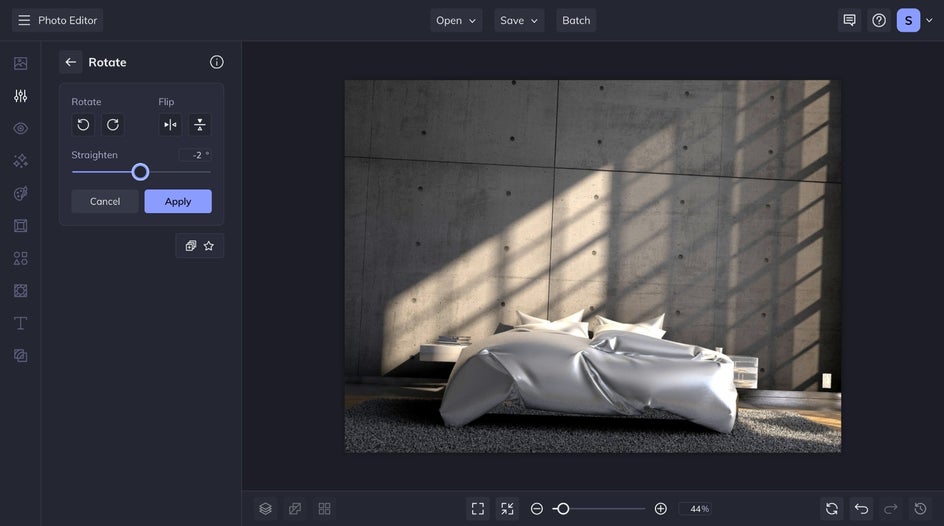
For an AI-powered option, the Straighten tool quickly corrects alignment using AI to generate any gaps, so your photos look polished and professional without cropping. However, the tool works best for making small adjustments, since overuse can make listing images appear misleading.
Create VRBO Photos That Drive Bookings
Strong listing photos aren’t just a nice addition on VRBO, they’re the deciding factor for many guests. By meeting the platform’s requirements, following proven photography best practices, and enhancing images, you can make your property look its best and increase the likelihood of bookings.
Professional-quality results are only a few clicks away. From balancing light to removing distractions, every tool is designed to help vacation rental hosts create visuals that attract attention and inspire confidence. Try the Photo Editor today and see the difference in your VRBO listing.