How Design Your Own Halloween T-Shirt Online

If you enjoy celebrating spooky season all month long – or prefer a casual Halloween outfit to a full costume – there’s nothing better than designing your own Halloween T-shirt. A custom shirt lets you join in the fun and creativity of Halloween without spending too much time or money. You can even make matching shirts for friends and family! There’s no need to be a professional artist or designer – with the Graphic Designer, creating a DIY Halloween shirt takes just a few minutes no matter your experience. Not to mention professional printing is only a click away!
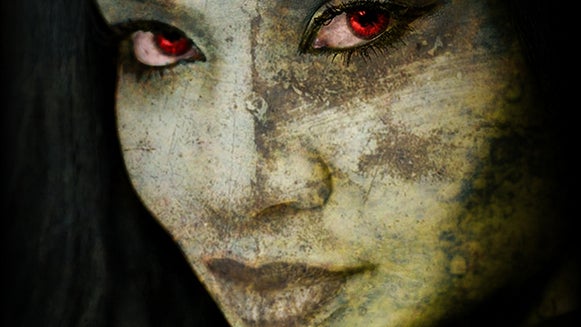
The Designer provides all the assets and tools you could need to make a Halloween T-shirt for adults or kids, including Halloween templates, fonts, and graphics. For a truly personal (and eerie) touch, you can also use bone-chilling AI photo effects to turn yourself into a vampire, ghost, alien, or zombie. With all these creative features at your fingertips, the design opportunities are endless: Create a cozy vibe with cute ghost graphics, make skeleton puns with spooky fonts, or give people a jumpscare with a ghoulish family photo. Whether you prefer to trick or treat, you’ll be able to curate the perfect Halloween vibe with a custom T-shirt.
How to Design and Print a Custom Halloween T-Shirt
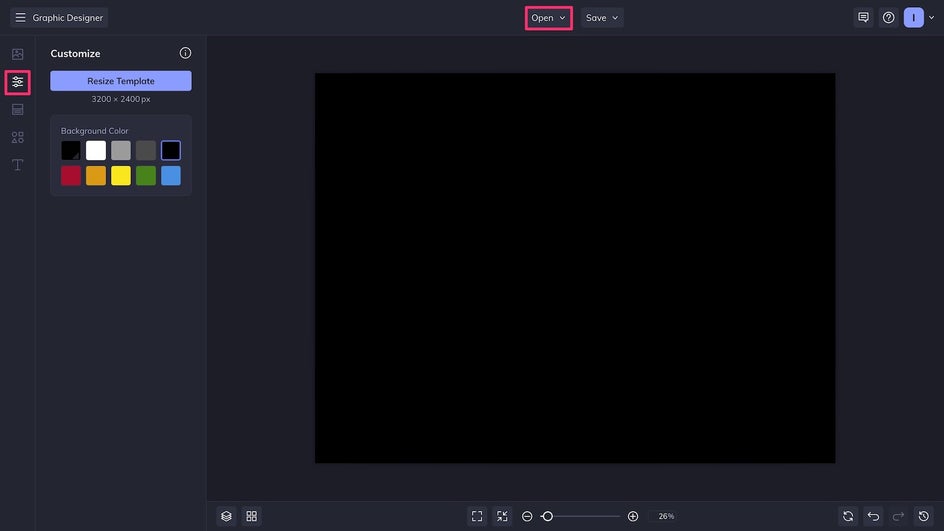
To DIY a Halloween shirt, first open up the Graphic Designer.
Step 1: Prep Your Canvas
You can choose a Halloween template or open a blank canvas like we’re doing here. If using a blank canvas, select a background color from the Customize tab. A transparent background works best if you want your design to fit any T-shirt color, but for this example, we’ll use black to match our black T-shirt.
Step 2: Add Spooky Elements
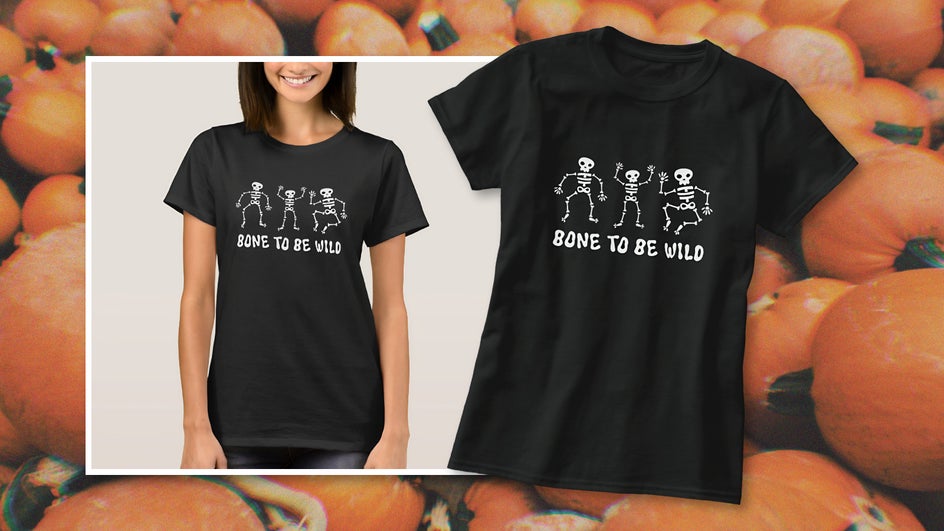
What really makes a Halloween shirt stand out are the visuals, whether they’re fun hand-drawn graphics or a photo that you’ve taken yourself. The Designer also provides access to millions of stock photos if you prefer to start there! For this adult Halloween T-shirt, we’ve searched for Halloween-related vector graphics in the Graphics Library and are using a few skeleton assets from the same collection.
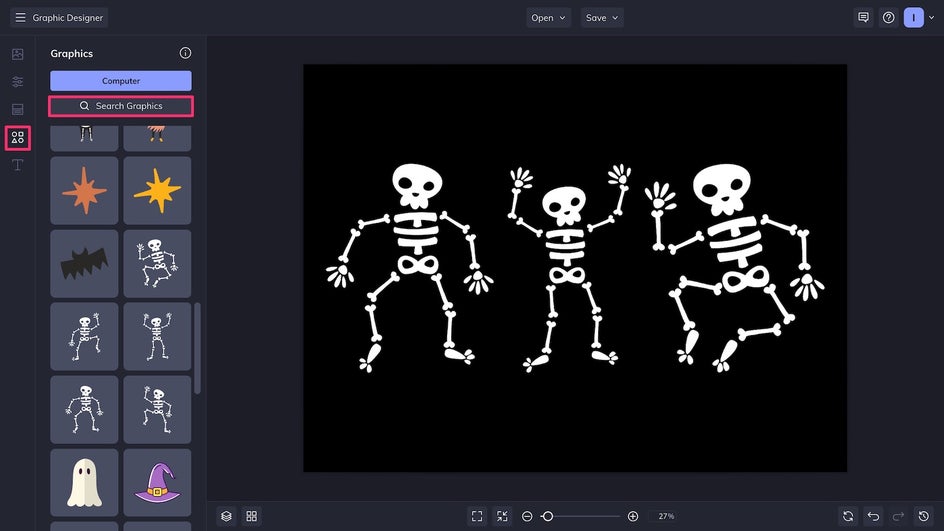
Following these graphic design principles, we’re making sure all the skeletons are in alignment so that the design looks professional – even though it’s custom-made!
These skeletons make a cute and creepy shirt on their own, but to make this Halloween T-shirt design especially memorable, we’re going to add some punny text in a suitably spooky font. Note that if you can’t find the perfect font among the hundreds of options in the Designer, there’s always the option to upload your own!
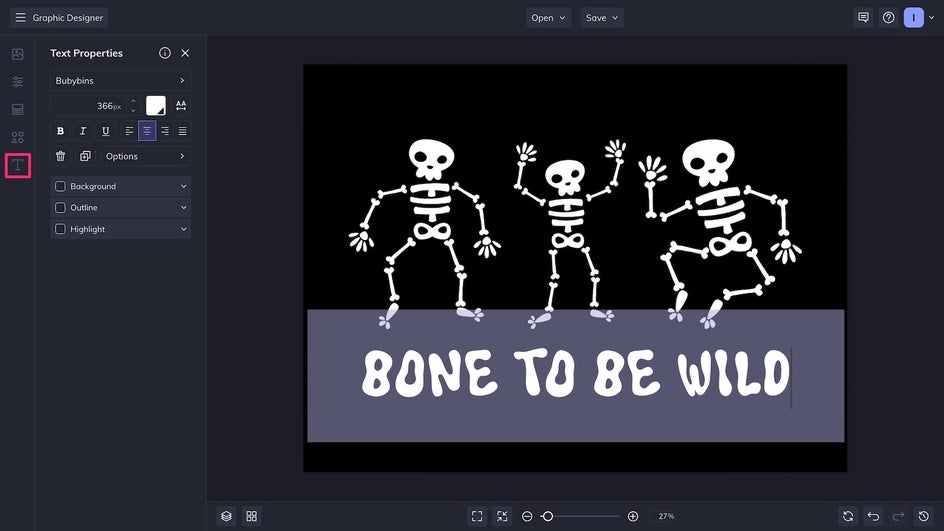
Step 3: Save and Print
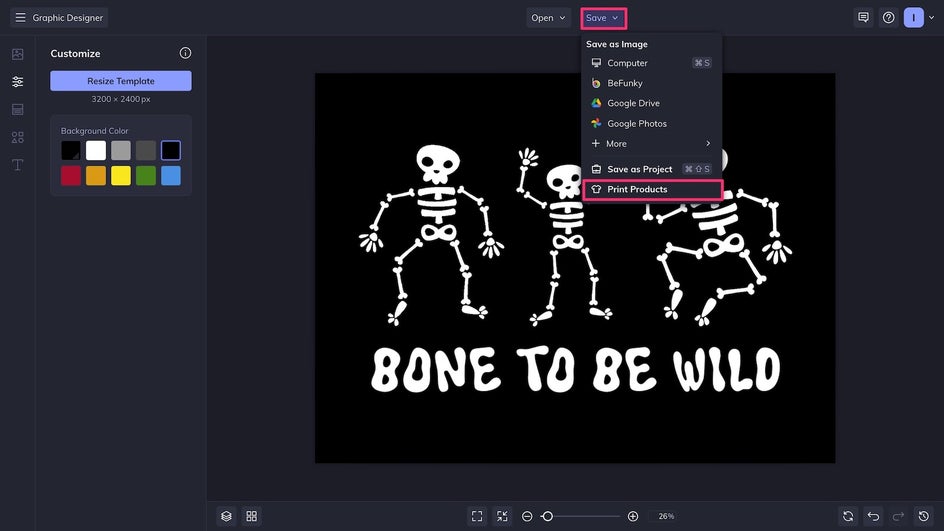
Our DIY Halloween T-shirt design is complete – now it’s time to print it on an actual shirt! The easiest way to print a shirt from the Graphic Designer is to click Save, followed by Print Products. From here, your design will be directly uploaded to Zazzle, our integrated printing partner.
With Zazzle, you can choose from a variety of T-shirt styles and fabrics. If needed, customize the size and placement of the design before placing an order.
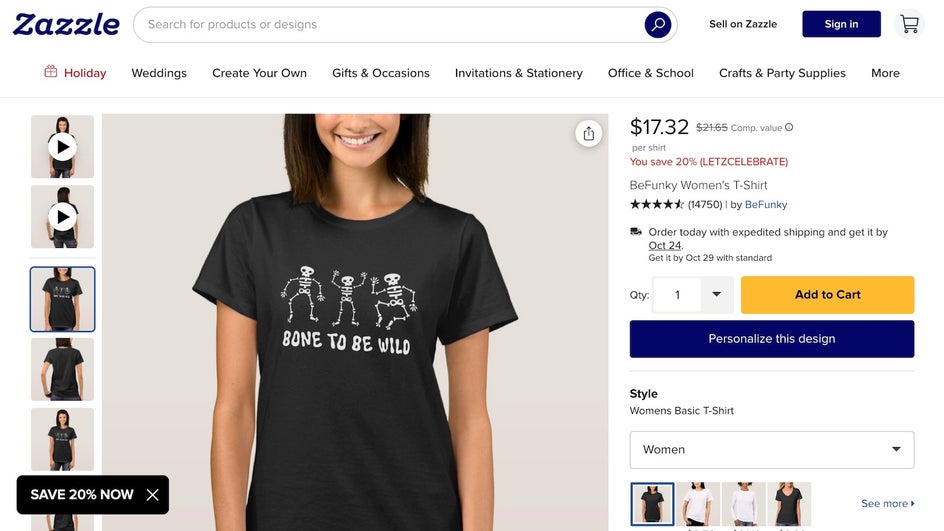
In just a few minutes, we created a fun, festive Halloween T-shirt that’s perfect for celebrating the whole month of October. It’s also a great shirt to wear on the 31st while handing out Halloween candy to trick-or-treaters!
Halloween T-Shirt Design Ideas
There are tons of different ways to approach a Halloween shirt design. Popular aesthetics include warm and cozy, fun and silly, dark and moody, or downright frightening. You could go heavy on the graphics, give bold text the center stage, or use one of your own photos for a true DIY feel. Here are just a few creative ideas to help you get started!
Ghost Portraits
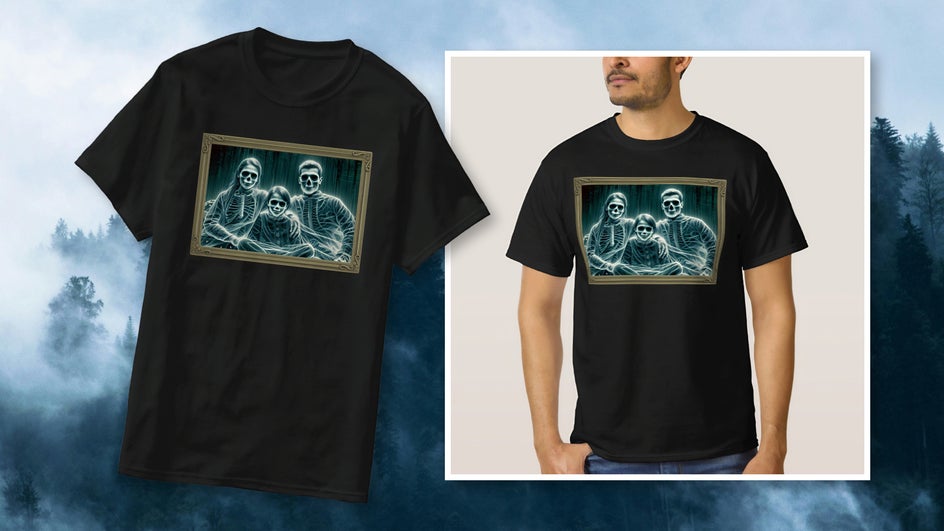
Create ghostly portraits of yourself, family, friends, and even pets with Specter GFX! Channel classic films like Casper and The Haunted Mansion with a personal twist. Combine the edited photo with a graphic or stock photo of an ornate frame to make it look hauntingly vintage. Or, repurpose one of our Halloween social media templates!
Colorful Graphics
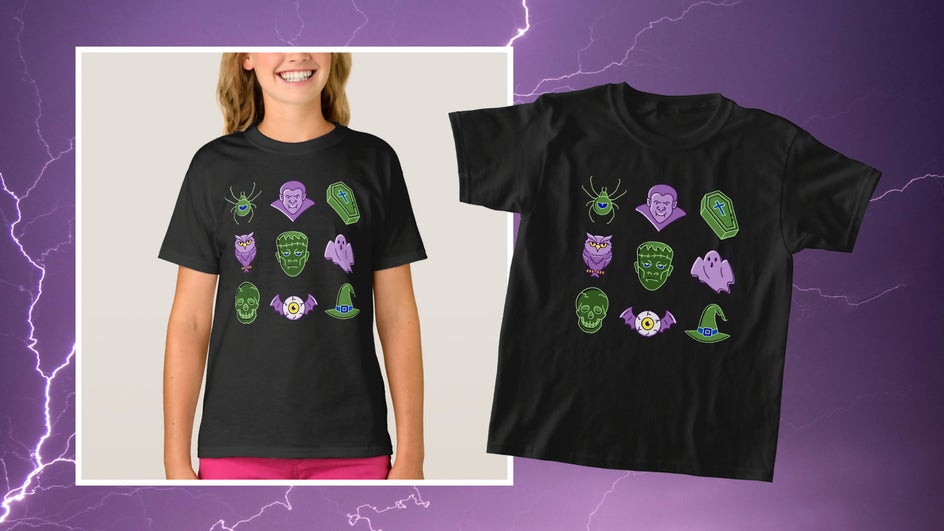
Looking to make a statement without saying a word? Create an all-ages graphic tee with a grid of hand-drawn graphics and personalize the design further with photo effects. The example below uses Solarize from our collection of Darkroom effects.
Typographic Design
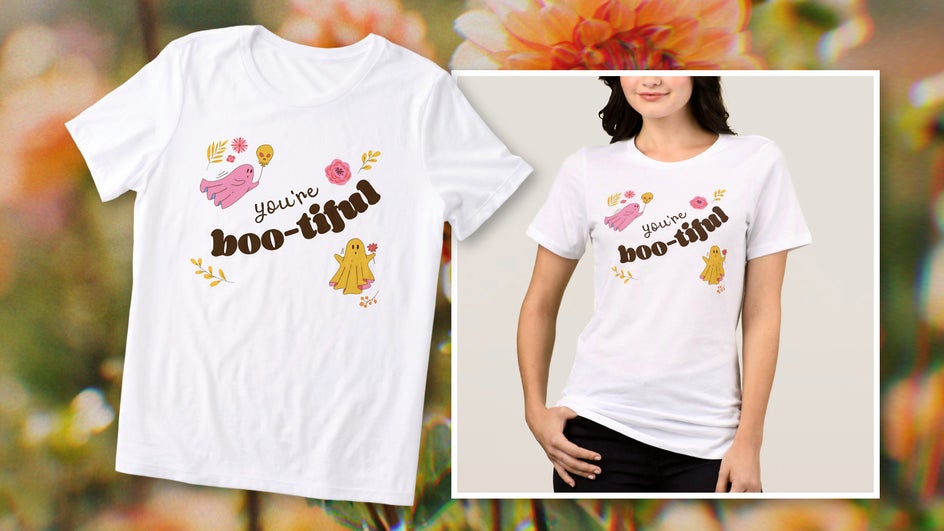
Let text take center stage with a creative Halloween pun or inside joke. First use an eye-catching font pairing, then add smaller graphics around the central message. Don’t forget that a cohesive color palette is important for a truly elevated typographic shirt!
Make Spooky Season Memorable With a DIY Halloween T-Shirt
Whether you need a custom T-shirt for your next Halloween party or are looking to add a new spooky outfit to your October wardrobe, the Designer has you covered. With seasonal graphics, Halloween templates, and a complete collection of online photo effects, you’re just a few steps away from the personalized Halloween T-shirt of your dreams. Try it for yourself and create your own Halloween shirt today in the Graphic Designer!