









Your Guide to Stunning Real Estate Photography Edits

If you want to make a great first impression when selling a home, stunning real estate photography is a must. Eye-catching visuals are often the first thing potential buyers notice, and they can dramatically influence how quickly a property sells – and for how much. Whether you’re a real estate agent, photographer, or homeowner creating your own listing, high-quality imagery helps you showcase the very best of a home’s features.
5 Quick Real Estate Photography Tips for Better Listings
Before you even get your camera ready, keep the following in mind:
- Walk through the space first to get a feel for the layout and move any distracting clutter out of frame.
- Use a wide-angle lens to capture the full scale of each room.
- Steady your camera with a tripod to avoid blurry shots and keep your angles consistent.
- Use external lighting to fill dark corners and create a balanced atmosphere.
- Shoot on a clear, bright day with the sun behind the house whenever possible.
Once you’ve captured your shots, it’s time to take them from good to polished using our Photo Editor. We’ll walk you through a real estate photo editing workflow that makes the most of our powerful, beginner-friendly tools. We’ll also show you how you can easily combine your photography with our wide range of real estate marketing templates.
Top Editing Tools to Elevate Your Real Estate Photos
Here are the top editing tools to perfect your real estate photography and help it stand out. Each of these can be found in the Edit tab of the Photo Editor.
Instantly Enhance Property Photos
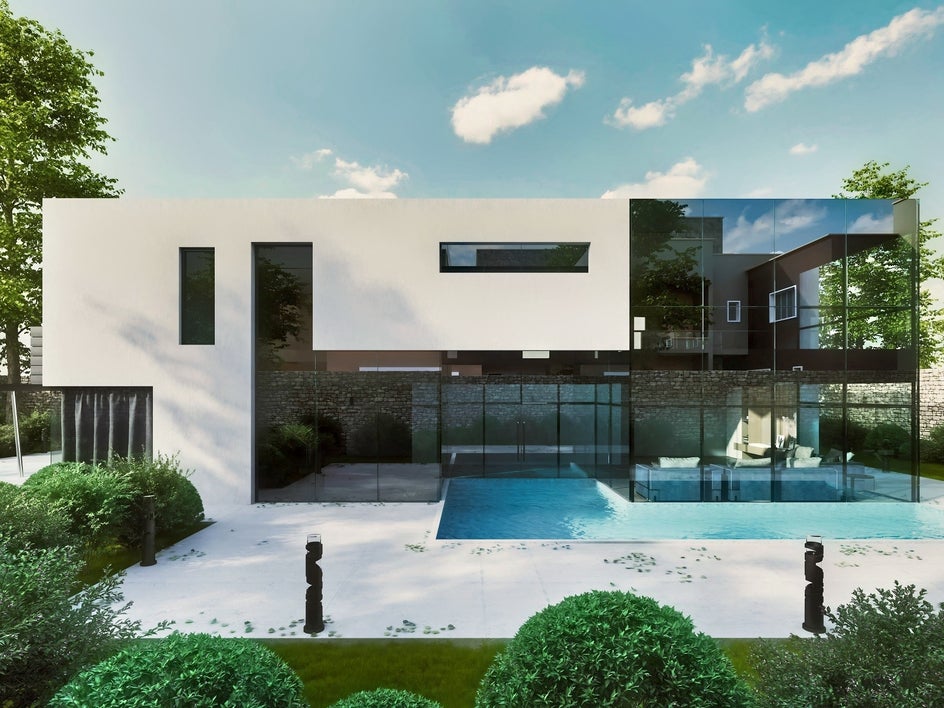
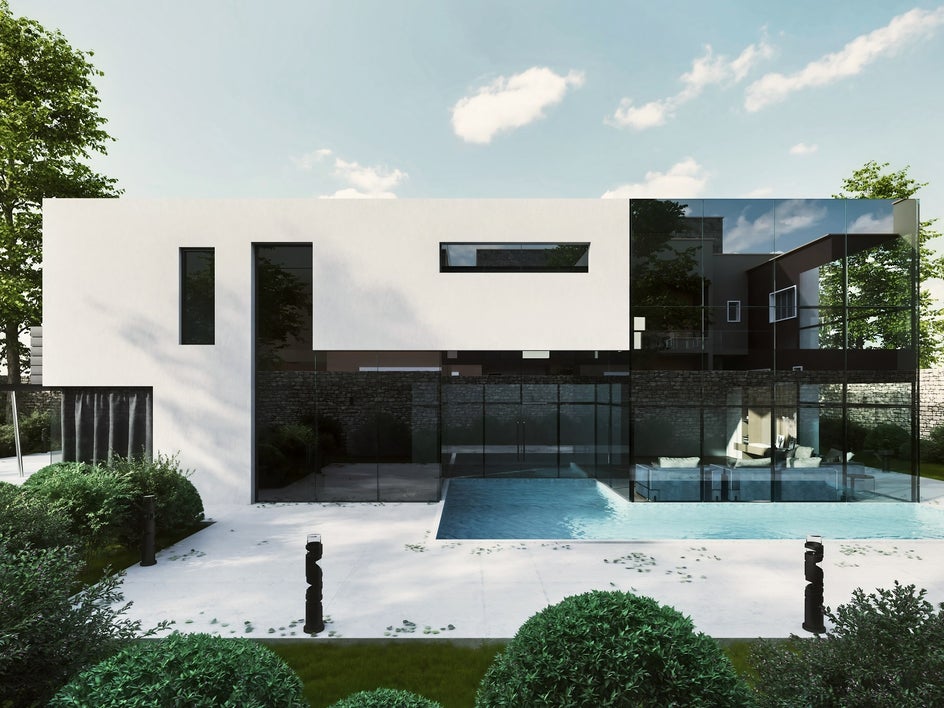
When you want to improve a photo with minimal effort, the AI Image Enhancer is a great first step. It automatically adjusts brightness, contrast, and color to make your photo look clean and well-lit, making it ideal for property interiors and exteriors alike.
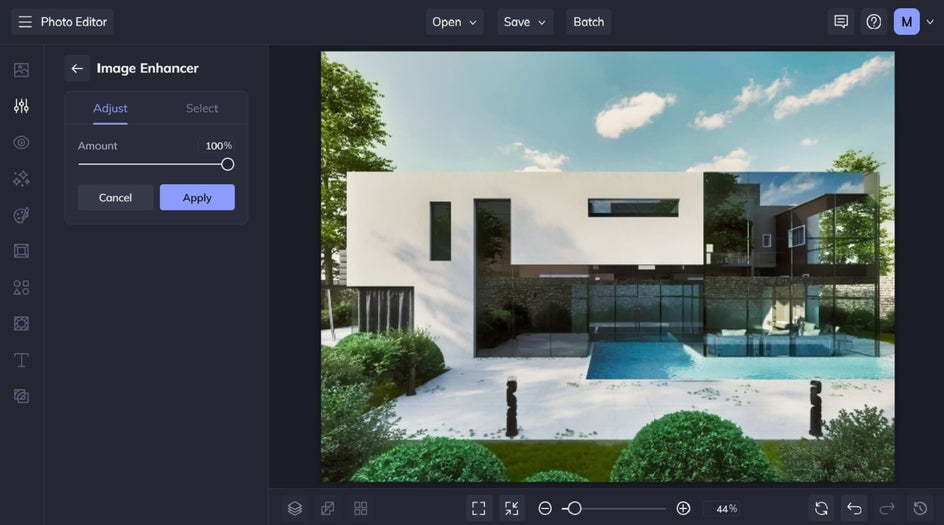
Adjust the strength of the image enhancement using the corresponding slider, then click Apply.
Upscale Low-Res Images Without Losing Quality
Ever tried to add small or compressed real estate imagery to listing websites, social media, or marketing materials, only to have them look pixelated and out of focus? This is where the Upscale tool is a game changer, as it uses AI to achieve the maximum resolution and size for your image, all while sharpening edges and restoring texture.
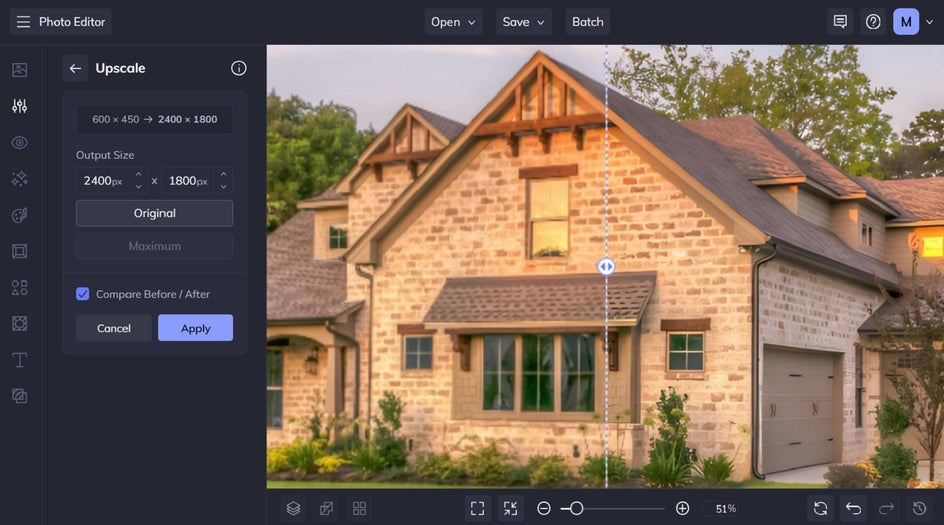
Simply click on the Upscale tool, which can be found within the Detail Enhancements section of the Edit tab, and let it work its magic.
Here’s an example of our image resized to 4x its original size both with and without using the Upscale tool. Look at that difference!


Crop for Better Framing and Focus
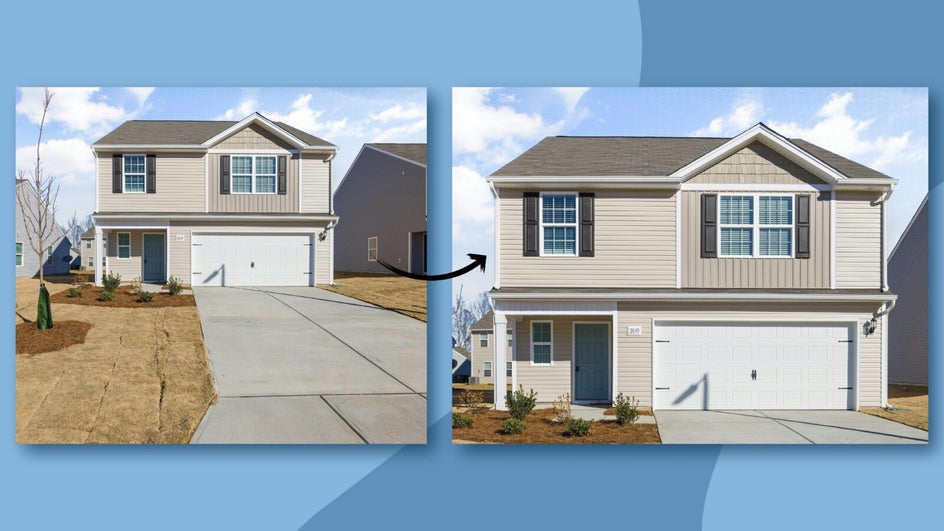
You can also use the Crop tool to remove any distractions near the edges of your image and to achieve the perfect framing.
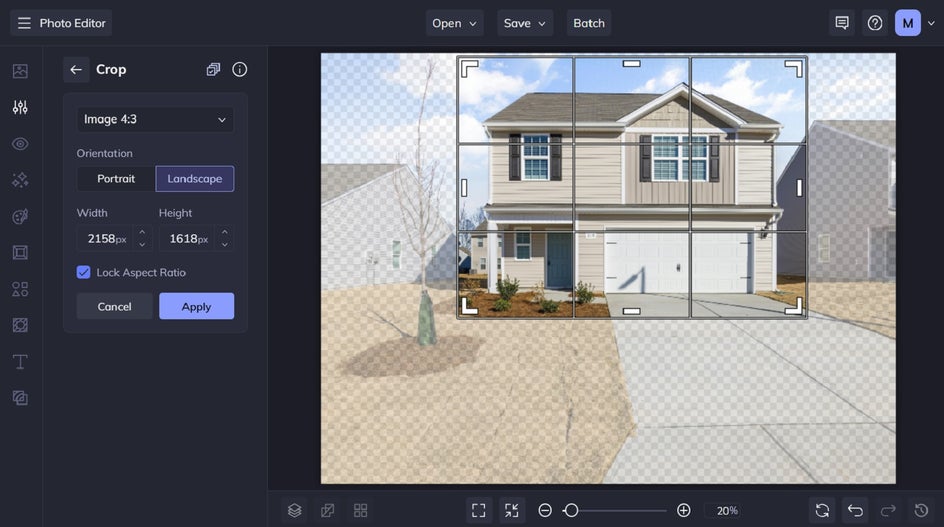
You can crop freeform or select from preset aspect ratios to match the dimensions of your listing site or marketing materials.
Erase Unwanted Objects From Property Photos
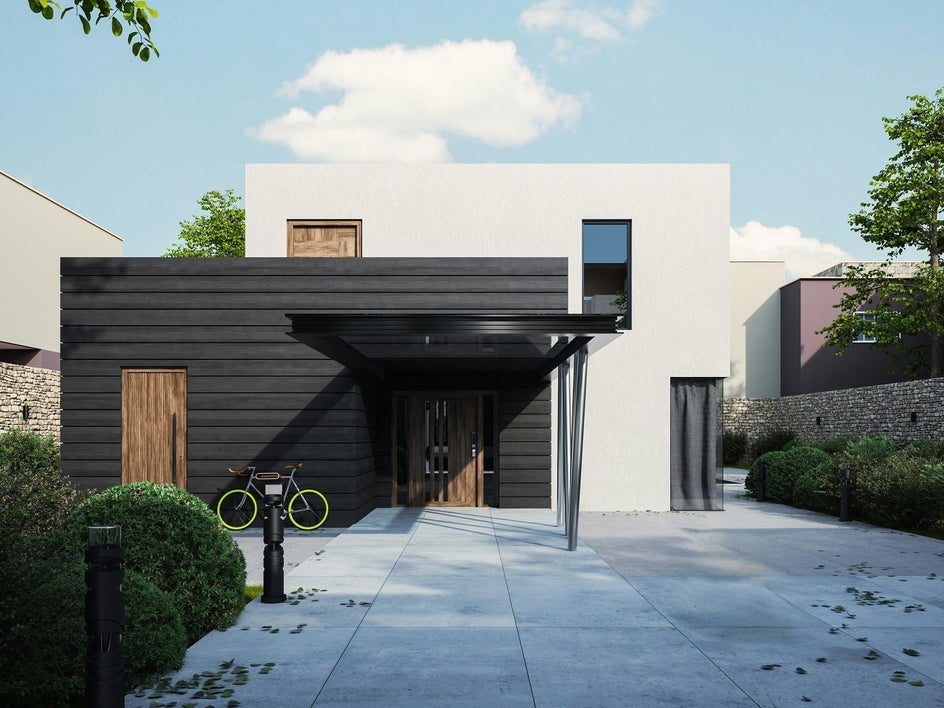
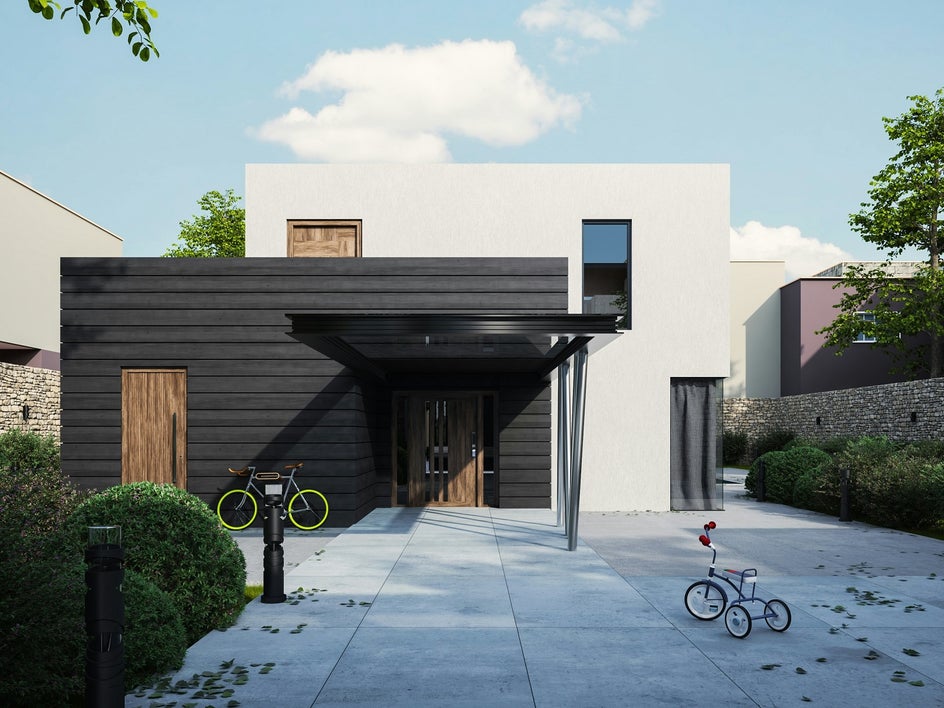
Did you forget to move a trash can or perhaps there’s some distracting leaves all over the ground (like in this example)? Use the Object Eraser to brush over and remove any unwanted elements. This is especially helpful for decluttering countertops, fixing wall blemishes, or eliminating background distractions that take focus away from the home.
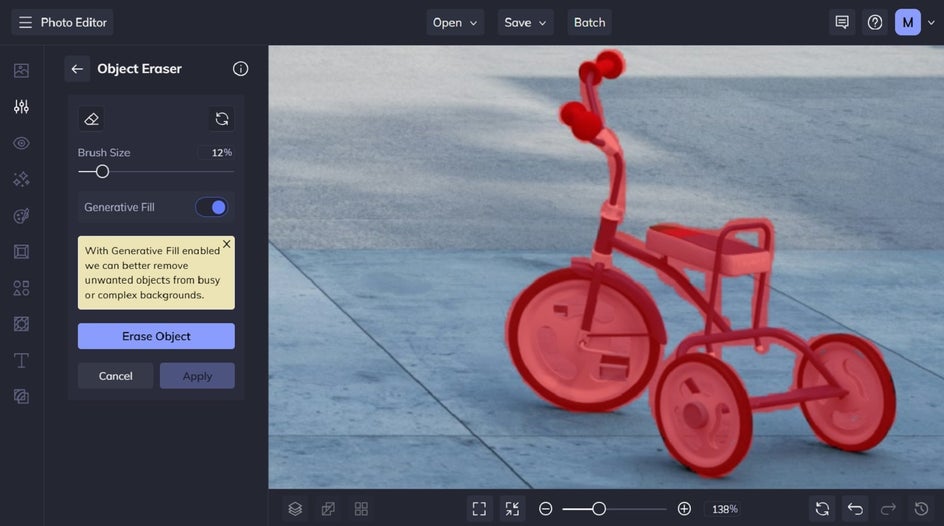
Adjust the brush size, then choose if you want Generative Fill toggled on or off. Generative Fill helps seamlessly replace erased objects with AI-generated details that blend naturally into the background. Instead of leaving behind a blank space, it intelligently fills in the area based on the surrounding elements, making edits look smooth and realistic.
Replace Dull Skies With Vibrant Backgrounds
A gloomy sky can make even the most beautiful home look dull. If the weather didn’t cooperate on shoot day, use the Sky Replacer to swap in a clear blue sky or a vibrant sunset. With the right sky, you can instantly shift the feel of a space and make it easier for someone to imagine themselves living there.
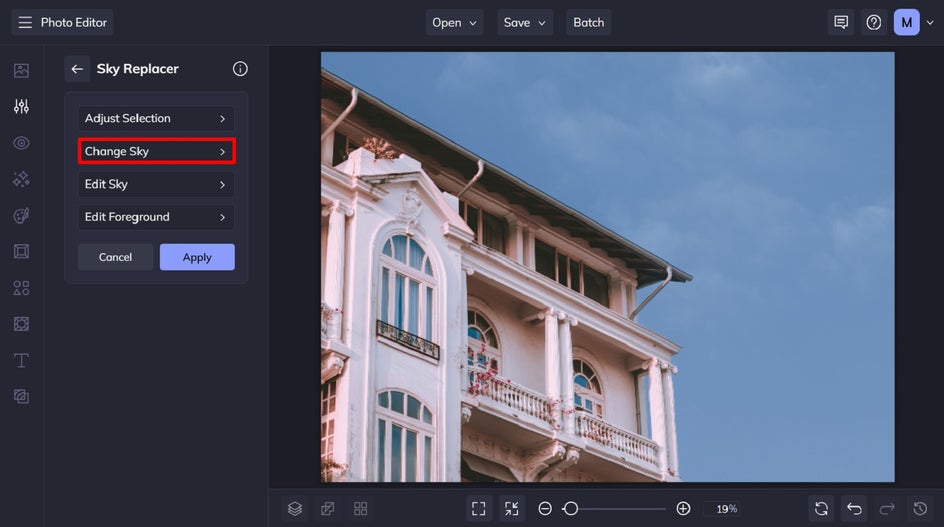
From the Sky Replacer menu, select Change Sky, followed by Image and Select Sky.
Select a preset sky from BeFunky’s built-in sky library or upload your own.
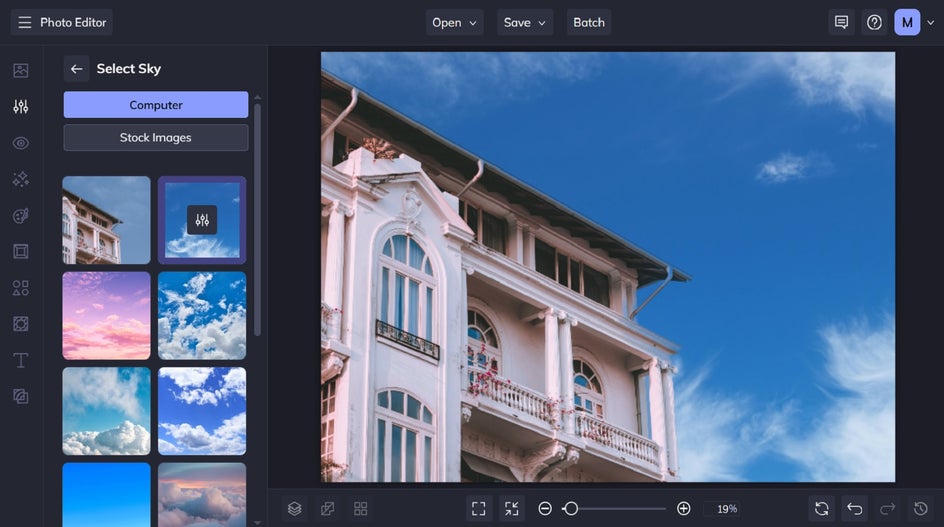
For a more seamless result, click on the Settings icon to adjust elements like brightness, contrast, warmth, and more. Doing so allows you to match your new sky to the lighting of the property.


How to Use Real Estate Photos in Marketing Materials
Once your images are looking their best, you’re ready to show them off. Here are a few creative ways to repurpose your edited real estate photos using our wide range of design templates.
Design Direct Mail Postcards to Attract Leads
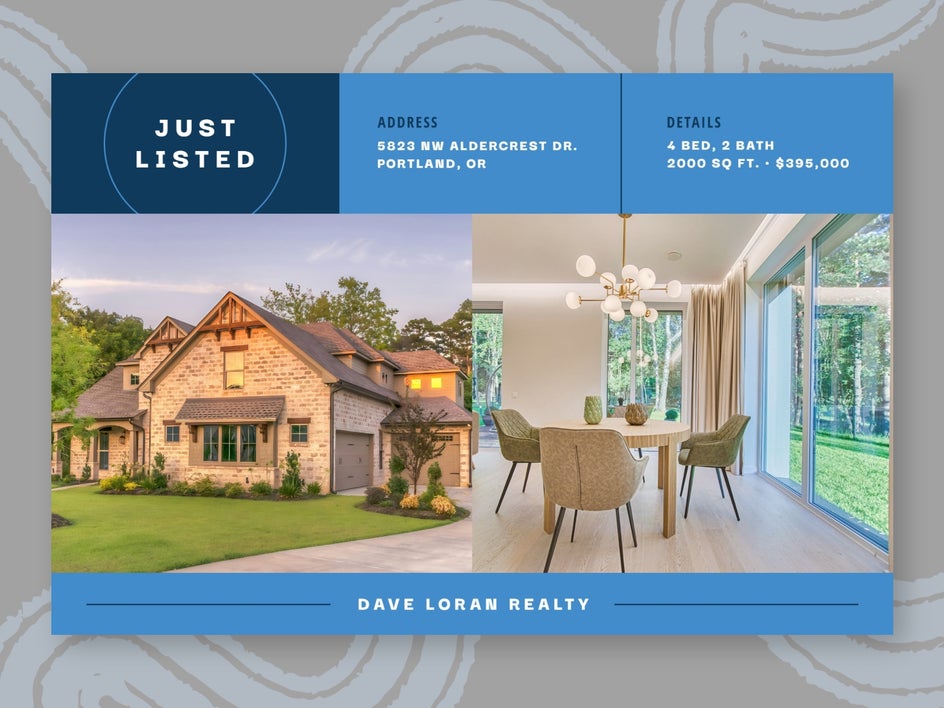
Use your image to design an eye-catching and professional real estate postcard for direct mail campaigns. Add the home’s address, key selling points, and your contact information to encourage potential buyers to book a showing. These postcards are a great way to reach local buyers and leave a lasting impression right in their mailbox. They're especially useful for marketing open houses or new listings.
Create Eye-Catching Flyers to Highlight Properties
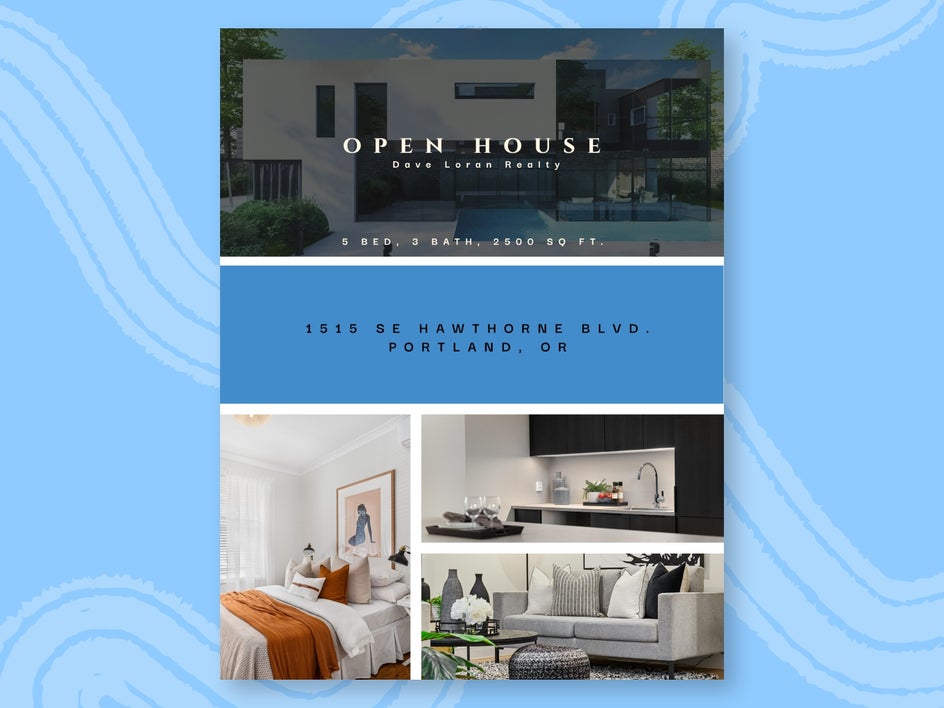
Create a polished real estate flyer to leave at open houses or in infoboxes on the property. Flyers can include multiple interior and exterior photos with room labels and a brief property description, helping potential buyers quickly understand what makes the home unique. They're easy to distribute at showings or real estate offices and make great takeaways for buyers to review later.
Promote Listings With Social Media Stories
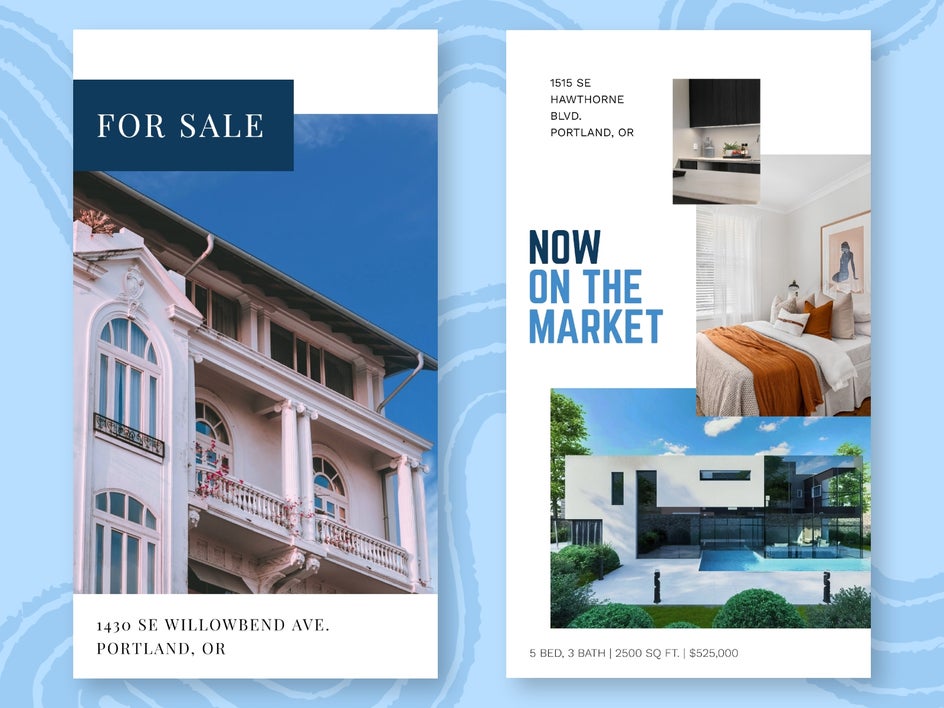
Why not showcase the property in a social media story? Our story templates make it easy to create branded, engaging visuals that are perfect for promoting new listings, recent sales, open homes, or even your real estate services as a whole. Stories are also ideal for reaching a wider online audience, generating buzz, and keeping your social channels active with high-quality content.
Transform Your Real Estate Photography With BeFunky
Forget unappealing or unsightly real estate photos. By using a variety of our photo editing tools, you can instantly enhance your imagery using AI, seamlessly enlarge photos, improve composition with the perfect crop, erase unwanted distractions, and even replace an entire sky.
Using our wide range of real estate marketing templates, you can then easily integrate your polished photos into eye-catching flyers, postcards, social media imagery, and more.
Ready to transform your property photos? Head to the Photo Editor and start editing today!




