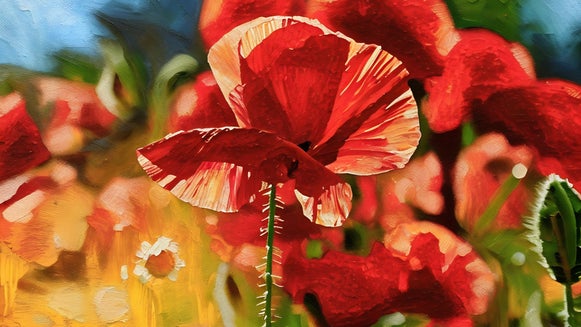
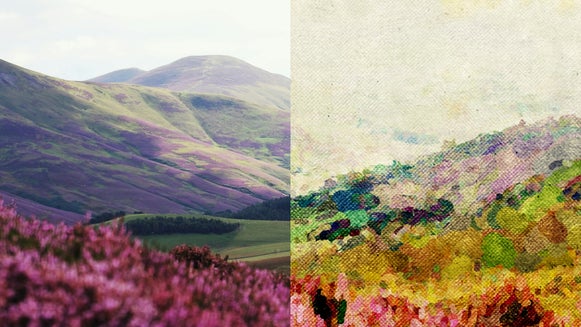
From Photo to Gouache: Create a Painted Look in Seconds

Gouache is loved for its rich pigment, matte finish, and strong, opaque coverage. While watercolor leans light and transparent, gouache lets you build up layers and stay in control, which is why it is such a favorite for bold illustrations, fine art, and design work. It first gained popularity in the late 18th century and eventually became a staple for commercial artists working on posters, editorial pieces, and concept art.
If you have ever wanted to give your own photos that same painted look, it is easier than you might think. In the Artsy section of BeFunky’s Photo Editor, you will find two different ways to create a gouache-inspired effect. You can start with the classic Gouache style for a more stylized, textured finish, or explore the GFX+ styles for a more realistic, hand-painted result.
Both use AI to recreate the look of traditional gouache, but the results feel distinct. GFX+ focuses on detailed brushwork, layered pigment, and soft blending, while the classic Gouache effect keeps things more graphic and textured for a bolder finish.
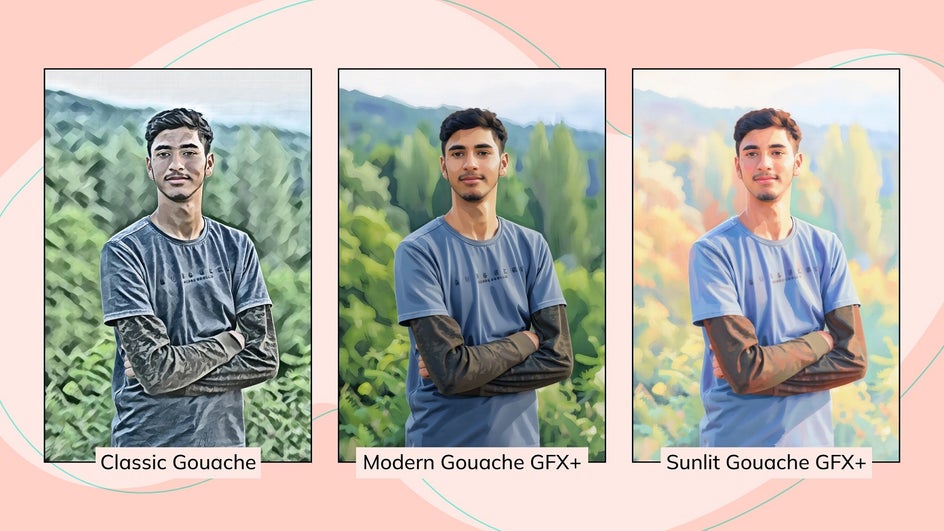
Whichever direction you choose, recreating that rich, layered gouache look only takes a few clicks. Here is how to do it.
How to Go From Photo to Gouache Painting
Ready to transform your own photo into a Gouache painting? Head straight to the Gouache category within the Photo Editor and simply drag and drop the image you wish to edit.
Keep in mind that images with a clear subject, soft lighting, and natural color variation tend to work especially well, as they give the effects more depth and detail to build on.
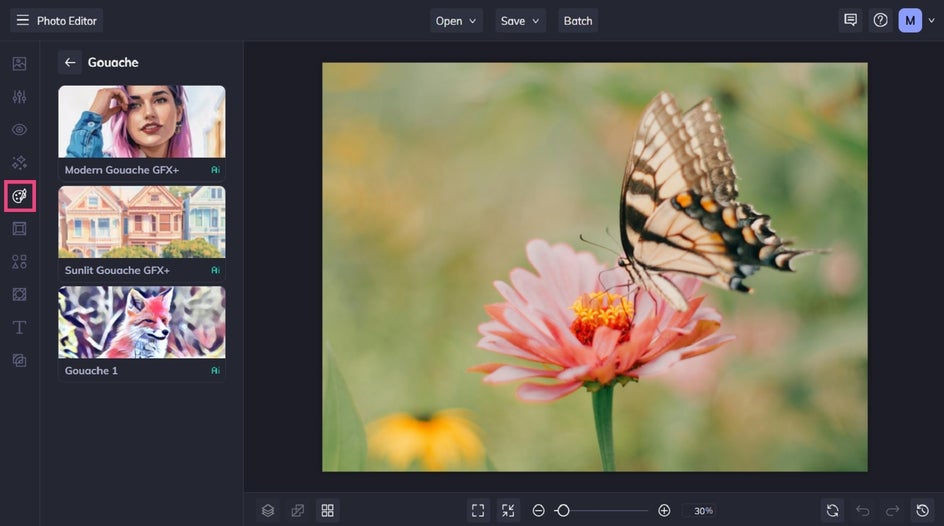
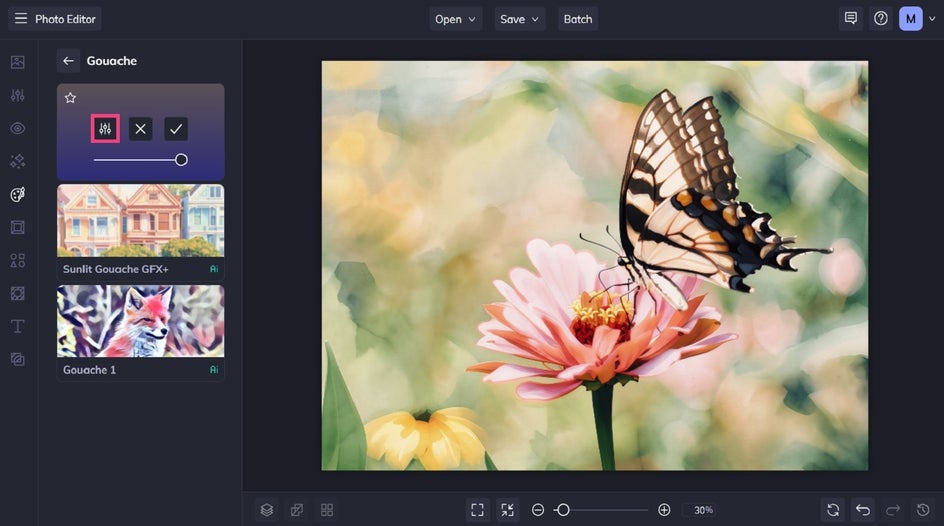
Step 1: Choose a Style
Click on any Gouache effect to sample it on your photo. You can then apply it as-is or adjust the strength using the corresponding slider.
Alternatively, if you want to further customize your chosen Gouache style, you can. Just click the Settings button on the left to do so.
Step 2: Customize It
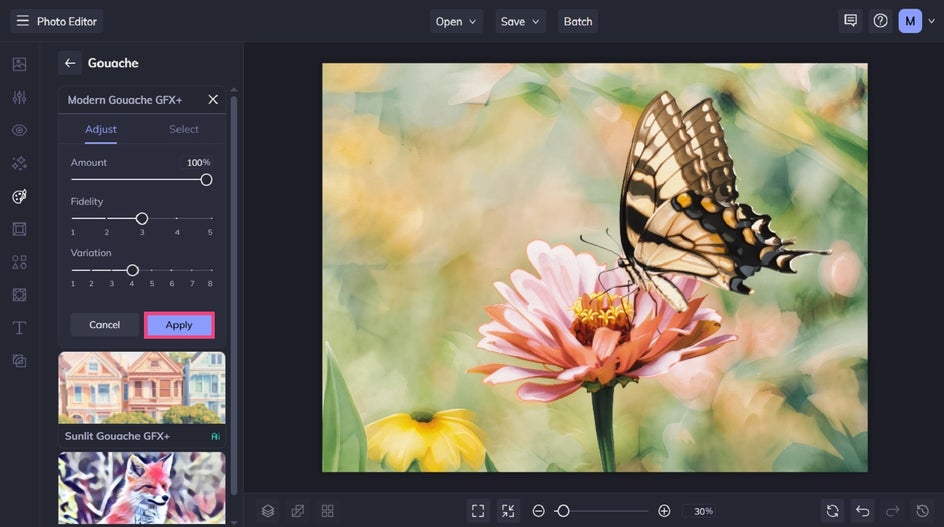
Within Settings, you have the option to also tweak the fidelity and variation.
Fidelity refers to how closely the selected Gouache painting effect resembles the original photo without losing detail, while variation allows you to toggle through several different renditions of your image with the same settings applied to it.
Once you’re happy with the results, click Apply to keep your changes.
Step 3: Save and Share!
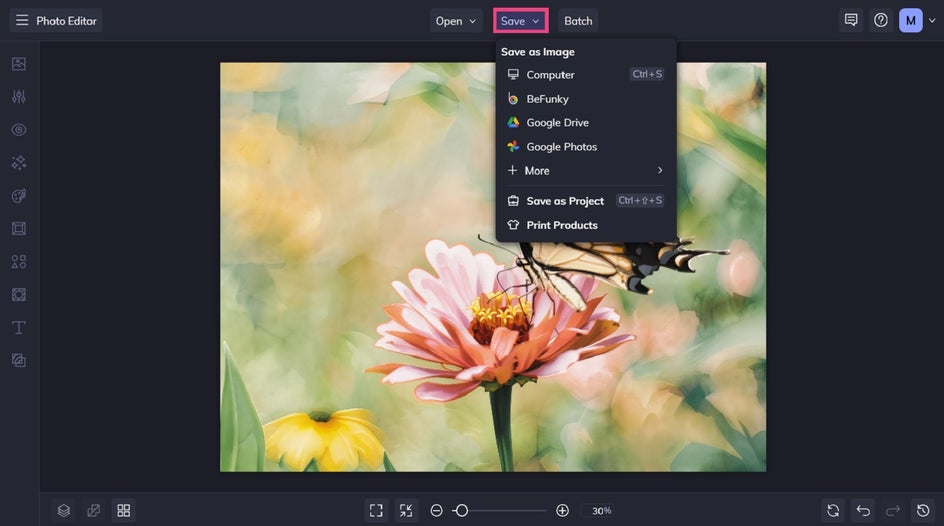
Finally, it’s time to save your Gouache image. Click Save at the top of the screen and select your desired save location.
Final Results: A Gorgeous Gouache Masterpiece in Seconds
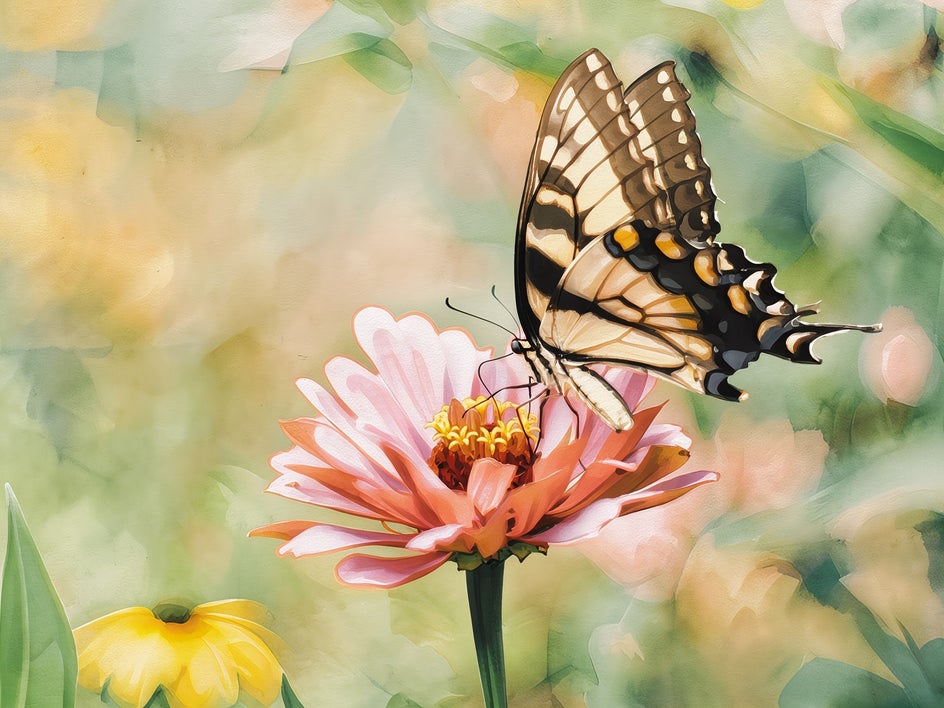
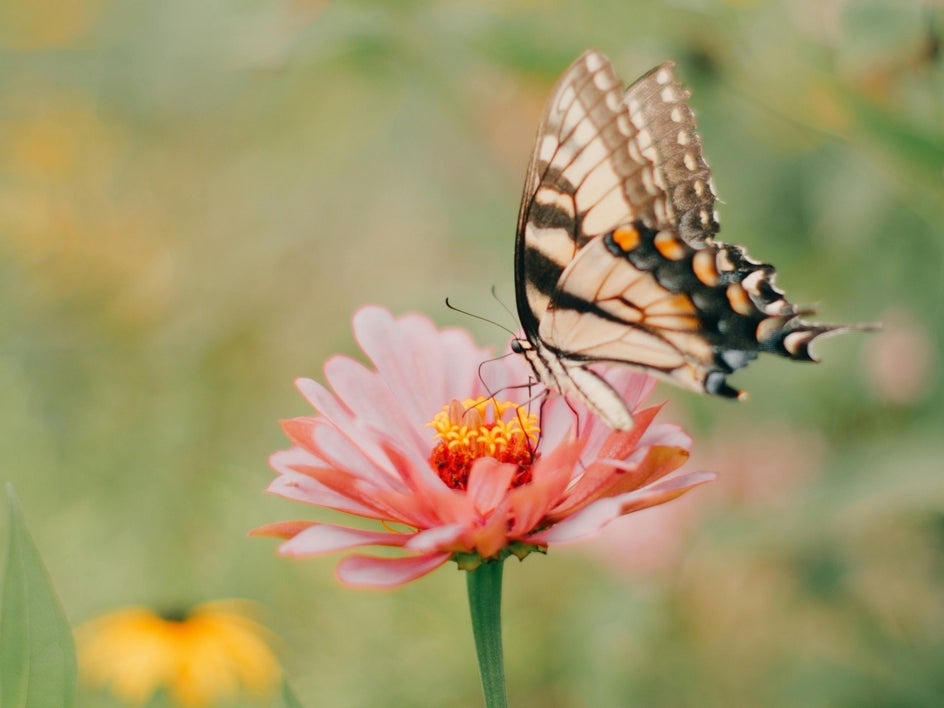
Forget investing in expensive painting supplies or having to learn an entirely new medium. All it took was a few clicks to transform this beautiful photo of a butterfly into something with a soft, painted texture and rich detail.
Inspiration: Classic Gouache Subjects
Gouache has long been tied to a few classic subjects in traditional painting. Here are three of the most common, as well as how our Gouache category can recreate that same look and feel in your own photos.
Painterly Portraits
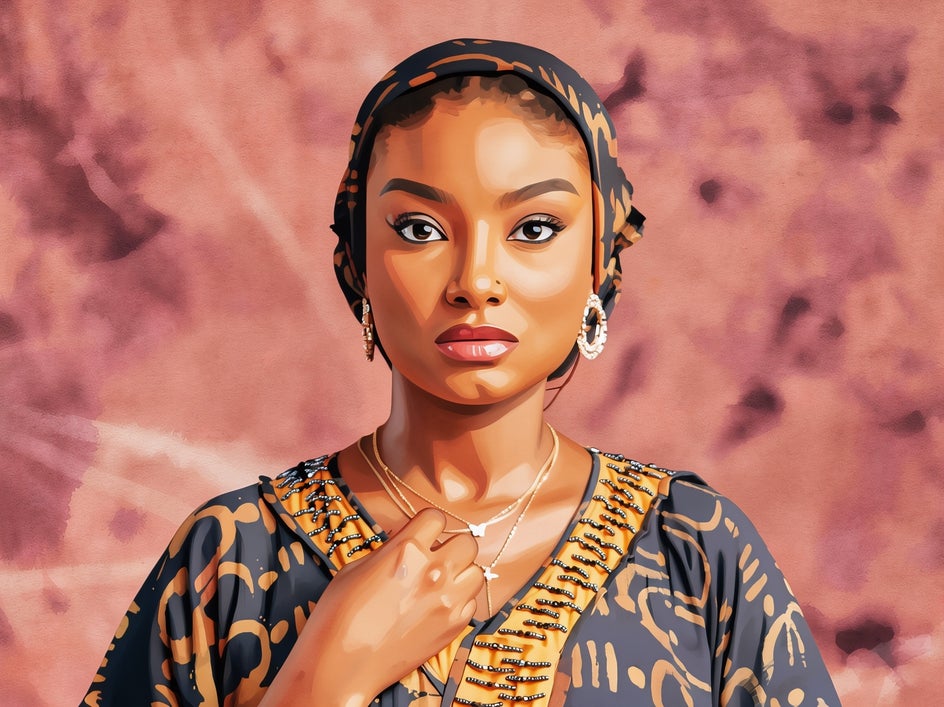
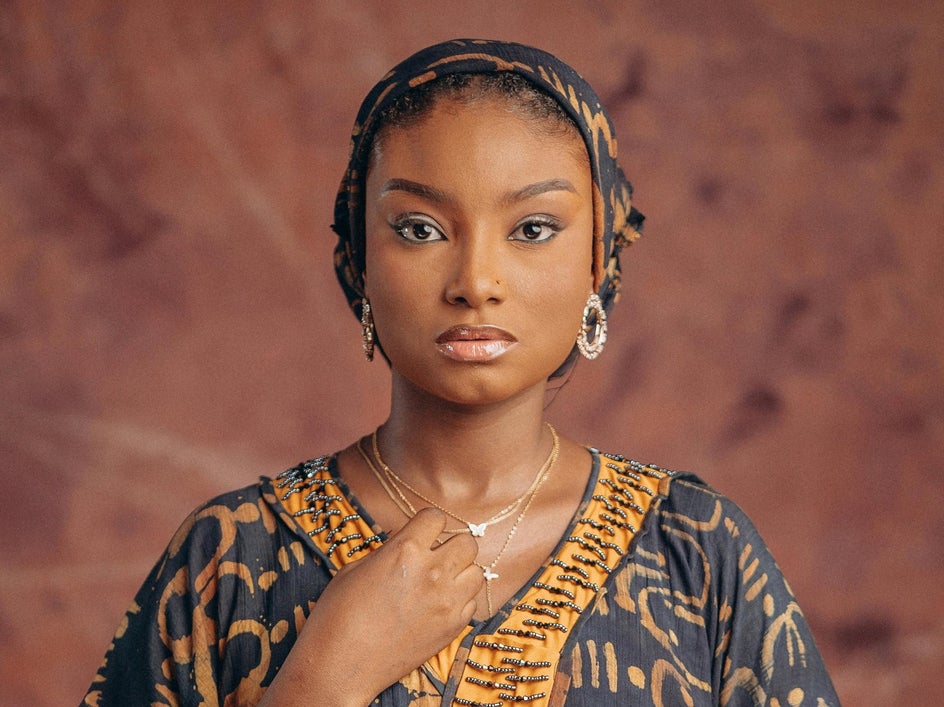
Gouache is particularly well-suited to portraiture. The medium’s ability to layer color and soften edges creates a flattering, artistic interpretation of facial features.
Using these effects on portraits can turn a simple photo into something that feels more like a hand-painted illustration. The matte finish and visible brush texture add warmth and depth without overwhelming the subject.
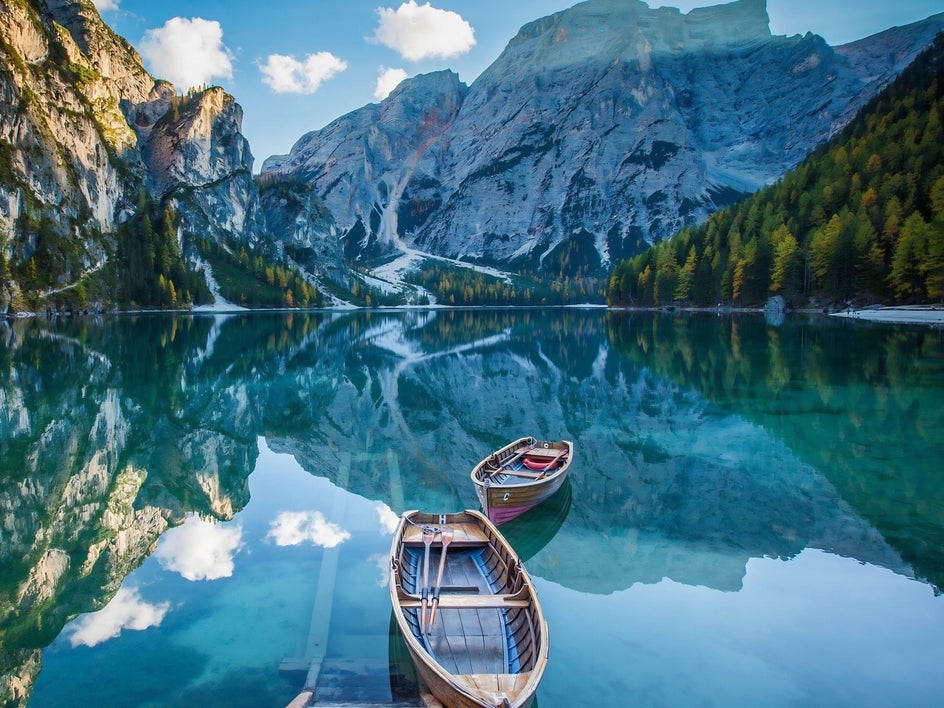
Scenic Landscapes
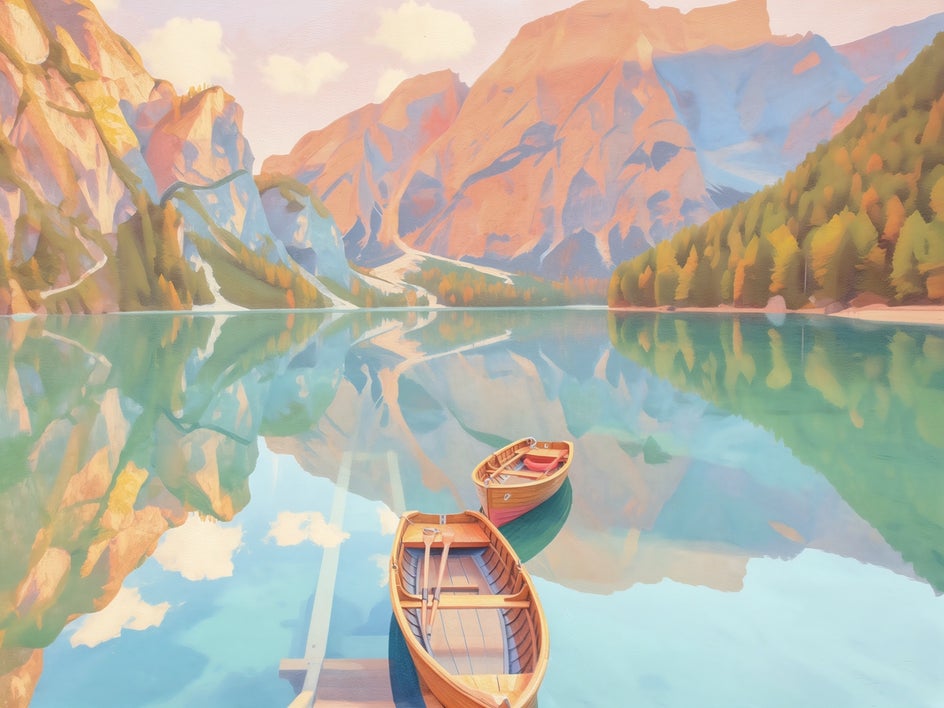
From rolling hills to coastal views, landscapes take on a new dimension with gouache effects. The layered color application helps separate foreground, midground, and background elements, giving the image a sense of depth that feels true to traditional painting techniques.
It’s a great way to revisit your favorite travel photos or nature shots and present them in a more artistic way.
Classic Still Life Compositions
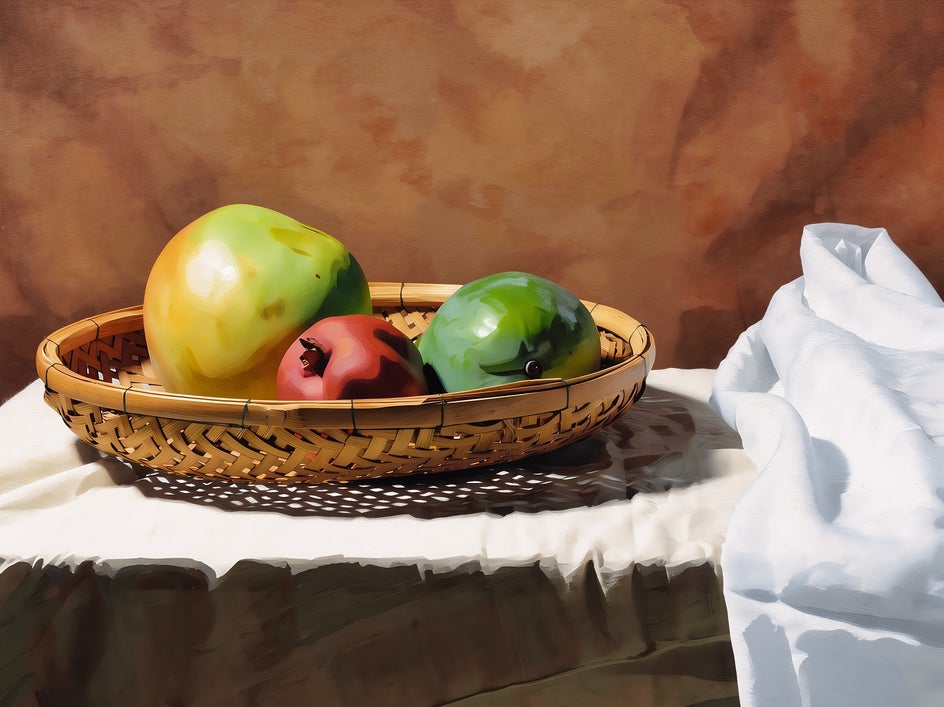
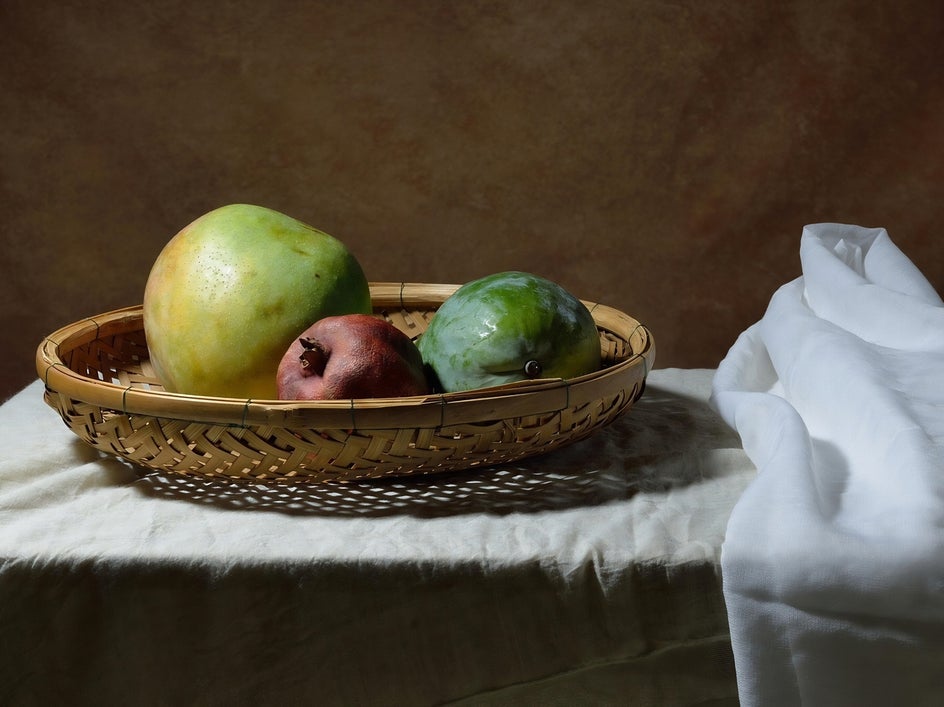
Still life subjects, like flowers, fruit, or tabletop scenes, are a match made in heaven for gouache. The medium has a long history in this space, and the digital effects capture that same timeless quality.
Applying a gouache effect to these kinds of images can make them feel more intentional and composed, turning everyday objects into something that resembles fine art.
Create Your Own Gouache-Style Artwork
From portraits to landscapes and still life scenes, Gouache is an easy way to bring a timeless artistic style into your everyday creations. And with both GFX+ and classic Gouache effects available in the Photo Editor, you can experiment with different interpretations of the medium and find what works best for your creative vision.
Ready to try it for yourself? Check out the Gouache category and start transforming your photos into incredible works of art!