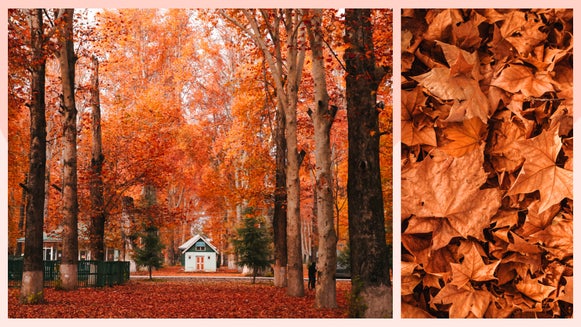
GFX+ Artsy Effects: Detail-Rich Styles With Complete Creative Control

Ever wish a photo looked less like a photo and more like a work of art you would hang on a wall?
That is exactly what GFX+ effects do.
With one click, your image starts to change in a way that appears surprisingly real. It can turn soft and painterly, bold and graphic, or take on a cinematic, moody aesthetic.
It still feels like your photo, just finished like a piece of art.
Watch How Your Photo Transforms
The moment you apply a GFX+ effect, something clicks. The subject pulls your eye differently. Surfaces shift. The light is more deliberate. What looked like a snapshot now feels composed – like every part of the frame was chosen on purpose.
You start to notice how everything holds together. Some details sharpen and pull focus, while others simplify and fall back.
Start With These GFX+ Styles
Here are a few favorites to start with. Scroll through the full collection and see how many different ways your photo can transform.
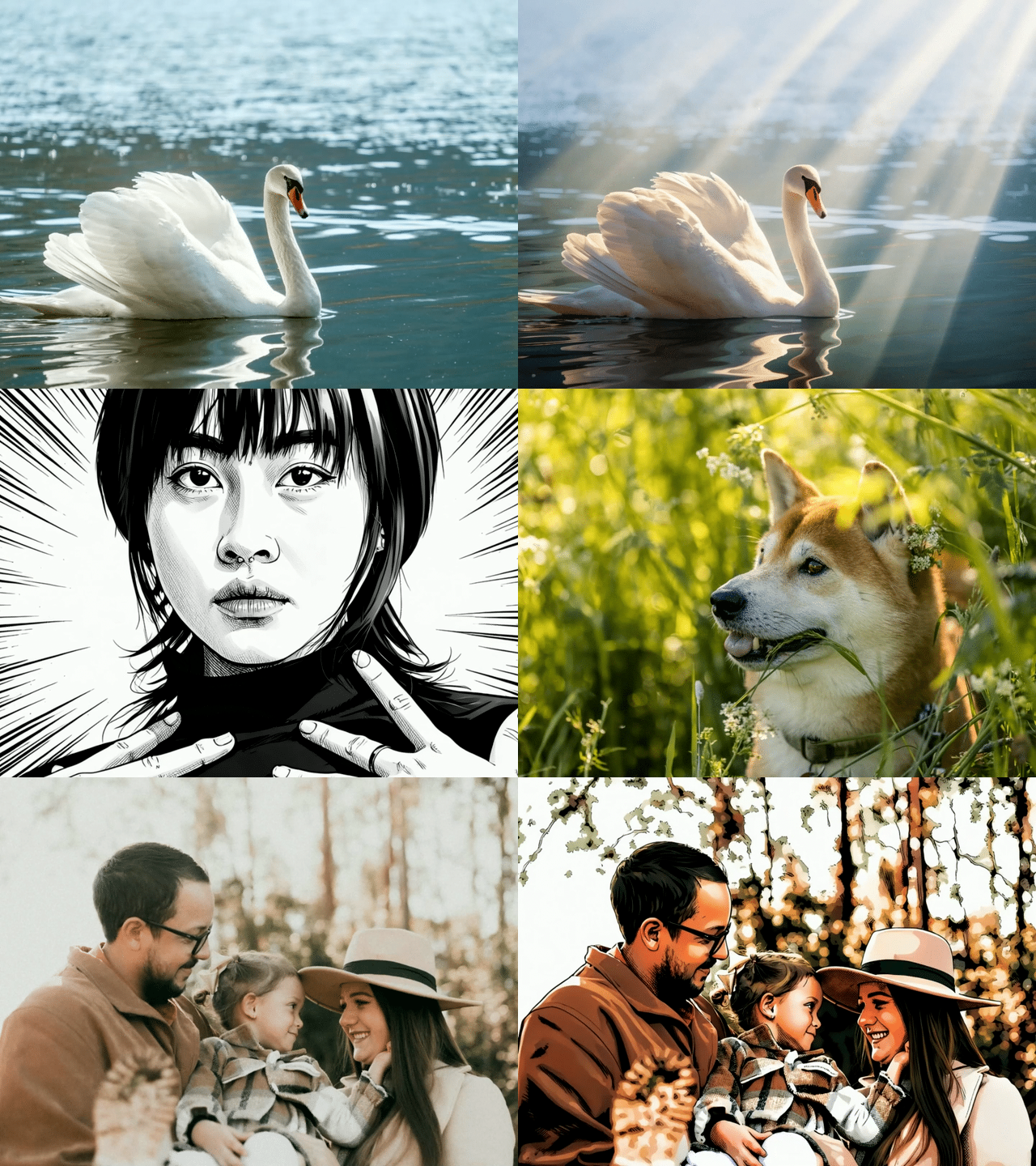
Depth Light
Adds a soft glow that wraps around your subject and shifts the way light falls across the scene. Highlights are warmer, shadows deepen, and everything takes on a more cinematic, atmospheric vibe.
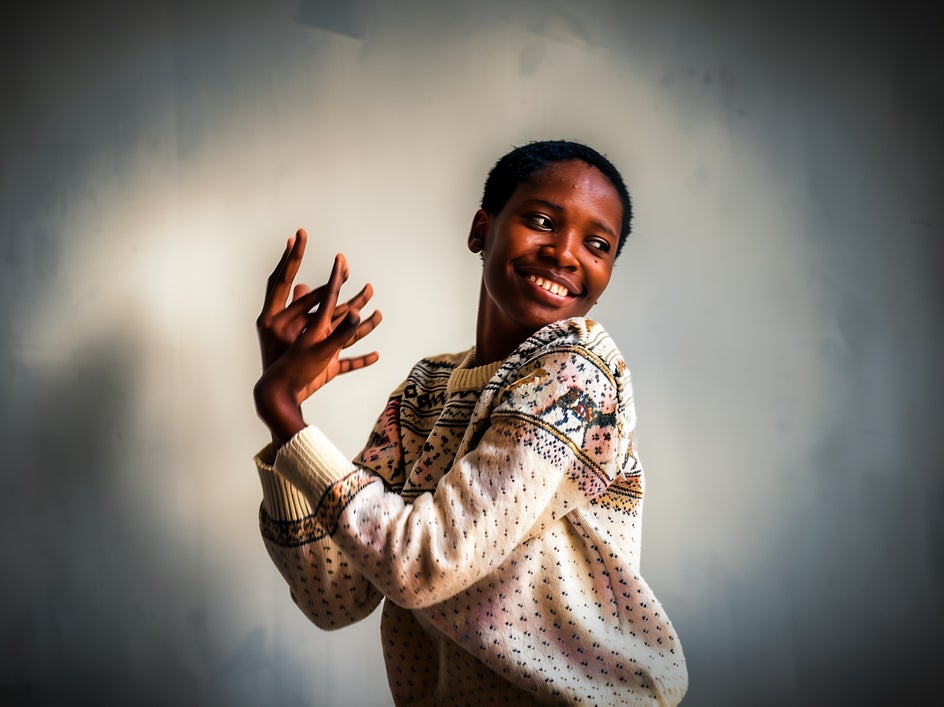
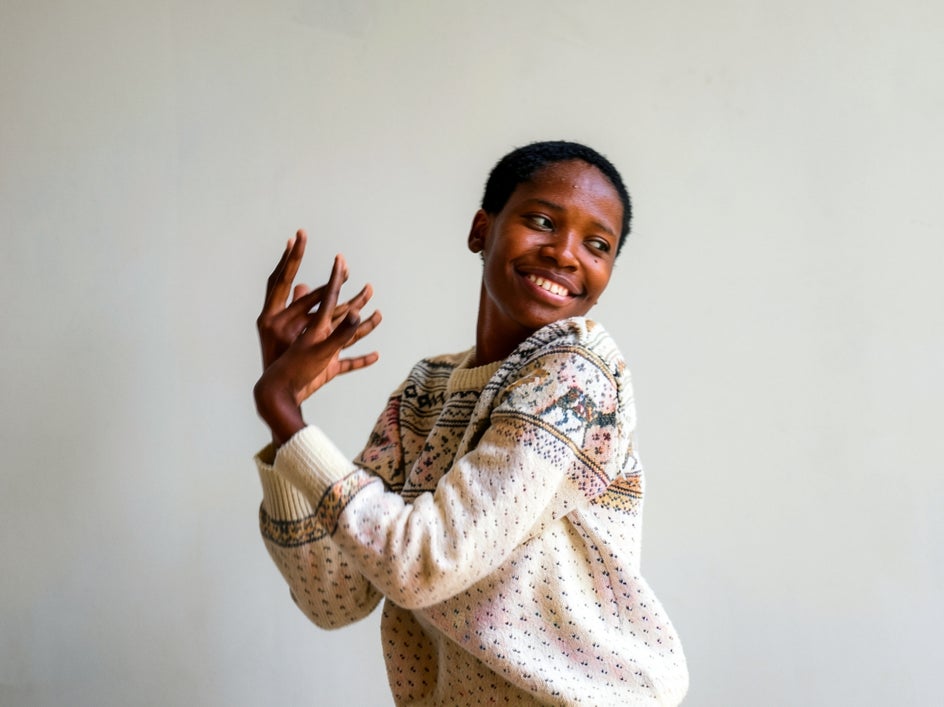
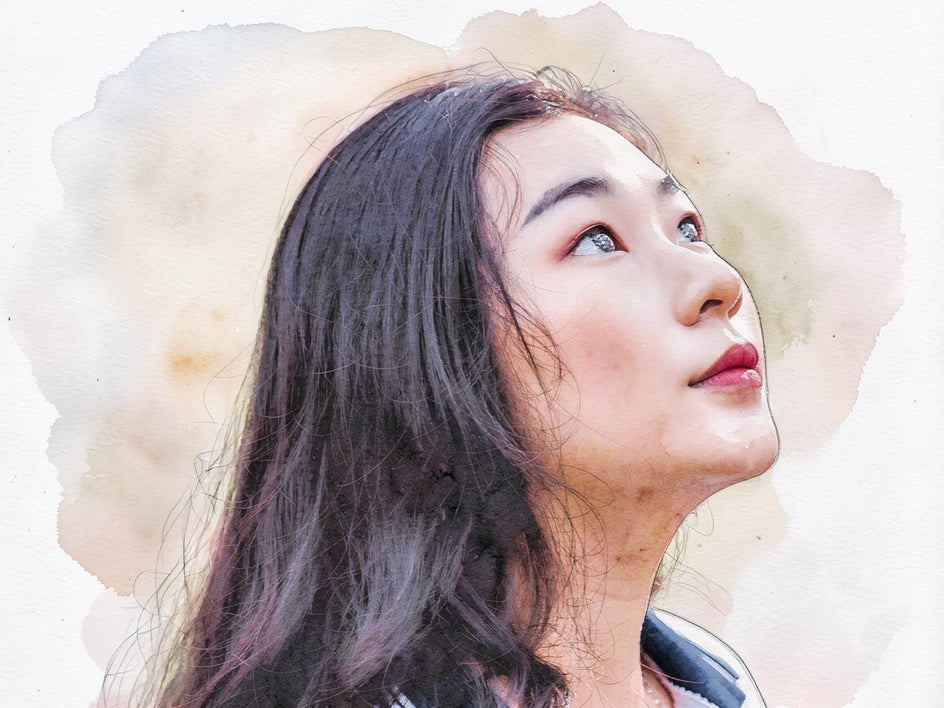
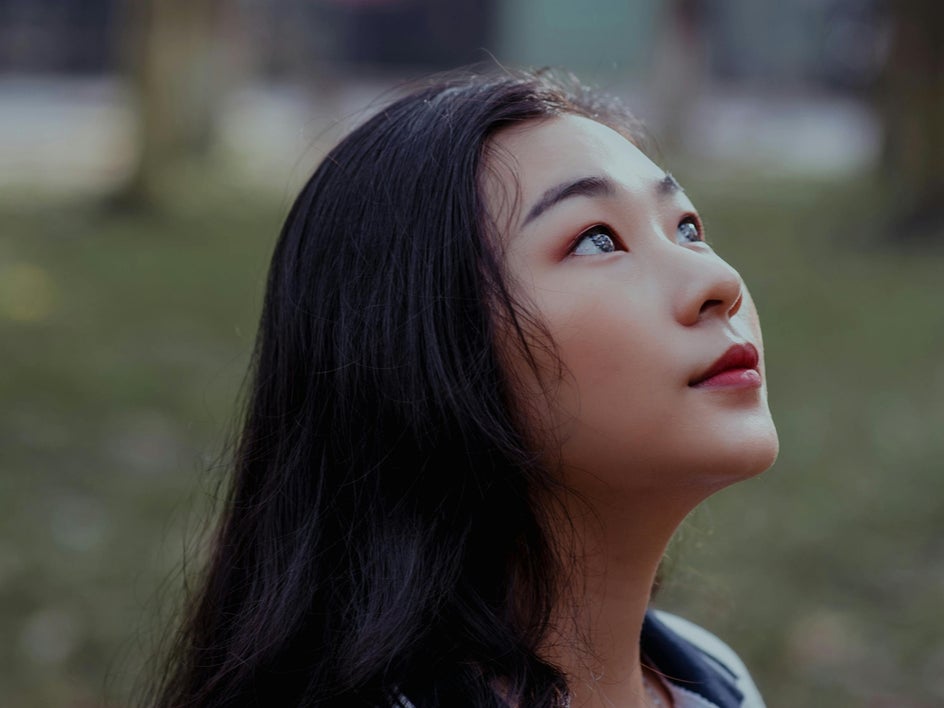
Watercolor Faded
Blends color in a loose, fluid way that looks like watercolor on paper. Edges soften, tones bleed into each other, and the whole image takes on a light, airy quality.
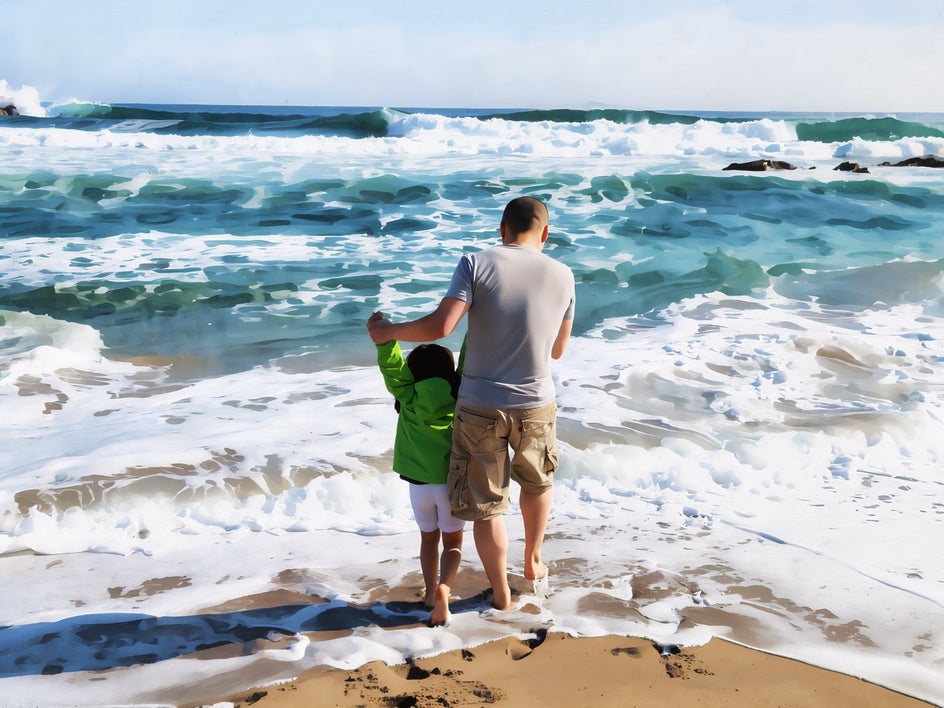
Modern Gouache
Adds the matte color of a soft, opaque gouache painting. Brush texture shows through and colors layer naturally – without losing its original shape.

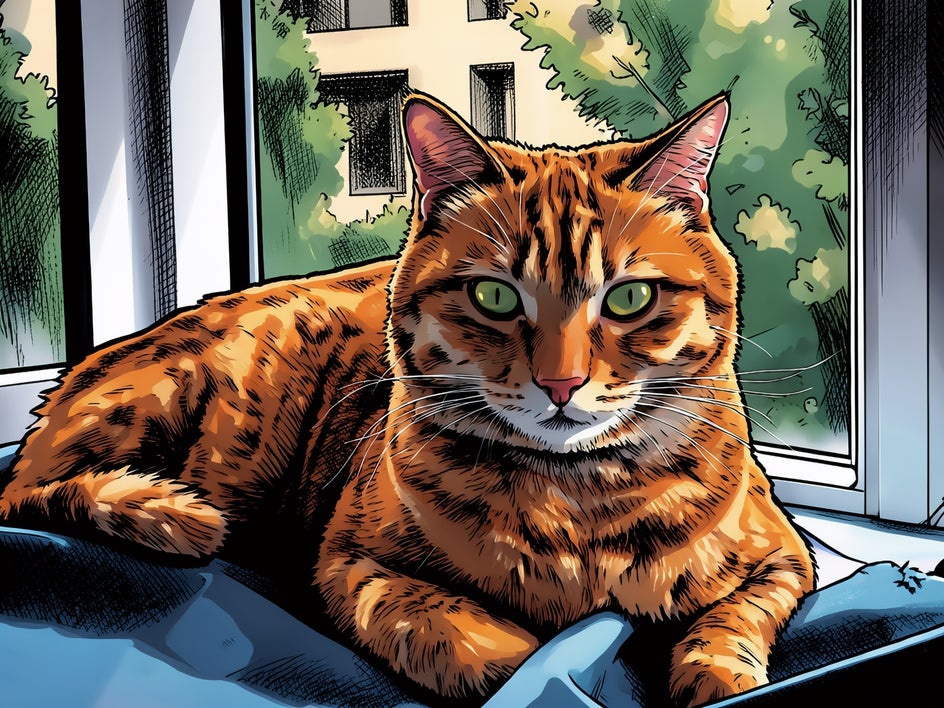
Modern Comic
Turns your photo into a comic with strong outlines and high contrast. Colors become more solid, shapes stand out, and the whole image looks like it was pulled from a printed page.
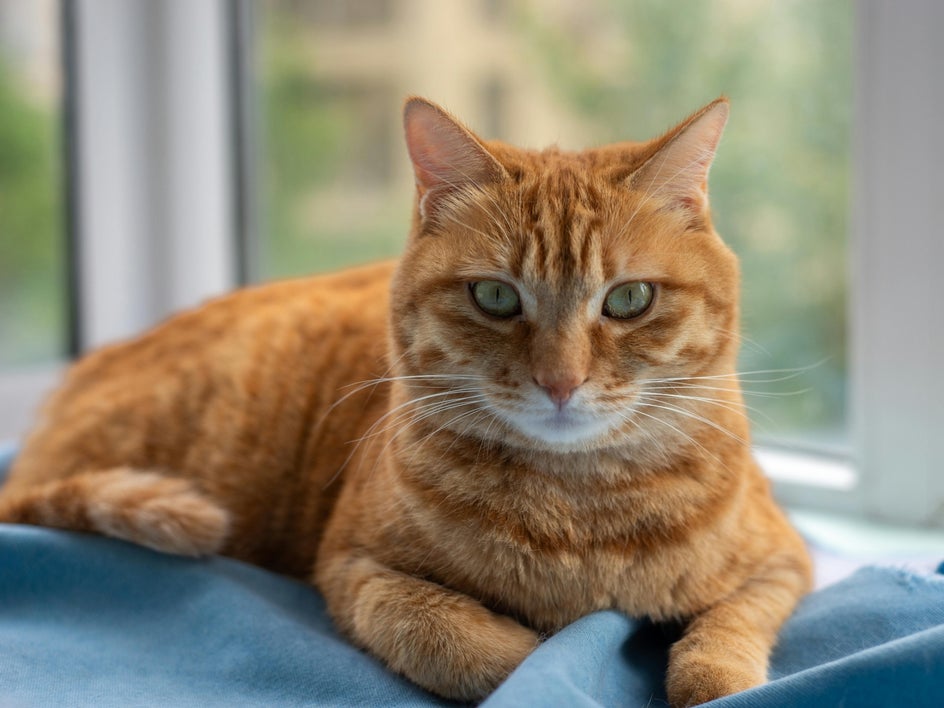
Graphic Ink
Breaks the image down into clean lines and simplified tones, like ink on paper. Edges sharpen, contrast increases, and details turn into bold, defined shapes with a hand-drawn feel.
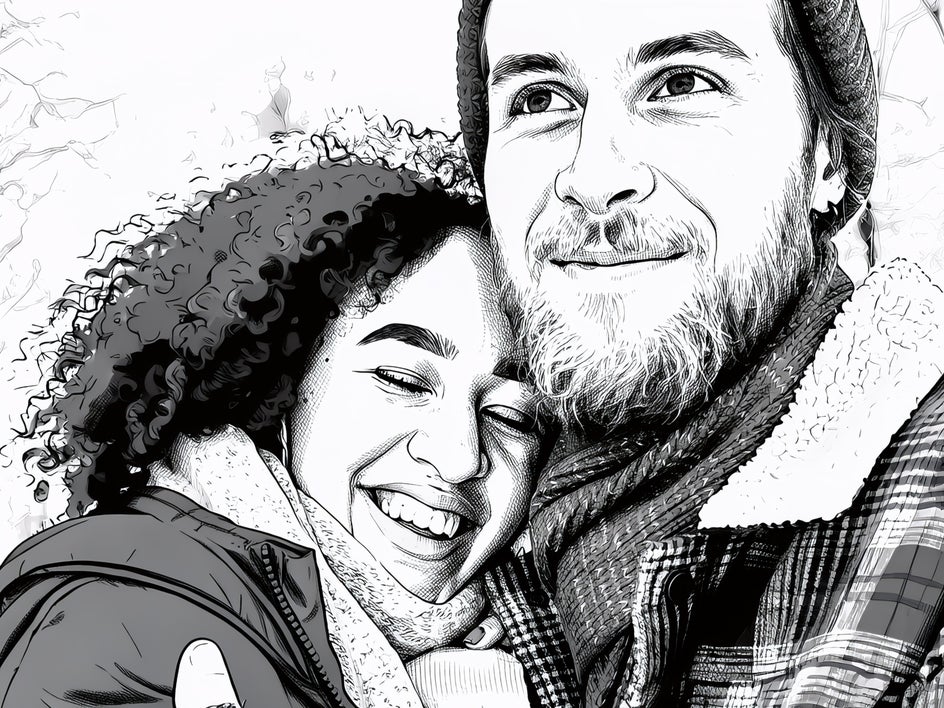

One Click, Endless Artistic Possibilities
With GFX+, the same photo can become something completely different depending on the effect you choose. Nothing looks layered on or forced. Each version stands on its own as a finished piece – not a filter, just a different way of seeing the same moment.
Open the Photo Editor and see what your photo can become.