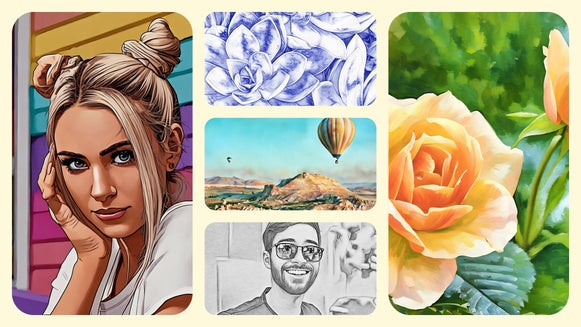
9 Effects to Make Any Photo Look Straight Out of a Comic Book

Ever wanted to star in your own comic book?
Now you can – and it's easier than you might think. BeFunky's Comic effects let you turn any photo into bold, illustrated artwork that looks like it belongs on a printed page. Whether you're a seasoned creative or just someone who loves playing with photos, there's a style here that'll make you smile the moment you see the result.
Let's walk through each one so you can find the look that feels most like you.
Find Your Favorite Comic Style
With AI-trained GFX and GFX+ options to choose from, the Comic category has something for everyone – from soft and dreamy to dark and cinematic. Here's a breakdown of each effect to help you choose your starting point.
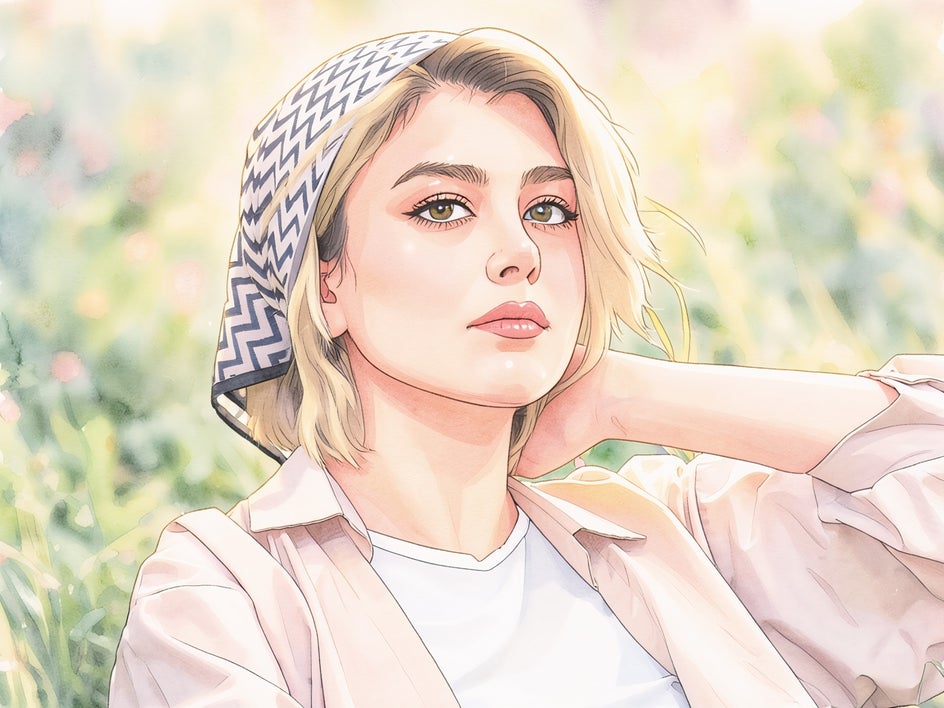
Soft Anime GFX+
If you've ever wished your photos had that gentle, glowing quality of anime illustration, this one's for you. Soft Anime GFX+ adds smooth shading and soft color transitions that feel polished and warm – not over-the-top. It's especially lovely for portraits, giving your subject an animated quality while still looking like them.

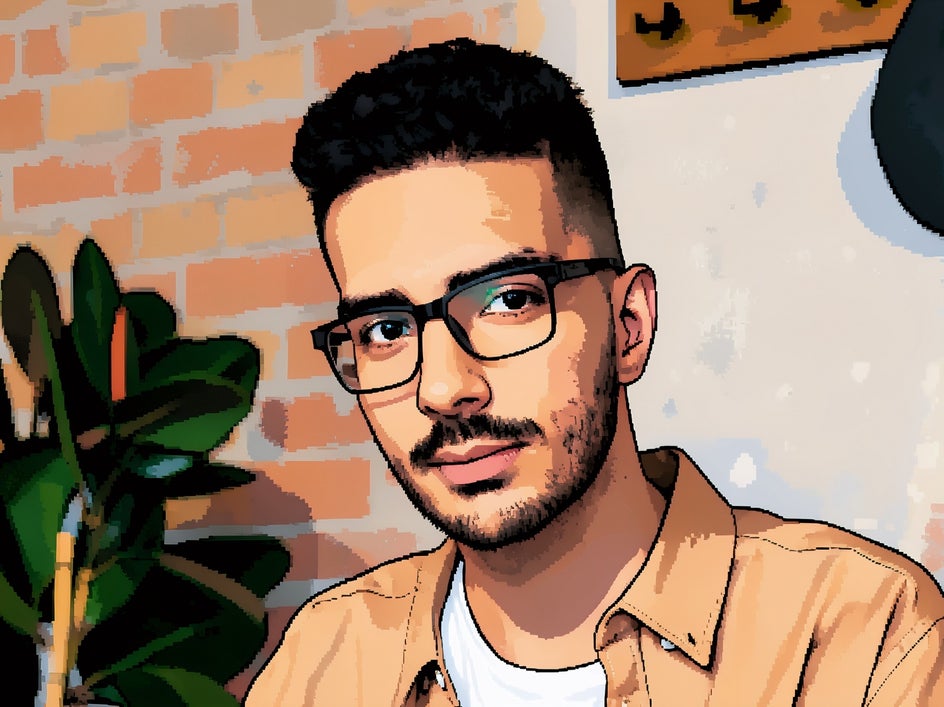
Pixel Comic GFX+
This one's a little playful and a lot of fun. Pixel Comic GFX+ blends comic-style illustration with a retro, pixelated look – like your photo got a stylish makeover from a classic video game. Try it on bold, graphic subjects and watch the pixels do their thing.

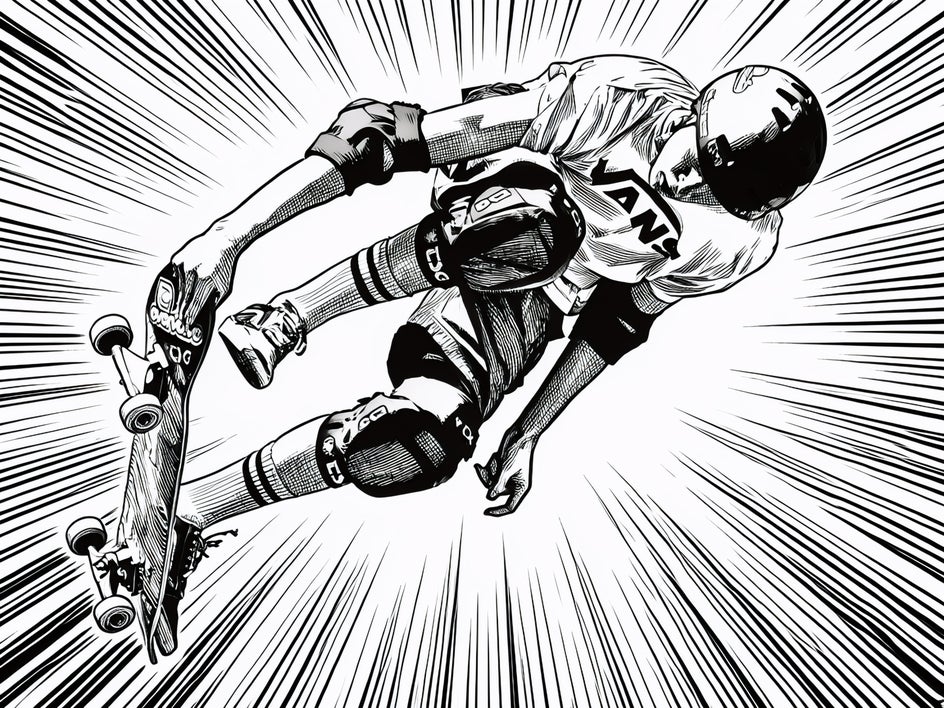
Action Ink GFX+
Got an action shot or a photo full of energy? Action Ink GFX+ was made for it. The expressive brush strokes and dramatic ink textures make any image feel like it's mid-scene in a graphic novel. It's bold, it's dynamic, and it has a lot of personality.
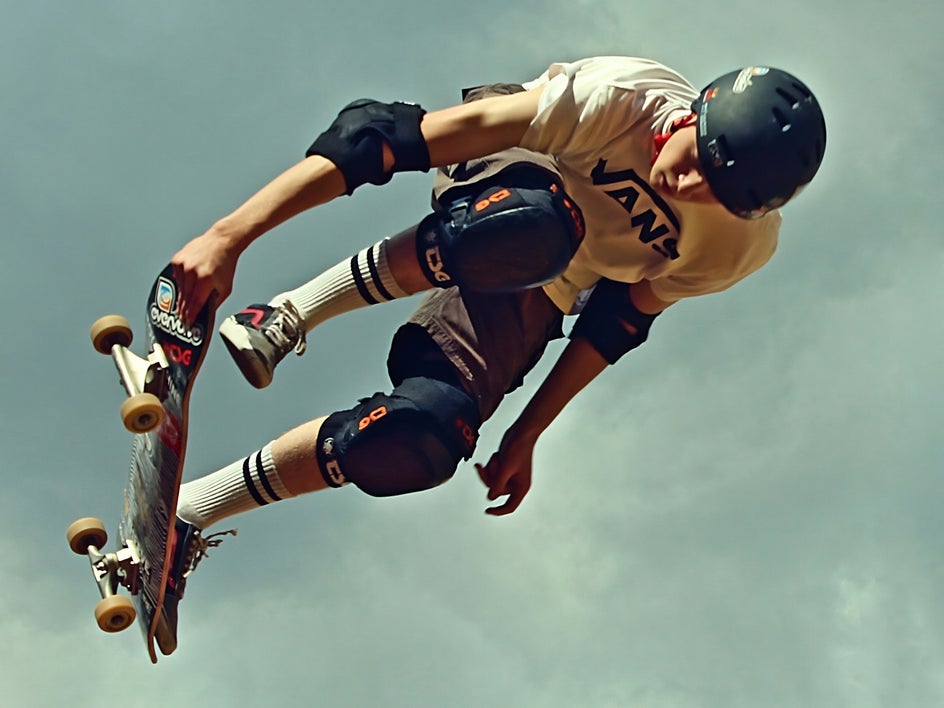
Modern Comic GFX+
Clean lines, matte colors, strong outlines – Modern Comic GFX+ turns your photo into a polished comic panel without losing what made the original special. It works beautifully on portraits and everyday moments alike, giving them that "main character" feeling.
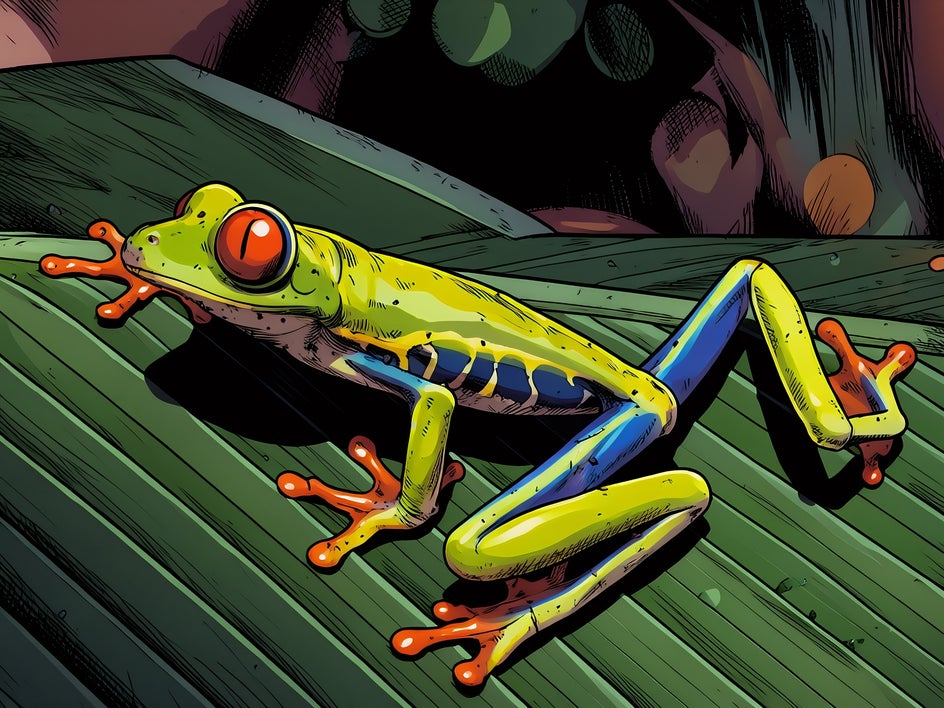

Neo Comic GFX+
Want something with a little more drama? Neo Comic GFX+ cranks up the contrast and deepens the tones for a high-impact, cinematic look. It's the kind of effect that makes people stop scrolling – great for social media or digital designs where you want to make a statement.
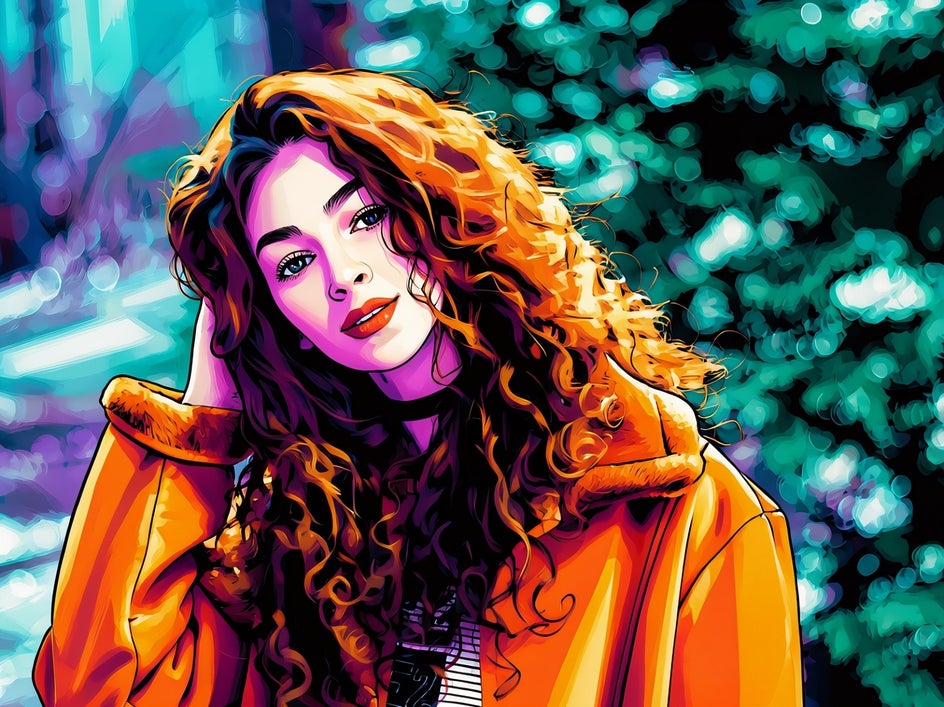

Graphic Novel GFX+
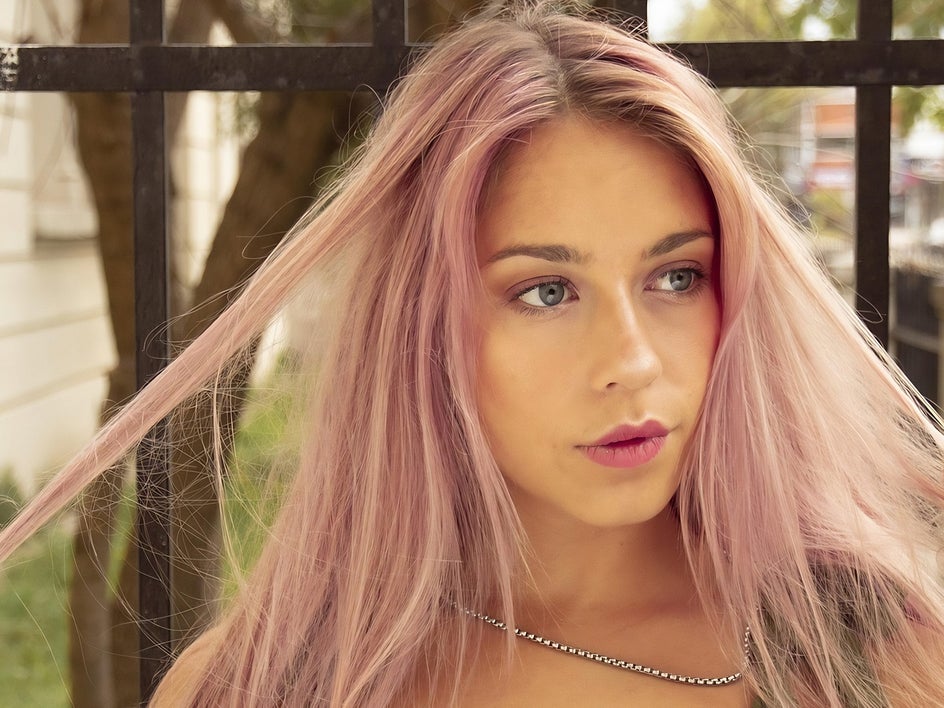
This is a classic for a reason. Graphic Novel GFX enhances your photo's linework and shading while keeping its natural colors intact – the result feels refined, detailed, and genuinely impressive. Think superhero portraits or editorial-style visuals that look like they belong in print.
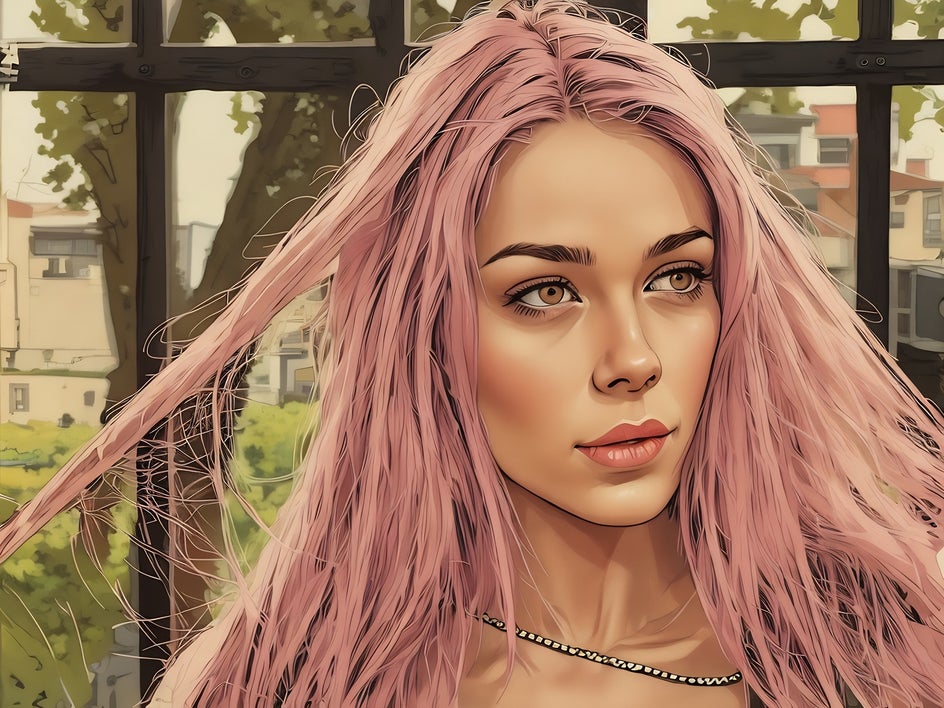
Vintage Comic GFX
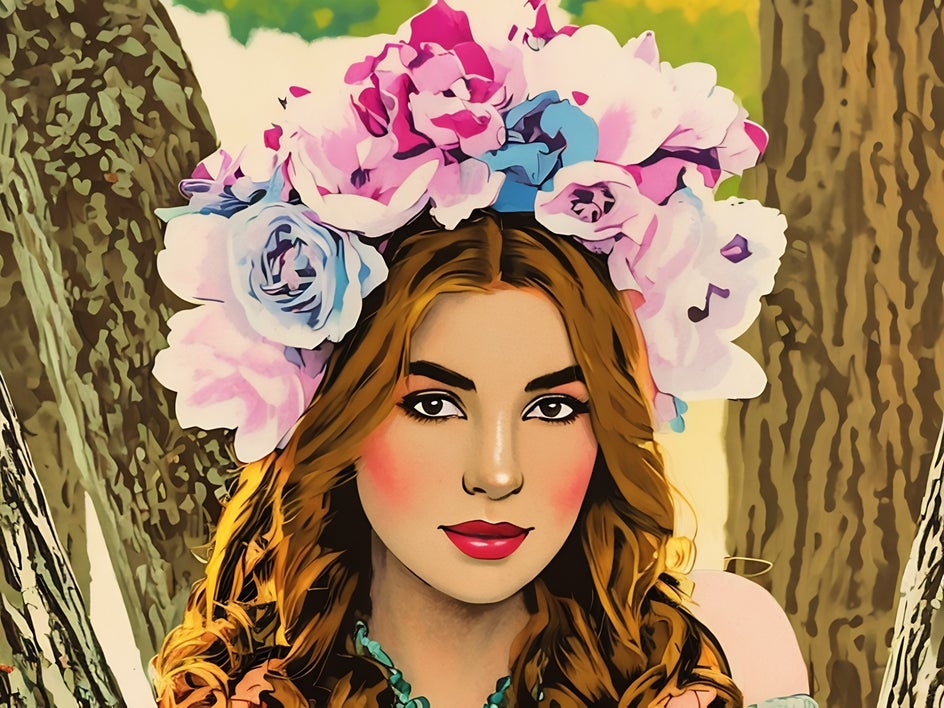
There's something so charming about this one. Vintage Comic GFX wraps your photo in the warm tones and delicate linework of mid-century comics – the kind you'd find in an old magazine or retro advertisement. Bright lighting and expressive poses bring out the best in this style.
Pop Comic GFX
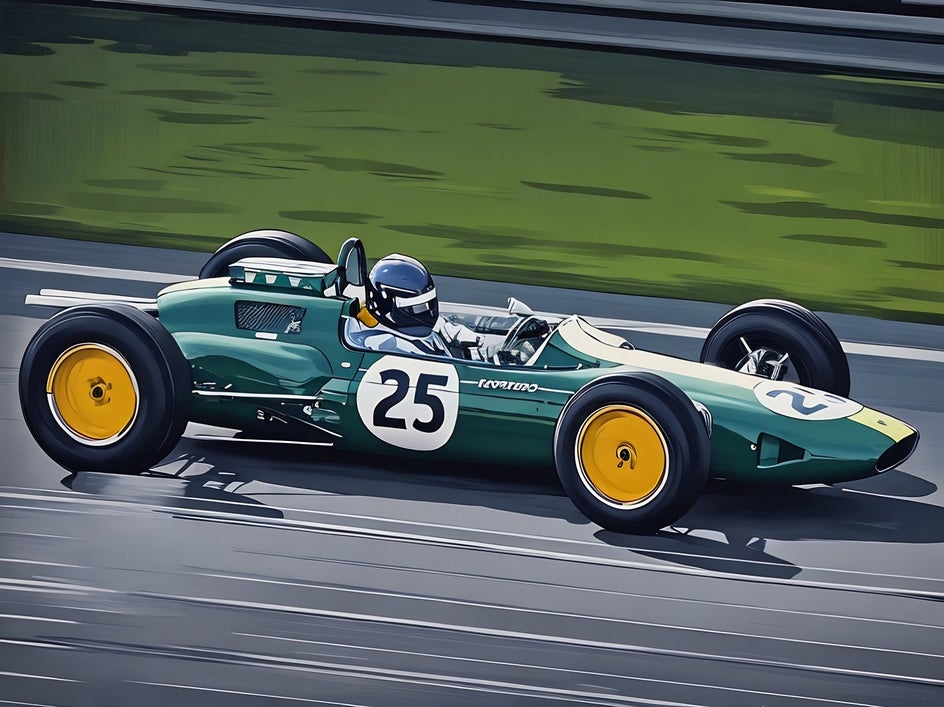
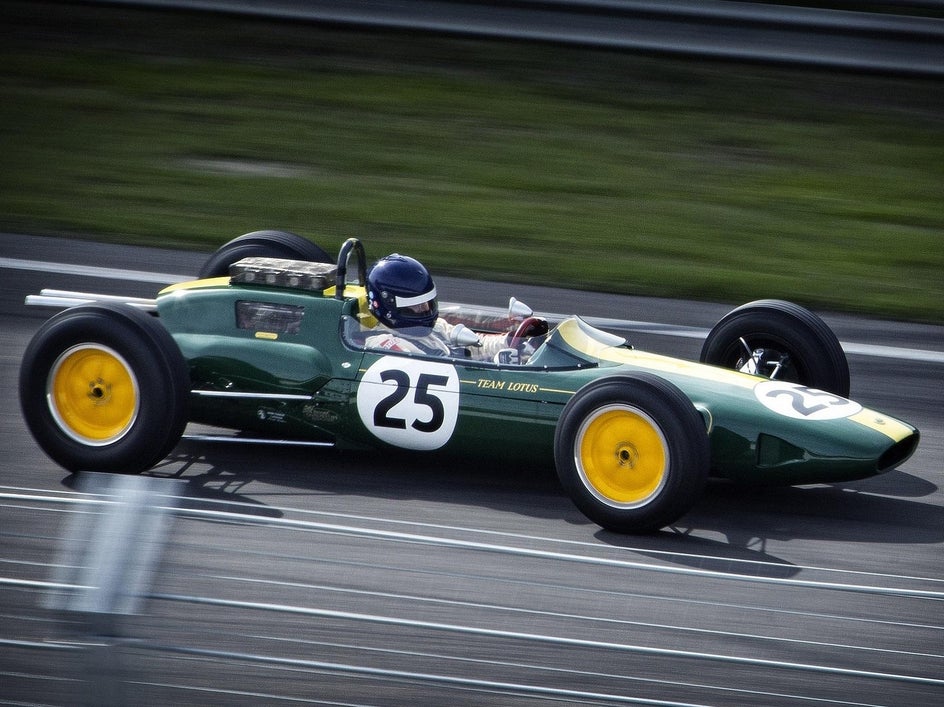
Bold colors, crisp outlines, graphic shading – Pop Comic GFX is unapologetically vibrant. Inspired by pop art, it's perfect for posters, social media graphics, or any time you want your image to feel immediately eye-catching. This one doesn't whisper; it shouts (in the best way).
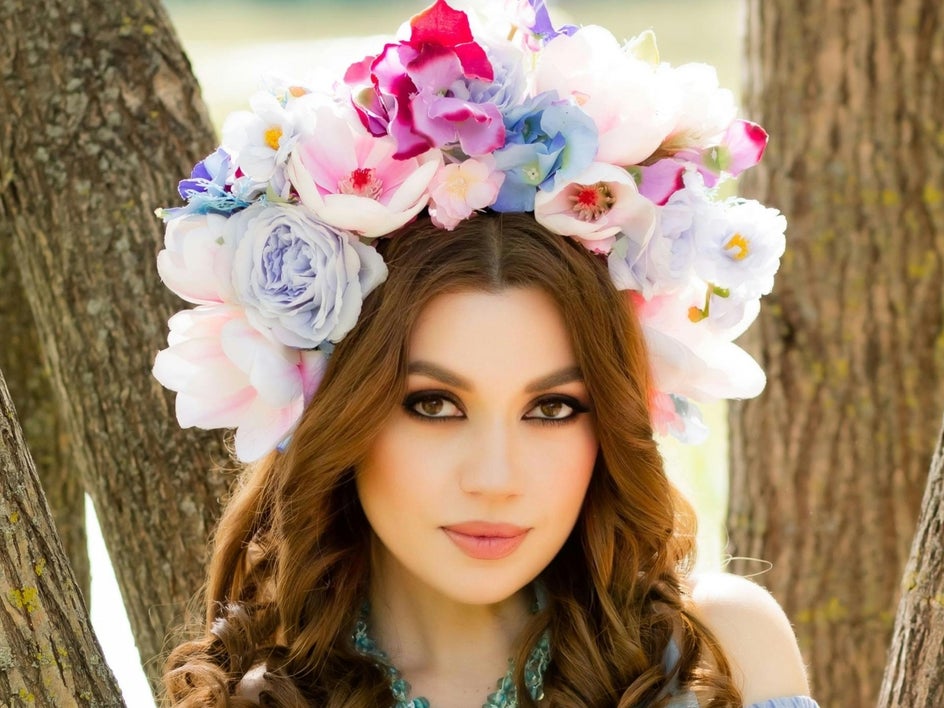
Comic Noir GFX
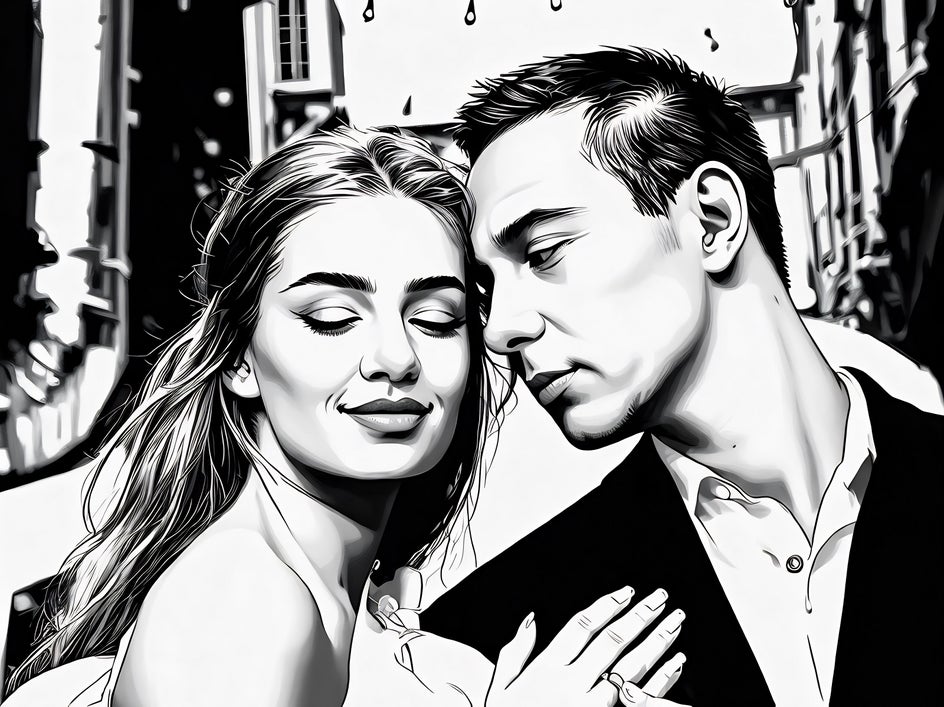
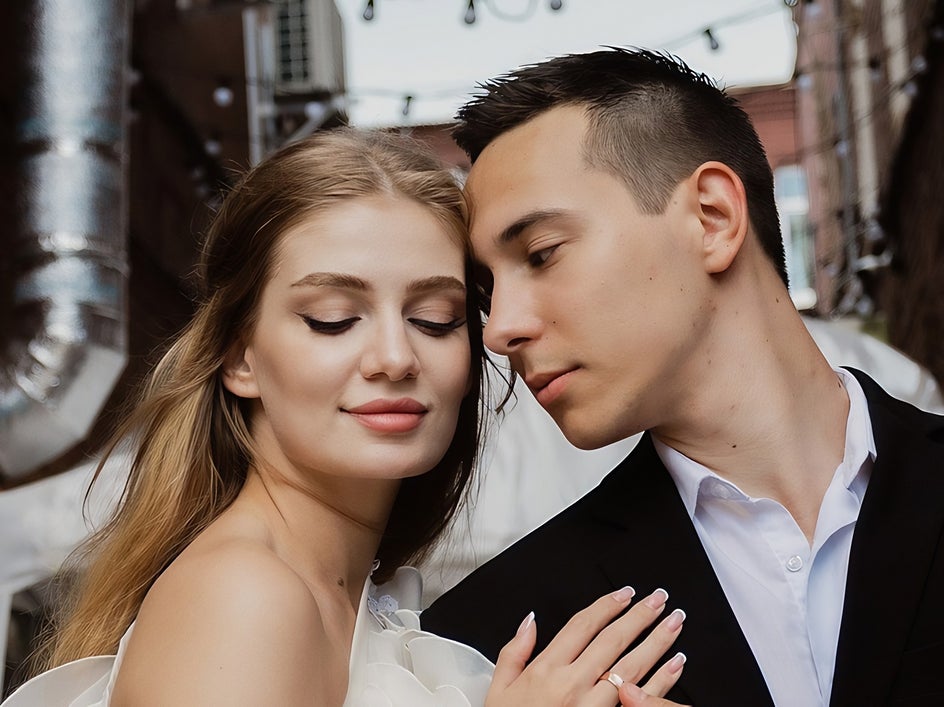
Sometimes less is more. Comic Noir GFX strips everything back to black and white, using deep shadows and bold contrast to create a moody, atmospheric look inspired by classic noir storytelling. It's stunning on portraits and urban scenes – mysterious, cinematic, and timeless.
Start Creating — It's Easier Than You Think
You don't need to be an artist or a designer to create something you're genuinely proud of. Just pick a photo you love, head to the Comic effects in the Photo Editor, and start exploring. There's no wrong choice – just different kinds of amazing.
Go on, give it a try. You might surprise yourself.