Design Collage YouTube Thumbnails to Capture Your Best Moments

It is not always easy to capture the full story of a video in a single thumbnail. With so much happening in your footage, one image can feel limiting, which is why BeFunky’s collage style YouTube Thumbnail templates are so useful. They let you combine multiple moments in one design so viewers immediately understand what your video is about before they click, and the layouts are already sized correctly with collage options that give you more storytelling room.
If you prefer full control over the layout, you can also build your thumbnail in the Collage Maker, which is perfect for more experimental designs or when you want to mix photos, text, and graphics freely. Both tools make it easy to create a high impact, on brand thumbnail that looks polished and ready for your channel.
How to Design a Collage YouTube Thumbnail
To create a collage YouTube thumbnail online, open the YouTube Thumbnail Maker in the Graphic Designer.
Step 1: Choose a Collage Template
Here, you will find layouts for every creator niche that include multiple image spots so you can highlight key moments from your video in one design.

Once you find a collage style you like, click Use This Template to start customizing!

Step 2: Add Your Images
Use the Image Manager to upload your screenshots or drop them directly onto the canvas from your device. You can also pull in frames from your video or any additional photos you want to include. It is best to use clear, well lit images since thumbnails appear at a small size on YouTube.
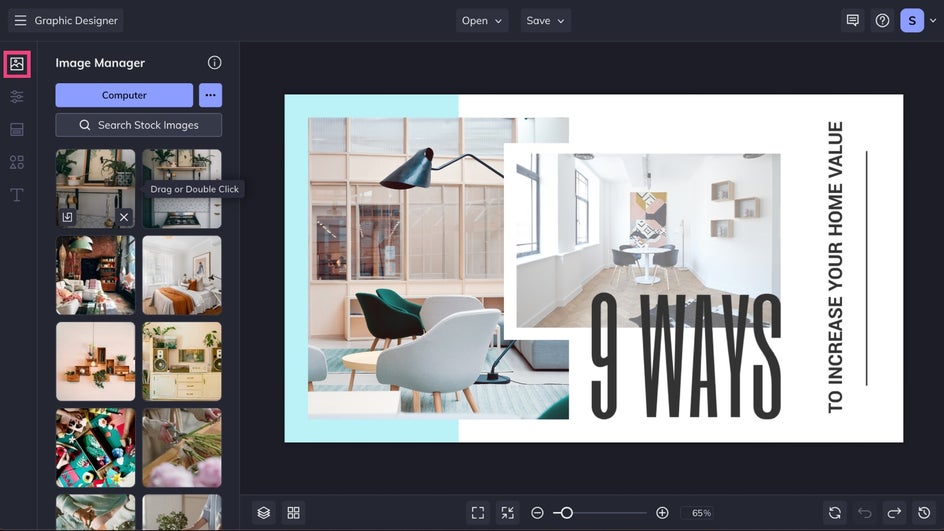
You can adjust the spacing between images, try different crops, or edit them in the Photo Editor – all without switching apps. Small changes go a long way in helping your thumbnail stand out in the feed while staying consistent with your usual branding.
Step 3: Personalize the Design
After your photos are placed, customize the layout so it fits your channel style. Start by choosing a background color in the Customize tab.
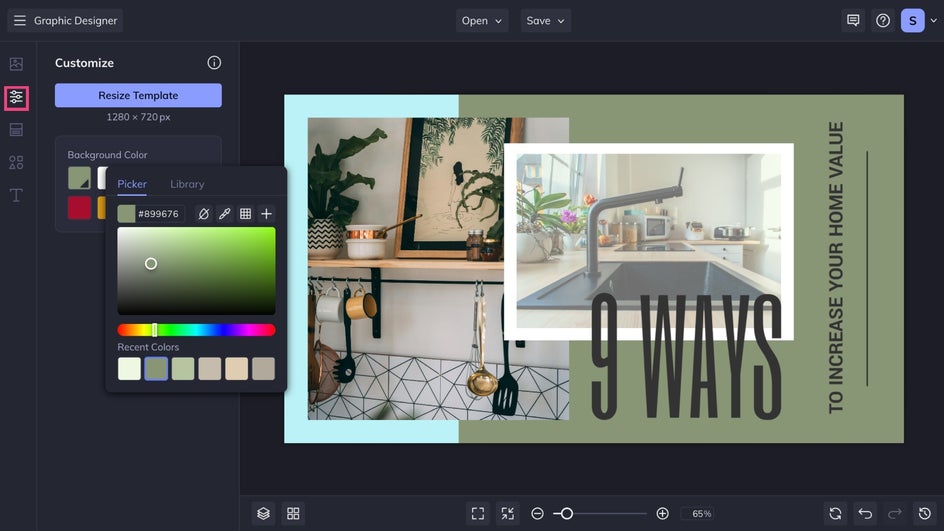
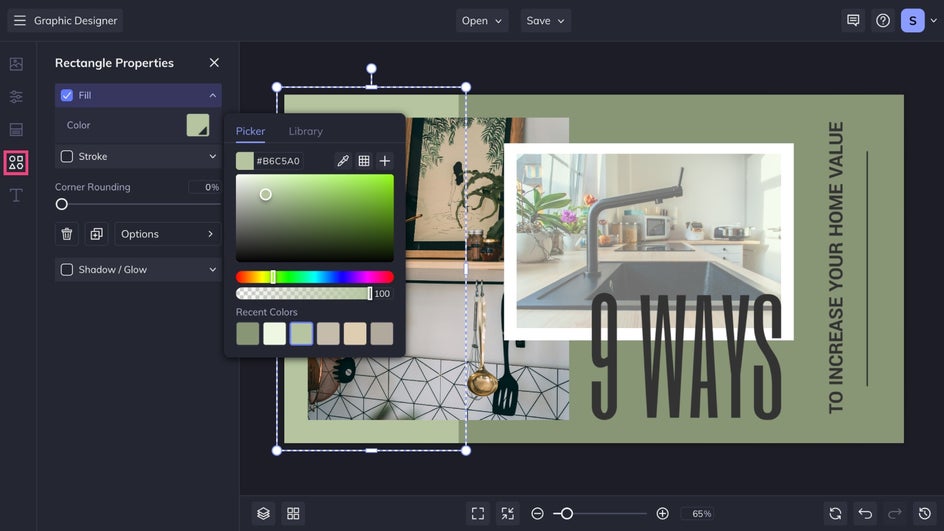
Click on any graphic element to customize the color and style. You can also add more from the Graphics tab. Icons, shapes, and small color accents can help guide the viewer’s eye to the most important parts of your collage. And if you have one, upload a logo to give your thumbnail a professional touch.
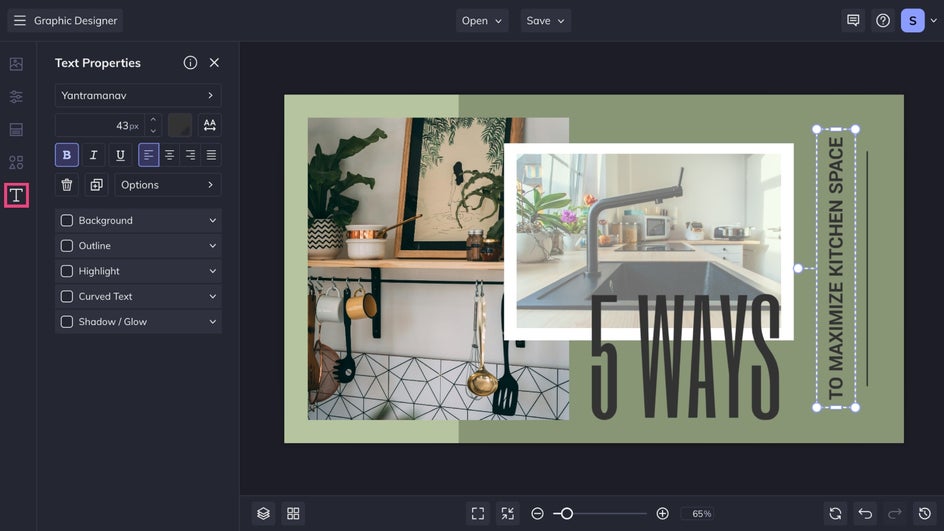
Next, it's time to personalize your video title. Click on any text box to edit the text and use the Text Properties menu to customize the styling. And don't forget to check out the Text tab for more typography combinations and ideas.
Step 4: Save and Upload!
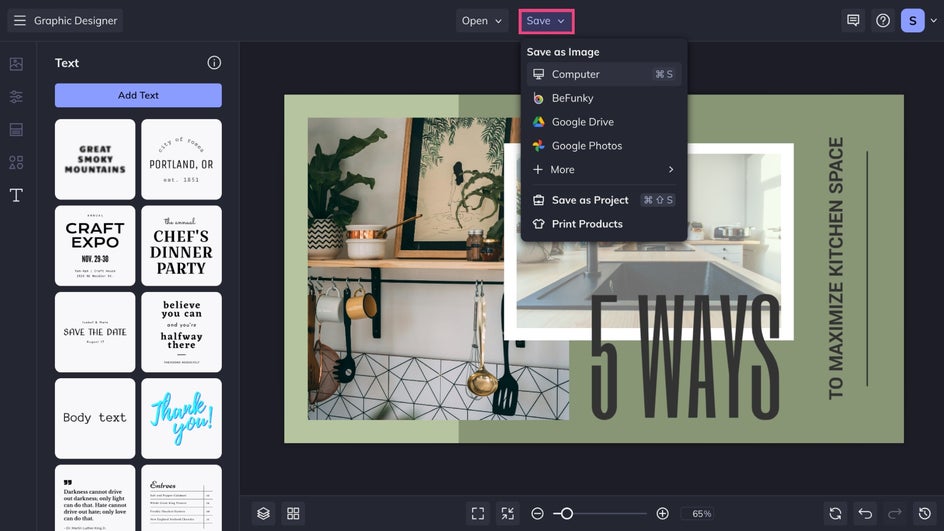
Your collage thumbnail is almost ready. Click Save at the top of the canvas to export a high quality JPG or PNG for YouTube. If you like the general layout, you can also save it as a project so you can reuse and update it for future videos.
A YouTube Collage That Brings It All Together
In just a few simple steps, you have a customized collage YouTube thumbnail that highlights multiple moments from your video. It is an easy way to show viewers exactly what they can expect – before they press play.

More Collage Thumbnail Ideas
Collage templates work across many creator styles. Here are a few you can try, depending on your niche. Each one helps your thumbnail tell a fuller story so viewers understand your video at a glance.
Flavors at a Glance
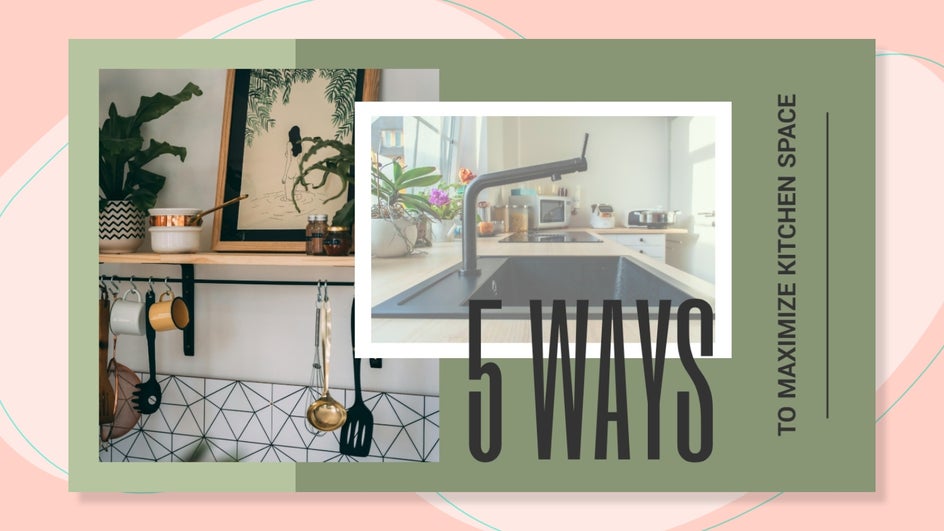
This approach is perfect for foodie creators because it turns your thumbnail into a mini recipe preview. You can feature quality photos of your ingredient lineup, a close up of a mixing or decorating step, and the final results. It also builds trust because viewers can see how great your finished dish looks before getting started themselves.

The Power of a Clear Process
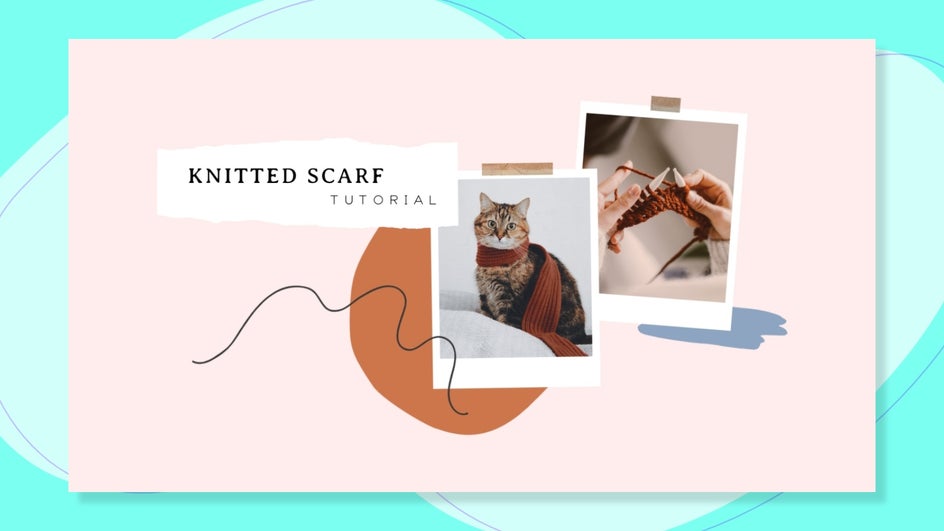
Tutorial and DIY creators can get a lot of value from collage thumbnails. Showcase the steps that demonstrate the general process and the final result. When viewers can see the project steps at a glance, they know exactly what your tutorial will help them achieve and if it's in their DIY wheelhouse.
Your Journey in a Single Frame
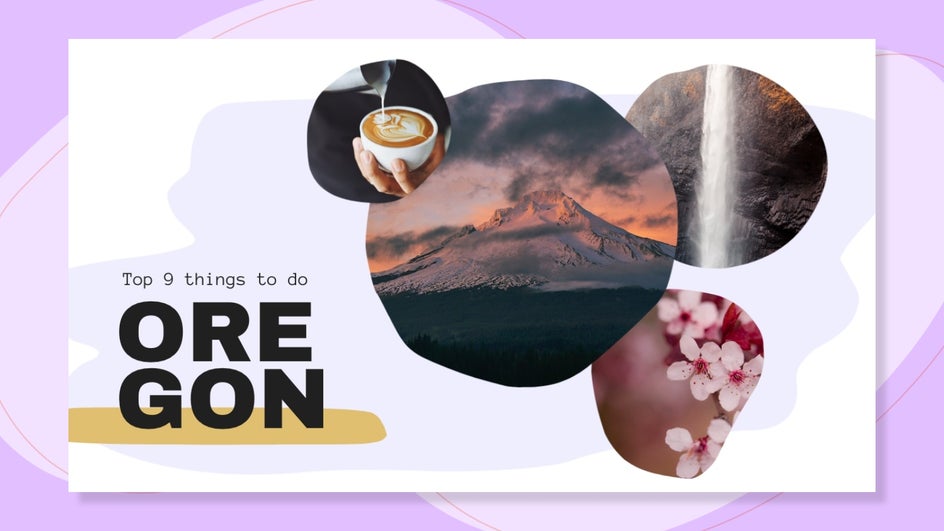
Travel thumbnails often need more visual room because one photo rarely shows the scope of a trip. Show the skyline from your hotel room, a landmark or two, and a favorite meal or activity. A collage can help you visually summarize any travel experience before viewers even hit play.
Design Collage Thumbnails That Stands Out
A collage thumbnail is a simple way to show viewers what your video offers in a single clear design. It highlights your best moments, adds more context, and gives your channel a polished, professional look. Even though it only takes a few minutes to customize a template, the final result feels thoughtful and full of personality. Head over to the YouTube Thumbnail Maker to create your own collage thumbnail today.