How to Promote Your Next Live Stream Concert

Live streaming has become a powerful way for musicians to connect with their audience – no matter where they are in the world. Whether you’re hosting an intimate acoustic set or a full-scale virtual performance, promoting your live stream is key to making sure your fans actually show up.
Promoting a live stream concert isn’t all that different from promoting an in-person event. With the right mix of social media content, eye-catching visuals, and strategic planning, you can build excitement and boost attendance.
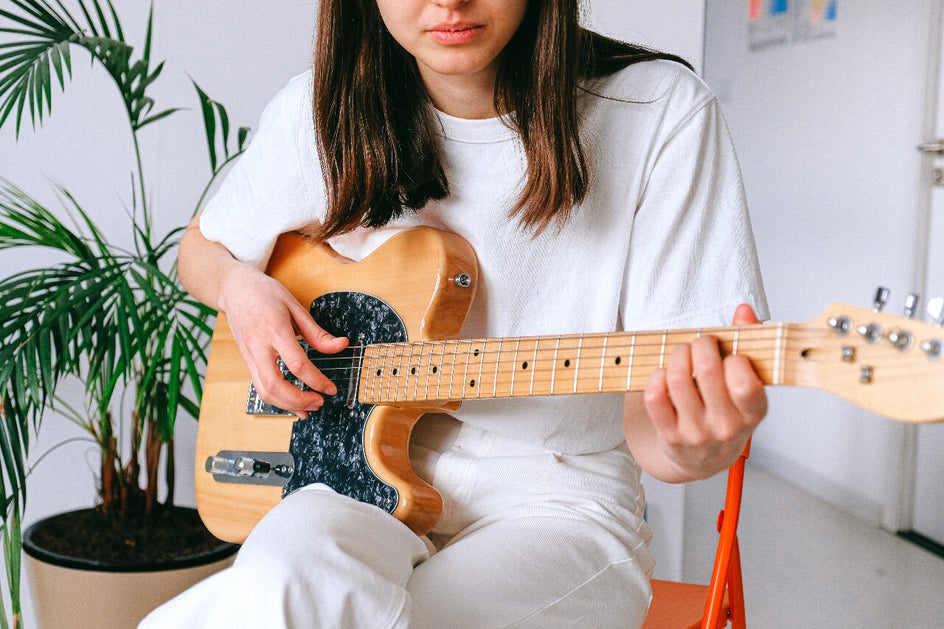
That’s where BeFunky’s Graphic Designer comes in. With customizable templates and easy-to-use design tools, you can quickly create promotional graphics that grab attention and get your audience ready to tune in.
Before you start designing, let’s take a look at a few essential tips to help set your live stream concert up for success.
Tips for a Successful Live Stream Concert
A great promotion strategy starts with a great event. The more engaging and well-planned your live stream is, the more likely your audience will show up – and come back for future performances.
Choose the Right Platform
Not all streaming platforms are created equal, so it’s important to choose one that aligns with your goals and audience. Consider where your fans already spend their time and what features each platform offers.
Options like Facebook Live, Instagram Live, Zoom, and Vimeo all provide different benefits, from built-in audiences to advanced streaming controls. Picking the right one ensures a smoother experience for both you and your viewers.
Learn From Other Live Streams
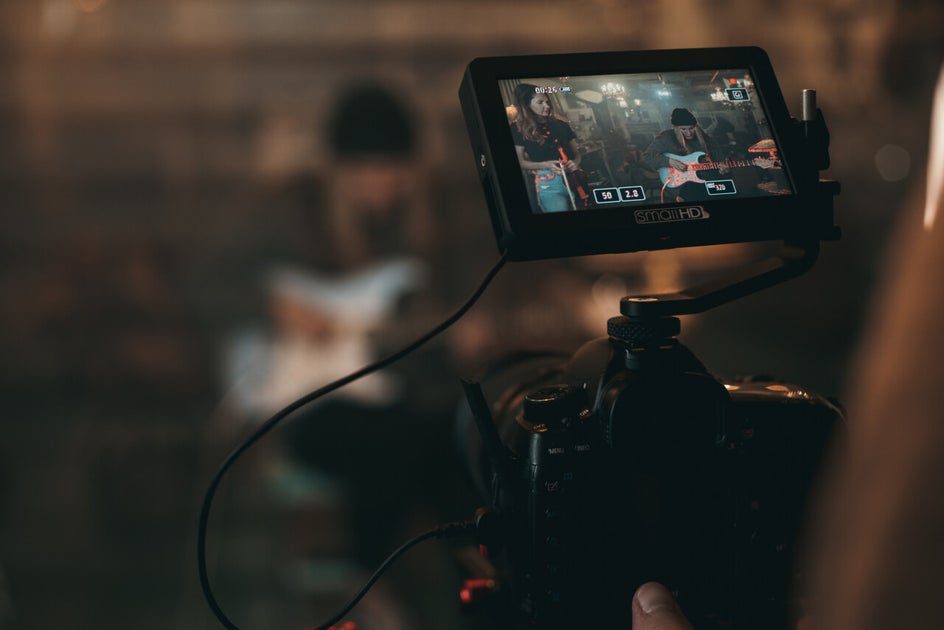
One of the best ways to improve your own performance is by watching others. Take note of what works well – whether it’s sound quality, camera angles, or audience interaction – and identify areas you can refine in your own setup.
Pay attention to how other musicians structure their sets and keep viewers engaged. A little research can go a long way in helping you create a polished, professional experience.
Plan Your Setup in Advance
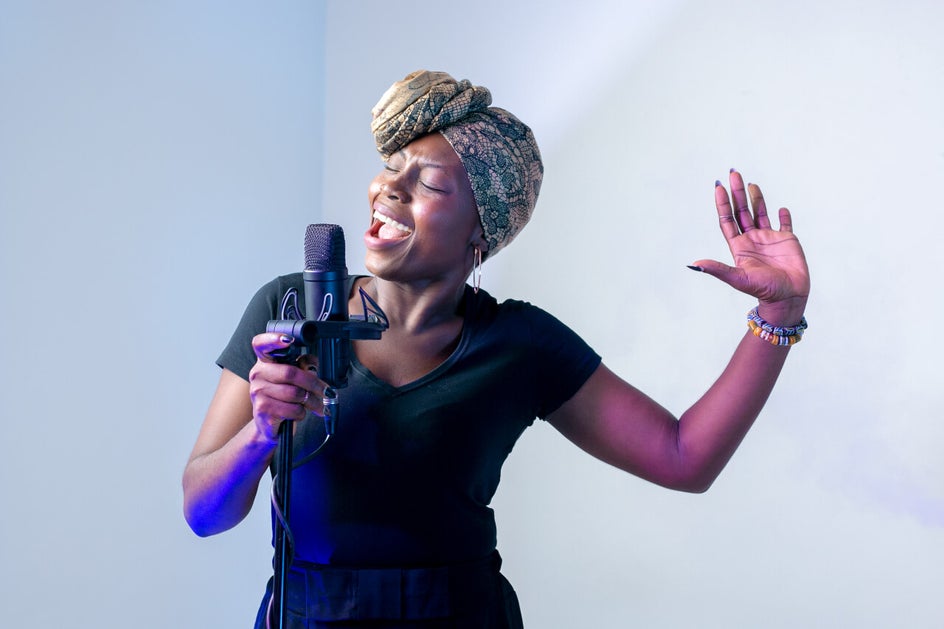
A successful live stream relies on more than just musical talent. Make sure your lighting, audio, and camera positioning are all tested ahead of time to avoid last-minute issues.
Even small adjustments – like improving your lighting or reducing background noise – can make a big difference in how your performance is received.
Engage Your Audience Before the Event
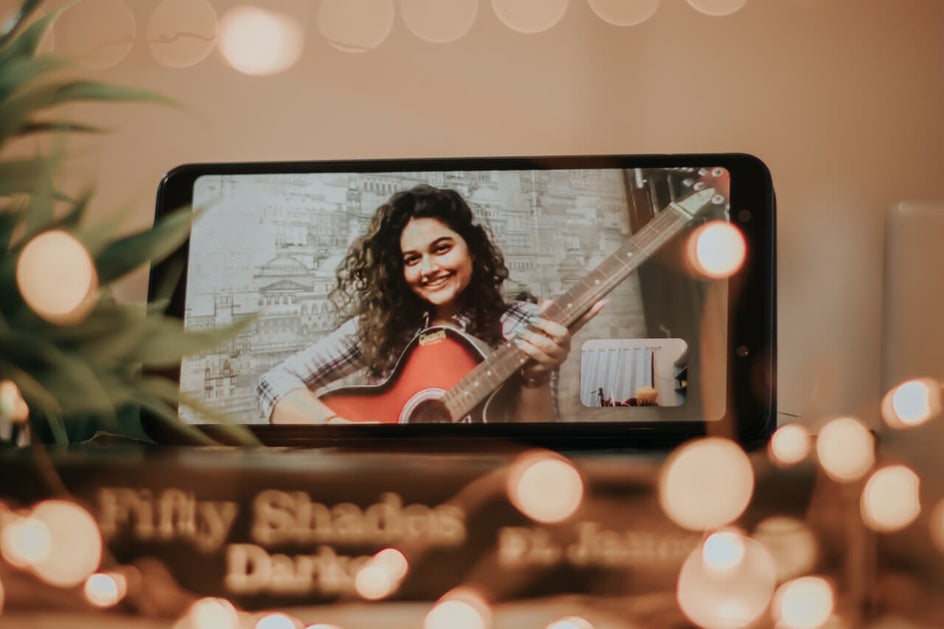
Building anticipation is key to boosting attendance. Use your social media platforms to involve your audience and keep them in the loop in the lead-up to your concert.
You might ask fans to vote on your setlist, submit questions, or share what they’re most excited to hear. This not only increases engagement but also makes your audience feel more connected to the experience.
Add Interactive Moments to Your Show
Live streaming offers unique opportunities for real-time interaction. Consider incorporating moments where you can engage directly with your viewers, such as shout-outs or responding to comments during the stream.
You can also host a short Q&A session after your performance to connect with fans on a more personal level and leave a lasting impression.
How to Create Live Stream Promo Graphics
Now that you’ve laid the groundwork for a successful live stream, it’s time to focus on promotion. The right visuals and messaging can make all the difference when it comes to getting your audience to tune in.
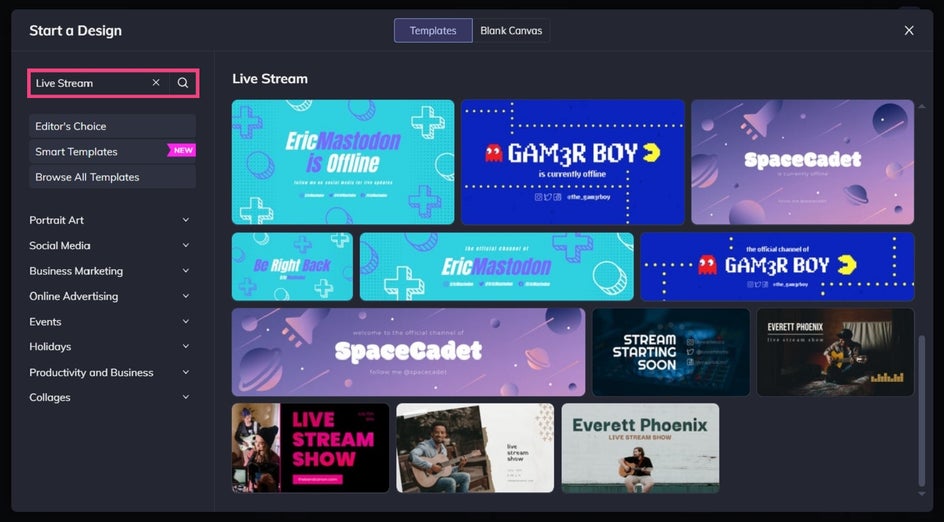
Start by heading to the Template Library in the Graphic Designer and typing “Live Stream” into the search bar. When you find one you love, select the Use This Template button.
Step 1: Swap the Photo
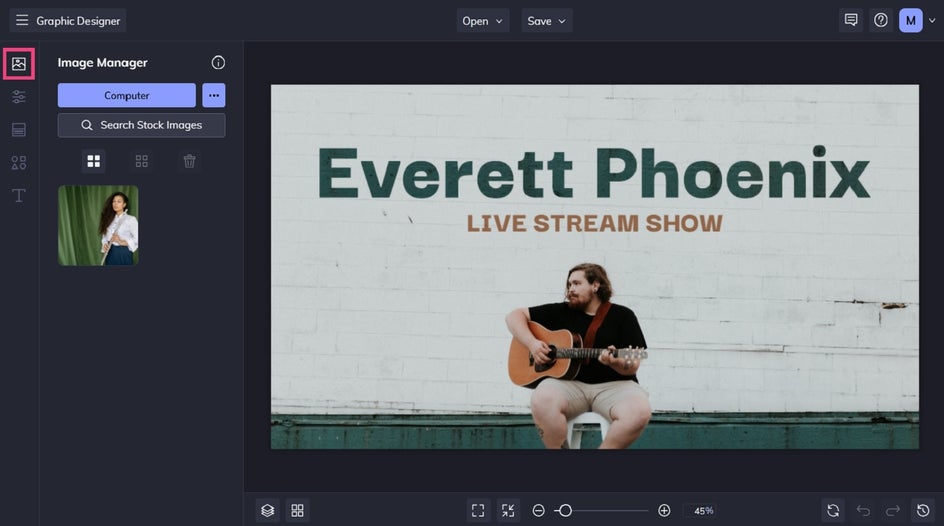
First up, you’ll want to swap your template’s existing photo for ones featuring you or your band. Navigate to the Image Manager, then upload your image. Simply drag and drop it onto the template’s existing image to replace it.
Step 2: Change the Text
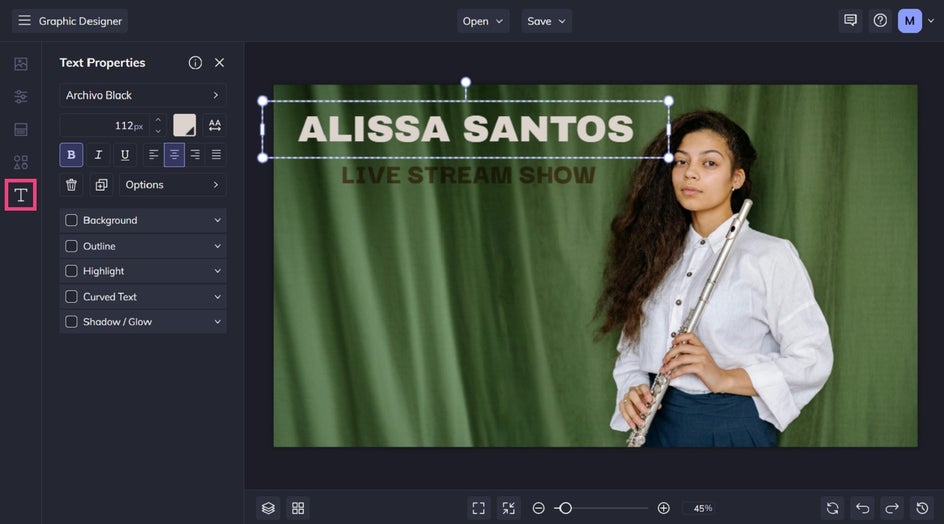
Next, you’ll want to change the template’s text to reflect your own details, including your name / band name, date and time of the live stream, and anything else your audience must know about the event.
To do this, double-click on the text box you wish to edit and begin typing. You’ll notice when you click on any text box, a Text Properties toolbar appears. From here, you can adjust things such as the Font, Font Size, Text Color, and more.
Step 3: Add Graphics
You can also jazz-up your design with some graphic elements such as symbols, lines, shapes, and more.
Navigate to the Graphics tab in the main menu on the left. You can either import graphics from your Computer or click the Search Graphics button to access our wide database of graphic elements.
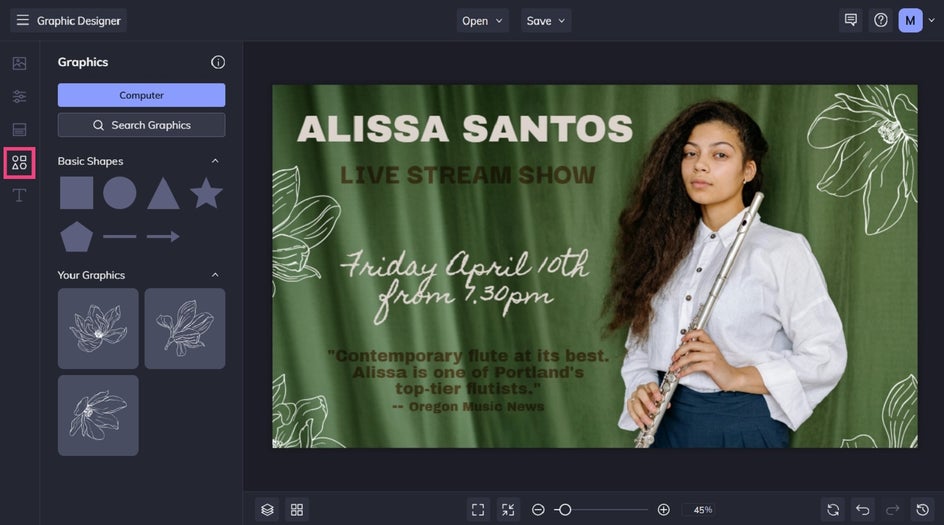
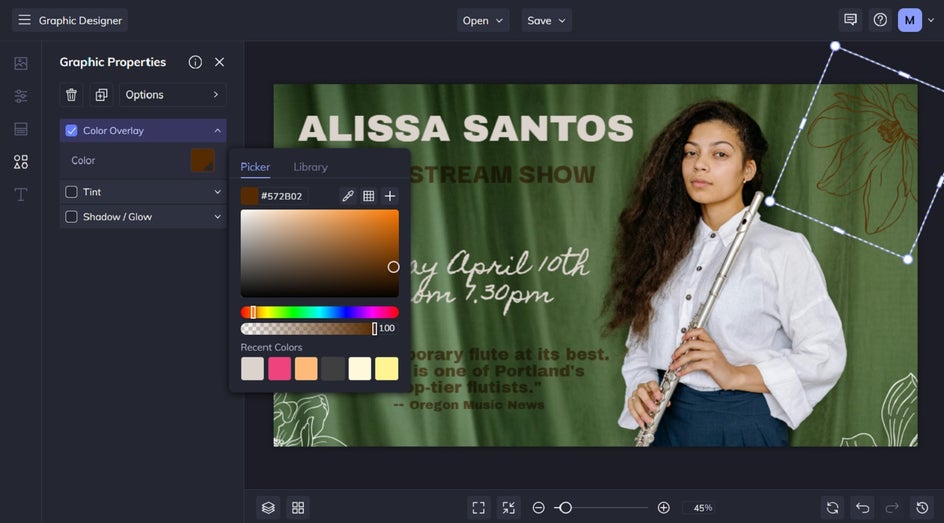
Any graphics you upload or choose via the Graphic Library menu will appear as thumbnails in the Your Graphics section of the Graphics tab. Simply drag or double-click each graphic to add it onto your design template, then use the Graphic Properties menu to customize the color, tint, opacity, and more.
You can also drag the white circles and rectangles around each graphic to resize and rotate them.
Step 4: Save Your Live Stream Promotional Graphic
Click Save at the top to save your work to your Computer, as well as Facebook, Dropbox, and more.
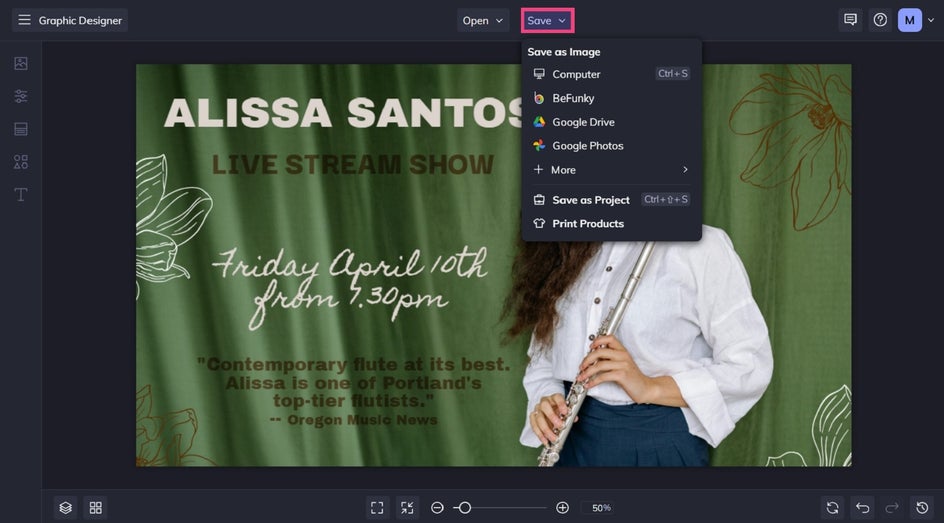
We also recommend the Save as Project option, which lets you save it as an editable BeFunky Project file to your BeFunky account or Computer. This will allow you to come back to your template in the future to make changes to it, such as updating the imagery or information.
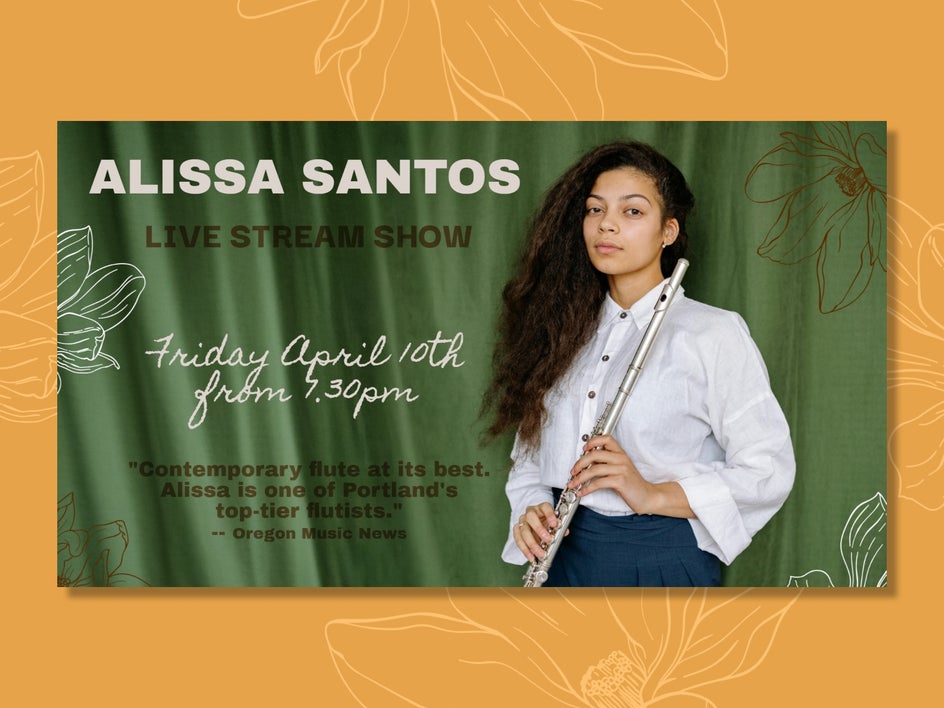
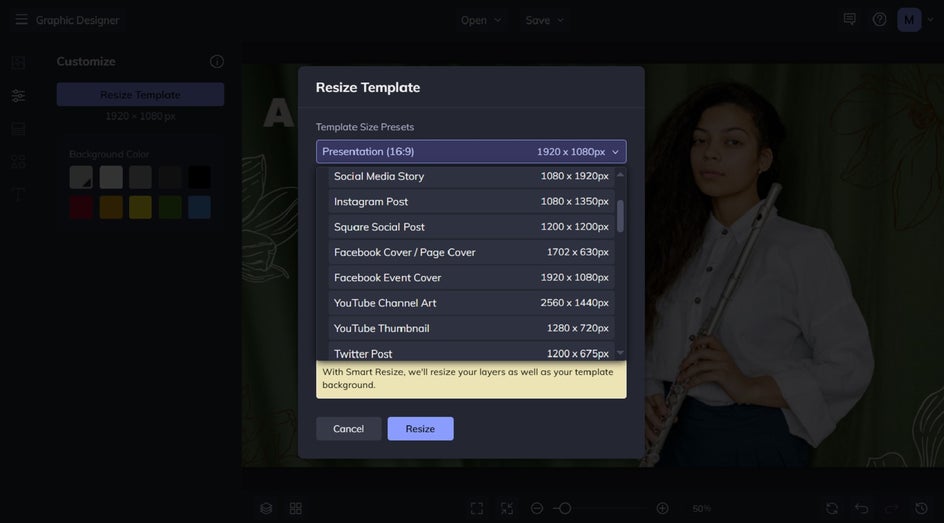
Did you know you can also resize your live stream promo image to use on other online platforms, all without having to start your design from scratch again? Just navigate to Customize and click Resize Template. Choose a Template Size Preset and ensure Smart Resize is checked before hitting Resize.
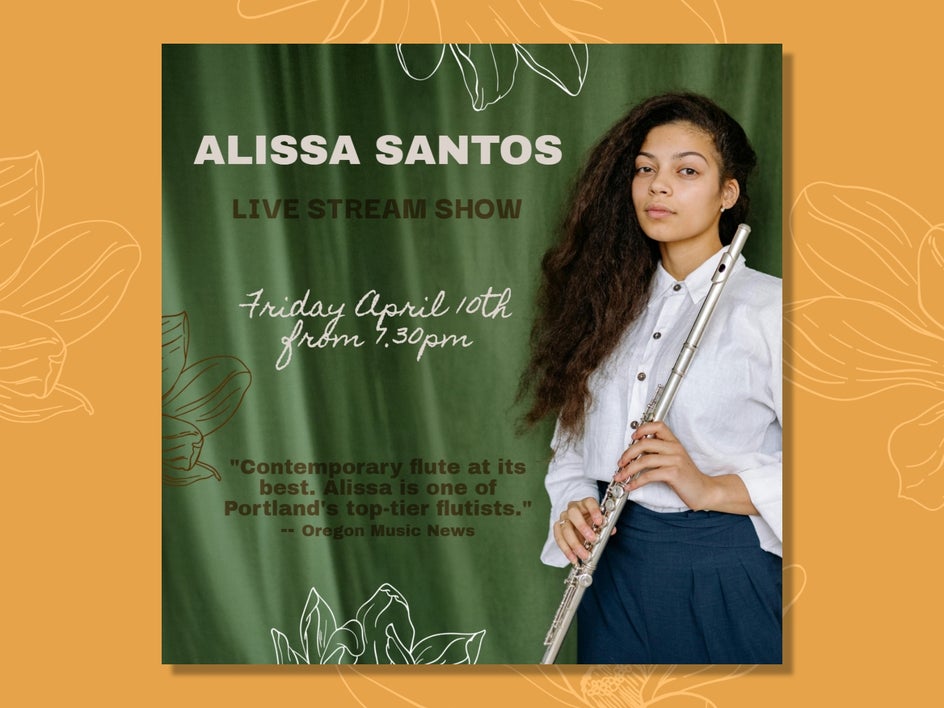
Here’s our previous Facebook template, resized for Instagram:
Ready to Promote Your Live Stream Concert?
Creating buzz around your live stream doesn’t have to be complicated. With the right strategy and eye-catching visuals, you can turn your upcoming performance into a must-watch event.
Visit the Graphic Designer to create custom social media posts, event announcements, and promotional graphics that capture attention and drive attendance. With ready-made templates and easy customization, you’ll have everything you need to spread the word and fill your virtual crowd.