Save Big With DIY Wedding Invitations

Planning a wedding is exciting, but it’s also a whirlwind of logistics, expenses, and stress snacks. With so many costs adding up quickly, it’s no surprise that more couples are looking for ways to personalize their big day without breaking the bank. One of the easiest and most empowering places to start is with your invitations.
Creating custom wedding invites isn’t just a smart budget move, although saving on pricey stationery is a major bonus. It’s also about taking creative control and designing something that feels true to your love story. Whether your style is clean and modern, bold and playful, or soft and romantic, BeFunky’s Wedding Invitation Maker helps bring the vision to life in a way that feels personal and polished.
No design experience is needed to get started. With BeFunky’s easy drag-and-drop tools, the process is intuitive and fun. This part of wedding planning can even become something to look forward to.
Is It Cheaper to DIY Wedding Invitations?
Short answer: yes. Like, significantly.
Traditional custom wedding invitations can cost anywhere from $400 to over $2,000, depending on the size of the guest list, paper stock, and design details. DIY wedding invites, on the other hand, can save hundreds (even thousands) of dollars, especially when you design them with free or low-cost tools.
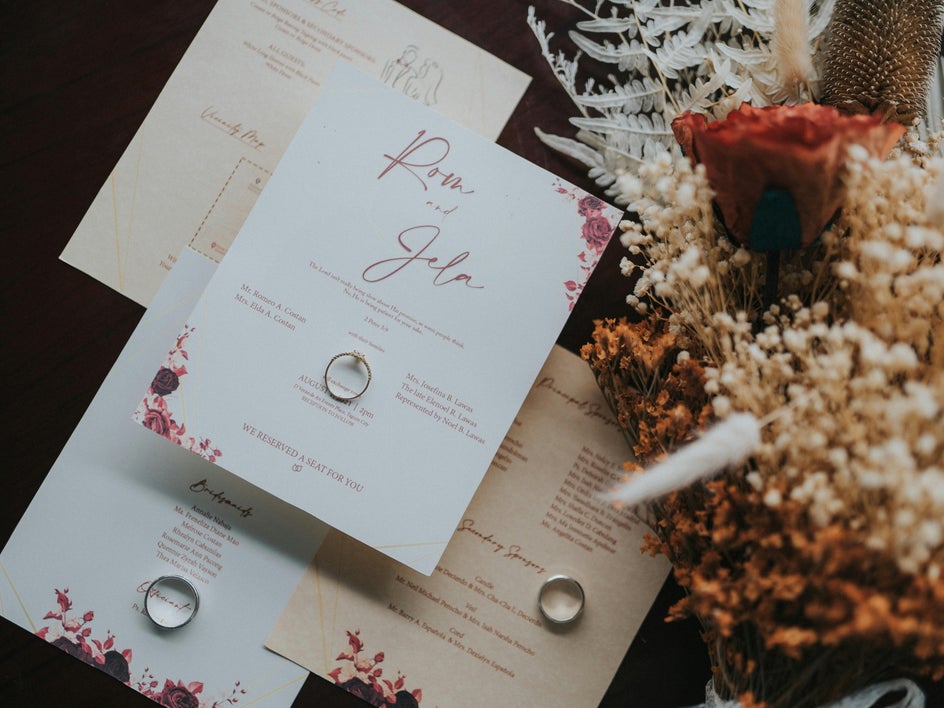
With BeFunky, you can access a library of free wedding templates and design tools that allows for fully customize invites. Whether printed at home, ordered through a local printer, or sent digitally via email or text, the final cost stays completely in control.
How to Design Wedding Invitations Online
Ready to bring your wedding invitations to life? With BeFunky’s Wedding Invitation Maker, you can go from blank canvas to beautifully customized design in minutes. Whether you’re keeping it classic or going full-on creative, here’s how to make it happen.
Step 1: Select a Template
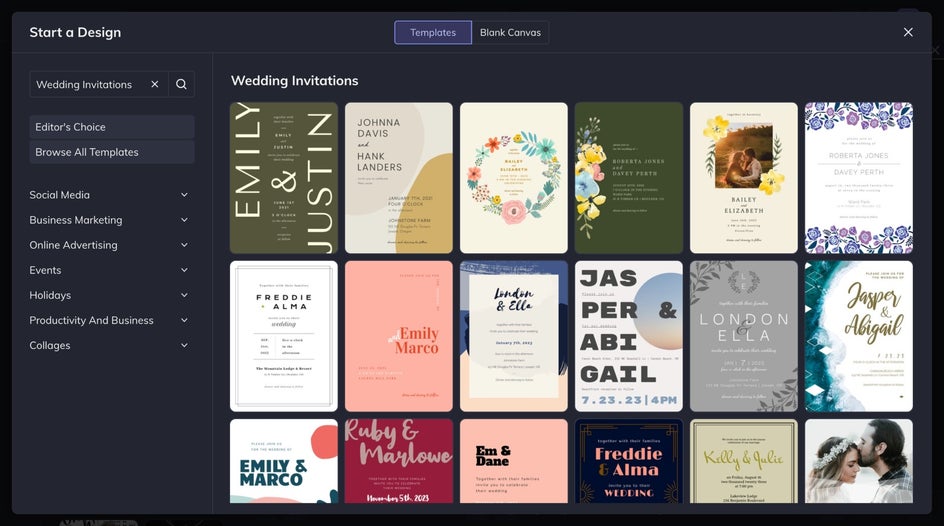
Head to the Wedding Invitation template category and browse through the collection of modern, minimal, vintage, and boho designs. Whether you’re planning a black-tie affair or a barefoot beach ceremony, there’s something here that will feel just right.
Step 2: Tailor the Design to Your Relationship
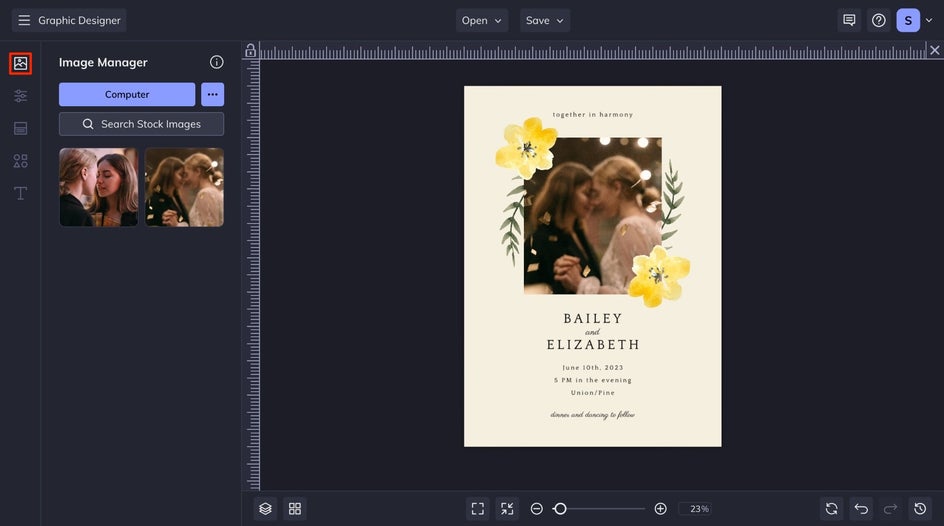
To add or replace a photo on the invitation, open the Image Manager from the left-hand menu. Click the Computer button to upload any images you’d like to use. Once uploaded, the images will appear as thumbnails. Just click and drag one over an existing photo on the template to swap it in.
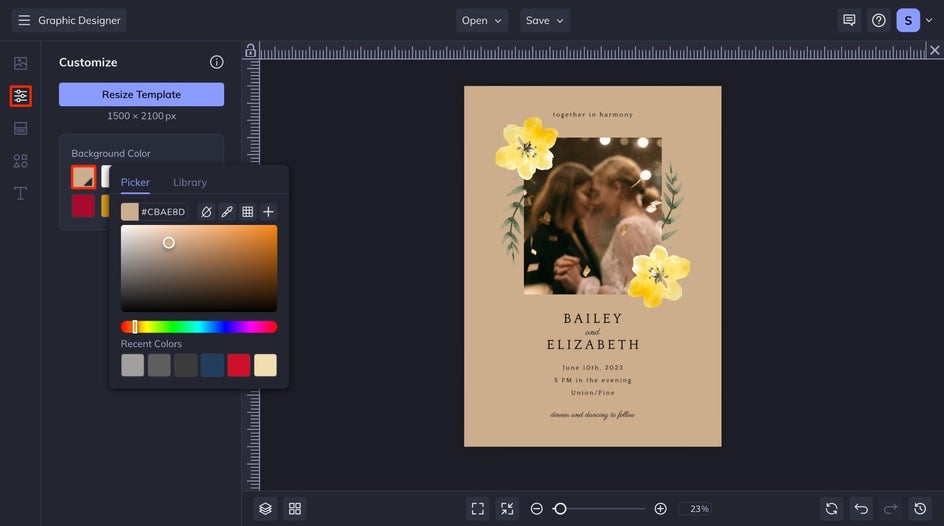
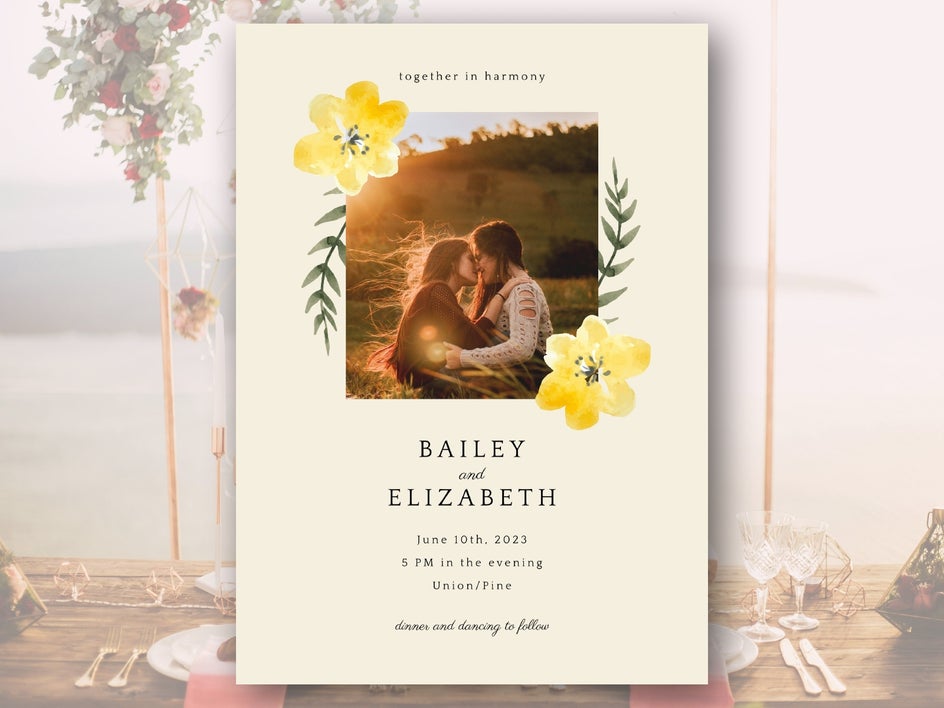
Want to match your wedding’s aesthetic? Go to the Customize tab and change the background color using the color picker or type in the exact HEX code. For example, you might use a bridesmaid dress swatch to create a perfectly coordinated palette.
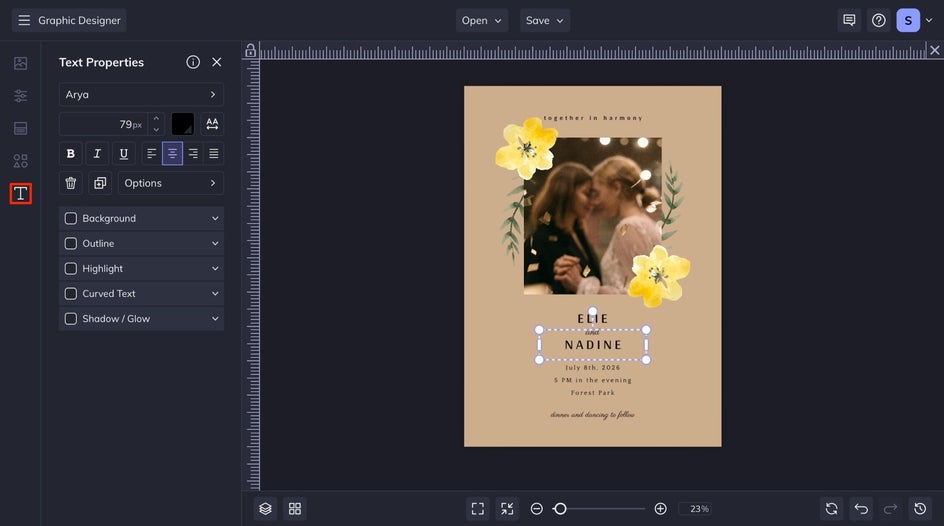
There are two ways to personalize the text for your invite. The first way is from the Text tab, where you can add a text box to the canvas and customize it from there. Secondly, try to double-click any text box and start typing. A Text Properties menu will appear where you can change fonts, adjust colors, fine-tune spacing, and align each text exactly how is desired.
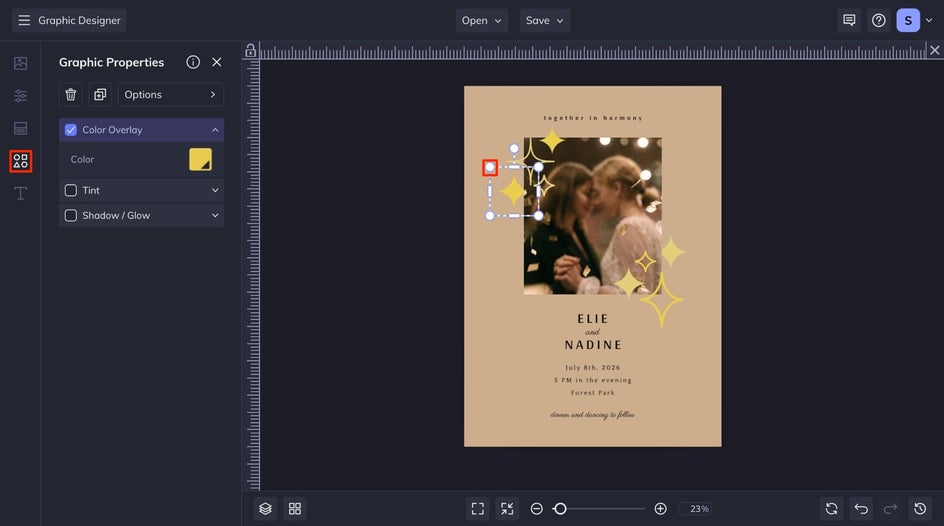
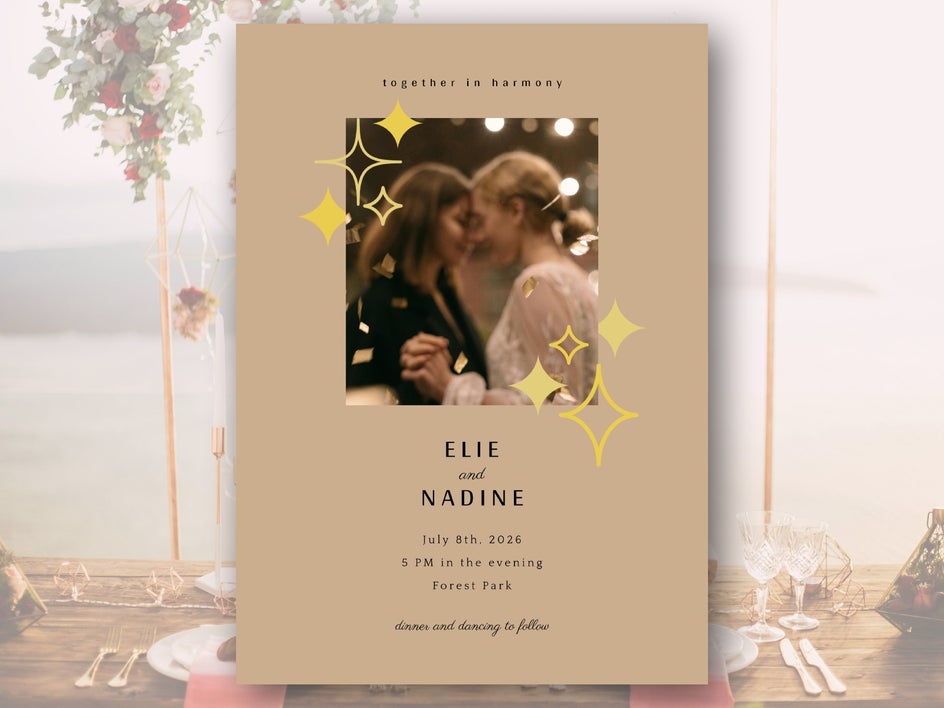
Don’t forget to explore the Graphics tab! Search the Graphics Library for illustrations that complement the selected theme, like florals, hearts, rings, or even custom icons representing your relationship. Once selected, graphics can be resized, rotated, and layered anywhere on the design. Simply drag and drop the saved graphics over to your canvas and place them where you desire.
Step 3: Save & Send the Invite
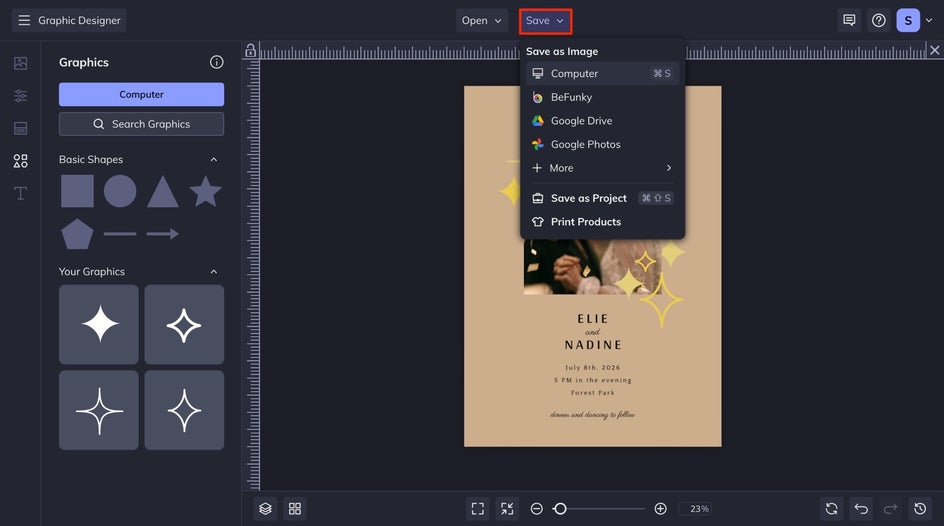
When you’re happy with the design, hit the Save button at the top of the canvas. Save as a high-quality PDF if you’re printing, or as a PNG or JPEG for digital sharing. You can also save the design as a project file in BeFunky so easy edits can be made later! This is perfect for creating coordinating pieces like RSVP cards, save-the-dates, or thank-you notes.
The Final Look: Your Invitation, Your Way
Sending invitations crafted by hand adds a personal and memorable touch. Not only do they reflect a personal style and personality, but you also get a professional-looking result without the professional price tag. Now, after checking invites off the to-do list, put those savings toward something a little more exciting, like your honeymoon.
Get Inspired to DIY Your Wedding
Once you’ve got the basics down, the fun really begins. BeFunky’s creative tools make it easy to go beyond the template and add your own flair. Whether you want something artistic, bold, or effortlessly chic, here are a few ways to personalize the wedding invitations and make them feel one of a kind.
Turn Engagement Photos Into Art
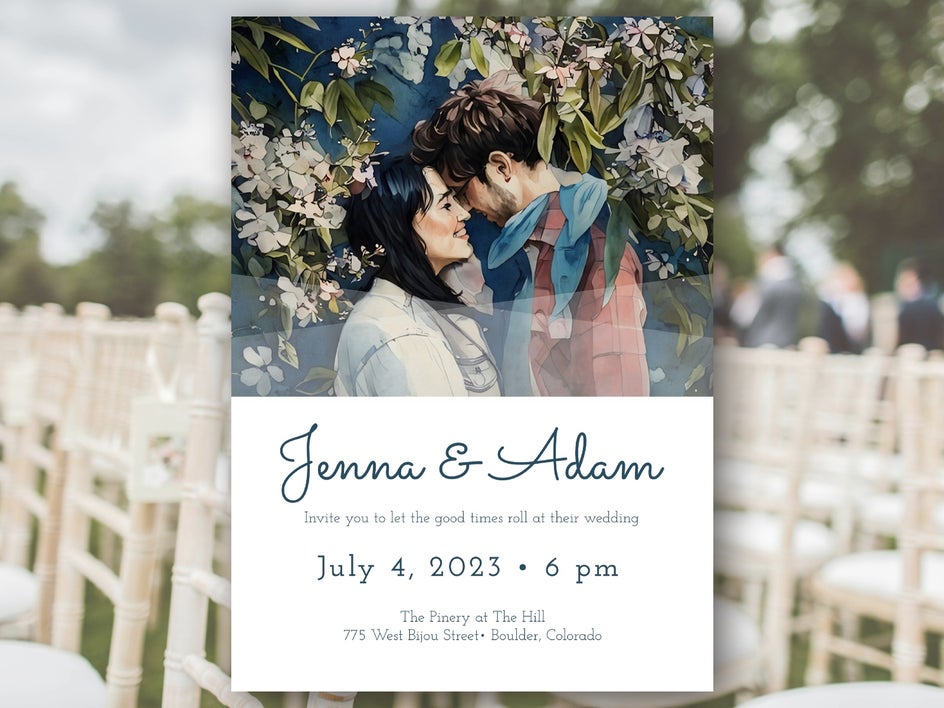
With BeFunky’s Artsy effects, you can transform a standard photo into a watercolor painting, oil sketch, or ink drawing that feels elegant and unique. Imagine a romantic sketch of your engagement photo tucked into the corner of the invite or printed on the back for a sweet surprise.
Get Creative With Graphics
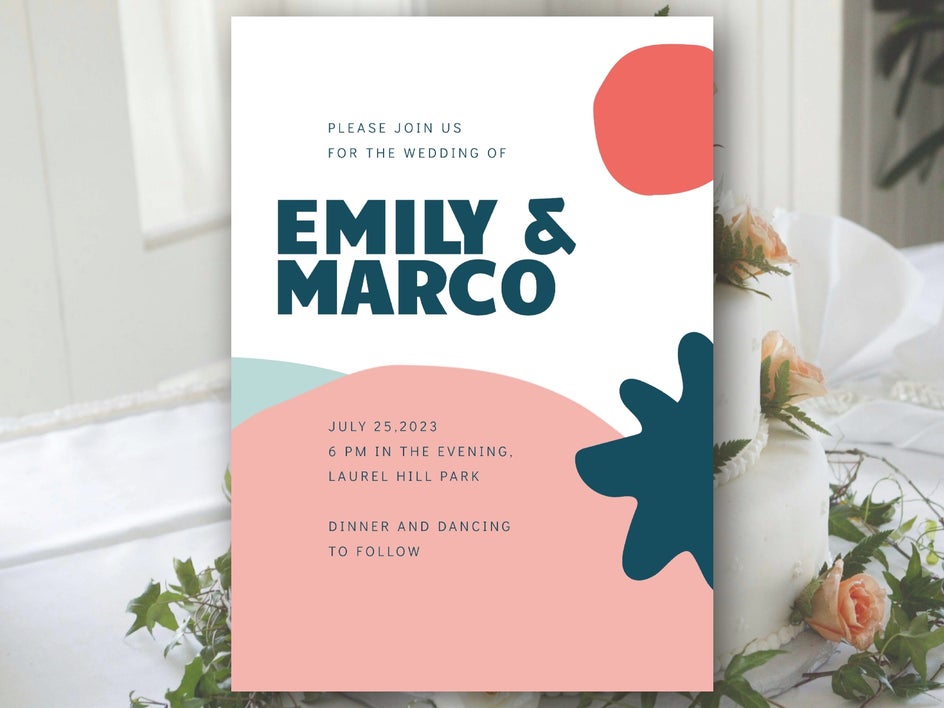
Photos not your thing? No problem. Try a minimalist look with only text and graphics. Use geometric shapes, floral illustrations, or abstract icons to build a look that’s fresh and modern. This works especially well for art-forward couples or weddings with a bold visual theme.
Achieve Monochrome Minimalism
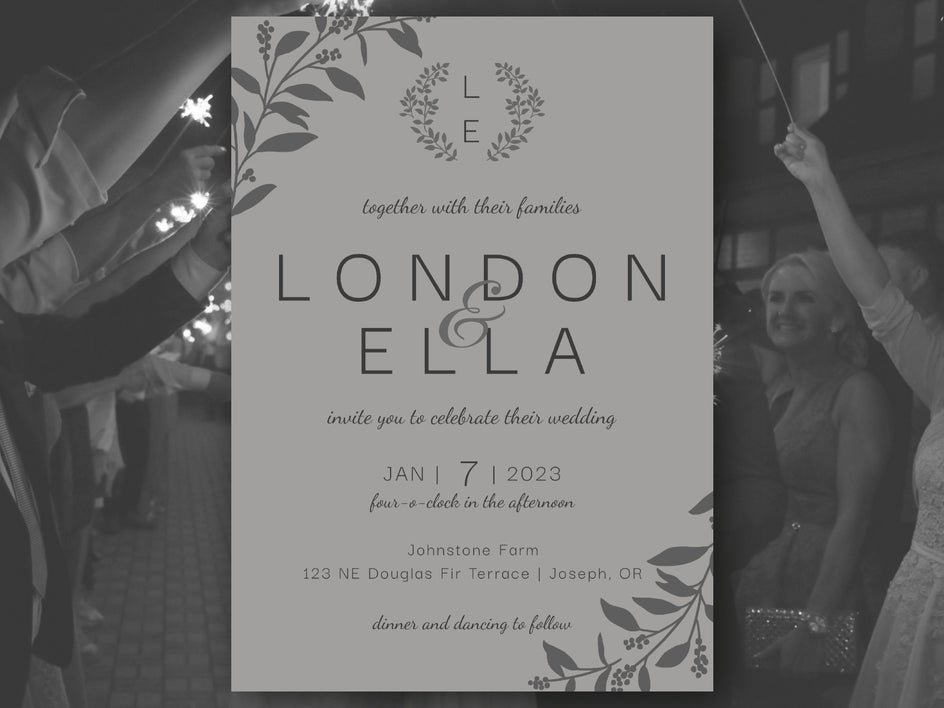
Keep things sleek and sophisticated with a minimalist, all-one-color palette. Use different shades and tones of the same hue, like blush, slate, or olive, for subtle contrast, then let negative space and a clean font do the talking.
Custom Invitations, No Stress Required
Creating stunning wedding invitations is possible without professional experience or high costs. With BeFunky’s Graphic Designer, user-friendly tools, thoughtfully designed templates, and endless customization options, it's easy to create something that’s meaningful, stylish, and totally stress-free.
Whether you’re building a cohesive wedding invitation suite, designing matching thank you cards, or just want to check something major off the to-do list, BeFunky can help with feeling confident in the process.
So, skip the expensive stationery order. Let your creativity take the lead, and put those savings toward something unforgettable.