How to Remove Blemishes From Photos
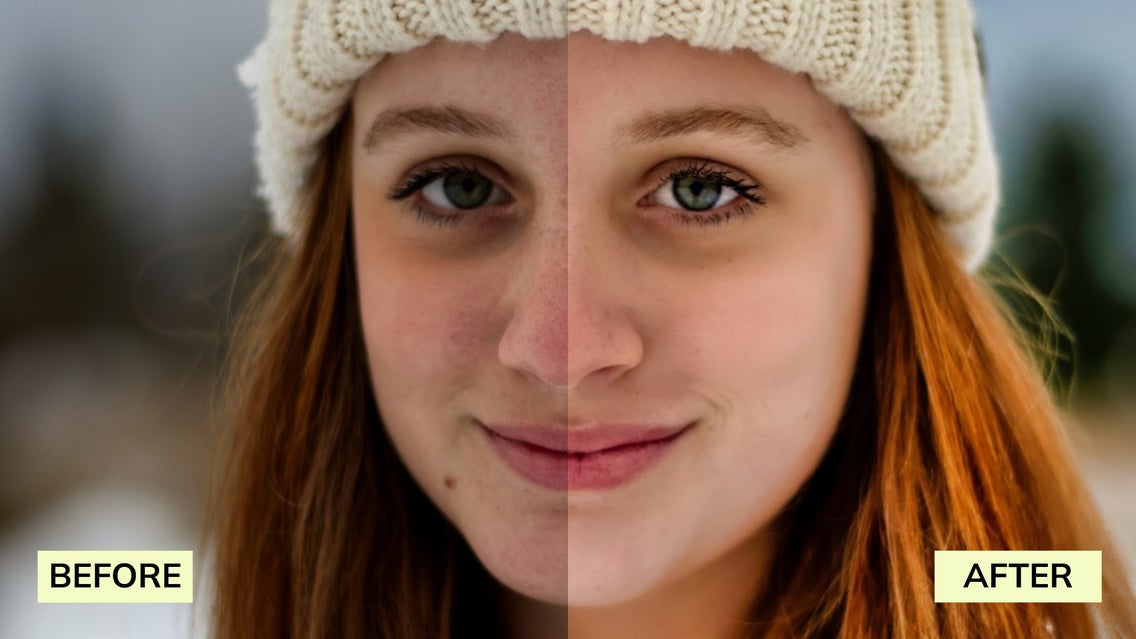
Blemishes are simply part of life, but they don't have to stay in your photos. When you're editing a selfie, a professional headshot, or a candid moment, having the right blemish remover makes it easy to remove blemishes from photos while keeping your natural features intact.
This is where our Touch Up tools, which are available in our Photo Editor, come into play. They’re designed to help you smooth skin, refine skin texture, and selectively remove blemishes without over-editing. Whether you're touching up a single image or polishing multiple photos online, our powerful editing tools make it simple to achieve radiant skin and professional-looking results in just a few clicks.
From acne spots and uneven skin texture to dark circles and other minor distractions, our suite of tools works as a complete face blemish remover – giving you precise control while preserving image quality. In this guide, we’ll walk you through the best ways to remove blemishes from photos online using BeFunky.

Can You Remove Blemishes on a Phone With a Blemish Remover App?
Most built-in editing features on your phone can handle basic adjustments. But when it comes to skin blemishes, acne scars, or dark circles, they often lack the precision needed for natural-looking results.
That’s where a dedicated blemish remover app makes all the difference. BeFunky’s photo editing app is built specifically for portrait retouching, offering our full suite of Touch Up tools along with an AI blemish remover for quick, one-click enhancements.
How to Remove Blemishes From Photos Online
Our Photo Editor includes everything you need to remove blemishes from photos online while maintaining realistic results. Here’s how each tool works – and when to use them.
Blemish Fix
Think of this as your go-to pimple remover. The Blemish Fix tool is designed for quick spot removal. Simply adjust the brush size and hardness to match the imperfection, then click to remove blemishes instantly.
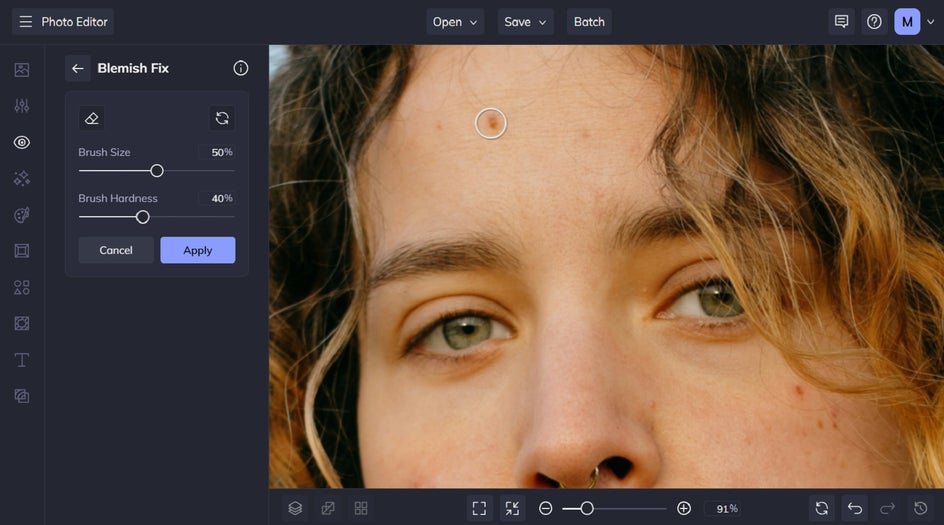
This tool works especially well for small skin blemishes like pimples, dark spots, or minor acne scars. On high-resolution images, it detects contrast between the blemish and surrounding skin to preserve natural texture and image quality. For lower-resolution photos online, try zooming in or using the Upscale tool for more accurate results.

Perfect Skin
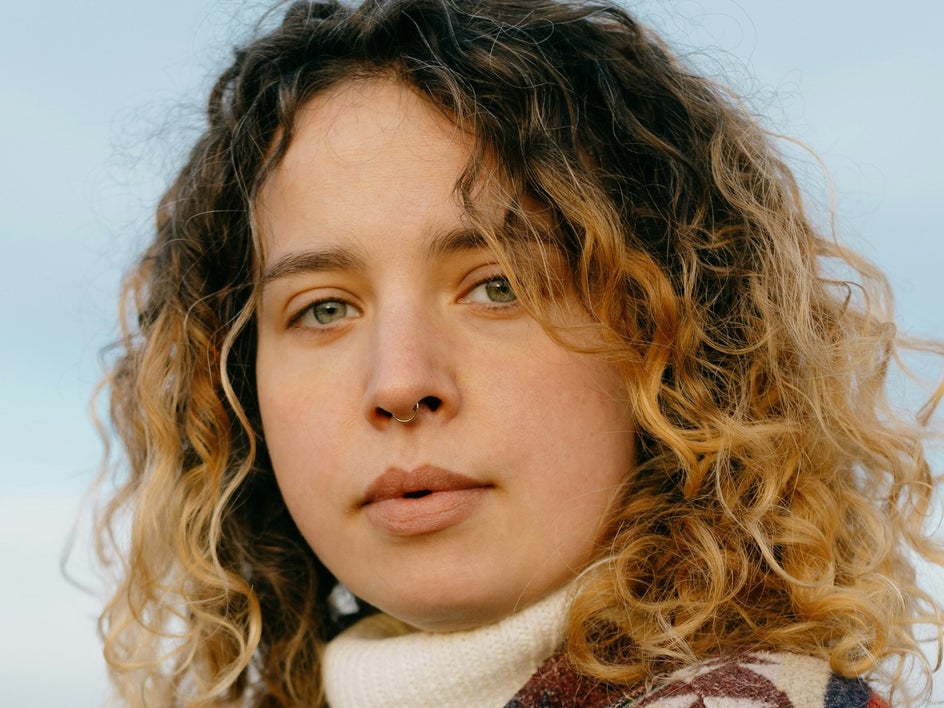
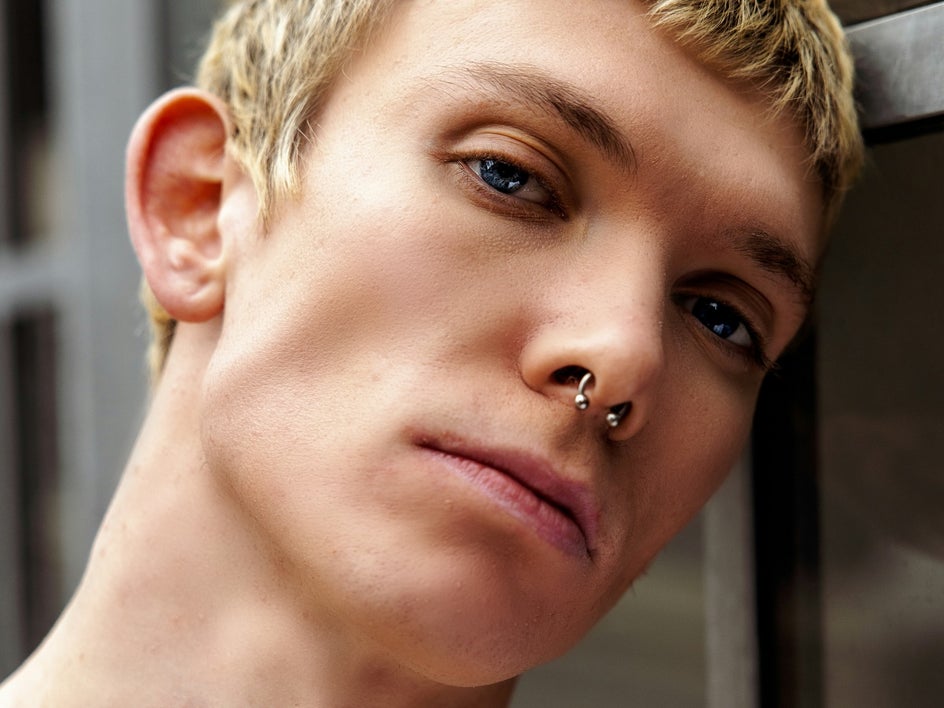
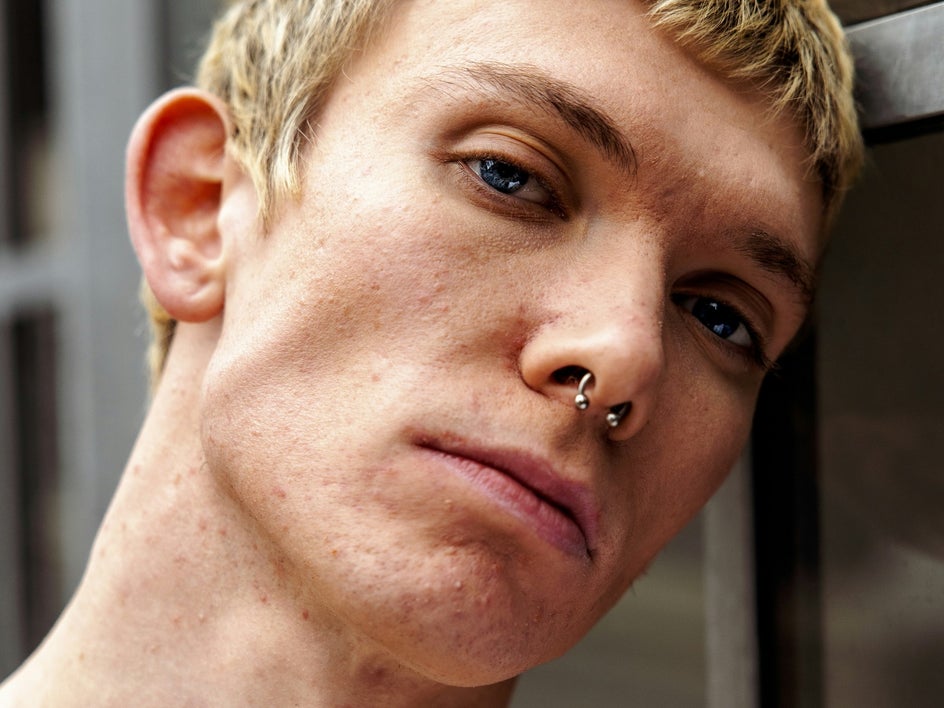
For overall skin smoothing, Perfect Skin is ideal. Instead of targeting one spot at a time, you can brush over areas with uneven tone, redness, or rough texture to create smooth skin while maintaining realism.
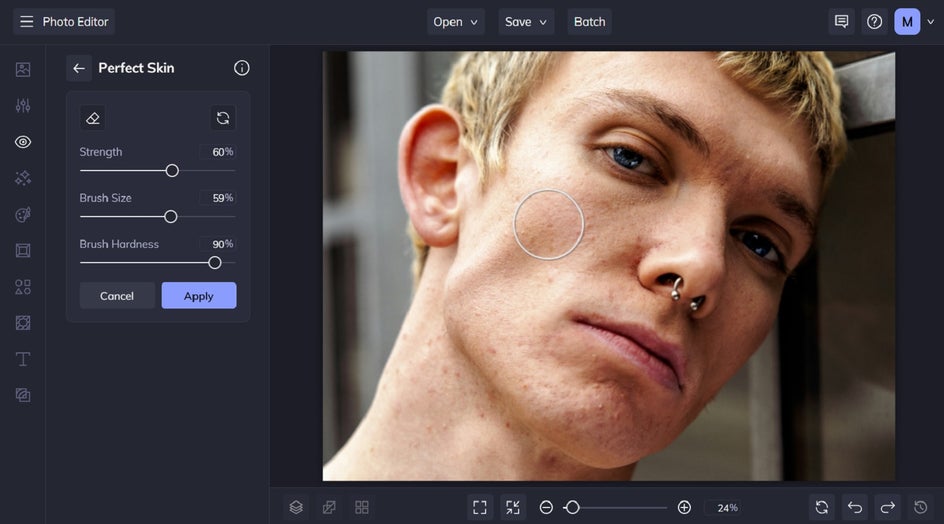
Adjust the strength slider to control how subtle or noticeable the effect appears. This tool is perfect for enhancing skin texture, softening dark circles, and achieving a healthy, radiant skin look – without creating an overly airbrushed finish.
It’s also great for softening makeup-free skin or calming inflammation in portraits.
Clone Tool
When you need full control over the texture and tone of your edits, turn to the Clone tool. It allows you to copy pixels from one area of the image and paint them over another, which makes it especially useful for fixing more complex blemishes or scars.

Start by selecting a source area – a clean patch of skin near the blemish – then brush over the spot you want to fix. You can fine-tune the brush hardness and size to suit the detail level, blending the new pixels seamlessly into the photo.


This technique is ideal when working around shadows, textured areas, or larger skin blemishes that might not respond well to one-click fixes.
Portrait Enhancer (AI Blemish Remover)
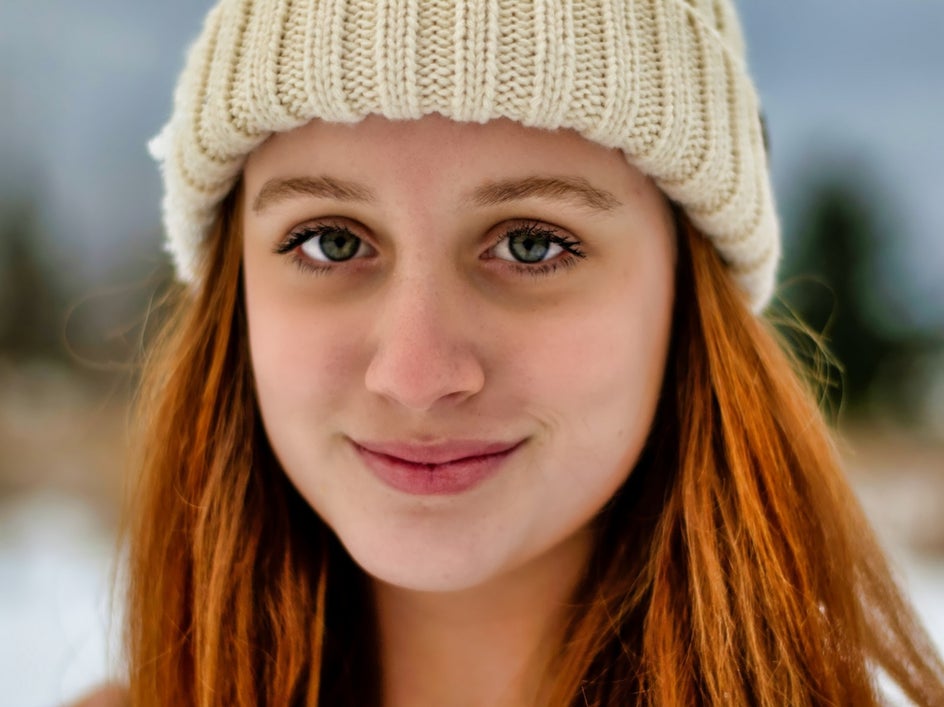
For an all-in-one solution, Portrait Enhancer acts as an AI blemish remover that automatically balances lighting and enhances skin tone.
With a single click, you can smooth skin, brighten dark circles, and create a polished look while preserving natural detail. Adjust the strength slider to fine-tune the effect and maintain realistic skin texture.

It’s a great finishing touch – especially when editing multiple photos online and aiming for consistent, professional results.
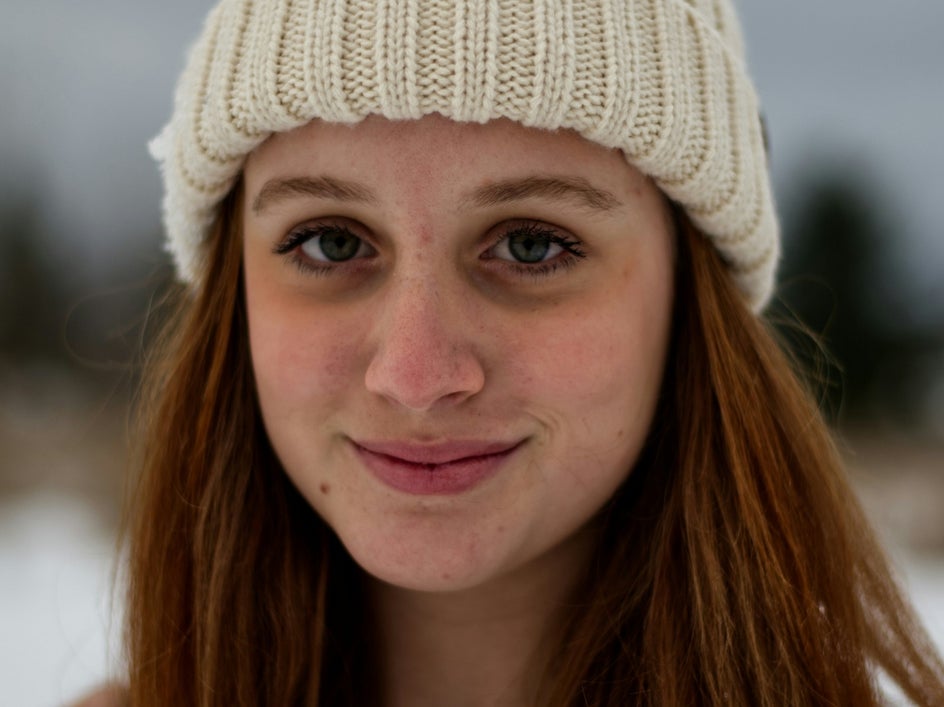
Try the Online Blemish Remover for Flawless Results
Removing blemishes from photos doesn't have to be complicated or time-consuming. With our suite of Touch Up tools, you can achieve professional-quality retouching directly from your computer or mobile device. Whether you're looking to remove spots from a photo online for free or seeking the best blemish remover app, we’ve got you covered.
Ready to remove blemishes from photos online? Try our revolutionary Touch Up tools today!