









Fast, Festive, and Personalized: Holiday Cards Made With Smart Templates

Making a holiday card should feel joyful, not stressful. Whether you’re sending festive greetings to loved ones or creating branded cards for your business, starting from scratch can be tricky. Choosing the right layout, effects, and typography often takes time that you might not have during the busy season. That’s why we created Smart Templates to expand our holiday cards library.

These pre-designed, AI-powered layouts in BeFunky’s Graphic Designer come with built-in effects that automatically adjust to your photos. From color treatments to background removal, Smart Templates do the heavy lifting to create a polished, cohesive design instantly. Each layout is styled with holiday-ready details like snow overlays, seasonal color palettes, and decorative typography, so your card looks professional the moment you upload your image.
In this tutorial, we’ll show you how to customize a holiday card Smart Template and share ideas for different seasonal looks.
How to Create a Holiday Card With Smart Templates
Before you begin, choose a clear, high-quality photo that fits the mood of your chosen design. Whether it’s a family portrait, pet photo, or product shot, the Smart Template will automatically adapt its effects to complement it.
Step 1: Choose a Smart Template
Head to to the Holiday Cards category section of the Graphic Designer to browse our super smart holiday card templates. (Smart Templates are easy to spot – they’re marked with a sparkle icon.)
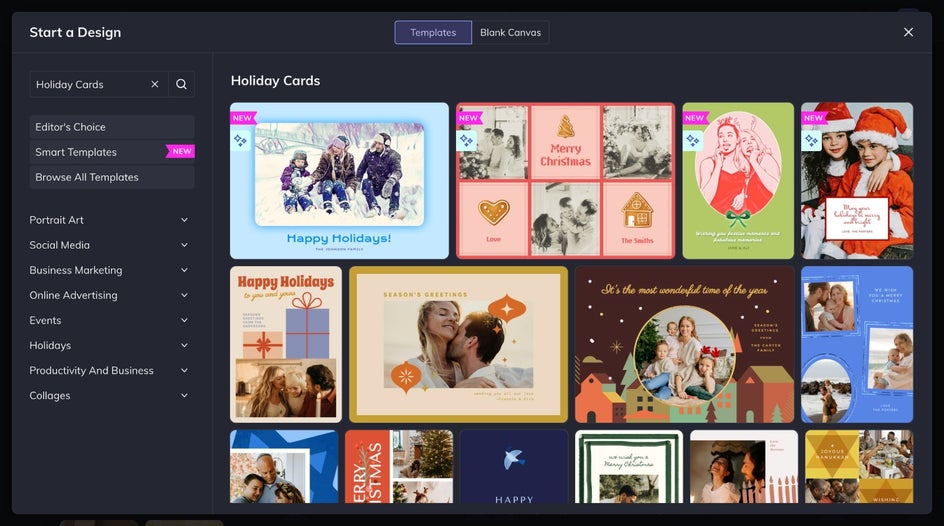
You’ll find everything from classic and cozy designs to modern, minimal styles. Once you find a template you love, click Use This Template to open it on your canvas.
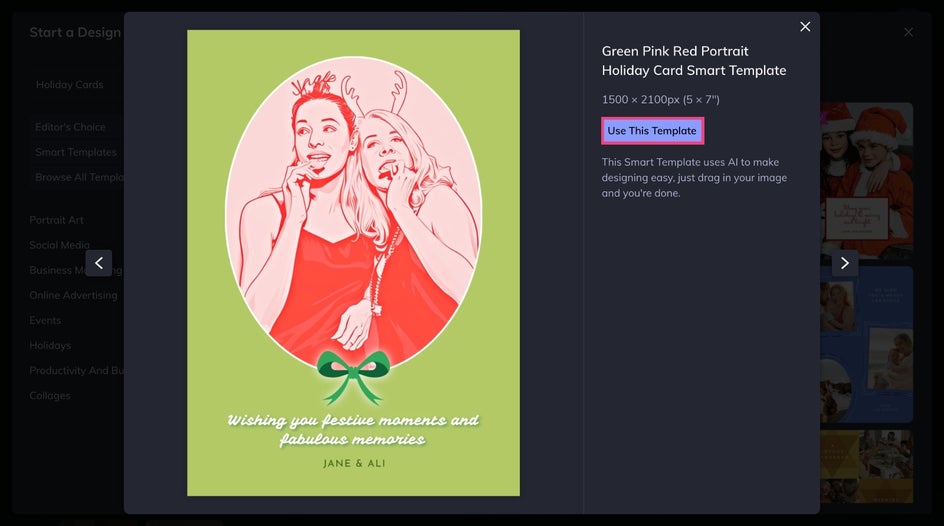
Step 2: Customize It
Replace the placeholder image with your own by dragging and dropping a file onto the canvas or selecting one from the Image Manager. The template’s built-in effects – like lighting adjustments, Artsy effects, or texture overlays – will apply automatically to match your new image.
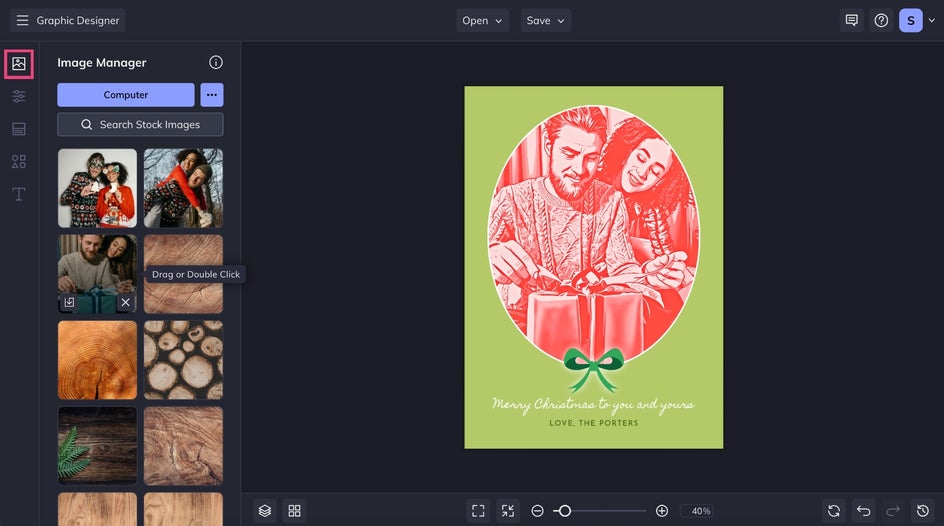
If you need to reposition or resize, use the corner handles while keeping key details centered. The Smart Template maintains balance and visual harmony, so your design always looks well-composed.
Click any text box to personalize your holiday message. Write something heartfelt or on-brand, and feel free to adjust the look from the Text Properties menu.
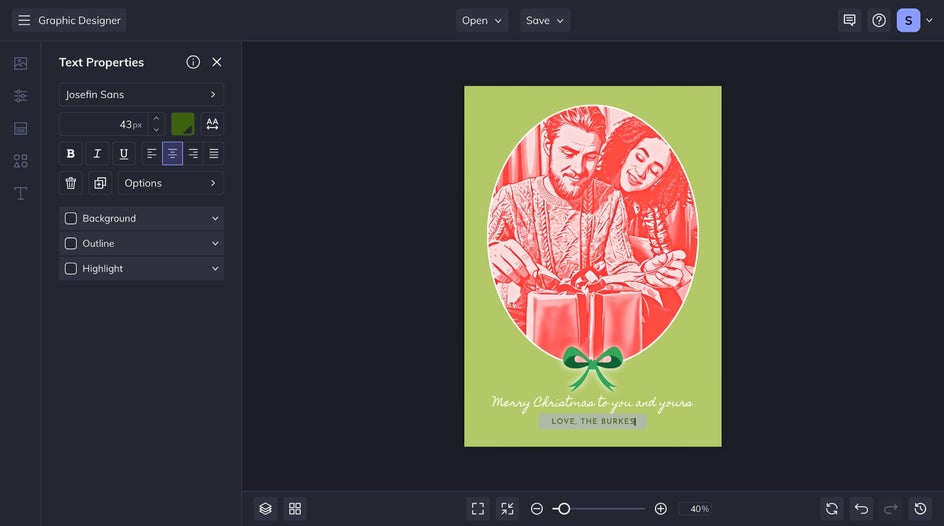
You can also tweak or add additional background shapes or other decorative elements. BeFunky's entire suite of graphic design tools is at your disposal to make your card truly one of a kind!
Step 3: Save and Share
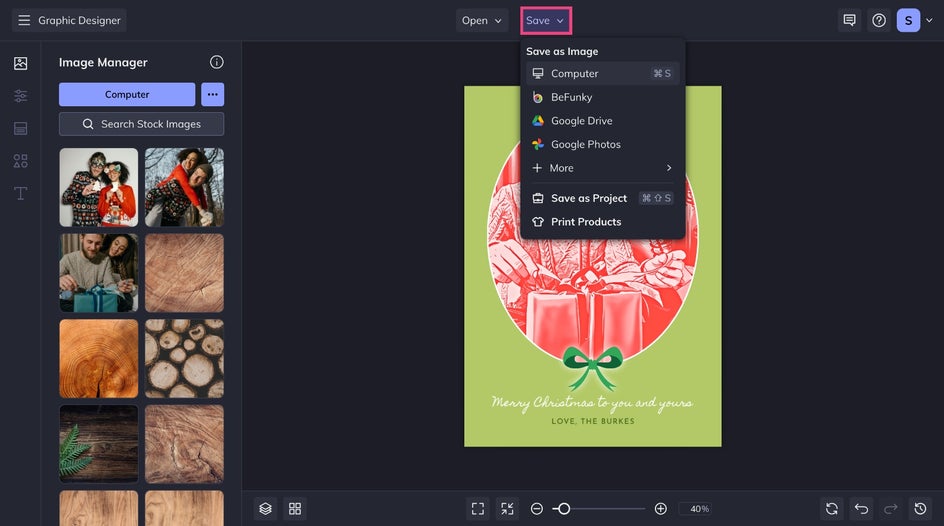
Once your card looks perfect, click Save to download it as a JPG or PNG for online sharing, or export it as a PDF for high-quality printing. You can even select Print Products to order physical copies directly from Zazzle – all without leaving BeFunky.
A Beautiful Holiday Card in Seconds
With just a few clicks, you’ll have a finished card that looks professionally designed and perfectly styled for the season. The Smart Template applies cohesive color grading, lighting, and layout treatments automatically, so every element feels intentional and balanced. Whether it’s a cozy family photo or a polished business design, your final result will look festive, creative, and ready to send.

Smart Holiday Card Styles to Inspire You
Smart Templates make it easy to explore different looks without extra design work. Try these ideas to match your seasonal vibe.
Seasonal Warmth
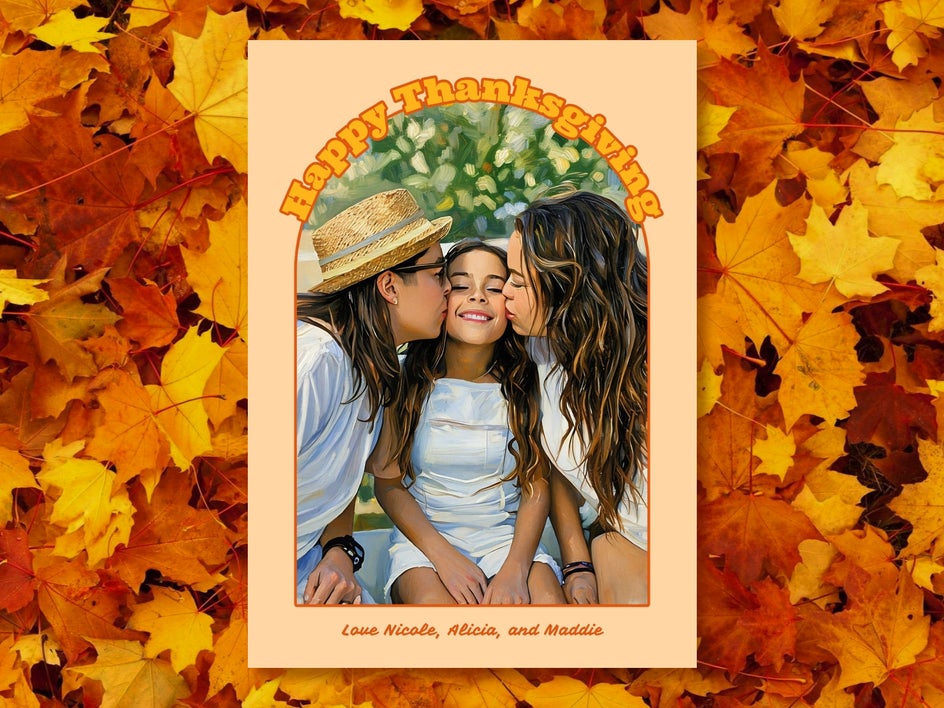
Pick a layout with cozy tones, soft textures, and a painterly finish that brings out the best in your photos. These fall-themed designs work beautifully for family portraits, outdoor scenes, or any seasonal greeting you want to feel inviting and heartfelt.
Modern Greetings
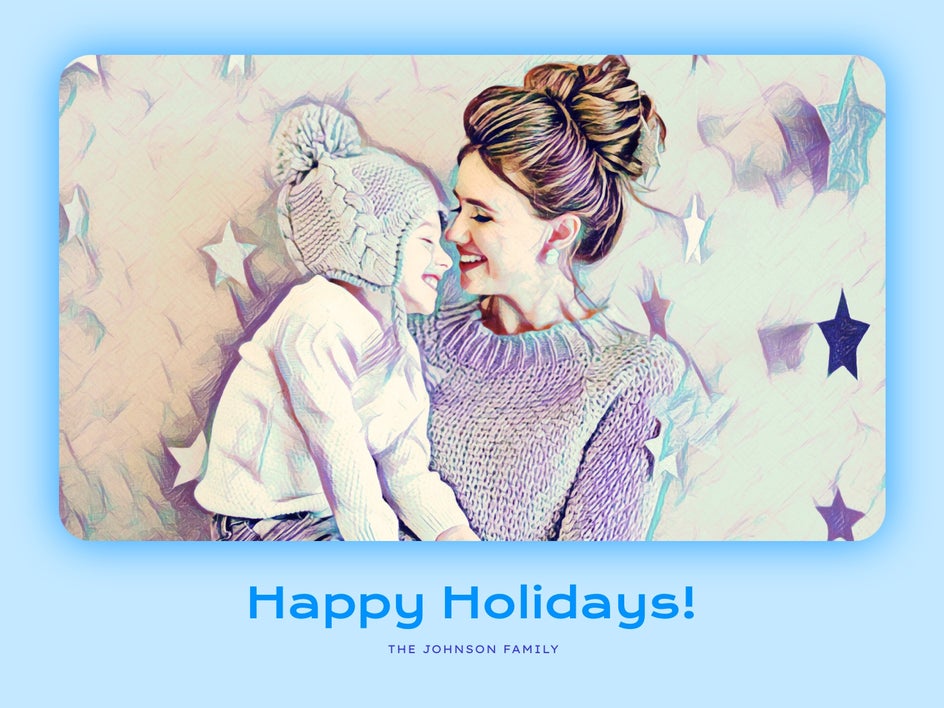
Sometimes, less is more. Opt for clean lines, solid colors, and elegant, straightforward typography. These templates let your photo shine and pair beautifully with a standout Artsy effect.
Playful Pet Cards
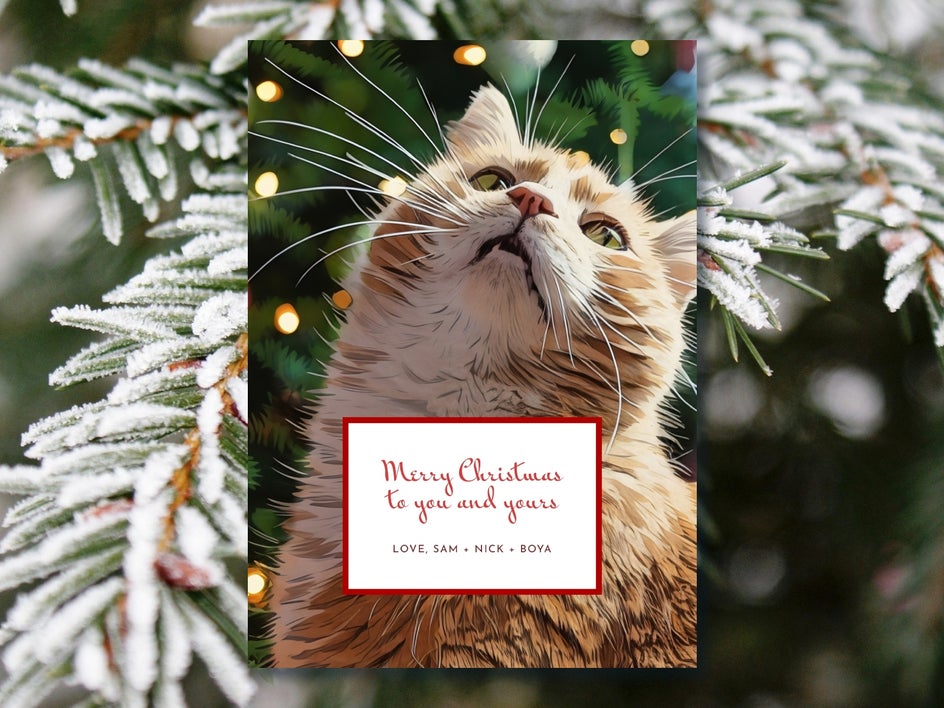
Pet portraits are a great way to make your holiday cards stand out. Upload a photo of your furry friend and watch the Smart Template add festive effects automatically. Feel free to stray from the usual season's greeting with a punny caption for instant charm.
Make Every Card Shine With Smart Templates
With Smart Templates, creating a festive, high-quality holiday card takes just seconds. The built-in photo effects, balanced compositions, and easy customization give you a professional finish without needing design experience. This season, skip the stress of starting from scratch and let BeFunky’s AI-powered Holiday Card Smart Templates turn your favorite photos into memorable greetings everyone will love. Get started today!




