









How to Turn Family Memories Into Festive Holiday Cards

Holiday cards are one of the easiest ways to share your favorite family moments from the year. When you already have a great photo, the last thing you want is to get stuck on layout decisions or typography. BeFunky’s holiday card templates are designed to take care of those details so your family portrait can shine.
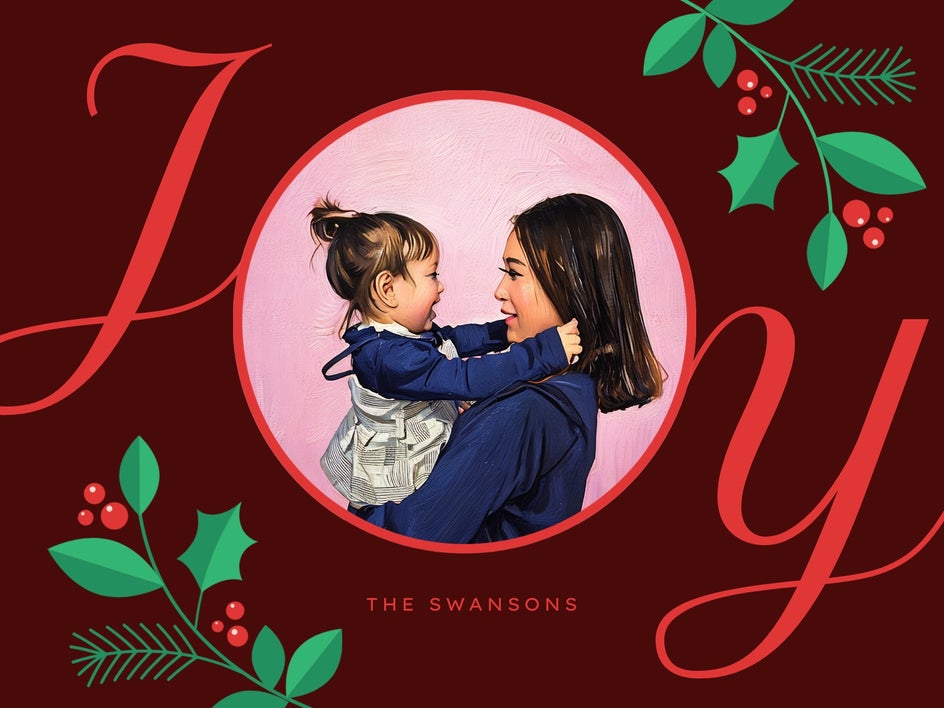
In BeFunky's Holiday Card Maker, you will find layouts that are already sized for print and styled with seasonal colors, graphics, and type. You'll also find a selection of holiday card Smart Templates, which use built-in photo effects and AI-assisted styling to adapt the design to your image the moment it is added.
In this tutorial, you will learn how to customize a holiday card template to feature your family photo, followed by inspiration for different ways to style your seasonal card.
How to Create a Family Photo Holiday Card
Before you begin, choose a clear, high quality family photo that fits the feeling you want your card to have. A cozy living room portrait, a snowy outdoor scene, or a favorite candid from the year will all work beautifully as long as faces are well lit and in focus.
Step 1: Choose a Holiday Card Template
Head to the Holiday Card Maker to browse our collection of seasonal designs. You'll find options that range from classic and cozy to sleek and modern, paying attention to where your photo will sit in the layout. Templates marked with a sparkle icon symbolized Smart Templates that will apply built in effects automatically when you add your photo.
Once you find a holiday card template that suits your family portrait, click Use This Template to open it on the canvas.

Step 2: Add Your Family Photo
Replace the placeholder image in the design with your family photo by dragging it directly onto the canvas or adding it from the Image Manager. In Smart Template layouts, the built-in styling will adapt to your photo right away.
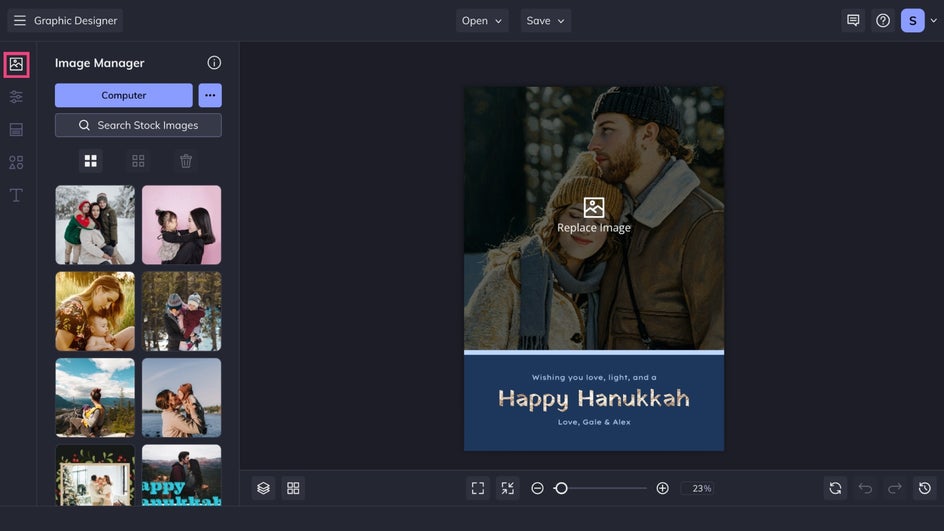
Step 3: Customize the Rest
Next, it's time to personalize the text. Click any text box to edit the greeting, add your family name, or include the year. The Text Properties menu lets you adjust fonts, colors, letter spacing, and alignment. Since each template starts with typography that matches its style, small changes usually go a long way.
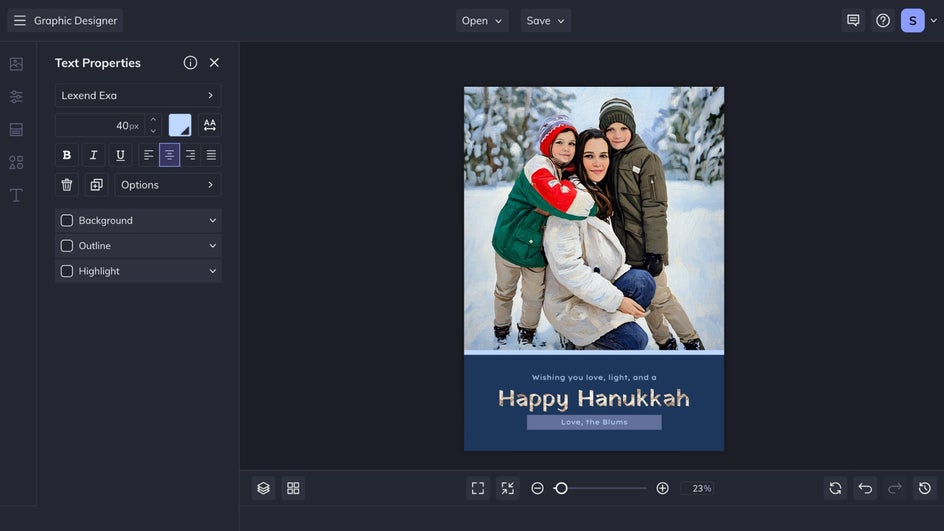
For an extra personal touch, you might update accent colors to compliment the tones in your photo, refine background shapes, or add a few seasonal graphics from the Graphics tab. Snowflakes, stars, and winter foliage can enhance the festive theme without overwhelming the portrait.
Step 3: Save and Share
Once your holiday card feels complete, click Save at the top of your canvas.

Choose a JPG or PNG file if you plan to share the card digitally through email, text, or social media. Select PDF if you want a print ready version for home printing.
To order professional, physical cards straight to your door without leaving BeFunky, select Print Products and follow the prompts to print through Zazzle.
A Beautiful Family Holiday Card in Seconds
Holiday card templates remove the guesswork that often slows down design. Layout, style, and seasonal details are already in place, while Smart Template versions add instant photo styling that pulls everything together as soon as your family picture is added. Whether you keep the design almost exactly as it appears or layer in more custom touches, the end result feels intentional, festive, and ready to share.
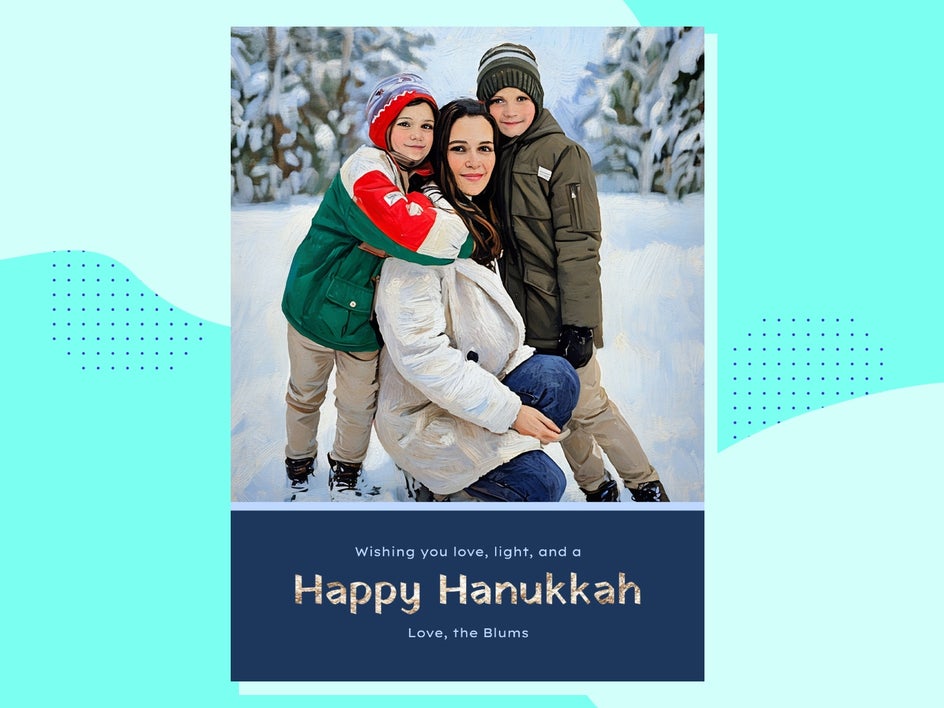
More Holiday Card Styles for Family Portraits
When it comes to holiday cards, the portrait you choose can completely change the mood of a layout. Here are a few portrait ideas that pair beautifully with our holiday card designs.
Cozy Indoor Moments
There's no need to brave the cold to get the perfect family photo! Choose a portrait taken at home – showing moments around the tree or gathered on the couch – when you want your holiday cards to feel intimate and heartfelt.

Outdoor Winter Scenes
Portraits taken in the snow are the perfect compliment to a holiday card template. Choose a layout that contrasts nicely with the stark white of a winter scene to ensure that your family stand outs.
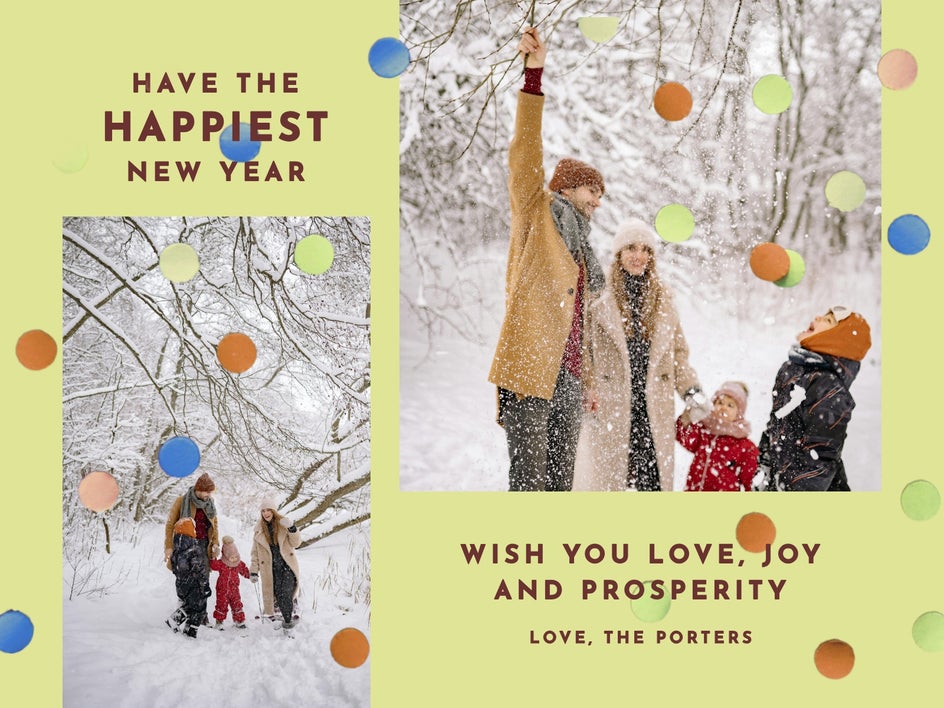
Bright Everyday Snapshots
Not every family photo holiday card has to come from a formal session. Candid portraits from vacations, weekend adventures, or everyday life work well to celebrate the season.
Make Every Family Photo Shine on a Holiday Card
With BeFunky’s holiday card templates, creating a festive, high quality card is simple. Smart Templates offer instant and cohesive styling, while classic layouts give you more space to customize. Either way, your favorite moments become memorable greetings ready to send and share.
Choose a photo you love, pick a template that matches your style, and let BeFunky's Holiday Card Maker help sort out the rest – so your holiday greeting cards can go from idea to mailbox in no time.




