Simplify Your Creative Process
Discover quick tips and shortcuts that make photo editing, collages, and design faster and easier.

Invert Colors to Create a Negative Effect

Store Images in Your Image Manager

Reset Your Canvas to Start a New Project

Start a New Project in the Photo Editor

Save Your Project So It Can Be Edited Later

Apply an Effect to the Background of Your Photo

Crop Your Photos Into Shapes

Hide and Lock Layers
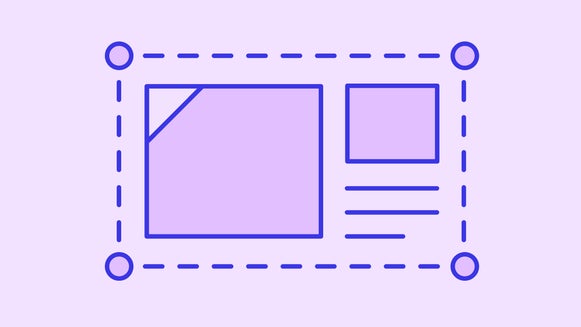
Group and Resize Layers
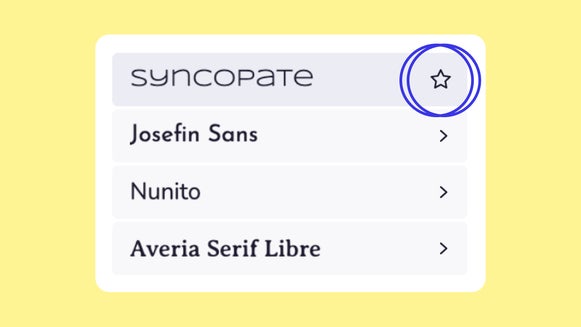
Add Fonts to Your Favorites
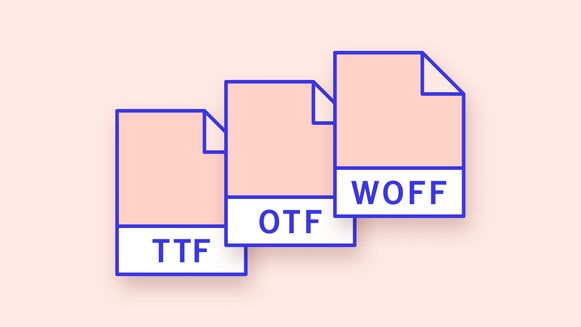
Adding Your Own Fonts
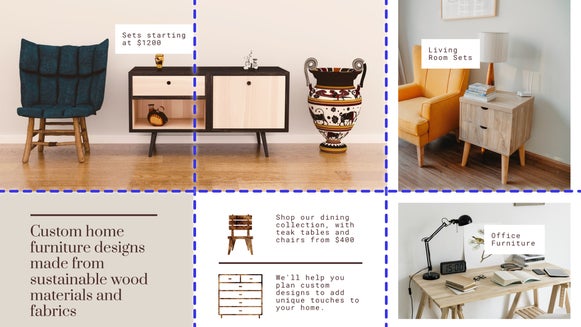
Easily Align Layers With Guides
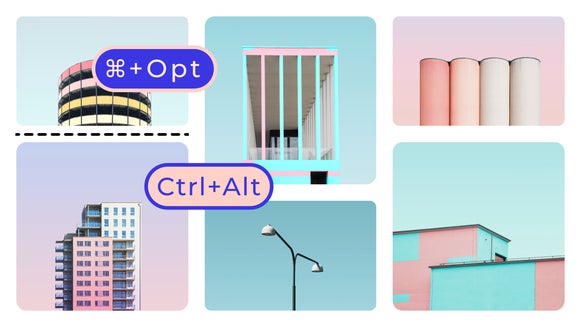
Collage Customization Shortcuts
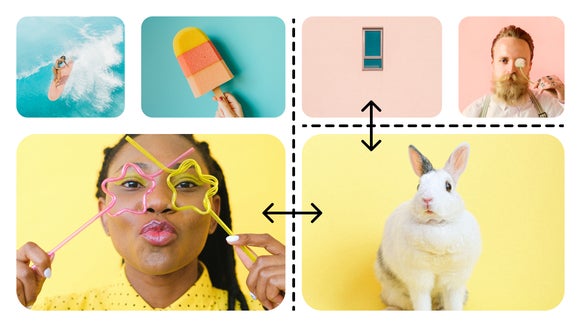
Resize Collage Cells
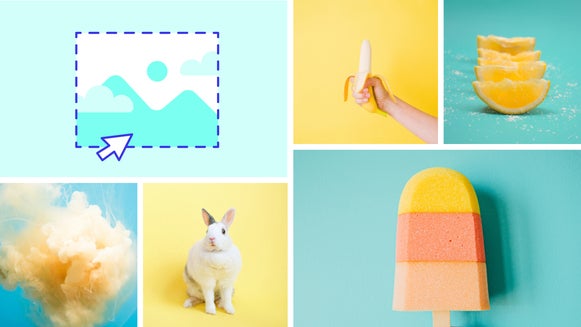
Adding More Cells/Photos to Your Collage

Get Started With Basic Keyboard Shortcuts
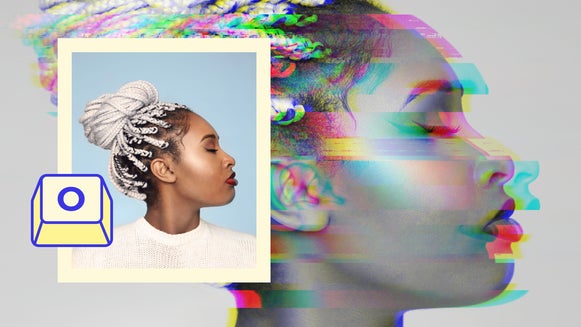
Keyboard Shortcuts for Photo Editing
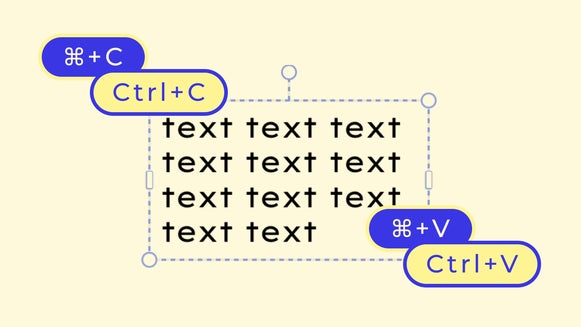
Press ⌘/Ctrl + C to Copy Any Text, Then ⌘/Ctrl + V to Paste it Into Your Project

⌘/Ctrl + Z to Quickly Undo Changes
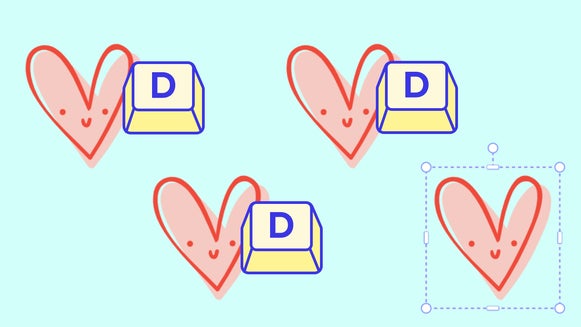
Use the 'D' Key to Duplicate Photos, Graphics, and Other Layers