









Design YouTube Thumbnails in Seconds
Create clickworthy YouTube thumbnails with templates designed to increase views and help your videos stand out.

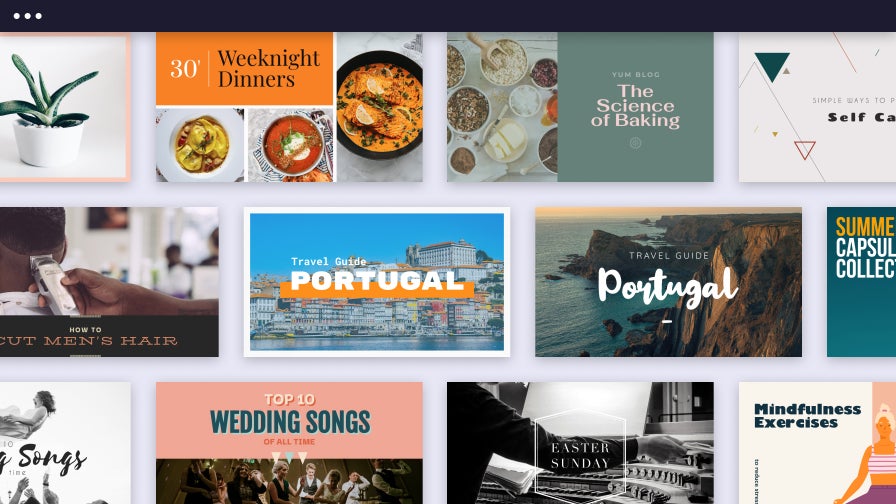
Create Custom YouTube Thumbnails With Ease
BeFunky has been empowering creators to design professional visuals since 2007. Our YouTube Thumbnail Maker continues to innovate by offering intuitive tools and ready-made templates that any video creator can use. Each layout is handcrafted by our in-house design team and ready to personalize with your own images, text, and unique style. Whether you film content for tutorials, vlogs, or reviews, BeFunky makes designing professional thumbnails a breeze.
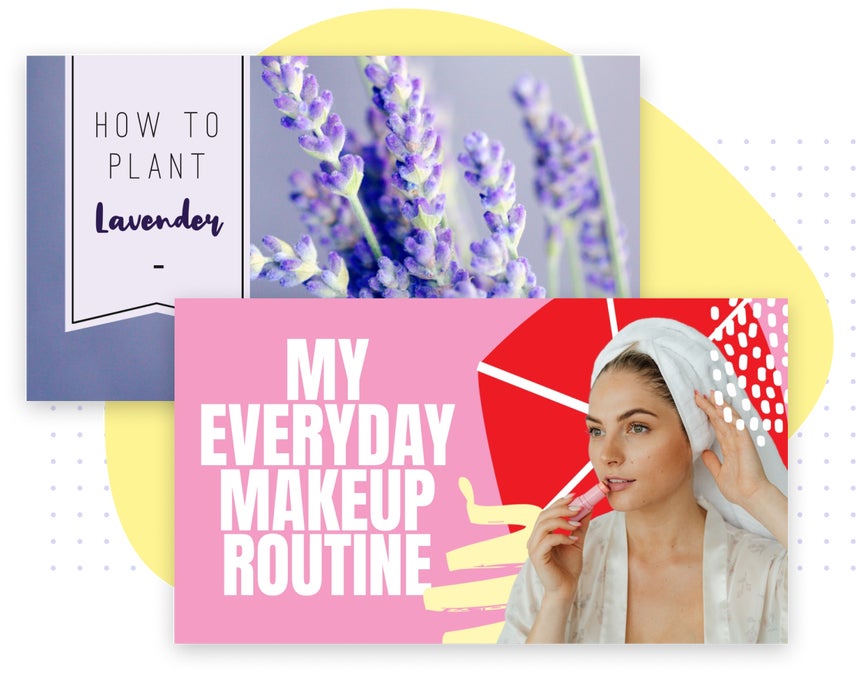
Keep Your Branding Consistent
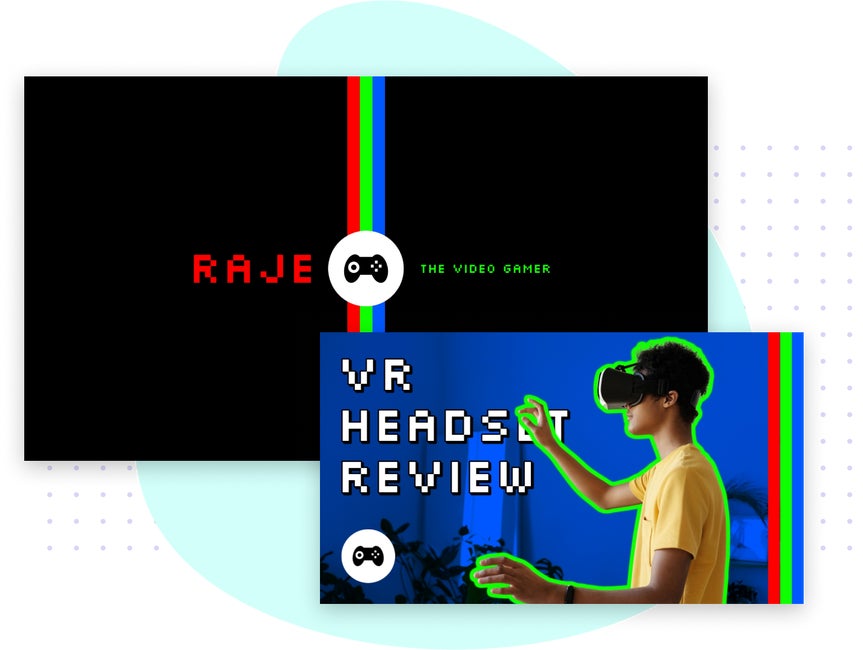
Design a thumbnail that feels true to your brand with a curated collection of professionally designed templates, fonts, graphics, and color palettes. Each layout is thoughtfully crafted for simplicity and visual consistency, no matter your design experience or content niche. With every element working seamlessly together, you can fine-tune the details to produce a recognizable, branded thumbnail that’s ready to upload and share.

Get More Views With Cohesive Channel Art
Your YouTube channel tells a story. With BeFunky, you can ensure that you’re telling one your audience won’t soon forget. No matter your design skills, it's easy to customize stunning channel art for your entire page, from YouTube channel banners to professional watermarks! Every one of our YouTube templates has been perfectly sized and pre-designed to help you make professional visual assets in minutes. With a perfectly cohesive set of YouTube channel art, you can start turning viewers into subscribers.
YouTube Thumbnail Tutorials to Inspire Your Next Video
Explore guides that show how to personalize thumbnail templates for every video style and audience.

Make a Reusable YouTube Thumbnail Template
Design a go-to template you can duplicate and update for video series, playlists, and recurring content themes.
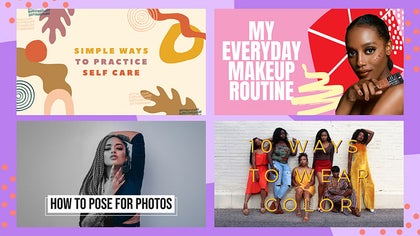
Batch Resize Thumbnails for Faster Uploading
Learn how to resize multiple thumbnails at once to speed up your workflow and keep your content schedule on track.

Highlight More With a Collage Thumbnail
Combine multiple photos into one dynamic thumbnail with creative filters to showcase products, tutorials, or top moments from your video.

Enhance Thumbnail Photos With Quick Edits
Discover how to adjust color and brightness, apply effects, and more to make your channel visuals pop and drive more clicks.
How to Create YouTube Thumbnails in 4 Easy Steps
Making engaging video thumbnails is simple with BeFunky.
01. Select a Template
Open the YouTube Thumbnail Maker and select a thumbnail template.
02. Add Images
Drag-and-drop your photo to replace the sample image and adjust for the perfect fit.
03. Customize Your Design
Edit the title, fonts, color scheme, graphics, and more.
04. Save and Share
Download your thumbnail to add it to your videos and get more views!
Easily Create Custom YouTube Thumbnails
Frequently Asked Questions
Are BeFunky's YouTube thumbnail templates free to use?
Yes. Many of BeFunky’s tools and a selection of YouTube thumbnail templates are free to use. A BeFunky Plus subscription unlocks additional premium designs and advanced creative features.
What’s the best size for a YouTube thumbnail?
BeFunky’s thumbnail templates are pre-sized to the recommended YouTube dimensions: 1280 x 720 pixels. This ensures your thumbnails look sharp on all screens.
Can I reuse my thumbnail design for future videos?
Yes! You can save your project as an editable file so you can come back and quickly make changes for any of the videos on your channel. It’s an easy way to maintain visual consistency across your channel.
Who designs BeFunky’s YouTube thumbnail templates?
Our in-house design team in Portland, Oregon, creates every template, contributing to our extensive library of options. Each layout is crafted with creator niches, content trends, and user experience in mind, making them unique to BeFunky.
What devices can I use to design YouTube thumbnails with BeFunky?
You can create custom YouTube thumbnails using BeFunky on desktop browsers, Chromebooks, iPhones, iPads, and Android phones and tablets. All our features are fully optimized for each platform, so you can create wherever inspiration strikes.
Some of our thumbnail templates are part of BeFunky Plus, and your subscription works seamlessly across all supported devices. Just log in to access your premium features, no matter where you’re editing.
How does BeFunky handle my personal data and photos?
Your privacy is important to us. When you upload a photo or submit any data, it’s encrypted and handled securely. We do not store, share, or use your photos for any other purpose without your consent. You stay in control of your images. Review our Privacy Policy.
How do I contact BeFunky Support if I need help?
If you have questions or encounter an issue, you can visit our Help Center for tutorials and troubleshooting guides. If you still need assistance, our friendly Support team is available through our contact form and typically responds within one business day.


