









Customize Wedding Invitation Templates in Seconds
Design a unique wedding invitation that reflects your love story with easy, customizable templates.
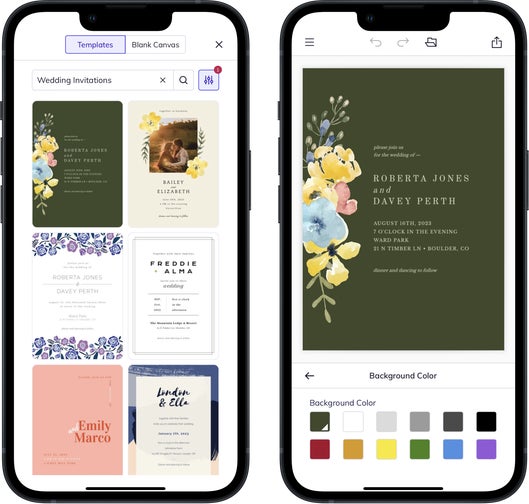
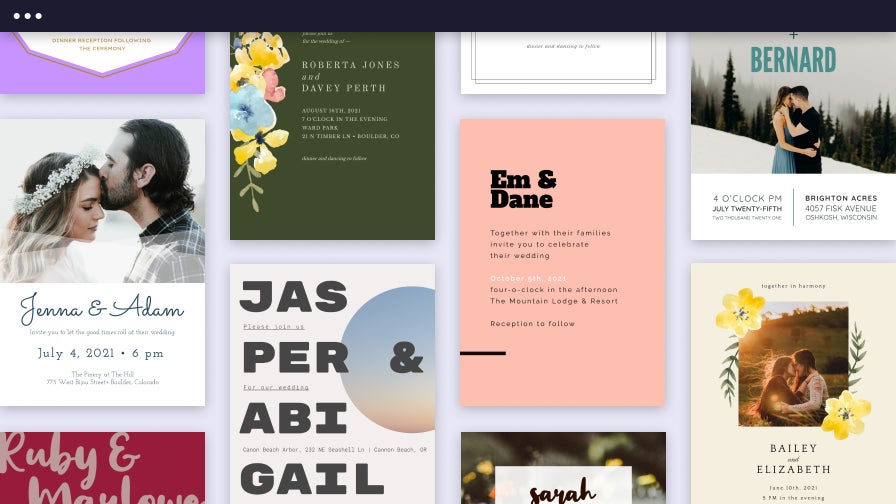
Design Wedding Invitations With Ease
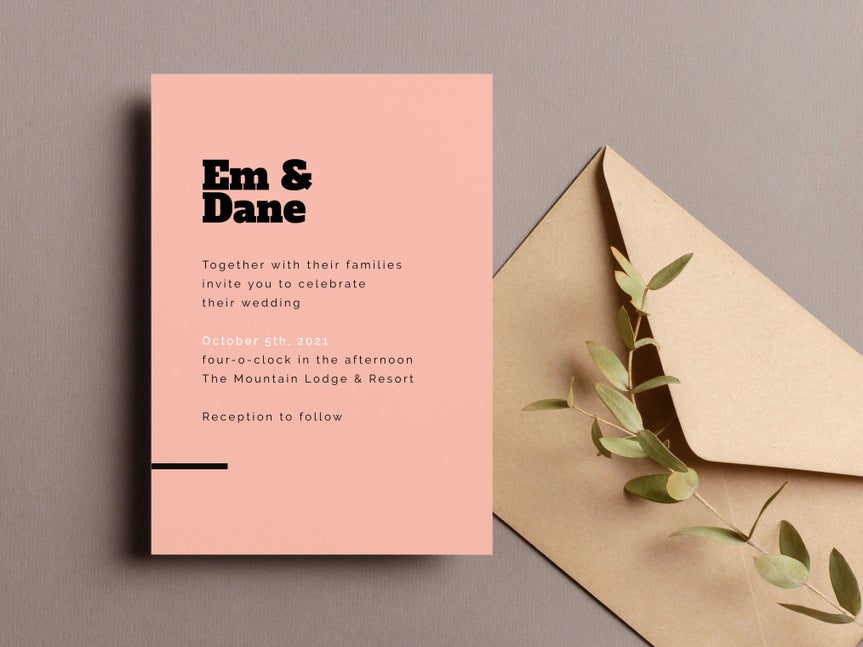
Create a wedding invitation that looks polished from the first click. BeFunky has been building easy-to-use creative tools since 2007, and that experience shows in every wedding invitation template. Our in-house design team crafts each layout with careful attention to composition, color, and readability so your invitation starts with a strong foundation. You can adjust the details to match any wedding theme and personality in a way that looks natural and feels intuitive.
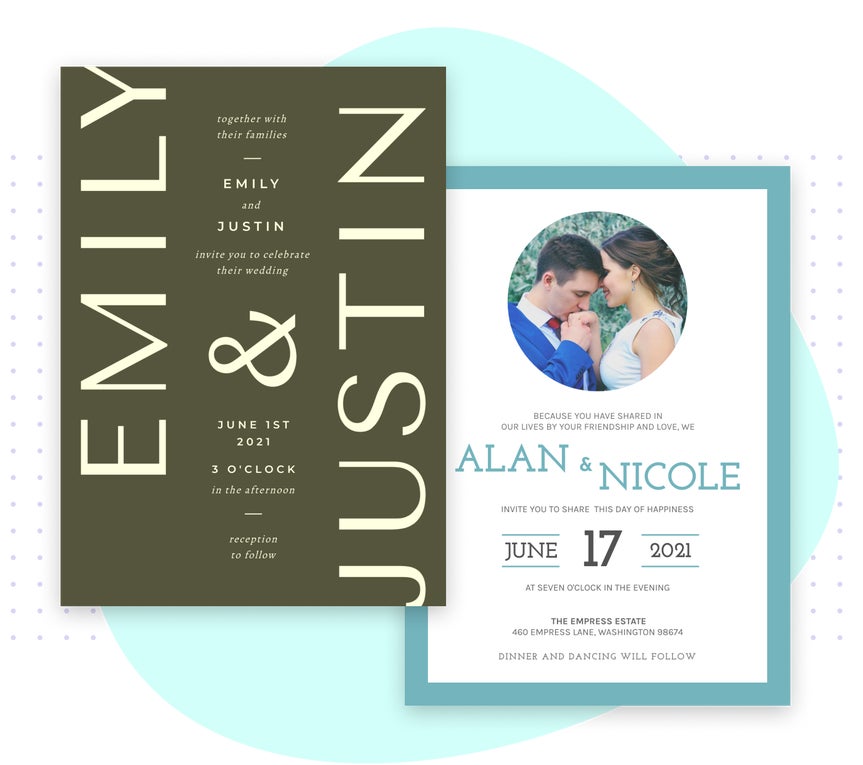
Personalize Every Detail for a One of a Kind Invite
Set the right tone for your celebration with unique options that make it easy to incorporate portrait edits, creative effects, color schemes, typography, and graphic elements. Each template is crafted with visual harmony in mind, so personalization feels natural and consistent from start to finish. With all of these elements working together, it’s simple to refine the details and end up with an invitation that feels polished, expressive, and ready to share with the people who matter most.
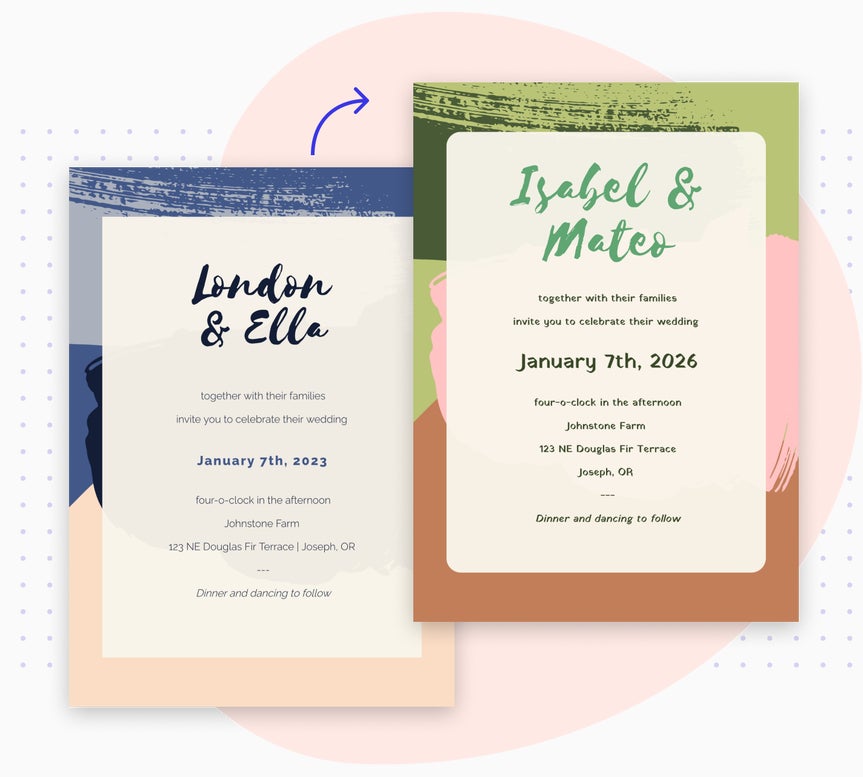
Print and Share Custom Invitations Your Way
When your wedding invitation is ready, sharing it is effortless. Every wedding invitation template is designed for smooth, high quality printing. You can print at home, work with a preferred print service, or order printed invitations and envelopes directly through BeFunky for a professional finish. No matter how you choose to print it, your invitation will look crisp and ready to celebrate your big day.
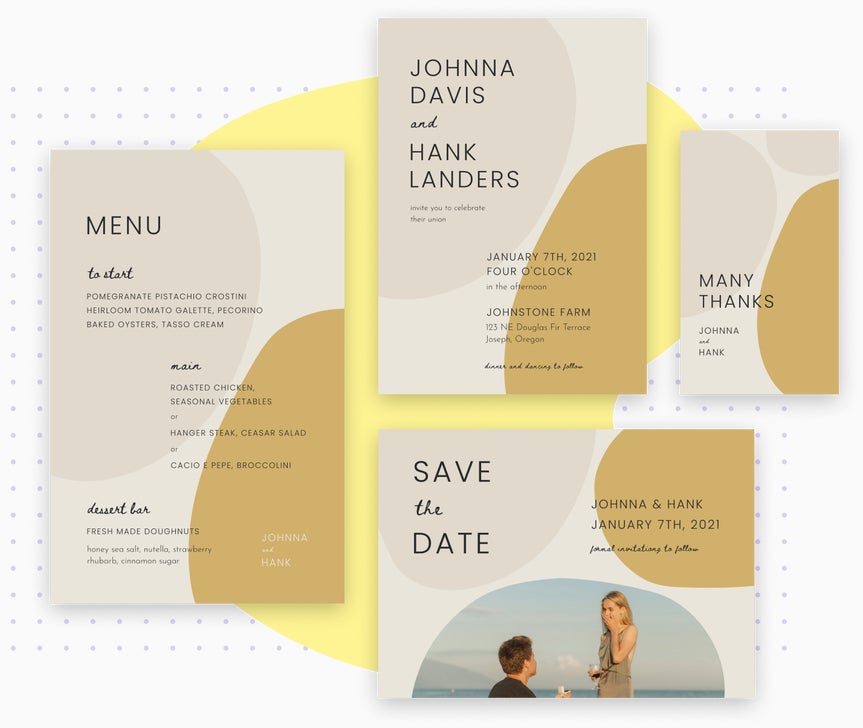
Create a Complete and Cohesive Wedding Set
BeFunky makes it easy to build a full wedding stationery set that supports every moment of your wedding day. Start with a wedding invitation template, then design coordinating pieces like Save the Dates, menus, and thank you cards. From traditional to modern weddings, each template is built to stay visually aligned so your whole set feels consistent from start to finish.
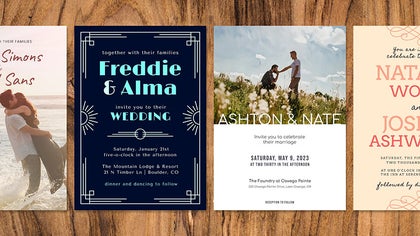
Wedding Stationery Tutorials to Inspire
Explore simple guides that help you personalize wedding templates and build coordinated pieces for every part of your celebration.
Design Wedding Invitations to Match the Season
Learn how to bring in seasonal colors, textures, and details so your stationery captures the atmosphere of a spring, summer, fall, or winter wedding.
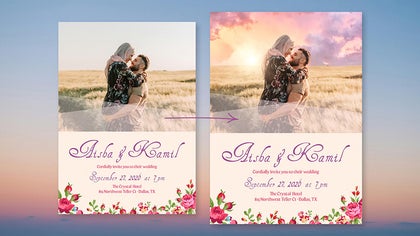
Enhance Photos for Professional Results
Discover how photo enhancements and creative effects can add depth, clarity, and artistry to the photos featured in your wedding designs.
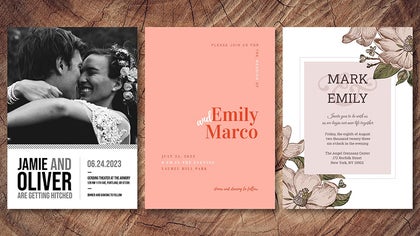
Customize Templates to Fit Any Wedding Theme
Follow this tutorial to ensure that your wedding invitation feels aligned with any theme and setting with just a few clicks.
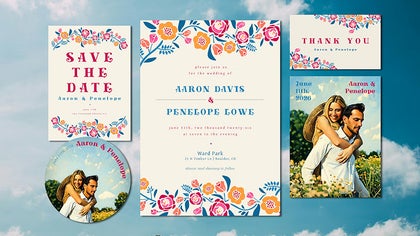
Build a Coordinated Wedding Set From Start to Finish
See how to design matching RSVP cards, Save the Dates, programs, menus, and thank you cards for a custom and cohesive stationery suite.
Create a Custom Wedding Invitation in Four Easy Steps
Creating the perfect invitation is simple with BeFunky.
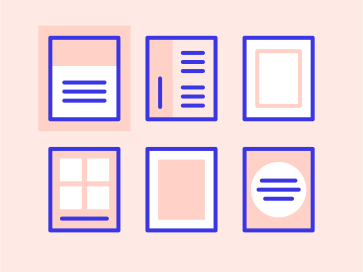
01. Choose a Template
Open BeFunky's Wedding Invitation Maker and select an invitation template.
02. Add Your Photo
Replace the sample image with your own photo to make the card feel personal.

03. Customize It
Customize your invitation by personalizing the text with your wedding details, adjust the colors, and add decorative elements.
04. Save and Share
Download your invite to print at home, order professional prints, or share it digitally.
Easily Create Custom Wedding Invitations
Frequently Asked Questions
How do I print my wedding invitations?
Once your wedding invitation is complete, you can print it however you like. Download a high-resolution file for professional-quality prints at home or order premium prints directly from BeFunky. Every card is optimized for sharp detail, rich color, and perfect alignment; so it looks as beautiful in your hands as it does on screen.
Are BeFunky's wedding invitation templates free to use?
We do offer a limited number of free wedding invite templates that you can use without a subscription or a BeFunky account. Our premium wedding templates are part of BeFunky Plus, and require a subscription and login to use.
Can I design matching stationary for the rest of my wedding planning?
Yes. You can design matching Save the Dates, menus, and thank you cards with template sets. Because everything stays aligned within one workspace, building a suite of wedding stationary is simple and consistent from start to finish.
Who designs BeFunky's wedding invitation templates?
Our in-house design team in Portland, Oregon, creates every template, contributing to our extensive library of options. Each layout is crafted with popular wedding themes, real design trends, and user experience in mind, making them unique to BeFunky.
What devices can I use to create wedding invitations with BeFunky?
You can design custom wedding invites using BeFunky on desktop browsers, Chromebooks, iPhones, iPads, and Android phones and tablets. All our features are fully optimized for each platform, so you can get started wherever inspiration strikes.
Some of our wedding invitation templates are part of BeFunky Plus, and your subscription works seamlessly across all supported devices. Just log in to access your premium features, no matter where you’re editing.
How does BeFunky handle my photos and data?
Your privacy is important to us. When you upload a photo or submit any data, it’s encrypted and handled securely. We do not store, share, or use your photos for any other purpose without your consent. You stay in control of your images. Review our Privacy Policy.
How do I contact Support?
If you have questions or encounter an issue, you can visit our Help Center for tutorials and troubleshooting guides. If you still need assistance, our friendly Support team is available through our contact form and typically responds within one business day.


