









Twitter Templates for Instant Visual Impact
Design on-brand Twitter headers and post graphics that capture attention – fast.
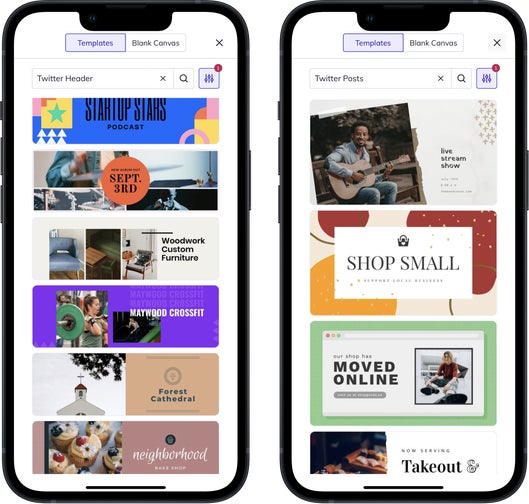
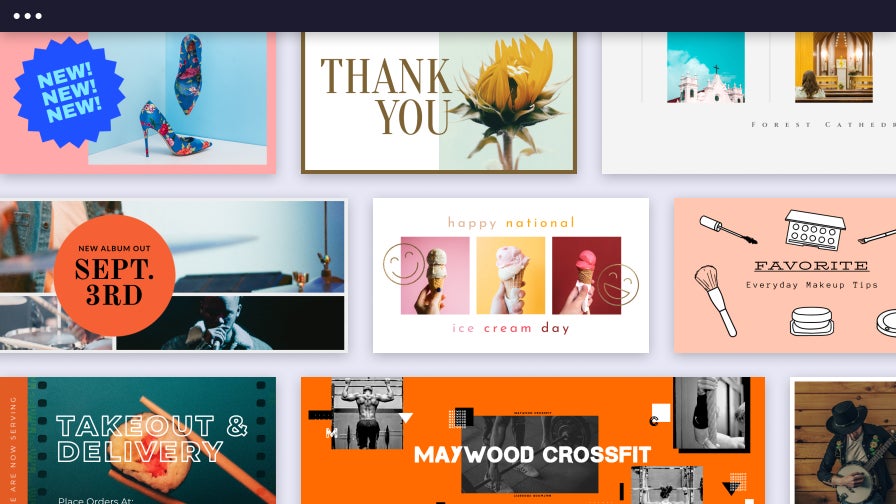
Make a Great First Impression With Twitter/X Headers
Capture attention from the moment someone visits your profile. With BeFunky’s customizable Twitter/X header templates, your profile will look polished, professional, and on-brand – no design skills needed. Whether you want to promote a tagline, inspire with a quote, or simply showcase your creative flair, our templates make it easy to create a header that sets the tone for everything you share. It’s the fastest way to make your social media presence feel intentional and put-together.
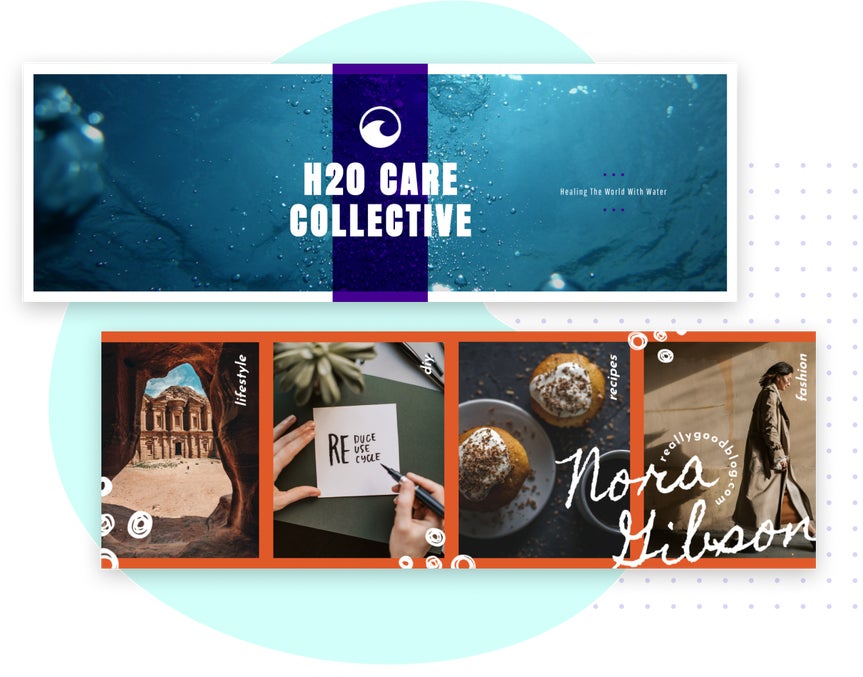
Share More in Less Time With Twitter/X Post Templates
BeFunky’s Twitter/X post templates are designed to stop the scroll and help you share with purpose. Each layout is perfectly sized for Twitter/X and ready to showcase your content – from product launches to quotes and sales. Just add your message, drop in a photo, and customize the design to match your brand. With built-in photo editing and branding tools, you can create polished, consistent content in minutes. Whether you’re posting daily or promoting something big, these templates help you stay consistent and save time.

Effortlessly Create Consistent, Click-Worthy Content
Whether you're creating a new header or a post, our ready-to-customize template categories make it easy to share content that looks great – in just a few clicks.
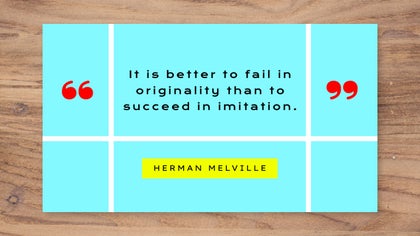
Quotes & Content Highlights
Share tips, quotes, or blog snippets with eye-catching layouts that help you post more often – perfect for creators, coaches, and casual users alike.

Brands & Portfolios
Create a recognizable look with templates that reflect your personality or style for portfolios, passion projects, and anyone wanting a cohesive presence.
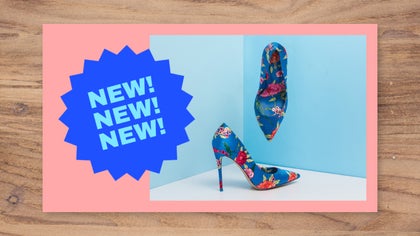
Product Launches & Sales
Announce sales, product launches, or seasonal specials with bold, high-impact designs that are easy to customize, update, and reuse for your business needs.

Announcements & Events
Shout out upcoming events, real estate listings, holidays, and more with templates designed to keep your audience informed and encourage action.
Fine-Tune Without Leaving Your Layout
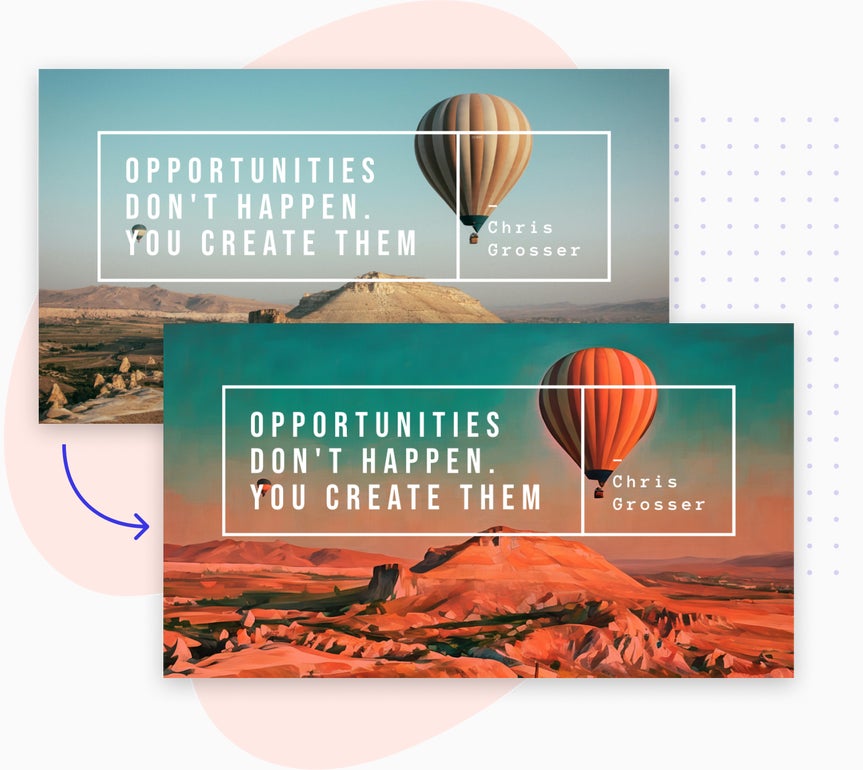
Perfect your Twitter/X headers and posts without ever breaking your creative flow. Whether you’re using the Graphic Designer or Collage Maker, you can open any image in the Photo Editor to make quick adjustments – enhance photos, apply effects, or remove distractions – then jump back into your design with everything right where you left it. It’s the fastest way to create polished, on-brand social media content in one seamless space.
How to Customize Twitter/X Templates in 3 Easy Steps
Design eye-catching posts and profile visuals in minutes – no design experience needed.
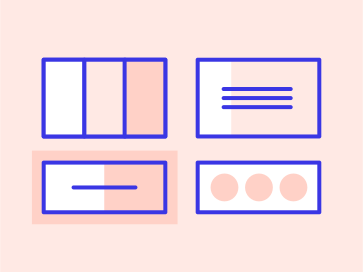
01. Choose a Template
Pick from a variety of professionally designed layouts for headers or posts – all perfectly sized for Twitter/X.
02. Customize It
Upload your own photos, update text, adjust colors, and make the layout match your brand or style.
03. Save and Tweet
Download your finished design and upload it to Twitter/X in just a few clicks.


