









Replace Any Sky Instantly
Even stunning shots suffer under dull skies. With BeFunky’s Sky Replacer, you can add light, atmosphere, and depth in a single click.
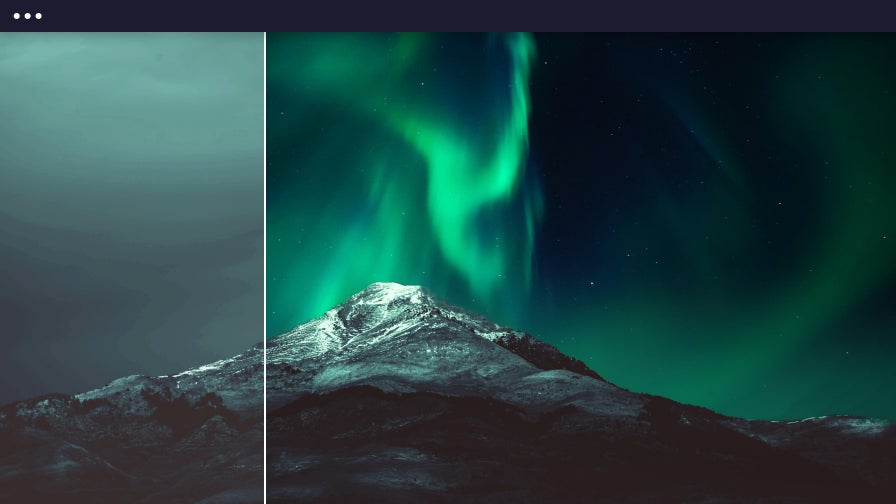

Quickly Replace Dull Skies to Elevate Your Photos
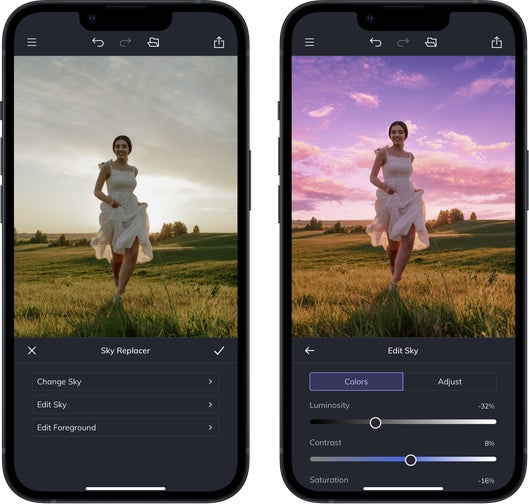
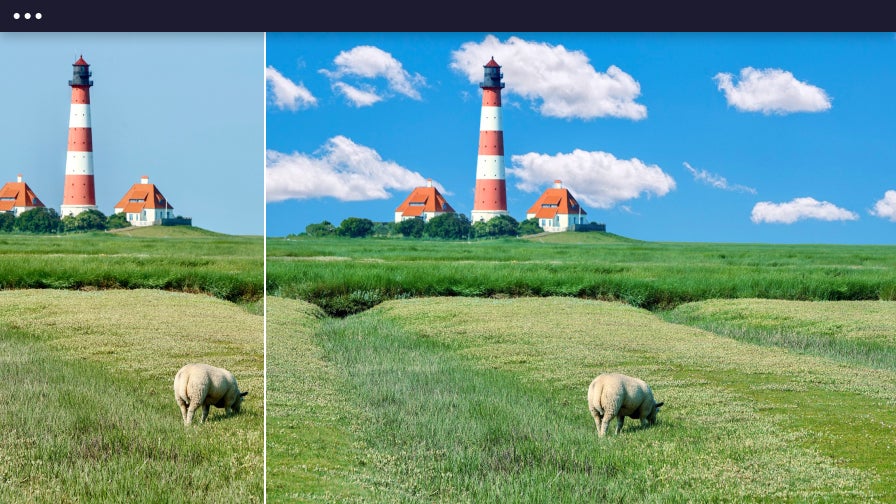
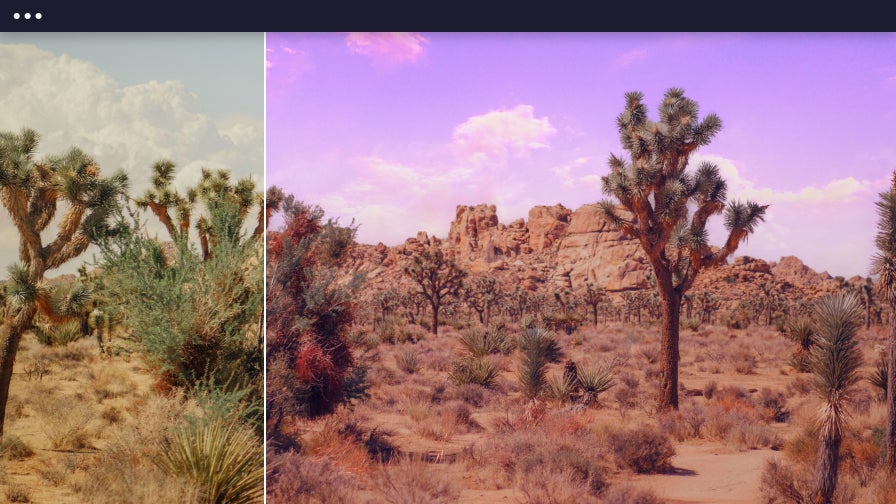
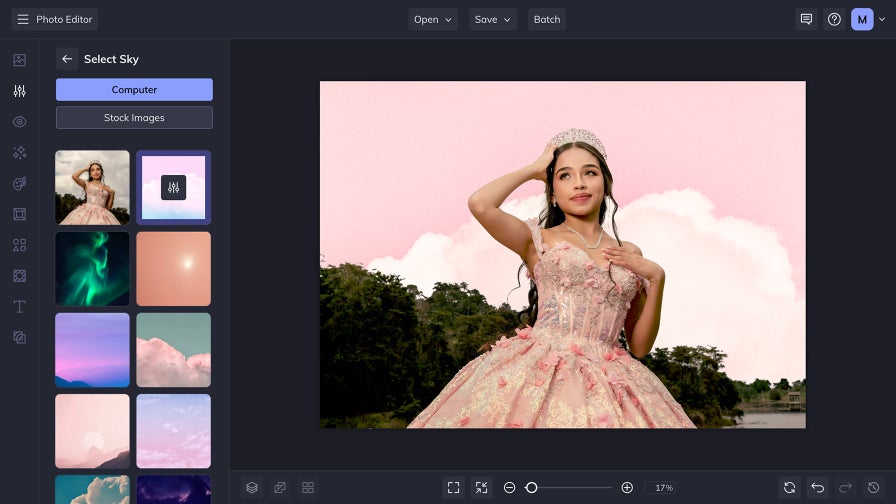
Swap out dull or overcast skies with a new sky that improves lighting, balances mood, and adds visual impact to your image. With BeFunky’s AI Sky Replacer, sky replacement is fully automatic – the tool detects the sky area in your photo and blends in a replacement sky that feels naturally lit and professionally finished. Choose from a curated library of blue skies, sunsets, golden hours, and starry nights, or upload your own to match your creative vision. Whether you’re refining portraits, updating product images, or refreshing travel photos, you’ll get results that look polished and intentional in a few seconds. It's that simple.
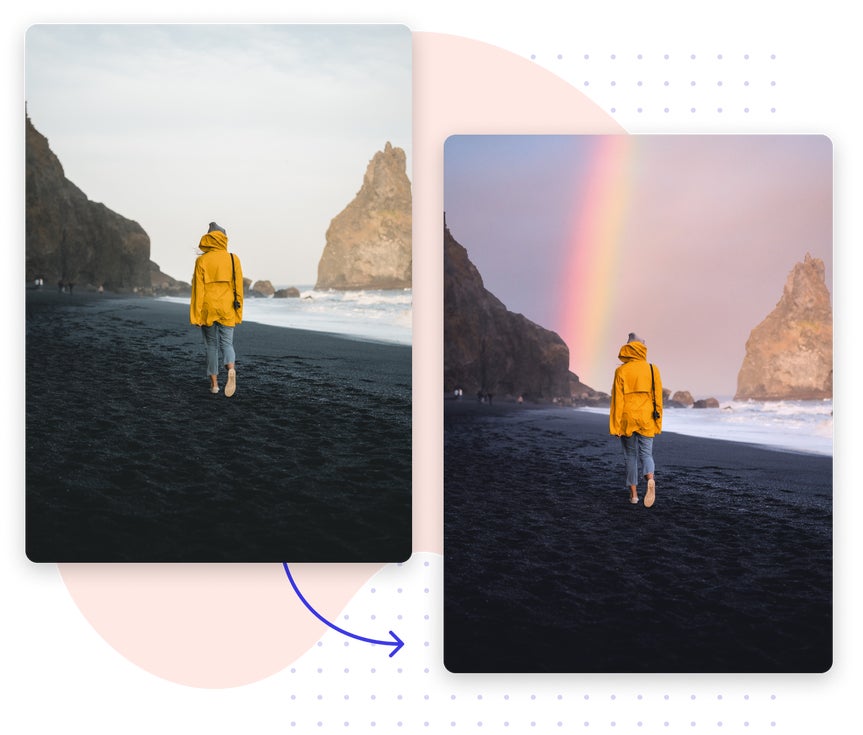
Achieve Consistent, Professional Photos With a Custom Sky
From real estate listings to editorial shoots, our AI sky replacement tool ensures that every photo is cohesive, refined, and purpose-built.

Real Estate Photography
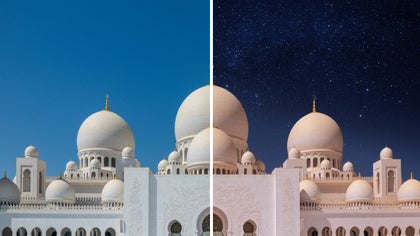
Replace gloomy skies with bright blue ones to make every listing feel fresh, inviting, and market-ready. Create an intentional, consistent look across all your property photos without scheduling new shoots.
Travel & Tourism Promotion
Match each destination’s atmosphere with skies that feel sunny, serene, or dramatic. Enhance the atmosphere of your images to better capture the setting – and inspire your audience to go there.

Portrait & Editorial Photography
Control the tone of your photoshoot with skies that align with your subject, season, or style. Whether you're going for golden hour glow or overcast moodiness, you can replace the sky to suit your shoot.

Digital Creator Content
Stay visually consistent by replacing skies to match your aesthetic – light and airy, bold and graphic, or soft and warm. In just seconds, every photo is on-brand and share-ready for any platform.
Easily Match the Mood With a New Sky
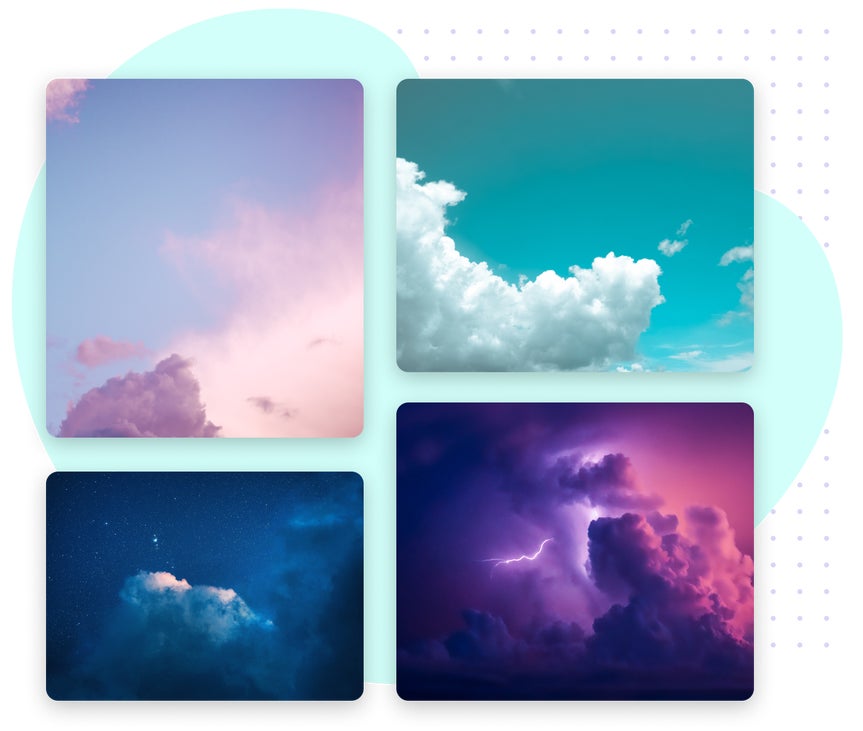
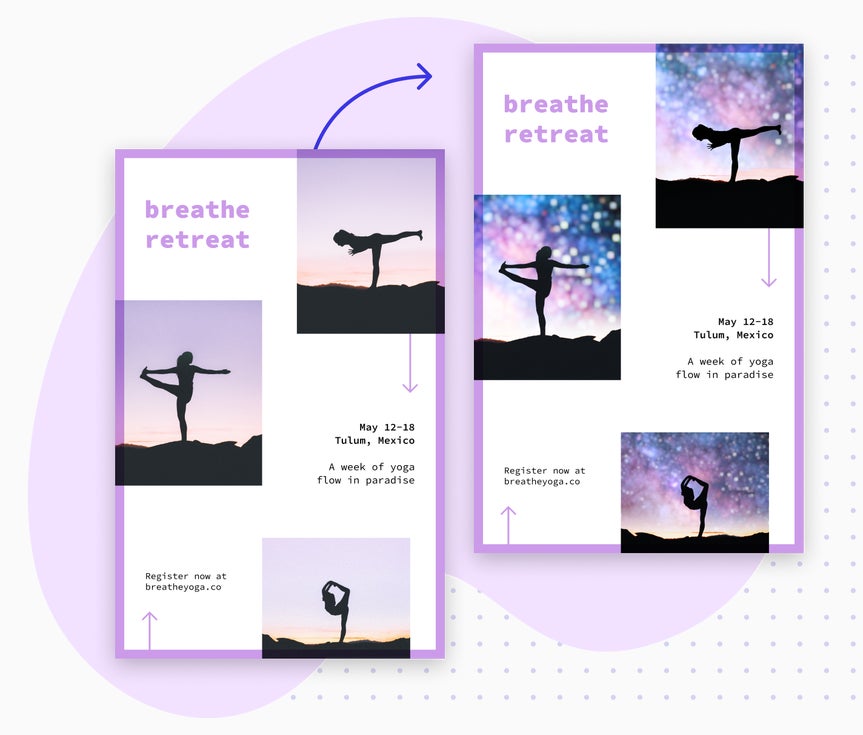
Set the perfect tone in every image with the sky replacer that reflects the weather, season, or your creative style. From golden sunsets and bright blue skies to dramatic overcasts and cozy autumn clouds, you can easily replace the sky to match your vision. By editing the lighting, depth, and atmosphere, your selected sky can blend seamlessly into any scene, guaranteeing that your photo feels intentional, cohesive, and truly unique.
Fine-Tune Any Sky Without Leaving Your Layout
Find the perfect sky without slowing down your design process. Replacing a sky can elevate any layout – making it cleaner, more focused, and easier to design around. With just a few clicks, you can remove visual clutter and create backgrounds that support your message. And because the Photo Editor, including the Sky Replacer, is easily accessible from the Graphic Designer and Collage Maker, you can enhance your image’s sky without ever leaving your workspace. Whether you're designing for social, print, or web, your visuals will feel balanced, polished, and ready to support text, graphics, and brand messaging.

How to Replace the Sky in 4 Easy Steps
Replacing skies is quick and effortless. With BeFunky’s sky editor, you can transform any photo’s background in seconds.

01. Upload a Photo
Open your original photo in the Photo Editor.

02. Open the Sky Replacer
Go to the Edit tab and select Sky Replacer. The tool will automatically detect and highlight the sky area in your image.

03. Choose a New Sky
Pick a stock sky from the built-in library or upload your own.

04. Save and Share
Click Apply, then download your edited image for print and digital sharing.


