









Turn Your Photo Into a Sketch Instantly
Easily turn your photo into a sketch with pencil, pen, or graphic novel styles
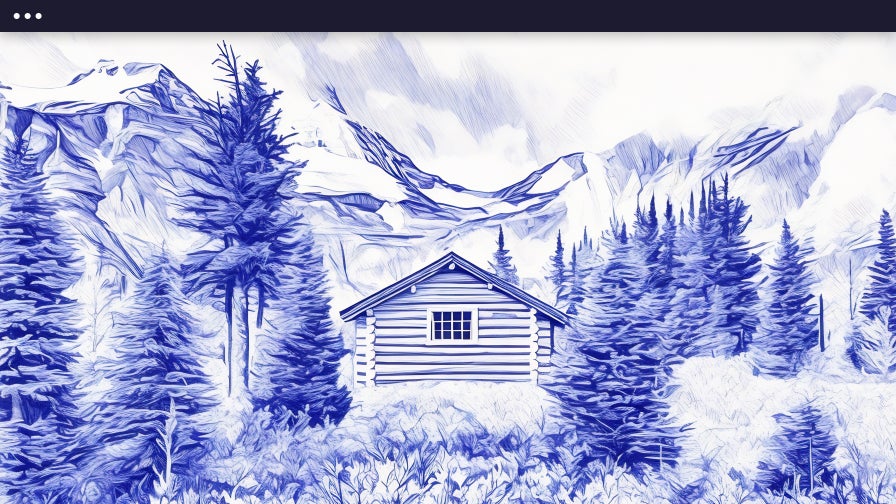
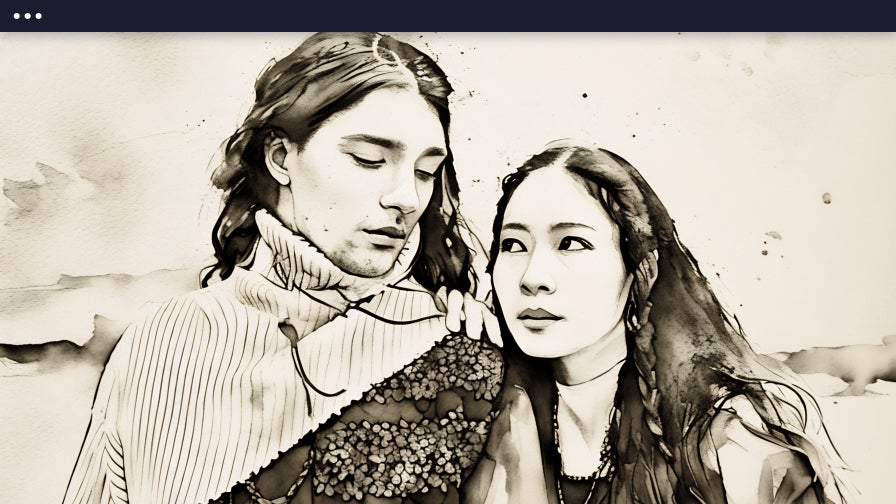
Quickly Turn Your Photos Into Sketches
From portraits to pets, BeFunky's photo-to-sketch effects make it easy to turn your photos into expressive sketches. First introduced in 2007, our Artsy effects have been a cornerstone of creativity for millions of users. Each sketch style is unique to BeFunky and designed in-house by our team of designers, drawing inspiration from traditional drawing techniques. Whether you want the fine detail of pencil shading, the bold impact of ink, or the stylized flair of a graphic novel, our effects capture the unique character of your images. You’ll find our Sketch effects in the Artsy section of the Photo Editor, available exclusively to BeFunky Plus subscribers.
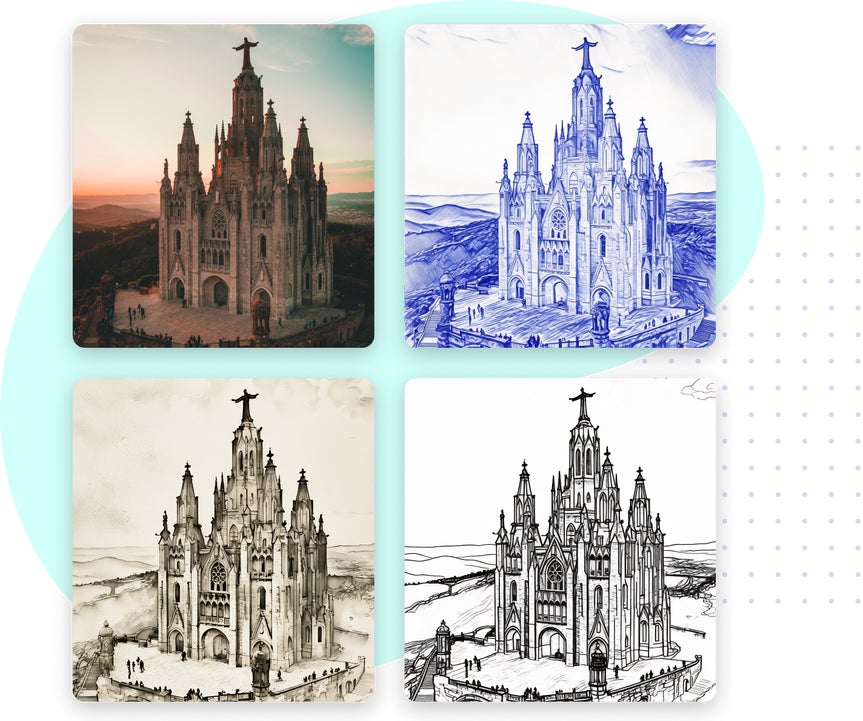
Find The Perfect Sketch Effect For Any Photo
Explore styles ranging from pencil and ink to crayon and graphic novel.
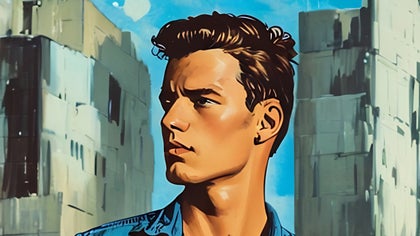
Graphic Novel
Transform your photos into bold, illustrated panels ideal for storytelling projects, custom posters, or adding a dramatic illustrated look to any image.
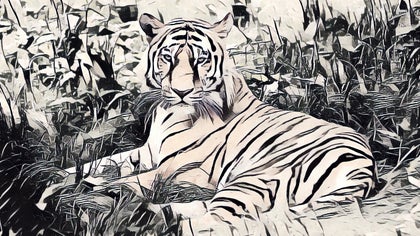
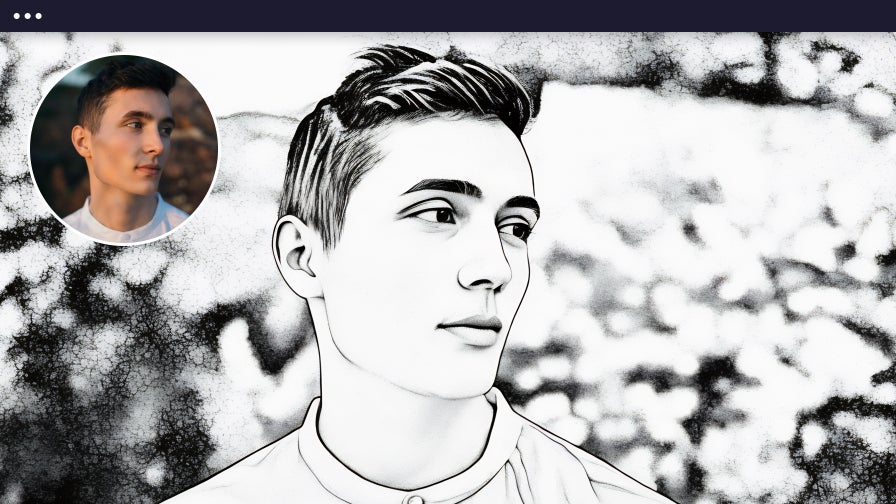
Inkify
Apply timeless ink art styles to give your images a hand-drawn feel, perfect for portraits, travel photography, and other memories that need artistic depth.
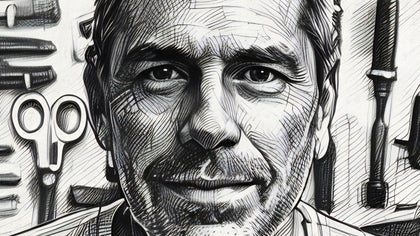
Cross Hatch
Add texture and detail with fine cross-hatched lines that replicate a traditional sketching method. Great for portraits and fine art projects where detail and depth matter.
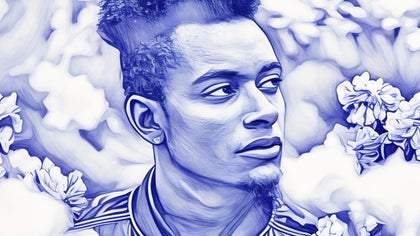
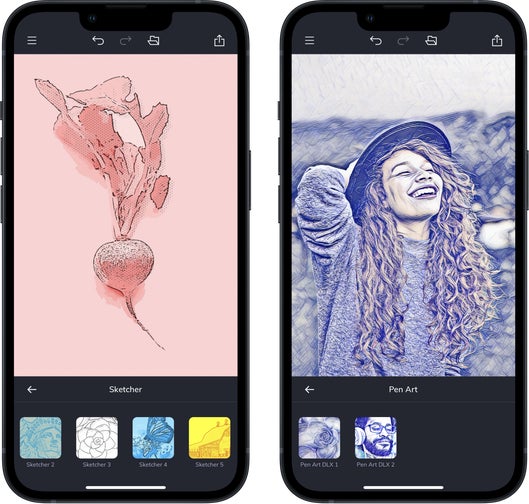
Pen Art
Create intricate pen-style sketches that are perfect for portraits, DIY greeting cards, or projects that need clean, hand-drawn detail.
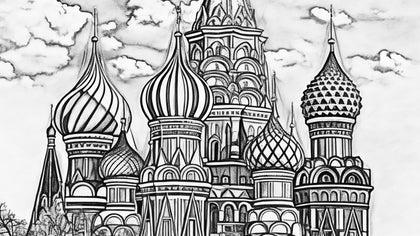
Sketcher
Transform portraits, pet photos, and architecture into expressive pencil sketches with natural shading and definition, giving each image an authentic hand-drawn finish
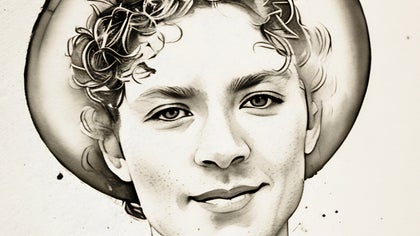
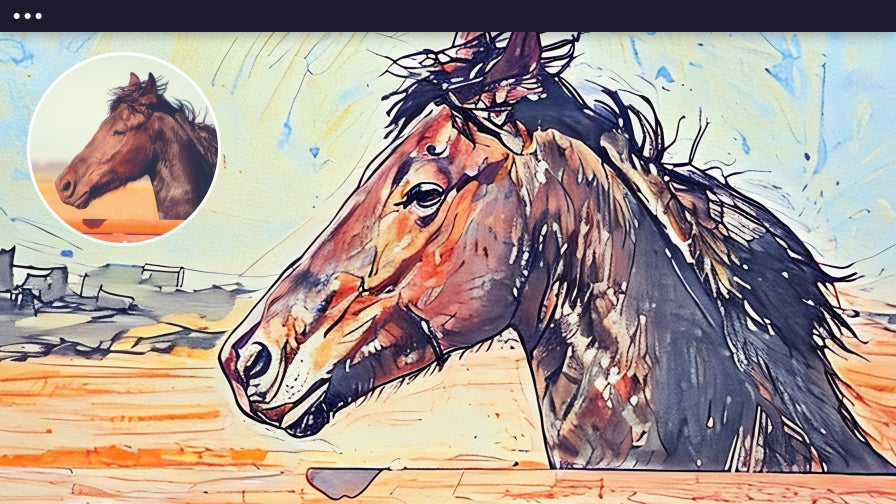
Ink Wash
Soften details with translucent brushstrokes inspired by classic ink wash painting, ideal for landscapes, portraits, or fine art prints.
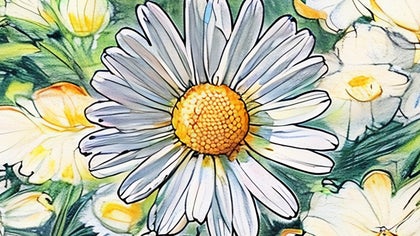
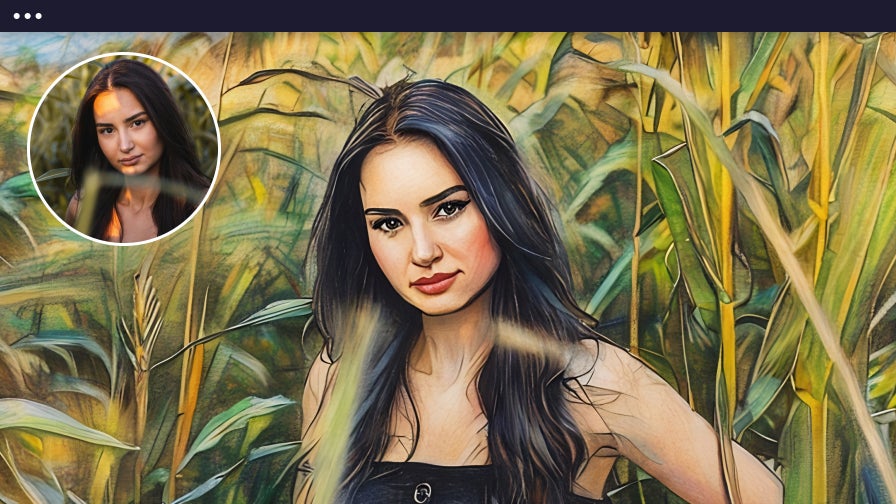
Colored Pencil
Replicate a hand-drawn feel with natural pencil shading and vivid color, perfect for nature photography, creative illustrations, or artistic keepsakes.
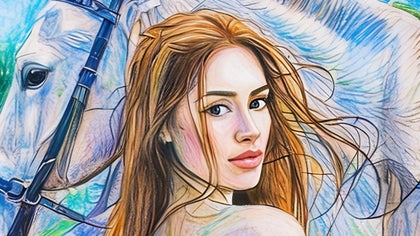
Crayon
Add a playful, nostalgic touch to your images that mimics classic crayon art. It’s great for portraits, children’s artwork, or designs that call for a bold and colorful look.
Our Most Realistic Photo to Sketch Effects
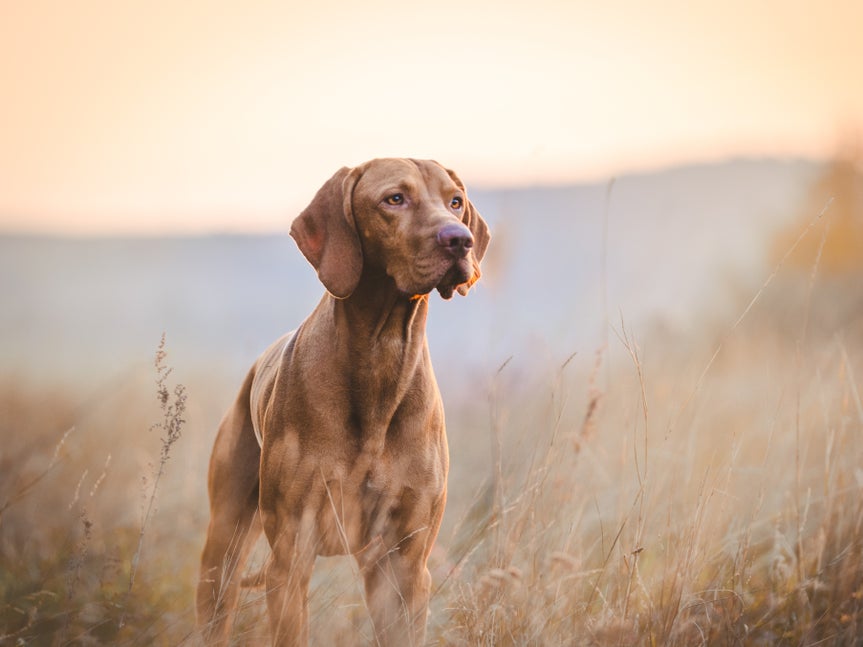
Our AI-powered GFX Photo to Sketch effects are designed to transform your photos into precise, true-to-life sketches. They detect important elements in your image, such as facial features, textures, depth, and shading, to recreate them as precise hand-drawn sketches. Easily adjust how closely the sketch resembles your original photo while maintaining clarity and avoiding distortion in portraits, pets, landscapes, and more. Multiple style variations are available, each offering unique line work and shading for an authentic, realistic-looking sketch.
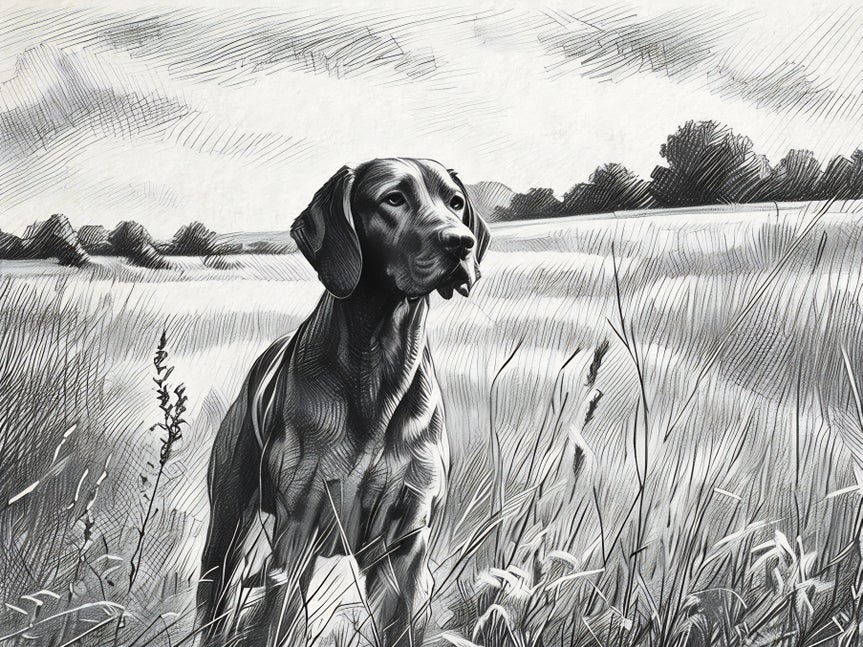

Enhance Your Photo With a DLX Sketch Effect
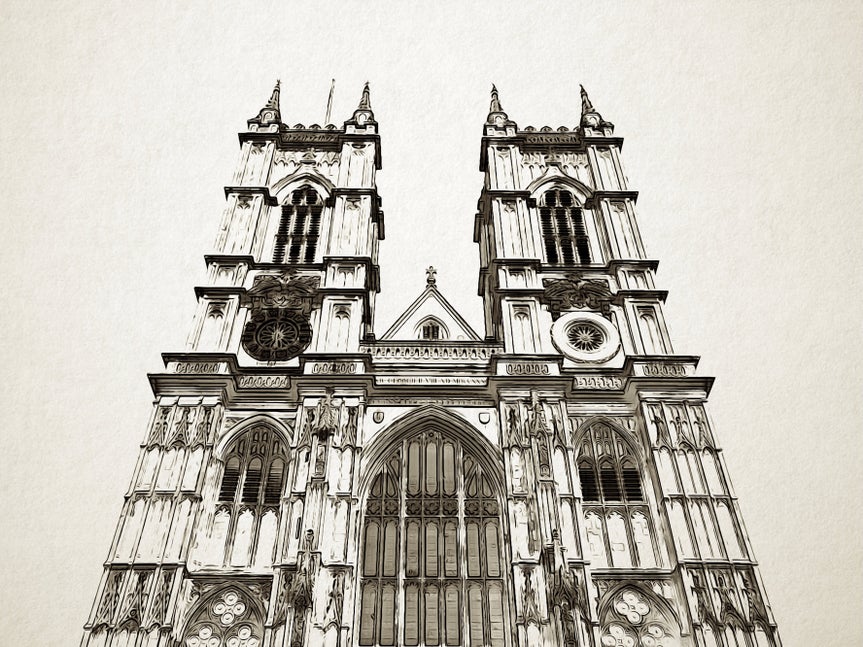
Our Digital Art DLX effects bring a new level of refinement to the classic Sketcher collection. These premium effects are designed to capture fine detail, add depth, and deliver a more polished sketched look than standard styles. With advanced rendering, our DLX effects make it easy to transform photos into expressive, visually striking sketches.
Learn Creative Ways to Apply Sketch Effects
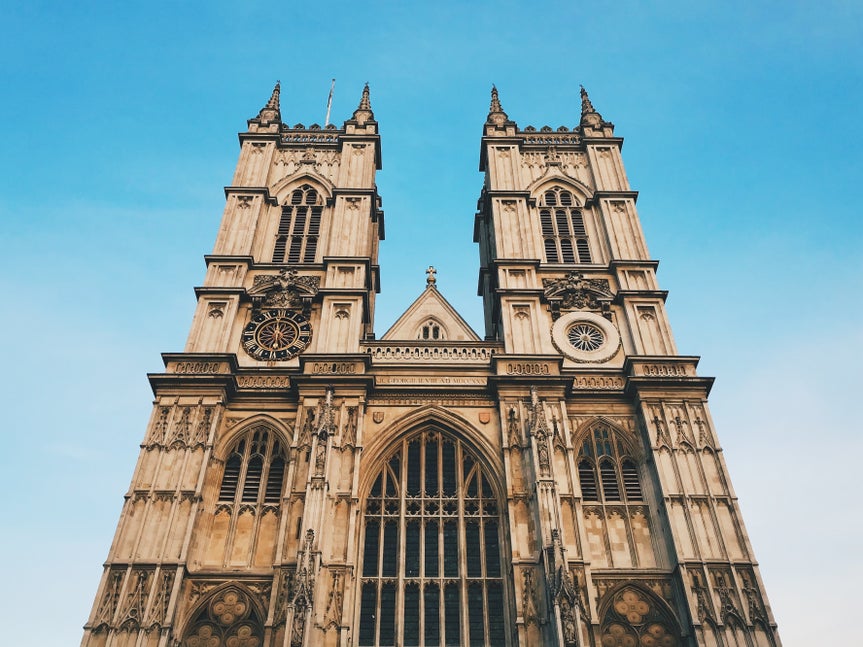
Follow these step-by-step tutorials to see how sketch effects can transform portraits, pet photos, and designs into works of art.
Turn Pet Photos Into Sketches
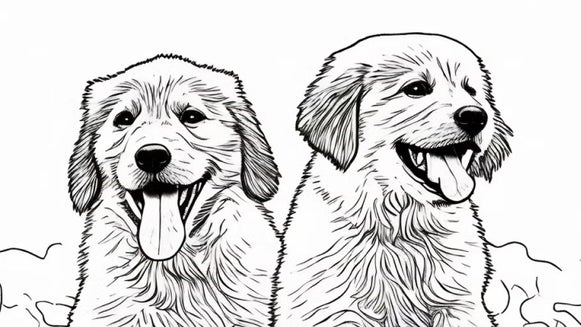
Highlight your pet’s personality with detailed sketch effects that add texture, linework, and charm. Perfect for portraits or keepsakes.
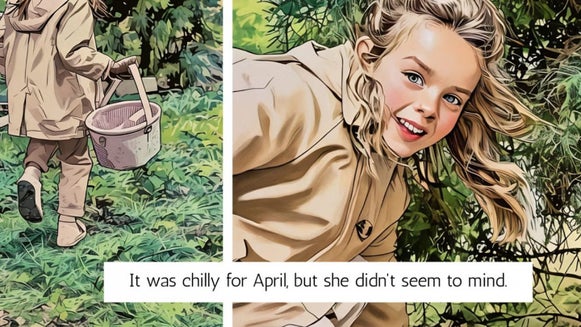
Create Comic-Style Photos
Apply a Graphic Novel effect to transform photos into illustrated panels, ideal for storytelling, posters, or unique designs.
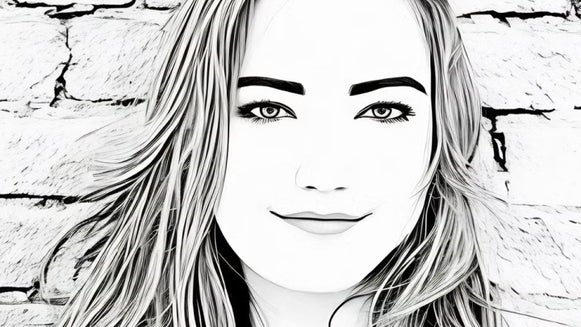
Enhance Portraits With Sketch Effects
Use sketch styles to bring out expression and mood while keeping lifelike details in headshots, family portraits, and selfies.
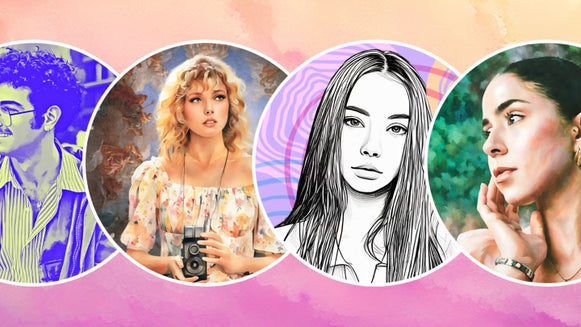
Make Profile Pictures Stand Out
Convert your photo into a sketch and layer it with other editing tools for a bold, artistic profile picture that grabs attention.
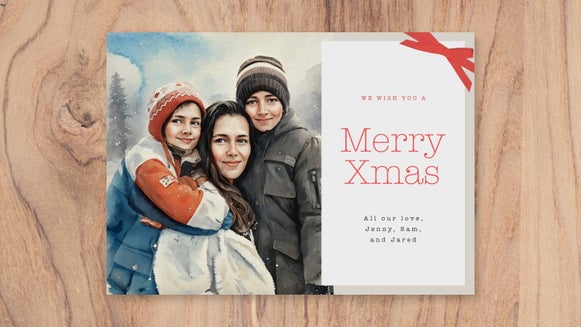
Design Custom Greeting Cards
Turn your photos into sketches to create holiday and celebration cards that feel more personal and memorable.
Elevate Marketing Graphics
Apply sketch filters to illustrations, icons, and photos to create eye-catching designs for social media, branding, and promotional materials.
How to Turn a Photo Into a Sketch
Here's how to go from photo to sketch in just a few seconds!
01. Upload Your Photo
Open your image in BeFunky’s Photo Editor.
02. Choose Your Sketch Effect
Open the Sketcher collection in the Artsy section and choose your sketch effect.
03. Save It
Save your image as a jpg, png, or pdf.
Turn Photos Into Sketches, Instantly!
Frequently Asked Questions
How do the Photo to Sketch effects work?
Our AI-powered Photo to Sketch effects utilize smart image detection to recognize key details in your photos, including facial features, shading, textures, and backgrounds. Based on these details, the effect applies a sketch style that preserves clarity, adds depth, and mimics real-world drawing techniques, such as pencil, ink, or crosshatching. The result is a hand-drawn look that feels both authentic and artistic.
What kinds of photos work best with BeFunky's sketch effects?
Photos with emotion or texture work best, think portraits, pets, and landscapes. BeFunky’s Photo to Sketch effects enhance contrast and linework to give any image a timeless, hand-drawn look.
How long does it take to turn a photo into a Sketch?
Just a few seconds! Once your photo is uploaded, you can apply any Sketch effect and see the transformation instantly. You can also easily fine-tune each effect to control how much or how little of the style is applied.
What devices can I use to turn photos into sketches?
You can turn photos into sketches using BeFunky on desktop browsers, Chromebooks, iPhones, iPads, and Android phones and tablets. All our features are fully optimized for each platform, so you can create wherever inspiration strikes.
Our Photo to Sketch effects are part of BeFunky Plus, and your subscription works seamlessly across all supported devices. Just log in to access your premium features, no matter where you’re editing.
Do I need an account to turn photos into sketches with BeFunky?
You can try some Photo to Sketch effects without creating an account. Many of BeFunky’s tools are free, but to access premium sketch styles, batch editing, and other advanced features, a BeFunky Plus subscription and login are required.
Who designs BeFunky's Photo to Sketch effects?
Our team in Portland, Oregon, designs all the Photo to Sketch effects, making them entirely unique to BeFunky. They’re inspired by real art styles and carefully built to make your photos look like beautiful, hand-drawn sketches.
How does BeFunky handle my personal data and photos?
Your privacy is important to us. When you upload a photo or submit any data, it’s encrypted and handled securely. We do not store, share, or use your photos for any other purpose without your consent. You stay in control of your images. Review our Privacy Policy.
How do I contact BeFunky's Support if I need help?
If you have questions or encounter an issue, you can visit our Help Center for tutorials and troubleshooting guides. If you still need assistance, our friendly Support team is available through our contact form and typically responds within one business day.


