









Turn Your Photo Into Pop Art Instantly
Easily turn your photo into bold, colorful pop art with a single click.
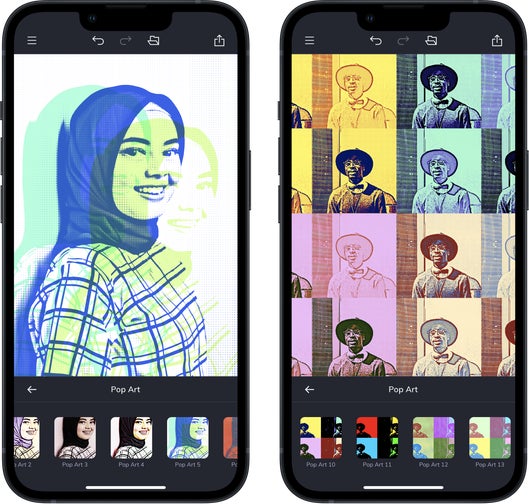
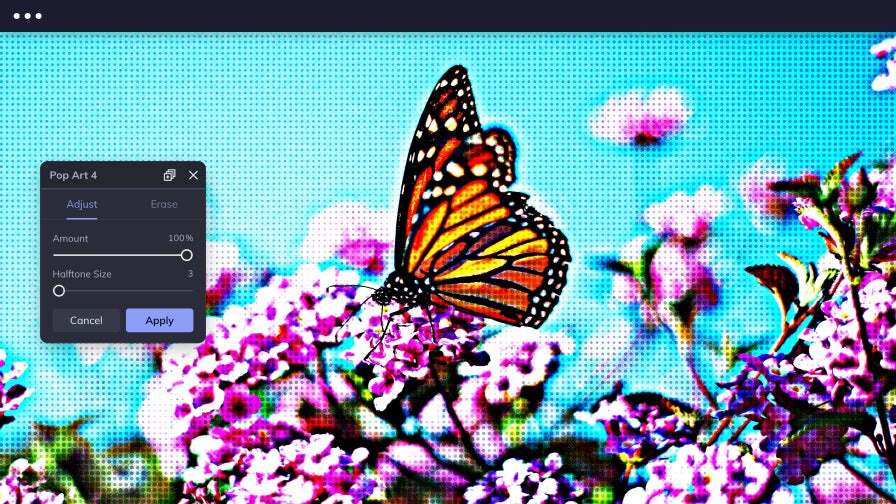
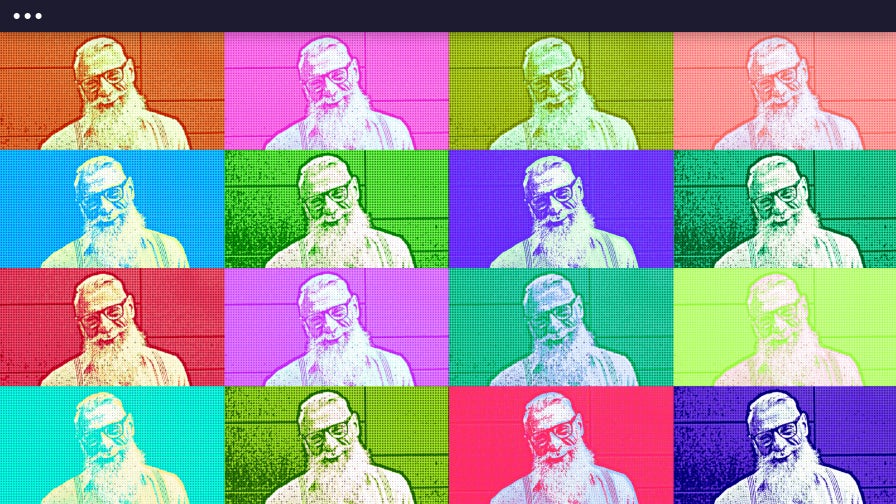
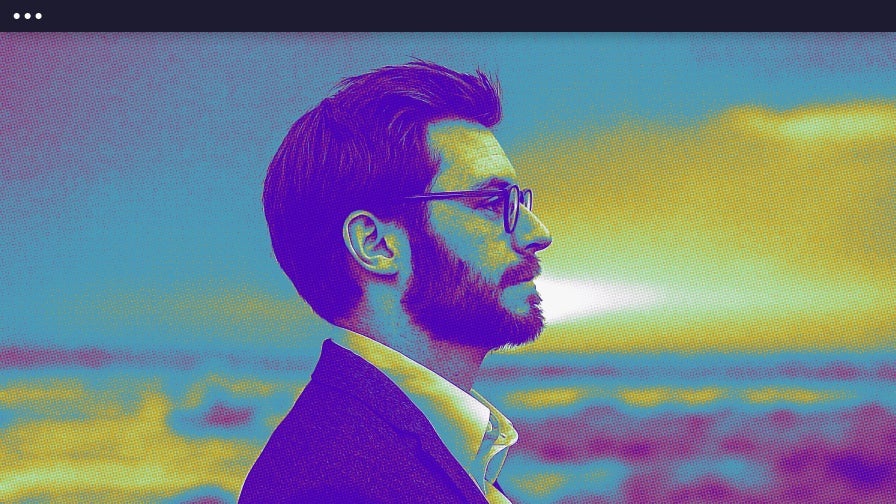
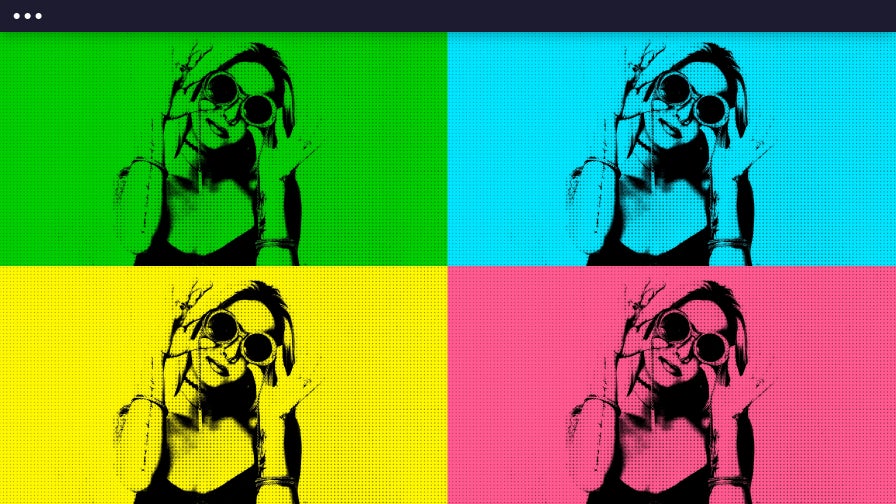
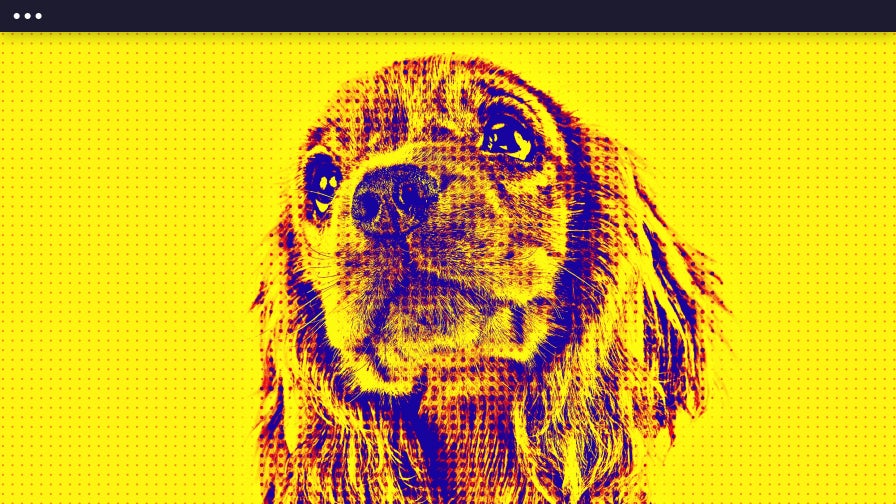
Effortlessly Turn Your Photo Into Pop Art
Turn your photos into pop art in seconds with BeFunky, a pioneer in artistic photo effects since 2007. Our Pop Art effects make it easy to create Warhol-inspired artwork featuring bold linework, halftone textures, and vivid color. Located in the Effects section of our Photo Editor, each Pop Art effect is unique to BeFunky and crafted by our in-house design team, inspired by the iconic Pop Art movement. Whether you’re making portraits, cards, or social media posts, transforming your photos into pop art has never been simpler. Many of our Pop Art effects are premium features that are available with a BeFunky Plus subscription. Simply upload a photo to explore classic styles, enhanced DLX effects, and the ultra-realistic AI-powered GFX series.
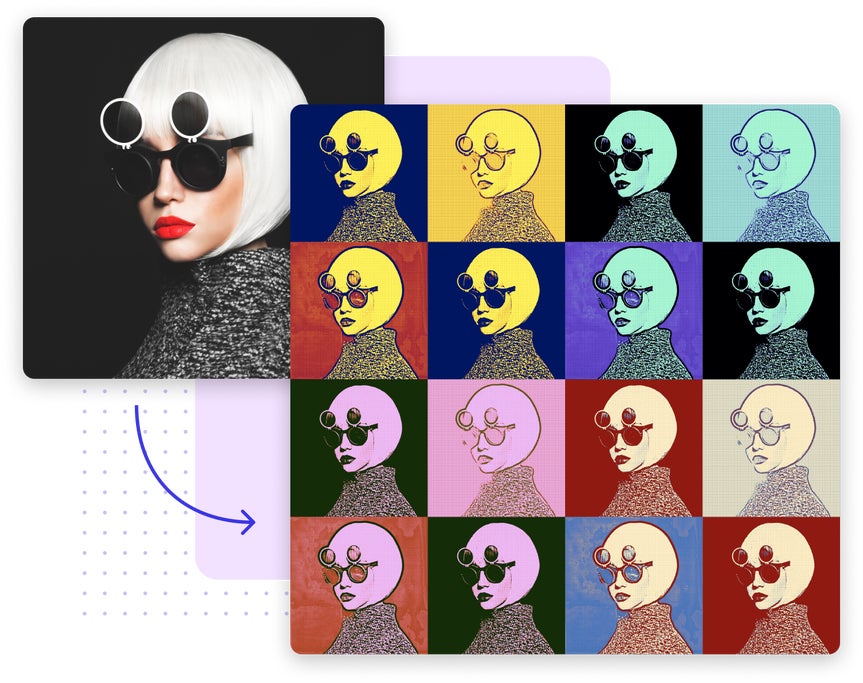

Recreate Retro Looks With Classic Pop Art
Bring the timeless look of 1960s print art to your photos with classic Pop Art effects that capture bold outlines, halftone textures, and vibrant color blocking. These retro-inspired filters emulate traditional screen-printing techniques to recreate the iconic style of vintage comics and posters. Whether you’re designing a creative portrait, crafting a custom poster, or giving pet photos a nostalgic twist, every effect adds authentic pop art character to your image.
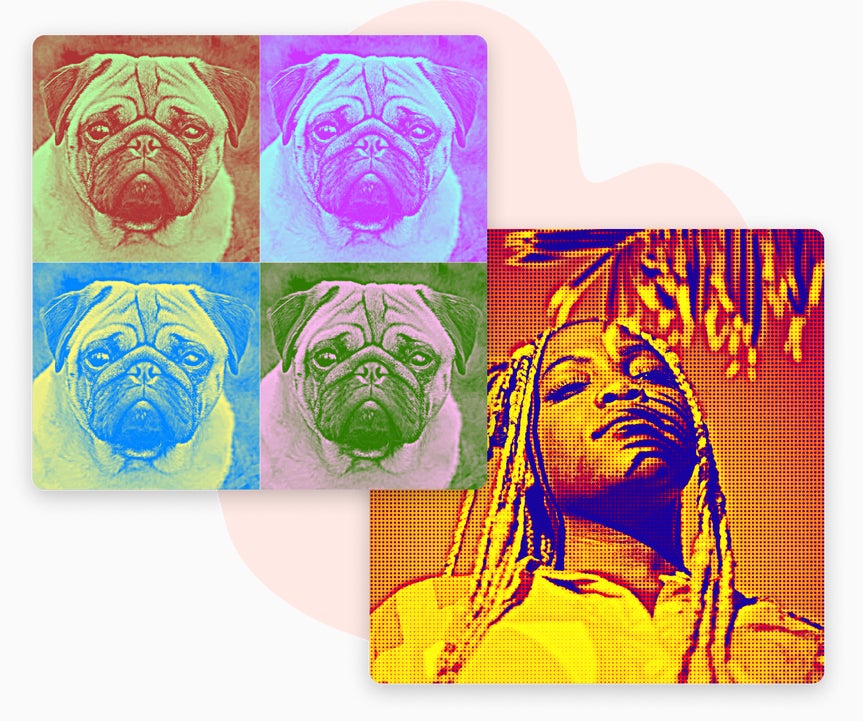
Achieve a Bold Aesthetic With Modern Pop Art
Give pop art a fresh, modern edge with BeFunky’s advanced AI-powered GFX effects. Experiment with bold gradients, smooth color transitions, and crisp vector lines to turn your photos into vibrant, contemporary artwork. From effects that deliver clean, digital precision and a polished vector aesthetic, to filters that create stylized shading and rich tones inspired by modern comic illustration. Our GFX pop art effects provide a modern approach to creating expressive, high-impact pop art, ideal for portraits, social media, and creative design projects.
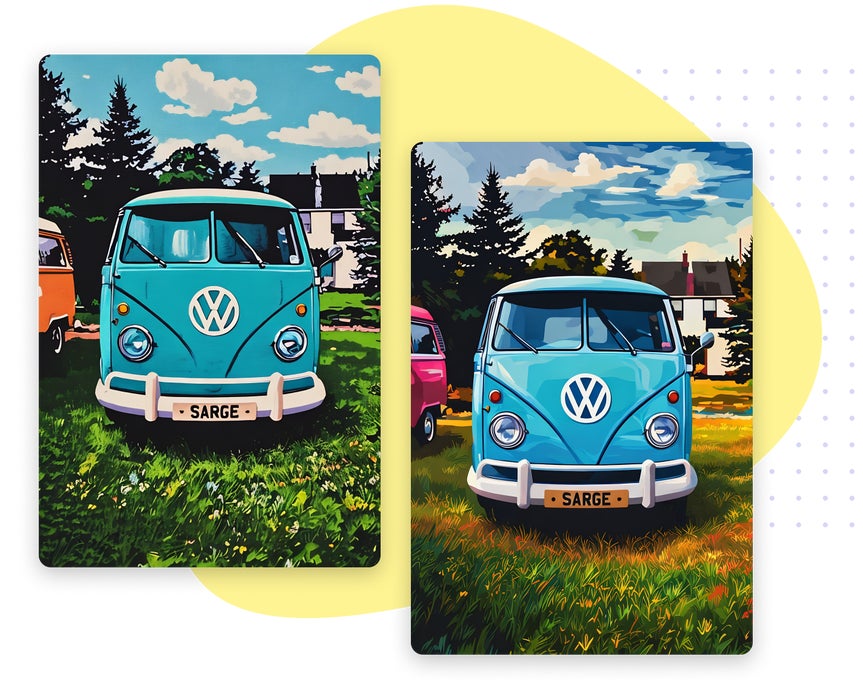
Our Most Expressive Pop Art Effect
Found in BeFunky’s Digital Art collection, Pop Art DLX combines halftone patterns, vivid color blocks, and painterly textures to create a handcrafted, expressive finish. Pop Art DLX is designed to highlight depth, contrast, and tone while preserving the natural character of your photo. The result is a dynamic, gallery-worthy piece that captures the spirit of traditional pop art with modern polish and ease.
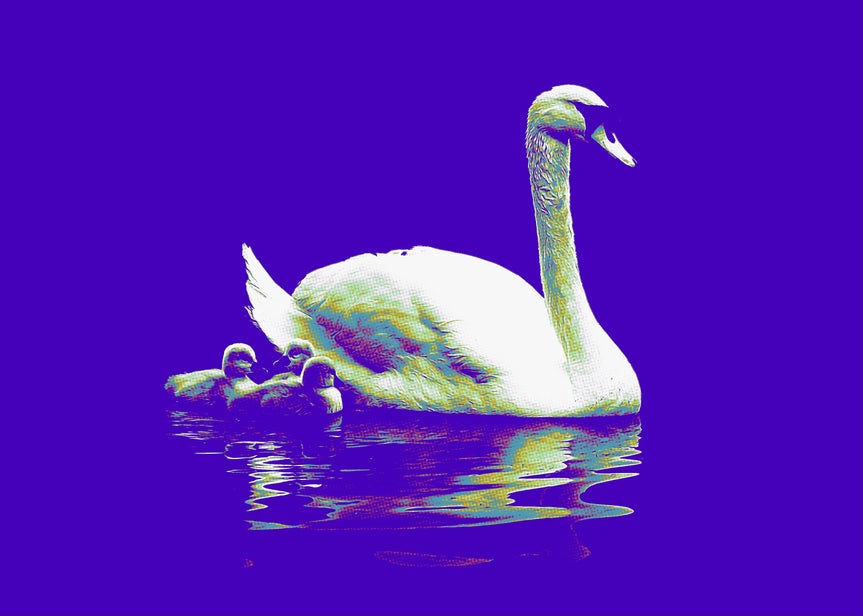
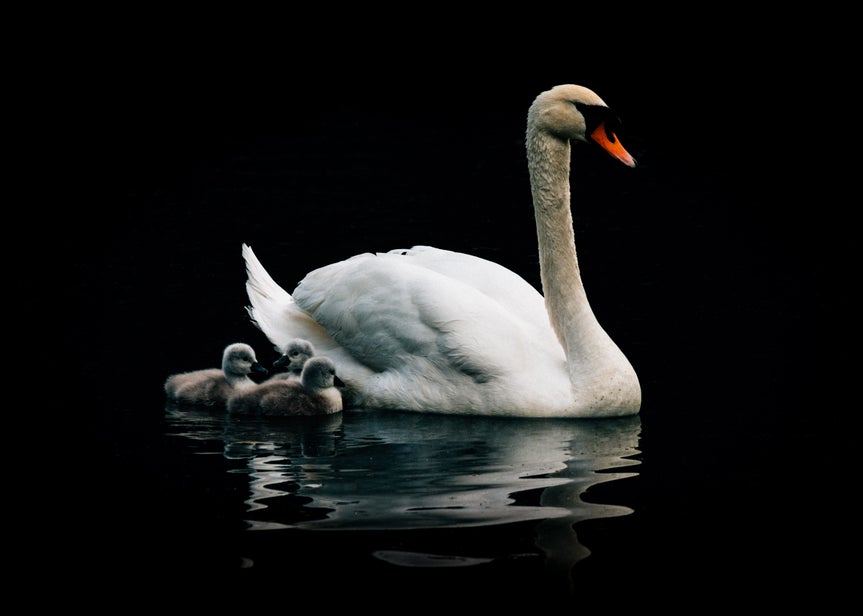
Learn Creative Ways to Apply Pop Art Effects
Follow these step-by-step tutorials to see how our pop art effects can transform portraits, pet photos, and designs into works of art.
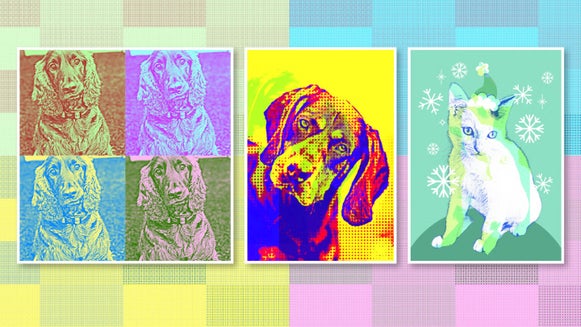
Design Pet Art to Display and Share
Turn your pet’s photo into a colorful pop art portrait full of personality. It’s perfect for printing, framing, or sharing on social media.
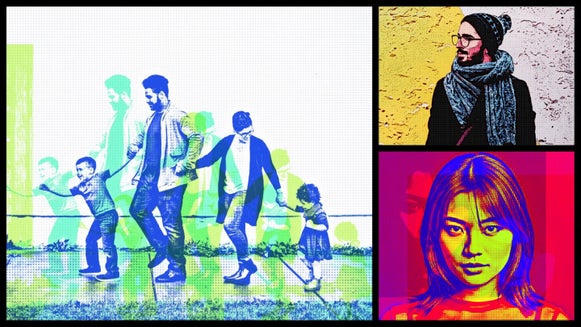
Transform Portraits Into Vibrant Art
Convert portraits, selfies, or group photos into bold pop art with bright colors and expressive details. Ideal for cards, prints, or profile pictures.
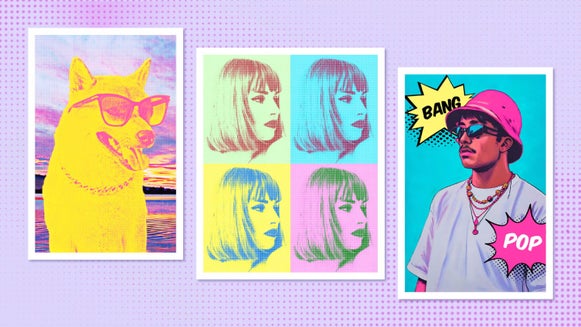
Show Off Your Style With a Custom Poster
Design a striking pop art poster using BeFunky’s curated color palettes and filters. Ideal for decorating your space or creating statement-making gifts.
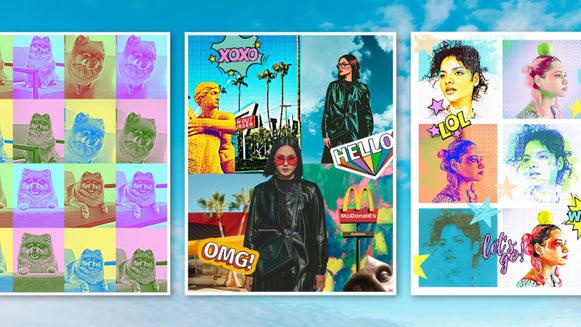
Add Retro Flair to Your Collages
Bring classic pop art energy to your collages with bold outlines, color grids, and layered halftones. Perfect for nostalgic designs with a modern twist.
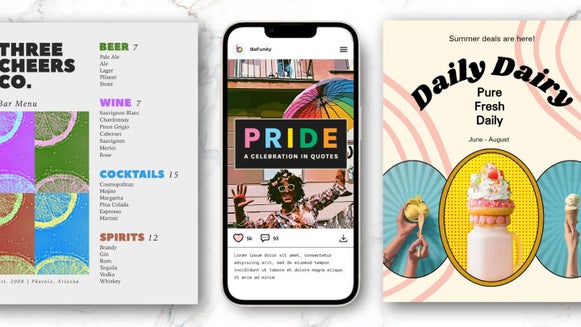
Build a Brand Identity That Pops
Use pop art effects to bring energy and personality to your brand visuals. Perfect for social media graphics, product imagery, and campaigns.
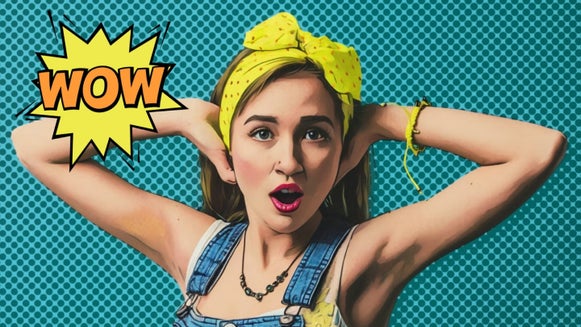
Tell Your Story With Pop-Style Comics
Turn your photos into comic-inspired visuals with speech bubbles, graphic halftones, and expressive outlines. Great for storytelling projects or digital content creation.
How to Turn Your Photo Into Pop Art
Here's how to go from photo to pop art in seconds.
01. Upload Your Photo
Open your image in BeFunky’s Photo Editor.
02. Choose a Pop Art Effect
Go to the Effects tab and explore the Pop Art category.
03. Save It
Download your image as a jpg, png, or pdf.
Turn Your Photo Into Pop Art In Seconds
Frequently Asked Questions
How do BeFunky’s Pop Art effects work?
BeFunky’s Pop Art effects analyze the details of your photo and apply handcrafted filters for high-quality results you can fine-tune before saving.
What kinds of photos work best with Pop Art effects?
Photos with clear subjects, strong lighting, and minimal background clutter work best. Portraits, pets, and selfies are ideal, especially for impactful results. Be sure to try close-up shots with expressive features to make the most of multi-panel styles.
How long does it take to turn a photo into pop art?
It only takes seconds. Upload your photo, browse the full collection of Pop Art effects, and watch your image transform instantly. You can fine-tune the result, then save or share with a click.
What devices can I use to turn photos into pop art?
You can turn photos into pop art using BeFunky on desktop browsers, Chromebooks, iPhones, iPads, and Android phones and tablets. All our features are fully optimized for each platform, so you can create wherever inspiration strikes.
Our Photo to Pop Art effects are part of BeFunky Plus, and your subscription works seamlessly across all supported devices. Just log in to access your premium features, no matter where you’re editing.
Do I need an account to try the Pop Art effects?
You can preview all of our Pop Art effects without creating an account. Many of BeFunky’s tools are free, but to apply premium pop art effects, batch editing, and other advanced features, a BeFunky Plus subscription and login are required.
Who designs the Pop Art effects at BeFunky?
Our team in Portland, Oregon, designs all our Photo to Pop Art effects, making them entirely unique to BeFunky. They’re inspired by real art styles and carefully built to make your photos look like bold pop art masterpieces.
How does BeFunky handle my photos and data?
Your privacy is important to us. When you upload a photo or submit any data, it’s encrypted and handled securely. We do not store, share, or use your photos for any other purpose without your consent. You stay in control of your images. Review our Privacy Policy.
How do I contact BeFunky Support if I need help?
If you have questions or encounter an issue, you can visit our Help Center for tutorials and troubleshooting guides. If you still need assistance, our friendly Support team is available through our contact form and typically responds within one business day.


