









Turn Your Photo Into A Painting Instantly
Quickly turn your photo into a painting inspired by watercolor, oil, or other classic styles
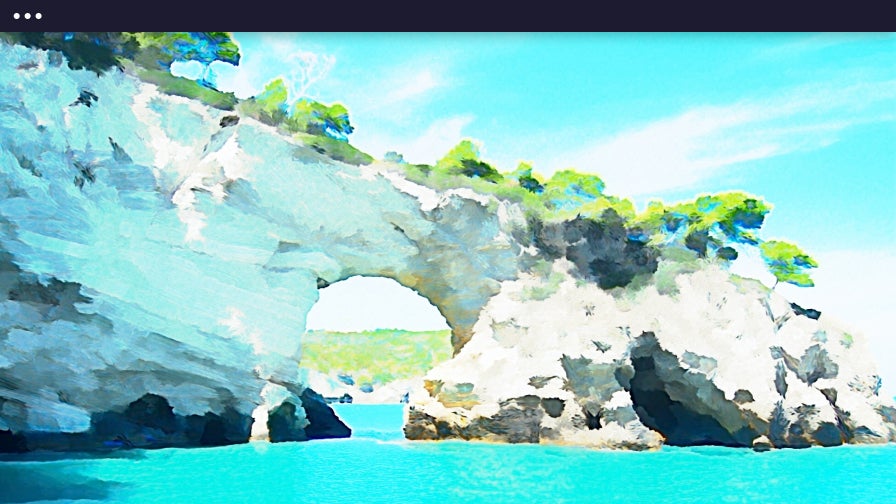
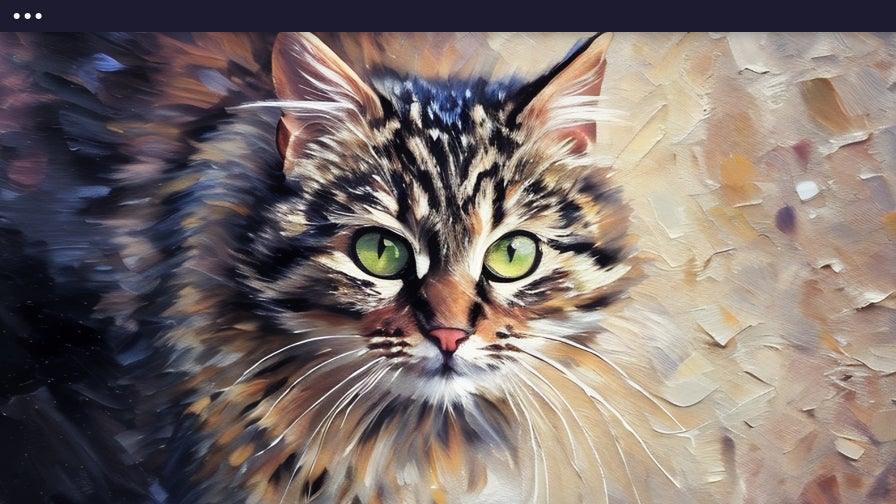
Easily Turn Any Photo Into a Painting
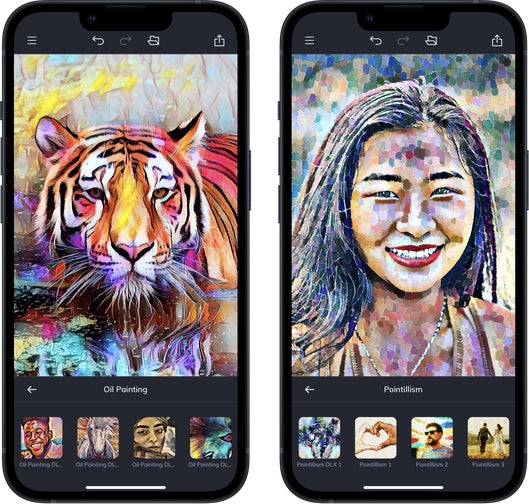
Transform your favorite photos into artwork with BeFunky’s exclusive Photo to Painting effects. Since launching our Artsy effects in 2007, every style has been crafted in-house by our team of designers and inspired by real-world artistic techniques. From soft watercolors to bold oil paintings, each effect is designed to highlight the emotion and beauty in your images. You’ll find these effects in the Artsy section of our Photo Editor. Our Photo to Painting effects are premium features that are available with a BeFunky Plus subscription. Simply upload a photo to explore classic styles, enhanced DLX effects, and the ultra-realistic AI-powered GFX series.
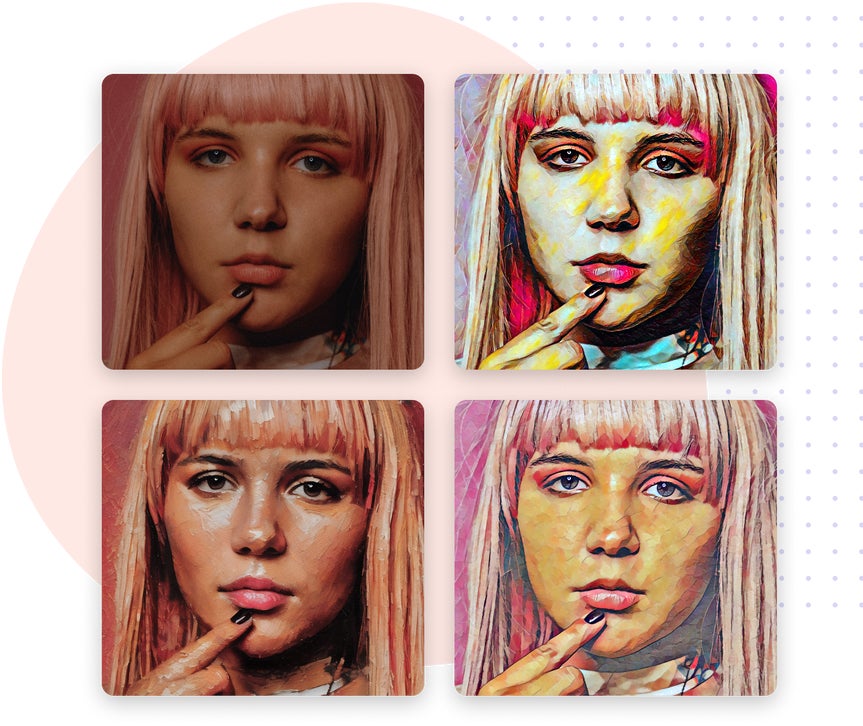
Artistic Styles for Every Photo
Choose from realistic, stylized, and artistic photo filters
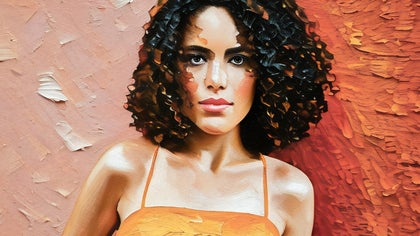
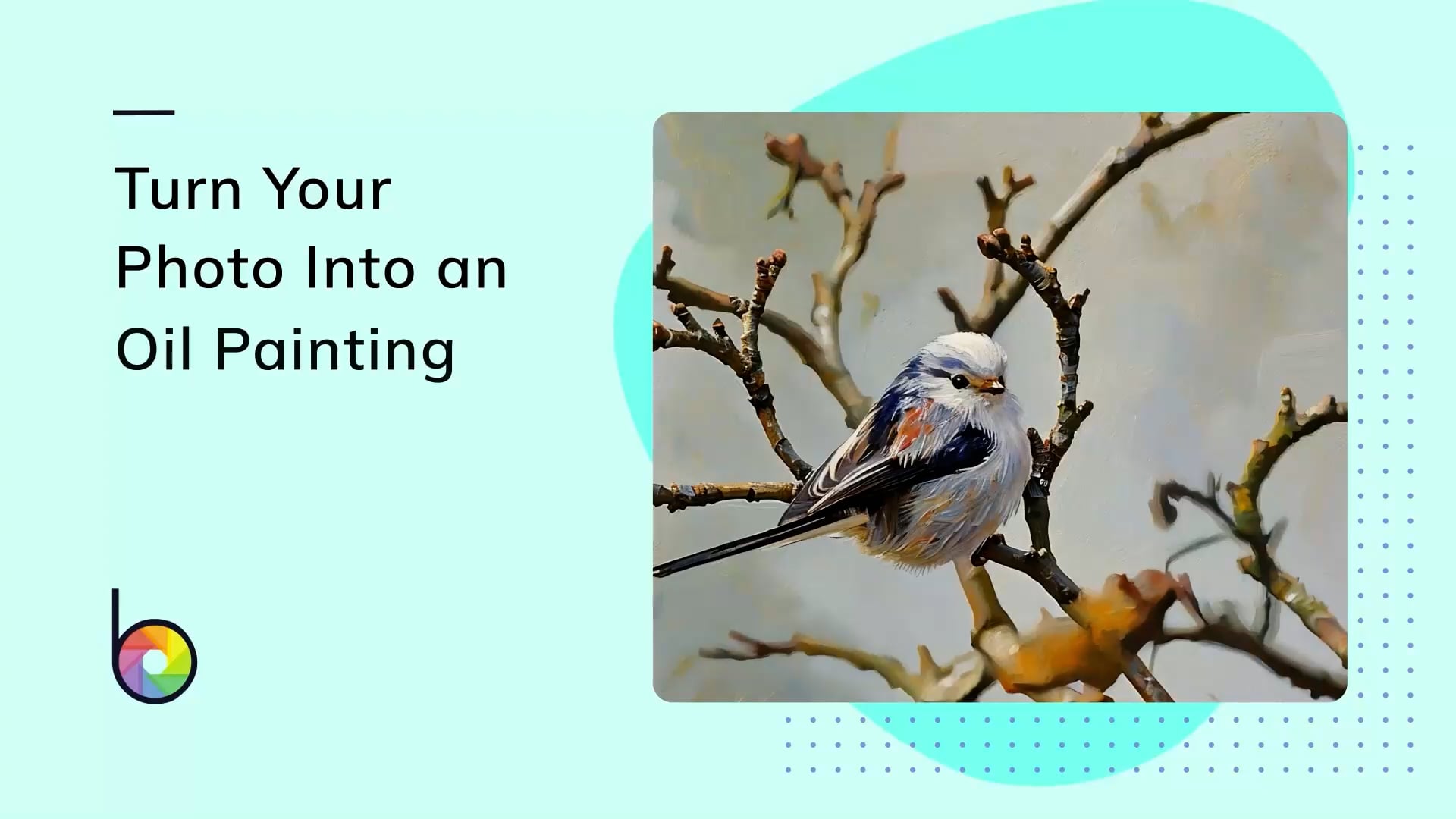
Oil Painting
Rich texture and bold brushstrokes give photos a timeless, expressive feel. Perfect for portraits, pet photos, or any image where you want dramatic detail and depth.
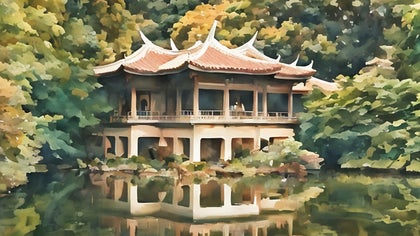
Watercolor
Light textures and flowing brushwork give images a soft, artistic finish. Ideal for landscapes, nature shots, or anything you want to feel light and organic.
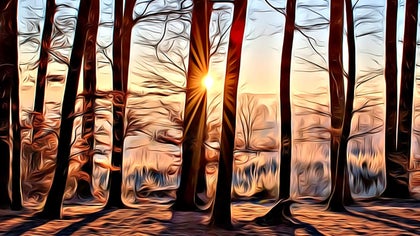
Underpainting
Inspired by classical painting foundations, this effect adds depth and realism with muted tones and smooth gradients. A strong choice for still life and formal portraits.
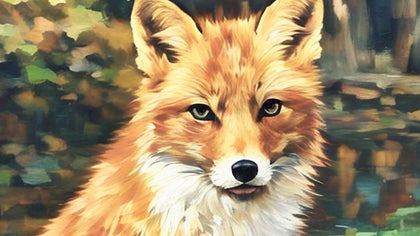
Impressionist
Loose strokes and light-infused color palettes mimic the feel of classic impressionist paintings. Best for scenic views, travel photography, and natural light portraits.
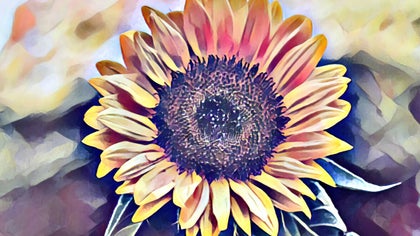
Gouache
This effect mimics opaque brushwork with crisp edges and smooth layering, making it a strong choice for portraits, still life images, or graphic compositions.
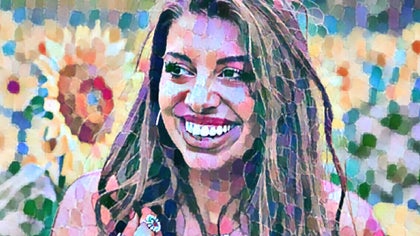
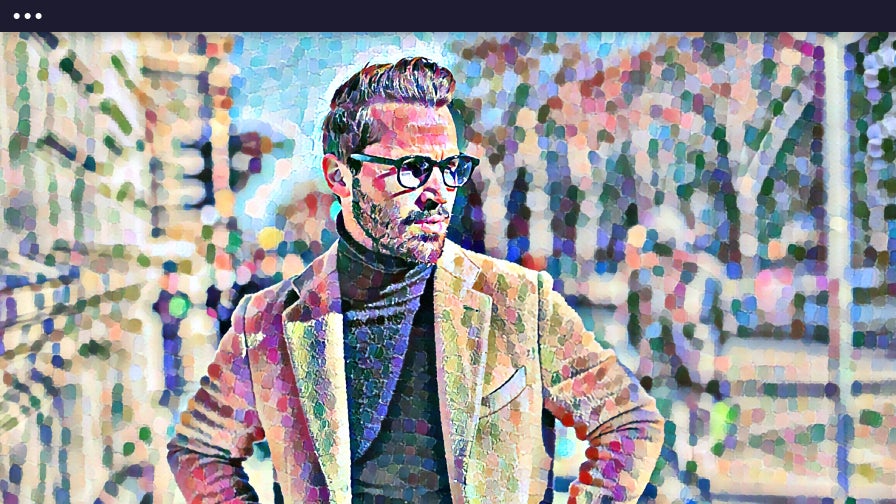
Pointillism
Inspired by classic dot-based painting techniques, this effect creates a colorful, stylized look that’s great for creative projects, social posts, or playful edits.
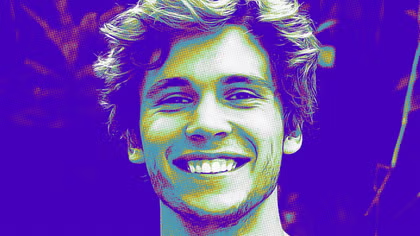
Pop Art
This effect transforms photos into a high-contrast, posterized image with punchy color. Great for album covers, social media graphics, or bold creative statements.
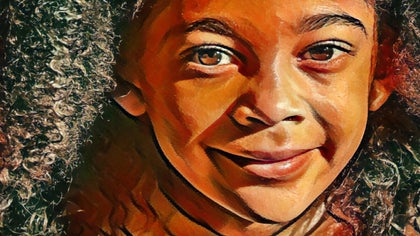
Pastel
Soft textures and a chalky finish bring a gentle, nostalgic quality to your image. Great for baby photos, vintage edits, or subtle, emotional scenes.
Our Most Realistic Photo to Painting Effects
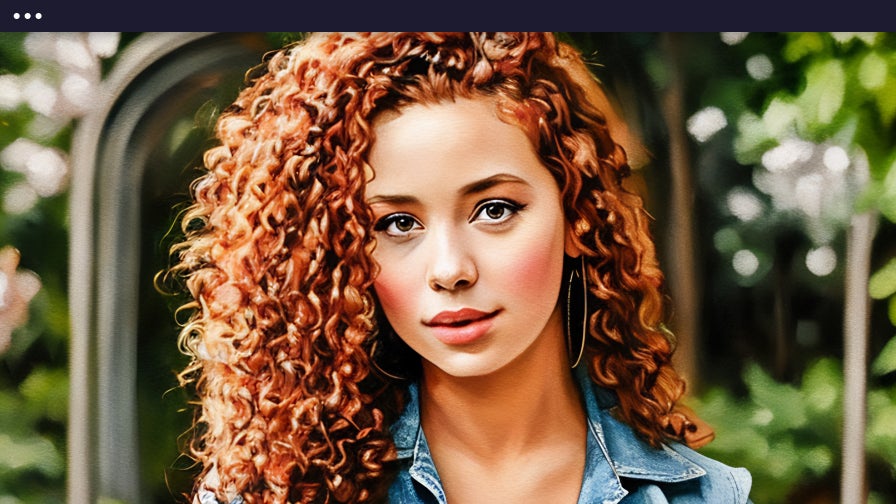
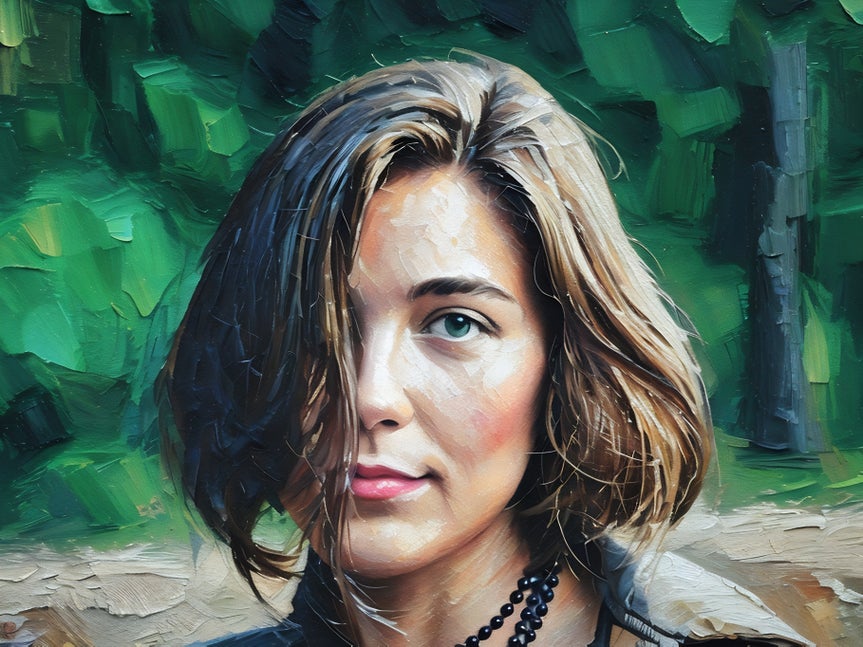
BeFunky's artificial intelligence-powered GFX Photo to Painting effects offer the most realistic results of all our Artsy effects. They analyze key details in your image, such as facial features, textures, depth, and shadows, to create detailed and realistic artistic transformations. Use the slider to control how closely the effect resembles your original photo, while preserving detail and avoiding distortion in portraits, landscapes, pet photos, and more. Choose from multiple style variations, all delivering bold brushstrokes, accurate color, and exceptional realism.
Apply Artistic Styles to Every Photo in Your Collage
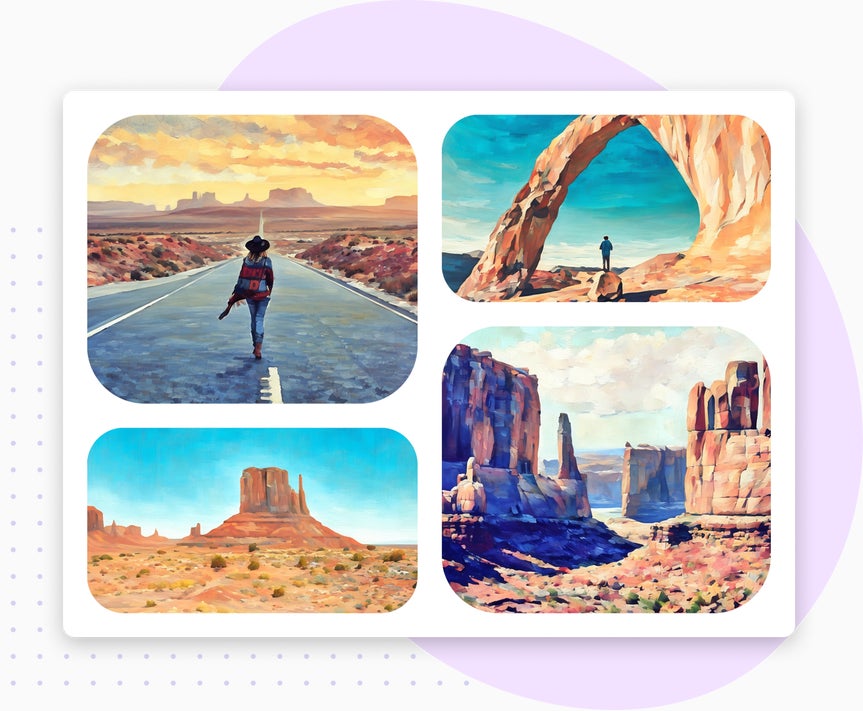
Combine multiple photos into a one-of-a-kind, cohesive design with our Collage Maker. Whether you’re creating a collage of family portraits, showcasing photos of your pet, or highlighting travel adventures, you can apply Photo to Painting effects to each image right in the Collage Maker without switching tools (requires BeFunky Plus). It’s a perfect way to create personalized cards, social posts, or keepsakes, all in one place.
Bring Artistic Flair to Your Designs
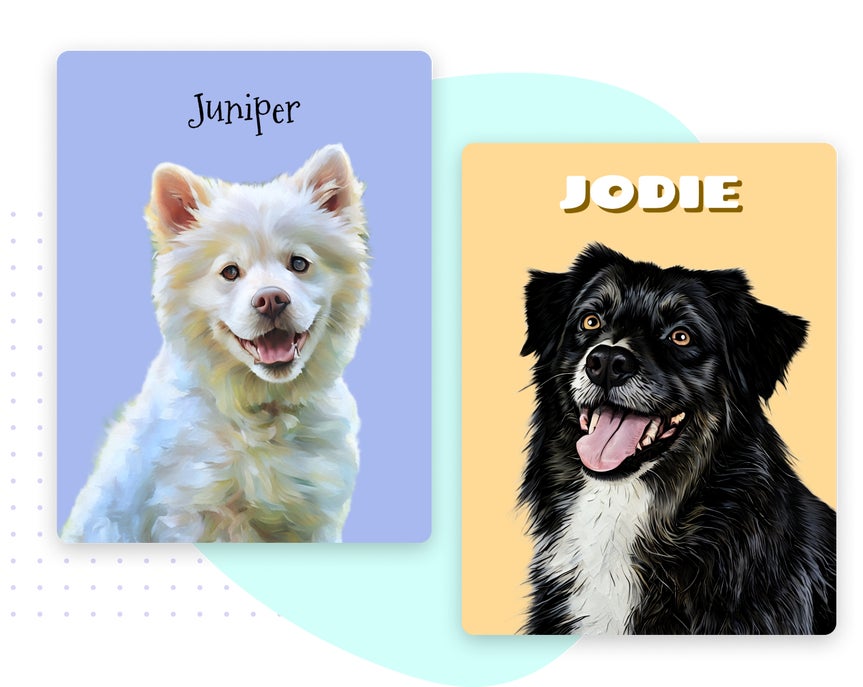
Turn your photos into stunning digital paintings and pair them with premium design templates to create one-of-a-kind projects. Our AI-powered Photo to Painting effects are fully integrated into the Graphic Designer, making it easy to add artistic flair to any creation (requires BeFunky Plus). Use these effects to design custom pet portraits that capture your pet's personality, create eye-catching marketing materials, unique invitations, or personal keepsakes. Combining our artistic filters with design templates gives you the freedom to bring bold, creative ideas to life.
Create Artwork That’s Personal, Printable, and Full of Personality
Discover how photo-to-painting effects can turn everyday photos into personalized, shareable creations.
Turn Your Photos Into Unique Oil Paintings
Create rich and textured artwork from your photos, perfect for printing on canvas or framing.
Give Pet Photos an Artistic Makeover
Capture your pet’s personality in a painted portrait, great for gifts or memorializing special moments.
Create Watercolor-Style Portraits With Subtle Detail
Apply soft, flowing brushstrokes that enhance the emotion and atmosphere of your selfies and portraits.
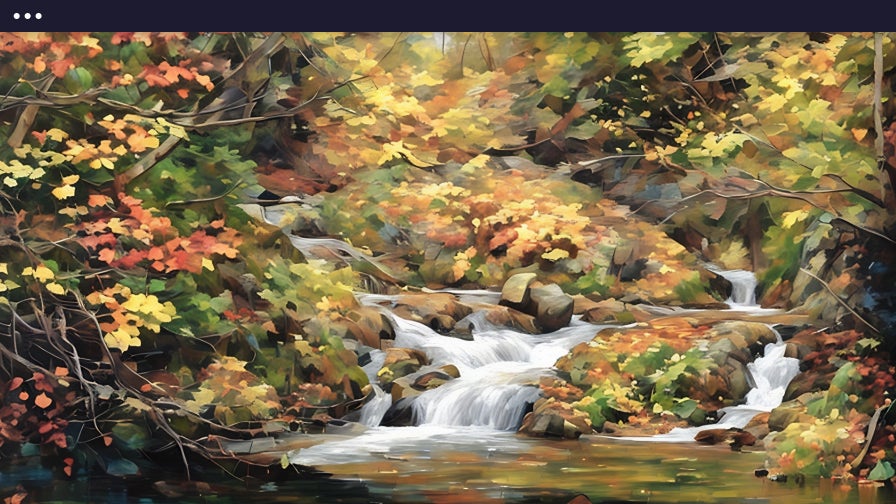
Transform Landscapes Into Expressive Works of Art
Use our painterly effects to bring out bold color, mood, and texture in your outdoor photography.
Add a Personal Touch to Your Holiday Cards
Bring personality and style to your holiday cards with artistic photo effects.
Bring Depth and Drama With Underpainting
Accentuate contrast and texture for portraits, still life, or moody compositions with this bold effect.
How to Turn a Photo Into a Painting
It really is this easy! Just upload a photo, choose a style, and save your new artwork.
01. Upload Your Photo
Open your image in BeFunky's Photo Editor - no account necessary to get started.
02. Choose Your Painting Style
Head to the Artsy section and select a painting effect that fits your photo.

03. Save Your Art
Download your finished photo, print it, or share it to your socials in a single click.
Turn Any Photo Into Art, Quickly And Easily
Frequently Asked Questions
How do the Photo to Painting effects work?
Our AI-powered Photo to Painting effects use smart image detection to identify key elements in your photo, such as facial features, backgrounds, shadows, and textures. Based on what it sees, it applies a painting style that preserves detail, enhances emotion, and mimics real-world artistic techniques like watercolor, oil paint, or underpainting.
How long does it take to turn a photo into a painting?
Just a few seconds! Once your photo is uploaded, you can apply any effect from the Artsy section and see the transformation instantly. You can also fine-tune each effect with a slider to control how much or how little of the style is applied.
What devices can I use to turn photos into paintings?
You can turn photos into paintings using BeFunky on desktop browsers, Chromebooks, iPhones, iPads, and Android phones and tablets. All our features are fully optimized for each platform so you can create wherever inspiration strikes.
Our Photo to Painting effects are part of BeFunky Plus, and your subscription works seamlessly across all supported devices. Just log in to access your premium features no matter where you’re editing.
Do I need an account to use BeFunky's Photo to Painting effects?
You can try some Photo to Painting effects without creating an account. Many of BeFunky’s tools are free, but to access premium painting styles, batch editing, and other advanced features, a BeFunky Plus subscription and login are required.
Who designs BeFunky's Effects?
Our team in Portland, Oregon designs all the Photo to Painting effects. They’re inspired by real art styles and carefully built to make your photos look like beautiful, hand-made paintings.
How does BeFunky handle my personal data and photos?
Your privacy is important to us. When you upload a photo or submit any data, it’s encrypted and handled securely. We do not store, share, or use your photos for any other purpose without your consent. You stay in control of your images. Review our Privacy Policy.
How do I contact support if I need help?
If you have questions or run into an issue, you can browse our Help Center for tutorials and troubleshooting guides. If you still need assistance, our friendly Support team is available through our contact form and typically responds within one business day.


