









Free Online Photo Editor
Edit your photos in just a few clicks with BeFunky’s powerful and easy-to-use online tools.
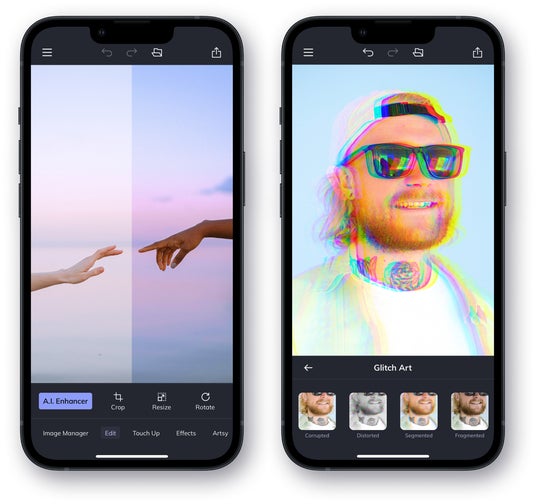
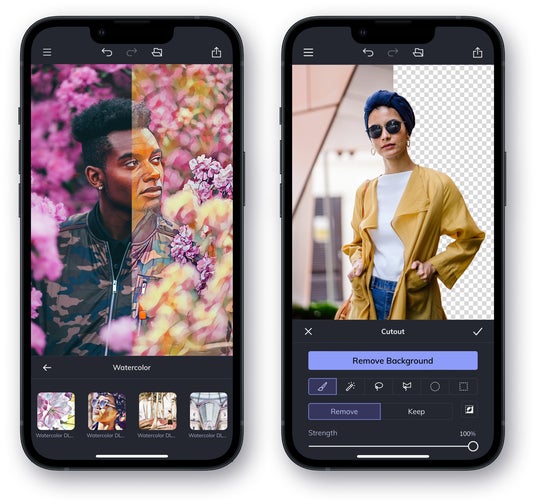
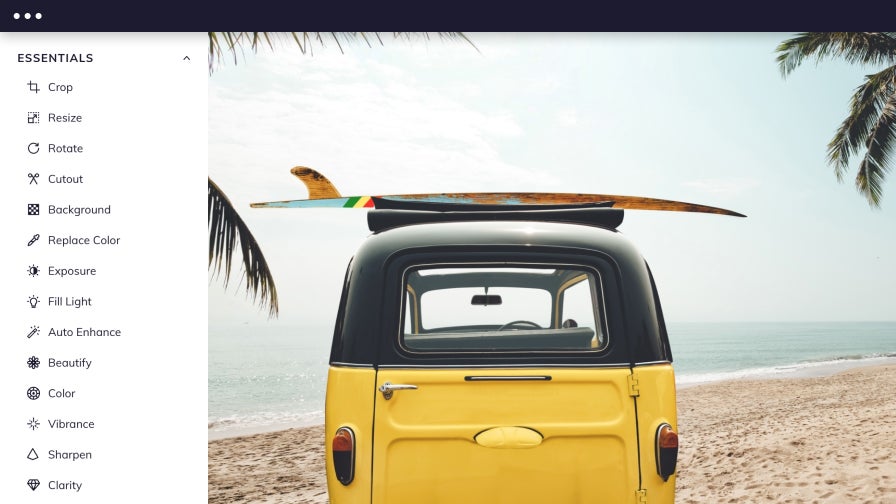
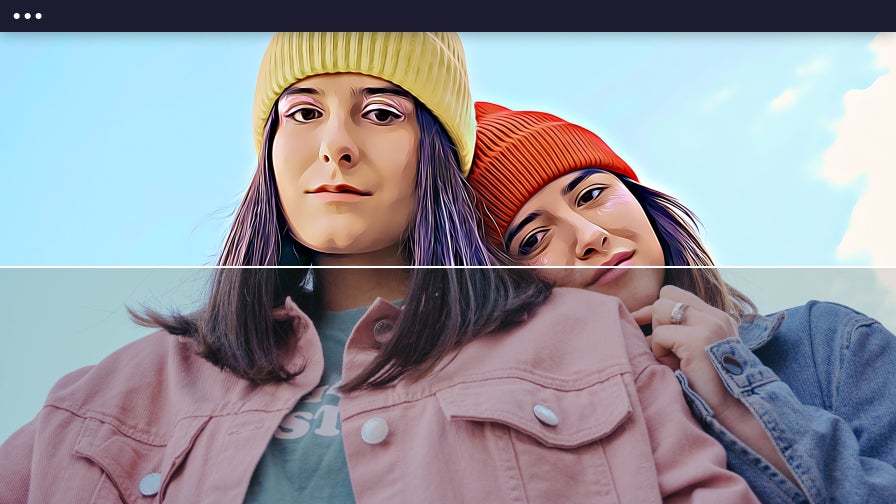
Online Photo Editing, Simplified
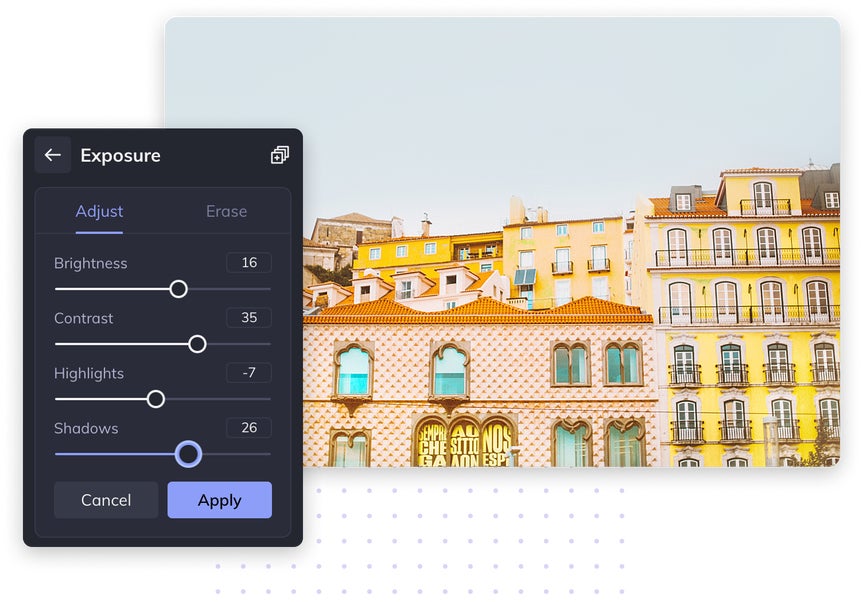
BeFunky has been leading the way in online photo editing since 2007. Today, more than 3 million active users edit over 350,000 photos every day with BeFunky, making us one of the most trusted platforms for creative editing online. Our team of designers and engineers in Portland, Oregon, brings decades of photo editing experience to every tool we create. With BeFunky, it’s easy to create great-looking photos: upload your image, crop, resize, and balance exposure in just a few clicks. Whether you’re making quick adjustments or exploring advanced AI photo editing tools, BeFunky makes every step simple.
Edit, Enhance, and Personalize With Ease
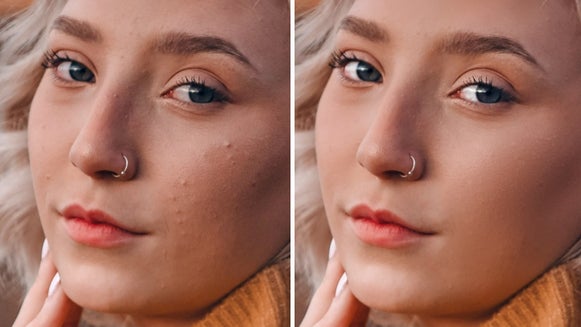
Enhance Portraits With Natural Touch Ups
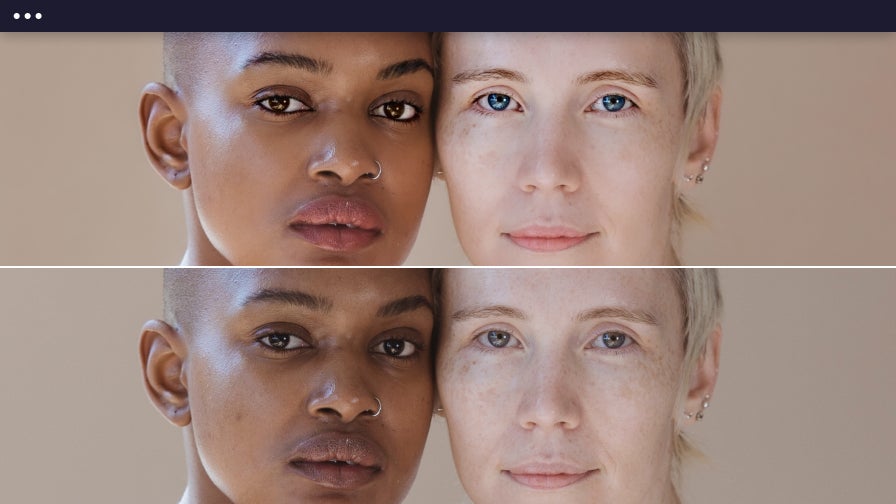
Brighten selfies, smooth skin, and refine details without overdoing it. Our portrait tools help you capture natural-looking results that highlight your best features.
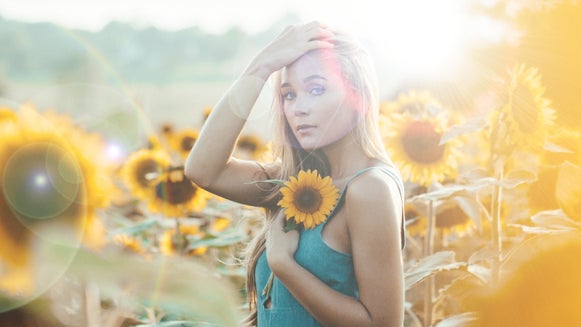
Add Style and Mood With Creative Effects
Transform ordinary shots with artistic filters inspired by vintage film, chromatic tones, and classic photography looks. Easily add subtle lens flares or bold effects to match your vision.
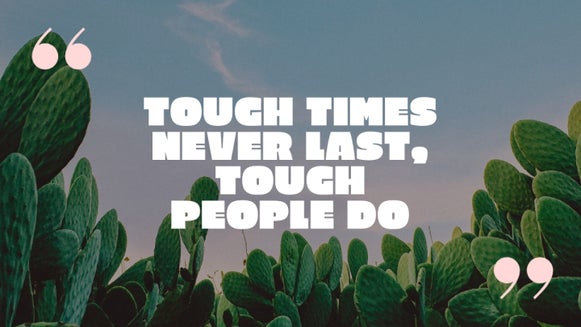
Turn Photos Into Designs With Custom Text
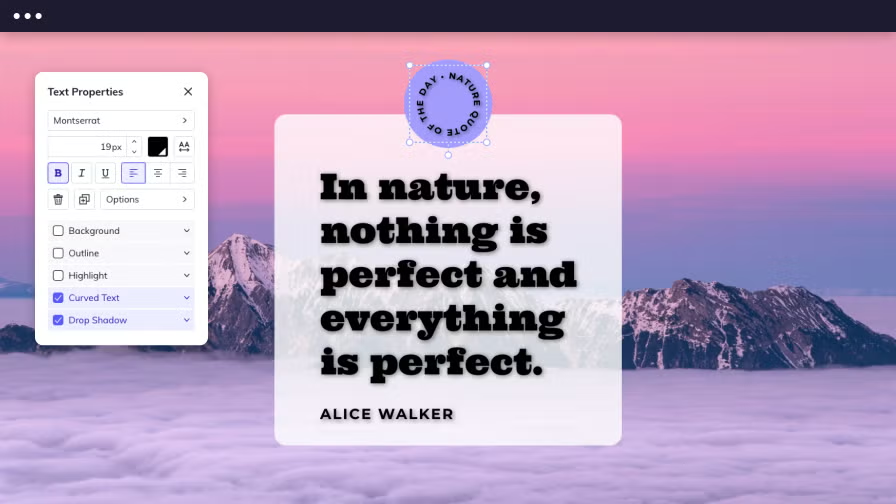
Add text that stands out using hundreds of fonts and full Google Fonts integration. Whether it’s social posts, posters, or invitations, it’s easy to turn your photos into professional-quality designs.

Smarter Photo Editing Starts Here
BeFunky’s AI photo editing tools are designed to simplify complex edits and help you achieve professional results in seconds. With just a few clicks, you can remove backgrounds from any image, expand the borders of a photo using smart fill technology, upscale images without losing quality, restore or colorize old photographs, and more. These tools are created by our experienced team of designers and engineers, reflecting more than a decade of innovation in online photo editing. Whether you are a beginner or a seasoned creator, BeFunky gives you the power to edit with confidence and ease.
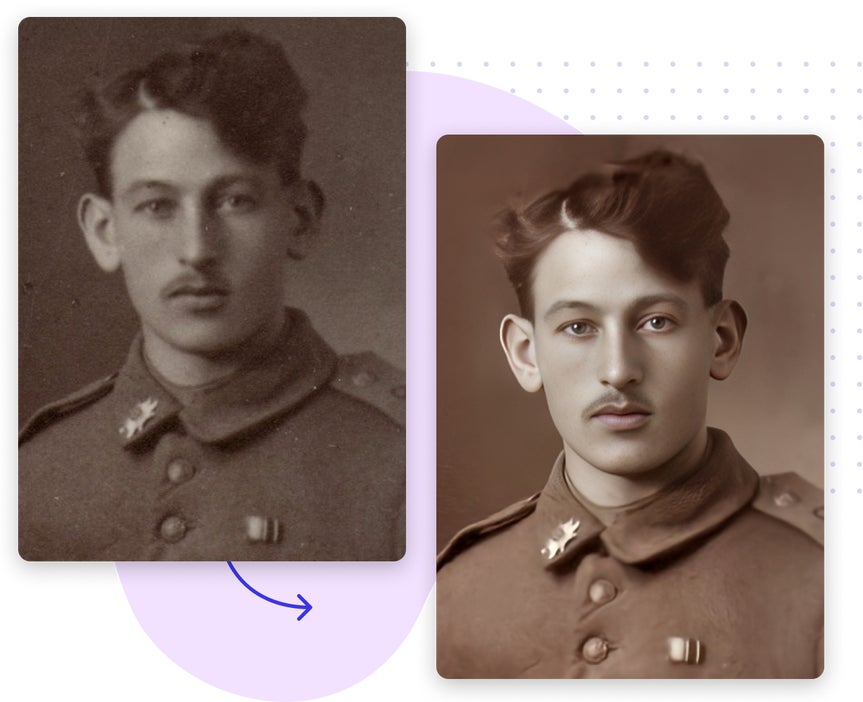
AI Tools Built for Fast, Flawless Photo Edits
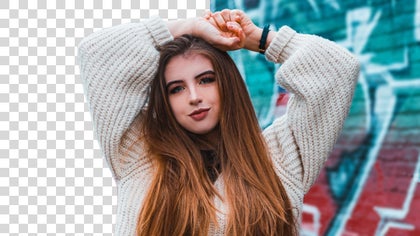
Instant Background Removal
Remove backgrounds in seconds with clean, accurate results. No manual masking or tedious edits required. Perfect for products, portraits, or creative designs.
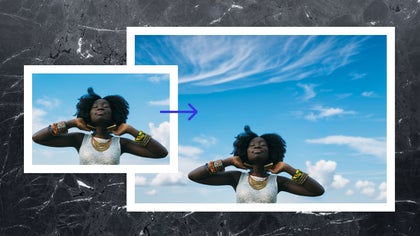
Effortless Photo Expansion
Extend photo borders naturally to fix tight crops, add padding for text, or reframe your shot without starting over.
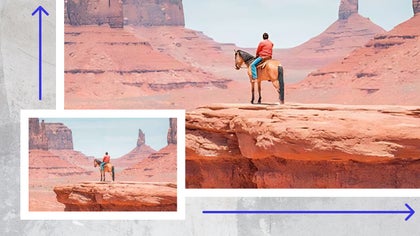
High-Quality Upscaling
Make small images print-ready with AI that sharpens detail and preserves clarity. Great for enlargements, presentations, and high-res designs.
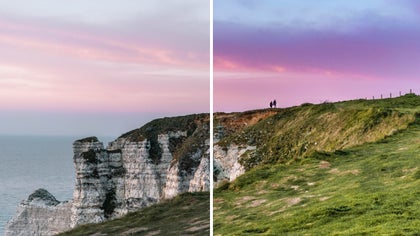
Smart Image Enhancer
Fix dull or underexposed photos instantly. AI balances light, color, and contrast for polished, natural-looking results.
The Original Photo-to-Art Effects
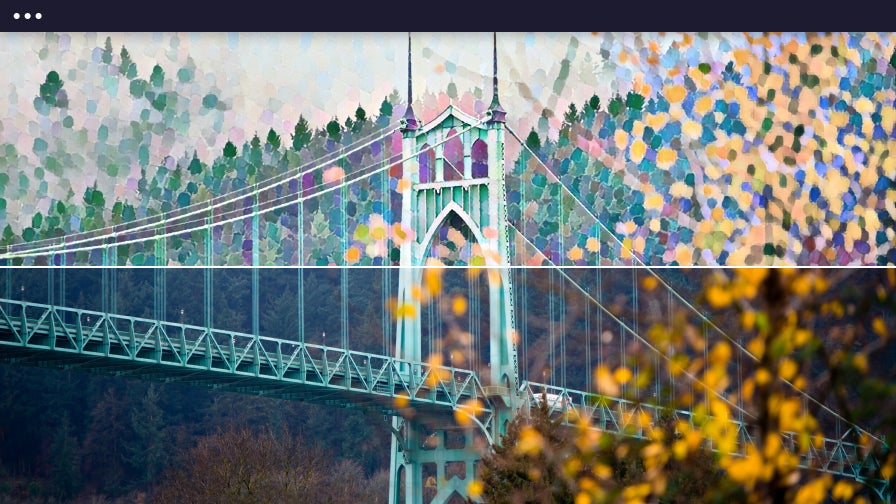
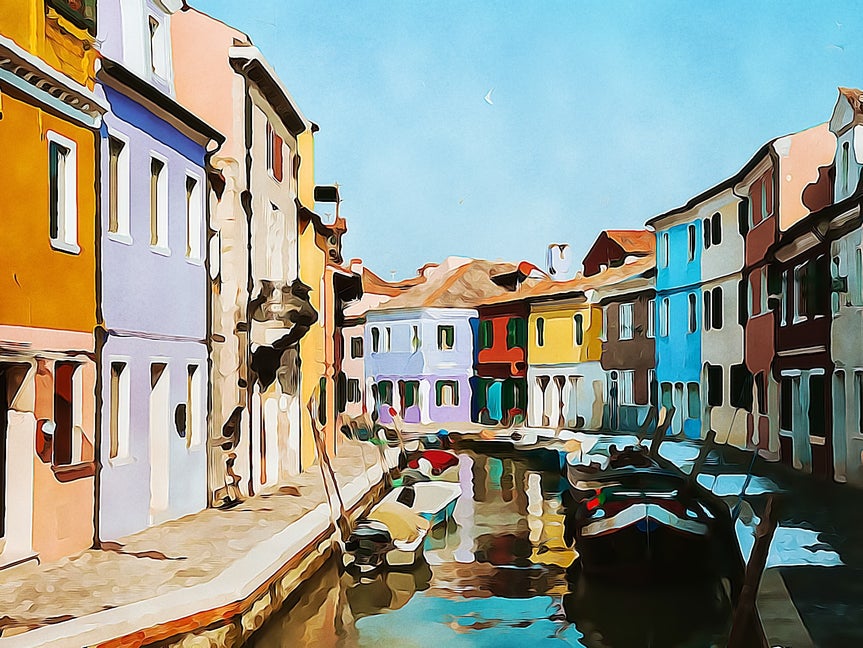
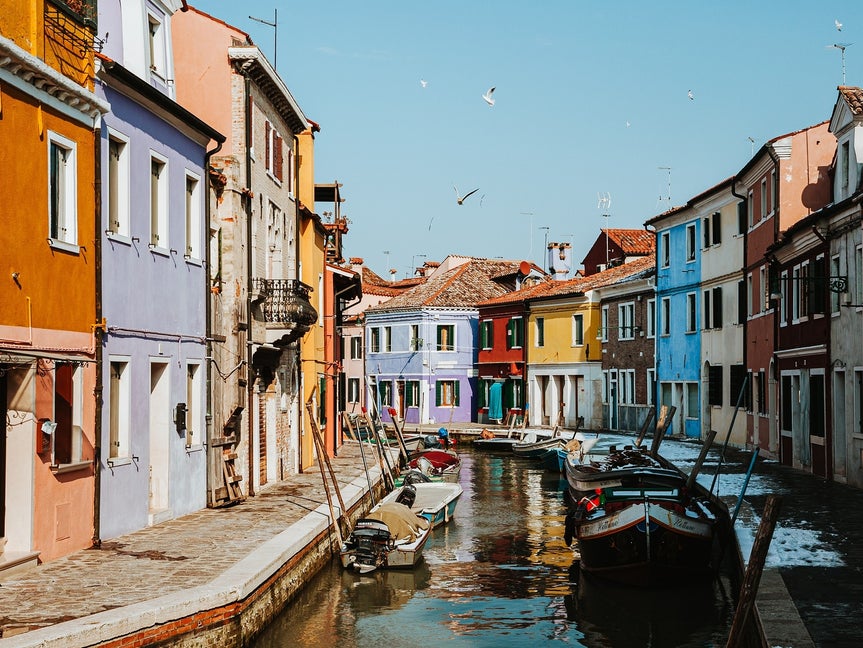
BeFunky was the first to introduce photo to art effects back in 2007, and they remain at the heart of what we do. Each effect is created by our in-house team of designers and is completely unique to BeFunky. From oil painting and sketch to our Cartoonizer™ and watercolor, our Photo to Art tools transform your favorite photos into stunning digital artwork that replicates traditional techniques with the help of artificial intelligence. Whether you are creating prints, custom pet portraits, or original content for social media, these one-click effects make it easy to add an artistic touch to any image. No design experience is required. Just upload a photo and start creating.
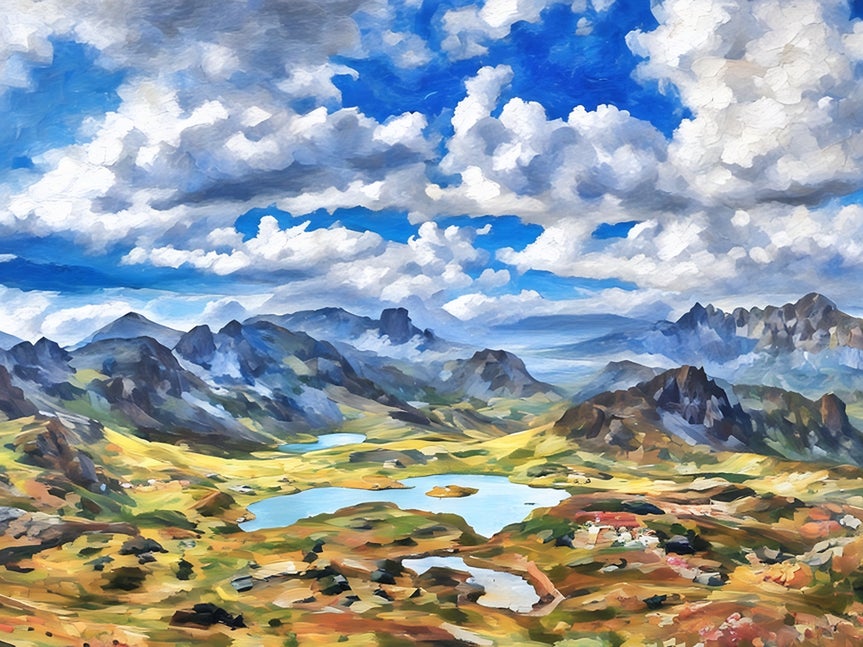
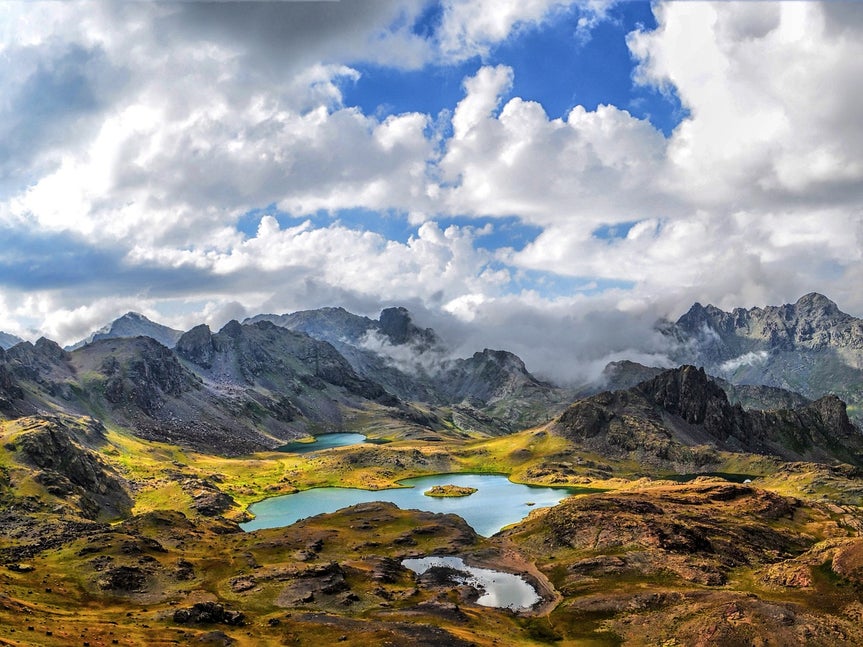
Artistic Photo Effects That Bring Your Images to Life
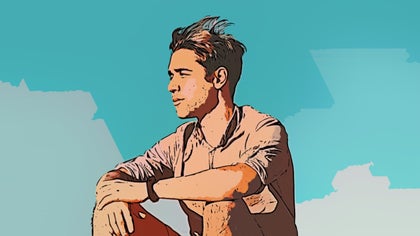
Cartoonizer™
Give your photo a bold, illustrated look with our signature Cartoonizer™. Ideal for creating playful profile photos, posters, or standout social posts.

Oil Painting
Turn your images into textured oil paintings with vibrant brushstrokes. Perfect for portraits, landscapes, or gallery-worthy artwork.

Sketcher
Transform photos into hand-drawn illustrations with natural lines and shading. Great for portraits, pets, or creative design projects.
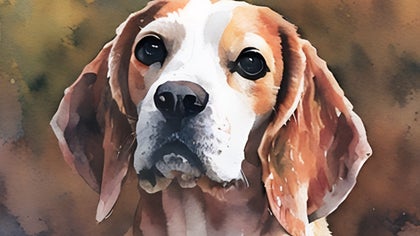
Watercolor
Add a soft, expressive watercolor finish that blends colors beautifully. Perfect for greeting cards, keepsakes, and artistic prints.
Powerful Photo Editing at Your Fingertips
BeFunky’s Photo Editor is also available as a mobile app, giving you the freedom to edit photos anytime, anywhere. Whether you’re cropping a quick snapshot, applying AI-powered effects, or enhancing image quality, the app makes professional editing easy from your phone or tablet. Available for both iOS and Android devices, the BeFunky mobile app is trusted by over 20 million creators. You can access our free tools directly in the app, or unlock premium features with a BeFunky Plus subscription that works across all your devices when you sign in to your account.
Simplify Your Workflow With Batch Editing
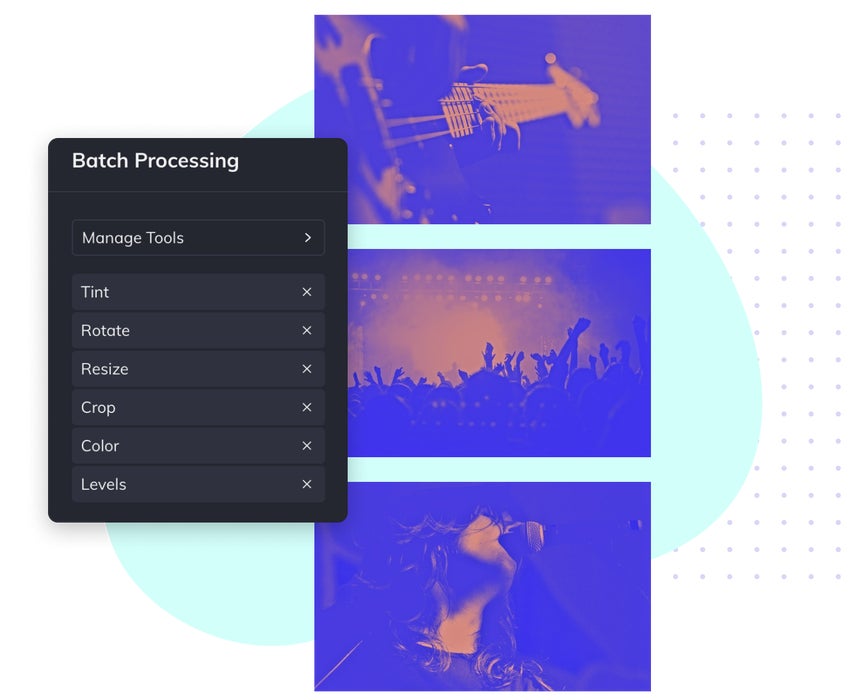
Editing multiple photos one by one can be tedious, but BeFunky’s Batch Photo Editor makes it fast and effortless. With a BeFunky Plus subscription, you can upload hundreds of images and apply essential editing tools or photo effects to all of them at once—without sacrificing image quality. Resize photos in bulk, convert them to black and white, add filters for a consistent look, and more. It’s the easiest way to save time and streamline your workflow with high-quality results.
Get More Tools, More Creativity, and More Control
BeFunky Plus gives you access to our full suite of premium photo editing tools, available across desktop and mobile when you sign in to your account. With a Plus subscription, you can unlock advanced features like batch photo editing, AI-powered background removal, photo-to-art effects, and more. Whether you are creating personal projects or for professional work, BeFunky Plus gives you everything you need to bring your vision to life.
Create and Customize Photo Collages With Ease
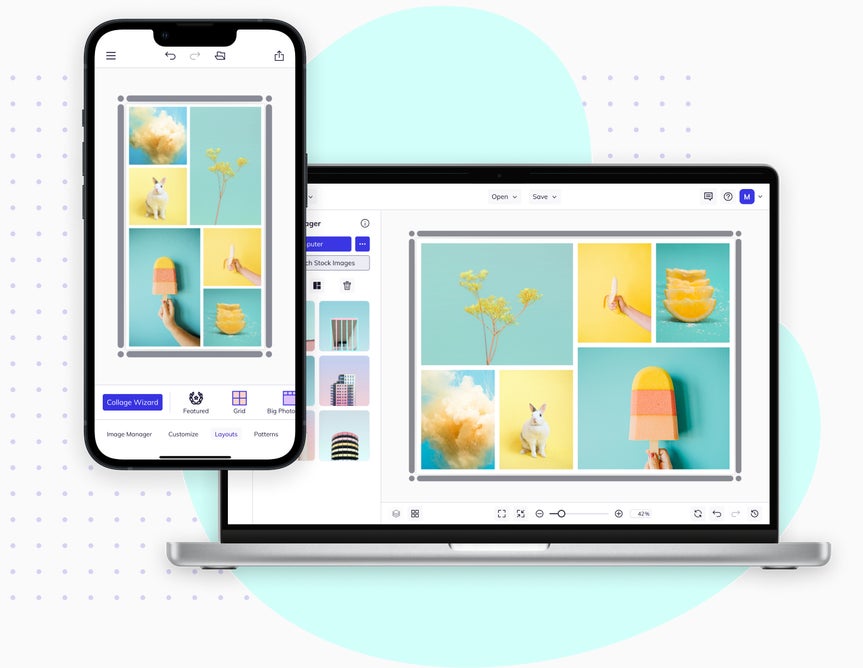
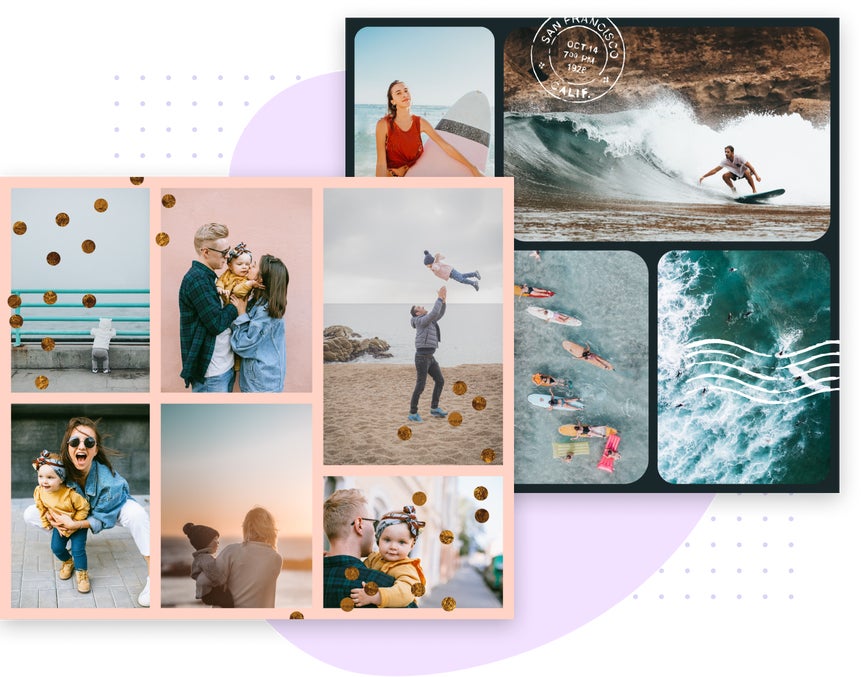
BeFunky’s Collage Maker makes it simple to turn photos into a cohesive visual story. Choose from drag-and-drop grid-style layouts or our Collage Wizard's smart templates to create designs for any occasion, from birthdays to holidays, travel memories, or social posts. Best of all, BeFunky Plus subscribers can edit each photo right inside the Collage Maker using all the Photo Editor tools, making the collage process even faster, more seamless, and more creative.
Turn Any Photo Into a Personalized Design
Using your own photos as the background or focal point of your graphic design projects adds a personal, meaningful touch to anything you create. From our Graphic Designer, you can start with a photo or choose from professionally designed templates, then drag in your photo to instantly replace stock images. Whether you’re making invitations, flyers, cards, or social media graphics, BeFunky makes it easy to create personalized designs that stand out. With a BeFunky Plus subscription, the Photo Editor is fully integrated into the Designer, so you can edit your photos to match your design aesthetic without leaving your project.

The Asher House
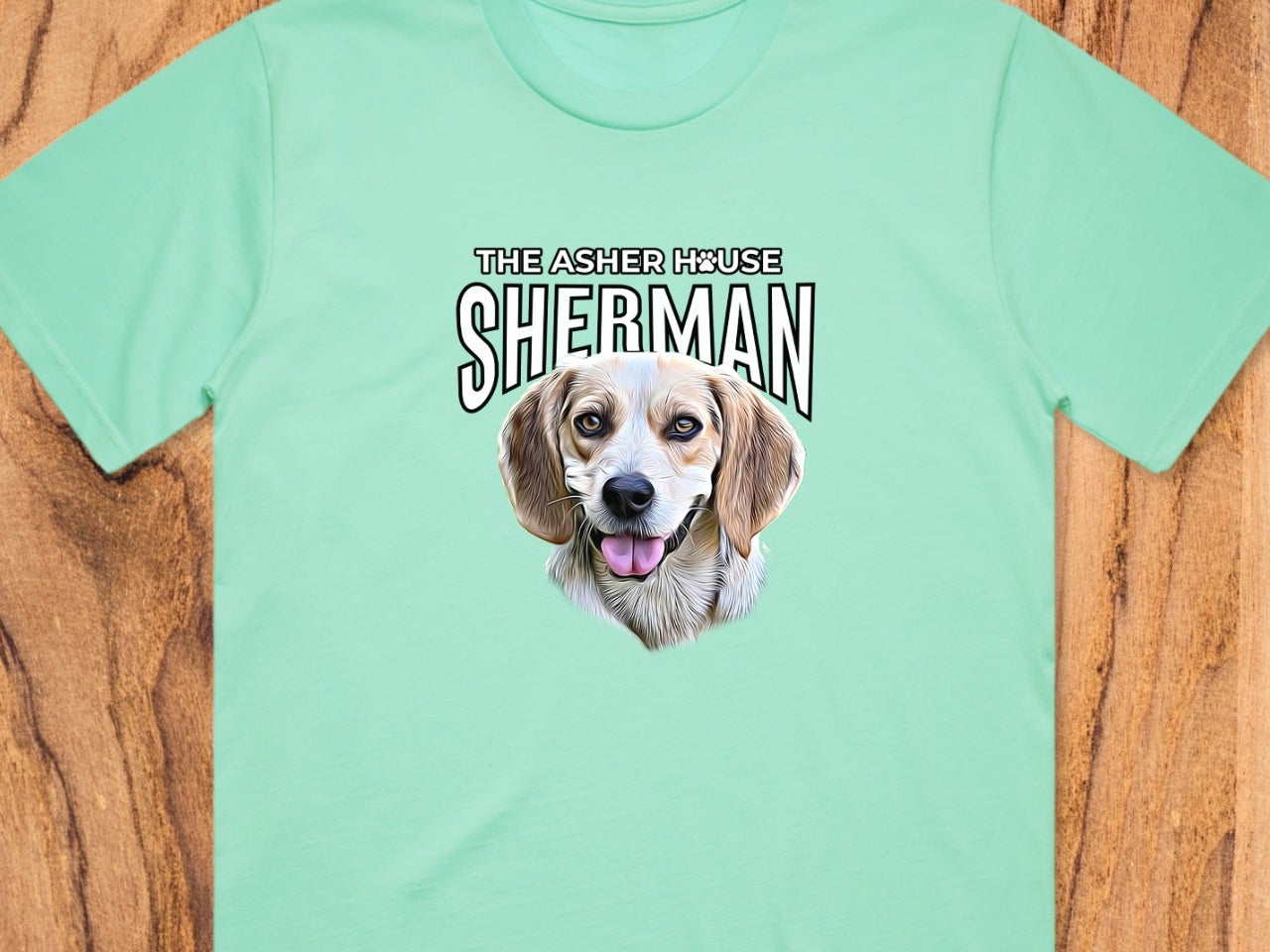
At The Asher House, BeFunky helps transform animal rescue stories into wearable art that funds their life saving mission. Using a combination of powerful editing tools and artistic effects, the team turns photos of rescued animals into artwork for shirts, mugs, and stickers that fund food, shelter, and care.
BeFunky gave us the tools to create great graphics and edit imagery ourselves, which meant we could cut back on outside design costs and put more of our resources directly toward the animals.
What You Can Create With BeFunky's Photo Editor
Explore these tutorials to learn how to edit photos, restore memories, and unlock new creative ideas with BeFunky.

Give Photos a Vintage Film Look
Learn how to apply Instant effects to add dreamy colors, soft focus, and Polaroid-style frames. Create timeless photos with a vintage aesthetic – no film camera required.
Bring Old Memories Back to Life
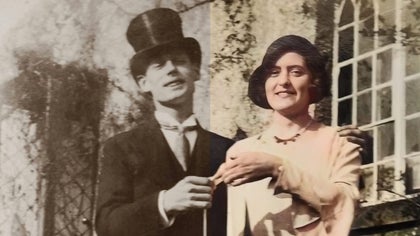
The AI Photo Restorer removes scratches, fading, and surface damage in seconds. Start reviving cherished prints today for clearer details and truer tones.

Swap Colors Instantly in Any Photo
Discover how to replace distracting tones with the Replace Color tool for precise photo edits. Start balancing colors to create polished photos for product shots, designs, and more.
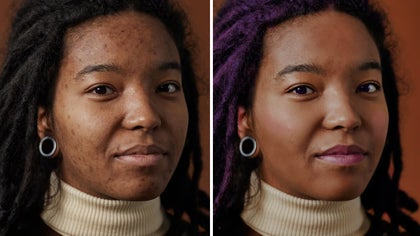
Enhance Portraits with a Natural Touch
AI Touch Up tools handle everything from skin smoothing to teeth whitening in seconds. See how subtle, natural edits elevate portraits, headshots, and family photos.
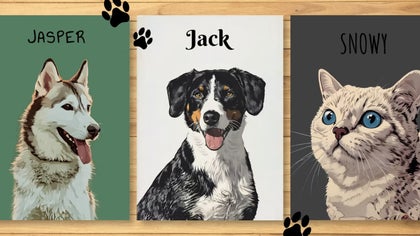
Turn Pet Photos Into Playful Cartoons
Learn how the Cartoonizer transforms everyday pet pictures into playful, illustrated artwork. Cartoonize your furry friend to create unique prints, gifts, or digital keepsakes that highlight their personality.

Change Photo Backgrounds in Seconds
The AI Background Remover cuts out subjects cleanly for quick backdrop changes. Try swapping backgrounds to enhance professional portraits, product shots, or creative composites in seconds.

Transform Dull Skies into Stunning Scenes
Learn how to replace dull skies with vibrant sunsets, dramatic clouds, or clear blue using AI Sky Replacer. Replace any sky to instantly improve landscapes, travel photos, and more.
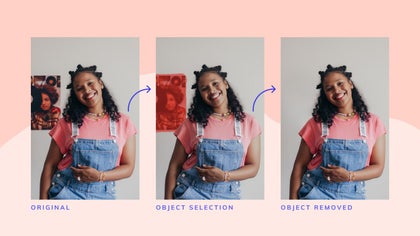
Erase Distractions for Flawless Images
Discover how to erase unwanted elements like power lines, clutter, or strangers with the AI Object Remover. Declutter your photos today for clean, professional images ready to share anywhere.
How to Edit a Photo With BeFunky in Just a Few Clicks
Get started with three simple steps. Upload, edit, and save your photo in minutes

01. Upload Your Photo
Choose an image from your device, drag and drop it onto your canvas, or paste it in directly to get started.
02. Make Your Edits
Use easy-to-use tools to crop, adjust lighting and color, apply filters, add text, and more.

03. Save and Share
Download your finished photo to your device or post it straight to social media from the app.
Experience Photo Editing That’s Built for Everyone
Frequently Asked Questions
How easy is it to use BeFunky's Photo Editor?
BeFunky’s Photo Editor is designed so anyone can jump right in and start creating. With smart presets, AI-powered tools that do the heavy lifting, and an intuitive layout, it’s easy to get great results even if it’s your first time editing photos.
Can I edit photos for free with BeFunky?
You can start editing photos right away for free and without creating an account. Many of our photo editing tools are free to use, but premium features such as advanced effects, batch photo editing, and our AI photo editing tools require a BeFunky Plus subscription and login.
Do photos edited with BeFunky have a watermark?
No. When you finish editing with BeFunky, your image is entirely your own, saved without any watermark and ready to share or print.
What AI tools are available in the Photo Editor?
BeFunky’s Photo Editor offers a wide range of AI-powered tools designed to make editing faster, easier, and more creative. Instantly enhance colors, clarity, and exposure with one-click image enhancers. Remove or replace backgrounds in seconds, or clean up your images by removing unwanted objects and even people. Turn your photos into art with our exclusive Artsy effects. And that’s just the beginning of our AI tools, which include even more features to help you create professional-quality results with ease
What devices work with BeFunky's Photo Editor?
You can edit photos using BeFunky on desktop browsers, Chromebooks, iPhones, iPads, and Android phones and tablets. All our features are fully optimized for each platform, so you can create wherever inspiration strikes.
Our premium photo editing tools are part of BeFunky Plus, and your subscription works seamlessly across all supported devices. Just log in to access your premium features, no matter where you’re editing.
How does BeFunky protect my personal data and photos?
Your privacy is important to us. When you upload a photo or submit any data, it’s encrypted and handled securely. We do not store, share, or use your photos for any other purpose without your consent. You stay in control of your images. Review our Privacy Policy.
Where can I get help using BeFunky's Photo Editor?
If you have questions or run into an issue, you can browse our Help Center for tutorials and troubleshooting guides. If you still need assistance, our friendly Support team is available through our contact form and typically responds within one business day.


