









Create a Custom Pet Portrait in Seconds
Our Smart Templates apply effects, layout, and style instantly, just add your photo and go.
Effortlessly Create Custom Pet Portraits
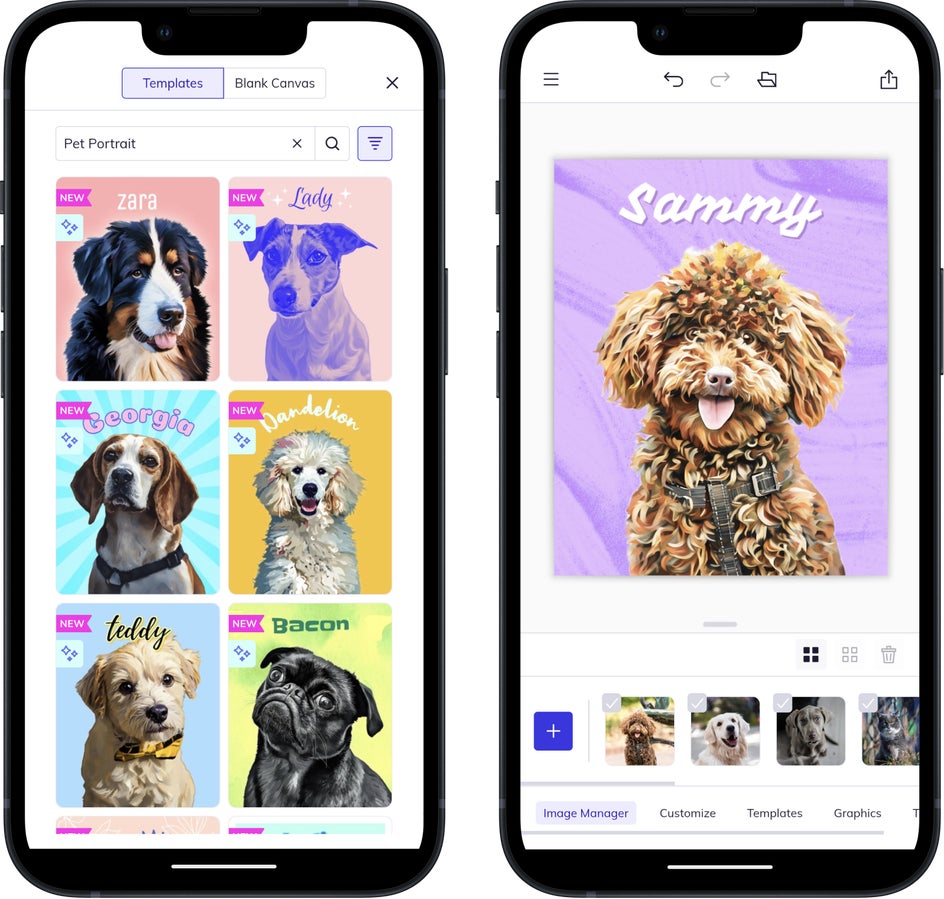
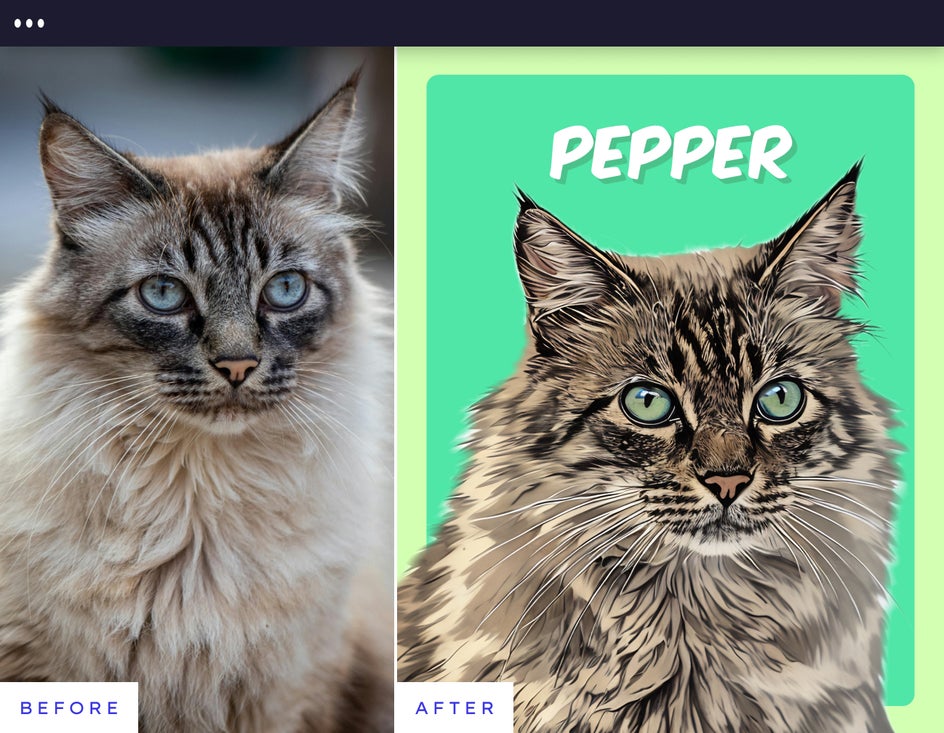
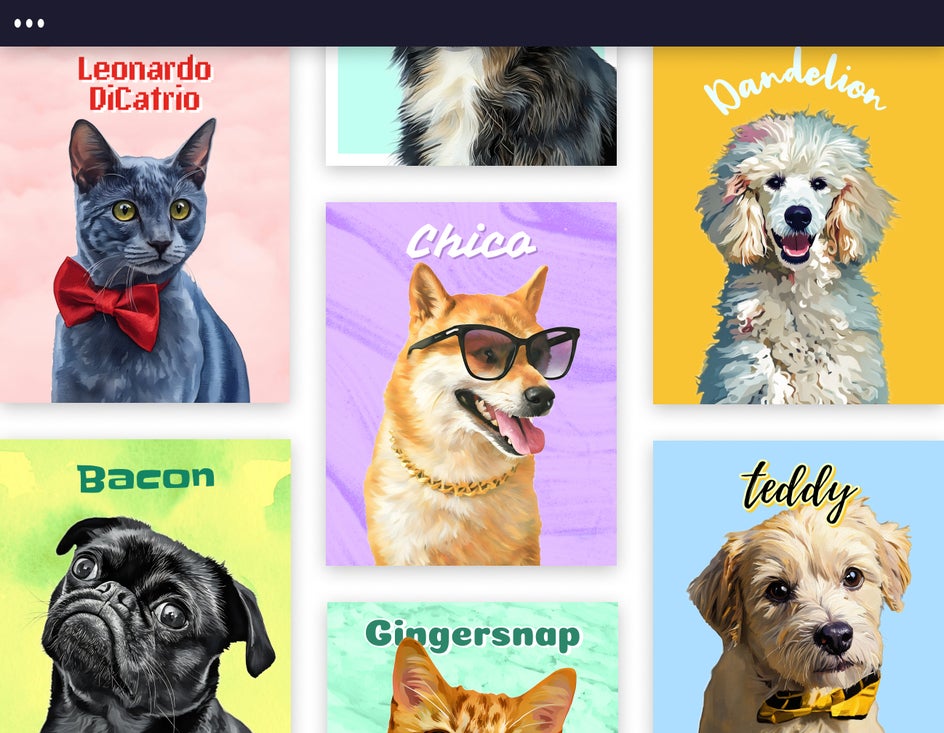
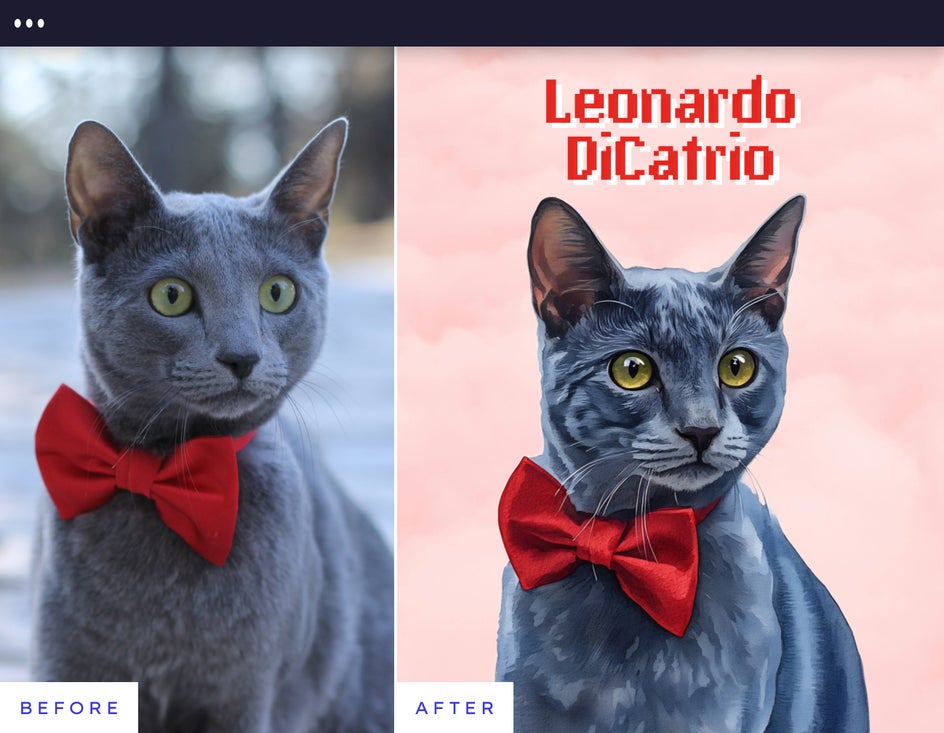
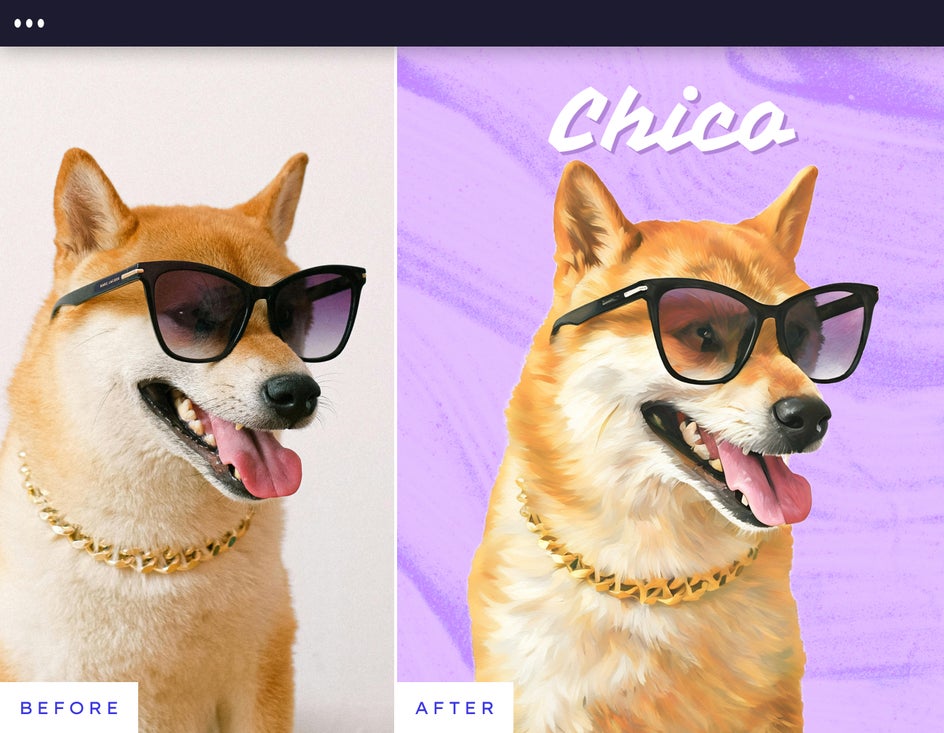
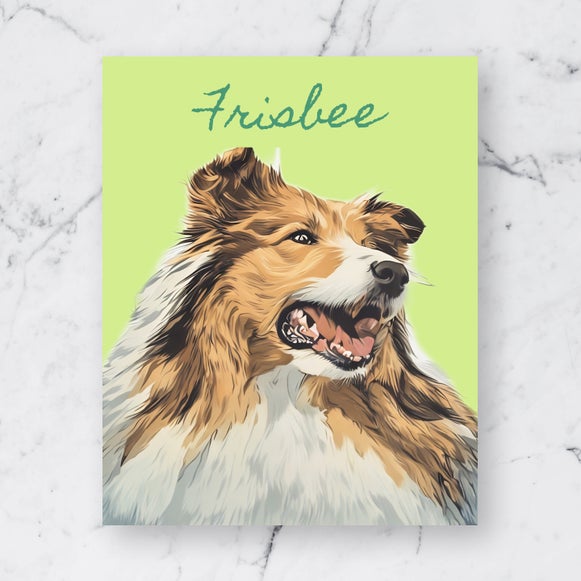
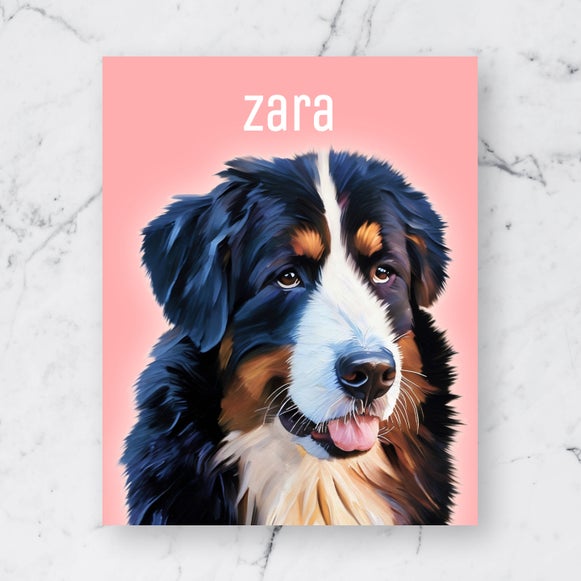
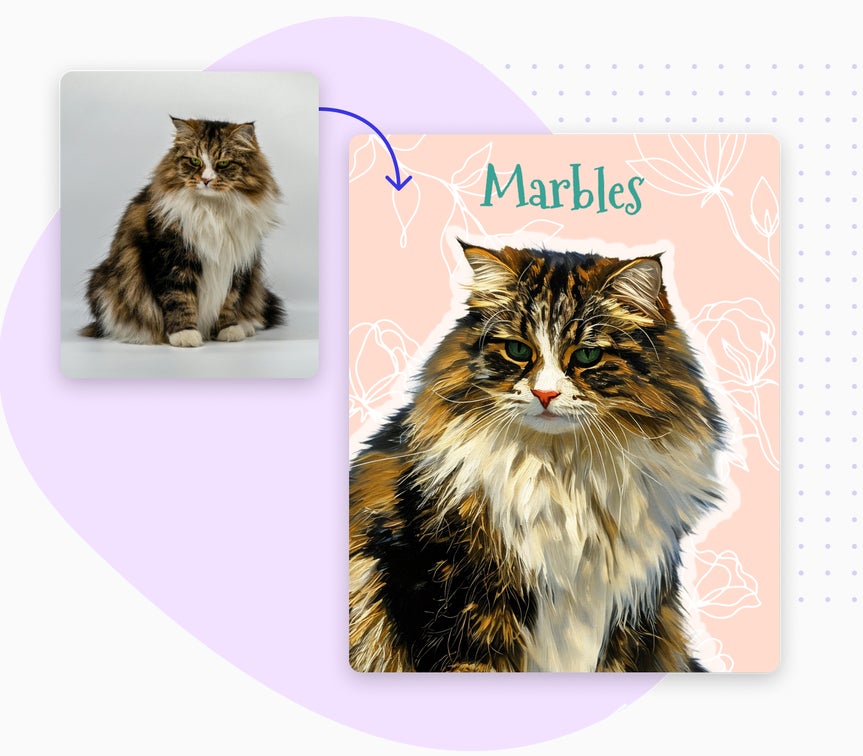
A custom pet portrait is a stylized piece of artwork created from a photo of your pet, designed to highlight their personality and make them the center of attention. BeFunky’s Pet Portrait Smart Templates are made for pet owners who want something personal and polished without needing design experience or hours of editing. When you upload a photo, the template automatically removes the background, applies Artsy effects, and styles your design instantly, no manual editing required. From there, you can personalize the name and adjust the look in seconds. Pet Portrait Smart Templates are available in the Designer section of the app and included with BeFunky Plus.

Turn Any Pet Photo Into a Work of Art
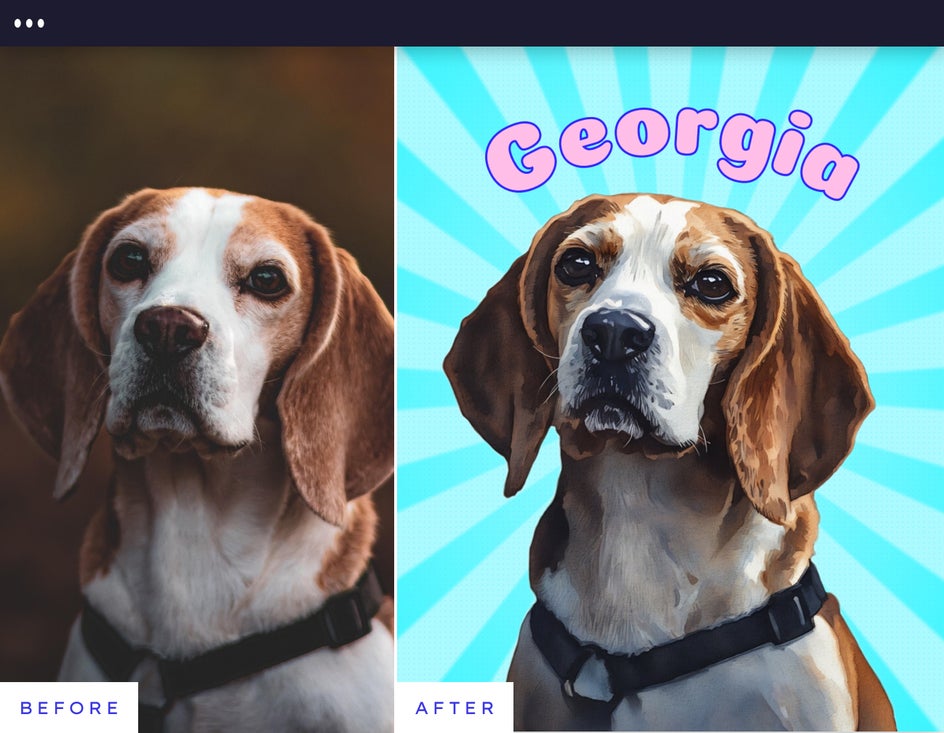
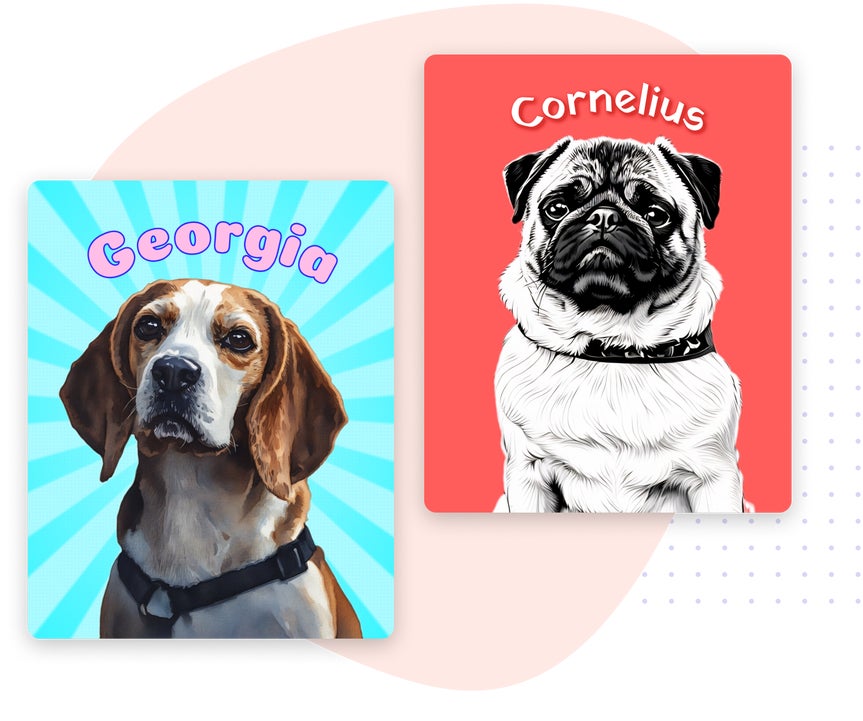
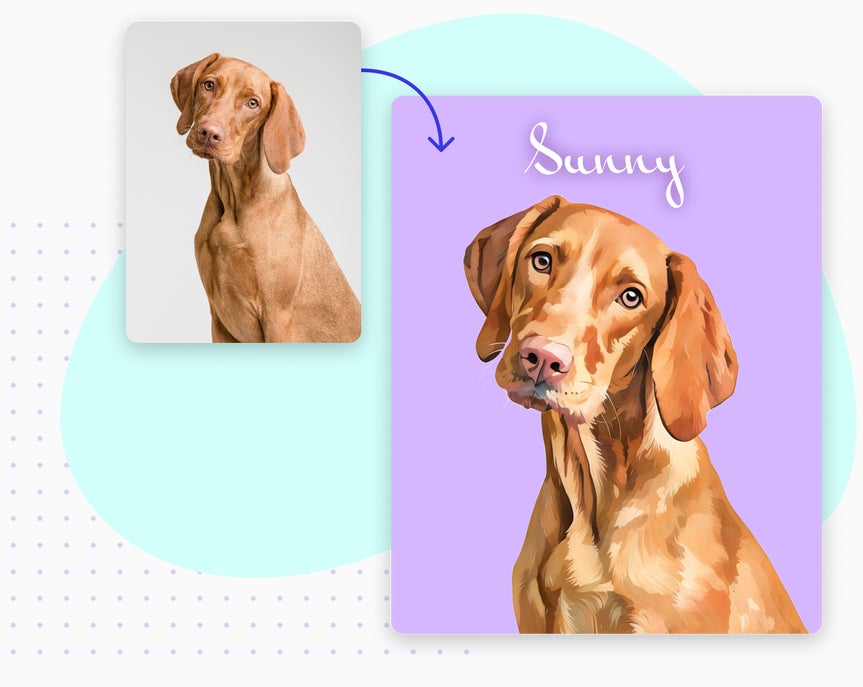
Any pet photo works. Even the ones with bad lighting, awkward angles, or a lot going on in the background. Our Pet Portrait Smart Templates are designed with those everyday imperfections in mind, automatically turning ordinary photos into clean, stylized portraits that put your pet front and center. Upload the photo you already have, personalize the name, and you’re done.
Choose a Style That Fits Your Pet's Personality
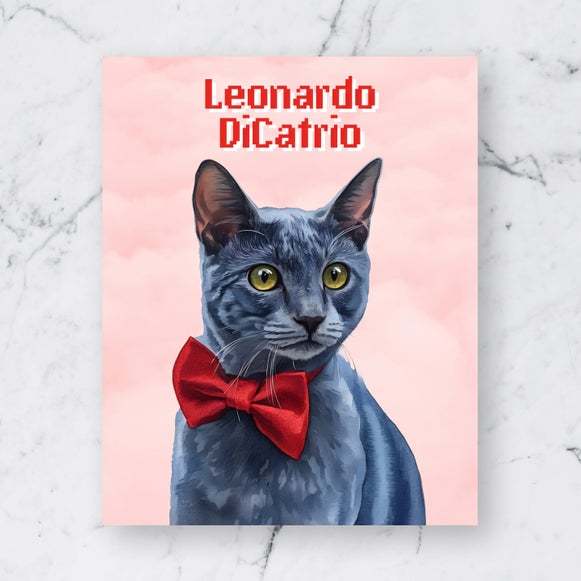
Watercolor
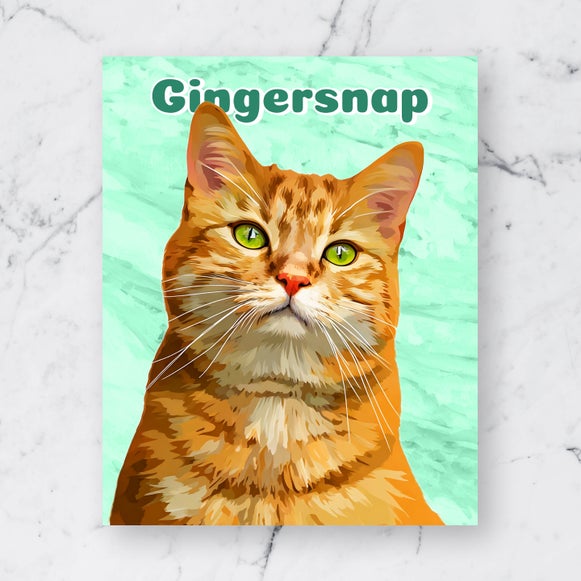
Vector Art
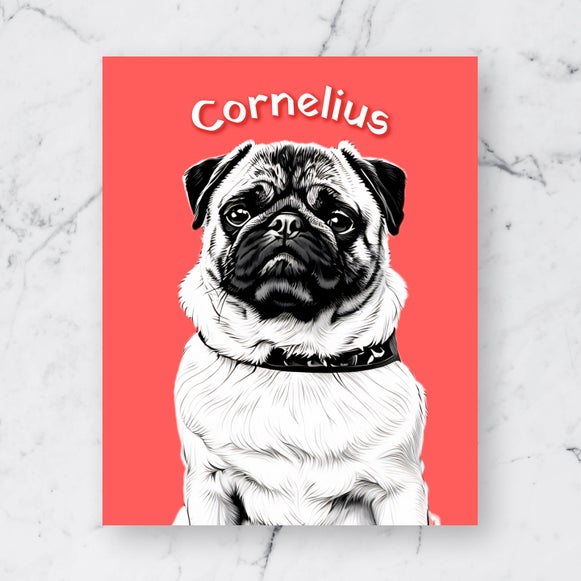
Comic Noir
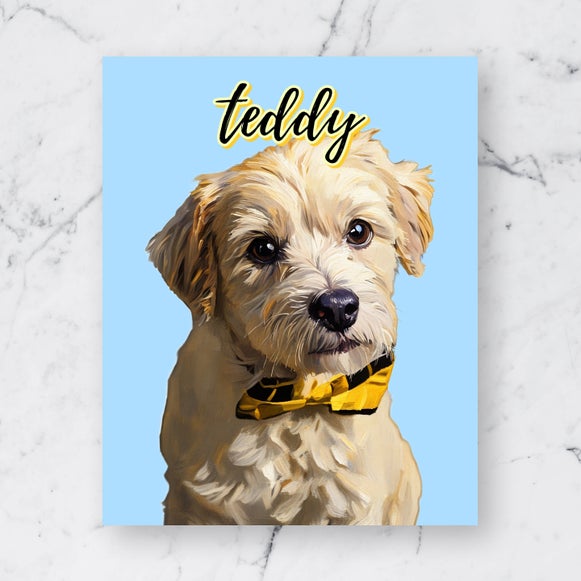
Oil Painting
Vintage Comic
Impasto
Share Your Pet Portrait Anywhere in Seconds
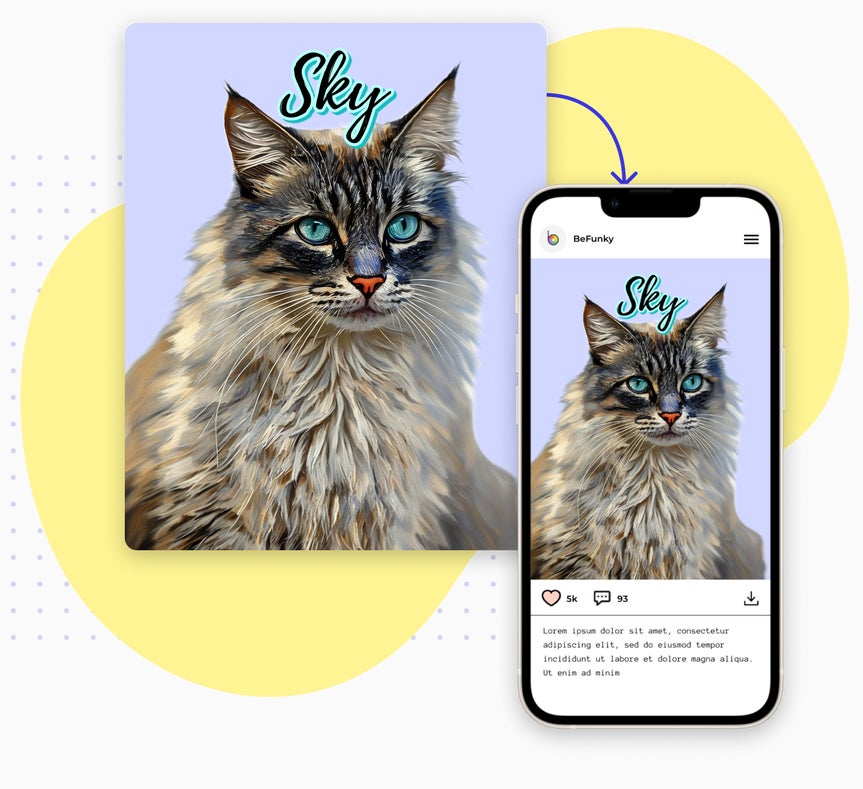
Start with a photo and end with a post-worthy portrait in just a few clicks. Once your design is finished, you can download it instantly to share on social media, text it to friends and family, or post it anywhere you show off your pet. With Smart Resize, every Smart Template can easily be resized for popular platforms, so you never have to worry about formatting. Whether you’re introducing a new adoption or remembering a long-time companion, it’s easy to share what makes them special.
Print Your Custom Pet Portrait, Your Way
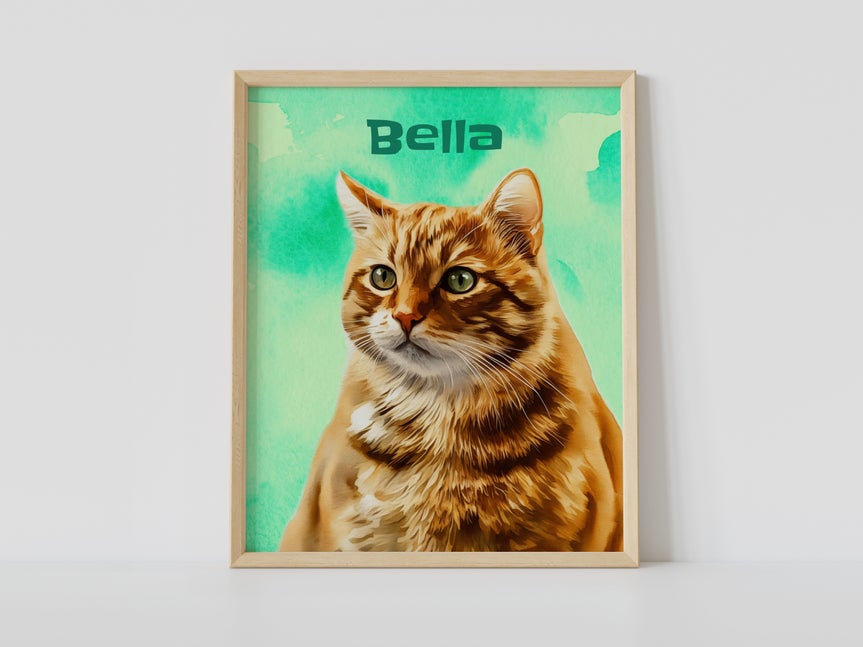
Want to turn your custom pet portrait into something you can actually hold onto? Every Smart Template is ready to be printed, making it easy to create keepsakes that look great in real life. You can print directly from BeFunky, select the Print Products option from the Save menu, and choose from options like canvas, wall tiles, shirts, and more. Everything is printed in full resolution with sharp details and vibrant colors. Prefer to print at home? You can download your custom pet portrait and use it for greeting cards, posters, photo frames, or anything else you have in mind.
The Easy Way to Create Custom Pet Portraits
Creating a custom pet portrait doesn’t have to mean learning professional design software or settling for a one-size-fits-all print service. With tools like Photoshop, you’re trading simplicity for control. With many print services, you get simplicity but very little control. Our Pet Portrait Smart Templates sit comfortably in the middle. You get polished, print-ready designs in minutes, with the freedom to easily personalize the look and details, without spending hours designing from scratch or giving up creative choice.
How to Make a Pet Portrait in Just a Few Clicks
Create a custom pet portrait in four easy steps!
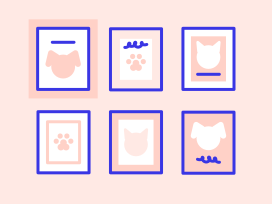
01. Choose a Template
Select your favorite Pet Portrait Smart Template to get started.
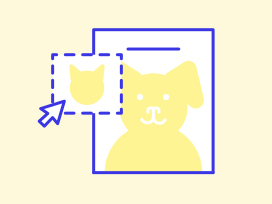
02. Drop in Your Photo
Click 'Replace Image' on the template, or just drag and drop your photo to replace the placeholder image.
03. Personalize Your Portrait
Change the placeholder text to your pet's name.
04. Save Your Custom Pet Portrait
Save your pet portrait as a JPG, PNG, or PDF for printing or sharing digitally.
Create a Custom Pet Portrait in Seconds!
Frequently Asked Questions
How do the Pet Portrait Smart Templates work?
Our Pet Portrait Smart Templates come preloaded with effects like background removal and artistic styling. Just drop in your pet photo, and the same effects are instantly applied. From there, you can customize the layout, text, and background to make it your own.
What kinds of photos work best for BeFunky’s Pet Portrait Smart Templates?
Clear, well-lit photos where your pet is facing the camera usually produce the best results. For the highest quality portrait, choose images with your pet’s face in focus and minimal background distractions.
Do I need design experience to create a pet portrait with BeFunky?
No design experience is needed. BeFunky’s Pet Portrait Smart Templates are designed for anyone to use, regardless of skill level. Simply upload a photo of your pet and the template automatically handles the styling, so you can create a polished, custom pet portrait in seconds without manual editing or design knowledge.
Can I change the style, colors, or text in my pet portrait?
Yes, your pet portrait is fully customizable. You can easily change the style, background, colors, and text to match your preferences. Each Pet Portrait Smart Template gives you creative flexibility while keeping the process simple and fast.
Can I use BeFunky's Pet Portrait Smart Templates for dogs, cats, and other pets?
Yes. BeFunky’s Pet Portrait Smart Templates work for dogs, cats, and a wide range of other pets. As long as you have a clear photo of your pet, you can turn it into a custom pet portrait using any of the available styles.
How do I print my custom pet portrait?
You can print your pet portrait on canvas, wall tiles, T-shirts, and more right from BeFunky! Prefer to DIY? You can also download your design and print it at home.
What devices can I use to create pet portraits with BeFunky?
You can create custom pet portraits using BeFunky's Smart Templates on desktop browsers, Chromebooks, iPhones, iPads, and Android phones and tablets. All our features are fully optimized for each platform, so you can create wherever inspiration strikes.
Our Smart Templates are part of BeFunky Plus, and your subscription works seamlessly across all supported devices. Just log in to access your premium features, no matter where you’re editing.
Do I need an account to use BeFunky’s Pet Portrait Smart Templates?
Smart Templates are part of BeFunky Plus, our premium subscription. While many of BeFunky’s tools are free to use or preview without an account, you will need an account and a BeFunky Plus subscription to use our Smart Templates.
Can I create pet portraits on mobile?
Yes. You can create pet portraits on your smartphone or tablet using the BeFunky mobile app. Pet Portrait Smart Templates are available on mobile, making it easy to turn pet photos into custom portraits wherever you are.
Who designs BeFunky’s Pet Portrait Smart Templates?
Our pet-loving team in Portland, Oregon, designs all of our pet portrait Smart Templates and the effects used in them, making them entirely unique to BeFunky. They’re inspired by real art styles and carefully built to make your pets look their best.
How does BeFunky handle my personal data and photos?
Your privacy is important to us. When you upload a photo or submit any data, it’s encrypted and handled securely. We do not store, share, or use your photos for any other purpose without your consent. You stay in control of your images. Review our Privacy Policy.
How do I contact BeFunky's Support if I need help?
If you have questions or encounter an issue, you can visit our Help Center for tutorials and troubleshooting guides. If you still need assistance, our friendly Support team is available through our contact form and typically responds within one business day.


