









Create Scroll-Stopping Instagram Content
Easily customize Instagram posts and Stories that look professional, feel on-brand, and get you sharing faster.
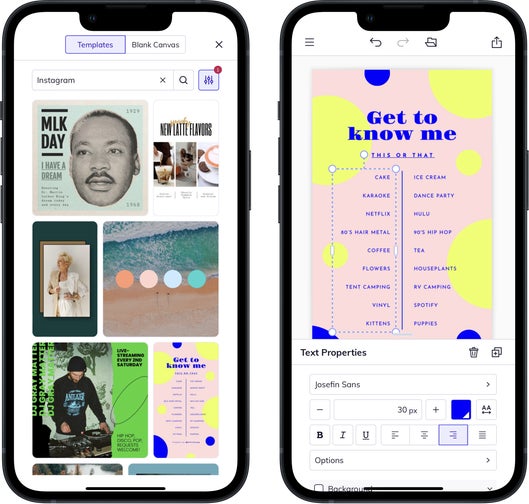
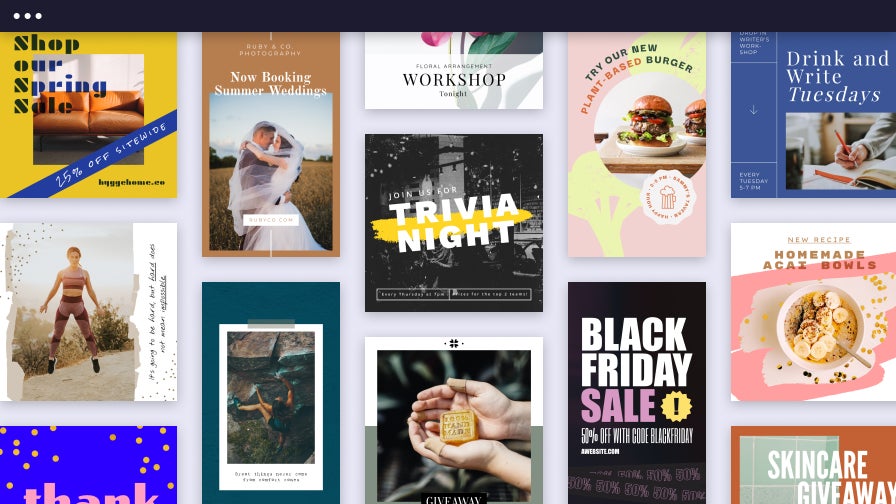
Share Instagram Posts That Drive Engagement
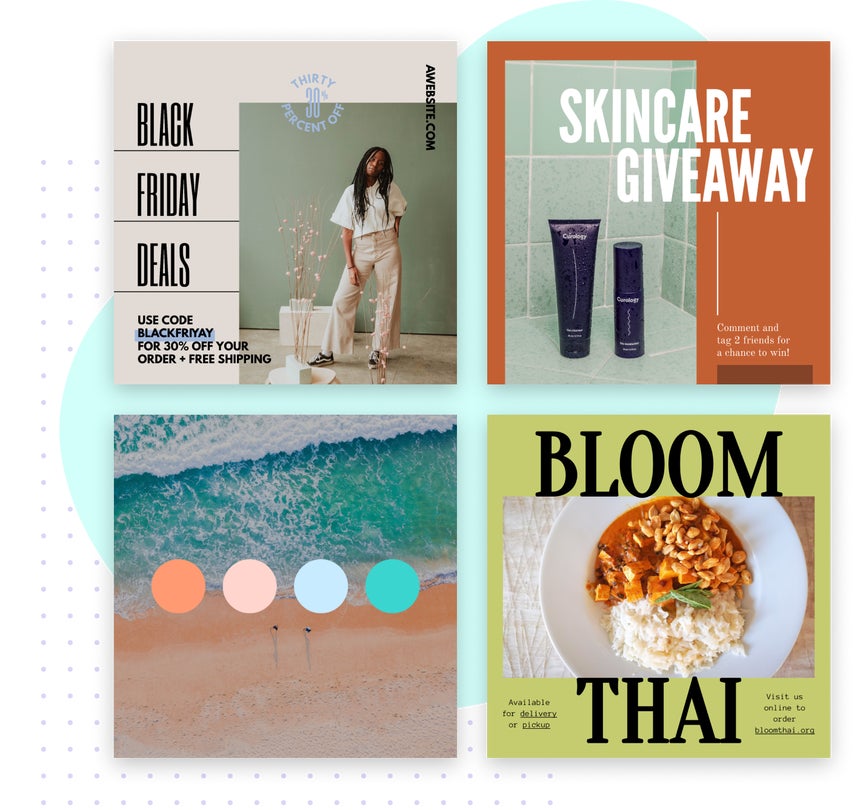
BeFunky makes it easy to create Instagram posts that stand out in the feed and reflect your unique style. With tools designed for speed and simplicity, you can bring any idea to life – whether you're announcing a sale, sharing a carousel, or launching a new product. Start with a template or Instagram collage layout and make it yours with custom text, images, and special touches that elevate every post. Because when content creation feels effortless, it’s easy to show up, share more, and stay consistent.
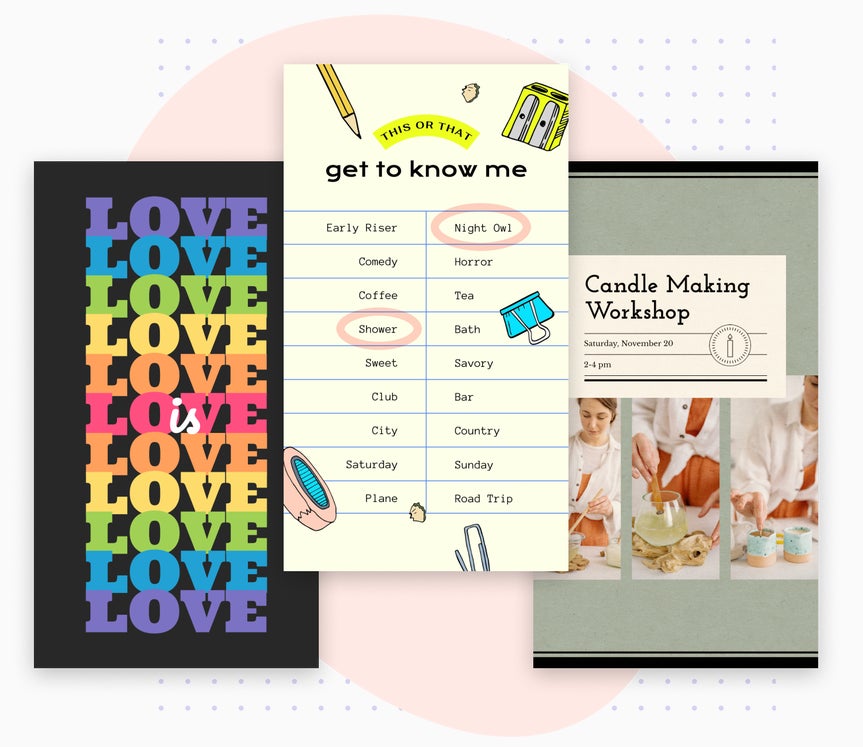
Transform Moments Into Memorable Instagram Stories
Keep your Stories feeling fresh and focused with Instagram Story templates made for vertical viewing and fast posting. From business updates and countdowns to behind-the-scenes Q&As, every part of the process is built to help you transform everyday moments into standout Stories. Choose a design, customize it, and share your new swipe-stopping visuals in minutes. Make that 24-hour window count with Instagram Stories that connect and convert.
Versatile Instagram Templates
From special launches to personal updates, BeFunky's Instagram templates have everything you need to create engaging content.
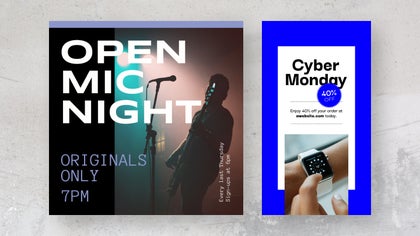
Small Business Marketing
Promote product drops, sales, and events with templates crafted to turn followers into customers – effortlessly.
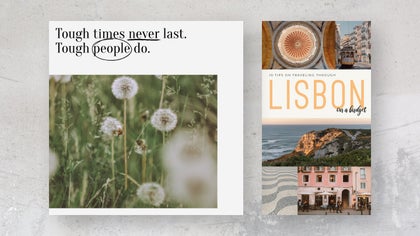
Personal Branding
Share quotes, tips, and updates with templates that encourage engagement and keep your feed cohesive.
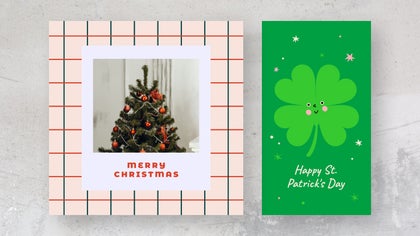
Holiday Celebrations
Stay fresh year-round with seasonal templates that match the tone of every celebration.
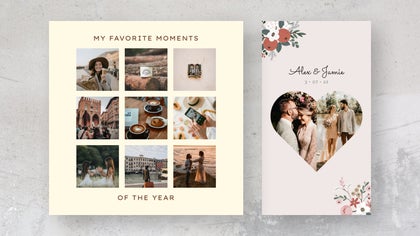
Life Events
Make your biggest moments more memorable with templates designed for personal highlights.
Fine-Tune Every Detail Without Breaking Your Flow
Create standout Instagram content with every tool you need in one place. With the Graphic Designer, Collage Maker, and Photo Editor in the same streamlined workspace, you can move from layout to editing and back again without missing a beat. Customize templates or collage layouts built for image-focused posts and Stories by enhancing photos, removing backgrounds, and more – without switching tabs. Whether you're sharing Stories or updating your grid, you'll have everything to go from idea to posting in seconds.
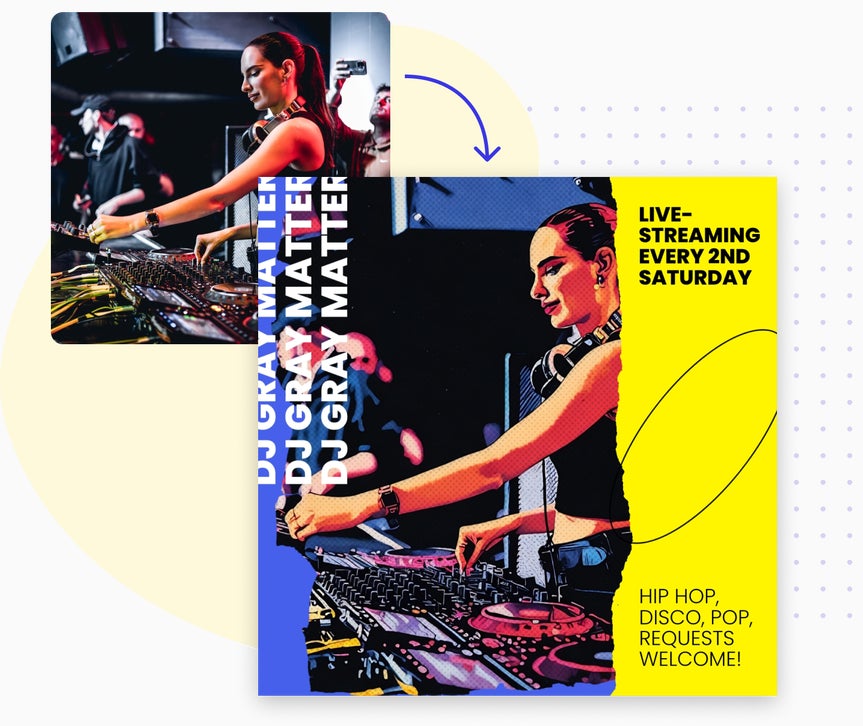
Instagram Projects to Inspire, Share, and Sell
Check out these projects to help you attract followers, promote your brand, and stay creative with every tap.
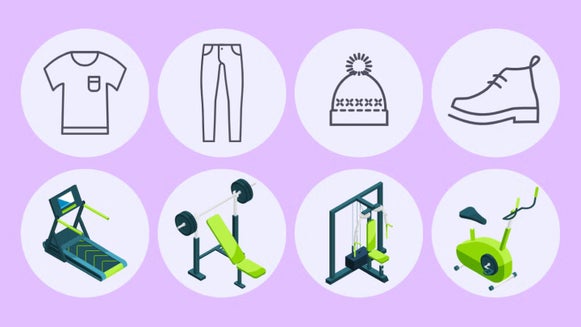
Design Custom Highlight Covers
Add cohesive icons to Instagram Story highlights to give your profile a clean, branded feel.
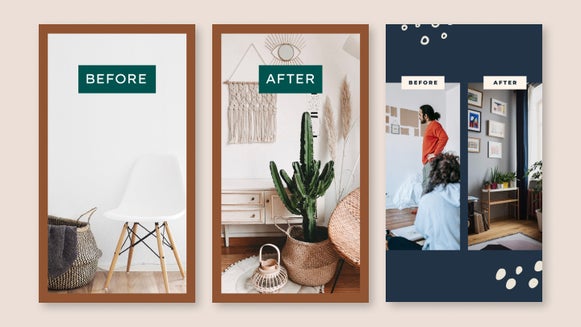
Show Off Before & After Transformations
Share striking before-and-after Instagram visuals using layouts built for transformations, edits, and glow-ups.
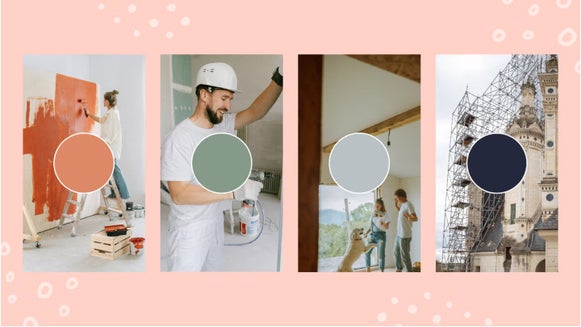
Turn Still Images Into Vibrant Reels
Transform photos into scroll-worthy Reels with tools that create smooth transitions in just a few taps.
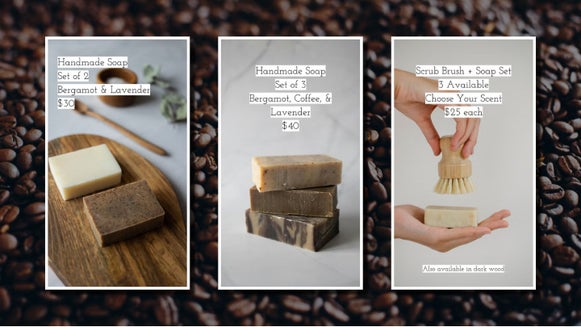
Promote an Instagram Story Sale
Launch a limited Instagram Story sale with coordinated slides, countdowns, and more to drive urgency.
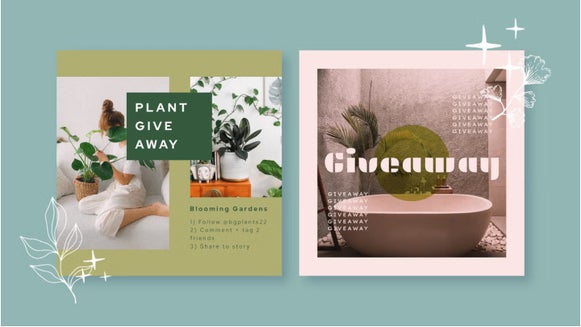
Host a Giveaway
Run a compelling giveaway with templates that make the rules, prizes, and entry steps simple to follow.
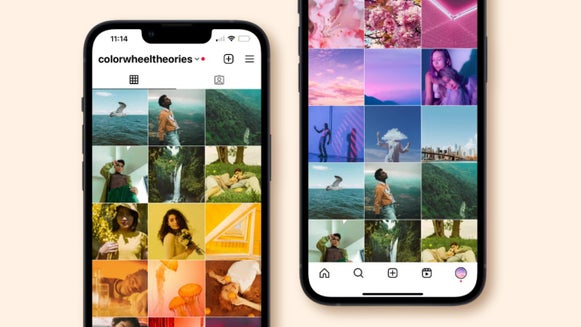
Plan a Gradient Grid
Plan an Instagram grid of eye-catching posts that organizes content by tone, palette, or theme.
How to Create Instagram Content in 3 Easy Steps
Design Instagram posts or Stories that stand out in minutes – no experience needed.
01. Choose a Template
Pick a professionally designed template that fits your message and aesthetic.
02. Customize It
Swap in your photos, update the text, apply filters, and adjust colors or fonts.

03. Save and Share
Download your creation in high resolution and share it directly to your Instagram profile.


