









Create Swipe-Stopping Instagram Stories
Customize Instagram Story templates to stay on-brand, show up more, and build stronger connections.
Share Instagram Stories That Drive Engagement
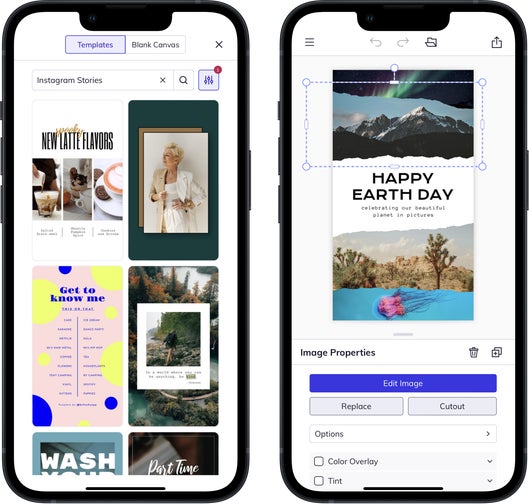
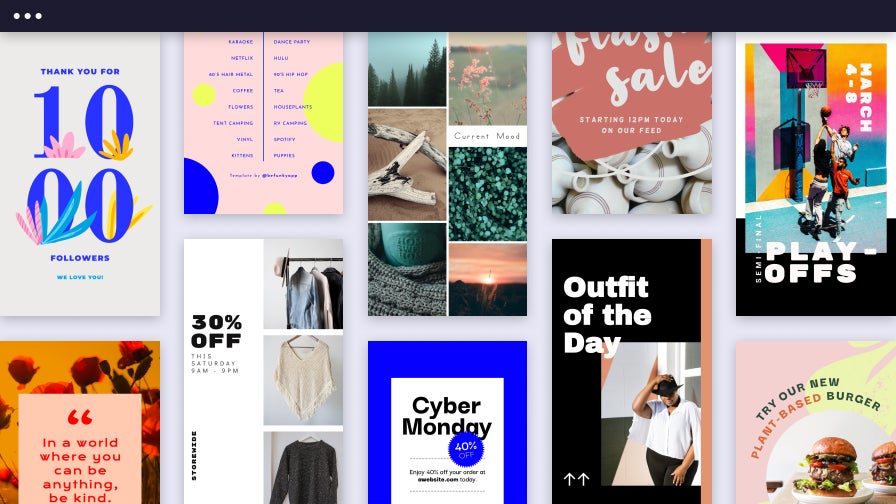
With BeFunky’s Instagram Story templates, it’s easy to design professional-quality content – slide after slide. Whether you're launching a product, showing off an OOTD, or posting updates to stay top-of-mind, you can create Stories that stand out, spark action, and reflect your brand. Pair a compelling Story narrative with our Instagram Post templates to build cohesive campaigns that flow seamlessly between Stories and your grid. With professionally designed layouts and intuitive tools, every Story becomes a chance to engage, inspire, and build loyalty through visual storytelling.
Instagram Story Templates That Deliver
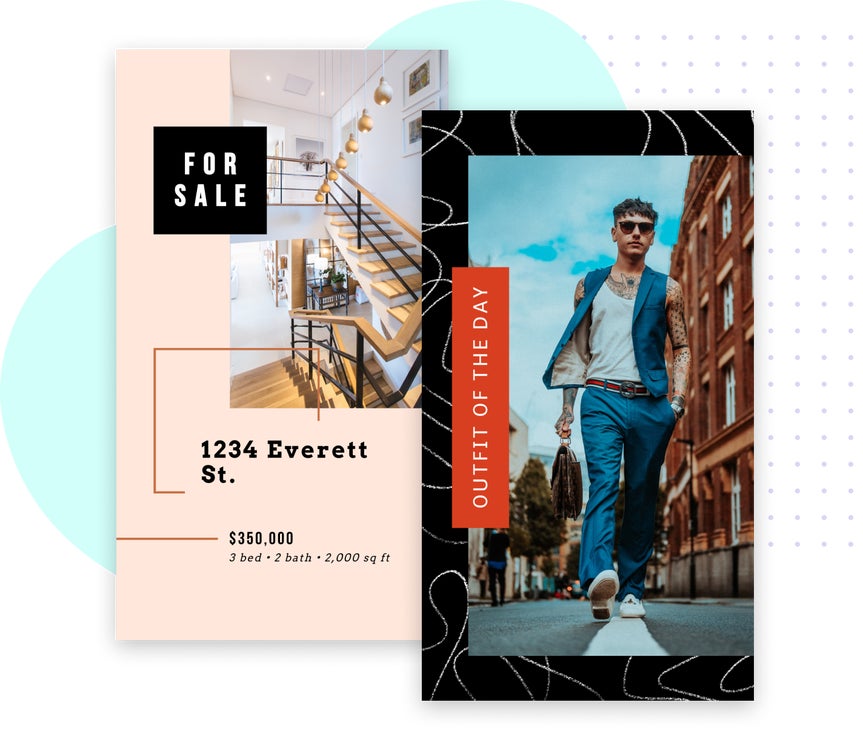
From building a business to showcasing everyday moments, these Instagram Story templates make it easier to post with purpose.
Small Business Marketing
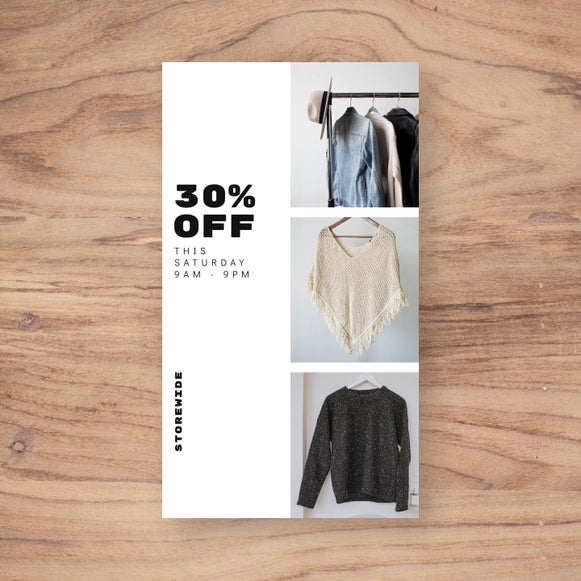
Promote products, seasonal sales, and special events with templates designed to turn interest into action. Add photos, brand colors, and other elements, including a CTA that encourage conversions.
Personal Branding
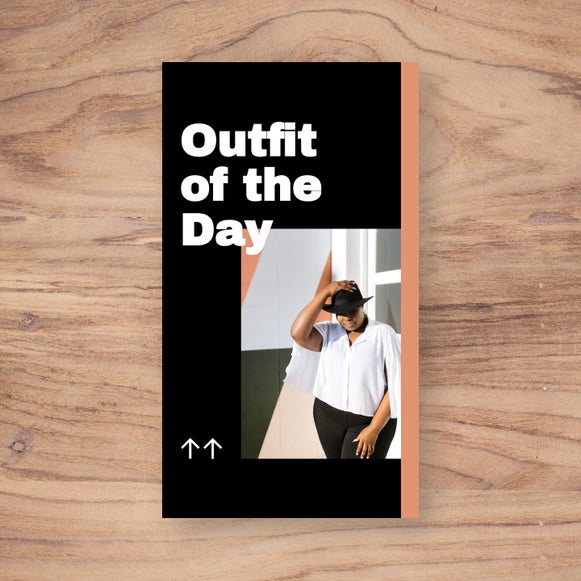
Every Story is an opportunity to reinforce your voice and values. Build recognition and trust with templates that reflect your individual values and style.

Holiday Celebrations
Celebrate the seasons with festive Instagram Story templates that match the mood. From Valentine’s Day to New Year’s, these layouts make it easy to stay timely and connect with your audience.
Edit Seamlessly, Share Confidently
Design Instagram Stories that look cohesive and feel intentional – without switching apps or interrupting your flow. Whether you’re using a Story template in the Graphic Designer or building an image-focused layout in the Collage Maker, BeFunky keeps your creative process linked. Access the Photo Editor's built-in editing tools to enhance images, apply effects, remove backgrounds, and more in just a few clicks. With everything working together in one place, it’s easy to produce high-quality, ready to share Stories – and even create matching posts to keep your feed feeling polished and connected.
Fresh and Captivating Instagram Story Projects
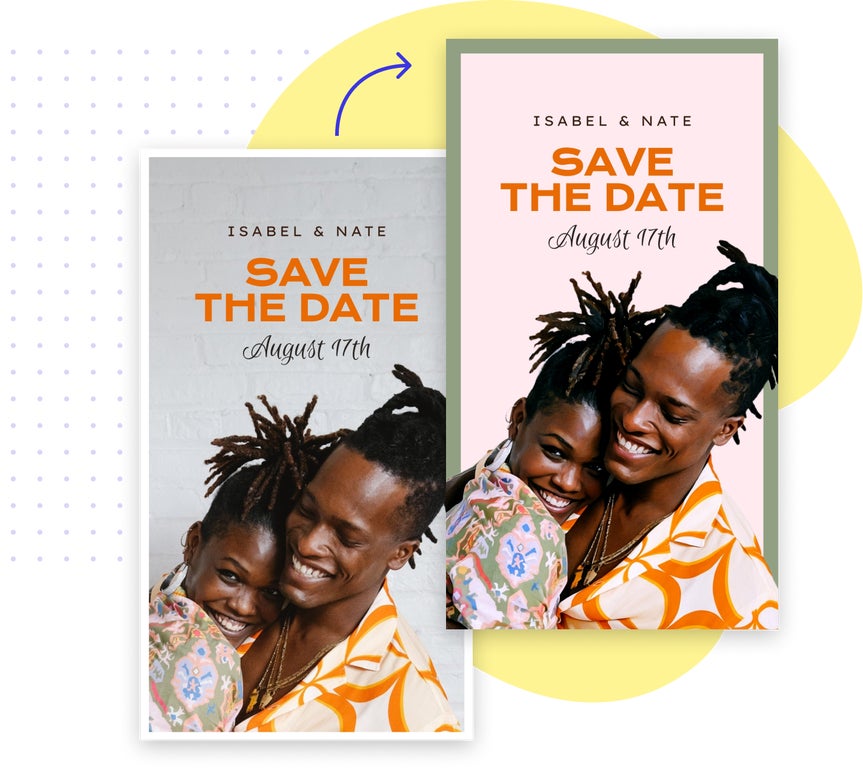
These Story ideas help you make more engaging IG Stories from scratch – so you can connect, convert, or entertain with ease.
Let Followers In With This or That Stories
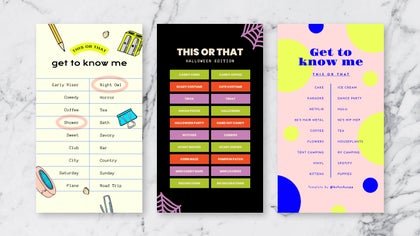
Interactive “this or that” prompts are a fun way to show your personality, spark conversations, and build community. They’re quick to produce and even easier to respond to.
Host an Exclusive Story Sale
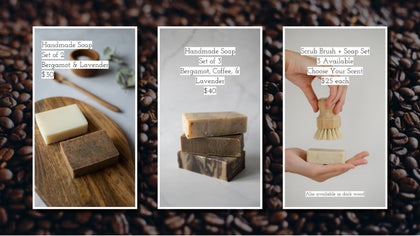
Drive clicks with high-converting, limited-time offers made specifically for Instagram Stories. Use bold text, countdowns, and visuals to create urgency for clothing drops, product launches, and more.
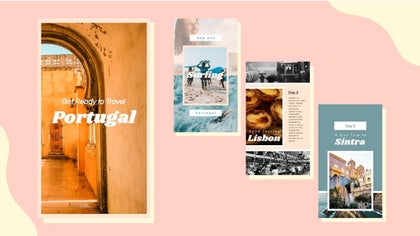
Build a Story Series That Flows
Turn a single idea into a multi-slide sequence with consistent layouts that keep viewers tapping through. This format helps communicate your message in an easy-to-follow way.

Celebrate Moments Big and Small With Stories
Highlight holidays, sales, shout-outs, or personal wins with Instagram Story templates built for any occasion. Stay on-brand while celebrating what matters most.
How to Design Instagram Stories in 3 Easy Steps
Design Stories that grab attention and keep your followers engaged – in just a few clicks.

01. Choose a Template
Start with a professionally designed layout that fits your goal and aesthetic. Browse by theme or purpose to find a design that suits your needs.

02. Customize It
Swap in your photos, update the graphics, and adjust fonts and colors to match your brand.

03. Save and Share
Download your Story in high resolution – ready to publish – and post it directly to Instagram.


