









Instantly Upscale Images Without Losing Quality
Enlarge small or blurry images while automatically restoring sharpness and detail with BeFunky’s AI Image Upscaler.
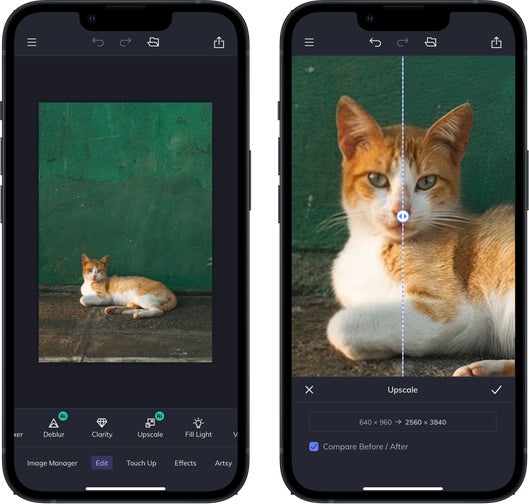
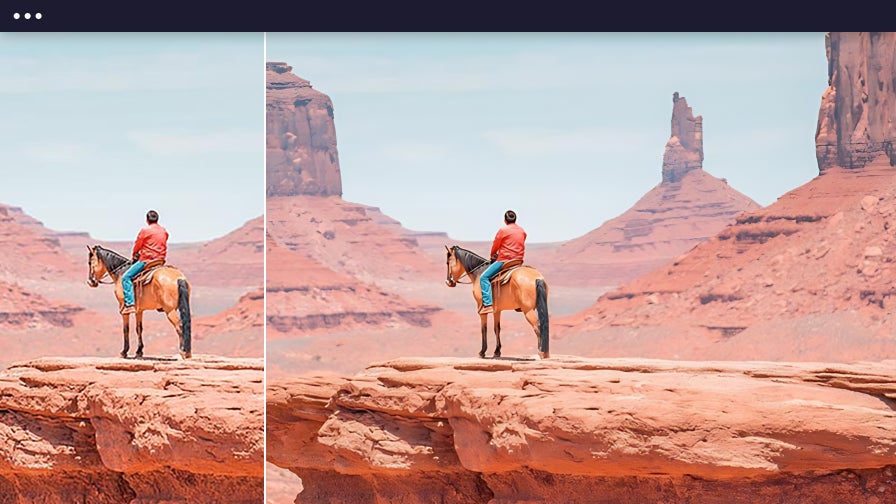
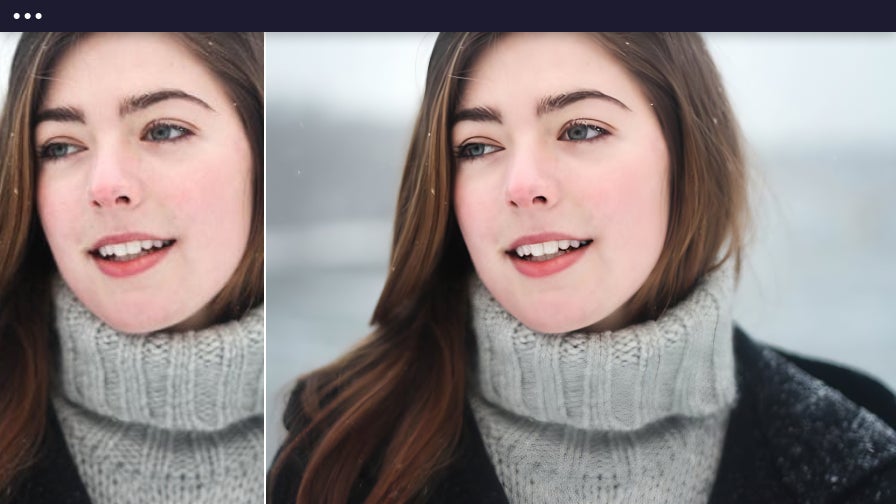
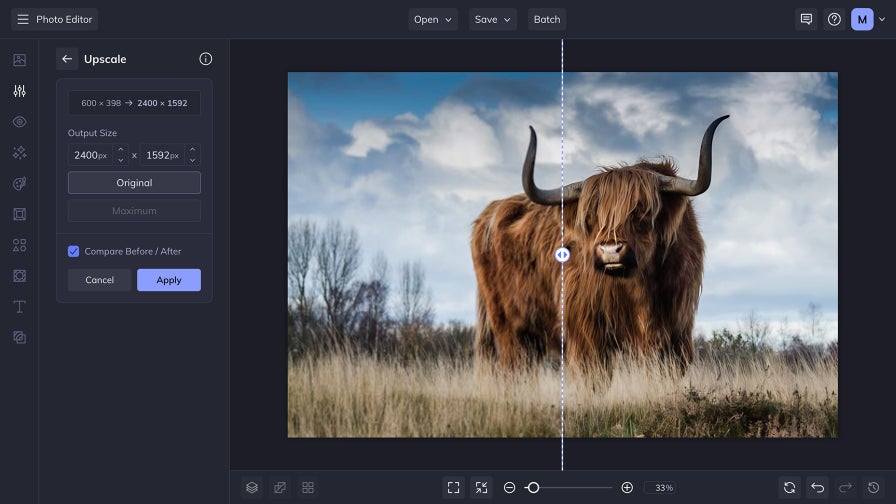
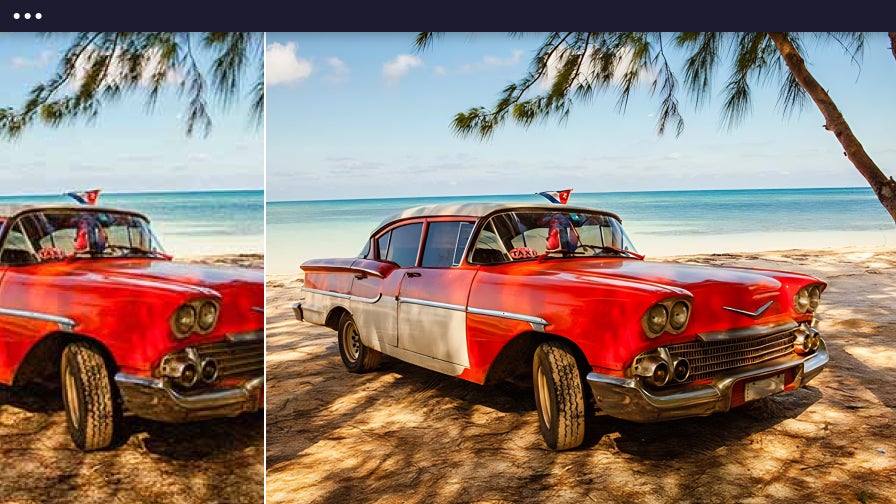
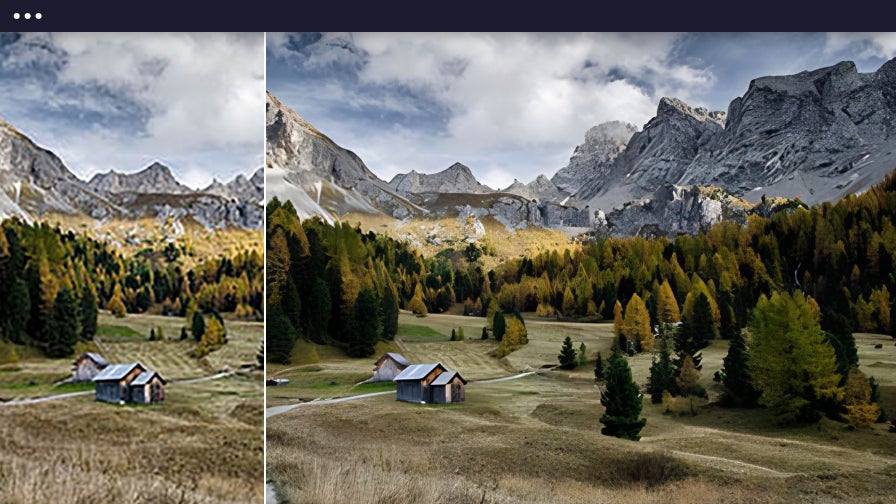
Get Clearer, Higher-Quality Images in One Click
Achieve stunning results from small, compressed, or low-resolution photos – no editing experience required. BeFunky’s AI Image Upscaler tool automatically boosts resolution and sharpens fine details, making every image look its best. Whether you're restoring cherished family memories, improving mobile snapshots, or prepping marketing materials for your business, you’ll get richer textures, cleaner edges, and high-res output ready for printing, posting, or dropping into your next creative project.
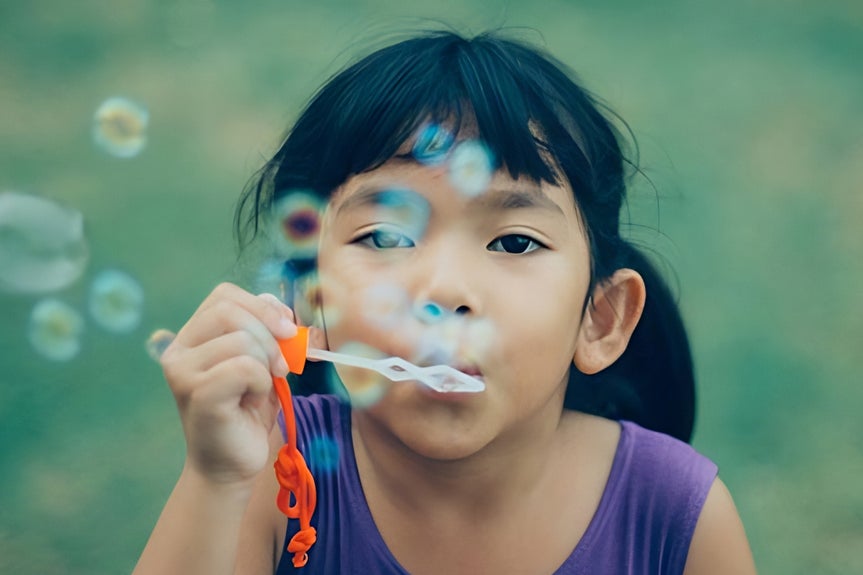
Enhance Clarity and Resolution – Not Just Size
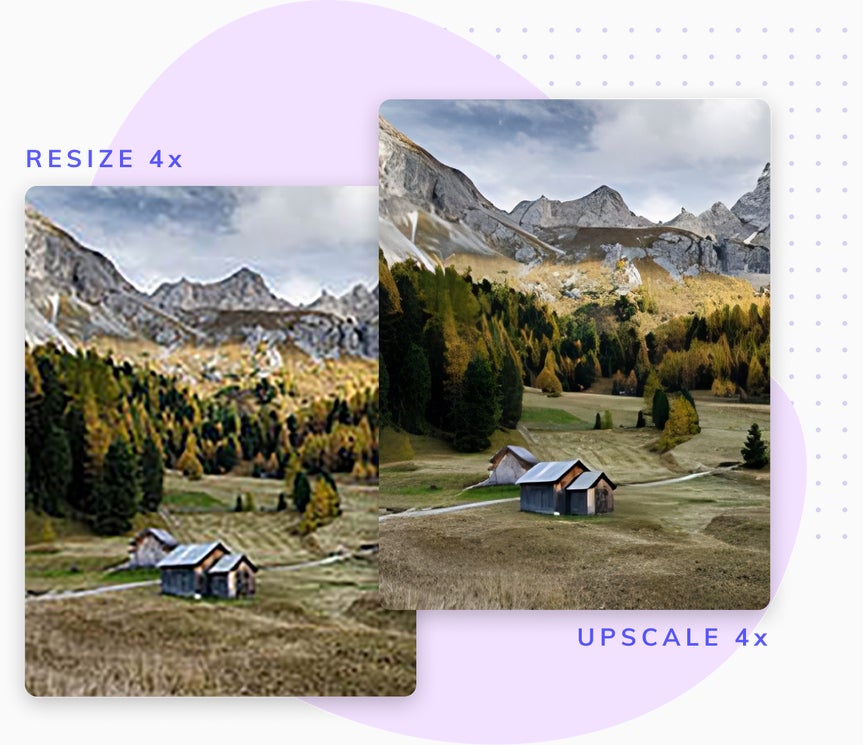
When your visuals need more than just a size change, BeFunky’s AI upscale tool delivers professional-quality results with zero manual effort. Powered by machine learning, it intelligently enlarges images to sharpen edges, restore texture, and boost resolution – all without introducing distortion. It's ideal for low-res photos, compressed files, or web graphics that need to look their best in print or online. For resizing to fit specific layouts or platforms, pair it with the Resize tool to get the ideal balance of size and clarity. Together, they make it easy to create visuals that look polished at any scale.
Easily Make Print-Ready Photos From Small Files
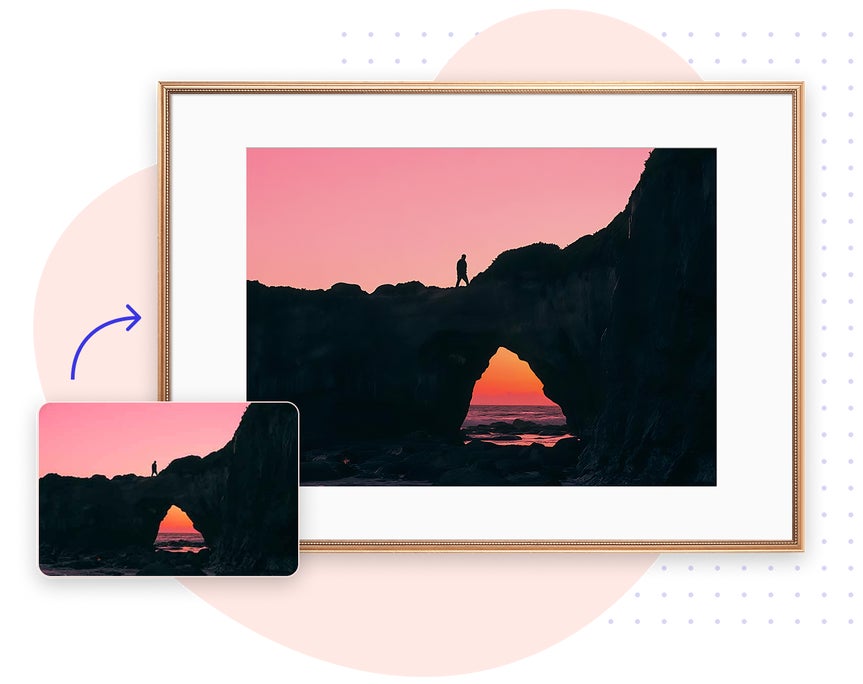
Turn small, low-quality images into high-resolution, print-ready files – perfect for all photo projects. With BeFunky’s AI Image Upscaler, even older photos or compressed downloads can be transformed into crisp, professional-level visuals. This tool uses AI to reach maximum resolution and size in just seconds. So whether you're printing gallery art, creating personalized gifts, or prepping assets for design work, your image will look polished at any size. It's the best image upscaler on the market!
Improve Quality Without Breaking Your Workflow
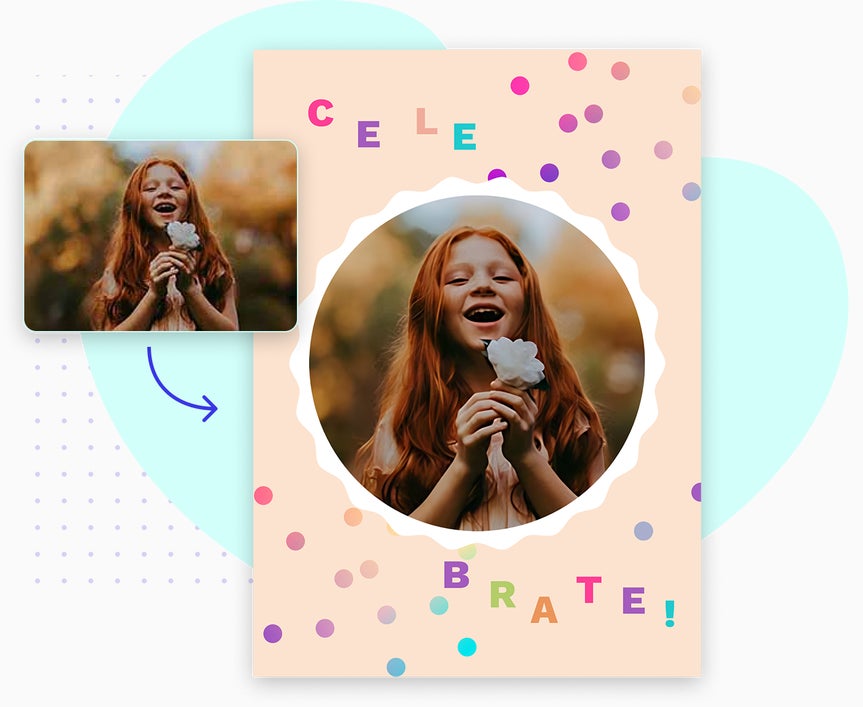
Thanks to BeFunky’s interconnected workspace, the AI upscale tool is always within reach – allowing you to improve resolution and quality without interrupting your creative flow. There’s no need to download, reupload, or switch tools. Just upscale your image and keep creating. Drop it into a Graphic Designer template, combine it into a Collage Maker layout, or continue editing in the Photo Editor. It’s a faster, more seamless way to move from enhancement to export – all in one place.

How to Upscale an Image in 3 Easy Steps
Follow these simple steps to to increase image resolution and improve visual quality in one click.

01. Upload Your Image
Open your photo in BeFunky’s Photo Editor.

02. Apply the AI Image Upscaler
From the Edit tab, select the AI Upscale tool to enhance photo clarity and resolution in one click.

03. Save or Share
Download your upscaled image – ready to print, post, and share.


