









Extend Image Borders Instantly
Fix awkward crops, adjust the aspect ratio, and uncover what’s beyond the borders of your image.
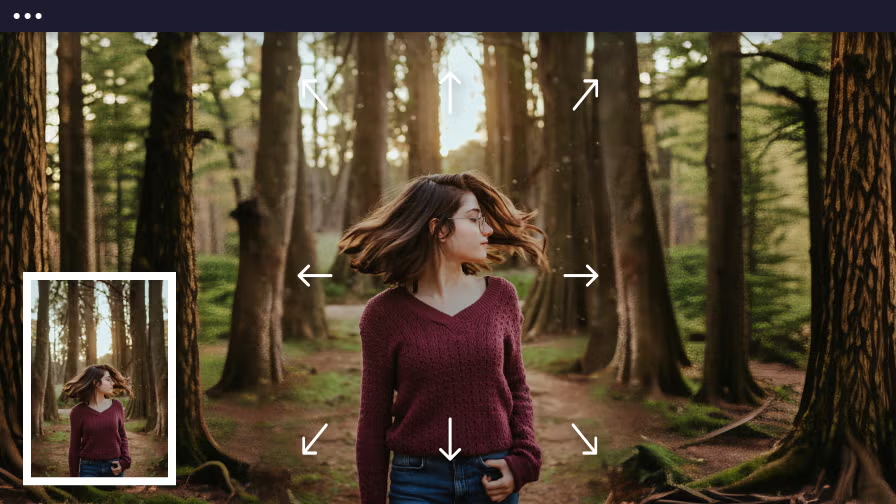
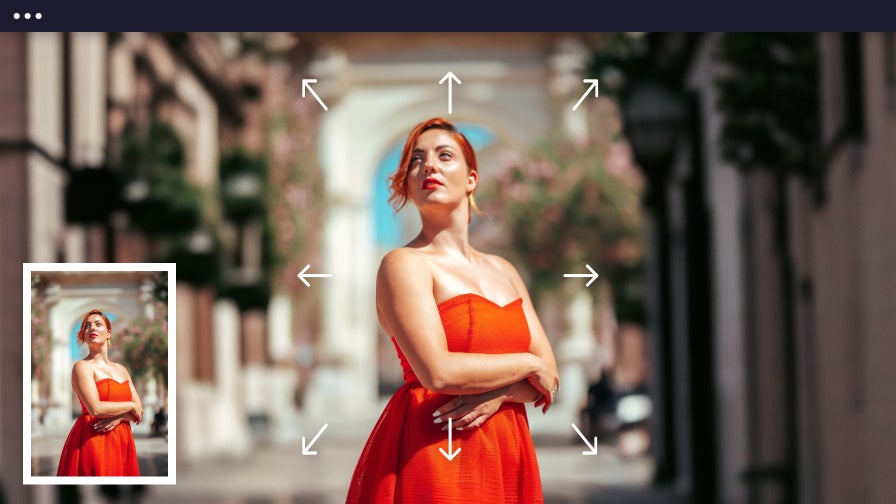
Get Better-Looking Photos With Smarter Composition
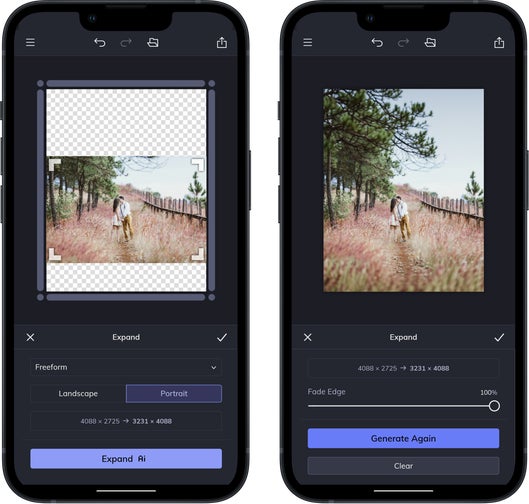
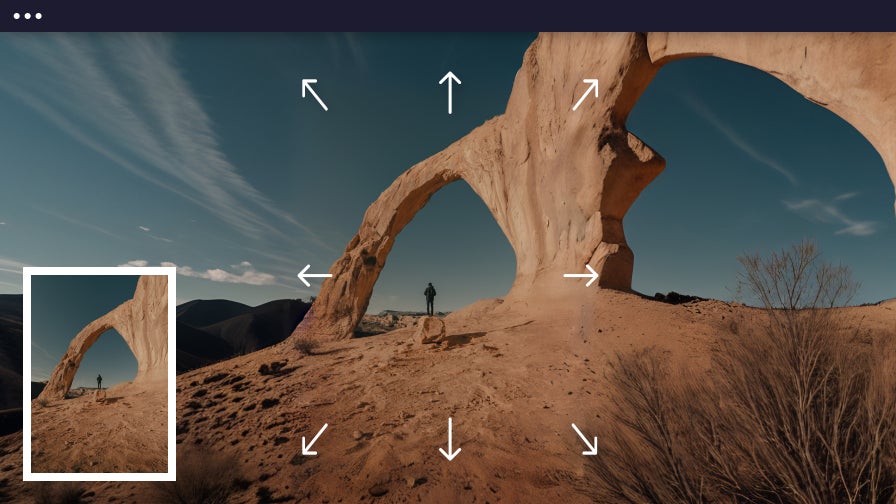
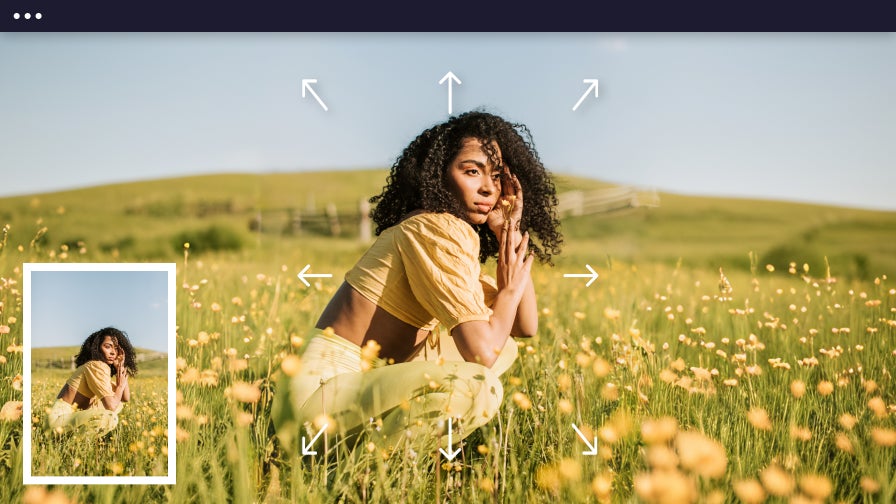
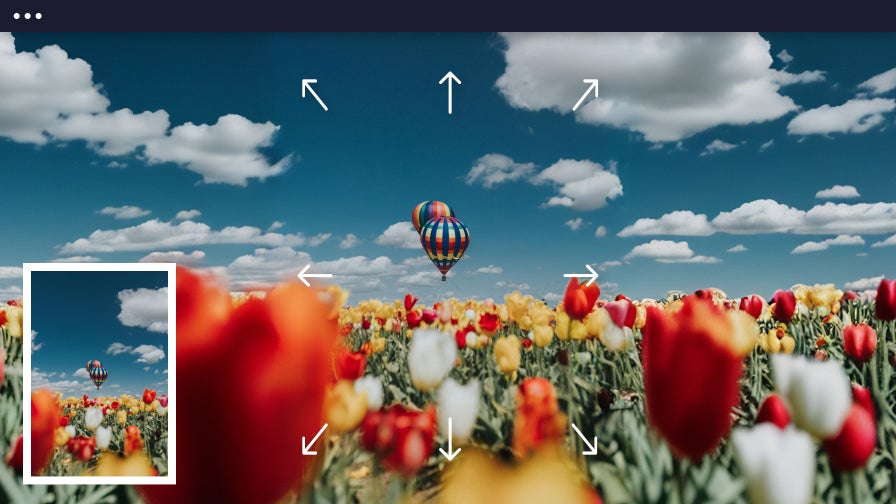
Easily transform awkward photo composition into balanced, layout-ready images with the help of BeFunky’s AI Image Extender. This smart tool adds space exactly where it’s needed by generating background content that blends naturally with your original image. Fix framing, reposition your subject, or create clipping masks without worrying about missing details or needing complicated software. Just upload your image and expand. It’s that simple. Whether you're designing, printing, or sharing online, the AI Image Extender makes it easy to resize photos and extend image borders – so every project looks perfect and complete.
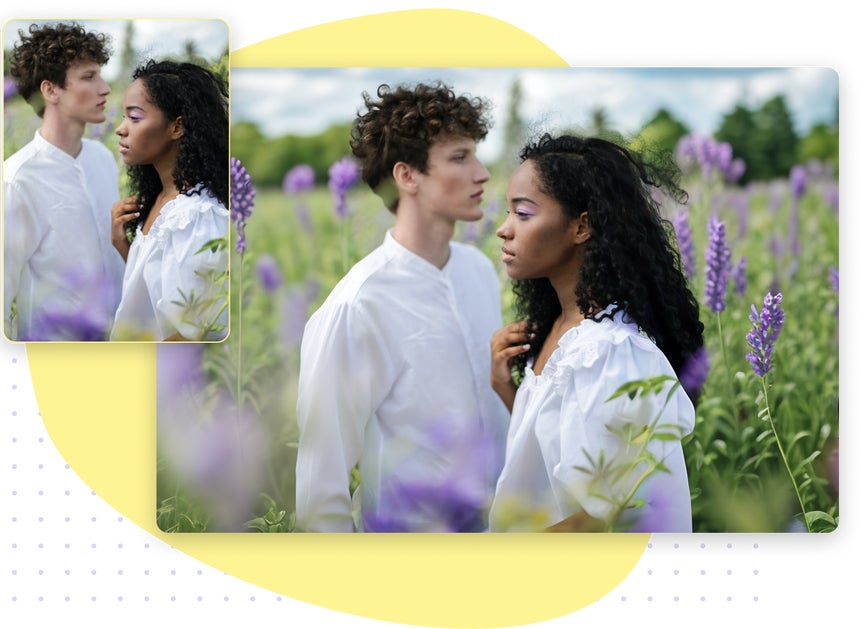
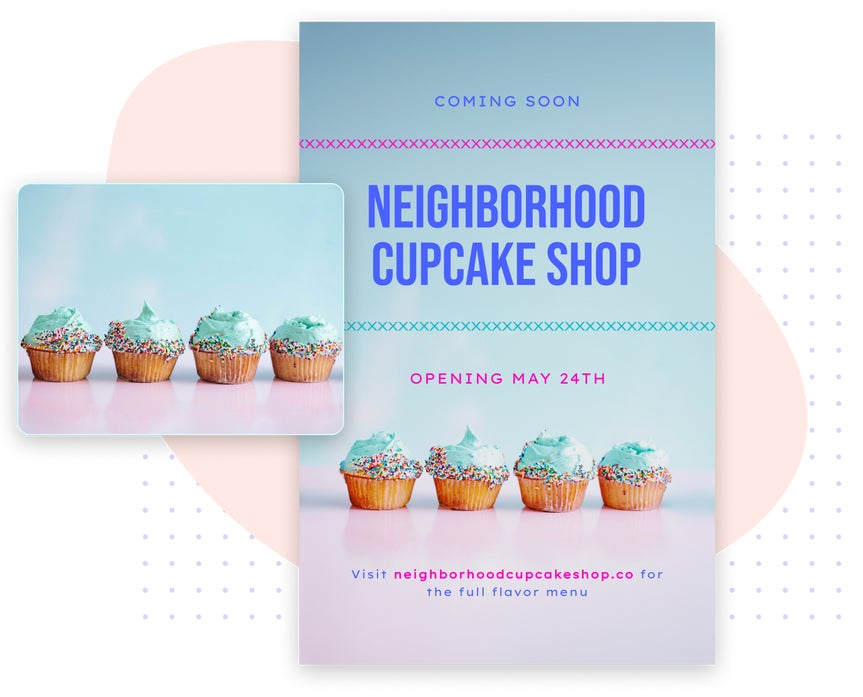
Easily Reformat Images to Fit Every Social Platform
Stand out on every platform with social-ready images – without the cropping, stretching, or design headaches. The AI Image Extender helps you reformat photos for Instagram, Pinterest, Facebook, and more by extending the background to make each image look tailor-made for the platform. Quickly find the ideal aspect ratio for posts, Stories, Pins, and ads while keeping your photo’s framing intact. Whether you're sharing personal moments, product shots, or branded posts, expect high-impact visuals that look tailor-made for every feed – so your social content is always ready to perform.
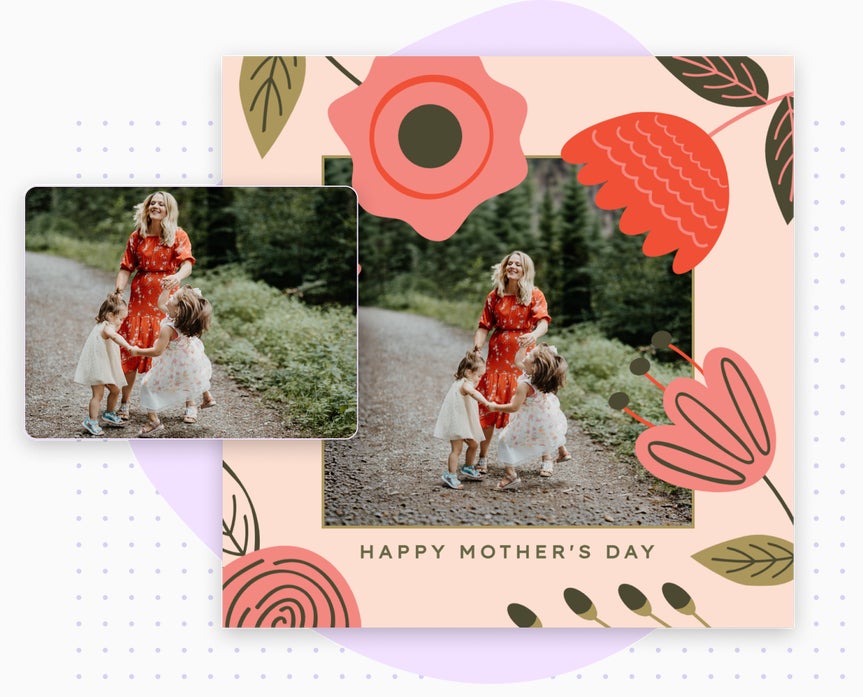
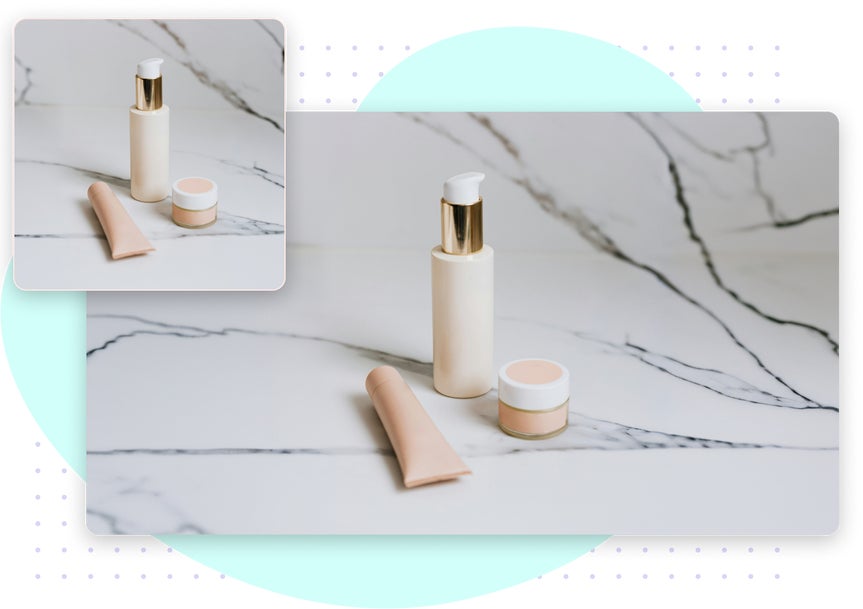
Effortlessly Expand Product Photos for a Consistent Look
Stand out with product photography that’s clean, consistent, and ready for any ecommerce or marketing layout – no reshoots or manual edits required. Keep every product photo looking sharp, expand backgrounds for consistency, or create room for labels. All without losing quality. This tool gives you full control over layout and aspect ratio, helping you tailor visuals for any website format or design. Powered by generative AI, it ensures seamless expansion and crisp borders, so your product photos always look professionally edited – with zero extra effort.
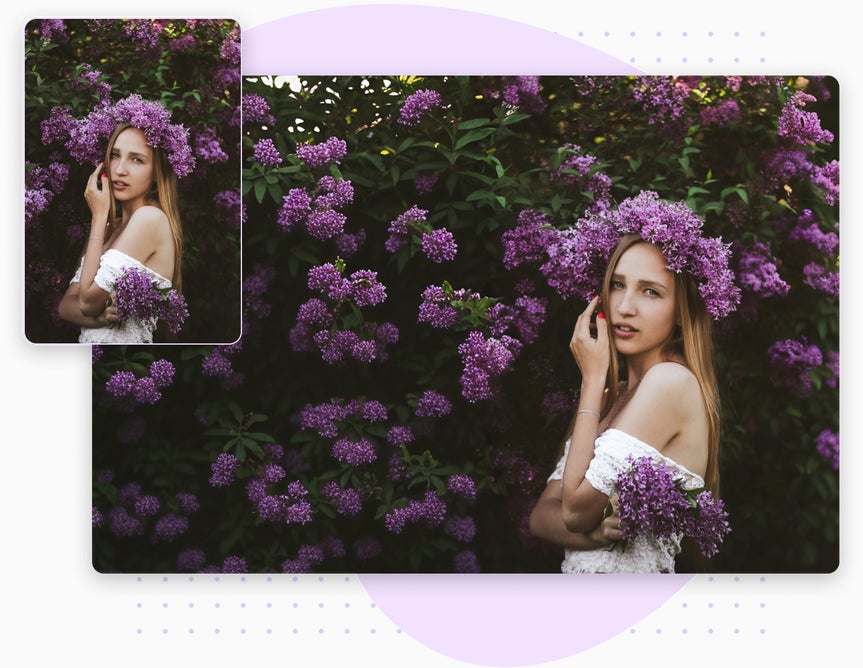
Build Bigger, More Immersive Scenes in One Click
Add depth and storytelling to any image without tedious setup or complicated tools. The AI Image Extender makes it easy to build immersive scenes with edges that blend naturally into your original photo. Whether you're designing brand visuals, moodboards, concept art, or creative prints, your images will feel rich, complete, and custom-made. Let your imagination lead – just expand, enhance, and watch your image transform.
Design Faster Without Leaving Your Layout
Create the perfect layout without slowing down your design process. Instantly expand image backgrounds, adjust the aspect ratio, and resize visuals to fit any format – no need to switch apps or repeat uploads. BeFunky’s Photo Editor, including our AI Image Extender, is built right into the Graphic Designer and Collage Maker, so your workflow stays smooth from start to finish. Whether you're designing for ecommerce, creating a family collage, or prepping photos for print advertisement, you’ll get polished, professional results in just a few clicks.
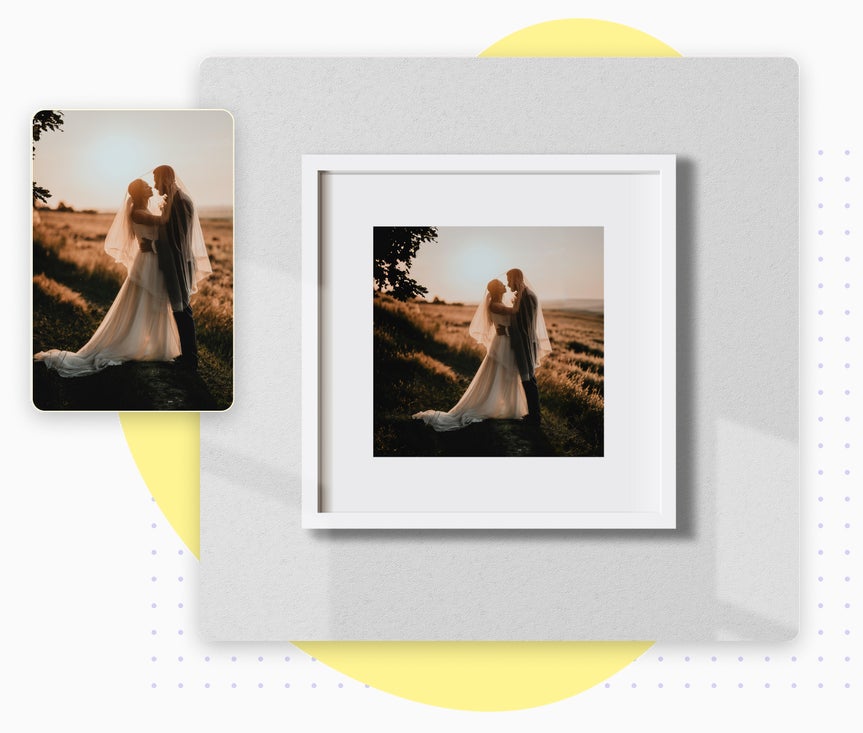
Quickly Prepare Flawless Prints for Any Frame
Get flawless, print-ready results without the stress of manual resizing or losing image quality. The AI Image Extender adds to the edges of your image to seamlessly extend any scene and fit the exact size you need for printing. Whether you're framing a landscape, designing a postcard, or resizing a poster, you can meet any dimensions without cropping or stretching your original image. With seamless extensions that preserve composition and resolution, every image is high quality and ready to print for professional results.
How to Expand an Image in 4 Easy Steps
No photo editing experience? No problem. With BeFunky’s online editor and AI Image Extender, it's never been easier to expand images. Here’s how to do it in under a minute.
01. Upload an Image
Open your photo in the AI Image Extender.
02. Choose Your Dimensions
Drag the canvas or select a preset to match your desired aspect ratio.

03. Click Expand AI
Our AI analyzes your photo and fills in the background with content that blends right in.

04. Download and Share
Download to share digitally, print, or use in your next creative project.


