










Create Personalized Birthday Cards in Minutes
Personalize BeFunky’s birthday card templates with your photos, colors, and text to create a card that feels uniquely yours.
Make Them Feel Special With a Custom Birthday Card
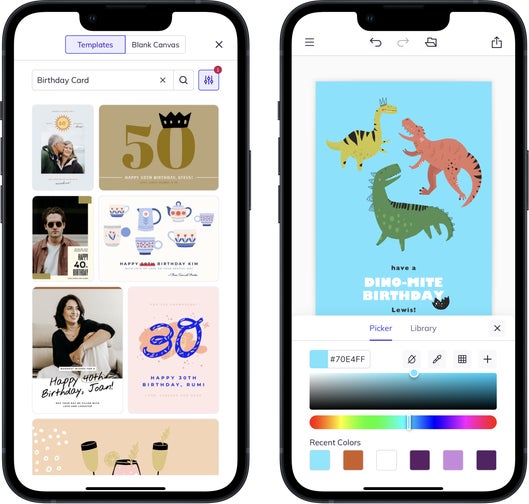
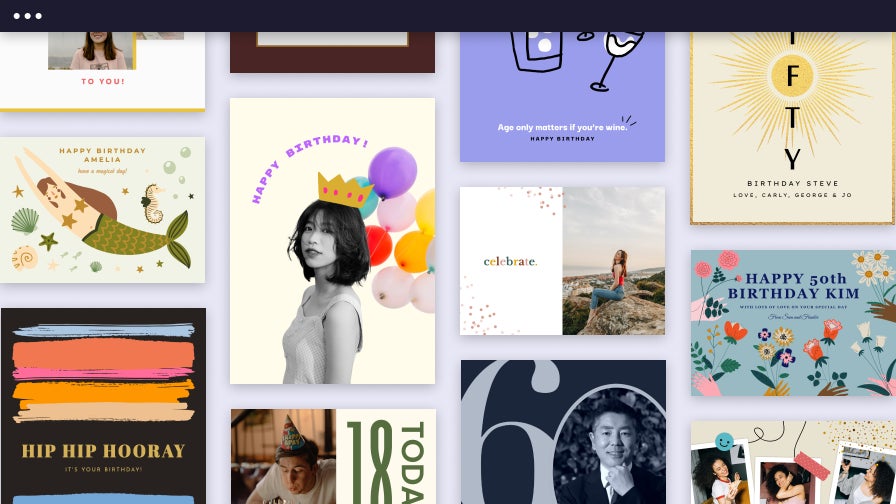
BeFunky has been creating simple, powerful design tools since 2007, helping millions turn everyday moments into something meaningful. Our Card Maker includes a wide selection of professional-quality birthday card templates, each designed in-house and fully customizable with your photos, colors, and message. With intuitive drag-and-drop editing, you can create a personalized birthday card in minutes that looks great both online and in print. All birthday card templates are available in the Designer, with many free options to choose from; upgrading to BeFunky Plus unlocks additional premium layouts and creative tools.
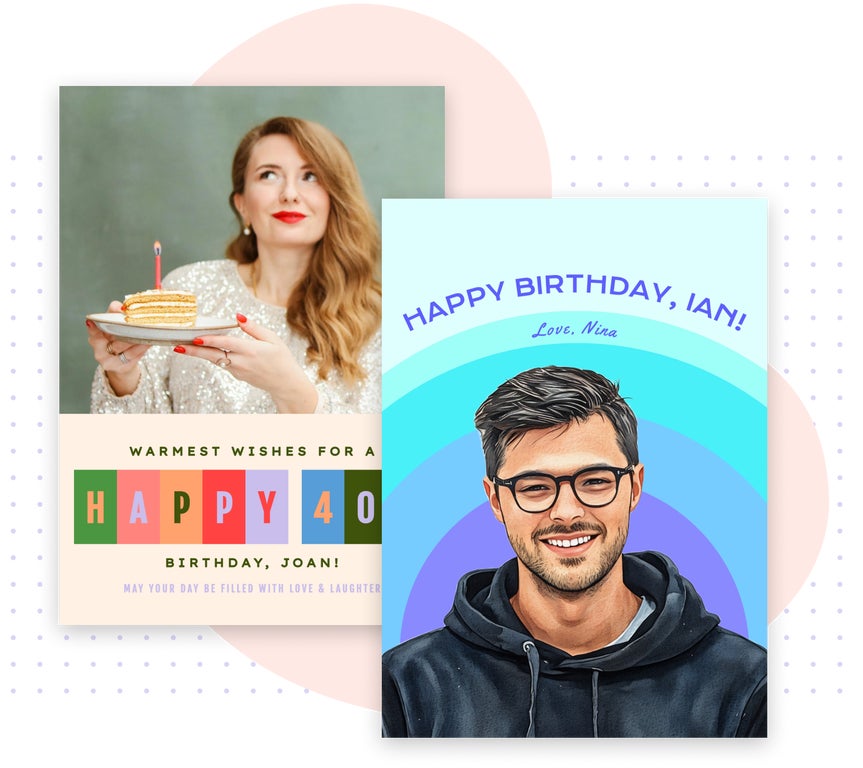
Add a Personal Touch to Every Card Design
Design a birthday card that feels uniquely yours with BeFunky’s curated collection of professionally crafted fonts, graphics, and coordinated color palettes. Every template is built to make customization simple while keeping your final design polished. Update the text, swap in your own photos, adjust colors, and choose typography that fits the recipient’s style. With all creative elements working seamlessly together, you can craft a personalized birthday card that looks thoughtful, cohesive, and ready to share in just a few clicks.
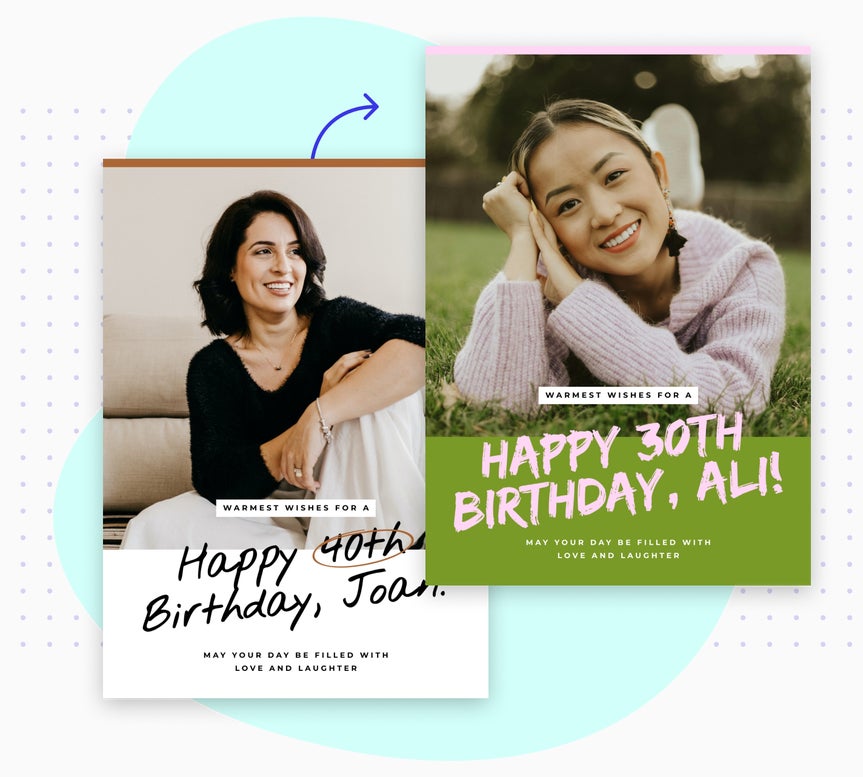

Share and Print Birthday Cards Effortlessly
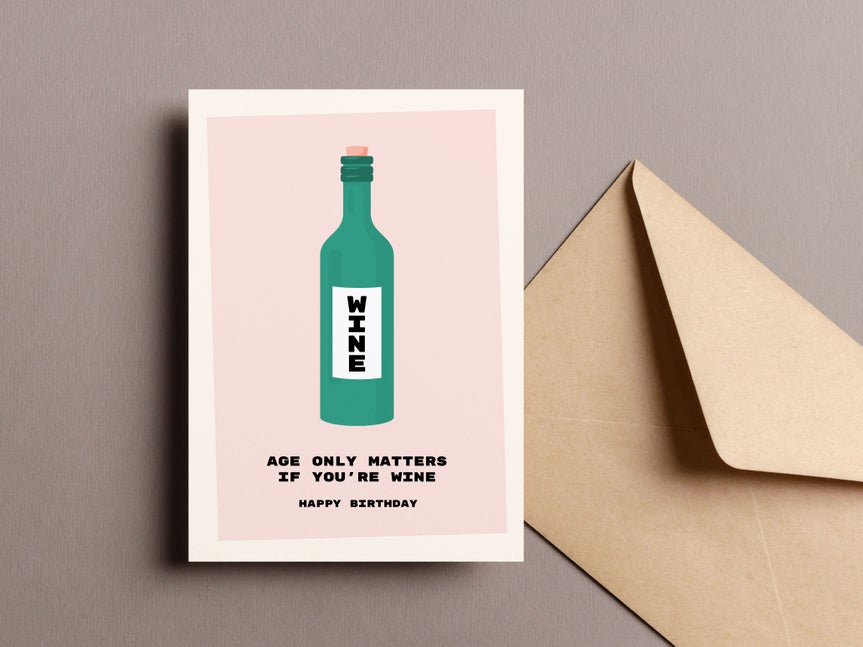
When your birthday card is ready, printing it is simple. Every BeFunky birthday card template is designed to look sharp in print, with layouts and proportions that stay true from screen to paper. Order professional-quality prints right through BeFunky, or download your finished card to print at home or with your favorite print service. Prefer to send your birthday wishes digitally? Save your finished design and share it online in one quick step. No matter how you deliver it, your custom card will look thoughtful and beautifully made.
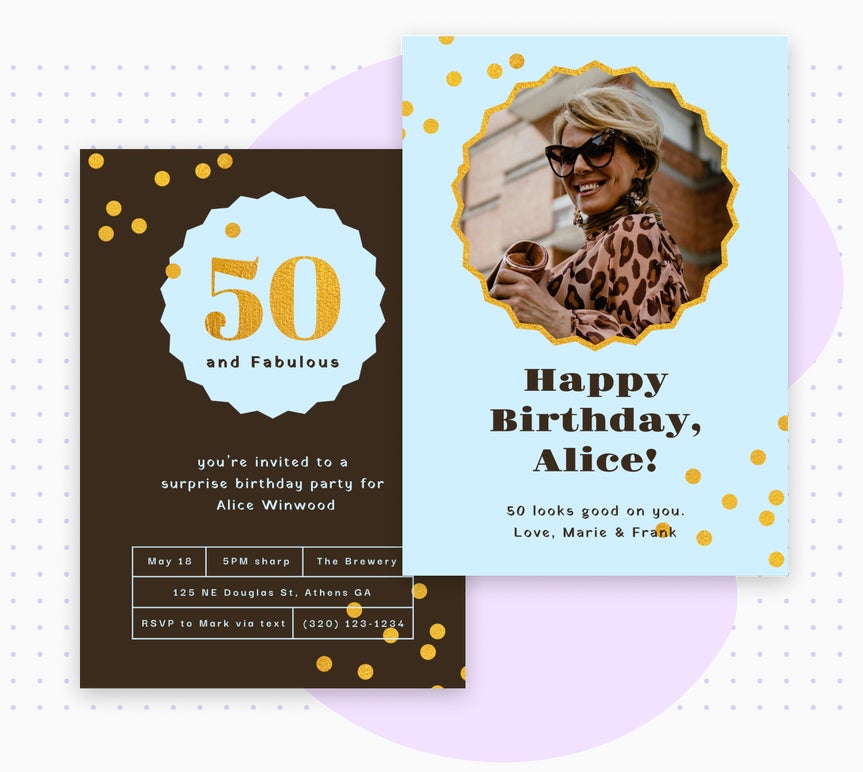
Create Matching Birthday Invitations With Ease
BeFunky makes it simple to design birthday invitations that perfectly match the card you’re creating, so every part of the celebration feels coordinated and personal. Use the same layouts, fonts, colors, and photos across your designs to build a cohesive look for the big day. Whether you’re planning a party for a child, a family member, or a friend, you can create a complete set of birthday materials in one place, all fully customizable and easy to make in minutes.
Birthday Card Tutorials to Help You Create Something Personal
Follow step-by-step guides that teach you how to customize BeFunky’s birthday card templates.

Craft Birthday Cards That Kids Love
Use bold colors, playful graphics, and fun layouts to design a birthday card that matches any child’s personality or theme. This tutorial shows how to customize fonts, stickers, and photos with ease.

Turn Favorite Photos Into a Birthday Collage Card
Learn how to combine multiple images into one personalized birthday collage using BeFunky’s layout tools. Perfect for milestone birthdays, memory-filled cards, or group celebrations.
Make Personal Cards for Grown-Up Birthdays
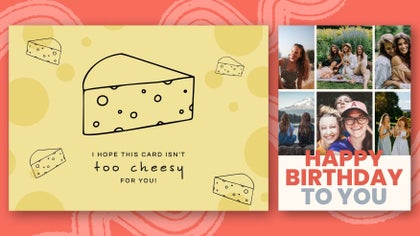
Create a thoughtful, custom birthday card for adults using modern layouts, refined fonts, and your favorite photos. This guide walks you through simple edits that make every design feel polished and meaningful.

Upgrade Your Card With Photo Enhancements
Make your birthday card unique by enhancing portraits, restoring vintage images, or transforming your photos with Artsy effects. All without ever leaving the Graphic Designer.
How to Make a Birthday Card in BeFunky
BeFunky makes it simple to design a personalized birthday card from start to finish.

01. Choose a Template
Open the Graphic Designer and select a birthday card template you love.
02. Add Your Photo
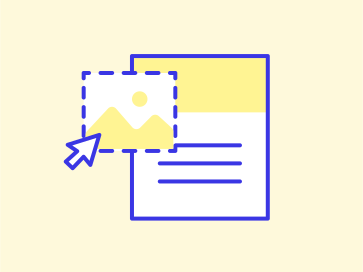
Upload your photo and replace the placeholder image with a single click.
03. Customize the Design
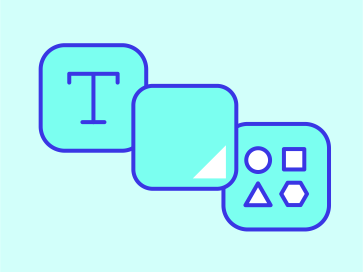
Edit the text, update colors, and add celebratory graphics to match their personality.
04. Save and Share
Download your card for printing or save a digital copy to send online.
Easily Create Personalized Birthday Cards With BeFunky
Frequently Asked Questions
Can I Create a Birthday Card with BeFunky for Free?
Yes. Many of BeFunky’s tools and a selection of birthday card templates are free to use. A BeFunky Plus subscription unlocks additional premium designs and advanced creative features.
How do I print my custom birthday card?
Once your birthday card is finished, you can easily order a professional-quality print right from BeFunky or download a high-resolution file to print at home. Every template is optimized for sharp, vibrant results in any format.
Who designs BeFunky’s birthday card templates?
All templates are created by our in-house design team. making them entirely unique to BeFunky. They’re built to work across app sections, so your final result looks professional no matter your experience level.
What devices can I use to design a birthday card?
You can create birthday cards with BeFunky on desktop browsers, Chromebooks, iPhones, iPads, and Android phones and tablets. All our features are fully optimized for each platform, so you can create wherever inspiration strikes.
Our premium birthday card templates are part of BeFunky Plus, and your subscription works seamlessly across all supported devices. Just log in to access your premium features, no matter where you’re editing.
How does BeFunky handle my personal data and photos?
Your privacy is important to us. When you upload a photo or submit any data, it’s encrypted and handled securely. We do not store, share, or use your photos for any other purpose without your consent. You stay in control of your images. Review our Privacy Policy.
How do I contact BeFunky's Support if I need help?
If you have questions or encounter an issue, you can visit our Help Center for tutorials and troubleshooting guides. If you still need assistance, our friendly Support team is available through our contact form and typically responds within one business day.


