









Turn Your Photo Into a Cartoon Instantly
Quickly turn your photo into a cartoon inspired by graphic novels, comics, or other classic cartoon styles
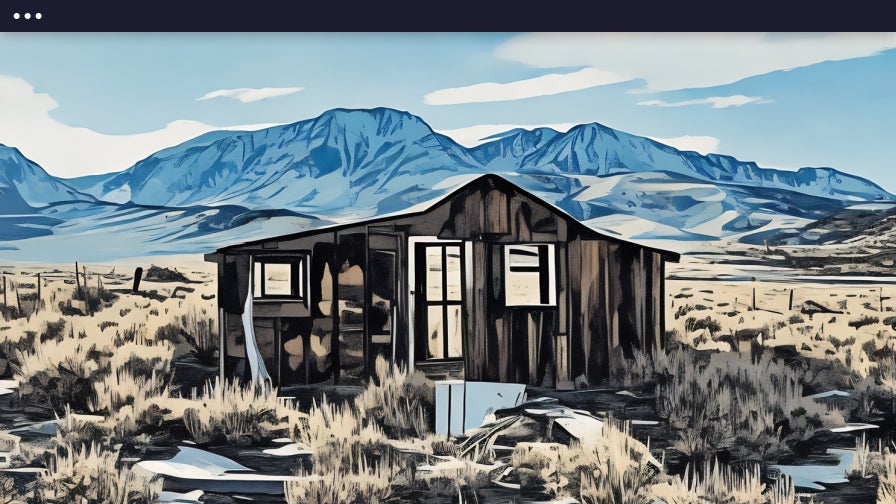
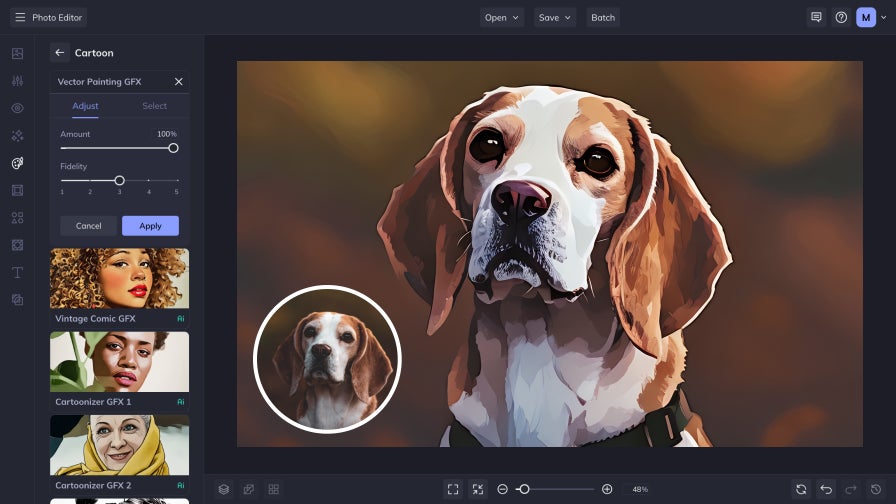
Easily Transform Photos Into Cartoons
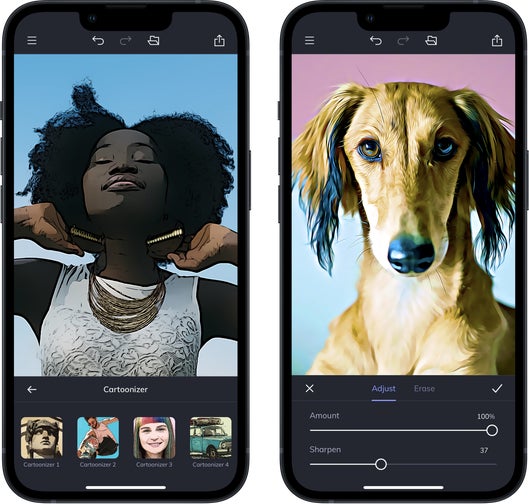
BeFunky got its start in 2007 with the Cartoonizer™, a first-of-its-kind tool that made artistic photo editing simple and accessible for everyone. This innovative feature lets anyone turn photos into cartoons without needing artistic skills or expensive software. Today, our collection of AI-powered photo-to-cartoon effects builds on that same vision, combining bold color, detailed linework, and handcrafted artistry to create illustrated art in seconds. Simply upload your photo, choose your favorite Cartoonizer effect, and watch your image transform instantly. You’ll find these effects in the Artsy section of the Photo Editor, available exclusively to BeFunky Plus subscribers.
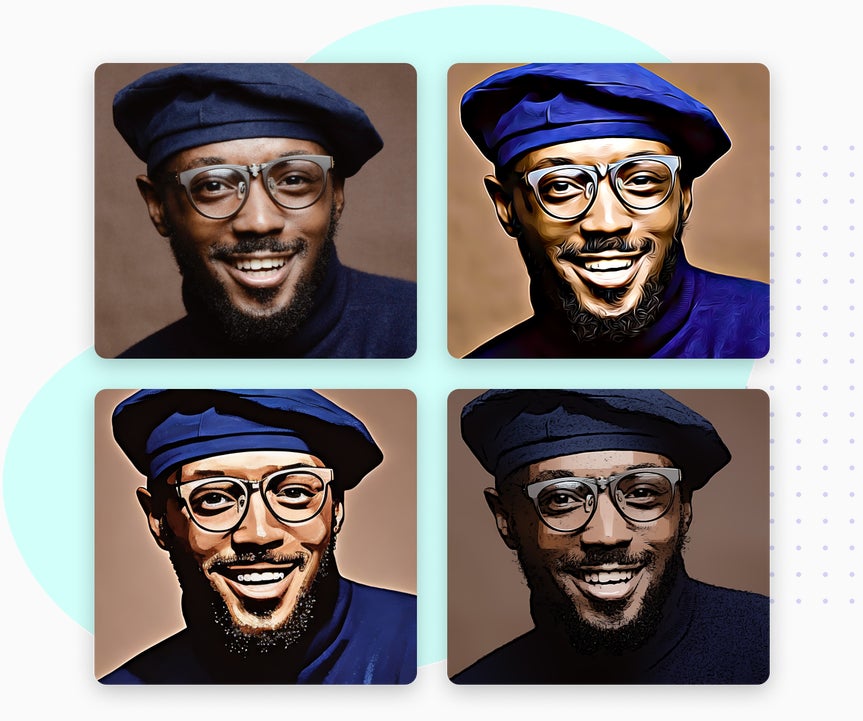
Find The Perfect Cartoon Style For Any Photo
Explore effects ranging from classic cartoon styles to bold comic and graphic novel looks
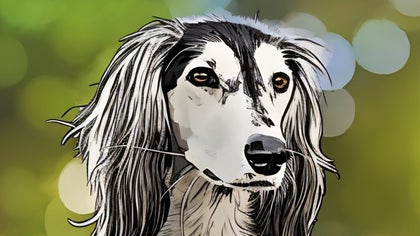
Cartoonizer GFX
Create high-quality cartoon portraits with expressive lines, realistic shading, and smooth definition. Perfect for portraits, pets, and landscapes.
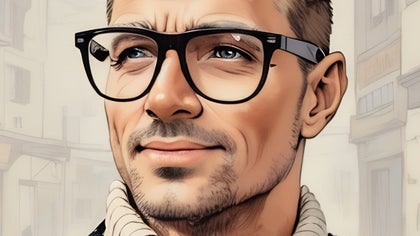
Graphic Novel
Transform your photos into cinematic illustrations with bold outlines and dramatic tones. Ideal for storytelling, posters, or graphic-inspired projects.
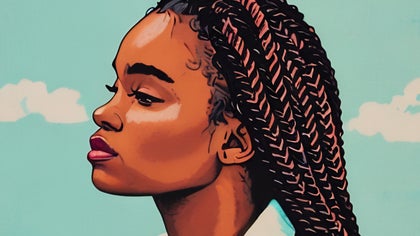
Pop Comic
Apply bright colors and crisp outlines inspired by the pop art movement. This style gives your images an energetic, comic-inspired finish that stands out.
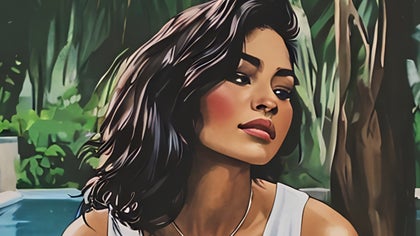
Vintage Comic
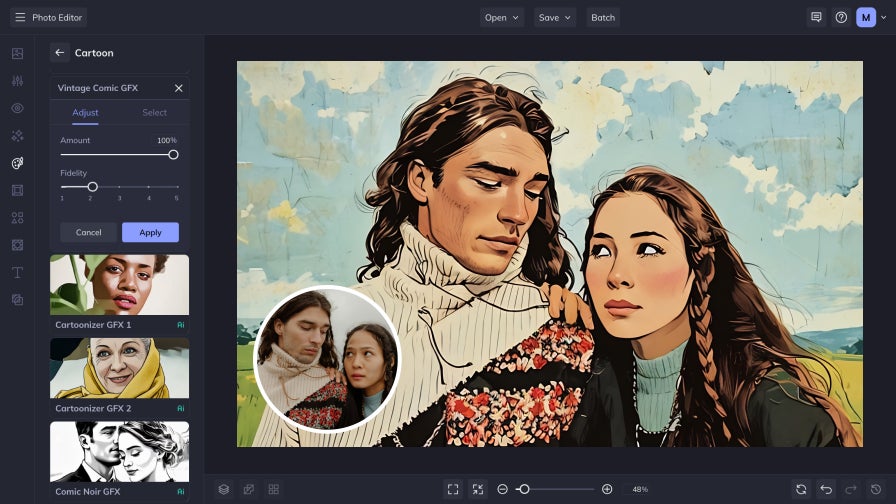
Recreate the nostalgic charm of classic comics with warm tones, soft contrast, and subtle texture. Ideal for portraits and creative retro designs.
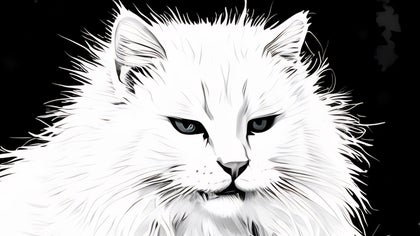
Comic Noir
Add dramatic lighting and deep contrast with bold linework inspired by film noir. Perfect for moody portraits and expressive artistic scenes.
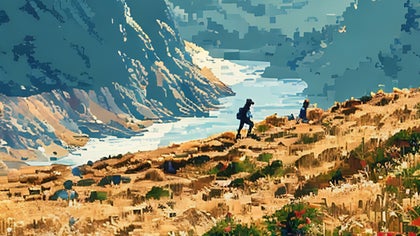
Pixel Art
Turn your images into retro pixel creations with sharp edges and 8-bit texture. Capture a nostalgic, game-inspired aesthetic for a fun, creative twist.
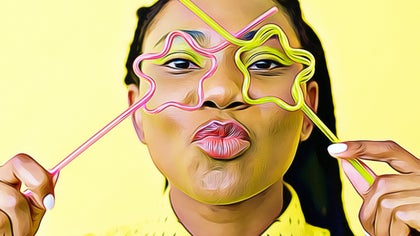
Cartoonizer DLX
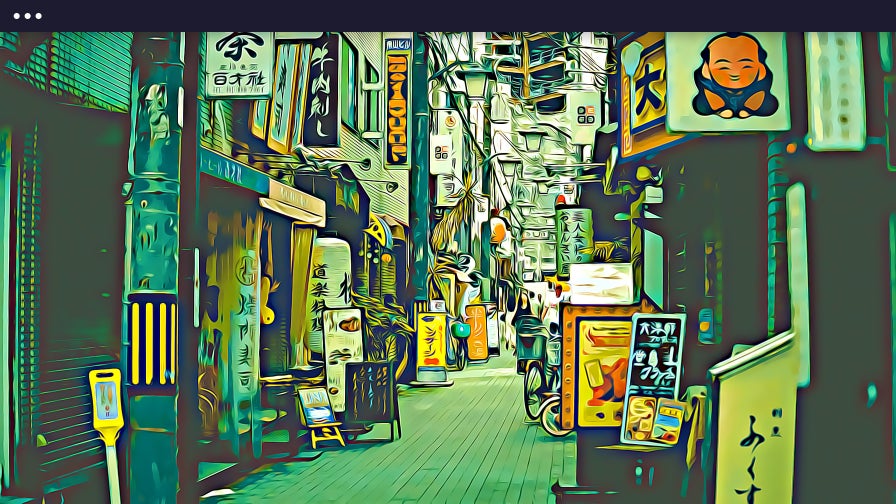
This cartoon style blends color and hand-painted texture to make your images look like they’ve been pulled straight from an animated storyboard.
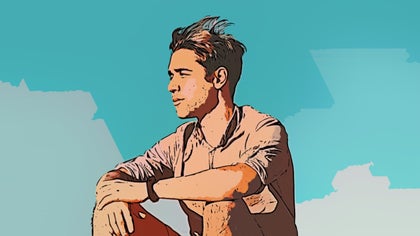
Classic Cartoonizer
Use BeFunky’s original one-click Cartoonizer to instantly create colorful, illustrated artwork. The iconic effect that started it all.
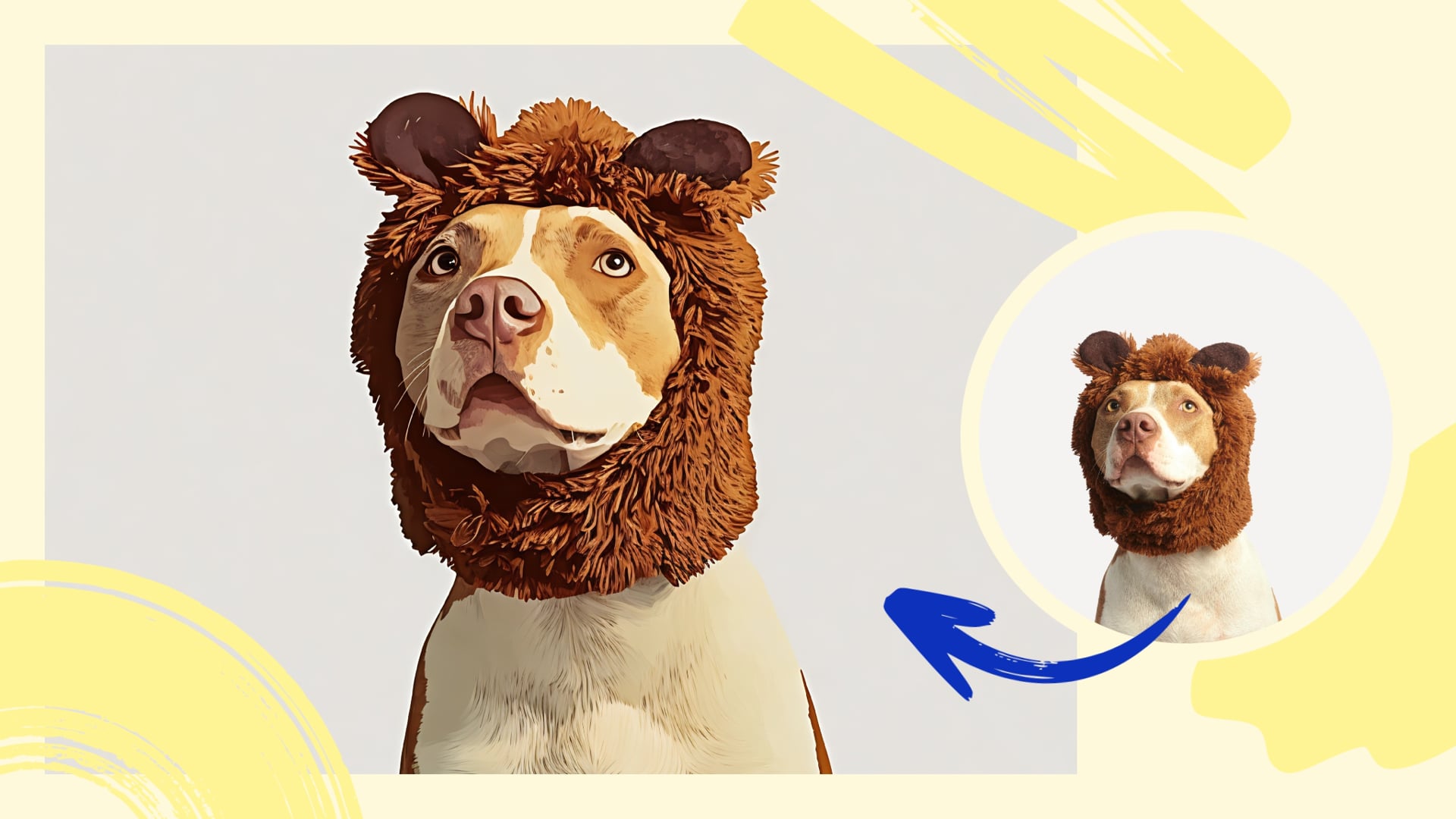
Turn Your Photos Into Realistic Cartoons
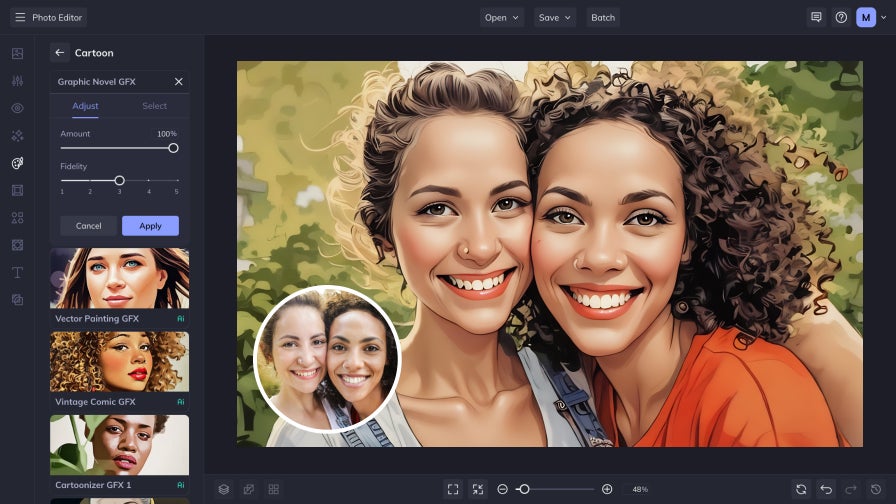
Our AI-powered GFX photo-to-cartoon effects bring even more realism and artistic precision to your creations. Built on more than a decade of innovation, these effects detect outlines, shading, color depth, and fine details to recreate photos as iconic illustrations. Adjust the strength of each effect to find the perfect balance between realistic detail and bold stylization, while keeping every feature crisp and expressive. With multiple styles to explore, from modern vector art to vintage comic aesthetics, these GFX effects continue the legacy of the Cartoonizer with sharper, more dynamic results than ever before.
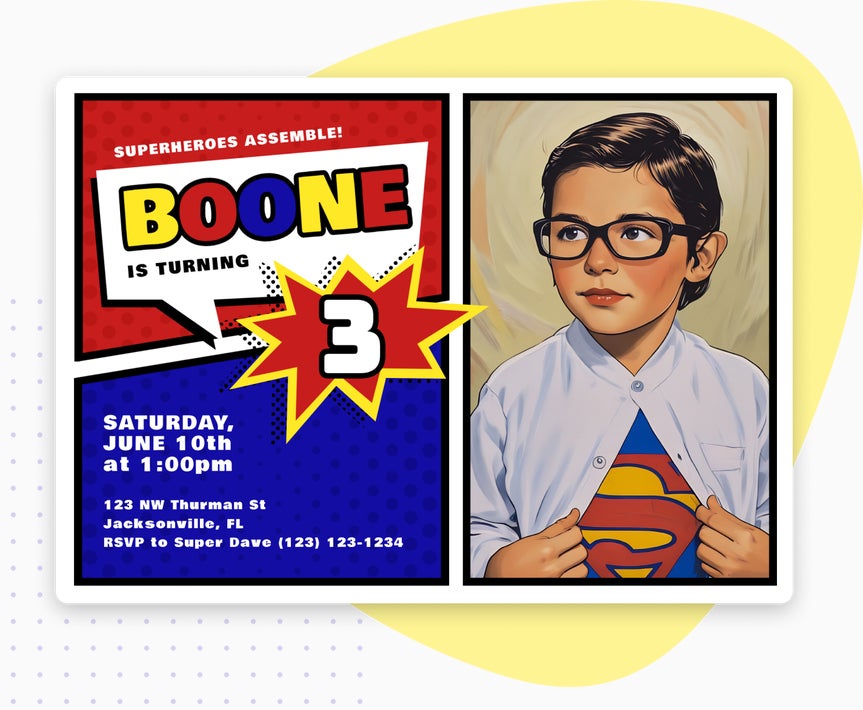
Give Your Photos a Hand-Drawn Touch
Our DLX photo to cartoon effects capture the look and feel of hand-drawn illustration, blending rich texture with expressive color and bold detail. Building on BeFunky’s original Cartoonizer technology, these effects turn photos into stylized artwork with depth, dimension, and personality. Each one offers a distinctive take on digital illustration—from soft painterly shading to high-contrast comic-inspired drama—so you can create a look that matches your vision. You’ll find these DLX effects in the Digital Art collection of the Artsy section in our Photo Editor.
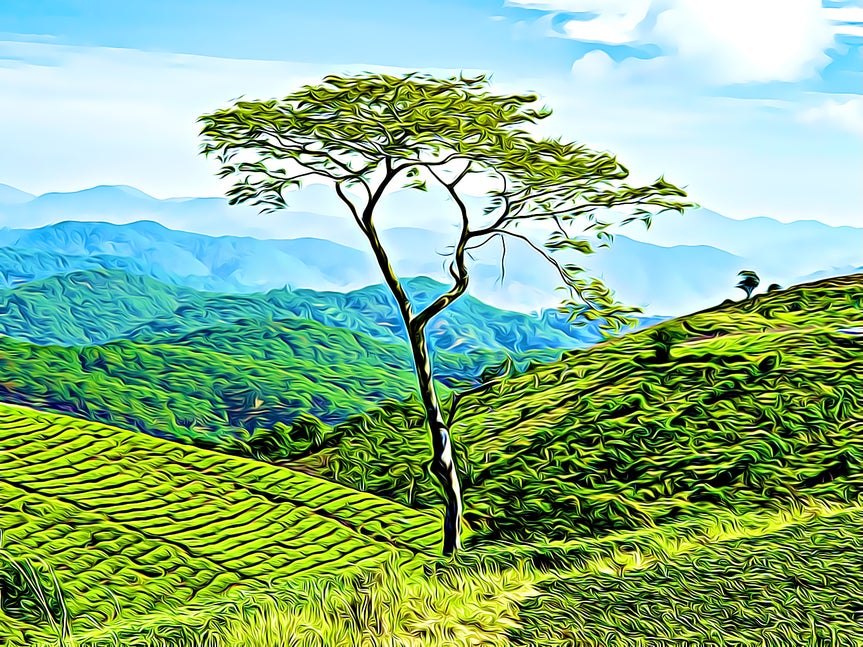

Turn Your Photos Into Cartoon Art That Stands Out
Discover creative ways to use the Cartoonizer and make every project uniquely yours.
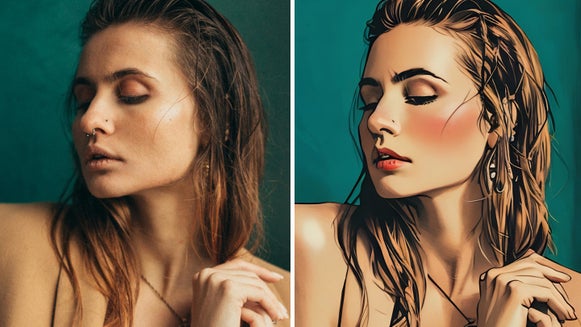
Turn Selfies Into Comic-Style Portraits
Express your creativity by turning your selfie into a cartoon image.
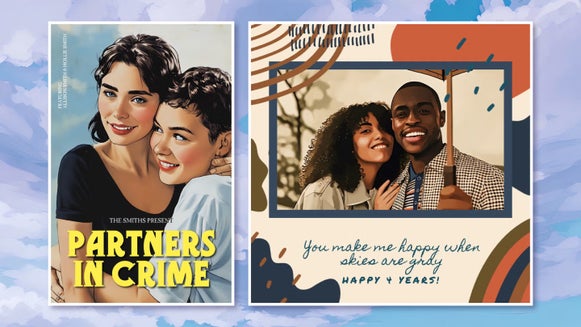
Add a Playful Edge to Your Designs
Add a playful touch to posters, marketing materials, and digital designs using cartoon effects.
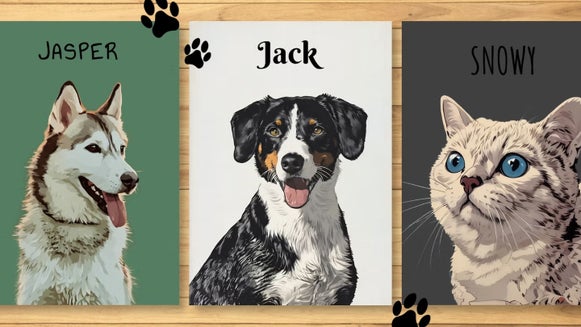
Turn Pet Photos Into Cartoon Portraits
Create playful, expressive art of your pets that looks great printed, framed, or shared online.
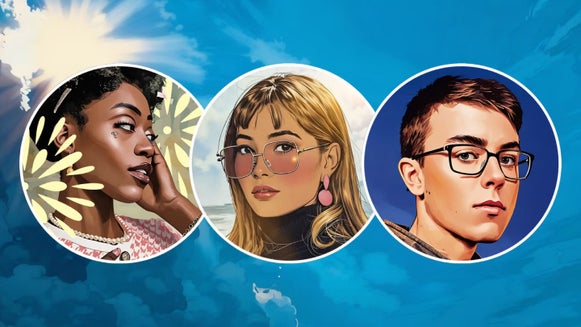
Create a Standout Cartoon Avatar
Turn your selfies into bold, illustrated profile pictures that express your personality and grab attention instantly.
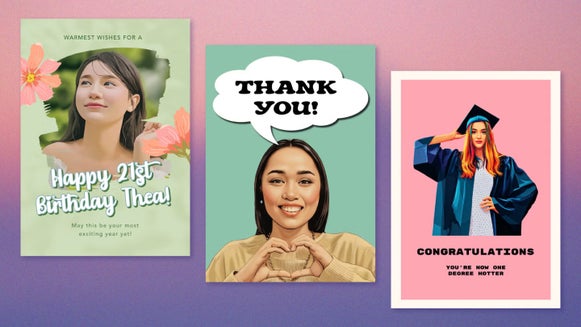
Add Artistry to Your Greeting Cards
Add artistic flair to cards for any occasion with colorful, hand drawn style that makes them unforgettable.
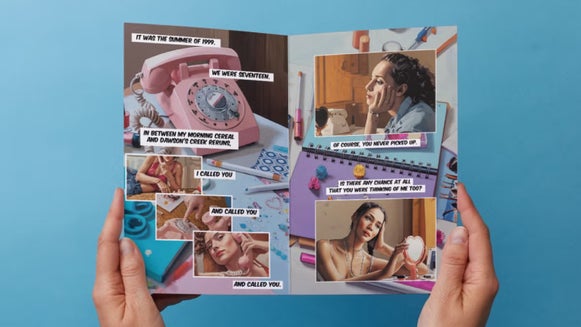
Tell Stories With Custom Comic Strips
Combine cartoon effects with collage layouts and text to tell stories in a classic way.
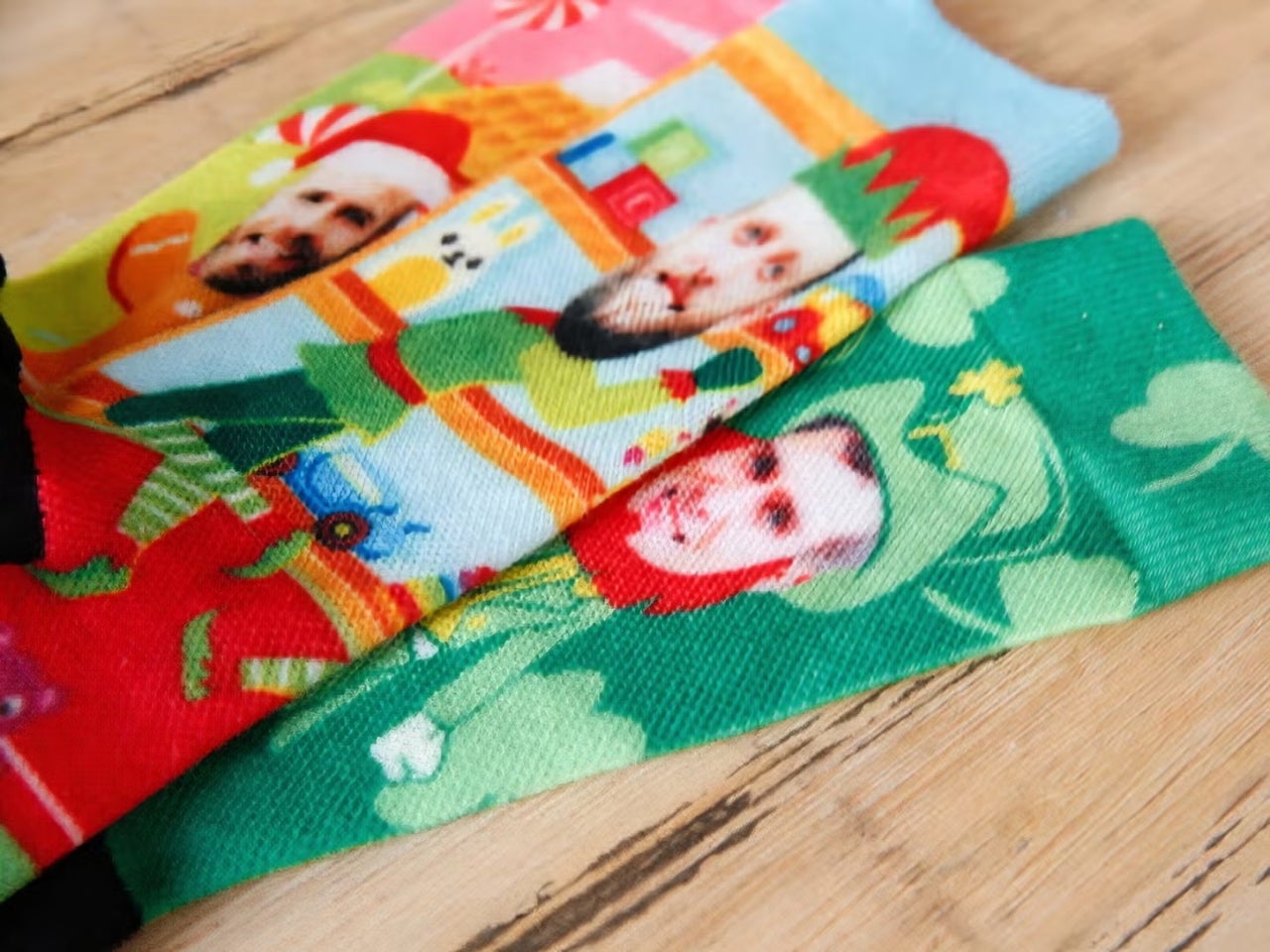
boldSOCKS
Michigan-based boldSOCKS uses BeFunky to turn customer photos into custom, cause-driven sock designs. With Cartoonizer effects, their team transforms everyday images into fun, illustrated artwork that fits perfectly on each pair.
We use BeFunky to customize the socks for every order. . . It is a quick, easy tool that anyone could use to make high-quality graphics, even without a background in graphic design.
How to Turn a Photo Into a Cartoon
Cartoonizing a photo is simple and takes just a few steps.

01. Upload Your Photo
Open your image in BeFunky’s Photo Editor.

02. Choose Your Cartoon Effect
Head to the Artsy tab and select a cartoon style that fits your style.

03. Save Your Cartoon Photo
Download your finished photo, print it, or share it to your socials in a single click.
Turn Your Photo Into a Cartoon Instantly!
Frequently Asked Questions
How does BeFunky's Cartoonizer work?
Our AI-powered Cartoonizer effects utilize smart image detection to recognize key details in your photos, including facial features, shading, textures, and backgrounds. Based on these details, the effect applies a cartoon style that preserves clarity, adds depth, and mimics real-world cartoon styles, such as those found in graphic novels, comics, and vector art.
What kinds of photos work best with BeFunky's Cartoonizer?
Photos with clear subjects and good lighting work best, think portraits, pets, and landscapes. The Cartoonizer enhances expressive features with bold contrast, giving any image a playful cartoon look.
How long does it take to turn a photo into a cartoon?
Just a few seconds! After you upload your photo, you can apply any cartoon effect and see the transformation instantly. You can also easily fine-tune each effect to control how much or how little of the style is applied.
What devices can I use to turn photos into cartoons?
You can turn photos into cartoons using BeFunky on desktop browsers, Chromebooks, iPhones, iPads, and Android phones and tablets. All our features are fully optimized for each platform, so you can create wherever inspiration strikes.
Our Cartoonizer effects are part of BeFunky Plus, and your subscription works seamlessly across all supported devices. Just log in to access your premium features, no matter where you’re editing.
Do I need an account to turn photos into cartoons with BeFunky?
You can try the Cartoonizer effects without creating an account. Many of BeFunky’s tools are free, but to apply premium cartoon styles, batch editing, and other advanced features, a BeFunky Plus subscription and login are required.
Who designs BeFunky’s Cartoonizer effects?
Our team in Portland, Oregon, designs every Photo to Cartoon effect, making them entirely unique to BeFunky. They’re inspired by real art styles and carefully built to make your photos look like beautiful, one-of-a-kind cartoons.
How does BeFunky handle my personal data and photos?
Your privacy is important to us. When you upload a photo or submit any data, it’s encrypted and handled securely. We do not store, share, or use your photos for any other purpose without your consent. You stay in control of your images. Review our Privacy Policy.
How do I contact BeFunky's Support if I need help?
If you have questions or encounter an issue, you can visit our Help Center for tutorials and troubleshooting guides. If you still need assistance, our friendly Support team is available through our contact form and typically responds within one business day.


